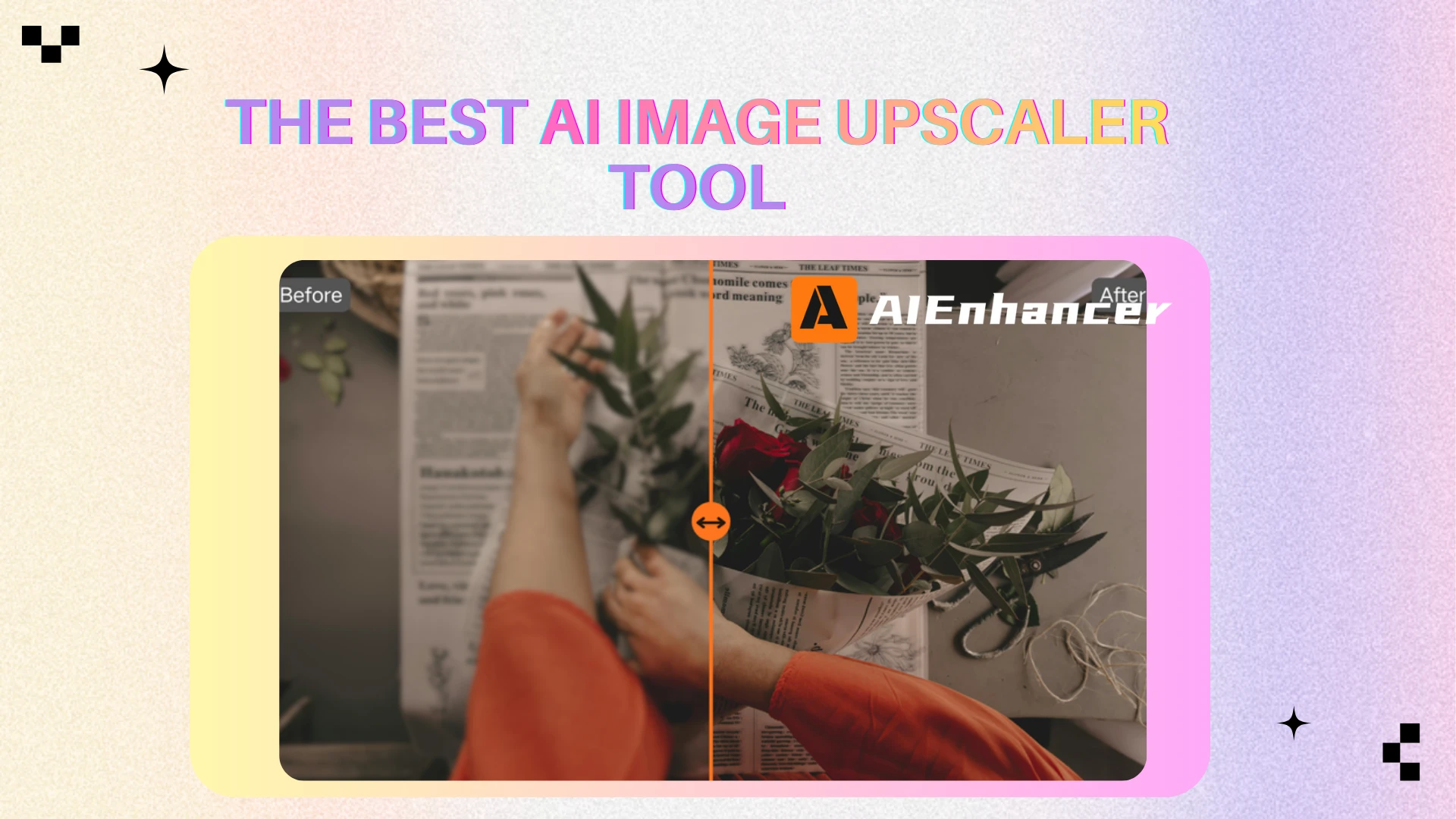
Top 5 Photo Restoration Tools Worth Using in 2026
Introduction
For a long time, photo restoration was seen as something technical, expensive, and time-consuming. Restoring old family photos, scanned prints, or early digital images often required professional software and a steep learning curve. As a result, many photos that still held emotional value were left untouched, simply because fixing them felt like too much effort.
That situation has changed. Today, people care more about preserving digital memories—family portraits, childhood photos, and important moments that exist only in aging or low-quality formats. At the same time, photos are reused more frequently across cloud albums, social platforms, and personal archives, where clarity and usability matter more than ever.
Photo restoration tools have become popular because they address a very practical need: making old or damaged photos usable again without turning them into something they were never meant to be.
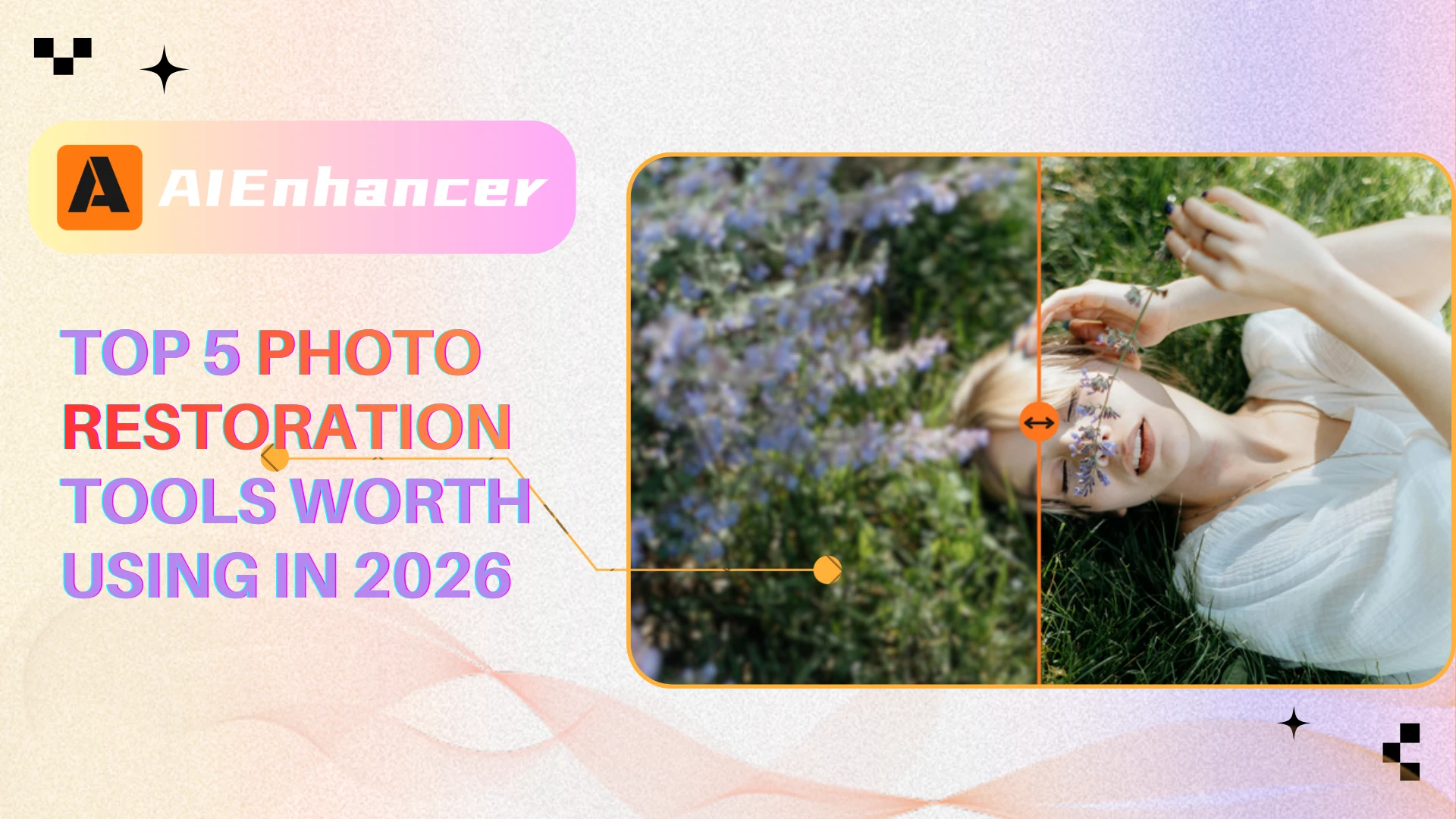
What Is Photo Restoration and How Is It Different from Regular Photo Editing 🔍
Photo Restoration Focuses on Repair, Not Appearance
Photo restoration is built around the idea of fixing damage, not decorating images. It targets physical and digital degradation such as scratches, faded areas, noise, and lost sharpness caused by aging, scanning, or compression. The goal is to recover structure and readability rather than applying stylistic changes.
In contrast, regular photo editing assumes the image is already intact and focuses on visual enhancement instead of repair.
Regular Photo Editing Enhances, Restoration Reconstructs
Traditional photo editing tools adjust what already exists—brightness, contrast, saturation, or filters. Photo restoration works differently. It analyzes surrounding patterns and textures to reconstruct missing or damaged areas, making the image usable again.
This distinction explains why basic editing tools often fail on old photos: they can enhance flaws, but they cannot repair them.
Restoration Prioritizes Natural, Neutral Results
A successful restoration does not draw attention to itself. The image should look clean, balanced, and believable, without obvious AI artifacts or heavy processing. Unlike creative editing, restoration avoids dramatic effects and aims for subtle correction.
This makes restored photos suitable for archiving, printing, sharing, or further editing without looking artificial.
Why This Difference Matters When Choosing Tools
Many tools advertise “restoration” but are built mainly for editing. Understanding this difference helps avoid mismatched expectations. If your goal is to repair old, damaged, or degraded photos, choosing a tool designed specifically for restoration workflows is essential.
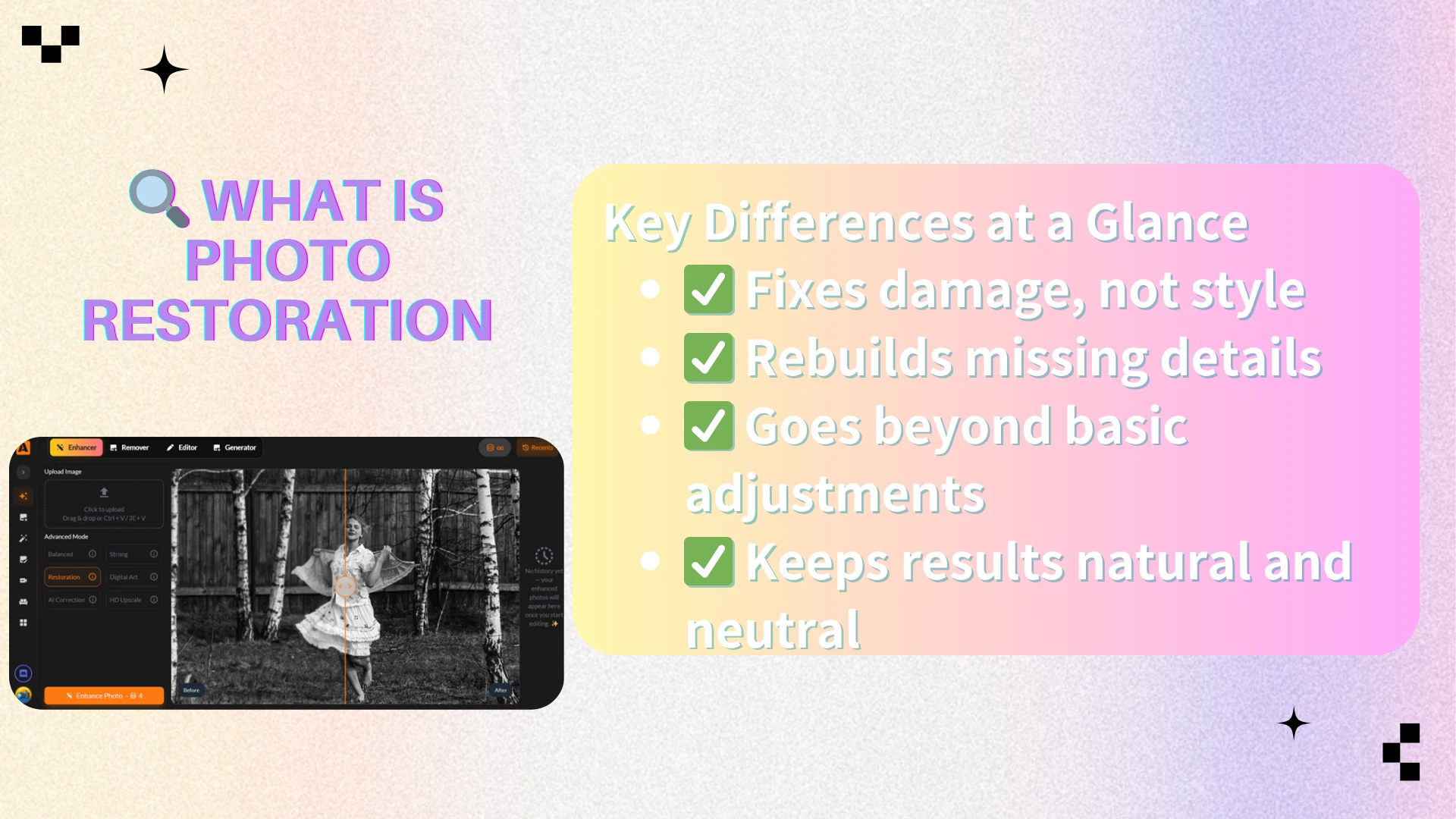
What Problems Can Photo Restoration Tools Actually Fix 🛠️
Recovering Clarity from Low-Quality or Aged Images
One of the most common restoration tasks is improving clarity. Old photos often suffer from softness, loss of detail, or resolution limits caused by early cameras or repeated scanning. Restoration tools work to enhance edges and structure without oversharpening.
This makes images clearer while preserving their original character.
Removing Noise, Scratches, and Visual Damage
Physical prints and scanned images frequently contain dust, scratches, grain, or surface noise. Photo restoration tools are trained to detect these imperfections and remove them while maintaining surrounding textures.
The result is a cleaner image that no longer feels damaged or distracting.
Correcting Color Fading and Tone Imbalance
Many old photos show uneven color, yellowing, or washed-out tones. Restoration tools can rebalance colors, restore contrast, and correct tonal shifts caused by aging or poor storage conditions.
For black-and-white photos, this often means improving contrast and depth rather than adding artificial color.
Understanding the Limits of Photo Restoration
Photo restoration is powerful, but not magical. Severe motion blur, completely missing facial features, or heavily damaged sections cannot always be perfectly reconstructed. The strongest tools aim to restore usability, not fabricate unrealistic detail.
Knowing these limits helps users judge results fairly and choose the right tool for their expectations.
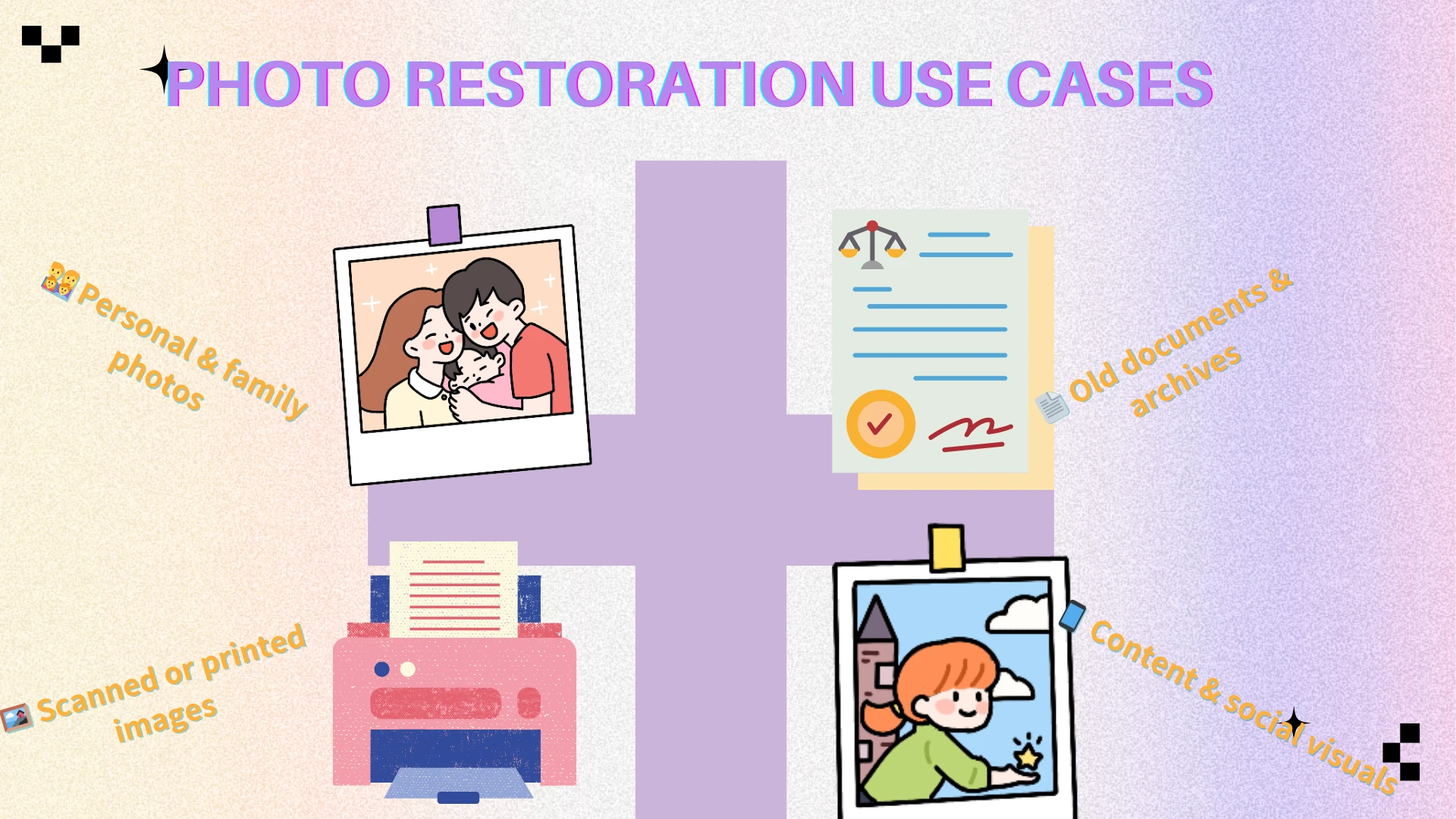
Photo Restoration Use Cases: Which Tool Fits Which Scenario? 🎯
Not all old photo repair tasks are the same. Some users are bringing back a single family picture from decades ago, while others handle dozens of images for content creation, documentation, or social media. Understanding your specific use case makes choosing the right photo repair solution much easier.
Below are some of the most common real-world scenarios—and which type of tool fits them best.
👨👩👧👦 Restoring Family and Personal Old Photos
This is one of the most emotional and common use cases. Old family photos often suffer from fading, scratches, low resolution, or discoloration caused by age and storage conditions.
In these situations, users typically want:
Natural-looking results
Minimal manual adjustment
A process that feels safe and straightforward
Tools like AIEnhancer work well here because they focus on restoring clarity and usability without aggressive visual changes. The goal is not to “modernize” the photo, but to preserve its original character while making it clearer and more complete.
🖼️ Repairing Scanned or Printed Photos
Many older photos exist only as scanned copies from albums, books, or physical prints. These images often contain:
Dust or scan noise
Uneven lighting
Soft edges or lost detail
Photo restoration tools designed for automated repair, such as PhotoBooth, are suitable when users want fast fixes with minimal effort. These tools typically work best for one-off restorations rather than ongoing workflows.
📱 Preparing Vintage Images for Sharing or Content
Some users restore old photos for creative or social purposes—posting them online, adding text overlays, or combining restoration with filters and design elements.
In these cases, platforms like Picsart or CapCut make sense. They combine basic photo restoration with creative editing tools, templates, and effects. The trade-off is that restoration quality is often secondary to flexibility and design features.
🧾 Fixing ID Photos, Documents, or Functional Images
Another common scenario involves restoring damaged but functional images, such as:
Old ID photos
Historical documents
Certificates or records
Here, accuracy and readability matter more than aesthetics. Tools that emphasize clean repair and consistency—rather than creative output—tend to perform better. A simple, predictable workflow is often preferred over advanced styling controls.
⚡ Frequent Restoration vs. Occasional Fixes
Finally, frequency matters.
Occasional users may prefer free or credit-based tools for one-time fixes.
Frequent users benefit from tools that remove usage anxiety and allow repeated restoration without tracking limits.
This distinction becomes important when comparing pricing models in the next section.
By mapping your needs to these scenarios, it becomes much easier to interpret the comparison table that follows—and to understand why different photo restoration tools excel in different contexts rather than competing on a single definition of “best.”
Top 5 Photo Restoration Tools of 2026 Reviewed 🔍
Not all image restoration tools are built the same. Some prioritize speed and straightforward fixes, while others lean toward creative flexibility or mobile-first workflows. Below is a practical review of five widely used old photo restoration solutions in 2026, evaluated based on repair quality, ease of use, and real-world suitability.
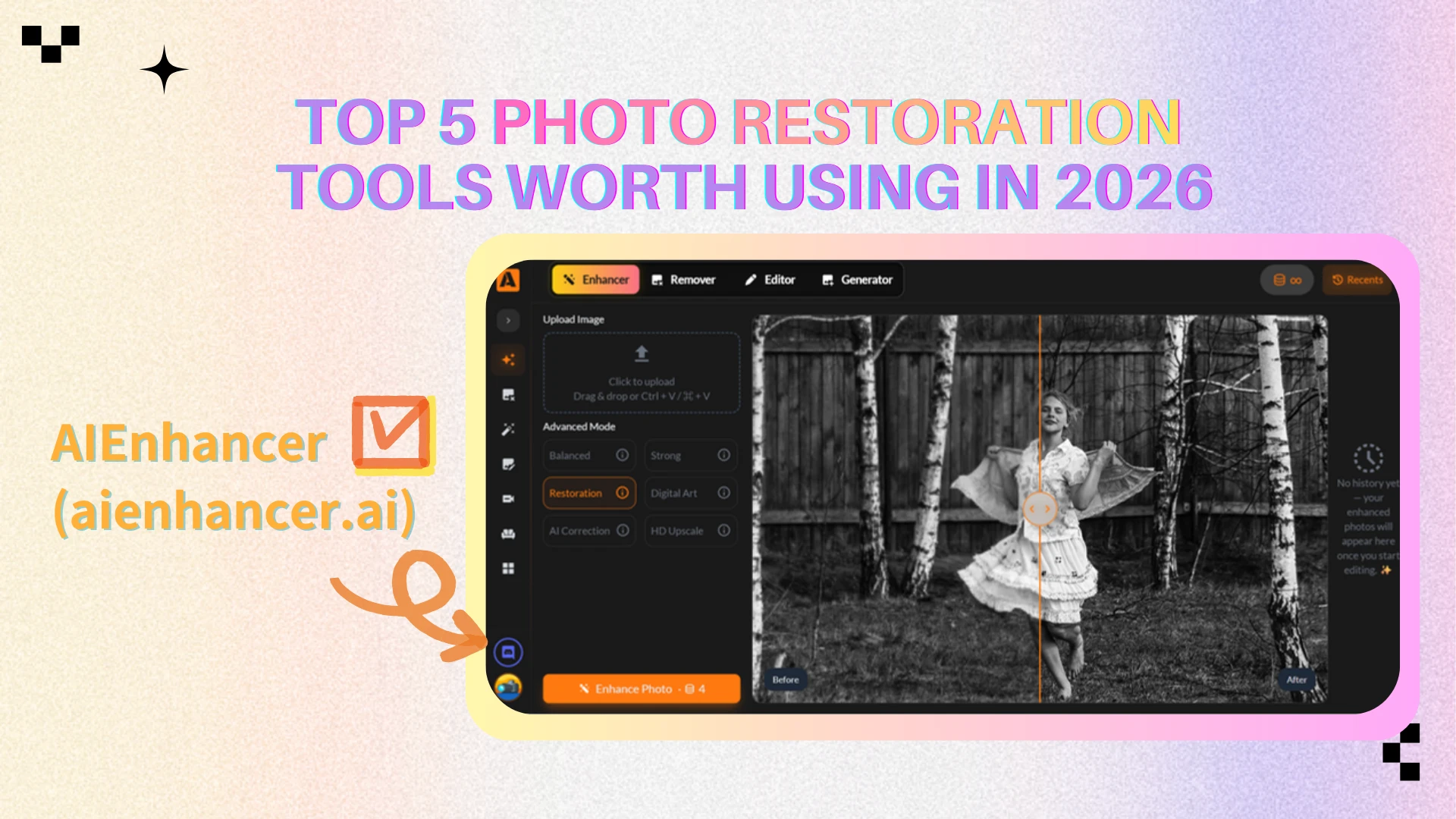
AIEnhancer — Best Overall Value for Photo Restoration 🏆
Overview
AIEnhancer is built around real photo restoration needs rather than creative editing. Instead of embedding restoration into a complex design suite, it focuses on fixing old, damaged, or low-quality photos in a fast and straightforward way. The workflow is simple: upload a photo, restore it, and download the improved result within seconds.
Strengths
Natural-looking restoration results
Very simple, beginner-friendly workflow
Consistent output across different photo types
No pressure from complex credit systems
Limitations
Limited creative or artistic editing options
Not designed for heavy retouching or stylized effects
Price
Completely free to use once logged in, with unlimited restoration access
No subscriptions, no hidden fees, and no watermarks
Best For
Users who want dependable photo restoration with minimal effort, particularly for old photos, scanned images, and practical everyday image repair.
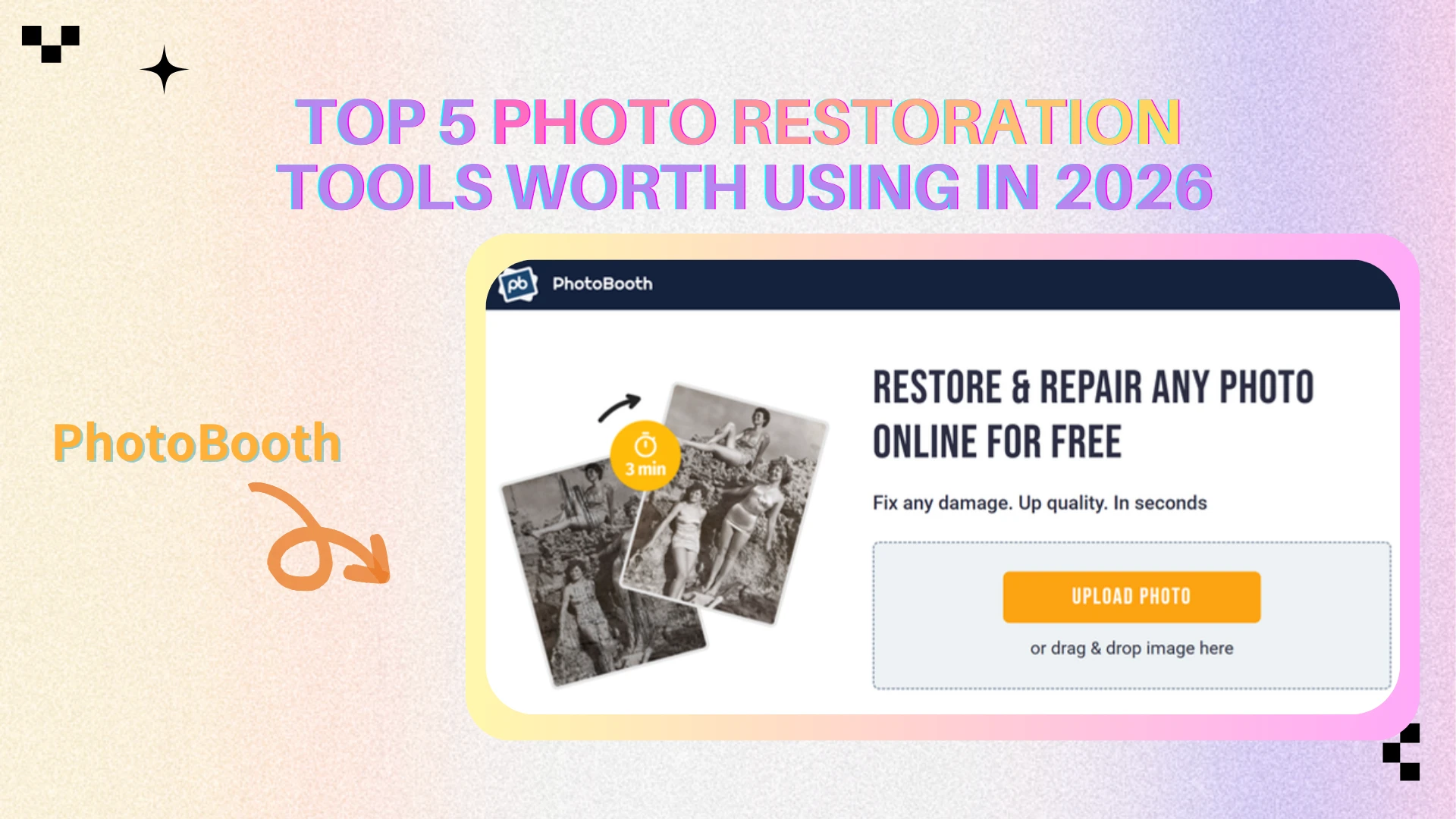
Photobooth — Best Free & Login-Free Photo Restoration
Overview
Photobooth positions itself as a fully free, no-login photo restoration tool. Users can upload an old or damaged photo and receive a restored version almost instantly, without creating an account or dealing with subscriptions.
Strengths
Completely free with no login required
Extremely fast and simple workflow
Suitable for casual or occasional use
No pricing or credit complexity
Limitations
Limited control over restoration quality
Results can feel generic on heavily damaged photos
No advanced enhancement or refinement options
Price
Completely free to use
No login or account required
Best For
Users who need a fast, no-signup old photo repair option for basic touch-ups, without creating an account or committing to a subscription.
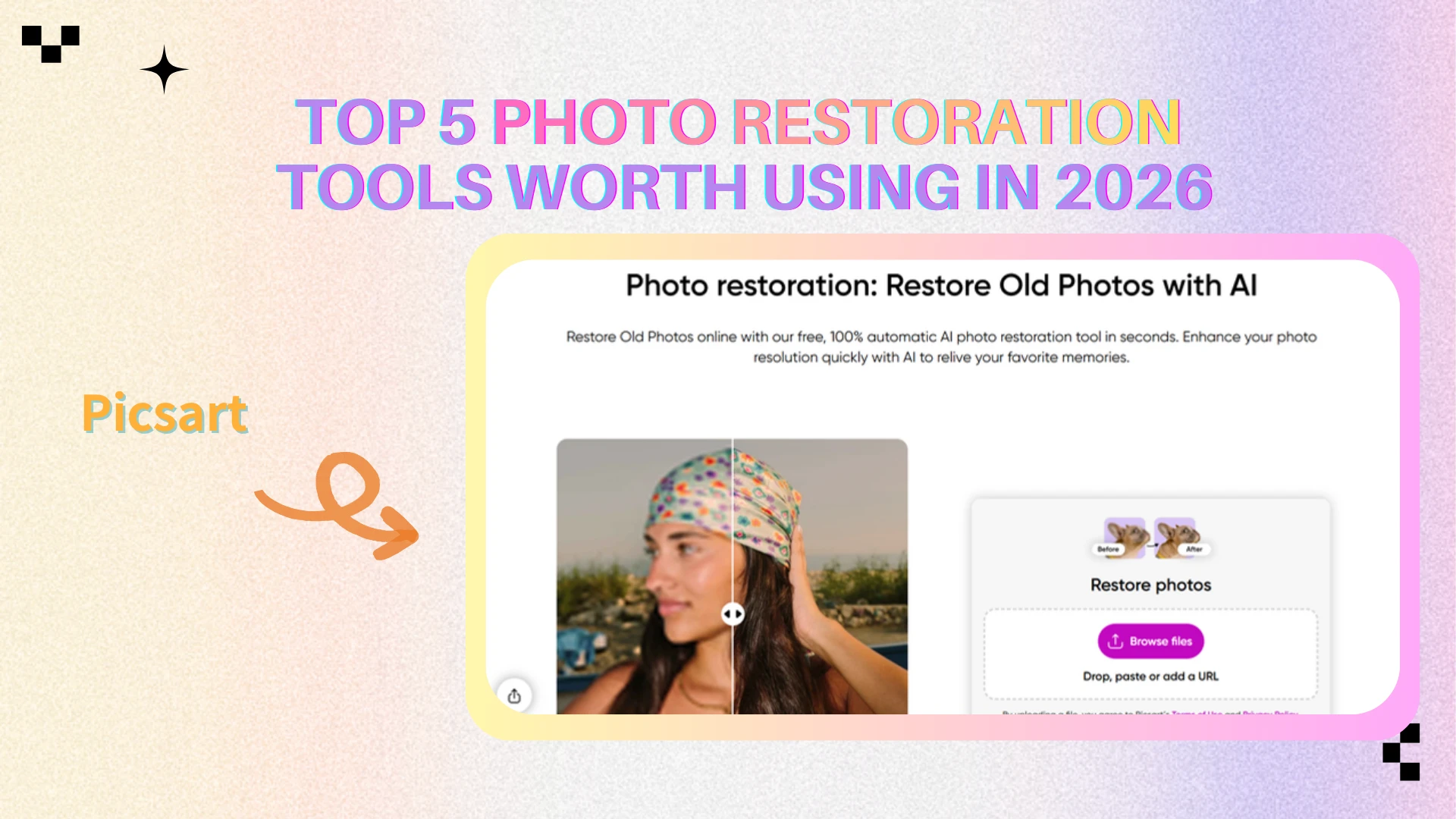
Picsart — Best for Creative-Oriented Restoration
Overview
Picsart integrates photo restoration into a broader creative editing ecosystem. Restoration is one feature among many, alongside filters, design tools, and AI-powered effects.
Strengths
All-in-one creative editing environment
Strong AI enhancement and retouching tools
Flexible for both restoration and design work
Large user base and mature ecosystem
Limitations
Restoration is not the primary focus
Credit-based system may feel restrictive
Overkill for users who only need restoration
Price
Free plan available with limited AI credits
Paid plans start around $12/month, scaling with credits and feature access
Best For
Creators who want photo restoration as part of a broader creative workflow rather than a standalone restoration tool.
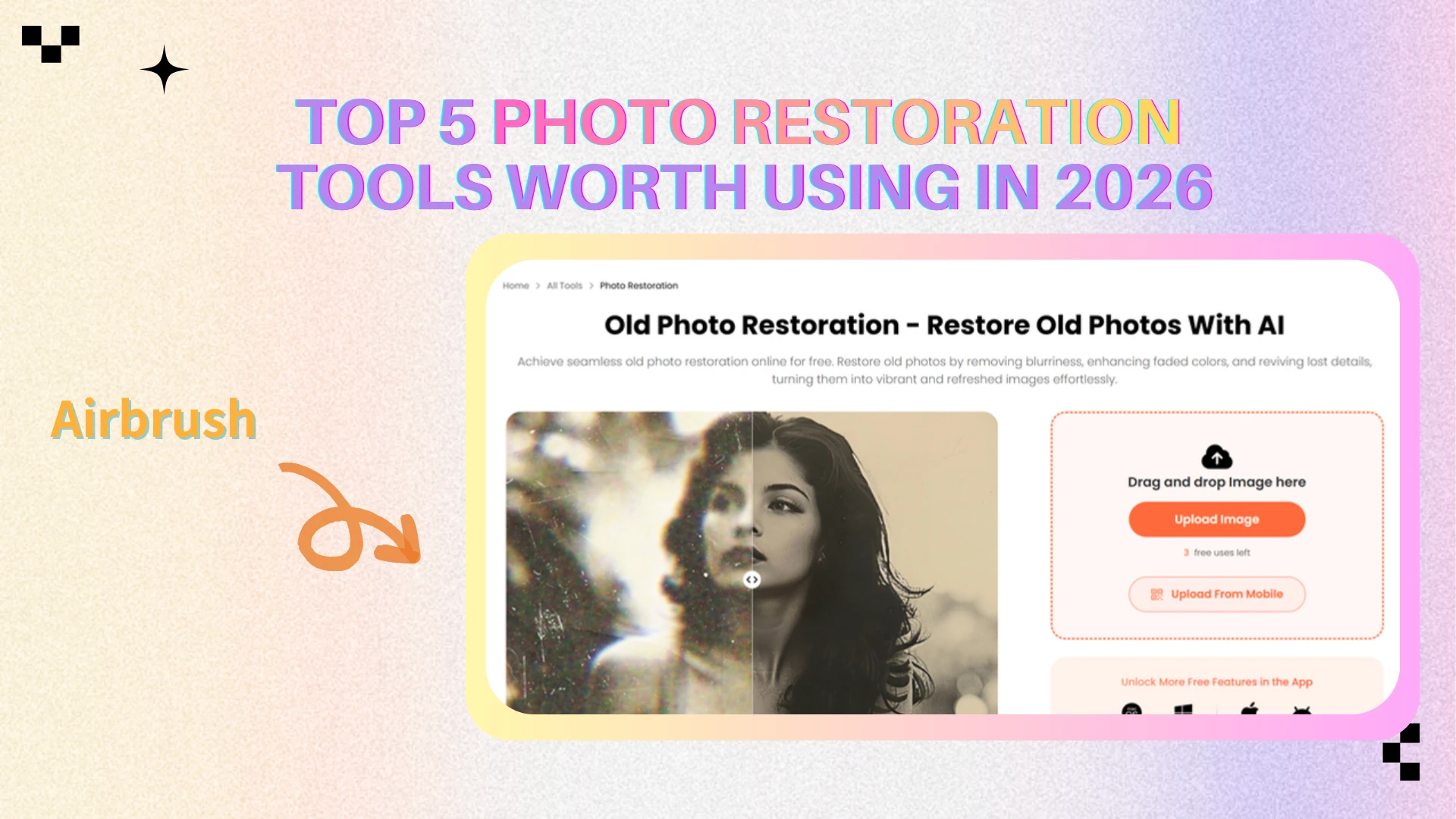
AirBrush — Best for Portrait-Focused Restoration
Overview
Airbrush approaches photo restoration from a portrait-editing perspective. Its restoration features are closely tied to face enhancement, skin smoothing, and color correction.
Strengths
Strong portrait and face restoration
Effective color and tone correction
Good balance between restoration and retouching
Available across web, desktop, and mobile
Limitations
Subscription and credit structure can add cost
Can feel slightly over-retouched in some cases
Price
Free version available with basic restoration features
aid plans start around $9/month, depending on credit usage and platform
Best For
Users restoring old portraits, family photos, or profile images where facial clarity is the main priority.
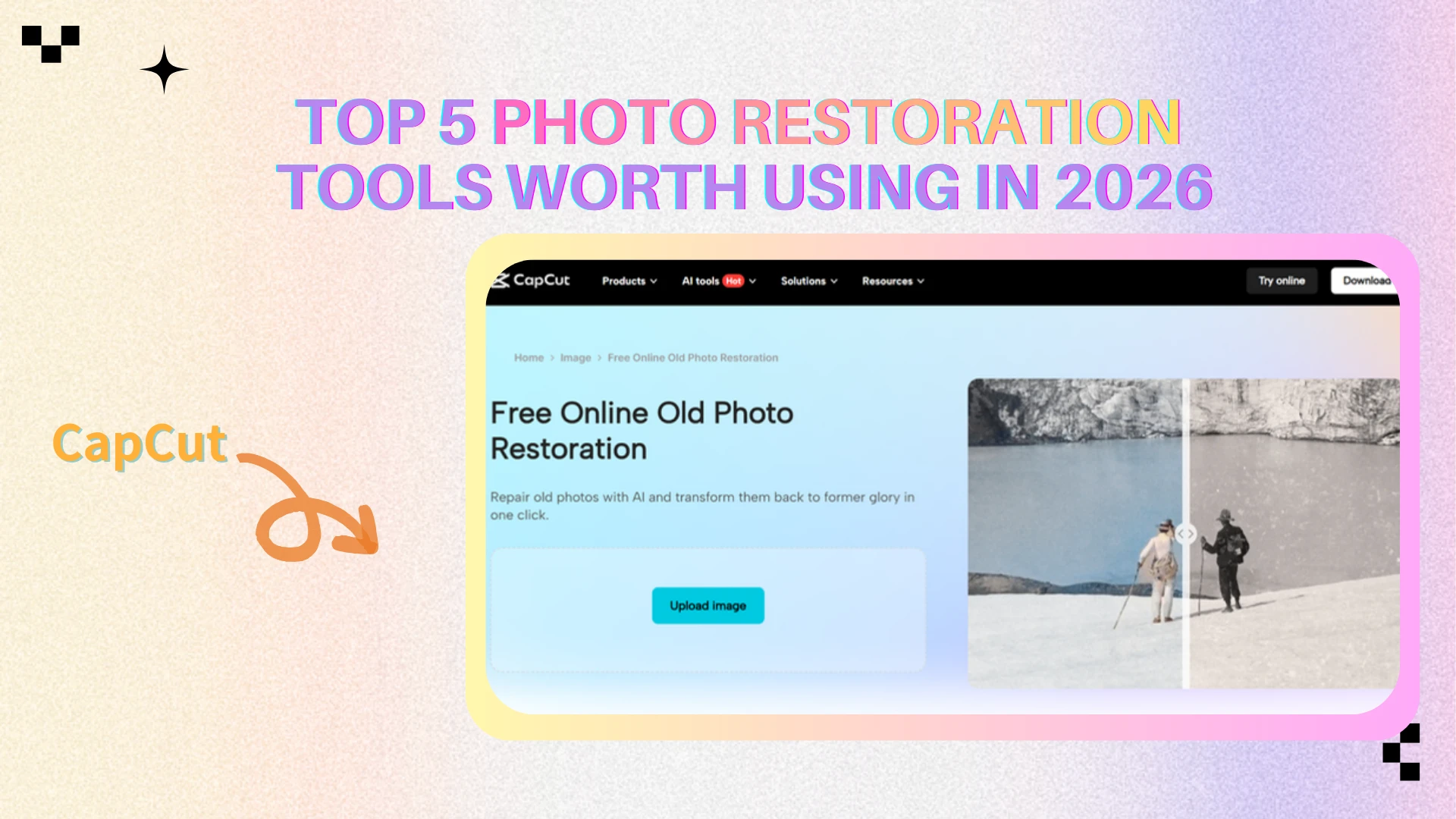
CapCut — Best for Casual & Social Media Use
Overview
CapCut offers photo restoration as part of its broader AI editing toolkit, originally built for video creators. Restoration is positioned as a one-click enhancement rather than a dedicated repair process.
Strengths
One-click restoration with no learning curve
Seamless integration with other AI tools
Free tier available
Optimized for modern content sharing
Limitations
Limited precision for serious restoration tasks
Not ideal for heavily damaged or scanned photos
Less control over fine restoration details
Price
Free tier available with basic AI photo restoration
Paid plans start around $12–13/month, billed monthly or annually
Best For
Casual users and content creators who want fast photo restoration for social platforms rather than archival-level repair.
Quick Takeaway ⚡
Each tool reflects a different philosophy:
AIEnhancer focuses on efficient, natural photo restoration
PhotoBooth prioritizes free and instant access
Picsart blends restoration with creative design
AirBrush excels at portrait repair
CapCut emphasizes mobile-first simplicity
In the next section, we’ll compare these tools side by side to help you choose the right photo restoration tool for your specific needs.
Photo Restoration Tool Comparison Table 📊
When comparing photo restoration tools, surface-level claims like “AI-powered” or “one-click restore” are rarely enough to understand real differences. The tools reviewed in this article vary significantly in focus, workflow design, pricing logic, and restoration depth.
Below is a practical comparison based on real usage scenarios rather than marketing language:
| Tool | Restoration Quality | Ease of Use | Advanced Features | Price | Best Use Case |
|---|---|---|---|---|---|
| AIEnhancer | ⭐⭐⭐⭐ | ⭐⭐⭐⭐⭐ | ⭐⭐⭐ | Free | Old photos, daily restoration |
| Photobooth | ⭐⭐⭐ | ⭐⭐⭐⭐⭐ | ⭐⭐ | Free | One-time fixes, no login |
| Picsart | ⭐⭐⭐⭐ | ⭐⭐⭐⭐ | ⭐⭐⭐⭐ | Free / Paid | Restoration + creative editing |
| Airbrush | ⭐⭐⭐⭐ | ⭐⭐⭐⭐ | ⭐⭐⭐ | Free / Paid | Portrait & face restoration |
| CapCut | ⭐⭐⭐ | ⭐⭐⭐⭐⭐ | ⭐⭐ | Free / Paid | Quick social media fixes |
How to Choose the Right Photo Restoration Tool 🧭
Choosing a photo restoration tool becomes much easier once you shift from feature lists to use-case thinking. Instead of asking “Which tool has more AI features?”, the better question is “Which tool fits how I actually work?”
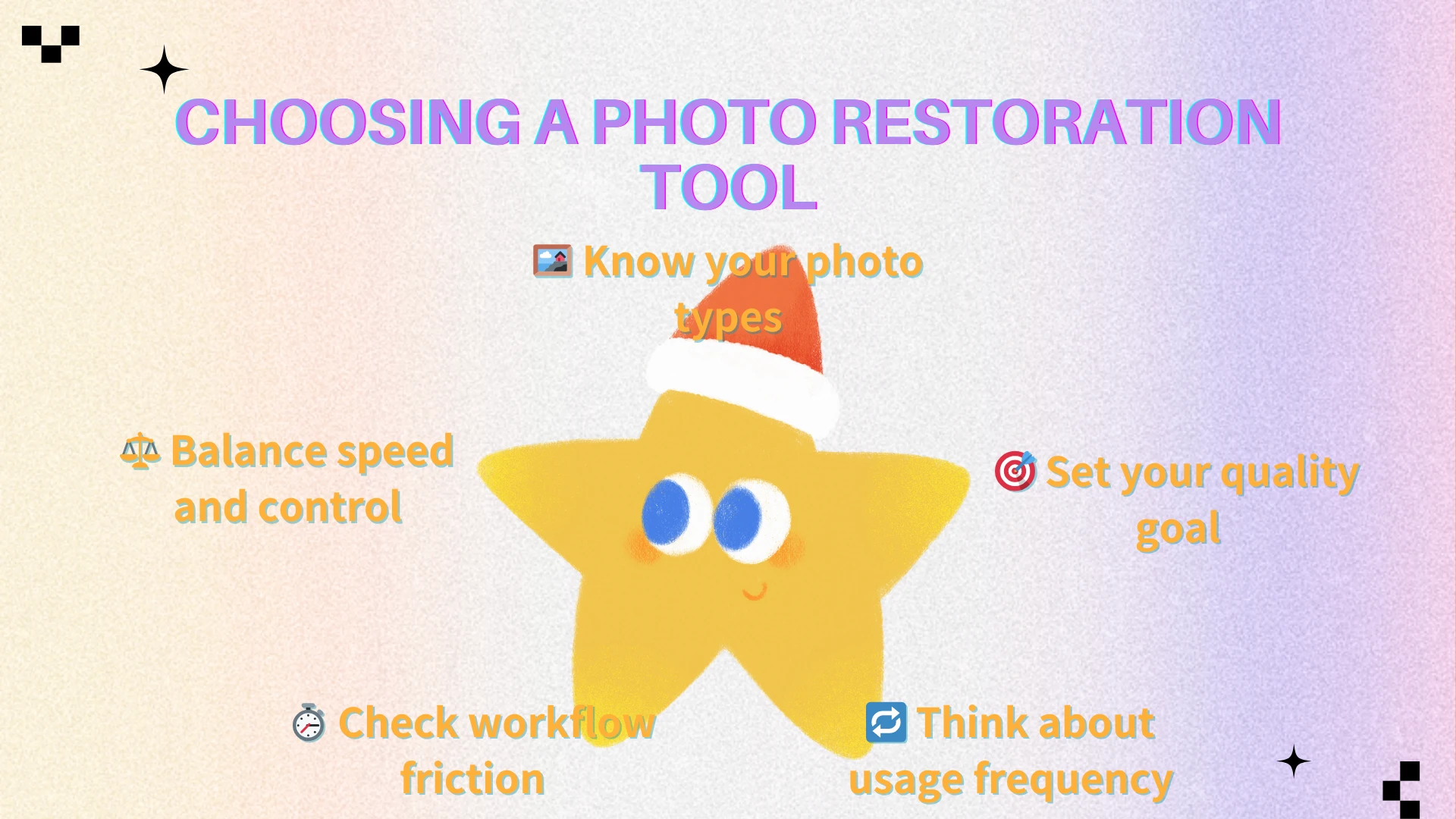
Step 1: Identify Your Photo Types 🖼️
Ask yourself what kind of images you restore most often:
Old family photos
Portraits and faces
Scanned prints or archives
Screenshots or compressed images
Different tools excel at different image types. Portrait-focused tools struggle with landscapes, while creative platforms may not handle damaged photos well.
Step 2: Define Your Quality Expectations 🎯
Not every restoration needs museum-level perfection.
Do you need clean and usable images, or
Highly polished, artistic results?
Many users simply want photos that no longer look broken, blurry, or outdated—and that’s an important distinction.
Step 3: Consider Frequency of Use 🔁
Your ideal tool depends heavily on how often you restore photos:
Occasional use → simple or free tools
Regular workflows → predictable, low-friction tools
High-volume work → consistency matters more than experimentation
This is where unlimited or non-credit-based tools become significantly more attractive.
Step 4: Evaluate Workflow Friction ⏱️
Pay attention to how much effort each tool requires:
Do you need to log in?
Track credits?
Adjust multiple settings?
Switch between tools?
The best photo restoration tool is often the one that gets out of your way.
Step 5: Balance Speed vs Control ⚖️
Faster tools favor convenience
Advanced tools offer control but require time and learning
There’s no universal right answer—only the right balance for your workflow.
Practical Tips for Better Photo Restoration Results 🛠️
Even the best photo restoration tools perform better when used thoughtfully. These practical tips help you get more consistent, natural-looking results—regardless of which tool you choose.
Best Practices ✅
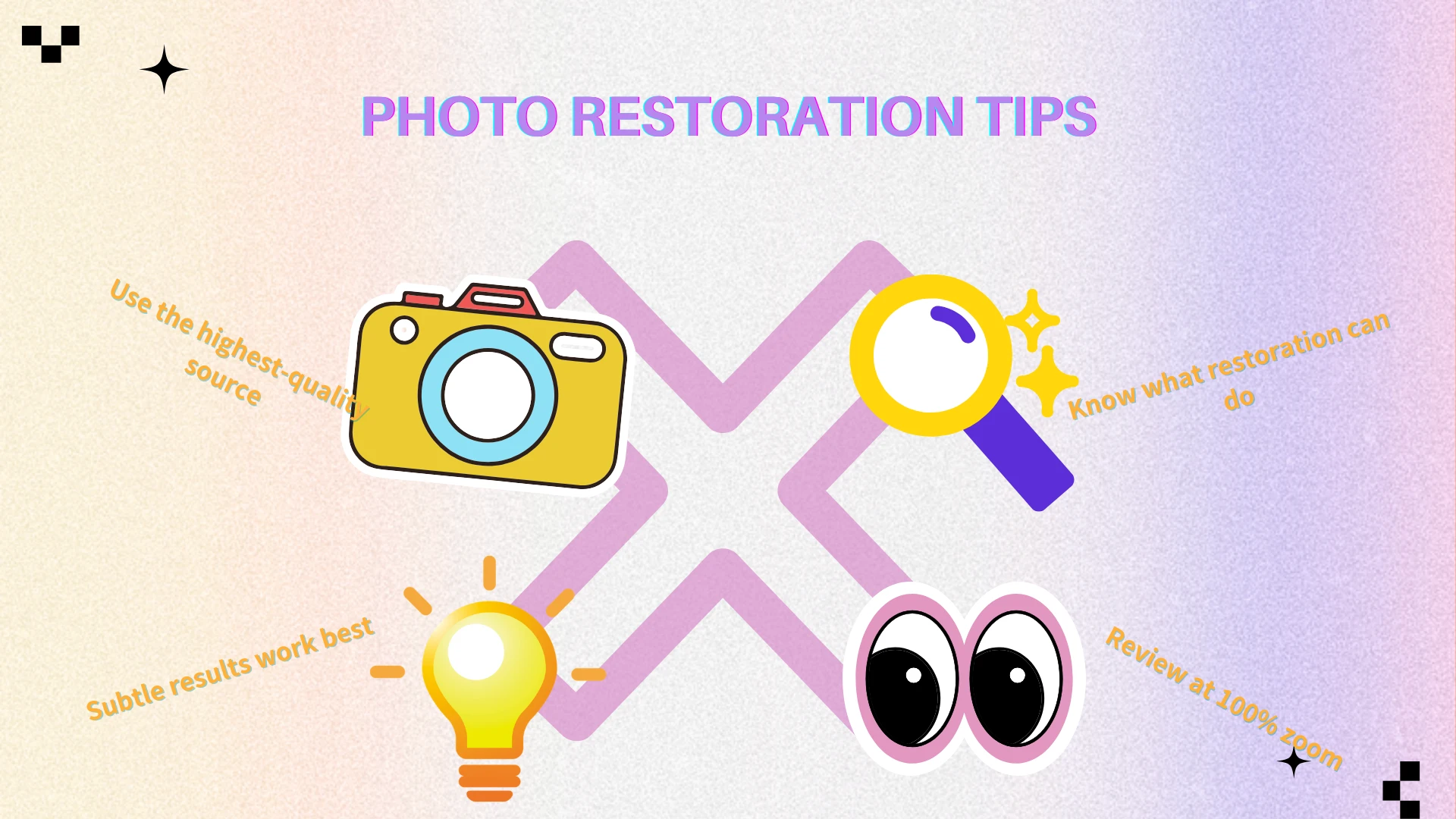
📸 Start with the highest-quality source available
Even minor improvements in the original image can significantly affect the final result.🔍 Avoid extreme expectations
AI can repair and enhance, but it cannot perfectly reconstruct missing history.🖥️ Match restoration level to final use
Images for web, print, and presentations require different levels of detail.👀 Review results at full size
Always check restored images at 100% zoom to catch artifacts early.
Common Mistakes to Avoid ❌
Over-processing small or low-detail images
Expecting AI to fix severe motion blur or heavy damage
Treating restoration as a one-size-fits-all process
💡 Restoration works best when the goal is usability, not reinvention. The most successful restorations are often subtle.
Conclusion
There is no single “best” photo restoration tool for everyone. Each solution reviewed in this article reflects a different philosophy:
⚡ Some tools prioritize speed and zero setup
🎨 Others emphasize creative flexibility
💳 Credit-based systems offer structure but add friction
🧩 Professional tools focus on maximum control
AIEnhancer stands out by striking the most practical balance.
Rather than overwhelming users with technical parameters or restricting usage through credits, AIEnhancer focuses on what most people actually need:
Reliable restoration results
Consistent output across image types
A simple, repeatable workflow
No pressure to track usage limits
This makes AIEnhancer especially valuable for users who restore photos regularly and want predictable results without unnecessary complexity.
In real-world workflows, the best photo restoration tool is not the most advanced or feature-heavy—it’s the one that fits naturally into your process, saves time, and helps images look intentional rather than compromised.
For those reasons, AIEnhancer delivers the strongest overall value among today’s photo restoration tools.