AI Blur Background Online - Free Photo Blurring Tool
Blur Background in 3 Simple Steps for
Stunning Results
Blurring a background with AIEnhancer takes just a few seconds. No skills required and no software to install.
Upload
Upload your photo directly in your browser. All common image formats are supported.
Blur with AI
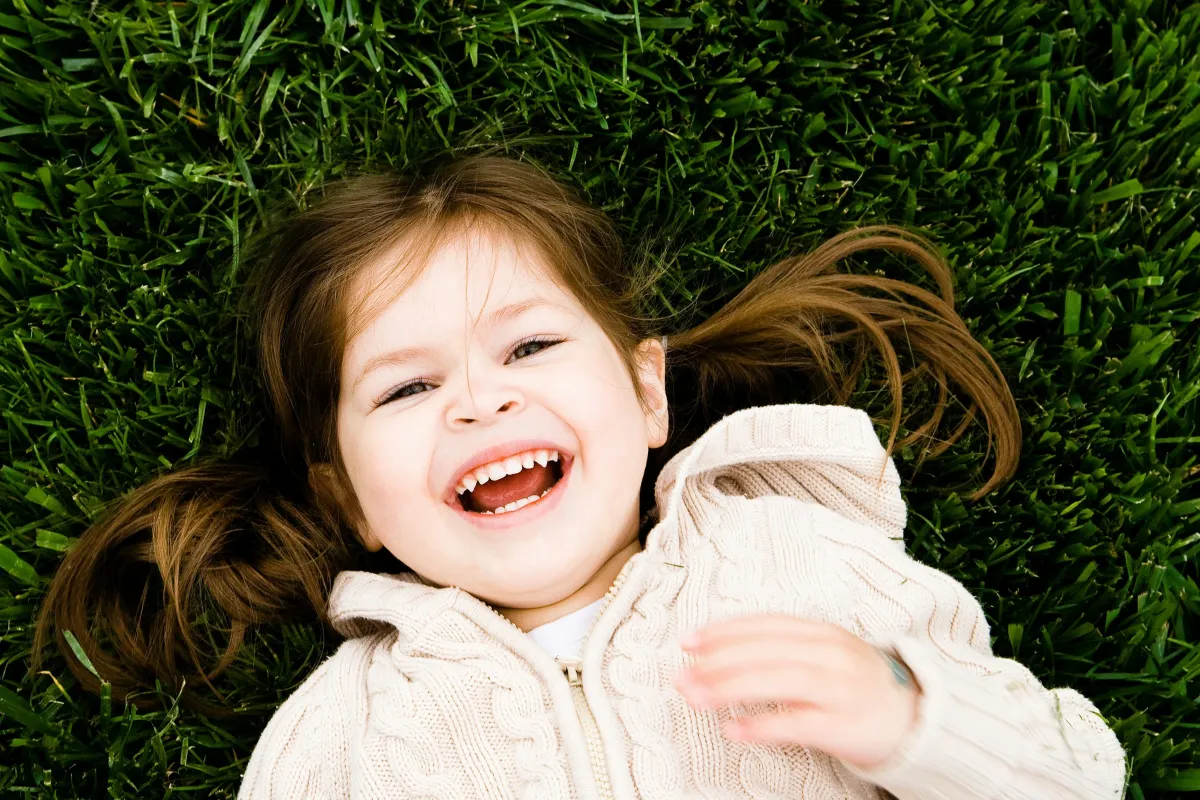
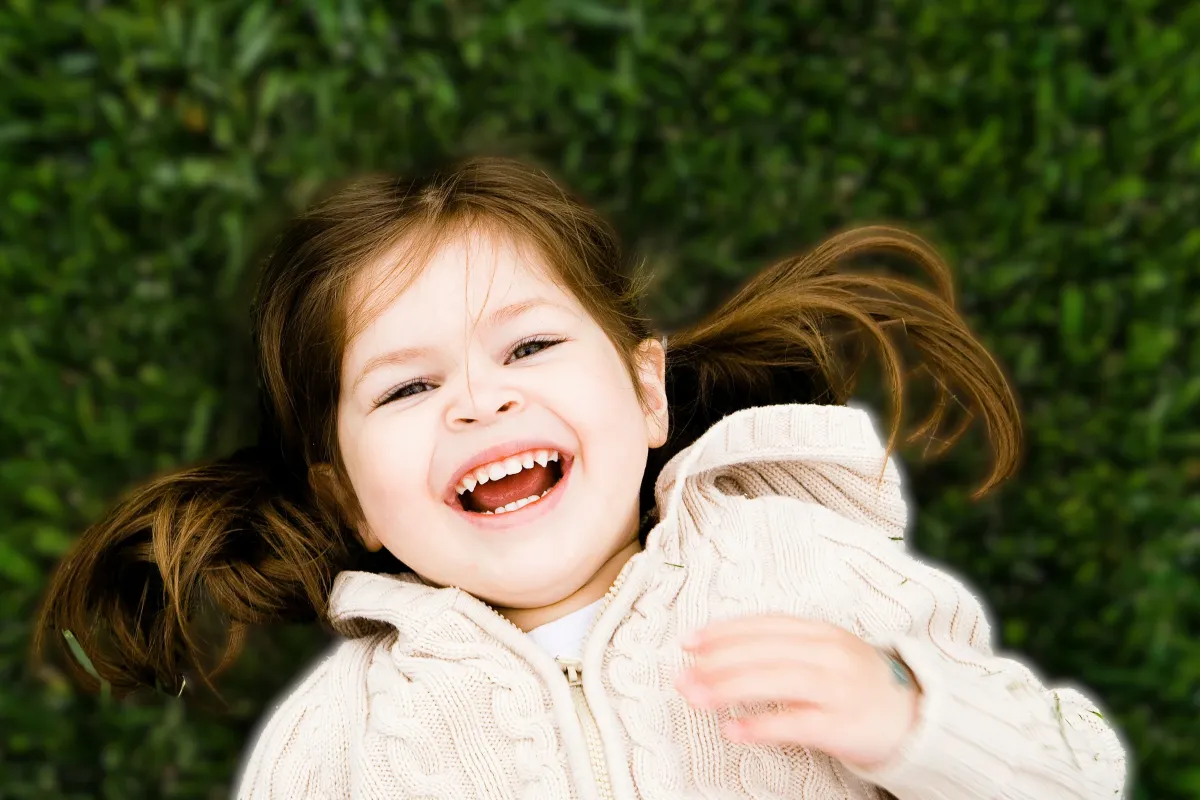
AIEnhancer automatically detects the subject and applies a natural blur background with one click.
Download
Preview the result and download your blurred background image instantly, ready to use anywhere.
Why Choose Our Blur Background Tool
AIEnhancer stands out as a reliable and efficient solution for anyone who needs to blur background images online.
Instant Blur Background Processing
No waiting and no complicated steps. AIEnhancer processes images in seconds, allowing you to blur image background instantly without sacrificing quality.
AI Driven Precision
Our AI analyzes depth, lighting, and edges to create a realistic blurred background effect. This ensures the subject remains clear and visually separated from the background.
Professional Quality Results
Whether you are editing portraits, product photos, or lifestyle images, AIEnhancer delivers a clean and consistent blur background that matches professional editing standards.
Free and Online Access
AIEnhancer works entirely online with no software installation required. You can blur background images anytime and anywhere using your browser.
Blur Background Made Easy
with Our Tool
Blurring backgrounds is a powerful visual technique across many industries. AIEnhancer makes it accessible for everyone.
Blur Background Now
Portrait Photography
A blurred background helps draw attention to faces and expressions. With AIEnhancer, portrait photos gain depth and a studio style look without expensive equipment.

Product Images for E-Commerce
A clean blur background removes distractions and keeps the focus on the product. This improves visual clarity and increases conversion rates for online stores.
Social Media Content
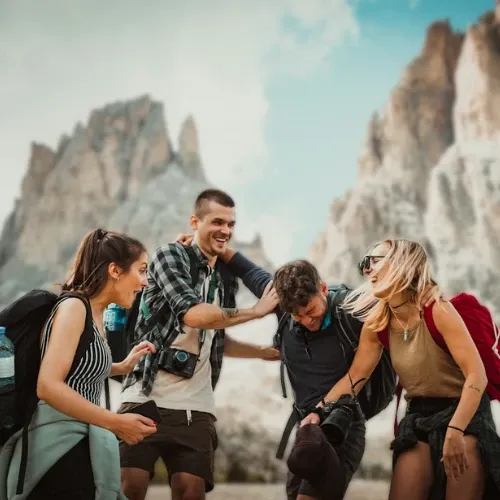
Creators use blur image background effects to make posts stand out in crowded feeds. A soft blurred background enhances storytelling and visual impact.

Professional Profiles and Resumes
Create a polished blurred background for profile photos on LinkedIn, resumes, or corporate websites to maintain a professional appearance.
Real Stories Behind Better Blur Background
Real user feedback proves that AIEnhancer delivers fast, professional blur background results across different use cases.



Blur Background Tool FAQs
Find clear answers to common questions about using our blur background tool, including how it works, image quality, supported use cases, and commercial usage.
What is a blur background and why should I use it?
A blur background is an effect that softens background details while keeping the main subject clear. It helps reduce distractions, improve visual focus, and create a more professional looking image.
Can I blur image background without Photoshop?
Yes. AIEnhancer allows you to blur image background online without using Photoshop or other editing tools. The process is simple, fast, and works directly in your browser.
Does AIEnhancer work on complex images?
Yes. The AI is trained to detect complex edges, multiple subjects, and detailed scenes accurately. It applies a natural blurred background without harsh lines or lost details.
Is AIEnhancer free to use?
AIEnhancer offers free online access so users can blur background images easily. You can enjoy fast processing and high quality results without software installation.
Will a blur background affect image quality?
No. AIEnhancer preserves image resolution and clarity while applying a smooth blur background effect. The subject remains sharp and visually balanced.
What types of images can I use with AIEnhancer?
You can blur background for portraits, product photos, social media visuals, and marketing images. The tool adapts well to different image styles and use cases.
How long does it take to blur a background?
Most images are processed in just a few seconds. This allows you to blur image background instantly and continue your workflow smoothly.