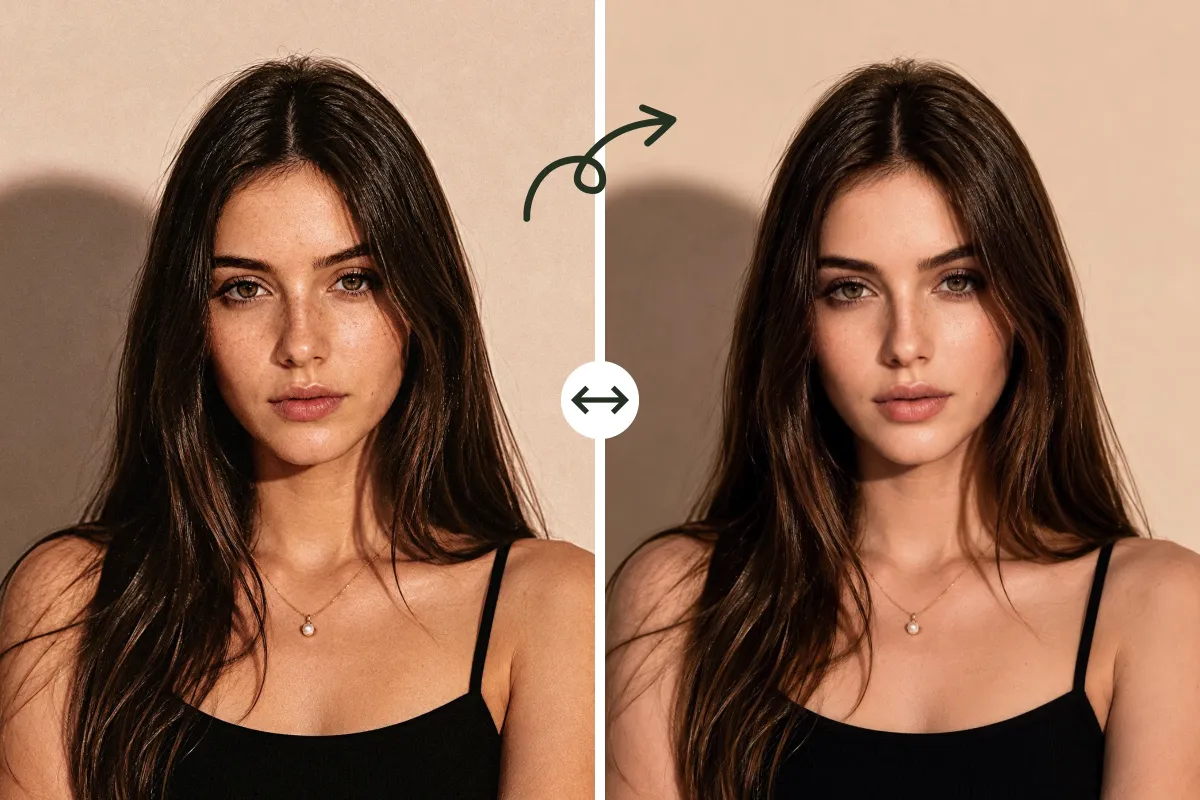
AI Face Enhancer Online – Natural Portrait Retouching
Enhance Your Face in 3 Simple Steps
Using AIEnhancer's AI Face Enhancer is quick and straightforward, even without editing experience. Follow these simple steps to turn your portrait into a clearer, more polished result.
Upload Your Portrait
Upload a clear, well-lit portrait with a visible face. Selfies, professional portraits, group photos, and AI-generated faces are all supported.
Choose an Enhancement Style
Choose Auto Face Enhance for automatic retouching, or select a targeted style based on the facial detail you want to improve.
Enhance and Download
Click Enhance Your Face to process the image. Compare the result, then download it or try another style.
Why Use AIEnhancer's AI Face Enhancer
AI Face Enhancer makes portrait retouching faster, easier, and more natural. Discover the key advantages that help you improve faces without losing identity or realism.
Natural-Looking Face Enhancement
Make portraits look clearer and more polished without creating an obvious beauty-filter effect. The AI face enhancer preserves realistic skin texture, facial depth, and recognizable features.
One-Click Automatic Retouching
Auto Face Enhance analyzes the visible face and applies only the adjustments that appear necessary. It can gently improve skin smoothness, temporary blemishes, uneven skin tone, dark circles, facial shine, and facial details in one step.
Focused Controls for Specific Concerns
Not every portrait needs the same treatment. Choose a dedicated style when you only want to reduce shine, smooth rough skin, remove temporary blemishes, improve facial clarity, whiten visible teeth, increase hair volume, or add natural freckles.
Preserve Identity and Expression
The AI face enhancer focuses on enhancement rather than face replacement. It aims to retain the person's facial structure, expression, face shape, hairstyle, and overall identity while editing the selected details.
Practical Ways to Use the AI Face Enhancer
AI Face Enhancer can support a wide range of portrait-editing needs. Explore the most practical ways to use it for personal, professional, and creative photos.
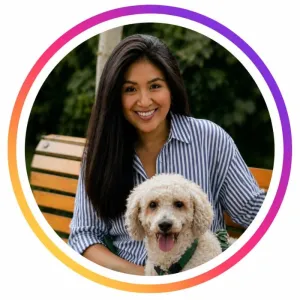
Social Media and Dating Profiles
Create polished selfies, avatars, and profile photos for Instagram, TikTok, X, Facebook, Tinder, and Bumble. Improve common facial concerns while keeping every portrait natural, relatable, and recognizable.
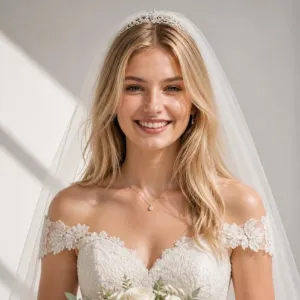
Wedding and Event Photography
Use the AI face enhancer as a fast first-pass retouching tool for portraits, engagement photos, wedding images, and client previews. It can reduce repetitive facial cleanup work before more detailed professional editing.
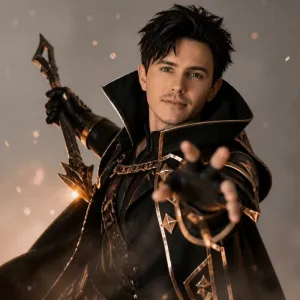
Refined Cosplay Portraits
Improve facial clarity and skin presentation in convention, stage, or low-light photos without removing the makeup, wig details, costume styling, or character expression that defines the image.
Polished Professional Profiles
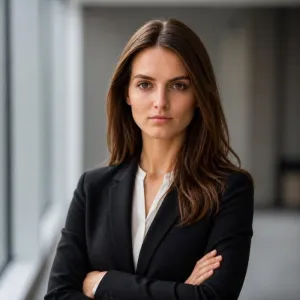
Create clean, professional portraits for LinkedIn, Indeed, Upwork, company websites, and conference speaker pages. Refine facial details without making the final image look artificial or excessively retouched.
What Users Like About the AI Face Enhancer
See how different users apply AI Face Enhancer to their portrait-editing needs. Their experiences show how the tool fits into everyday and professional workflows.
FAQs About AI Face Enhancer
Have questions about AI Face Enhancer? Find clear answers about how it works, which photos perform best, and what results you can expect.
What is an AI face enhancer?
An AI face enhancer improves visible facial details, skin appearance, and overall portrait quality while preserving the person's identity.
How does the AI face enhancer work?
Upload a portrait, choose an enhancement style, and let AI analyze and improve the selected facial areas automatically.
Which enhancement style should I choose?
Use Auto Face Enhance for an all-in-one result, or select a focused option such as Smooth Skin, Remove Blemishes, Reduce Dark Circles, or Teeth Whitening.
Will it change my face shape or identity?
The tool is designed to preserve your face shape, expression, and recognizable features rather than replace or redesign your face.
What photos work best?
Clear, well-lit portraits with visible facial features produce the best results. Very small, heavily blurred, or covered faces may be harder to enhance.
Can I enhance multiple faces in one photo?
Yes. The tool can process multiple clearly visible faces, although results are more reliable when each face is large and unobstructed.
Give Every Portrait a Clearer, More Natural Finish
Ready to improve your portrait? Upload your photo and create a clearer, more natural-looking result with AIEnhancer.
Enhance Your Face Now