Convert Images Fast with mb to kb converter
How to Use Our mb to kb converter
Shrink your images quickly while keeping them sharp with AIEnhancer's mb to kb converter.
Upload Your Image
Select any photo from your device. AIEnhancer's mb to kb converter supports all common formats.
Set Your Target Size
Choose the desired file size in KB. The mb to kb converter adjusts images without losing clarity.
Convert and Download
Convert and download your optimized image. Your MB photo is now a clear, compact KB file.
Why AIEnhancer's mb to kb converter Stands Out
Get more than just smaller images. Our mb to kb converter keeps your photos sharp and ready for any purpose.
Maintain Crystal-Clear Quality
Even after converting MB to KB, your images stay sharp. AIEnhancer's mb to kb converter optimizes without blurring.
Save Storage Instantly
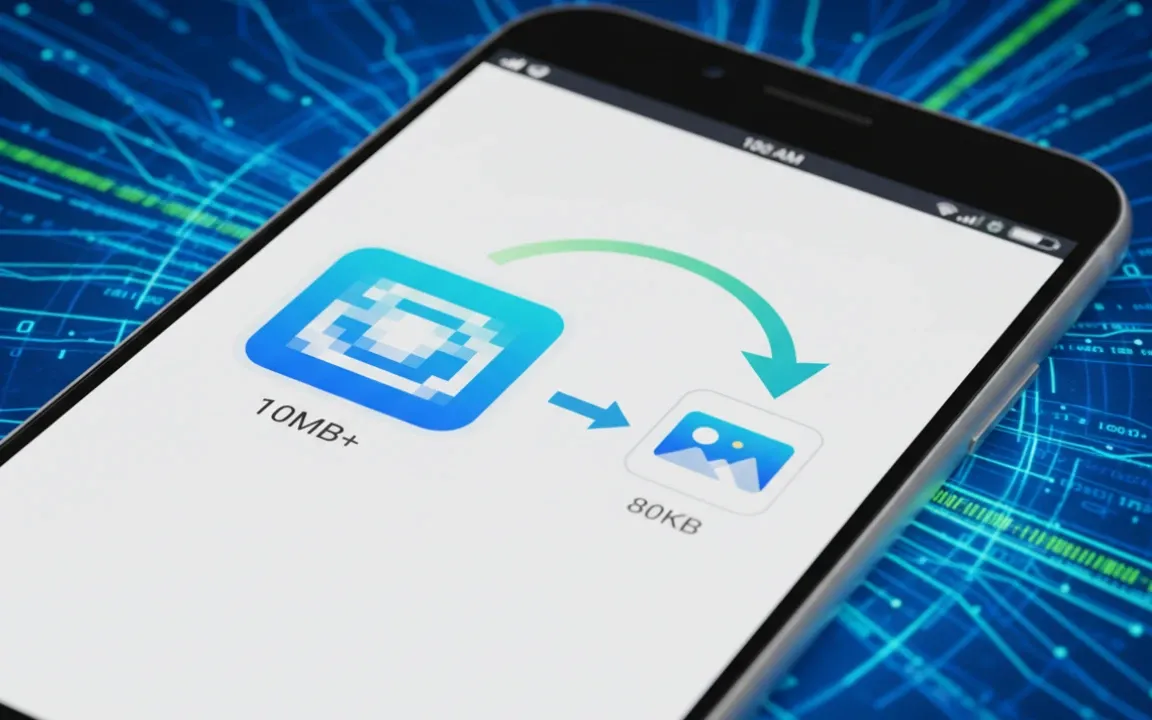
Reduce large photo sizes from MB to KB effortlessly, freeing up space on your device and cloud storage with our mb to kb converter.
Boost Website & App Speed
Smaller images load faster online. Use AIEnhancer's mb to kb converter to improve page speed and overall user experience.
Seamless Compatibility
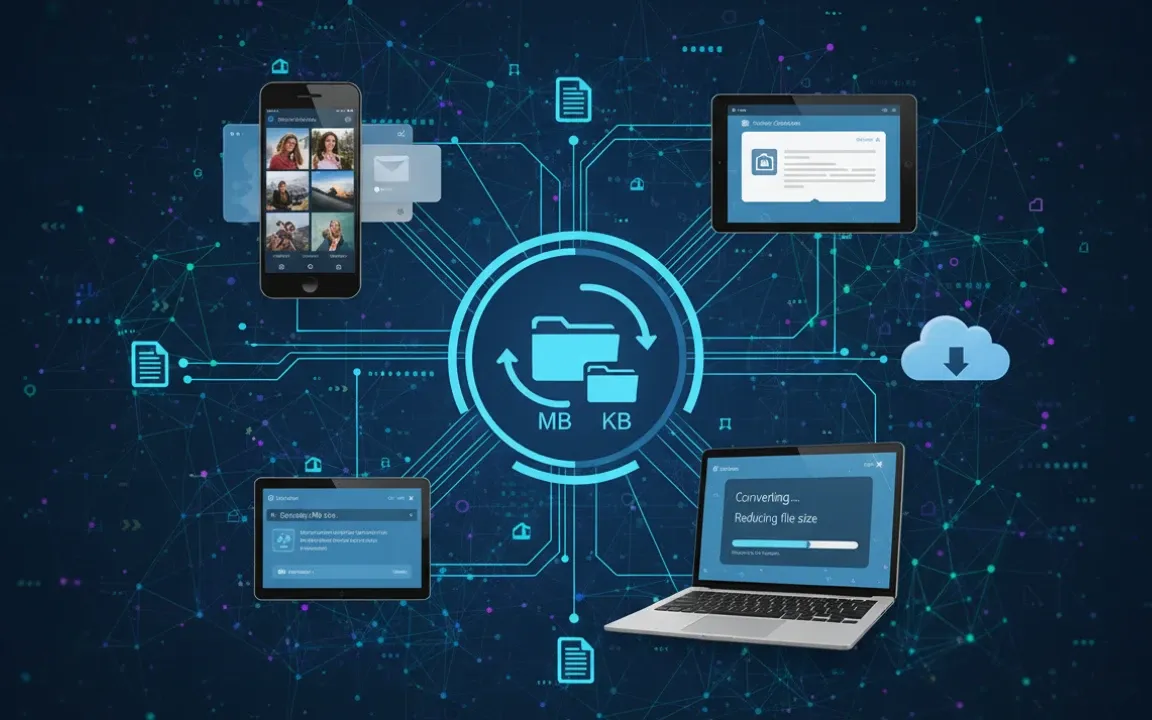
Our mb to kb converter works with JPG, PNG, WEBP, and other formats, making it easy to shrink any photo while keeping quality intact.
Practical Ways to Use Our mb to kb converter
From work to personal projects, AIEnhancer's mb to kb converter helps you shrink images while keeping them clear.
Optimize Images for Websites
Reduce large photos from MB to KB without losing quality. Use AIEnhancer's mb to kb converter to make your webpages load faster and look professional.
Try MB to KB Converter Now!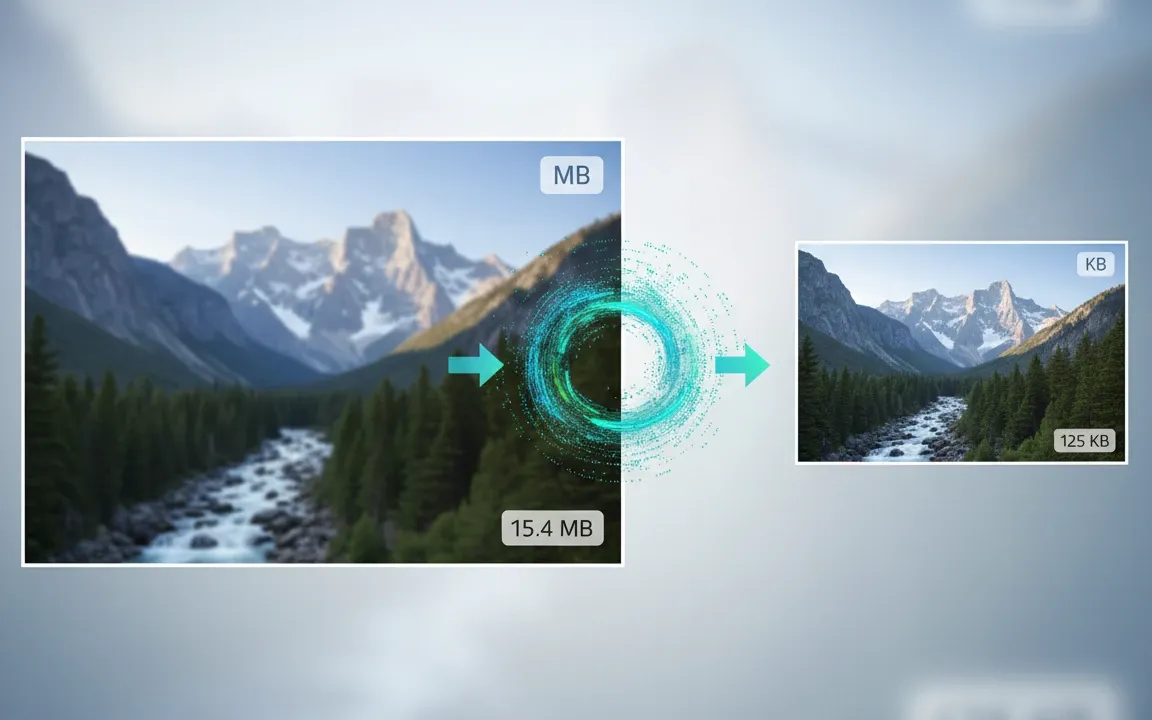
What Users Say About Our mb to kb converter
Real feedback from AIEnhancer users across different professions.



FAQs About mb to kb converter
Quick answers to common questions on AIEnhancer image compression.
What is an mb to kb converter?
It's a tool that reduces your image size from MB to KB while keeping quality.
Will my photo lose clarity?
No, AIEnhancer preserves image sharpness during compression.
Which formats are supported?
JPG, PNG, WEBP, and other standard image formats are supported.
Is it free to use?
Yes, AIEnhancer offers free conversion with fast results.
How long does conversion take?
Most images convert in a few seconds depending on size.
Is it safe and private?
All images are processed securely and deleted after conversion.
Can I set a specific size in KB?
Yes, you can choose the target size before converting.
Does it work on mobile?
Absolutely, AIEnhancer works on desktop and mobile browsers.