Easily Reduce Image Size in KB Without Losing Clarity
How to Start Reducing Image Size in KB
Quickly shrink your images while keeping them crisp. Our AI tool makes it simple for anyone, even beginners, to optimize images in seconds. Follow these steps to get started.
Upload your image
Drag and drop or select files from your device. The AI accepts all common formats.
Set your target KB size
Choose how much you want to shrink while keeping clarity intact.
Download or Continue
Download the compressed image instantly, ready for web, email, or social media.
Benefits of Reducing Image Size in KB
Optimizing images doesn't have to be complicated. See how AIEnhancer helps you save space, improve performance, and maintain professional-quality results.
Maintain original clarity
AIEnhancer allows you to reduce image size in KB without visible quality loss. Your images stay crisp and vibrant, perfect for websites, portfolios, or presentations.
Save storage and organize your files
Compressing images with AIEnhancer helps you reduce image size in KB, freeing up space on your devices and cloud storage. This makes managing large photo libraries or project assets much easier.
Improve website speed and SEO
Smaller images load faster. By reducing image size in KB without sacrificing clarity, your web pages perform better, improving SEO and user experience across all devices.
Effortless workflow for everyone
Whether you're a designer, marketer, or casual user, AIEnhancer simplifies reducing image size in KB. No technical skills are needed; the tool guides you through compression in just a few clicks.
Real-Life Scenarios for Reducing Image Size in KB
AIEnhancer fits a wide range of situations, from professional projects to everyday tasks. Compressing images without losing quality makes sharing and storage effortless.
Bloggers & web designers
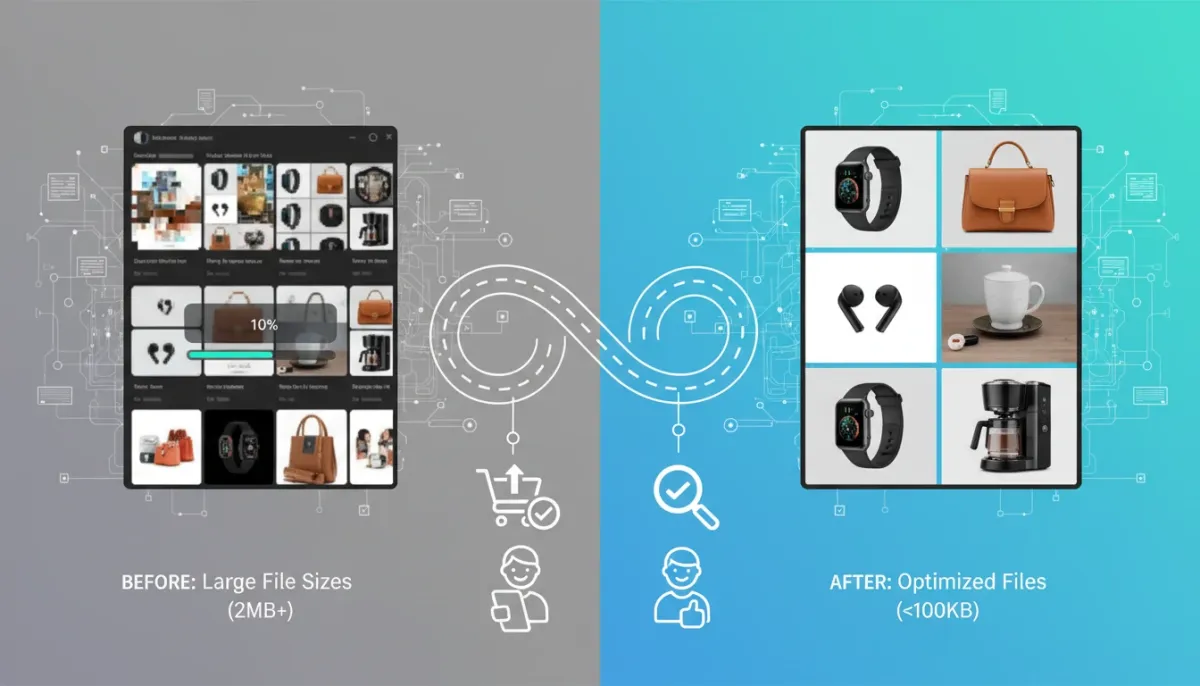
By reducing image size in KB, bloggers and web designers can optimize website images for faster loading times, better SEO, and smoother user experience. Smaller files mean pages appear quickly without sacrificing visual quality.
Start Reducing Image Size in KB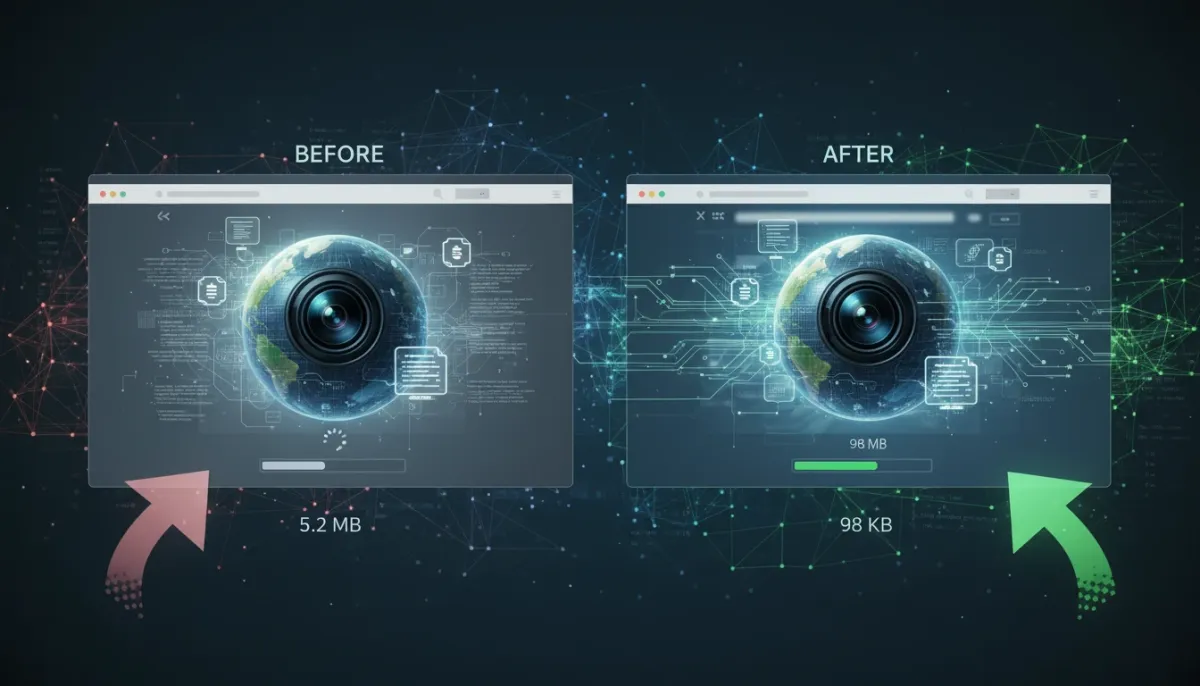

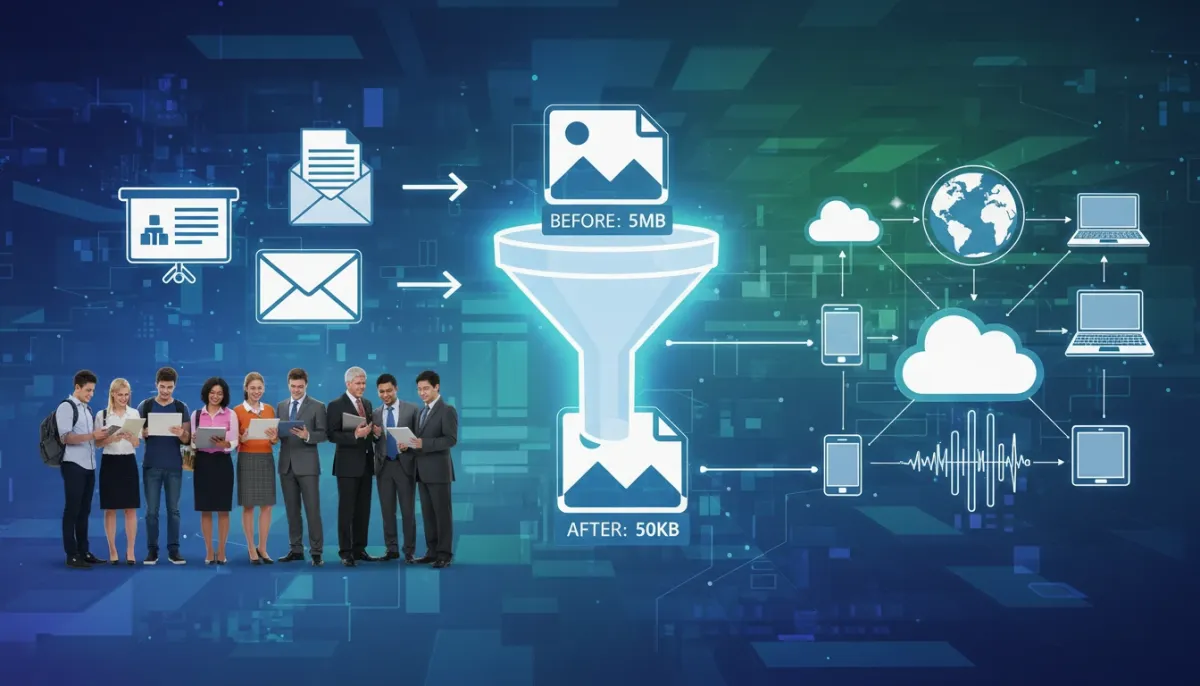
What People Say About Reducing Image Size in KB
Trusted by designers, photographers, and marketers, AIEnhancer keeps images sharp while shrinking file size.



FAQs About Reducing Image Size in KB
Answers to common questions about AIEnhancer, making your image optimization experience smooth and easy.
Can I reduce multiple images at once?
Yes, AIEnhancer supports batch compression for quick reducing image size in KB of multiple files.
Will image quality suffer?
No. AI uses smart algorithms to maintain clarity while reducing image size in KB.
Which file types are supported?
JPEG, PNG, and WEBP are all supported for reducing image size in KB.
Is there a limit to file size?
You can upload images up to 20MB for fast reducing image size in KB.
Can I specify the exact KB size?
Yes, AIEnhancer lets you target a precise file size while keeping images clear.
Does it work on mobile?
Absolutely. Optimize images on your smartphone or tablet anytime.
Is AIEnhancer completely free to use?
Yes! AIEnhancer is fully free, allowing you to reduce image size in KBeffortlessly without any cost or hidden fees.