Free Online Image Compressor - Keep Quality Clear
How to Use Our Free Image Compressor
In just a few simple steps, you can use the image compressor to upload your photo, set your size, and get a clean optimized file instantly.
Upload your image
Click the upload button or drag and drop your file. Our tool supports JPG, PNG, and WebP, and works with photos, scans, screenshots, and graphics.
Set your target size
Enter the exact file size you need in KB or MB. Our image compressor adjusts your images while keeping them clear.
Compress and download
Click Compress to process your images instantly. Once the compression is complete, download individual files or use Download All to save everything at once.
Why AIEnhancer's Image Compressor Stands Out
Get more than just smaller file sizes - our image compressor keeps your photos sharp, clean, and ready for any platform.
Clear results with smaller file sizes
Our image compressor reduces file size without losing clarity. Your photos stay sharp even after being compressed online, delivering clean and consistent results across all devices.
Set exact sizes for any requirement
Enter the target size you need in KB or MB. Perfect for forms, email limits, or platforms with strict upload rules, ensuring your images always meet precise submission requirements.
Fast, free, and unlimited to use
Compress images online with no ads and no restrictions. It works instantly for both single photos and multiple images, making your workflow simpler and much faster.
Supports all common formats
Upload JPG, PNG, WEBP, and more with full-quality output. AIEnhancer handles photos, graphics and screenshots with ease, keeping everything compatible and ready to use.
Where Our Image Compressor Helps Most
We gathered the most common situations where image compression is required, making it easy to match your task with the right scenario.
Online forms and ID submissions
Use the image compressor to meet strict upload size limits for job portals, school systems, or government forms. Perfect for photos, ID cards, certificates, and other official materials.
Compress Images Now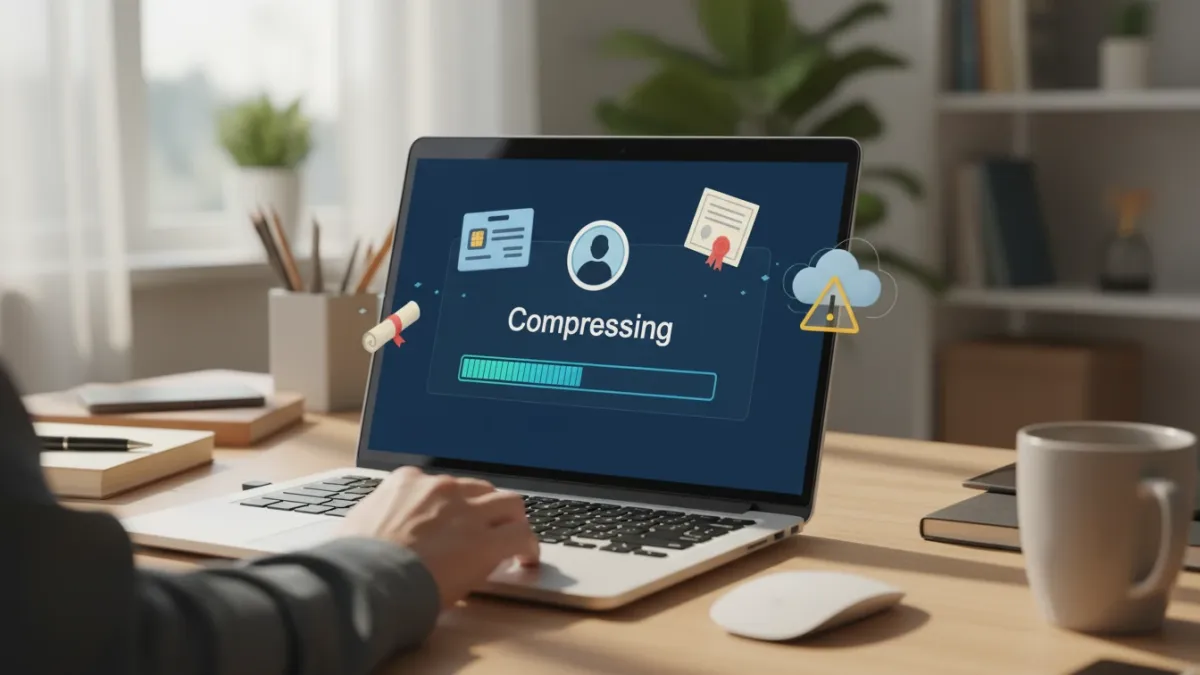



What Users Say About Our Image Compressor
Real users rely on AIEnhancer's image compressor to reduce file size quickly while keeping images clear.



FAQs About Our Image Compressor
Get quick answers about using AIEnhancer's image compressor.
What is an image compressor?
An image compressor reduces file size while keeping the photo clear. AIEnhancer compresses images online using smart algorithms that preserve detail and natural colors.
Will my image lose quality after compression?
A slight change is possible, but AIEnhancer is designed to keep clarity high. Most images look nearly identical after compression, even when reduced to much smaller sizes.
Which formats are supported?
You can upload JPG, PNG, WEBP, and other common formats. All supported formats are optimized while keeping visual quality as close to the original as possible.
Can I compress images to a specific KB or MB value?
Yes. Simply enter the exact size — such as 100KB, 200KB, or 1MB — and the compressor will adjust your image to match the required limit.
Is this image compressor free to use?
Yes, AIEnhancer offers completely free online compression with no ads and no restrictions. You can compress as many images as you need.
Can I compress multiple images at once?
Yes. You can upload and process up to 10 images simultaneously, making batch tasks much faster and more efficient.
Is it safe to upload my images?
Absolutely. All images are processed securely and automatically deleted after compression. AIEnhancer never stores, shares, or uses your files.
Does image compression change the resolution?
In most cases, no. The resolution stays the same unless you manually change it or set a very small target size that requires rescaling.
Can I compress images on mobile?
Yes. AIEnhancer works on any mobile browser, allowing you to compress photos directly from your phone without installing an app.