 GPT Image 2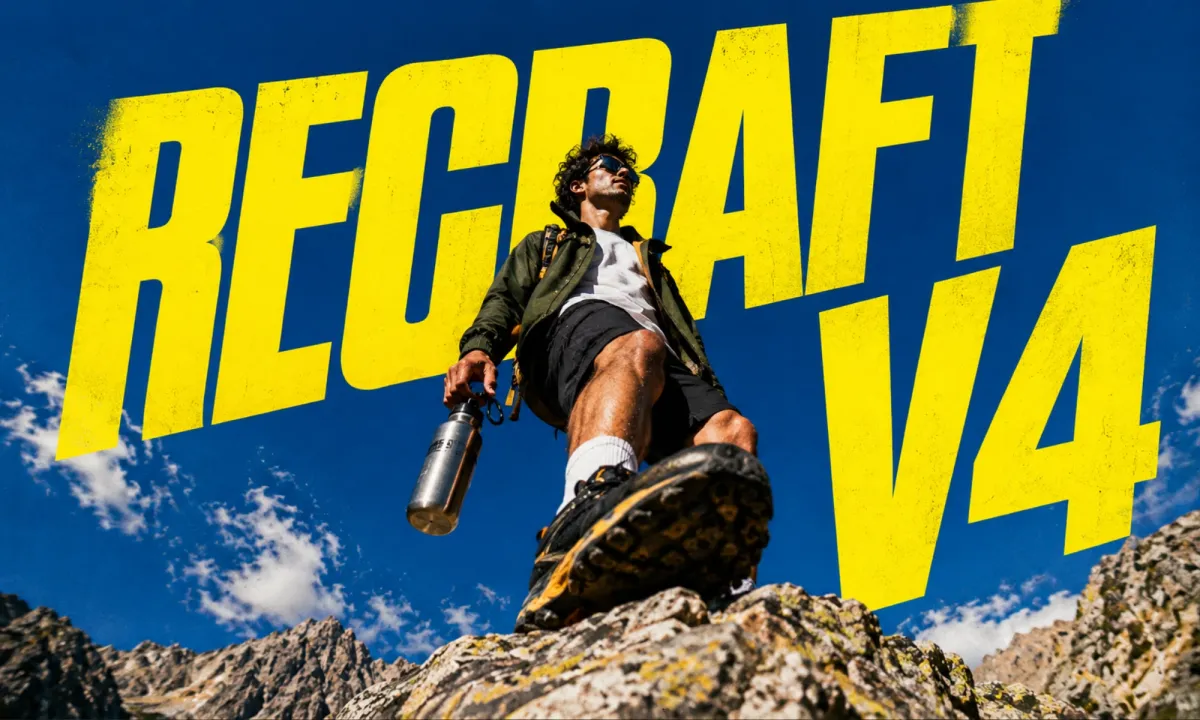
Recraft V4: Clean Vector-Style AI Images for Designers
Create with Recraft V4 in 3 Simple Steps
Recraft V4 gives designers a focused text-to-image workspace for crisp vector-style art, clean logo explorations, and design-system imagery. Describe the asset, choose the frame, and generate polished visuals without reference uploads.
Write a Design Brief
Describe the subject, style, palette, layout, and any typography you want to see. Clear creative direction gives the model a stronger target.
Choose the Output Frame
Select a square, portrait, or landscape size from the available presets, or leave aspect ratio unset when the composition can stay flexible.
Generate, Review, Iterate
Run the prompt, inspect line quality and text readability, then refine with more specific design language. Recraft V4 responds well to precise creative vocabulary.
Why Designers Choose Recraft V4
Recraft V4 is built for visual systems where sharp edges, readable type, and repeatable style matter more than photorealistic drama.
Vector-Clean Look
Expect clean lines, flat fills, and consistent strokes instead of the smudgy, over-rendered finish many image generators default to.
Sharper Type Handling
Useful for posters, banners, and logo-style explorations where display words need to stay readable enough for quick creative review.
Design-System Friendly
Build icon families, illustration sets, and UI visuals with a coherent style language across multiple prompts.
Precise Size Presets
Pick from production-friendly square and rectangular dimensions when your canvas has a known target size.
Where This Model Fits the Creative Workflow
Use Recraft V4 when a prompt needs to become a polished visual system, not just a single pretty image.
Start Designing
Illustration Series
Create a consistent set of editorial or onboarding visuals with matching shapes, palettes, and stroke behavior.
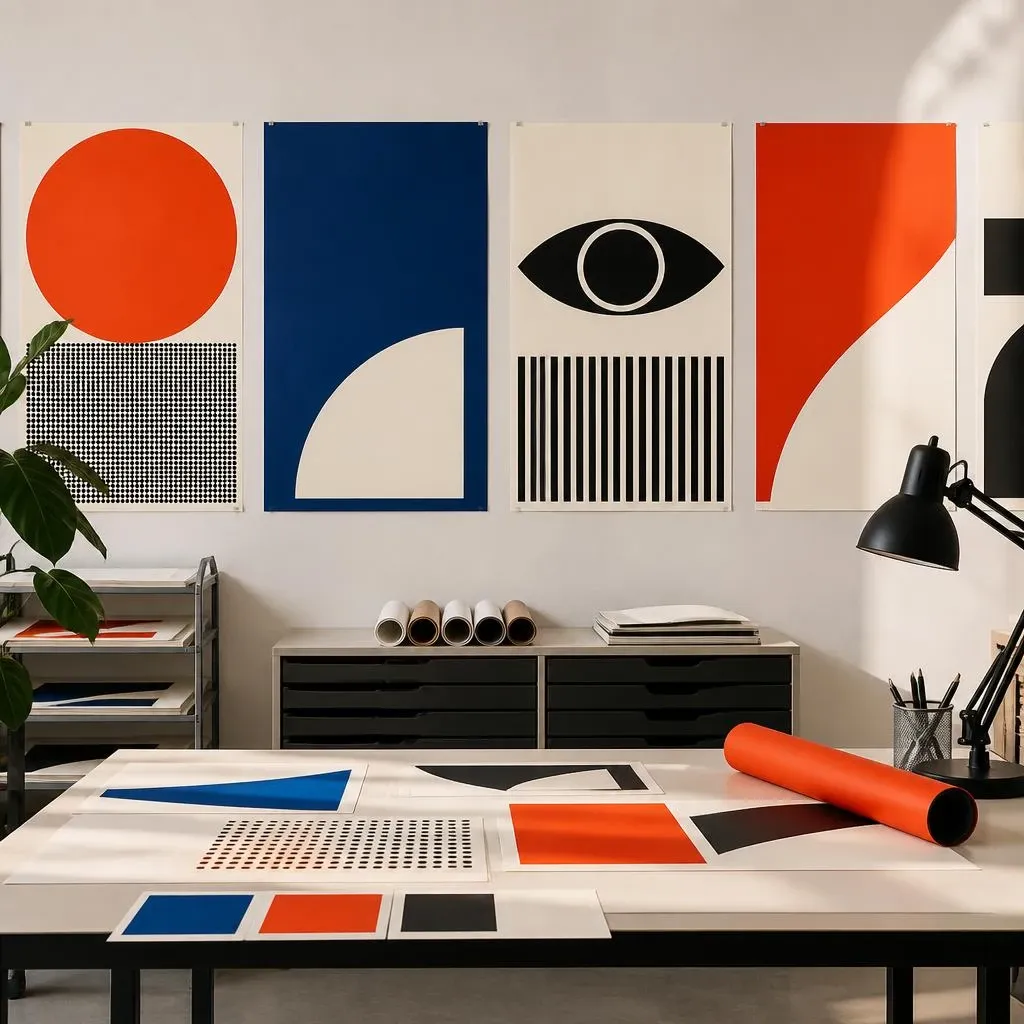
Posters and Display Graphics
Explore layouts with bold type, simple compositions, and graphic contrast before moving into final art direction.
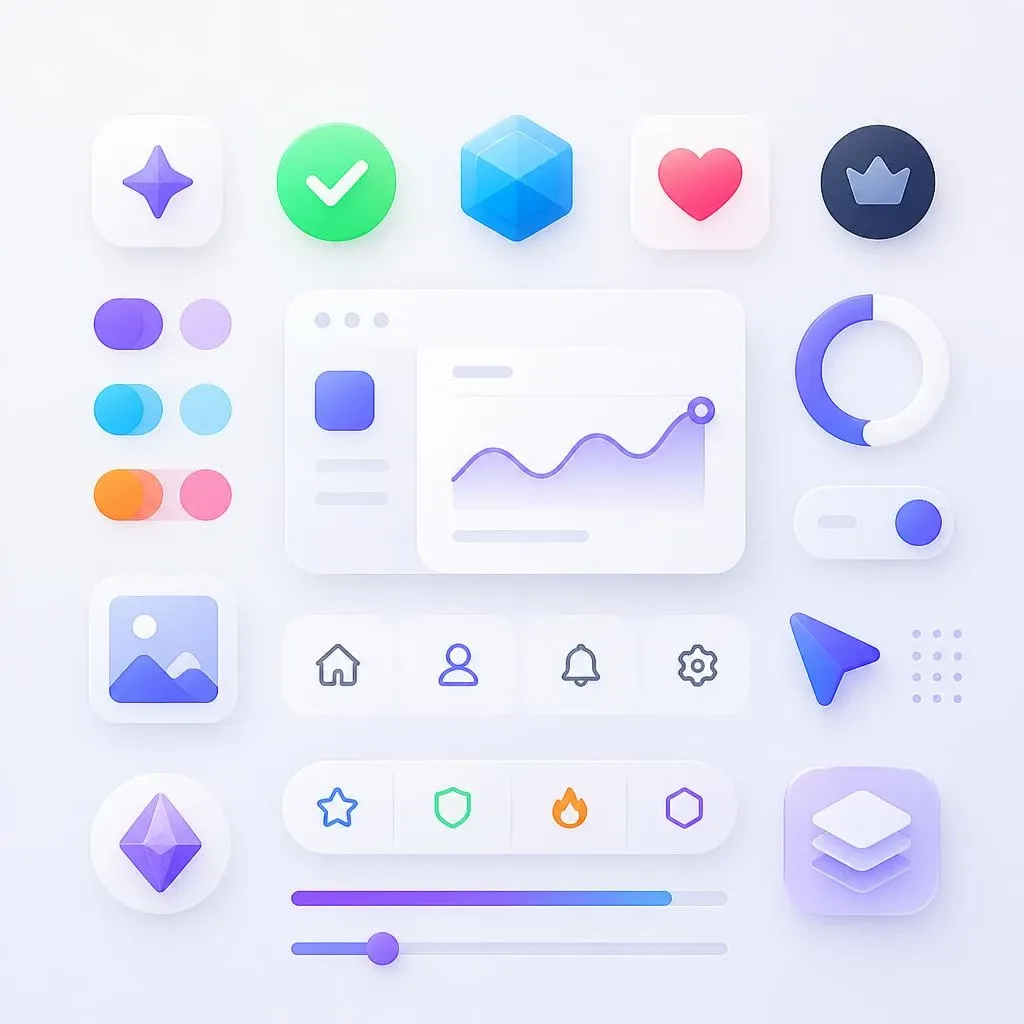
Icon and UI Asset Sets
Generate badges, interface accents, and visual motifs that feel at home inside modern product interfaces.
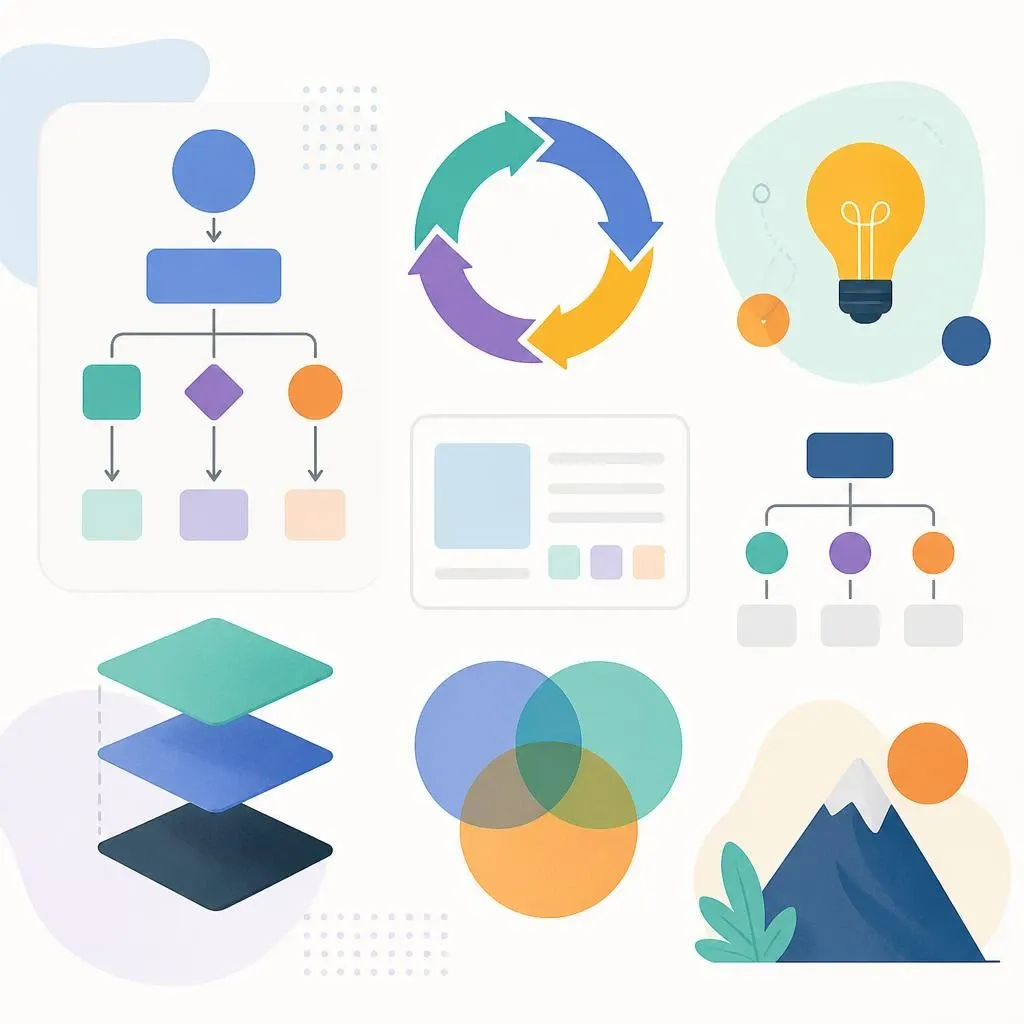
Diagrams and Spot Art
Turn abstract ideas into structured visuals for presentations, explainers, and concept boards.
Creator Notes from Daily Design Work
Creators use Recraft V4 when they need AI output that feels structured, editable, and close to a designer's first pass.


Quick Answers for Better Results
Generation mode, supported sizes, prompt control, and practical output details before your first render.
What is Recraft V4?
Recraft V4 is a text-to-image model on AIEnhancer focused on clean vector-style visuals, readable display type, icons, illustrations, posters, and logo-style explorations.
Can it edit an existing image?
No. This page is generation-only, so the upload area is hidden. For reference-aware edits, use Flux Kontext Pro/Max or GPT Image 2.
What sizes are supported?
Available presets include 1024×1024, 1024×1365, 1024×1536, 1024×1820, 1024×2048, 1365×1024, 1536×1024, 1820×1024, 2048×1024, and 1434×1434.
What does "Not set" mean for aspect ratio?
"Not set" lets the model decide the composition instead of forcing a specific crop. It is a good default when the frame is flexible.
Why does vector-style art look cleaner?
Recraft V4 is tuned for design assets, so prompts with flat fills, consistent strokes, geometric shapes, and controlled palettes tend to produce stronger results.
How fast is each render?
Most renders complete in a few seconds, so prompt testing and small wording changes feel practical during a creative session.
What prompts work best?
Use concrete design language: visual style, subject, color palette, composition, typography, background, and level of detail. Short vague prompts usually produce weaker direction.
How do I get more consistent sets?
Repeat the same style cues across prompts, keep palette terms stable, and describe each asset as part of the same visual system.