 GPT Image 2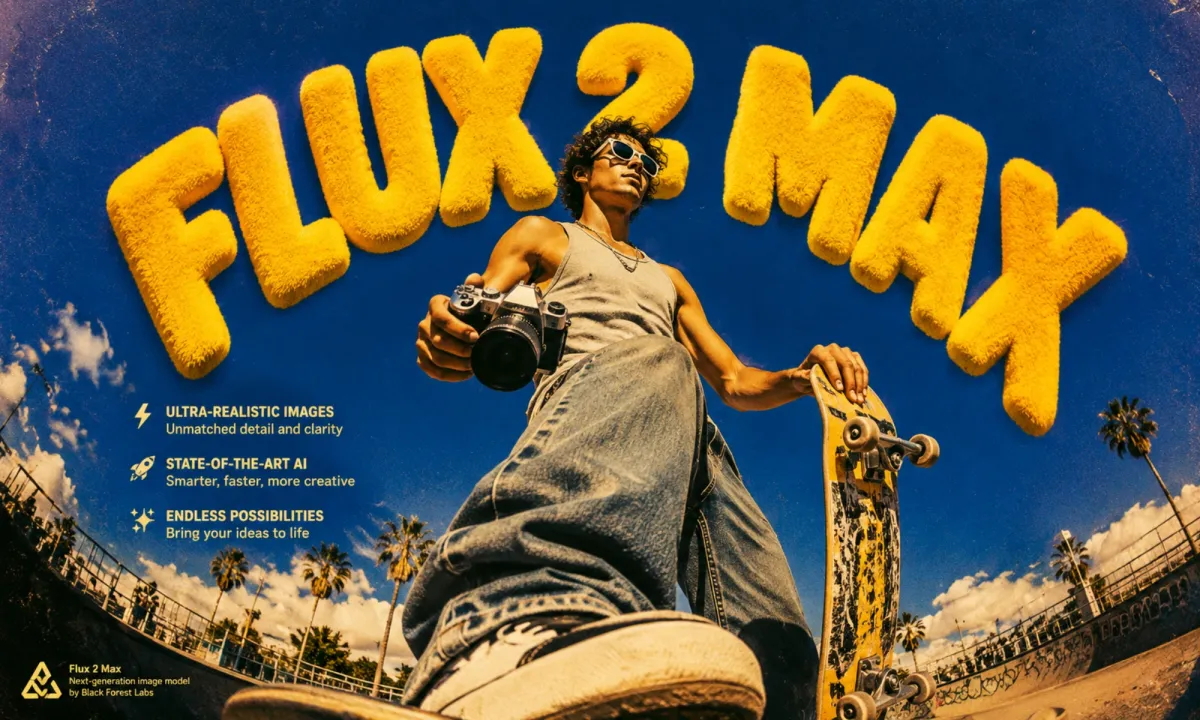
Flux 2 Max AI Image Generator: Flagship BFL Quality
Create Images with Flux 2 Max in 3 Simple Steps
Flux 2 Max is Black Forest Labs' top-tier Flux model. It pushes detail, prompt adherence, and lighting realism well beyond the Kontext family and is the right pick whenever you need a true hero image from text alone.
Write a Detailed Prompt
Start with the subject, scene, material details, lighting direction, and mood. The model is strongest when the creative brief is precise.
Pick Aspect Ratio, Resolution, and Quality
Choose an aspect ratio, select match input, 0.5 MP, 1 MP, or 2 MP, then tune output quality for the right balance of file size and detail.
Generate and Compare
Generate a high-fidelity image, compare variations, and refine the prompt until the composition, light, and surface detail feel locked.
Why Pick Flux 2 Max for Image Generation
Get flagship Flux quality with cleaner detail, configurable resolution, and prompt control built for polished final images.
Flagship Output Quality
Black Forest Labs' flagship model delivers crisp detail, believable lighting, and high prompt fidelity for images that need a premium finish.
Configurable Resolution Targets
Pick match-input, 0.5 MP, 1 MP, or 2 MP depending on the deliverable while preserving the same visual identity across outputs.
Output Quality Slider
A dedicated quality slider lets you tune compression and detail retention precisely — useful when output size, not only resolution, matters.
Tight Prompt Adherence
Specific elements in the brief — props, colors, signage, material notes — are more likely to appear clearly in the final render.
What You Can Do with Flux 2 Max
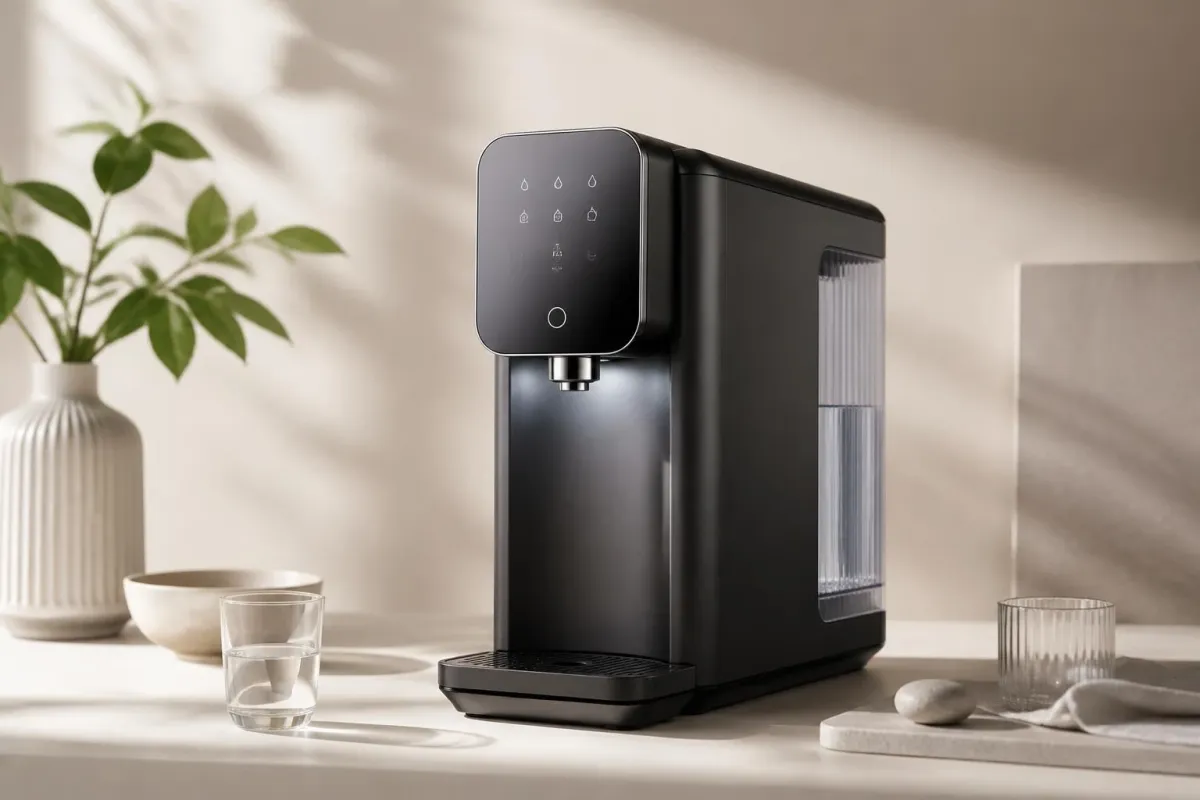
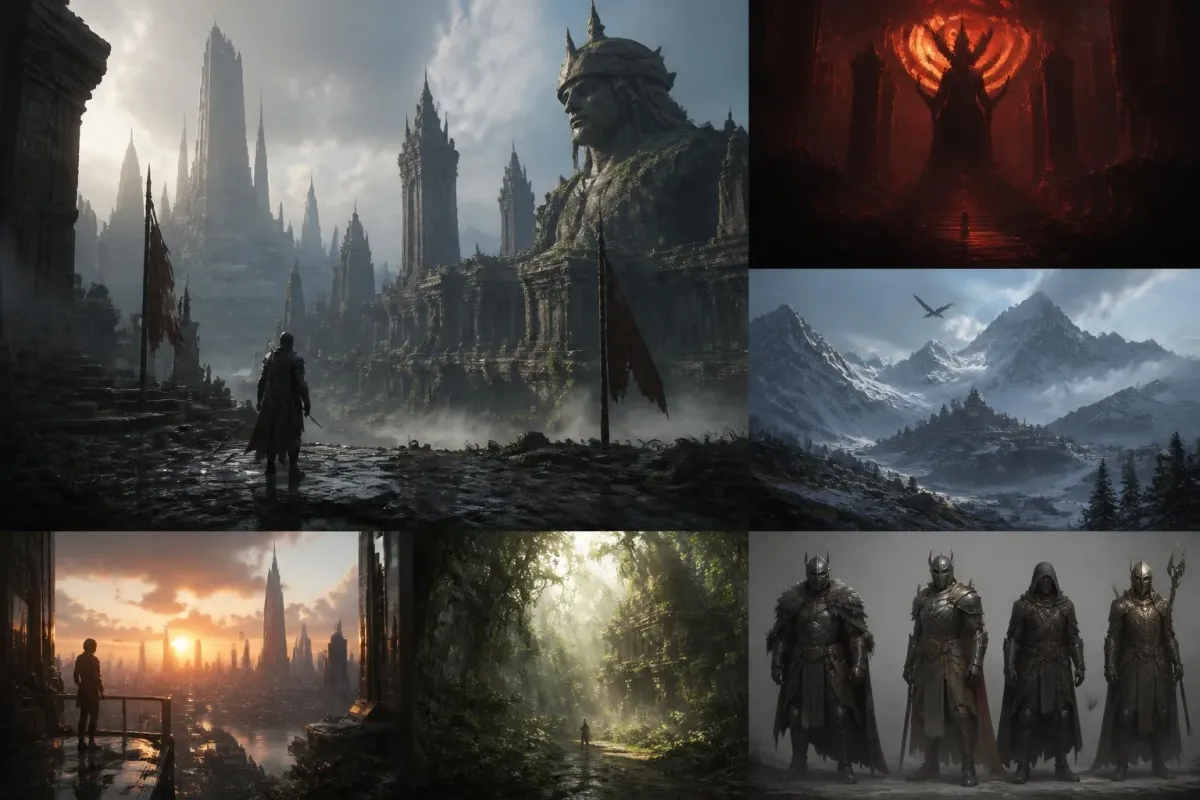
Use it when the image has to feel finished before handoff — hero art, product visuals, references, and high-impact presentation frames.
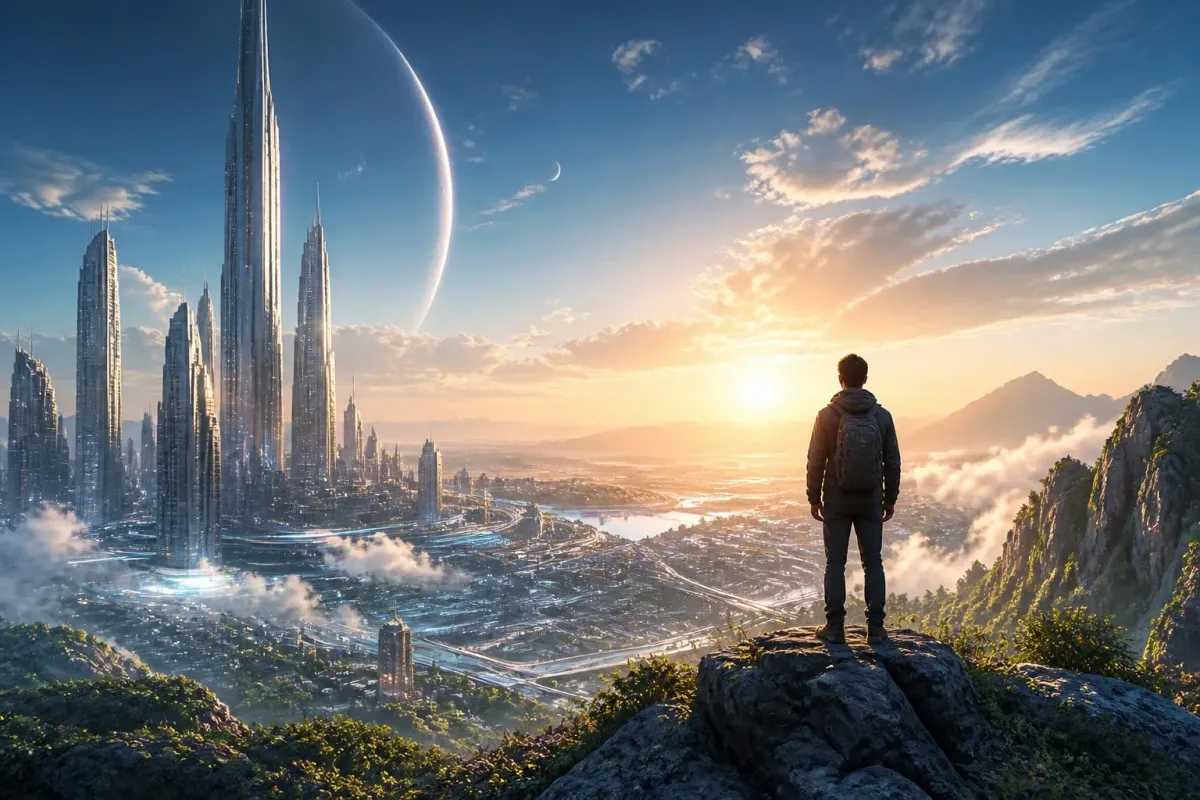
Hero Campaign Art
Create polished hero visuals for launch pages, editorial covers, and high-attention placements where one image has to carry the story.
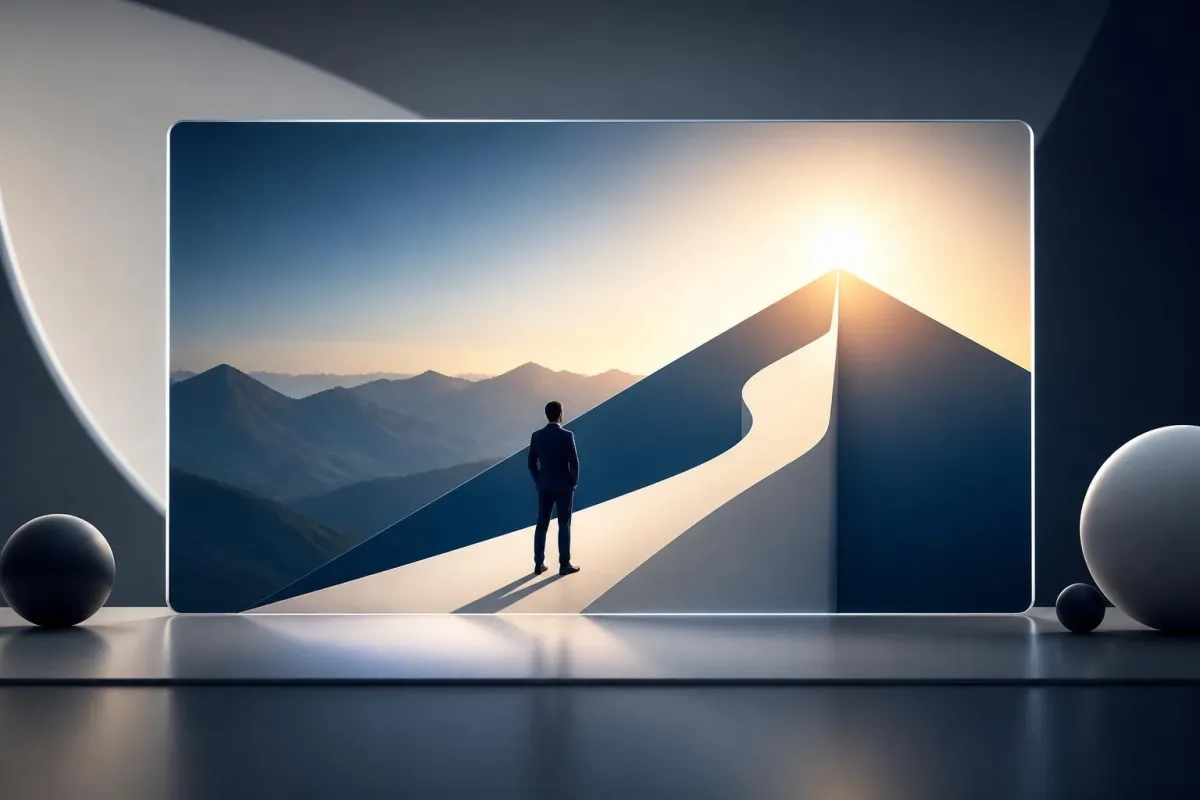
What Users Say About Flux 2 Max
Photographers, designers, and creative directors describe Flux 2 Max as the model they pick for top-tier work.

"This is the model I use when one image has to carry the whole campaign."

"The material rendering is honestly competitive with my own studio work."
"The reference frames land composition on the first try."
"The lighting behaves like a real soft box. That's a big deal."

"Our landing-page hero looked finished enough to test the same day."

"One strong image on the title slide changed how the whole deck read."
"This is the model I use when one image has to carry the whole campaign."
"The material rendering is honestly competitive with my own studio work."
"The reference frames land composition on the first try."
"The lighting behaves like a real soft box. That's a big deal."
"Our landing-page hero looked finished enough to test the same day."
"One strong image on the title slide changed how the whole deck read."
"This is the model I use when one image has to carry the whole campaign."
"The material rendering is honestly competitive with my own studio work."
"The reference frames land composition on the first try."
"The lighting behaves like a real soft box. That's a big deal."
"Our landing-page hero looked finished enough to test the same day."
"One strong image on the title slide changed how the whole deck read."
Flux 2 Max FAQs
Frequently asked questions before using Flux 2 Max on AIEnhancer.
What is Flux 2 Max?
It is Black Forest Labs' flagship text-to-image model on AIEnhancer, positioned for maximum fidelity, prompt adherence, and realistic lighting.
When should I pick Flux 2 Max?
Pick it when the final image needs a premium look: a hero frame, product visual, cover image, or detailed concept piece. For loose exploration, faster models may be enough.
What resolutions are supported?
The page includes match-input, 0.5 MP, 1 MP, and 2 MP options, plus a quality slider for finer control over detail retention and output weight.
Which aspect ratios are available?
You can choose 1:1, 16:9, 3:2, 2:3, 4:5, 5:4, 9:16, 3:4, 4:3, or match-input for common web, social, and editorial layouts.
Can Flux 2 Max edit a reference image?
Yes. Upload a reference image to guide the generation, or leave the input empty for a pure text-to-image workflow.
How fast is each render?
It prioritizes fidelity over raw speed, so each render may take longer than lightweight models while still fitting a normal creative review cycle.
Is Flux 2 Max available to free users?
Yes. Free users can generate images with Flux 2 Max using their available credits. The required credit cost is shown before each generation.
How can I get more consistent results?
Keep the subject, camera angle, lighting, background, and style cues explicit. When reviewing outputs, change one prompt variable at a time so improvements are easier to track.