 GPT Image 2
Flux Kontext Dev: Fine-Tuned AI Image Control Online
Build a Controlled Image Workflow in 3 Steps
A developer-oriented Flux Kontext tier for precise image generation and editing. Tune inference steps, guidance, output quality, and fast mode when presets are too limiting.
Write a Focused Prompt
Start with the subject, style, lighting, and edit intent. Add a reference only when the task needs visual context.
Tune the Key Controls
Adjust inference steps, guidance scale, output quality, fast mode, and aspect ratio to shape the speed-quality trade-off.
Generate and Compare
Review the output, then refine one setting at a time so each change teaches you something useful.
Why Pick Developer-Level Controls for Image Generation
For prompt engineers, researchers, and advanced creators who need visible controls instead of hidden defaults.
Full Control Over Diffusion
Inference steps, guidance, and quality sliders are exposed, making it easier to match the trade-off curve to a specific prompt family.
Optional Fast Mode
Toggle fast mode when you need lower latency for iteration, then turn it off when detail matters more than speed.
Reference-Aware Editing
With a reference image, the model can revise the subject while preserving surrounding composition and visual context.
Pipeline-Friendly
Explicit settings make experiments easier to repeat across evaluation harnesses, tutorials, and structured creative tests.
Use Cases for Precision Image Iteration
Explore practical workflows where parameter-level control makes iteration easier to measure, compare, and teach.
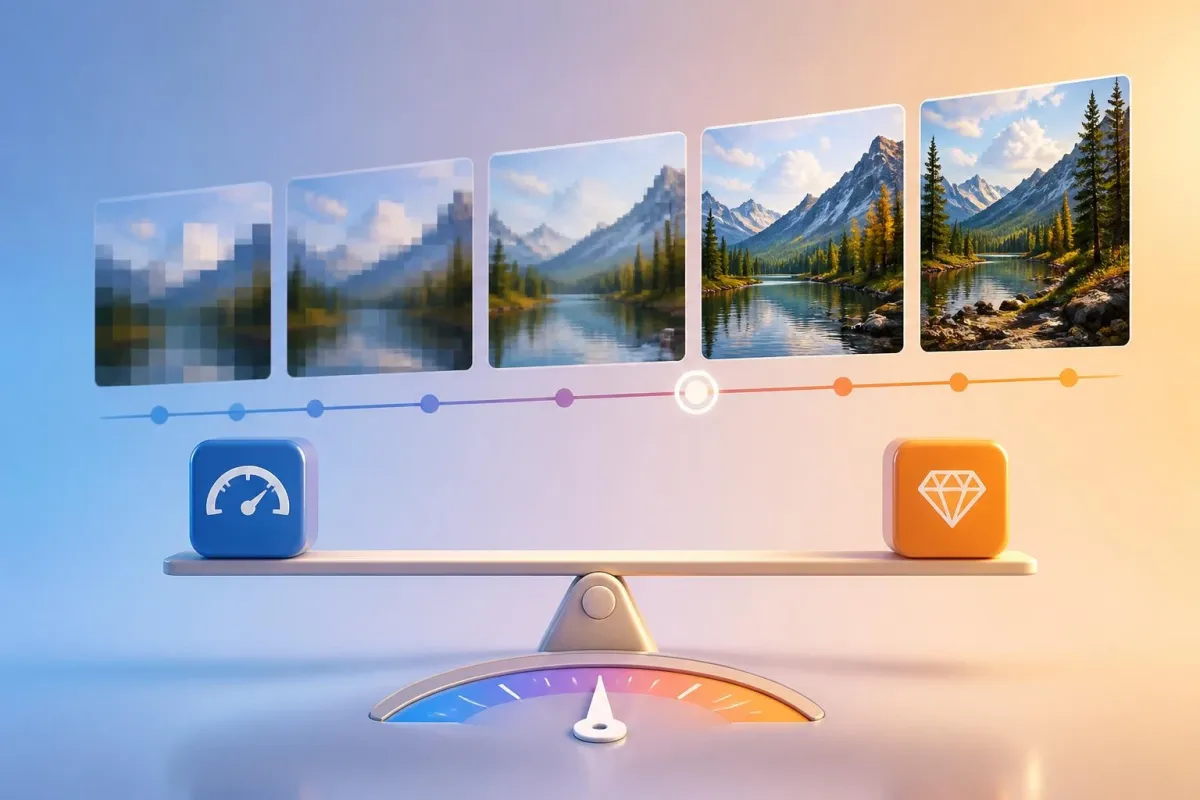
Quality / Speed Tuning
Find the inference-step count that balances quality and latency for a specific prompt style.

Research and Benchmarking
Compare outputs against other models with controlled guidance and step counts for cleaner apples-to-apples studies.
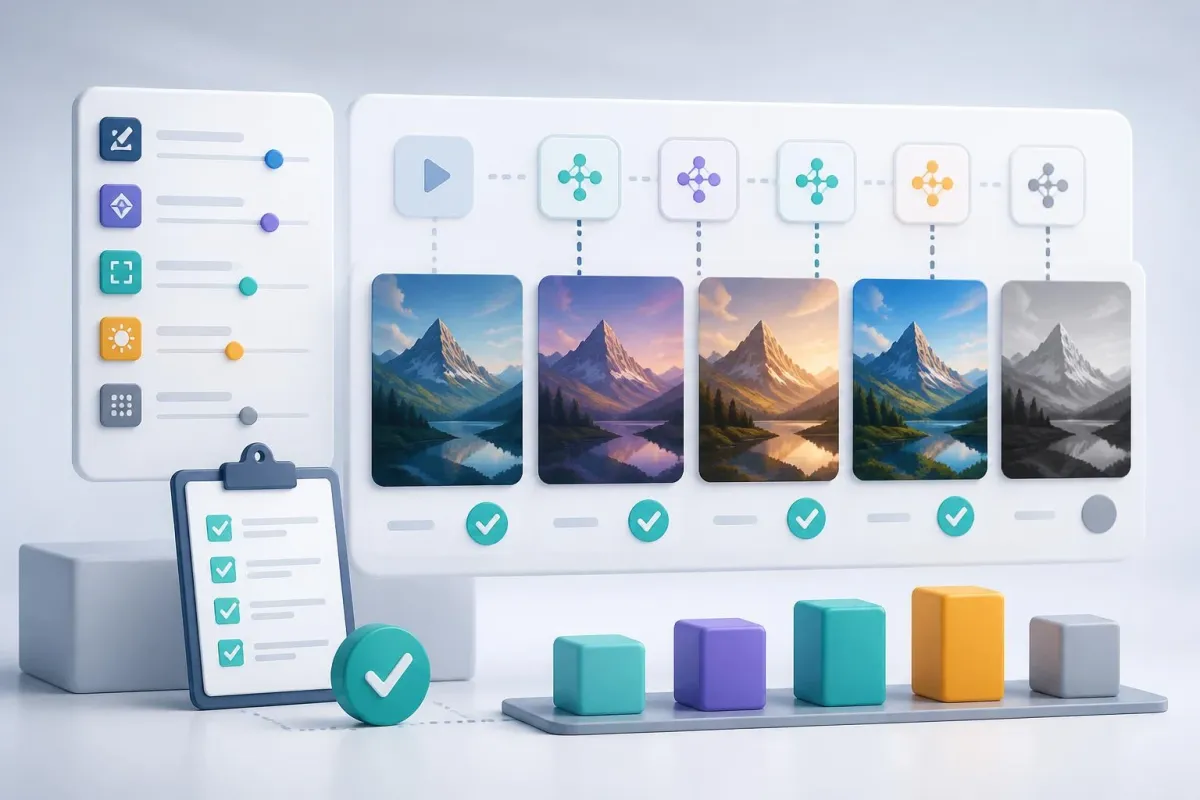
Repeatable Prompt Tests
Run structured prompt tests where each parameter is specified and easy to compare across attempts.
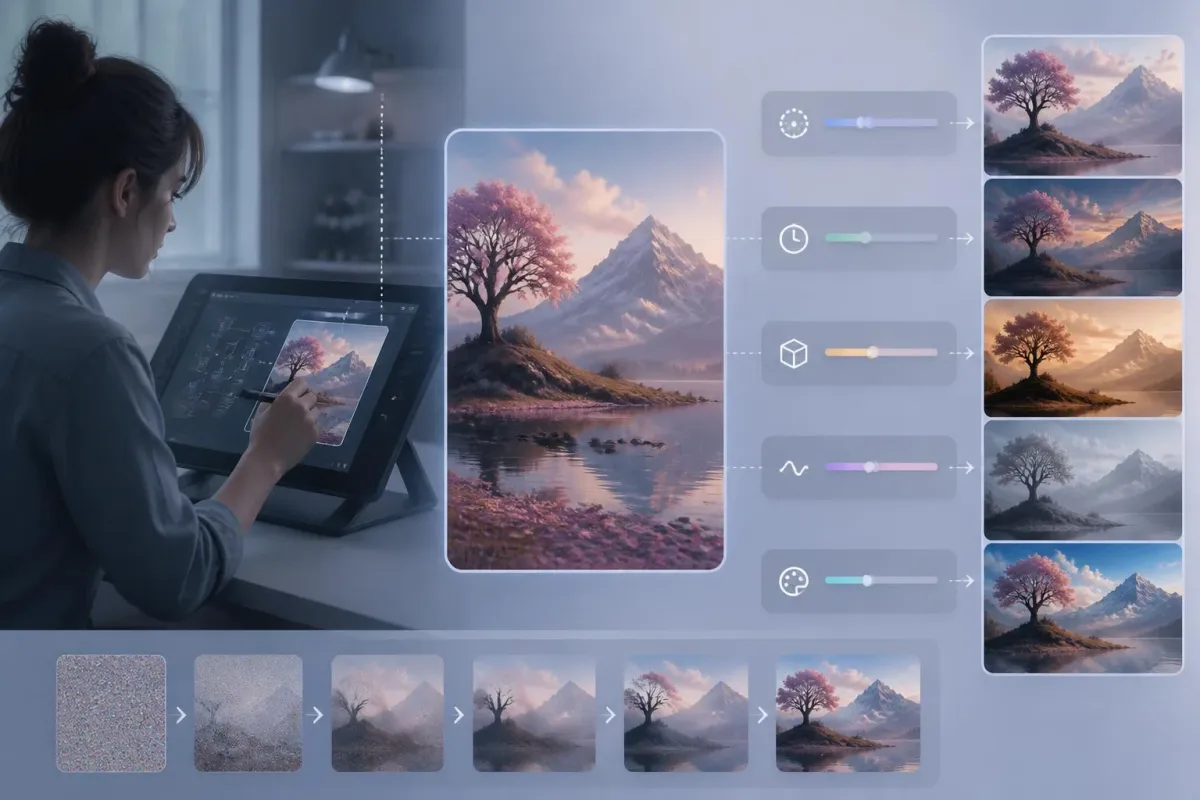
Educational Demonstrations
For tutorials and workshops, show exactly how each diffusion parameter influences the final result.
What Advanced Users Notice First
Feedback from builders who care about repeatability, parameter visibility, and faster prompt evaluation.



Kontext Dev FAQs
Key details about controls, references, speed, credits, and best-use scenarios on AIEnhancer.
What is Flux Kontext Dev?
It is a Flux Kontext model on AIEnhancer built for people who want direct control over diffusion settings such as inference steps, guidance, output quality, and fast mode.
How is it different from Kontext Pro and Max?
Pro and Max emphasize curated defaults. This Dev tier surfaces more underlying controls, which makes it better for prompt testing, research comparisons, and learning how settings affect an image.
What parameters can I tune?
You can tune inference steps (4–50), guidance (0–10, with 0.1-step precision), output quality (0–100), a fast-mode toggle, and the standard Kontext aspect ratio set.
Do I need a reference image?
No — it works as both a generator and reference-aware editor. Upload a reference image for editing; leave it empty for text-to-image.
When should I enable go-fast mode?
Use go-fast when iterating on prompts or running batch jobs where lower latency matters more than the last few percent of detail. Disable it for the final render.
How fast is each render?
Latency depends heavily on the chosen inference-step count. Lower steps with fast mode feel quickest; higher steps with fast mode off usually trade more time for more detail.
Can free users access this model?
Yes. Free users can use this model with their available credits. The required credit cost is shown before each generation.
Who is this best for?
It is best for prompt engineers, researchers, educators, and advanced creators who want to understand how each setting changes the final image.