 GPT Image 2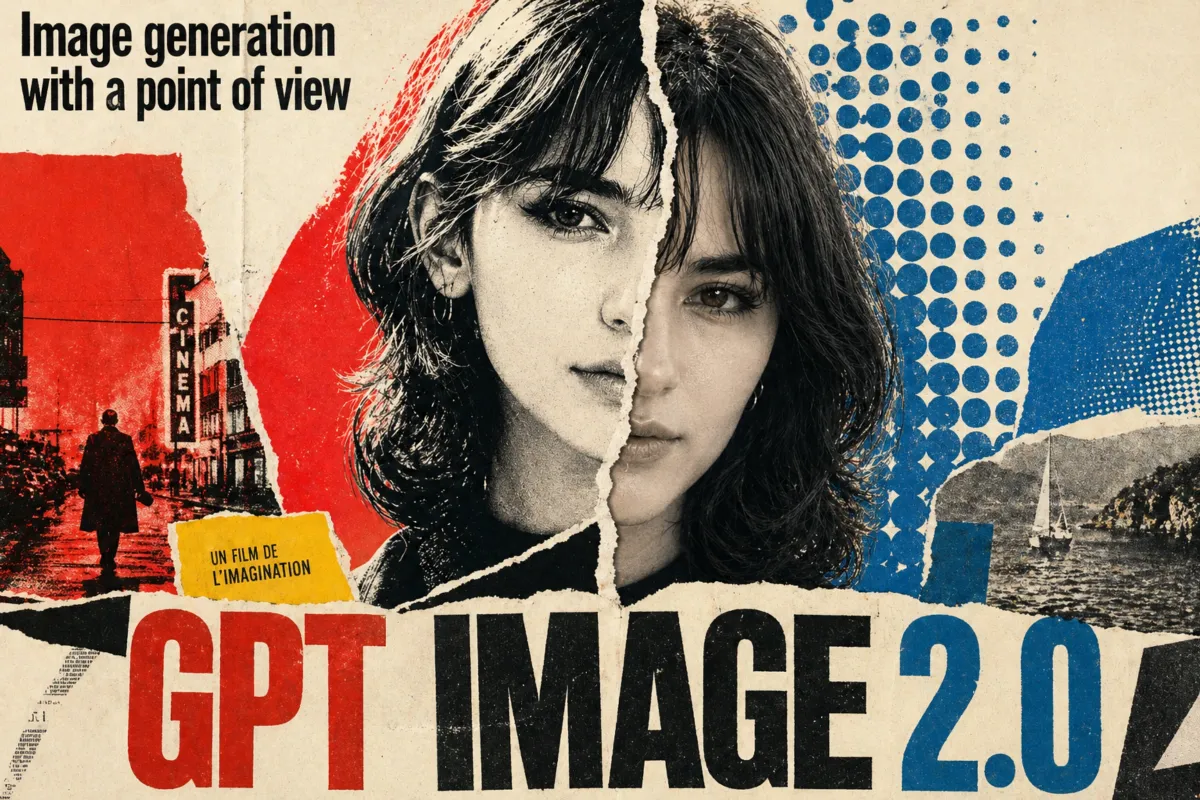
GPT Image 2: Create Ultra-Realistic AI Images from Text
Create Images with GPT Image 2 in 3 Simple Steps
Generating AI images is simple, fast, and accessible with GPT Image 2. Turn your ideas into high-quality visuals instantly for professional or personal projects.
Describe Your Idea
Simply describe your vision using natural language prompts. With GPT Image 2, you can create images directly from text, or optionally upload a reference image to guide the result.
Adjust Settings (Optional)
You can customize your image by selecting options like aspect ratio or output quality. Even without adjustments, GPT Image 2 is optimized to generate high-quality images by default.
Generate and Download
Click generate and let GPT Image 2 create your image within seconds. You can preview the result instantly and download it for use in design, marketing, or creative work.
Why Choose GPT Image 2 for Image Generation
Designed for both speed and quality, GPT Image 2 provides a streamlined experience for creating realistic and detailed images without complexity.
High-Quality Visual Output
GPT Image 2 produces images with natural lighting, detailed textures, and balanced composition. It avoids the overly smooth or artificial look often found in basic AI tools.
Fast and Efficient Workflow
You can generate images in seconds. This allows you to test ideas quickly, create variations, and improve results without slowing down your workflow.
Consistent and Reliable Results
Unlike unstable models, GPT Image 2 delivers consistent outputs across different prompts, making it suitable for both creative exploration and professional use.
No Image Upload Required
Generate breathtaking visuals purely from text prompts. No image uploads are required, keeping your creative workflow fast and frictionless.
What You Can Do with GPT Image 2
From creative exploration to real business needs, GPT Image 2 supports a wide range of use cases across industries.
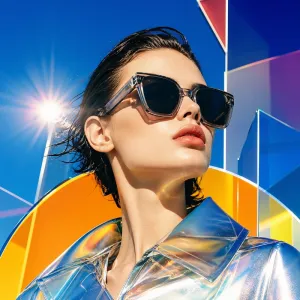
Marketing and Advertising
Use GPT Image 2 to generate visuals for ads, landing pages, and campaigns. Quickly create multiple variations and test different styles without high production costs.
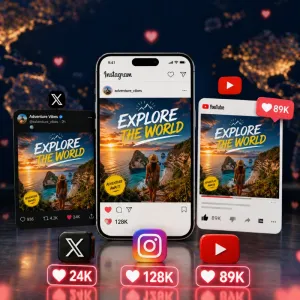
Social Media Content Creation
With this tool, you can create engaging visuals for platforms like Instagram, X, and YouTube. It helps you produce consistent, eye-catching content that stands out in feeds.
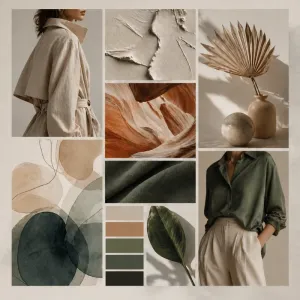
Design and Creative Work
Designers use it to explore ideas, generate drafts, and visualize concepts faster. It's especially useful for early-stage inspiration and direction testing.
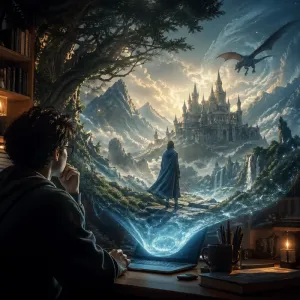
Storytelling and Visual Content
Using this tool, creators can turn ideas into scenes, characters, and environments. It helps bring abstract concepts into clear visual form for storytelling.
What Users Say About GPT Image 2
Users from different industries rely on GPT Image 2 to generate high-quality visuals quickly and consistently.
"The hyper-realism I get from this model is incredible. It completely eliminated the hours I used to spend searching for the right stock photos."

"We use this tool for campaign visuals. It helps us create content faster while maintaining quality."
"I like how easy it is to use. Just type a prompt and get results right away."
"With this tool, I can quickly create visuals that stand out and improve engagement."
"This tool helps me visualize ideas quickly. It's a great option for concept exploration."
"I use it to experiment with styles and compositions. It's very helpful for creative work."
"The hyper-realism I get from this model is incredible. It completely eliminated the hours I used to spend searching for the right stock photos."
"We use this tool for campaign visuals. It helps us create content faster while maintaining quality."
"I like how easy it is to use. Just type a prompt and get results right away."
"With this tool, I can quickly create visuals that stand out and improve engagement."
"This tool helps me visualize ideas quickly. It's a great option for concept exploration."
"I use it to experiment with styles and compositions. It's very helpful for creative work."
"The hyper-realism I get from this model is incredible. It completely eliminated the hours I used to spend searching for the right stock photos."
"We use this tool for campaign visuals. It helps us create content faster while maintaining quality."
"I like how easy it is to use. Just type a prompt and get results right away."
"With this tool, I can quickly create visuals that stand out and improve engagement."
"This tool helps me visualize ideas quickly. It's a great option for concept exploration."
"I use it to experiment with styles and compositions. It's very helpful for creative work."
GPT Image 2 FAQs
Here are some common questions users have when getting started with this AI image generation tool.
What is GPT Image 2?
GPT Image 2 is a state-of-the-art AI model designed to generate high-fidelity visuals directly from text prompts. It focuses on realism, fine details, and natural lighting, helping users create visually convincing results for both creative and professional use.
Do I need to upload an image?
No. The tool works entirely from text input, so you can generate images without uploading any files. You may optionally add a reference image if you want more control over the final result.
What do I need to use GPT Image 2?
Sign in to AIEnhancer with an active subscription or credit package, then use your available credits to generate images with GPT Image 2.
Can I control the output style?
Yes. By writing more detailed prompts, you can guide the model to generate different styles, lighting conditions, compositions, and visual effects based on your specific needs.
How fast is the generation process?
Most images are generated within seconds. This allows you to quickly test ideas, iterate on prompts, and create multiple variations without slowing down your workflow.
Can I use the generated images commercially?
Images created with GPT Image 2 can be used in various projects, including marketing and content creation, depending on AIEnhancer's usage terms and licensing policies.
What image sizes are supported?
The tool supports multiple aspect ratios (like 1:1, 2:3, and 3:2), making it perfectly suited for social media posts, website banners, and professional presentations.
Is it suitable for beginners?
Absolutely. The intuitive, prompt-first interface allows anyone to start generating stunning images immediately, zero prior design experience required.