
AI Background Changer Online — Fast & Professional
How to Use Our Tool AI Background Changer
Easily change photo backgrounds with our AI background changer for fast, accurate, and professional results.
Upload
Upload your image. Our AI background changer works on all devices and common formats.
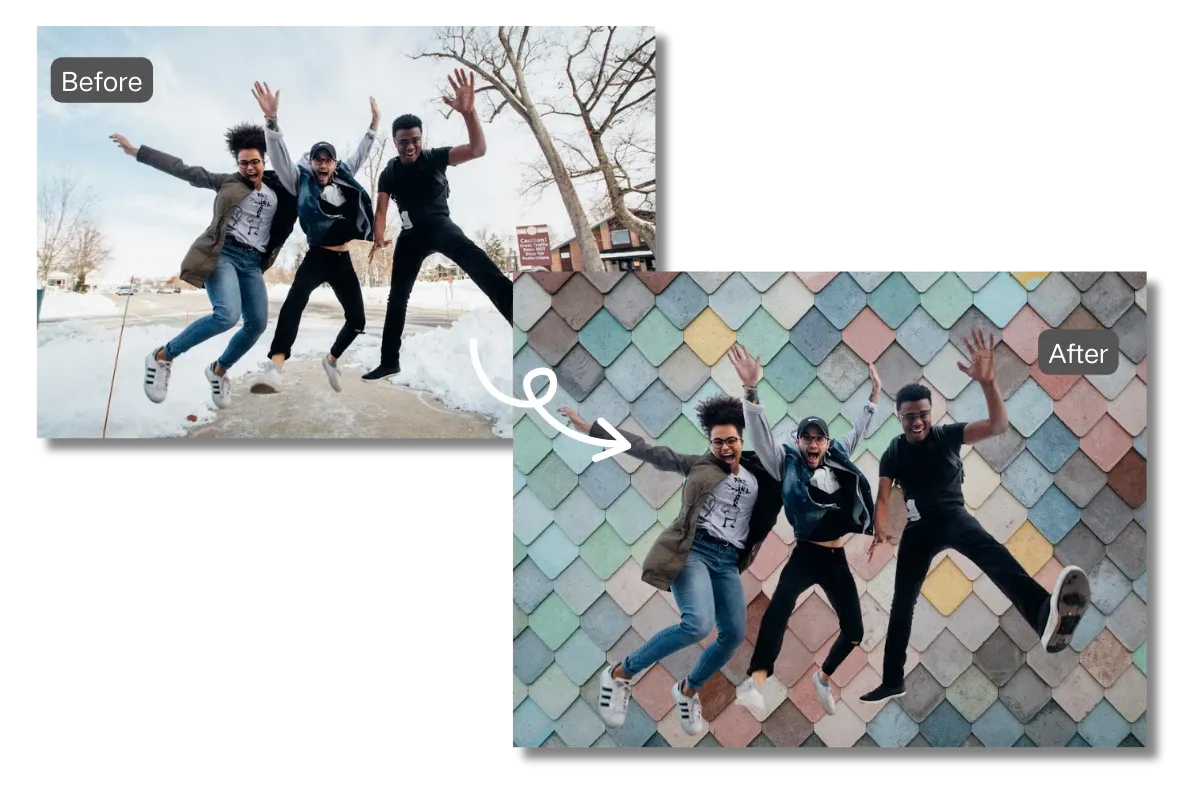
Change Background
The AI detects the subject and removes the background automatically. You can also replace it with a color or custom image.
Download
Preview and download your image.Every background change result stays clear and professional.
Why Our AI Background Changer Tool Is So Popular
Quickly remove backgrounds from any image with our AI background changer for accurate, professional, and hassle-free results online.
Instant Background Change
Process images in seconds and change backgrounds effortlessly. Our AI background changer saves time by simplifying complex editing tasks, letting you focus on creating great visuals.
AI Driven Accuracy
Powered by advanced AI, our tool detects shapes, edges, and fine details precisely. This ensures clean, professional results for any image, whether simple or complex.
Professional Quality
Create sharp, high quality images suitable for eCommerce, marketing, social media, or branding. Every background removal maintains clarity and detail for professional use.
Online and Browser-Based
Access our AI background changer directly from any device in your browser. Enjoy fast, secure processing for all your images anytime, anywhere.
What You Can Do with Our AI Background Changer
Easily remove or change backgrounds from images for branding, marketing, eCommerce, and social media with our AI background changer.
Branding and Design
Easily change or remove backgrounds from images for websites, packaging, and promotional materials. Our AI background changer helps create consistent and professional visuals.
Change Background Now!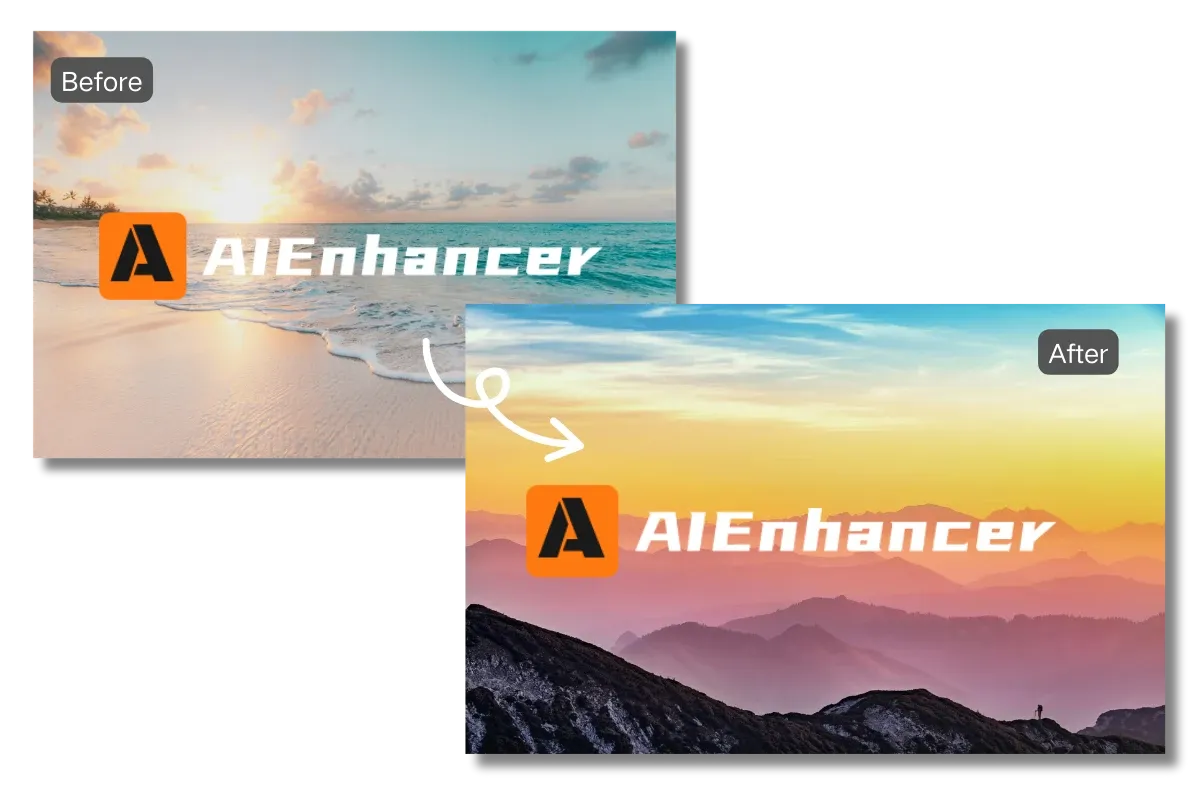


Listen to these real voices
Users love our AI background changer for its speed, accuracy, and ability to create professional, high quality images effortlessly.



Get Answers to All Your Questions
Find clear, simple answers to all your questions about removing and changing image backgrounds with our AI background changer.
What is an AI background changer?
An AI background changer is a tool that uses artificial intelligence to automatically detect subjects in an image and remove or replace the background. AIEnhancer helps users remove backgrounds from photos and images with precision.
How do I access the AI background changer?
Sign in to AIEnhancer and subscribe to use this feature. You can change backgrounds in images online with professional-quality results.
Does AIEnhancer support transparent backgrounds?
Yes. When you remove backgrounds, you can export images with transparent backgrounds for flexible use across platforms.
Is AIEnhancer suitable for professional use?
Absolutely. Designers and marketers rely on AIEnhancer to remove backgrounds from images quickly and professionally.
Do I need design skills to use AIEnhancer?
No design experience is required. The AI background changer is built for ease of use. Simply upload your image, let the AI process it, and download the result.
Is my data secure?
AIEnhancer processes images securely and does not store files longer than necessary. Your uploaded content remains private and protected.
Which image formats are supported?
Our tool supports all common formats, including JPG, PNG. You can remove backgrounds from any standard image without worrying about compatibility.
Can I replace backgrounds with custom images or colors?
Yes. After removing the background, you can replace it with a solid color, gradient, or any custom image to match your branding or creative needs.