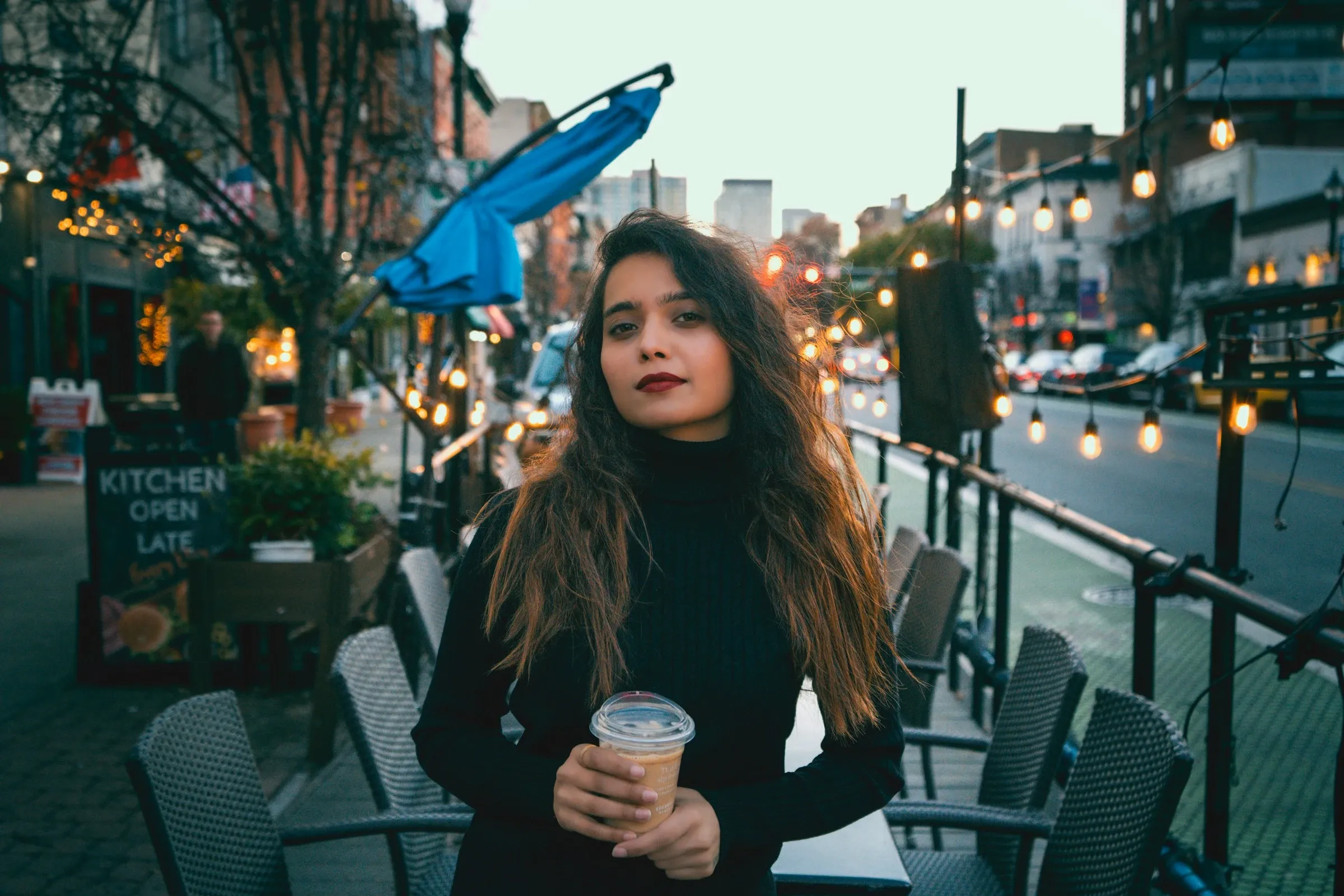
AI Image Upscaler - Increase Image Resolution Online
Upscale Your Image in 3 Simple Steps
Our AI image upscaler is designed to be fast, intuitive, and accessible on any device. No learning curve, no installation - just upload your image and enhance it instantly.
Upload Your Image
Upload any JPG, PNG, or WEBP image to the AI image upscaler. Blurry photos, low-resolution images, AI-generated pictures, and old scans are all supported.
Choose an Upscale Tag
Select the target mode that fits your needs: AI distortion repair, old photo restoration, balanced enhancement, or strong enhancement. Each option is powered by the same core AI image upscaler engine, optimized for different enhancement scenarios.
Generate and Download
Click Generate and let the AI image upscaler process your image. In seconds, download a clearer, sharper, high-resolution image with no watermark.
What You'll Get After Upscaling Your Image
AIEnhancer's AI image upscaler is built to deliver professional-grade results while staying simple and reliable.
High-Fidelity Results
Our AI image upscaler enhances details while preserving natural textures, avoiding over-sharpening and artificial artifacts common in basic image upscaler tools.
Advanced AI Distortion Repair
Unlike traditional image upscaler solutions, this AI image upscaler corrects warped faces, hands, and backgrounds caused by AI image generation.
Fast Online AI Image Upscaler
No downloads required. The AI image upscaler runs entirely online and delivers results within seconds, even for large images.
One Tool, Multiple Enhancements
With a single AI image upscaler, you can upscale resolution, fix blur, restore old photos, and rebalance lighting - no switching tools.
When You Actually Need an AI Image Upscaler
The AI image upscaler adapts to real-world needs across creative, professional, and personal scenarios.
Upscale Your Image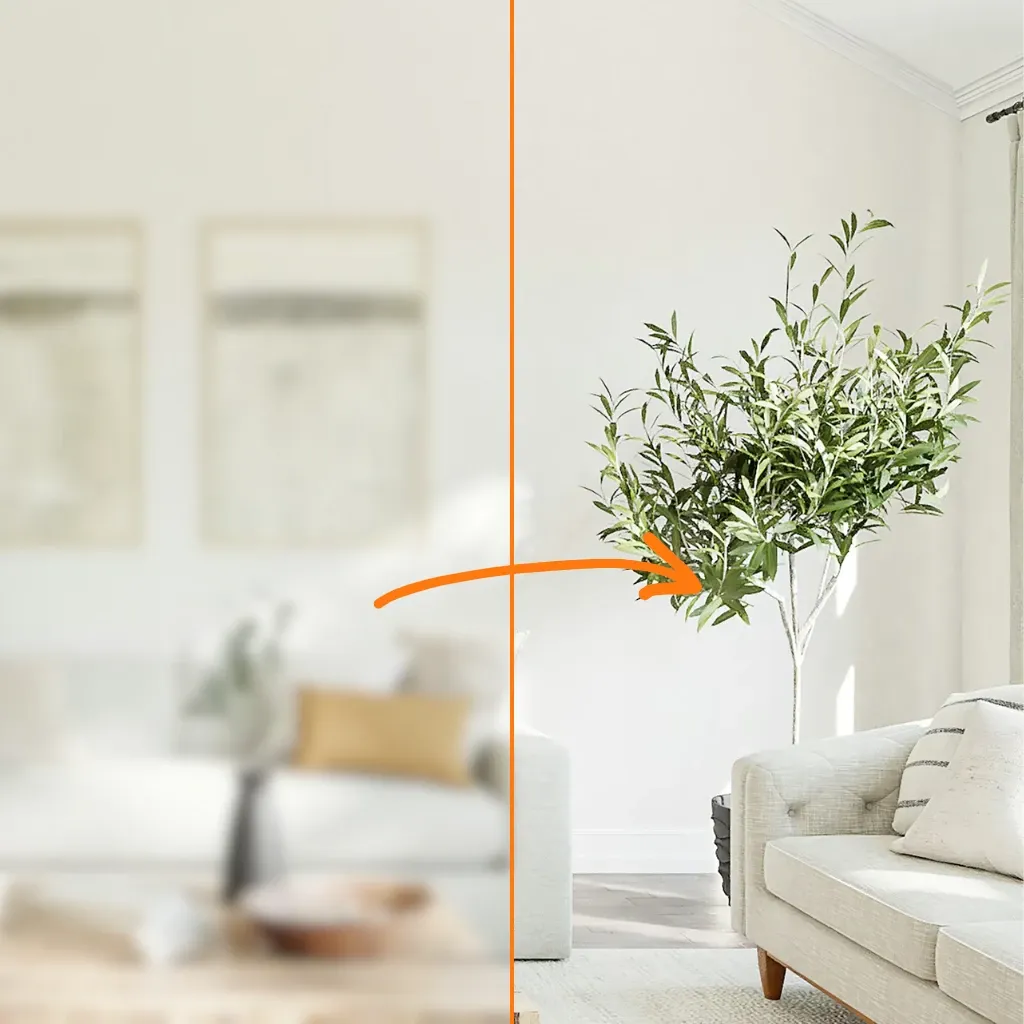
Content Creators and Designers
Use the AI image upscaler to upscale visuals for websites, social media, thumbnails, and ads without losing sharpness.
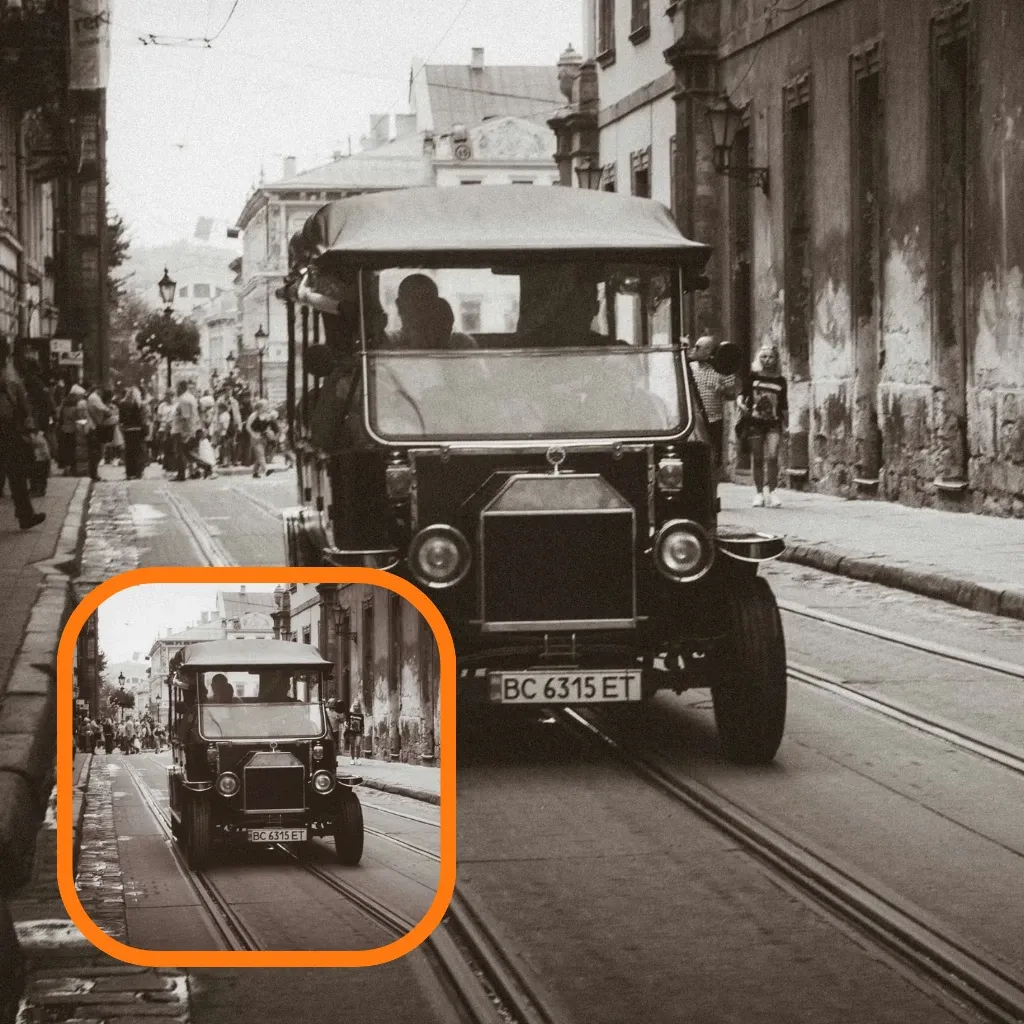
Old Photo Restoration
Scan vintage photos and restore them with the AI image upscaler to recover facial details, textures, and clarity.
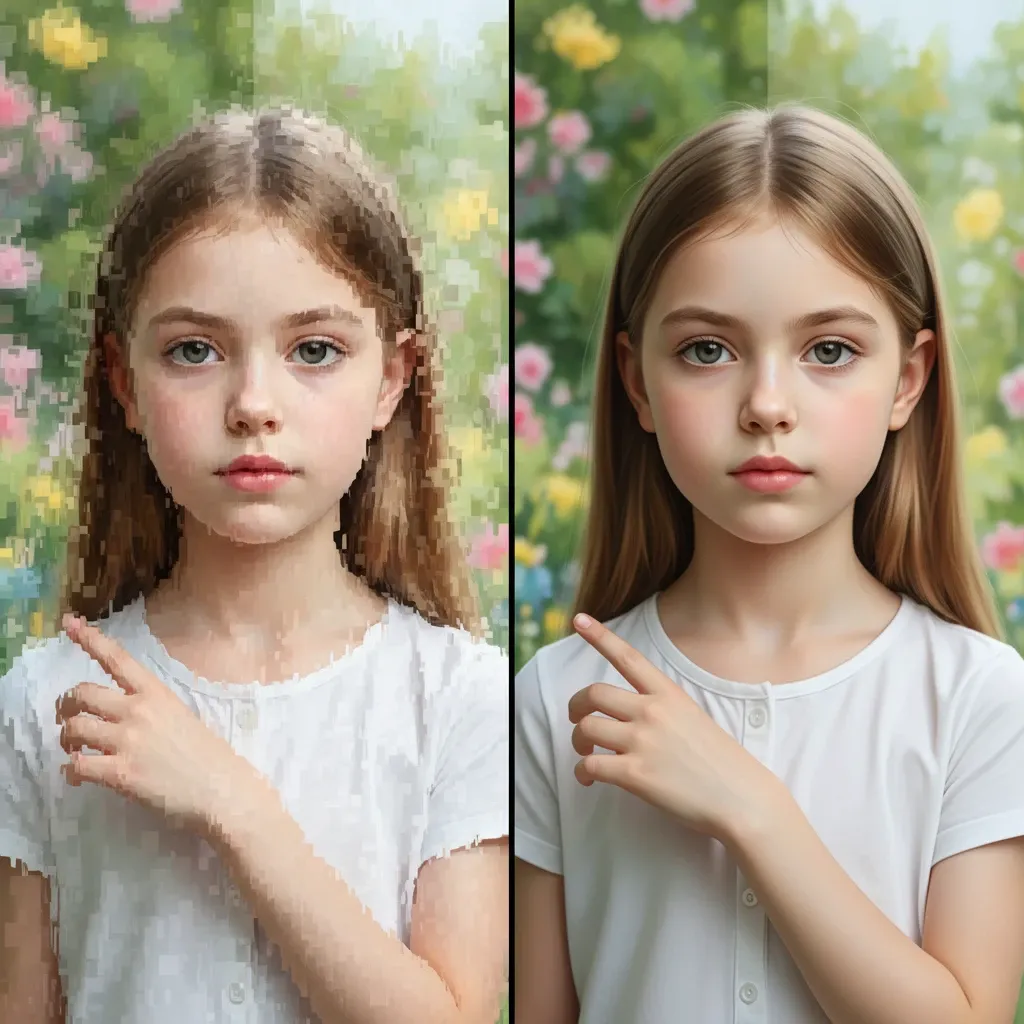
AI-Generated Image Fixing
Correct common AI image flaws using the AI image upscaler, especially distorted anatomy and inconsistent details.
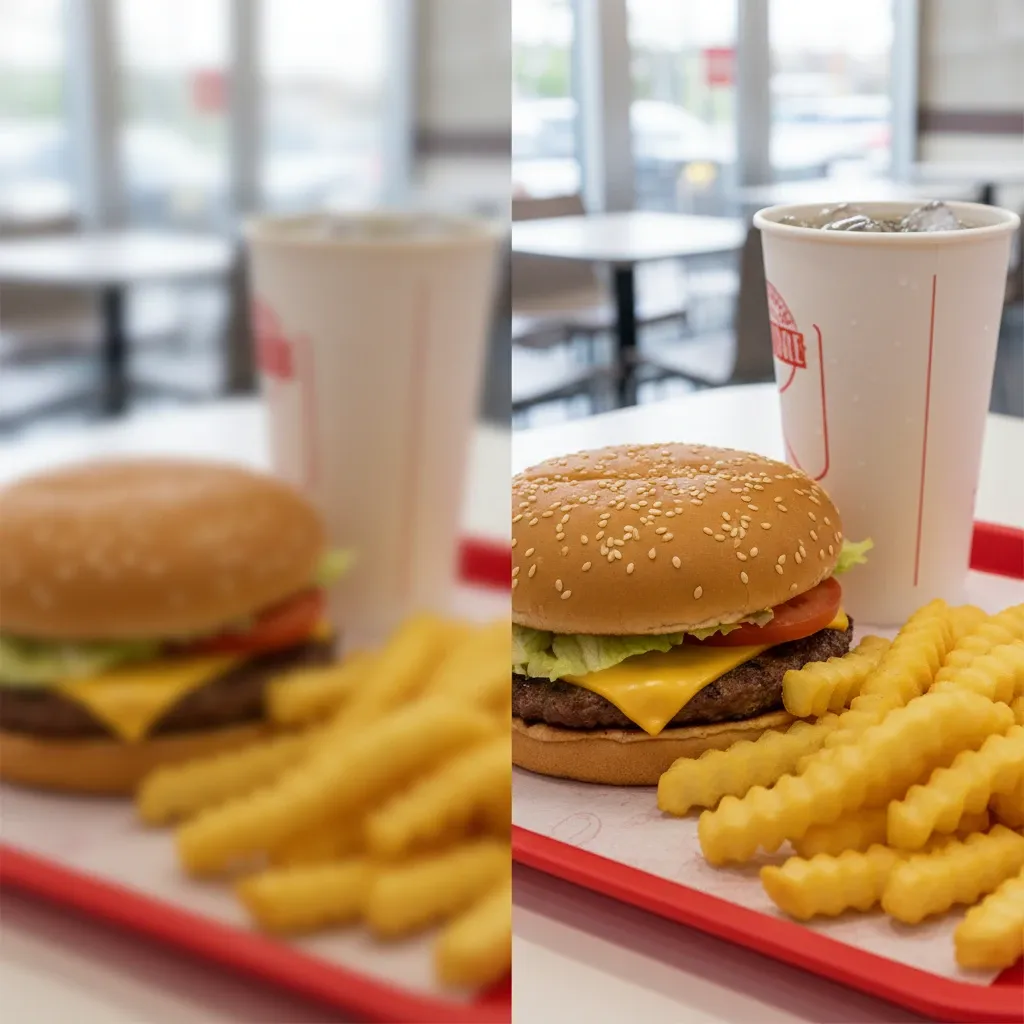
E-commerce and Marketing
Improve product images with the AI image upscaler to increase clarity, trust, and conversion rates.
Why People Keep Using This Image Upscaler
Real users rely on AIEnhancer's AI image upscaler for daily image enhancement tasks.
AI Image Upscaler FAQs
Here are some of the most common questions users ask before enhancing their images. If you're wondering how it works or whether it fits your needs, you'll likely find the answer below.
What makes this tool different from other image upscalers?
Unlike basic upscaling tools that simply stretch pixels, this solution uses specialized AI models to improve clarity, restore lost details, and fix common distortions. It focuses on visual quality, not just making images larger, so results look more natural and realistic.
How can I access the AI Image Upscaler?
The AI Image Upscaler is available to paid users. You can access it with an active subscription or a credit package.
Will upscaling reduce image quality?
No. The enhancement process is designed to preserve original textures and colors while improving sharpness and detail. Instead of introducing blur or artifacts, it aims to keep images looking natural and clean.
Can I restore old or damaged photos?
Yes. Restoring old photos is one of the tool's core strengths. It can recover facial details, reduce blur, and bring clarity back to scanned or faded images, making them look closer to the original moment.
Is it safe to upload private images?
Yes. All uploaded images are processed securely and automatically deleted after processing. Your files are not stored or shared, and the results remain private to you.
What image formats are supported?
The tool currently supports JPG, PNG, and WEBP formats. These cover most photos used for websites, social media, design work, and everyday sharing.
Does it work on mobile devices?
Yes. It's fully optimized for mobile browsers, so you can upload and enhance images directly from your phone or tablet without installing anything.
How long does it take to process an image?
Most images are enhanced in under 10 seconds. Processing time may vary slightly depending on image size and complexity, but results are typically ready almost instantly.