 GPT Image 2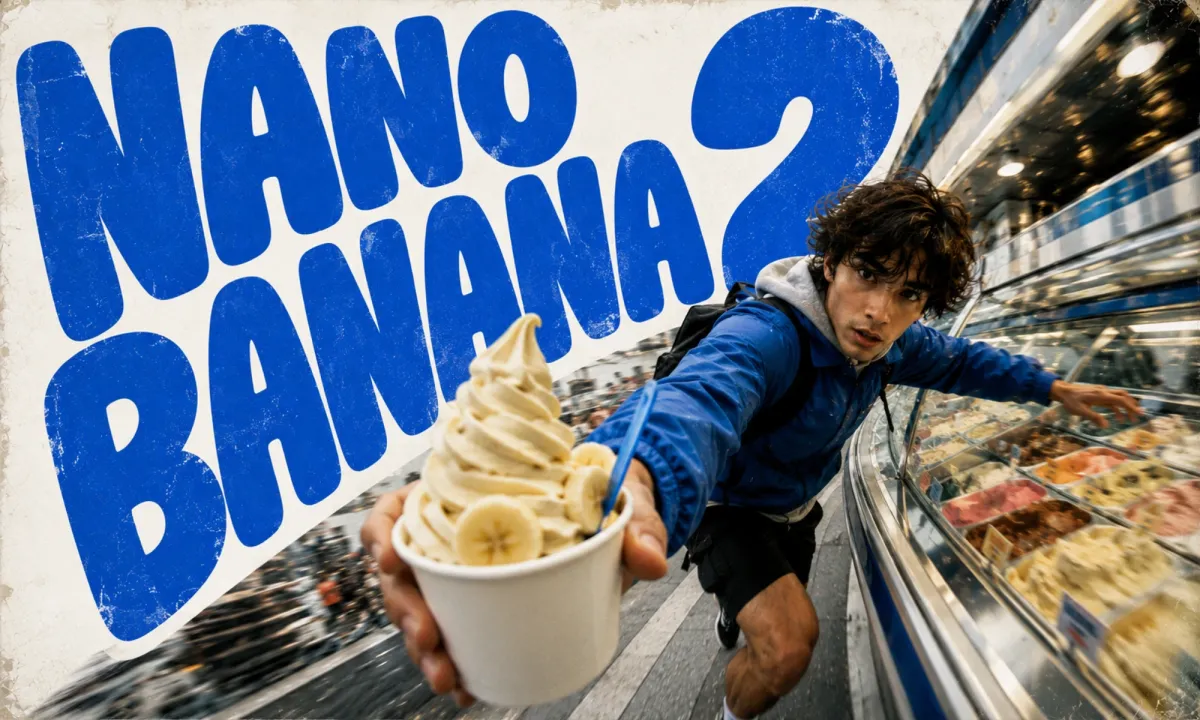
Nano Banana 2: 4K Detail Without Losing the Easy Prompt Feel
Create with Nano Banana 2 in Three Moves
Nano Banana 2 keeps the conversational prompt style people loved — then adds resolution tiers up to 4K, sharper texture, and optional search grounding for real-world subjects.
Describe It Like You Mean It
Write the scene the way you would tell a friend — subject, mood, lighting, style. Upload a reference when you want to edit instead of generate from scratch.
Set Resolution and Frame
Pick 1K for quick drafts, 2K for balanced detail, or 4K when you need print-grade sharpness. Nano Banana 2 holds detail well at every tier — just match the aspect ratio to your canvas.
Generate, Ground, Refine
Hit generate and review in seconds. Toggle search grounding when your prompt names real landmarks, people, or products that should look current and accurate.
What Changes in the Upgrade
Same low-friction prompting as the original, with a noticeably higher ceiling for detail, scale, and factual accuracy when you need it.
True 4K Output
Nano Banana 2 exports at 1K, 2K, or 4K without chaining a separate upscaler. Hair, fabric, and fine edges hold up at every tier.
Same Conversational Prompts
No prompt-engineering ceremony. The casual language that made the first generation approachable still works here.
Optional Search Grounding
When facts matter, let the model pull live references for landmarks, public figures, and recognizable objects before it renders.
Sharper Micro-Detail
Texture resolution improved across the board — small objects, skin grain, and edge contrast read cleaner than the original release.
Scenarios That Benefit from 4K Headroom
Nano Banana 2 earns its place when the final image has to survive close inspection or reference the real world — resolution and grounding do the heavy lifting.
Try 4K Generation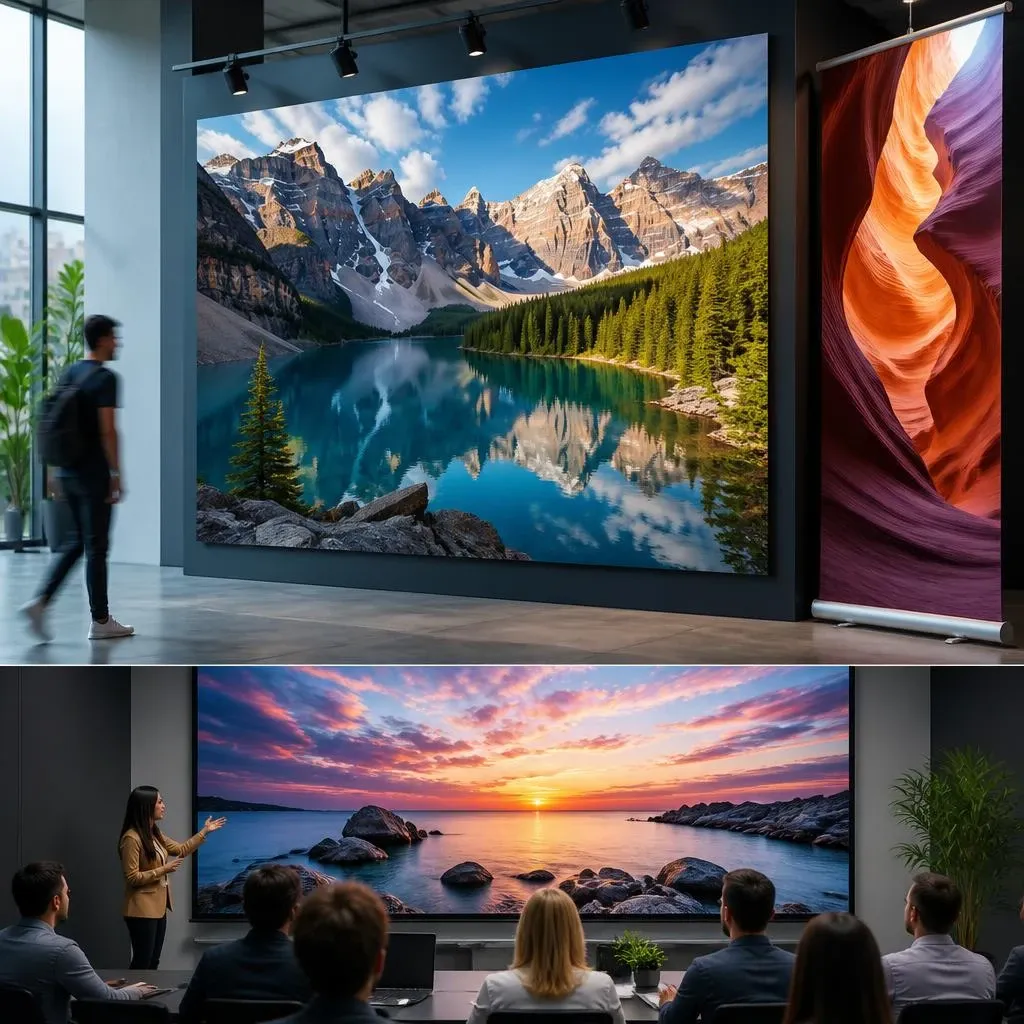
Large-Format Visuals
Posters, banners, and presentation slides that need to stay crisp when viewed up close — 4K gives you room to crop and still look sharp.
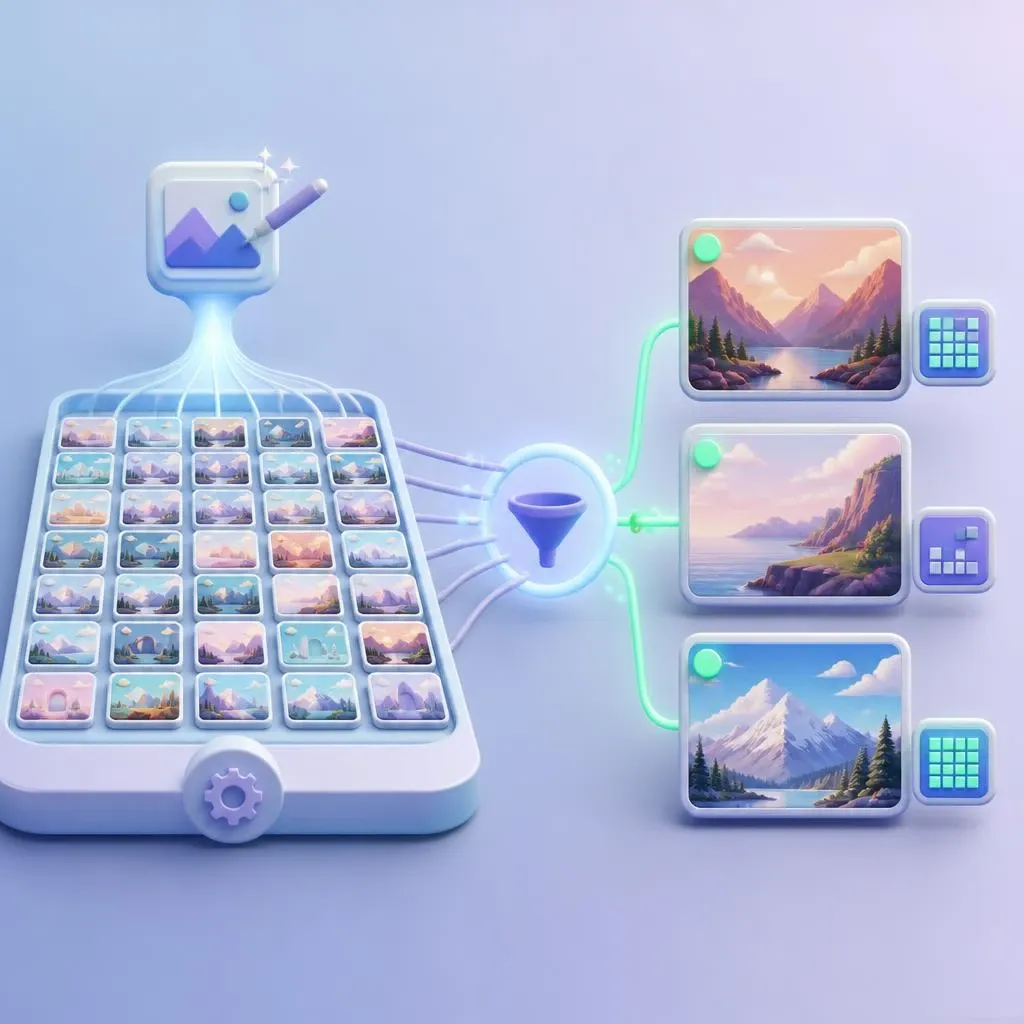
Social Content at Volume
Draft fast at 1K, then bump only the keepers to 2K or 4K. The workflow stays lightweight even when you iterate dozens of variants.
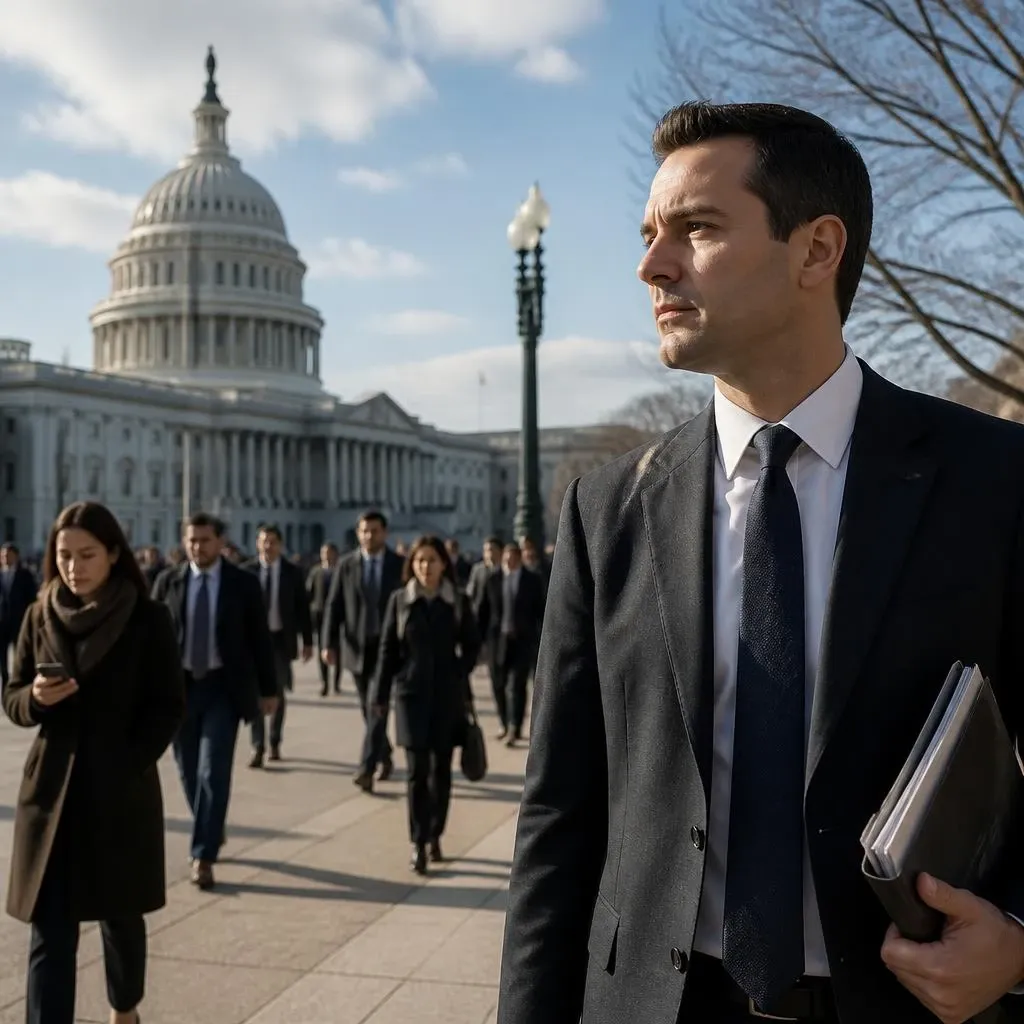
Editorial and News Imagery
Illustrate articles about real events or people. Grounded search helps the output reflect current, recognizable details.
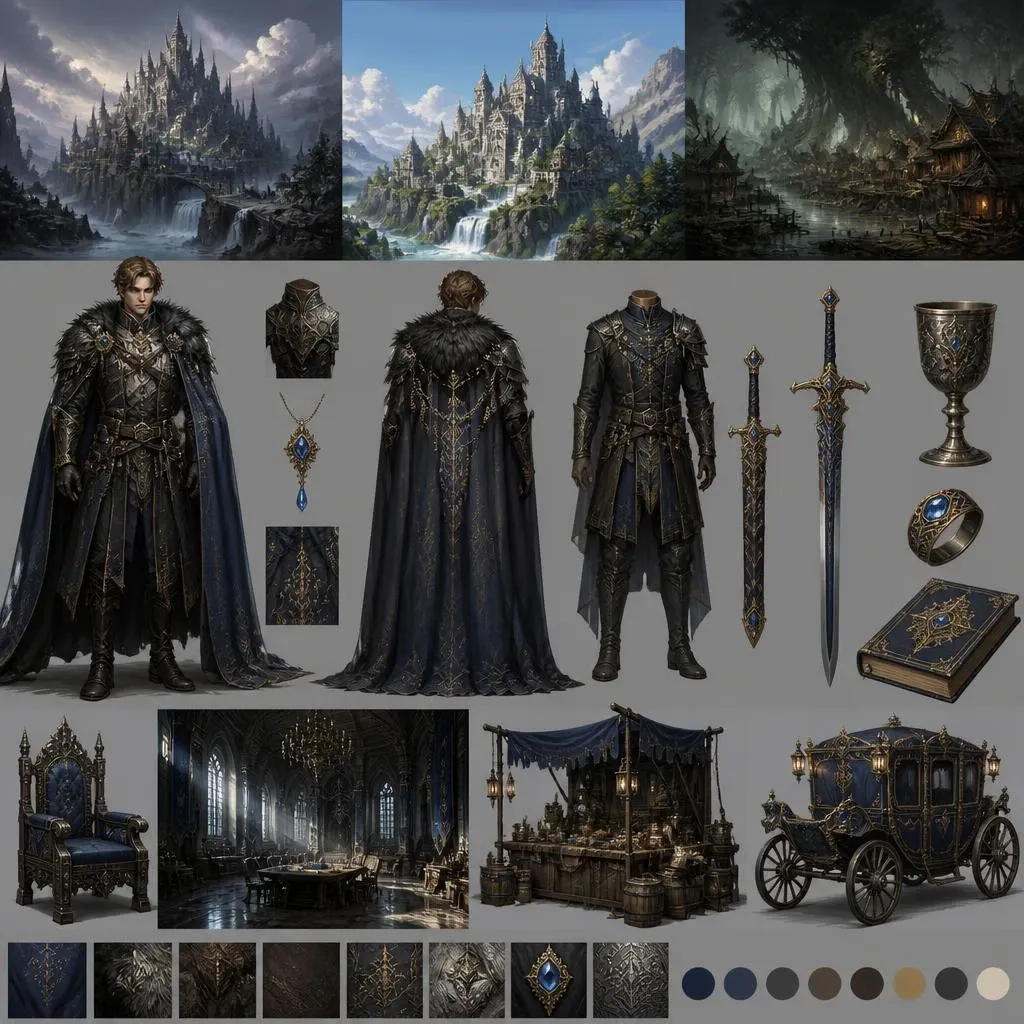
Concept and Character Work
Iterate on environments, costumes, and props at high resolution — enough detail to paint over or use as a direct reference.
Field Notes from Creators
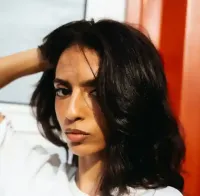
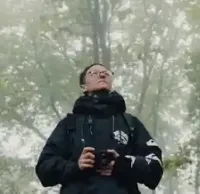
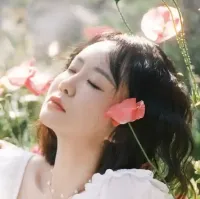
Artists, editors, and hobbyists on sharper output without relearning how to prompt.
Quick Answers Before You Generate
Resolution tiers, grounding, editing, and speed — the practical details before your first render.
What is Nano Banana 2?
It is the second-generation image model on AIEnhancer — built on the original’s conversational prompt style, with resolution tiers up to 4K and optional search grounding for real-world subjects.
How does it differ from the original Nano Banana?
The main upgrades in Nano Banana 2 are sharper texture, true 4K export, and an optional Google Search toggle that pulls live references when your prompt depends on real landmarks, people, or products.
Which resolutions and aspect ratios are supported?
Nano Banana 2 generates at 1K, 2K, and 4K. Pick the tier that matches your canvas — lower tiers return faster; 4K is for large-format or print-ready output.
When should I enable search grounding?
Enable it when accuracy to the real world matters — a named landmark, a public figure, a recognizable product. Nano Banana 2 fetches up-to-date references before rendering.
Can I edit an existing image?
Yes. Upload a reference image to use the model as an editor; leave the upload area empty for pure text-to-image generation.
How long does a typical generation take?
Most Nano Banana 2 generations at 1K finish in seconds. 4K takes longer but still feels responsive during a normal editing session.
Do I need reference images?
No. Text-only prompts work out of the box. References are optional when you want tighter style alignment or image-to-image editing.