 GPT Image 2
Qwen Image Edit Plus: AI Photo Editing with Natural Language
Edit Photos in 3 Steps with Qwen Image Edit Plus
Upload a photo, describe the change in plain language, and get production-ready edits in seconds.
Upload Source Image
Start with the photo you want to change. Clear, well-lit files produce the most reliable transformations.
Describe the Edit
State what to change — background, outfit, lighting, or objects. Specific instructions help preserve identity while applying your request.
Generate and Download
Run the edit, compare results, adjust aspect ratio if needed, and export the final image.
Why Use Qwen Image Edit Plus
Keeps subjects consistent while applying background, style, and detail changes from simple prompts.
Instruction-Based Editing
Apply complex changes through plain language — less manual masking for everyday retouch tasks.
Subject Consistency
Keeps faces, products, and key details stable while modifying only what your prompt requests.
Flexible Crop Controls
Match input or pick square, portrait, and landscape ratios for channel-ready delivery.
Fast Team Turnaround
Edit, review, and ship in minutes — built for high-volume content pipelines on AIEnhancer.
Where It Shines in Real Projects
Practical edit workflows for product, portrait, and campaign teams.
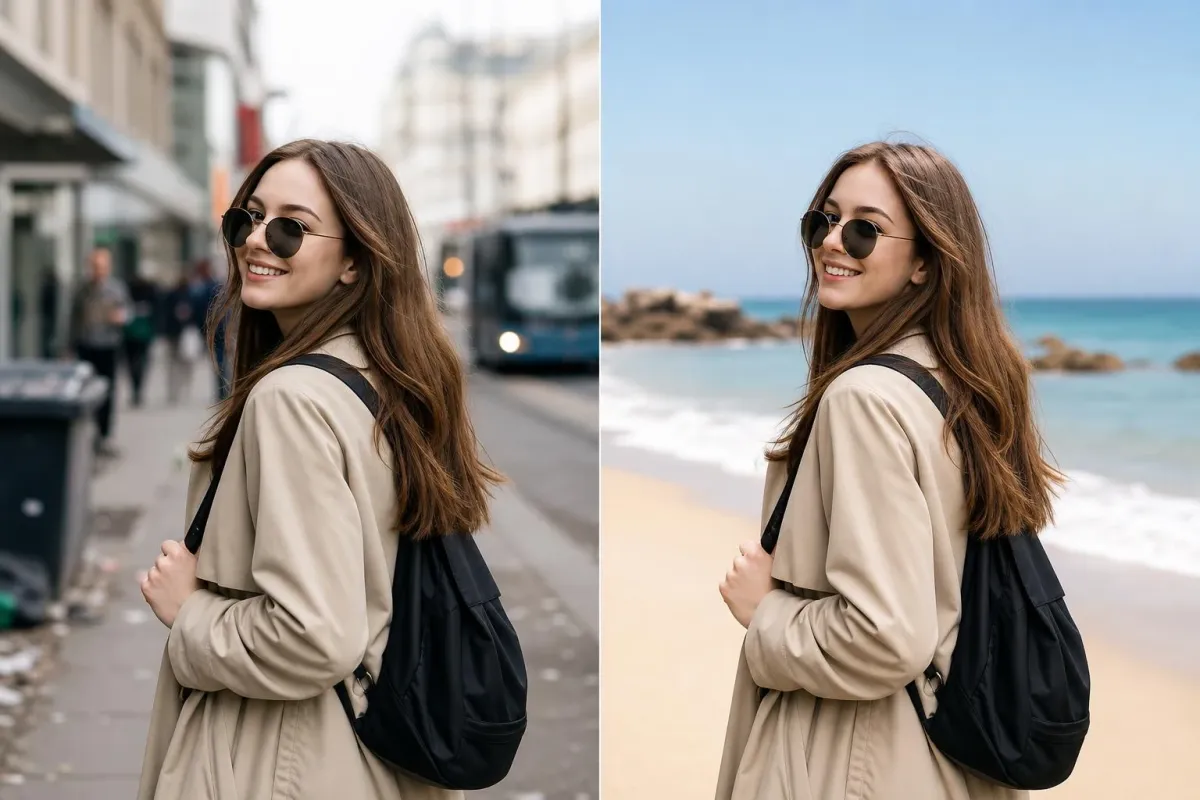
Background and Scene Swaps
Replace environments, clean distractions, or rebuild scenes while keeping the main subject intact.
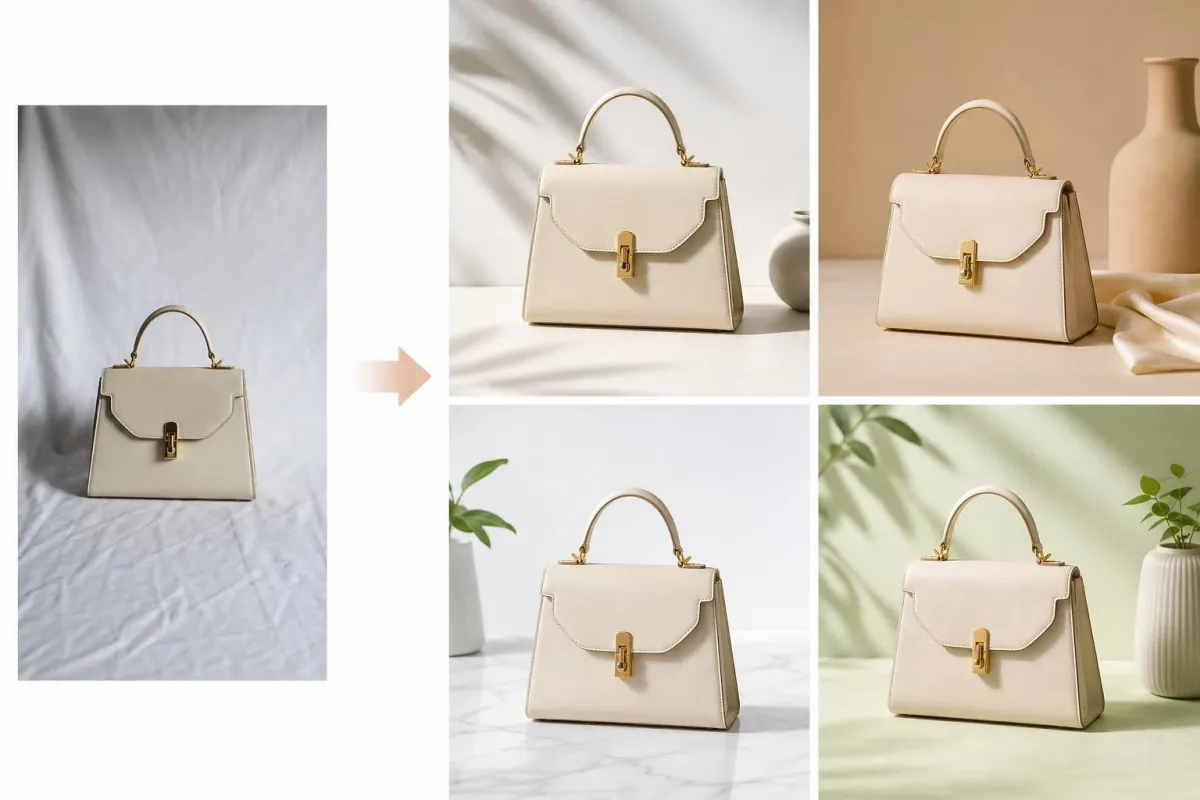
Product Photo Refresh
Adjust lighting, surfaces, and styling for listings without reshooting every SKU.
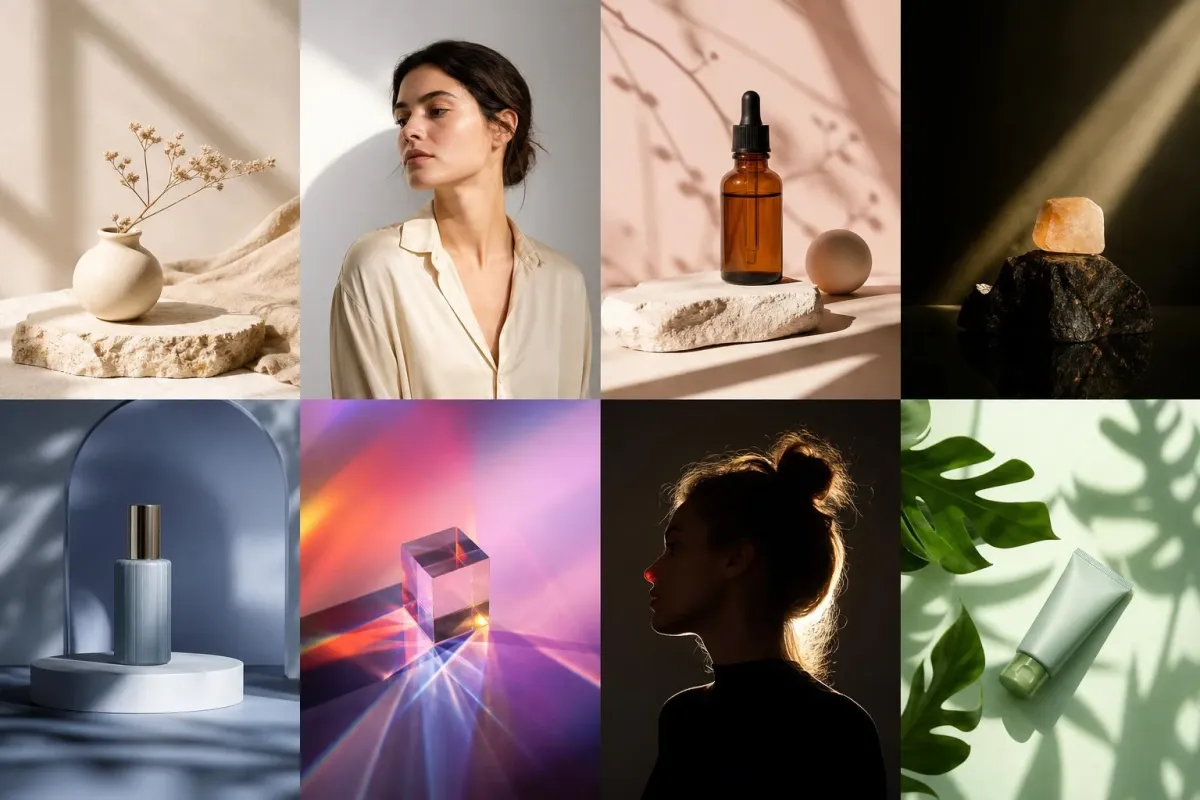
Creative Style Tests
Explore campaign looks before committing to a full production shoot.
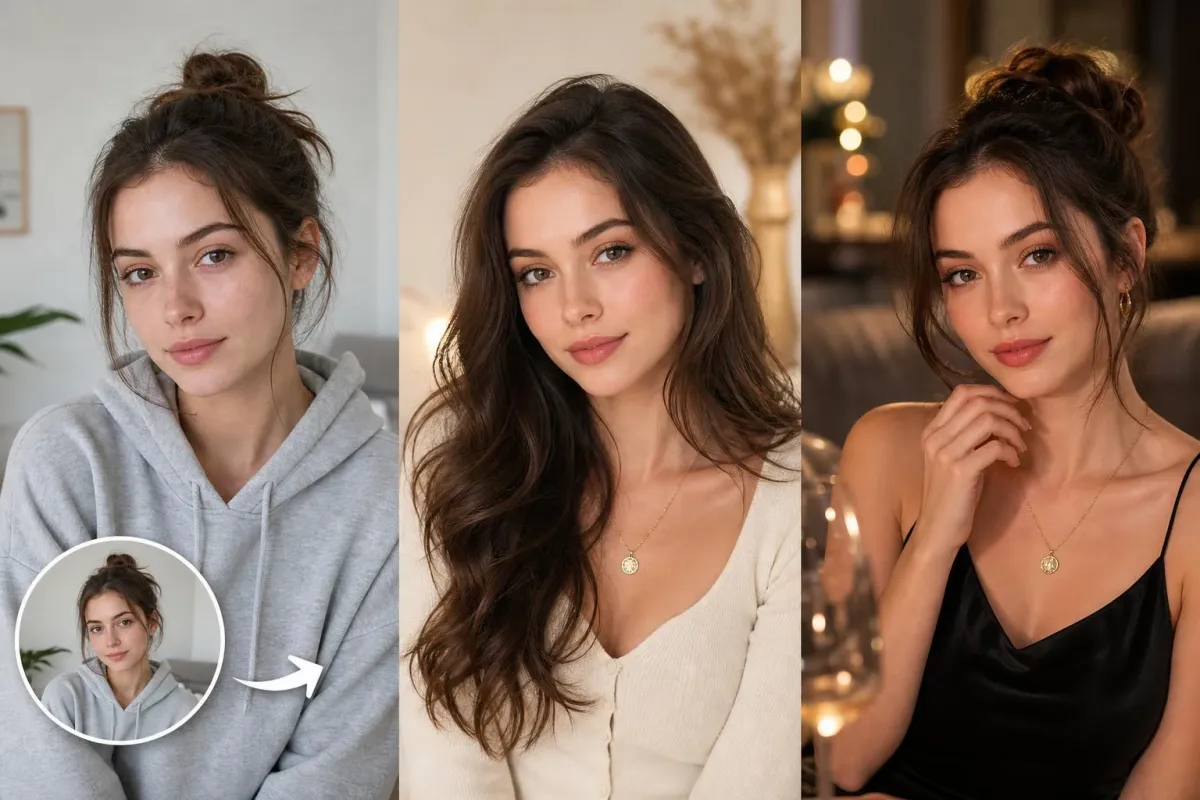
Portrait Retouching
Refine wardrobe, hair, makeup, or ambiance from a single prompt — great for UGC-style content.
Creator Stories About Qwen Image Edit Plus
Teams shipping polished edits without heavy desktop software.
Common Questions
Uploads, prompts, formats, credits, and licensing — answered below.
What is Qwen Image Edit Plus?
An AI image editing model on AIEnhancer that modifies uploaded photos from text instructions — background changes, object updates, and style adjustments.
Is an upload required?
Yes. A source image is required; the model uses your file as the base for every edit.
What edits can it handle?
Background replacement, lighting shifts, wardrobe updates, object add/remove, and stylistic transforms — clear prompts work best.
Which output sizes are available?
Match-input plus 1:1, 4:3, 3:4, 16:9, and 9:16 for social and ad placements.
Can free users access this model?
Yes. Free users can use this model with their available credits. The required credit cost is shown before each generation.
Commercial usage?
Review AIEnhancer licensing and terms before publishing edited assets at scale in paid media.
Prompt-Based Photo Editing
Ready to edit with words instead of masks? Upload your image, describe the change, and download polished results in minutes.
Start Editing Now