 GPT Image 2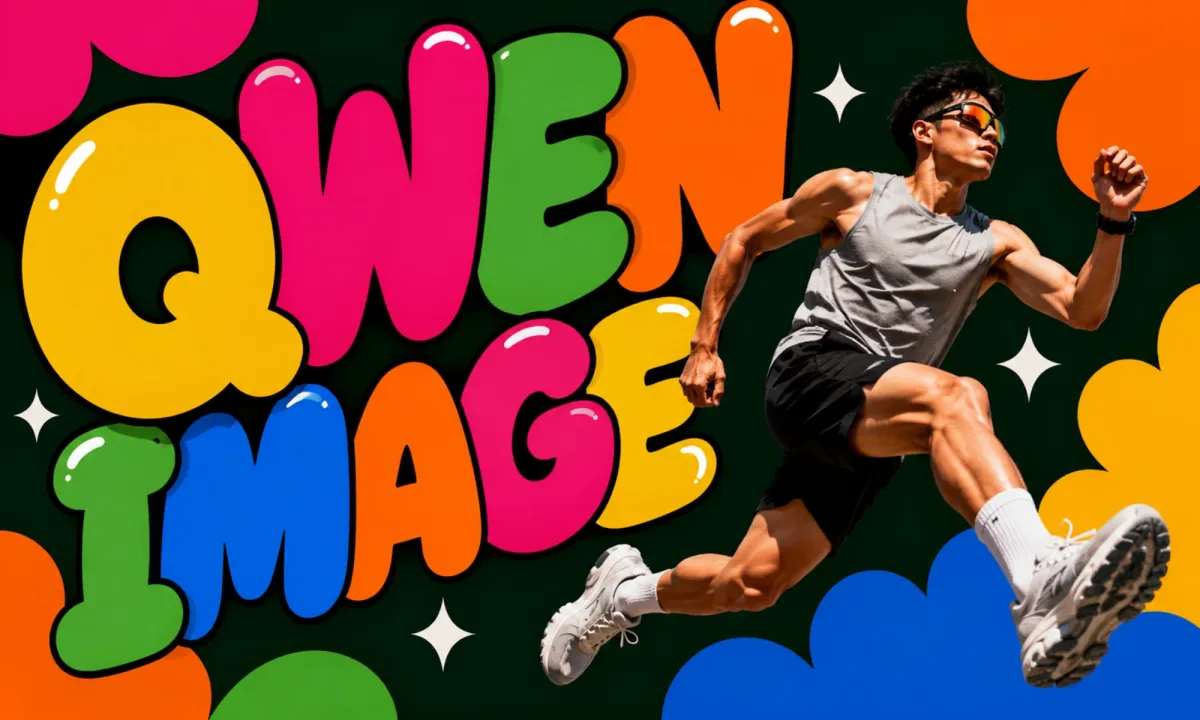
Qwen Image: Generate High-Quality AI Art from Text Prompts
How It Works — Three Quick Steps
Turn detailed prompts into polished visuals for social posts, campaigns, and creative projects — no design background required.
Write Your Prompt
Describe the scene, subject, style, and mood in plain language. Specific details help you get stronger results on the first try.
Pick Aspect Ratio
Choose square, portrait, or landscape frames so exports are ready for feeds, ads, and presentations — common ratios include 1:1, 4:3, and 16:9.
Generate and Download
Click generate, preview in seconds, then refine prompts or download finished files for design and content work.
Why Teams Pick Qwen Image
Built for creators who need reliable output, with strong prompt understanding and clean composition across everyday workflows.
Strong Prompt Understanding
Interprets detailed instructions for subject, lighting, and composition — fewer retries from idea to usable visuals.
Fast Text-to-Image Workflow
Generate in seconds and iterate quickly when testing concepts or building campaign asset batches.
Flexible Output Sizes
Export in multiple aspect ratios for social, web, and print-ready layouts without extra cropping steps.
Beginner-Friendly Interface
Start with words, not layers. Professionals still get control through prompt precision on AIEnhancer.
Popular Use Cases for Text-to-Image
From marketing visuals to concept art, see where text-to-image generation fits real production needs.
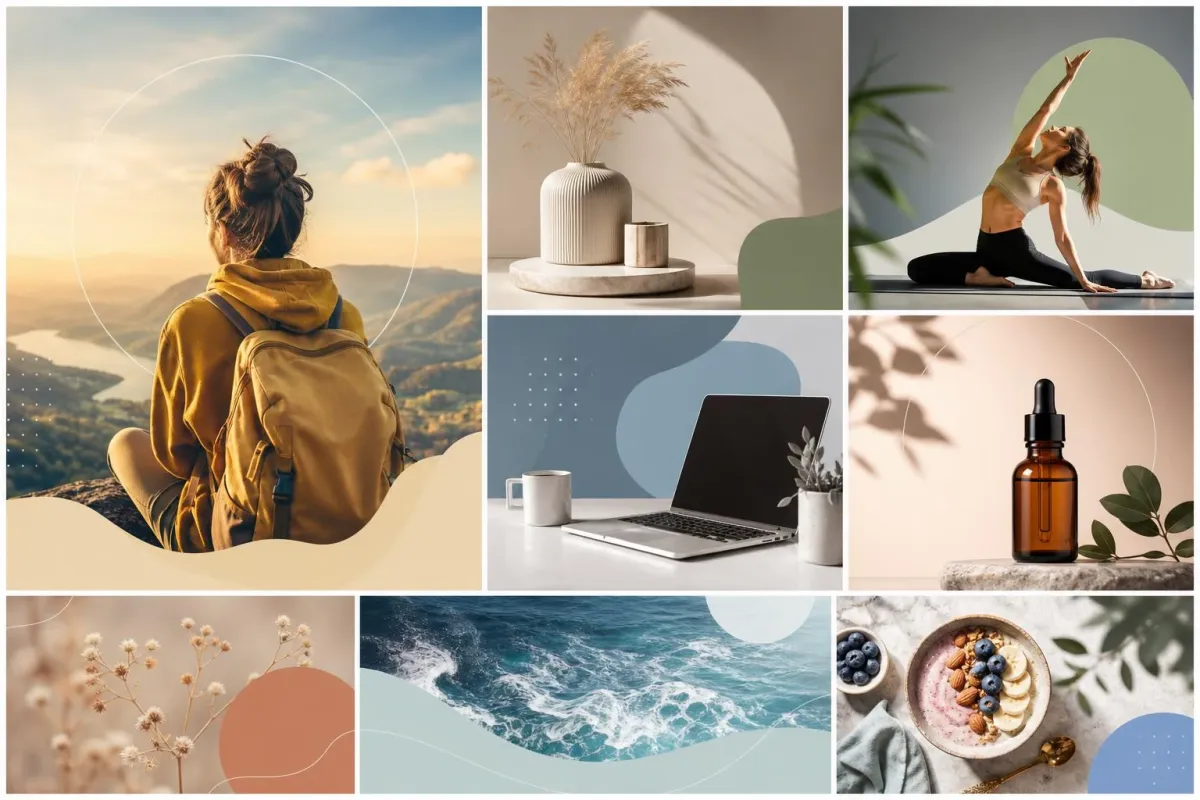
Social Media Visuals
Create scroll-stopping posts, thumbnails, and story frames that match your tone without a full photo shoot.
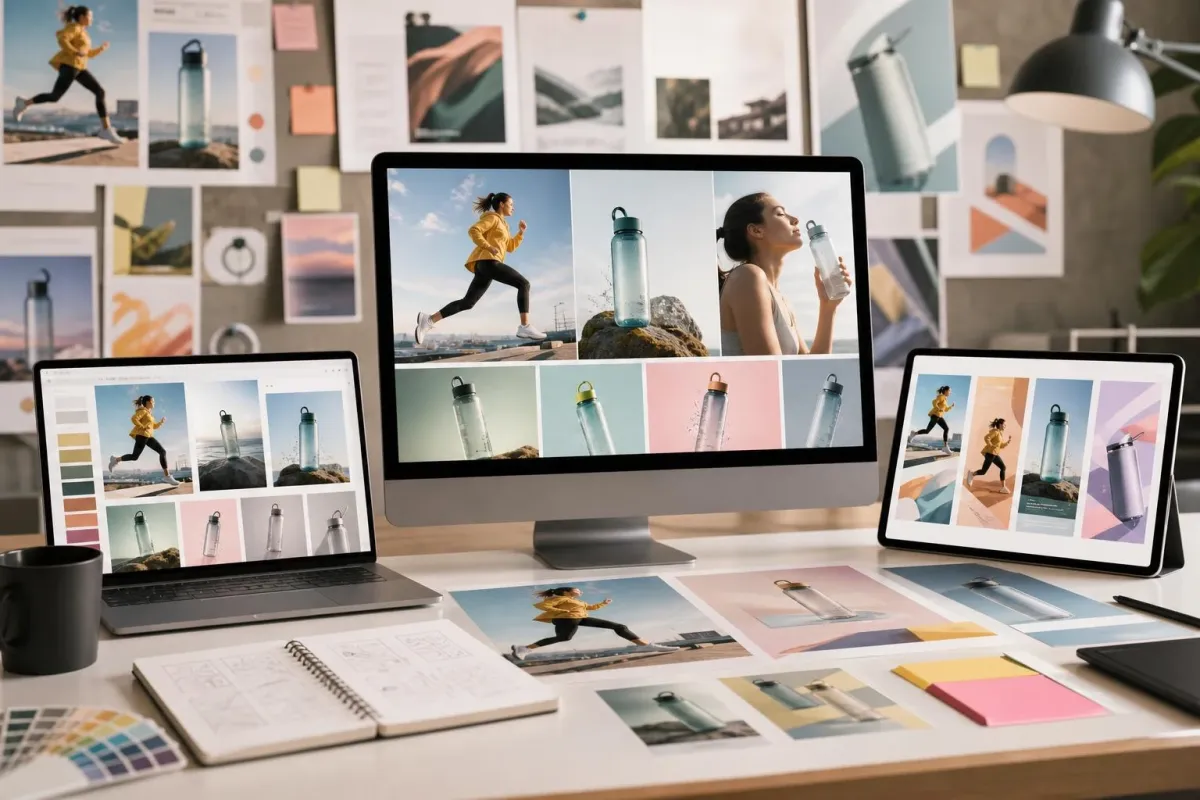
Marketing and Ads
Produce campaign concepts, hero visuals, and ad variations before investing in full production.
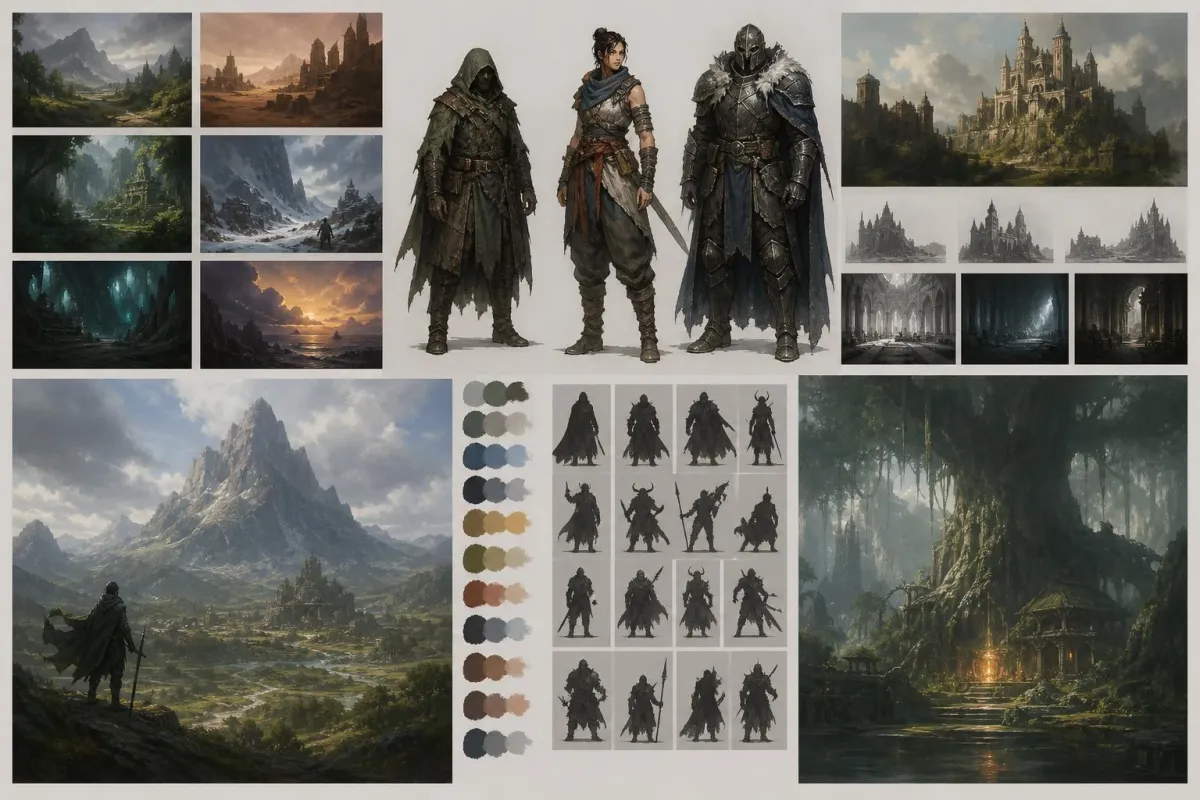
Concept Art and Ideation
Explore moods, characters, and environments early — useful as a bridge between brief and visual direction.
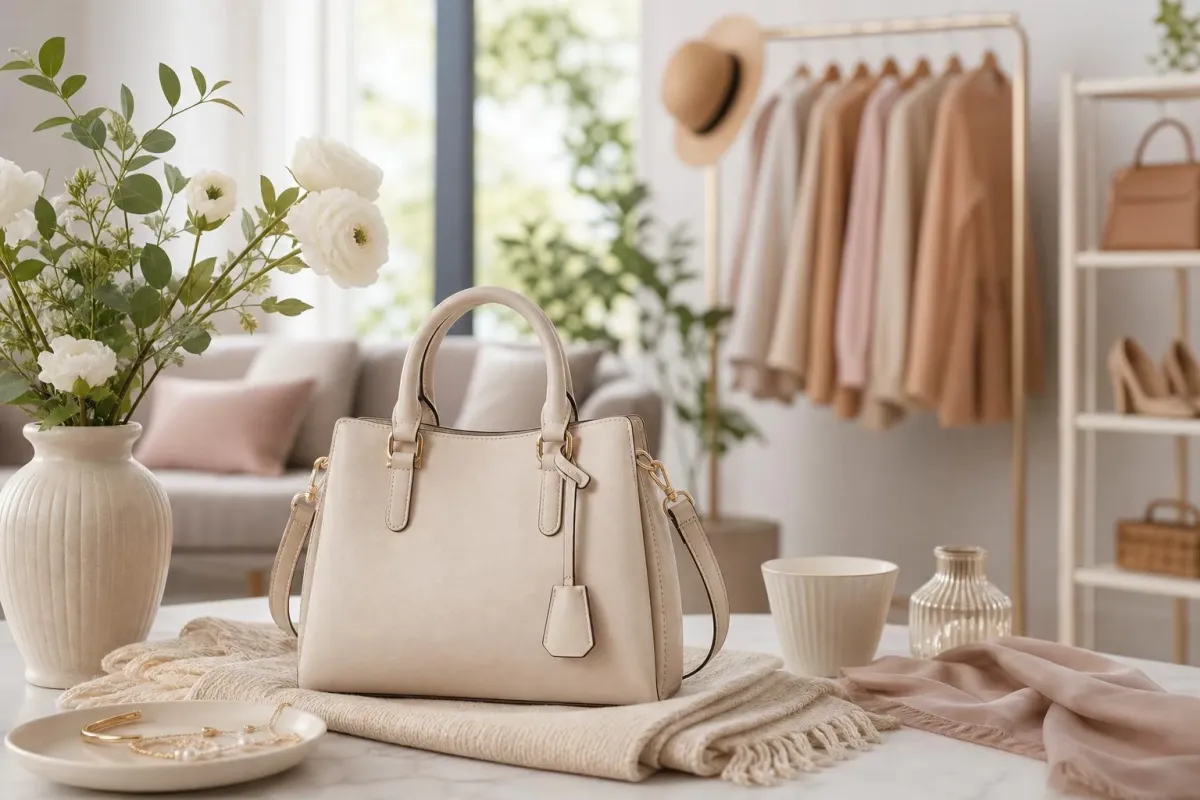
E-commerce Mockups
Build lifestyle scenes and styled product contexts for listings, landing pages, and seasonal promotions.
User Reviews About Qwen Image
Feedback from marketers, designers, and creators using AIEnhancer for daily image work.
Frequently Asked Questions
Quick answers about prompting, sizes, credits, and output usage on AIEnhancer.
What is Qwen Image?
Qwen Image is a text-to-image model on AIEnhancer that turns written prompts into high-quality visuals, with flexible aspect ratios for real production workflows.
Do I need to upload a photo?
No. This is a pure text-to-image flow — describe what you want and generate directly. Reference uploads are optional.
Which aspect ratios are supported?
Supported ratios include 1:1, 4:3, 3:4, 16:9, and 9:16 for common social and ad formats.
Can free users access this model?
Yes. Free users can use this model with their available credits. The required credit cost is shown before each generation.
How do I get better results?
Add concrete details: subject, camera angle, lighting, palette, and style. Short iterative refinements usually beat long vague prompts.
Can I use outputs commercially?
Commercial use may be allowed under AIEnhancer terms — review licensing before large-scale paid deployment.