 GPT Image 2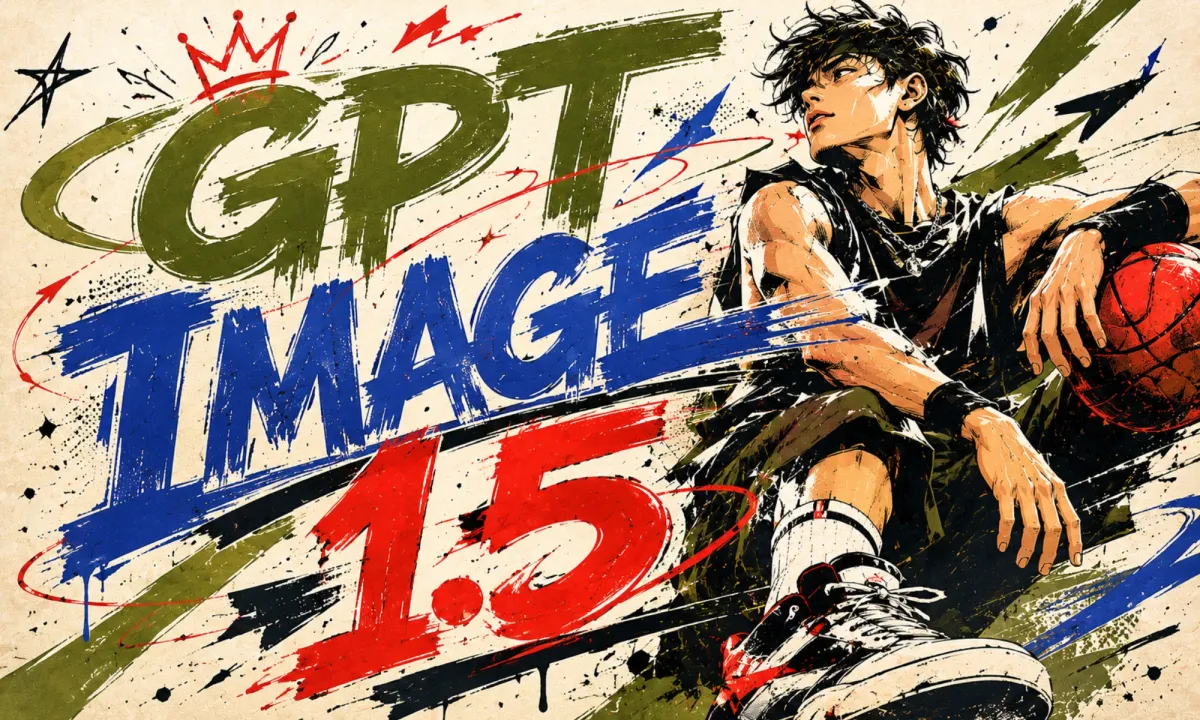
GPT Image 1.5: Reliable Generation for Everyday Production
Create Images in 3 Simple Steps
Spin up production-quality renders without ceremony. It takes a short prompt and returns a polished, on-brief picture you can actually ship. It is tuned for everyday image work — clean composition, controllable quality, and stable behavior across hundreds of prompts in a row.
Write a Clear Prompt
Describe the subject, environment, style, and lighting you want. GPT Image 1.5 responds well to short, concrete prompts and to longer paragraph-style briefs.
Pick Quality and Aspect Ratio
Switch between medium and high quality depending on how much detail you need, then choose 1:1, 3:2, or 2:3. GPT Image 1.5 keeps composition consistent across both quality tiers.
Generate, Review, Download
Hit generate and let GPT Image 1.5 render in seconds. Compare results inline, regenerate with small prompt tweaks, then download the asset you want.
Why Pick GPT Image 1.5 for Image Generation
It is a stable, mid-tier text-to-image model, sitting between fast drafts and full-fidelity renders. It is built for teams who need predictable quality every single shot.
Predictable Production Quality
It lands the brief on the first or second attempt for the majority of business prompts. You spend less time hunting for the "good seed".
Tuned for Throughput
Medium quality is fast enough to feel responsive in an editing loop. High quality is reserved for the final hero shot, keeping spend balanced.
Stable Across Long Sessions
It holds composition, palette, and subject identity over long prompt threads, which matters when you iterate on a single concept.
Sensible Defaults Out of the Box
Default settings on it already produce ship-ready output. Tweak quality only when the use case justifies the extra spend.
What You Can Do with GPT Image 1.5
It fits naturally into product, marketing, editorial, and creative pipelines that need a sensible default model.

E-commerce Imagery
It produces clean product backdrops, lifestyle shots, and seasonal banners. It handles soft studio lighting and natural environments equally well.

Marketing and Ads
Generate variations for paid campaigns, landing-page heroes, and email banners. It keeps brand language coherent across the whole set.

Editorial and Blogs
Spin up custom illustrations for articles, newsletters, and decks. It is dependable enough to use as your default blog image generator.
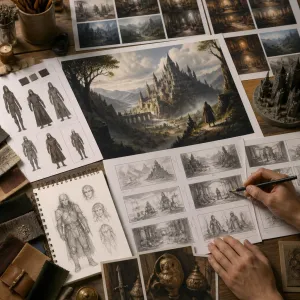
Concept and Storyboarding
Quickly externalize ideas as visuals — sets, costumes, scenes, props. It is good at turning a paragraph into a coherent reference frame.
What Users Say About GPT Image 1.5
Real users describe how GPT Image 1.5 sits in their day-to-day stack — between rough explorations and final hero shots.
"GPT Image 1.5 is my everyday workhorse. It just lands the shot."
"We crank out ad creative all day, and the consistency is exactly what we need."
"Switched our blog headers to GPT Image 1.5 — quality went up, fuss went down."
"I use GPT Image 1.5 to build mood boards. It's quick and the style is steady."

"Reliable default model. I only bump quality when the campaign really calls for it."
"For client mockups it's perfect — fast turnaround, clean output."
"GPT Image 1.5 is my everyday workhorse. It just lands the shot."
"We crank out ad creative all day, and the consistency is exactly what we need."
"Switched our blog headers to GPT Image 1.5 — quality went up, fuss went down."
"I use GPT Image 1.5 to build mood boards. It's quick and the style is steady."
"Reliable default model. I only bump quality when the campaign really calls for it."
"For client mockups it's perfect — fast turnaround, clean output."
"GPT Image 1.5 is my everyday workhorse. It just lands the shot."
"We crank out ad creative all day, and the consistency is exactly what we need."
"Switched our blog headers to GPT Image 1.5 — quality went up, fuss went down."
"I use GPT Image 1.5 to build mood boards. It's quick and the style is steady."
"Reliable default model. I only bump quality when the campaign really calls for it."
"For client mockups it's perfect — fast turnaround, clean output."
GPT Image 1.5 FAQs
Quick answers to the questions people ask before they pick up GPT Image 1.5 for serious work.
What is GPT Image 1.5?
It is OpenAI's mid-tier text-to-image model, designed as a reliable default between fast drafting models and the larger flagship generations. On AIEnhancer it runs from text or text-plus-reference image input.
When should I pick GPT Image 1.5 over GPT Image 2?
Use GPT Image 1.5 when you need consistent quality at lower cost across many prompts, or when you are iterating heavily. Switch to GPT Image 2 for hero shots that need every last percent of fidelity.
How can I access GPT Image 1.5?
GPT Image 1.5 is available with an active subscription or credit package. Sign in to AIEnhancer and use your available credits to start generating images.
Which aspect ratios are supported?
It supports 1:1, 3:2, and 2:3 out of the box. That covers social posts, landing-page banners, and portrait-orientation hero imagery.
Do I need to upload a source image?
No. Pure text-to-image works on GPT Image 1.5. A reference image is optional and helps when you need stricter composition control.
How fast is each generation?
Medium quality usually returns in seconds, fast enough for an iterative prompt loop. High quality takes slightly longer but still completes well within a normal review cycle.
Is it suitable for non-designers?
Absolutely. The interface around GPT Image 1.5 is prompt-first and the defaults are ship-ready, so anyone can produce strong visuals without a design background.