 GPT Image 2
Nano Banana Pro: Pro-Grade Image Generation with 4K Output
Create Images with Nano Banana Pro in 3 Simple Steps
Nano Banana Pro turns short creative briefs into polished, high-resolution images. It keeps the familiar conversational workflow, then adds stronger composition control, cleaner details, and a 1K to 4K output range for final-quality visuals.
Describe What You Want
Write a clear creative brief: subject, setting, mood, lighting, and any visual constraints. Add a reference image only when you want guided edits.
Pick Resolution and Ratio
Pick 1K for fast exploration or 4K when you want crisp edges, readable texture, and more room to crop. Choose from auto, 16:9, 9:16, 1:1, and more.
Generate and Refine
Generate a first frame, inspect composition and detail, then rerun with small prompt changes to explore controlled variations of the same idea.
Why Pick Nano Banana Pro for Image Generation
Choose Nano Banana Pro when the image needs to feel intentional before you start editing: sharper composition, steadier visual language, and enough resolution headroom for large formats.
Production-Tier Quality
The model prioritizes coherent framing, balanced lighting, and believable detail, so results feel closer to a finished visual than a rough concept.
1K, 2K, and 4K Output
Start small when you are exploring, then move to 4K when the image needs tighter texture, cleaner edges, or room for large-format presentation.
Stronger Composition Sense
Subject placement, depth, and visual rhythm feel more deliberate. Hero frames are easier to evaluate because the first result usually has a clear point of view.
Consistent Across Batches
Create multiple images around one direction and keep the same tonal range, lighting logic, and overall visual language across the set.
What You Can Do with Nano Banana Pro
Use it for scenes where framing, lighting, and texture matter as much as the idea itself.
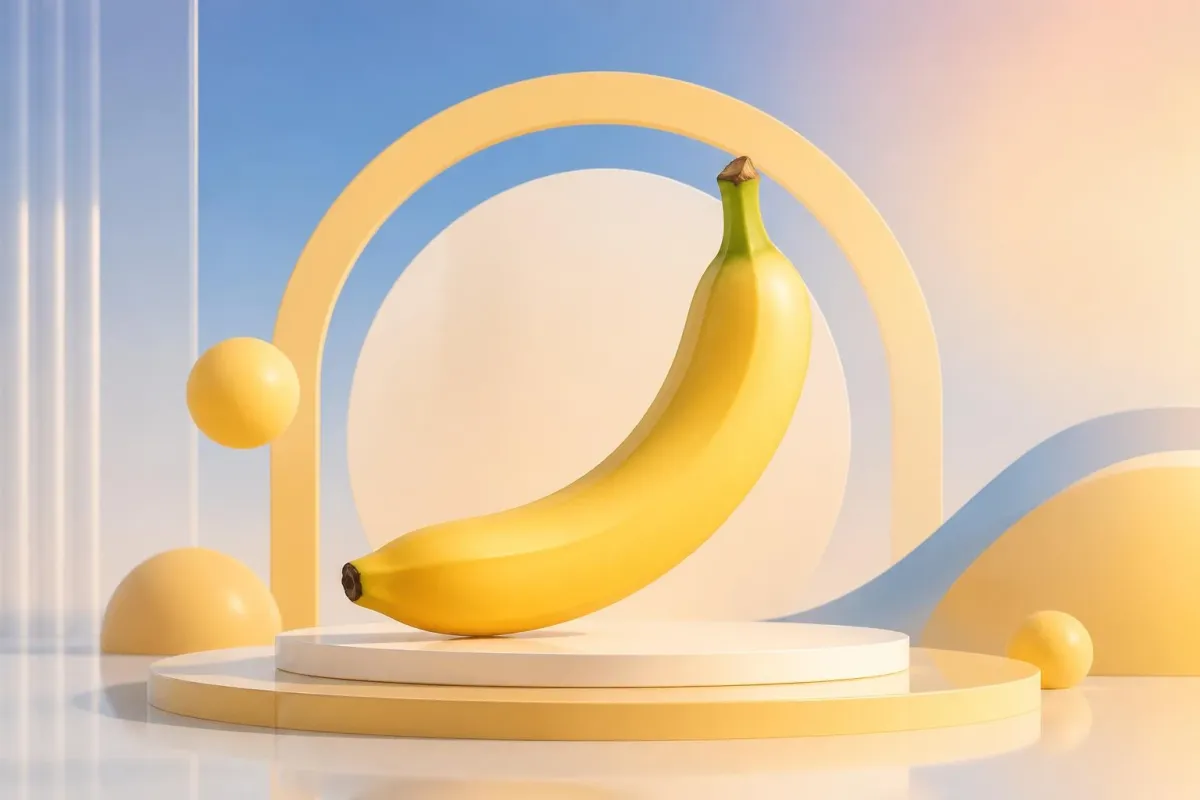
Hero Images and Key Visuals
Build polished opening visuals for landing pages, announcements, portfolios, and feature stories where the first impression needs to be clear and memorable.
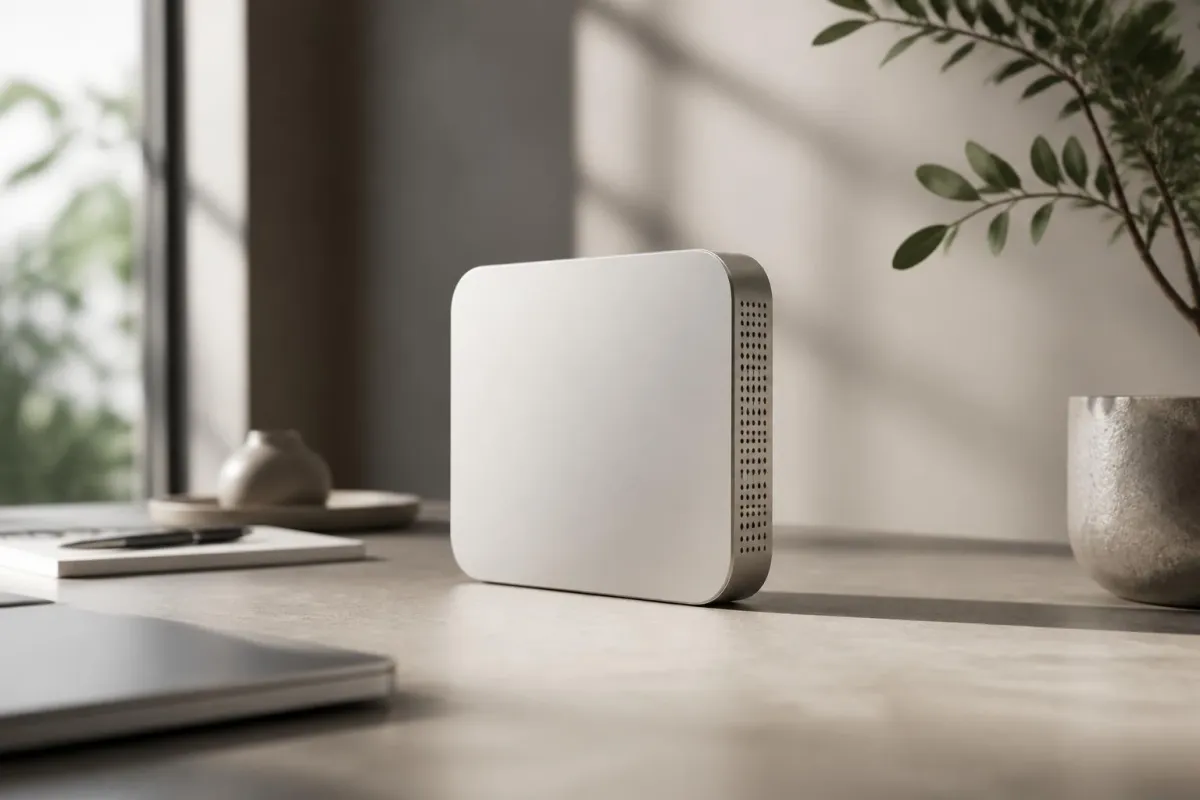
Editorial-Style Scenes
Create images with magazine-like pacing: controlled lighting, composed subjects, and a visual tone that feels curated rather than random.
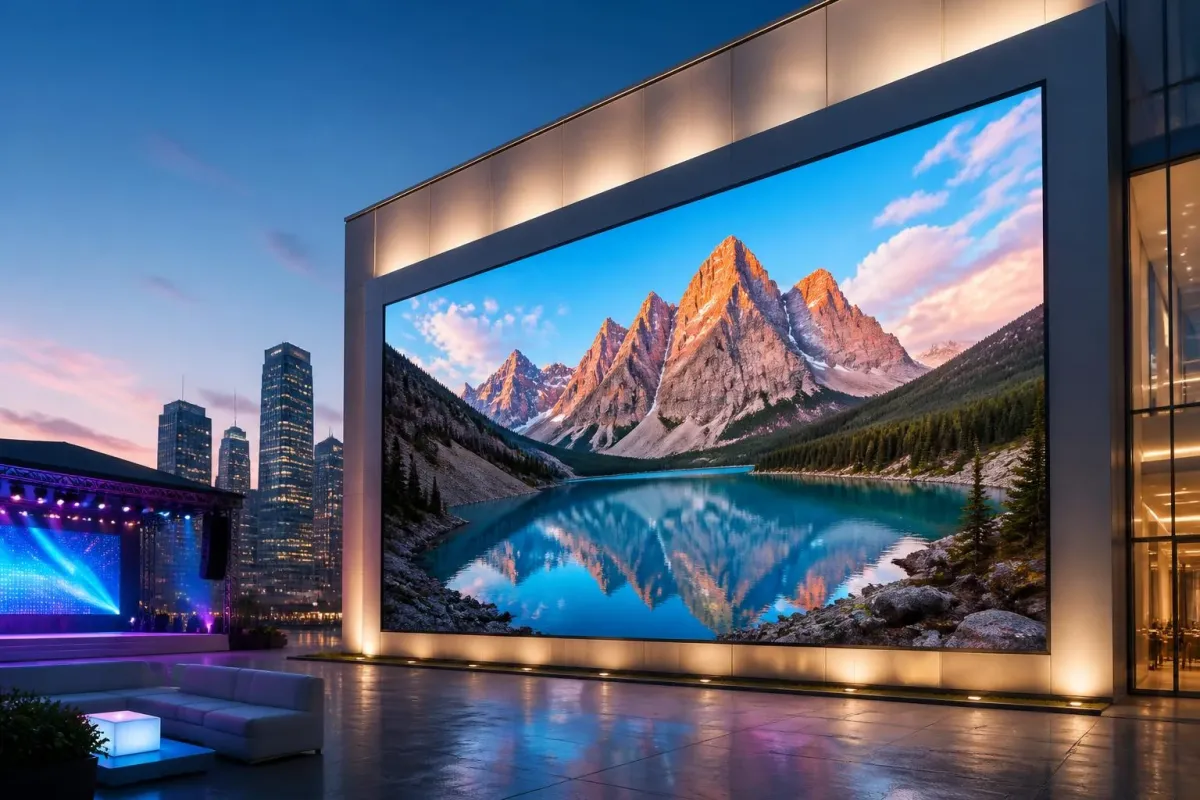
Large-Format Visuals
Use 4K output for posters, presentation screens, event backdrops, and other larger canvases where texture and edge quality become visible.
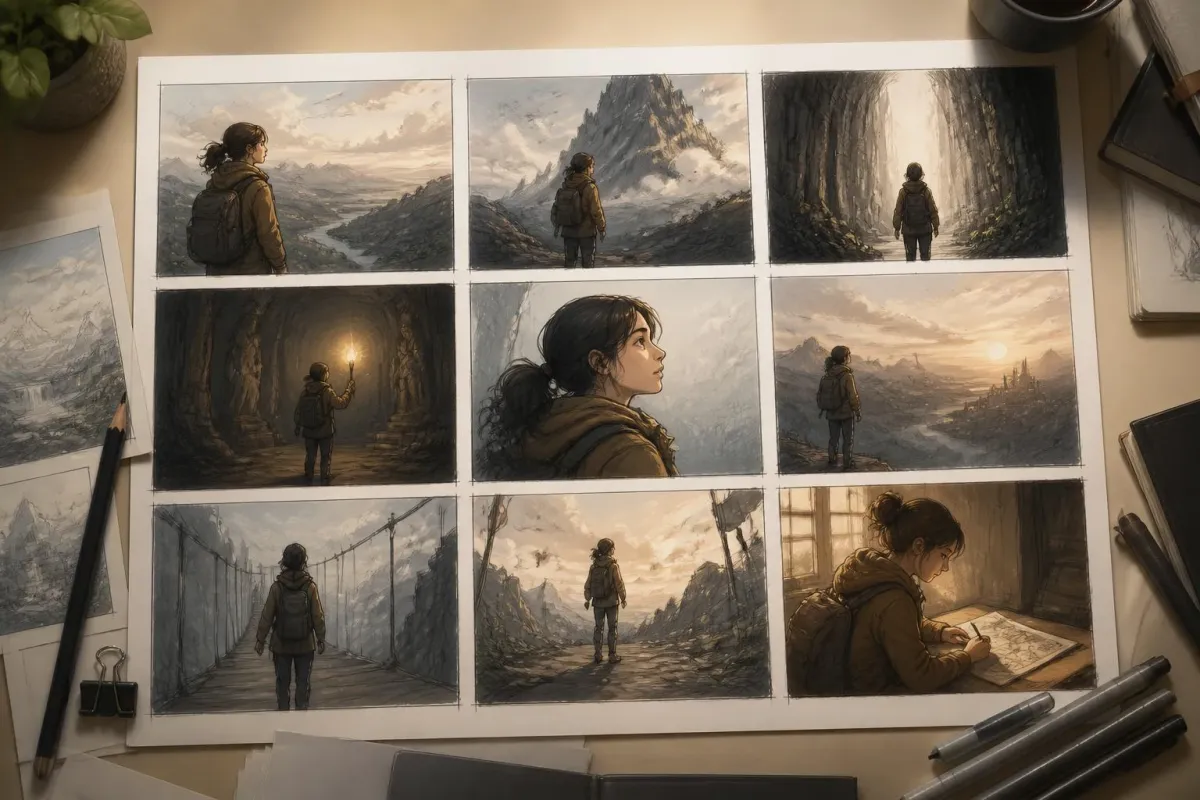
Concept Frames and Storyboards
Draft a sequence of visual beats in one sitting while keeping characters, mood, and scene language aligned from frame to frame.
What Users Say About Nano Banana Pro
Creators describe the difference they notice most: fewer rough drafts, stronger first frames, and outputs that hold up when viewed large.
Nano Banana Pro FAQs
Common questions about Nano Banana Pro on AIEnhancer.
What is Nano Banana Pro?
Nano Banana Pro is a high-resolution AI image model on AIEnhancer. It focuses on strong composition, clean detail, and controllable results across a 1K to 4K resolution range.
How does Nano Banana Pro compare to Nano Banana 2?
Both are easy to prompt, but Nano Banana Pro puts more emphasis on composition, lighting discipline, and consistent visual language when you need a more finished result.
Does Nano Banana Pro support 4K output?
Yes — 1K, 2K, and 4K tiers are available. Pick 4K when the image will be printed or shown at large display sizes.
Can Nano Banana Pro edit a reference image?
Yes. Drop a reference image into the upload area to use Nano Banana Pro as an editor; otherwise leave it empty for text-to-image generation.
How long does each render take?
Most Nano Banana Pro generations return in seconds at 1K. 4K is slower but stays inside a normal interactive editing loop.
What aspect ratios are supported?
Nano Banana Pro supports the same wide set as Nano Banana 2 — auto, 9:16, 16:9, 1:1, 4:5, 5:4, 4:3, 3:4, 3:2, 2:3, and 21:9.
Is Nano Banana Pro free to try?
Yes. You can use AIEnhancer's daily free credits to test prompts, compare resolutions, and decide which settings match your visual goal.
What prompts work best?
Use concrete visual language: subject, camera angle, environment, material, lighting, color mood, and what should stay out of frame. Short, specific prompts usually outperform vague style lists.