 GPT Image 2
FLUX Kontext Pro: Context-Aware AI Image Generation Online
Workflow Overview with FLUX Kontext Pro
Combine prompts with optional reference visuals to keep style, composition, and subject continuity across a series.
Write Your Prompt
Describe subject, style, lighting, and framing — text remains the primary creative direction.
Add Reference (Optional)
Upload a reference when you need tighter control over look, layout, or subject continuity.
Generate and Export
Choose aspect ratio, generate in seconds, and download for campaigns or concept reviews.
Why FLUX Kontext Pro Stands Out
Context-aware generation for brand systems, character IP, and art direction where text alone is not enough.
Context-Aware Output
Optional references help maintain style continuity across a batch — useful for series and brand kits.
Brand-Safe Control
Pair detailed prompts with visual guidance for repeatable visual language across channels.
Broad Ratio Support
Square, portrait, landscape, ultra-wide, and match-input when a reference is attached.
Agency-Ready Speed
Iterate during live reviews without waiting on full reshoots or manual compositing.
Applied Scenarios with FLUX Kontext Pro
See how context-guided generation fits brand, product, and narrative pipelines.

Campaign Set Consistency
Generate a coordinated ad set from one style frame — landing pages, email, and social stay aligned.

Character Continuity
Keep characters recognizable across scenes for games, comics, and serialized content.
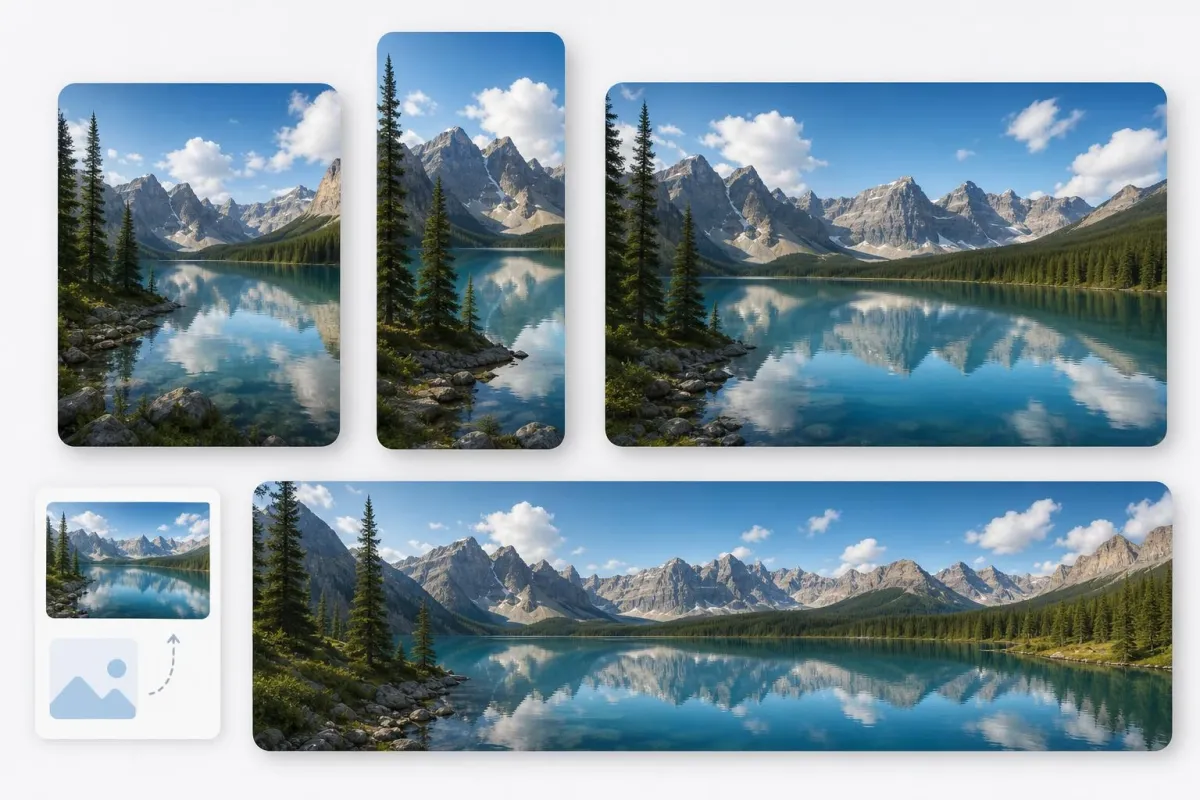
Product Scene Variants
Place SKUs in new environments while preserving key product details for merchandising tests.
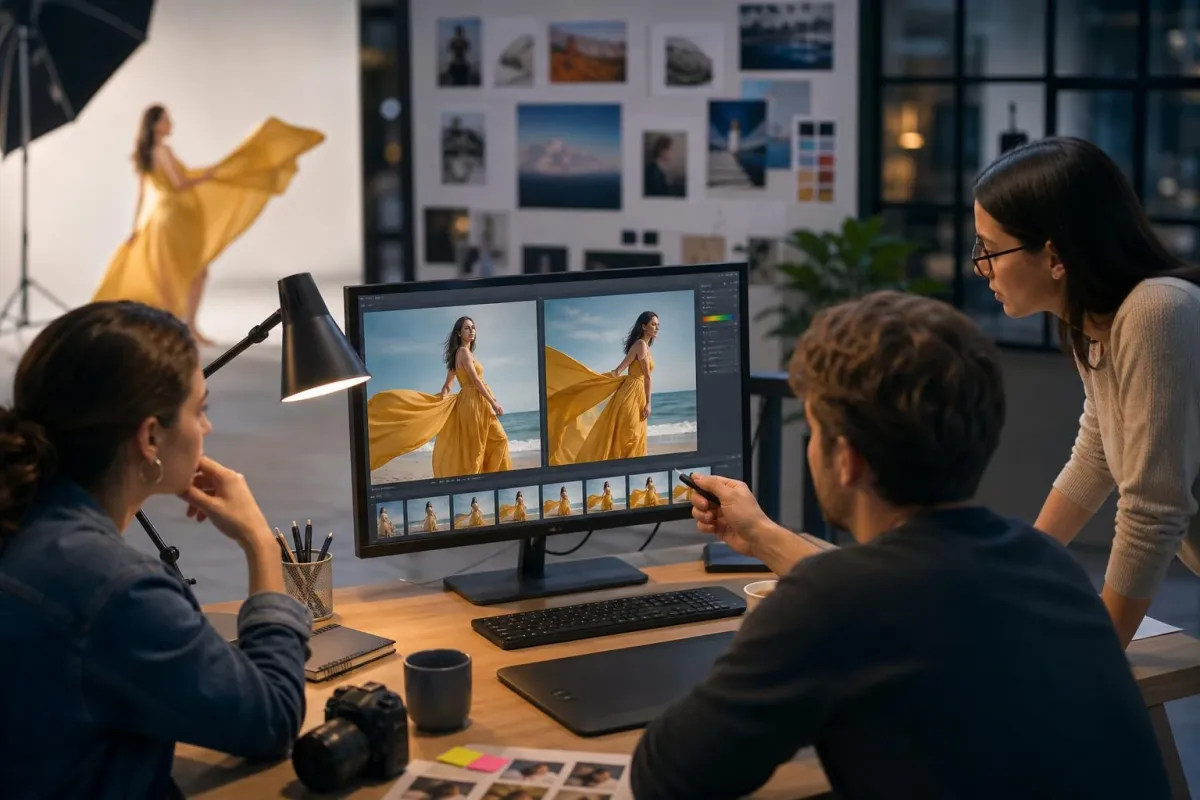
Art Direction Previews
Explore territories before a shoot — stakeholders see context-guided previews early.
Community Feedback About FLUX Kontext Pro
Designers and marketers who need controllable, on-brand output at speed.



Support FAQ About FLUX Kontext Pro
References, ratios, credits, and licensing — covered below.
What is FLUX Kontext Pro?
FLUX Kontext Pro is a context-aware image model on AIEnhancer — text prompts plus optional reference visuals for controlled composition and style.
Is a reference image required?
No. Text-only generation works; add a reference when you need stronger visual alignment.
How many references per run?
One reference image per generation on AIEnhancer — focused guidance for style or subject.
Supported aspect ratios?
Match-input plus 1:1, 4:3, 3:4, 16:9, 9:16, 3:2, 2:3, 4:5, 5:4, 21:9, and more.
Can free users access this model?
Yes. Free users can use this model with their available credits. The required credit cost is shown before each generation.
Commercial use?
Review platform licensing before deploying in paid media at scale.
Stay On-Brand with Visual Context
Need on-brand visuals without reshooting every angle? Add a reference, write your prompt, and generate context-aware images in minutes.
Generate with Context