HappyHorse-1.0: The AI Video Revolution of 2026
Introduction
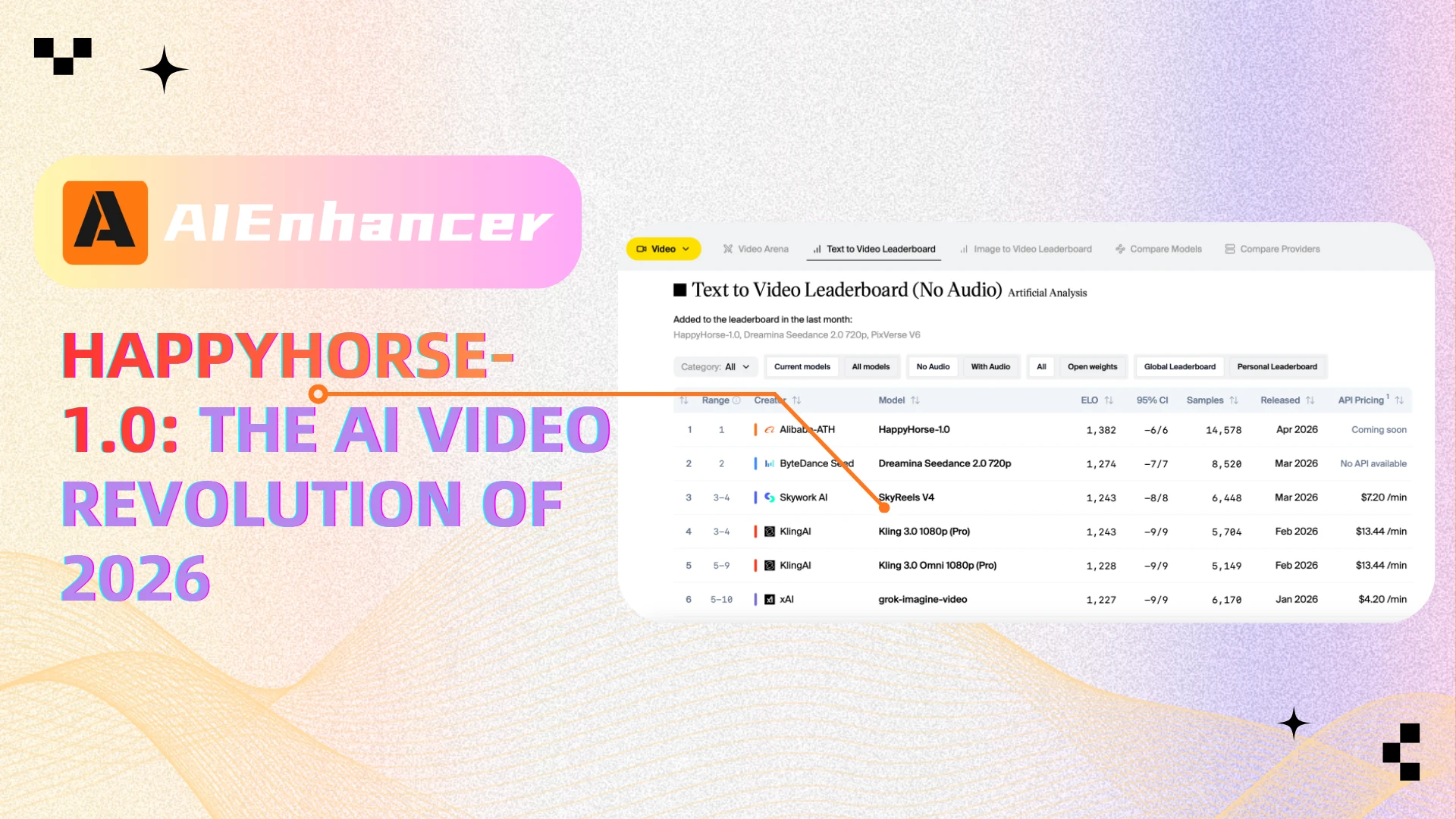
HappyHorse-1.0 is one of the most talked-about AI video models in 2026. It quickly went viral after appearing anonymously on benchmark leaderboards and outperforming several well-known competitors in blind tests, sparking widespread discussion across the AI community. The model is widely believed to be developed by Alibaba, further fueling industry attention.
It rose to the top of rankings thanks to its ability to generate highly coherent videos with synchronized audio—something that sets it apart from many existing tools. However, while its capabilities are impressive, many details about the model remain unclear, including its architecture, training data, and commercial availability.
For creators, it represents both a powerful opportunity—and a workflow challenge.
What is HappyHorse-1.0?
HappyHorse-1.0 is an advanced multimodal AI video generation model that can create high-quality videos from text or images while simultaneously generating synchronized audio, including speech and sound effects. Unlike traditional systems that handle visuals and audio separately, it uses a unified Transformer architecture to process text, video, and audio together, resulting in more natural motion and accurate lip-sync.
The model is estimated to have around 15 billion parameters and is designed for both high performance and efficiency, reportedly generating full HD videos in a short time. It gained widespread attention after unexpectedly topping global AI video rankings as an anonymous model, and is now believed to be developed by a team associated with Alibaba, marking an important step forward in AI-driven video creation.
Why Is Everyone Talking About It?
Everyone is talking about HappyHorse-1.0 because of both its unusual debut and its standout performance. Instead of being officially announced, it suddenly appeared on global AI benchmarks and quickly rose to the top, which immediately sparked curiosity across the AI community.
The main reasons for its popularity include:
Benchmark dominance: It ranked highly in blind tests against other leading models, proving its strong overall performance.
High realism: Users report better motion consistency and fewer visual artifacts, making outputs look more natural.
Audio-video integration: It generates synchronized audio and visuals in one process, unlike many competitors.
In short, it delivers something closer to a “finished video” rather than raw AI output, which is why it has attracted so much attention.
Key Features of HappyHorse-1.0
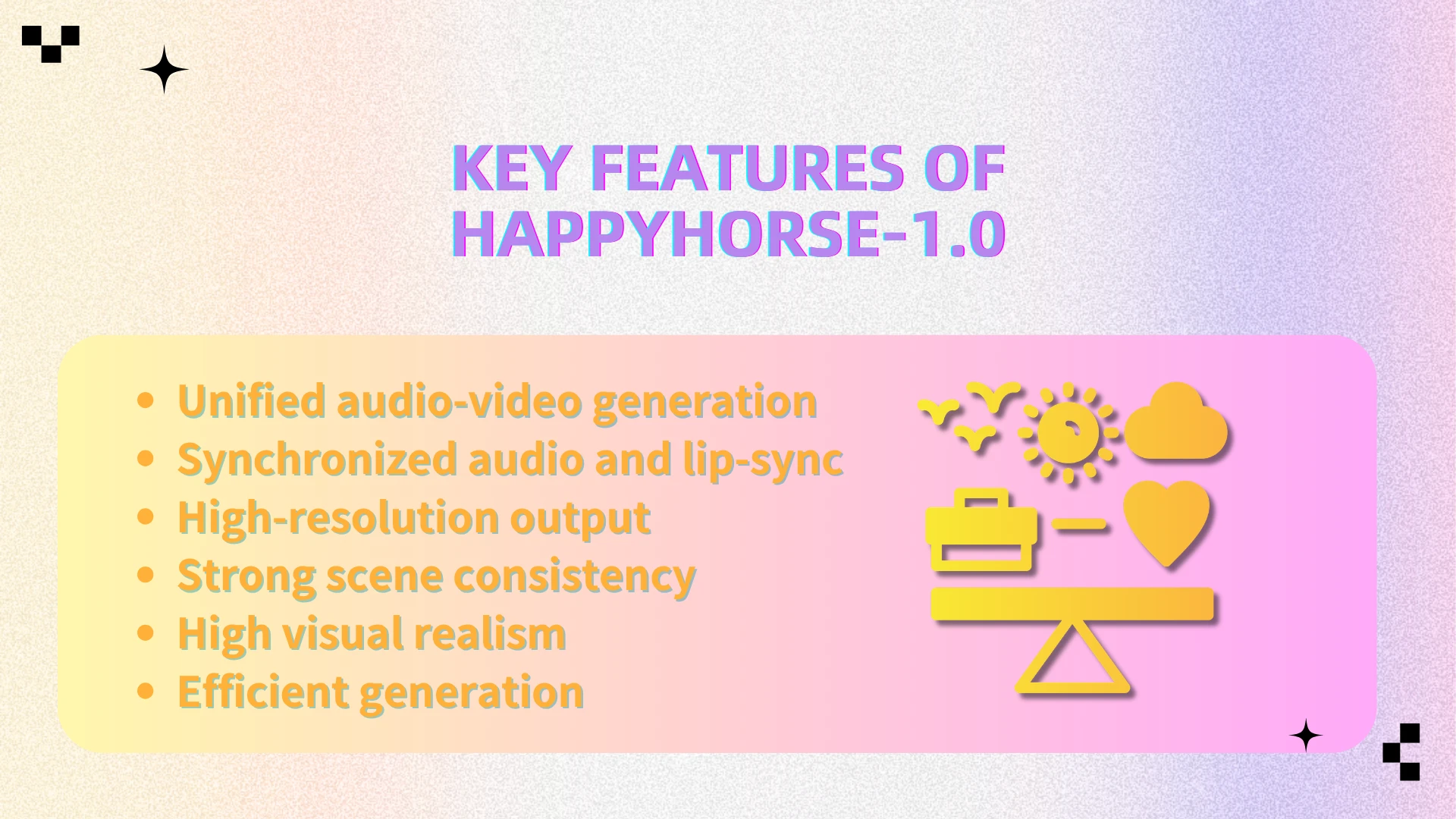
Unified audio-video generation: It can generate visuals and audio simultaneously within a single model, reducing the need for external editing, dubbing, or post-production tools.
Synchronized audio and lip-sync: The model produces speech and matches it with accurate lip movements, supporting multiple languages for more natural global content creation.
High-resolution output: It is capable of generating videos in up to 1080p, making the results suitable for more professional or production-level use cases.
Strong scene consistency: Characters, lighting, and environments remain stable across longer clips, addressing one of the biggest challenges in AI video generation.
High visual realism: It delivers smoother motion, fewer artifacts, and more lifelike visuals compared to many existing models.
Efficient generation: Optimized techniques allow it to produce high-quality videos relatively quickly, improving usability and scalability.
Together, these features enable HappyHorse-1.0 to produce content that feels closer to a complete, ready-to-use video rather than fragmented AI-generated outputs.
How Does It Compare to Other AI Video Models?
Compared to models like Google Veo, Kling, and Seedance, HappyHorse-1.0 stands out in overall coherence and completion quality—based on early benchmark results and community-driven blind tests shared across developer forums and social platforms.
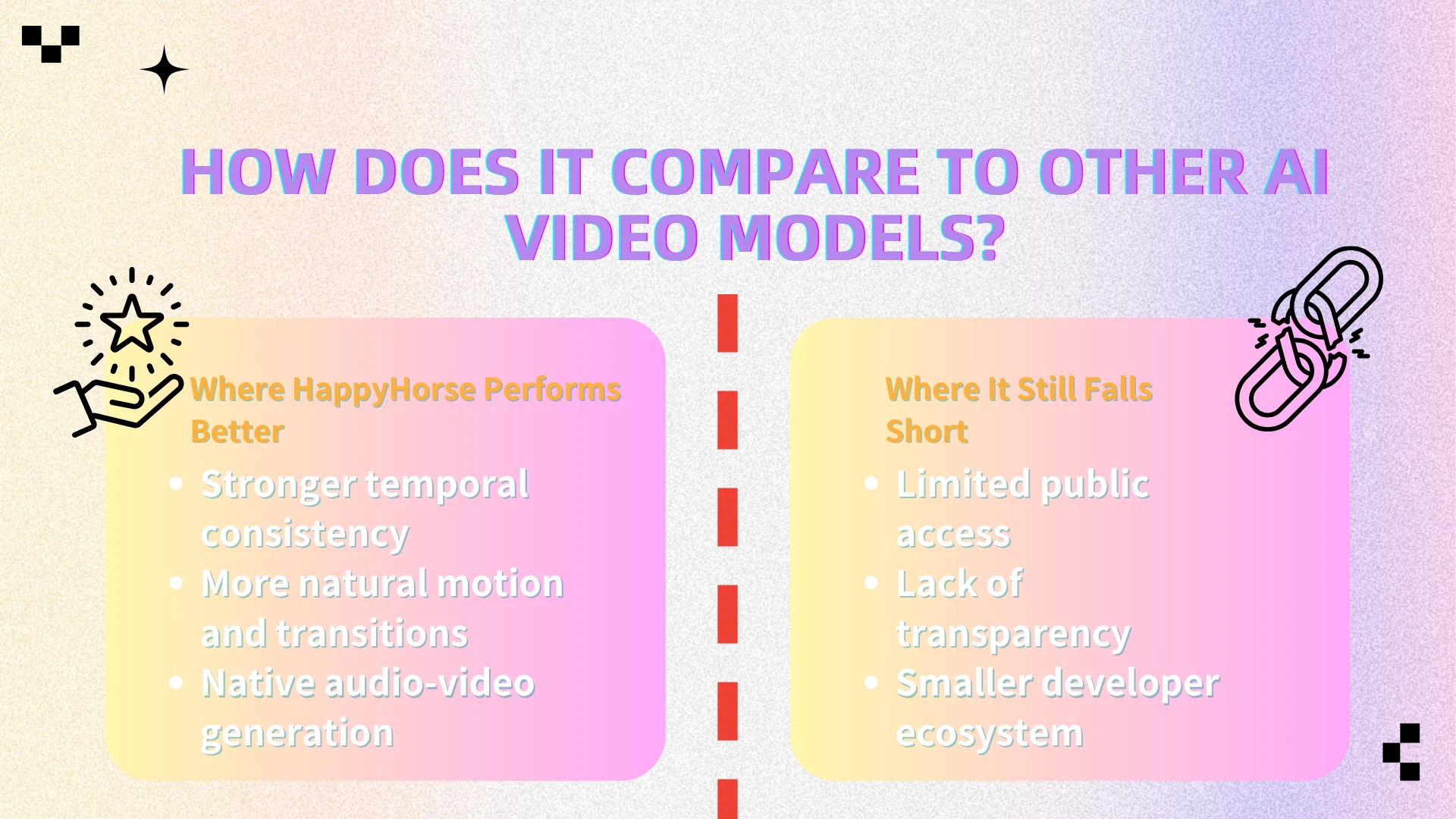
Where HappyHorse Performs Better
● Stronger temporal consistency
In side-by-side comparisons shared by early testers, HappyHorse-generated clips show fewer frame-to-frame inconsistencies. Characters, lighting, and environments stay locked in, even through extended clips.
● More natural motion and transitions
User demos and benchmark samples suggest smoother motion dynamics, especially in complex scenes involving camera movement or human actions. Competing models often exhibit jitter or unnatural transitions under similar conditions.
● Native audio-video generation
Unlike models such as Kling or Seedance, which typically rely on external audio pipelines, HappyHorse integrates audio generation directly into the model. This reduces the need for post-production syncing and results in more cohesive outputs.
Where It Still Falls Short
● Limited public access
Unlike some competitors that offer APIs or open previews, HappyHorse-1.0 remains largely restricted, making independent verification difficult.
● Lack of transparency
There is still no detailed public documentation on its architecture, training data, or evaluation methodology—raising questions about reproducibility and benchmarking fairness.
● Smaller developer ecosystem
Established models benefit from growing tooling, community support, and integrations. HappyHorse, at this stage, lacks that surrounding ecosystem.
Bottom Line
Early evidence suggests that HappyHorse-1.0 pushes the boundary of what AI video models can achieve in terms of coherence and completeness. However, until broader access and transparency improve, its true standing in the ecosystem remains partially unverified.
Is It Really That Good?
While the hype is justified, it’s important to take a balanced view based on early benchmark results and limited public testing.
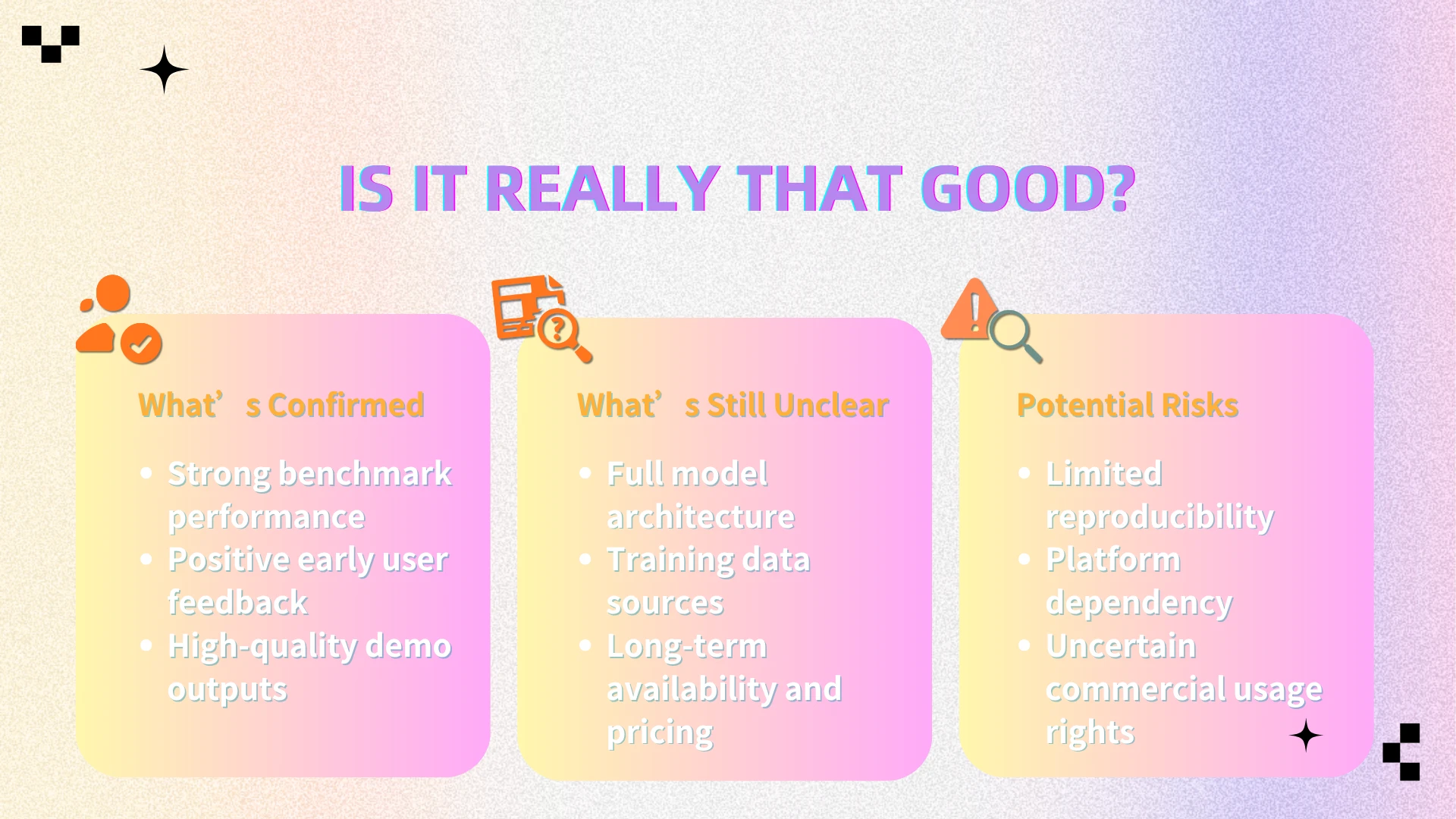
What’s Confirmed
● Strong benchmark performance
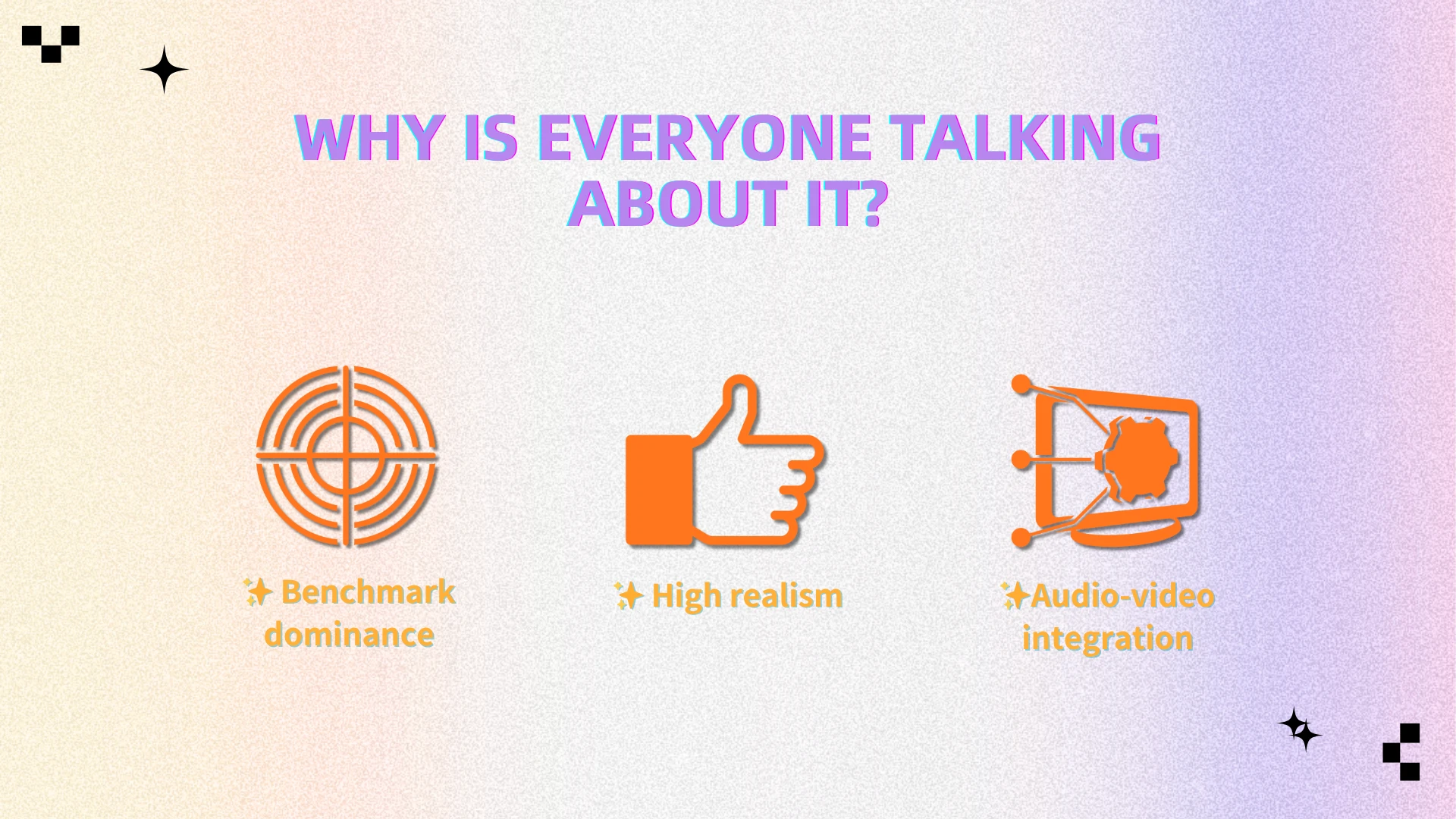
Ranked at or near the top in public AI video leaderboards, often based on blind comparisons where outputs are judged without model labels.
● Positive early user feedback
Early testers on platforms like X and developer forums report better motion stability and scene consistency in side-by-side comparisons.
● High-quality demo outputs
Official and shared demo videos show advanced capabilities such as multi-character scenes, smoother camera motion, and synchronized audio.
What’s Still Unclear
● Full model architecture
No official technical paper or detailed documentation has been released.
● Training data sources
Data origins remain undisclosed, raising questions around bias and copyright.
● Long-term availability and pricing
Access is still limited, with no clear public API or pricing structure announced.
Potential Risks
● Limited reproducibility
Most results come from curated demos or restricted access, with little large-scale independent testing.
● Platform dependency
If access remains closed, users may face ecosystem lock-in.
● Uncertain commercial usage rights
Licensing terms are unclear, making commercial use potentially risky.
Use Cases: What Can You Create?
HappyHorse-1.0 opens the door to a wide range of applications—especially where high visual coherence and audio synchronization are critical:
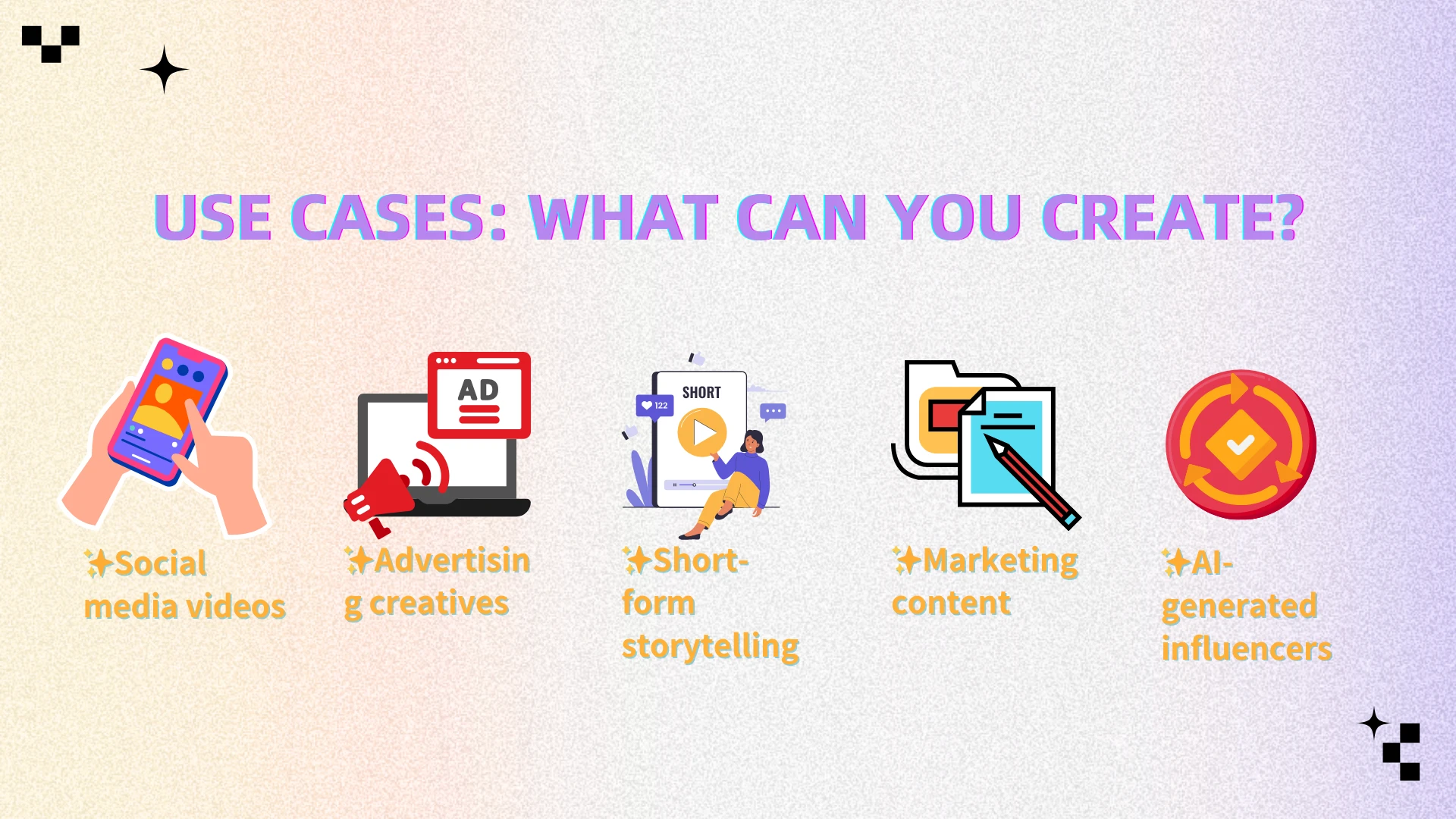
● Social media videos
Generate short, scroll-stopping clips with consistent characters and smooth motion, reducing the need for heavy editing.
● Advertising creatives
Quickly produce multiple ad variations with different scenes, styles, or messaging for A/B testing.
● Short-form storytelling
Create narrative-driven clips with stable scenes and natural transitions, making AI storytelling more viable.
● Marketing content
Turn simple prompts into product demos, brand visuals, or explainer-style videos with synchronized voice or sound.
● AI-generated influencers
Produce virtual characters with consistent appearance and lip-synced dialogue across multiple videos.
Why Post-Processing Still Matters
Even with advanced models like HappyHorse, AI-generated videos are rarely publish-ready out of the box—especially when used for professional or commercial content.
Common issues include:
● Watermarks from generation platforms
Many AI tools automatically add branding overlays, which can’t be removed without additional processing and may limit professional use.
● Compression artifacts
Generated videos are often compressed during export, leading to blurry details or visible noise—especially in motion-heavy scenes.
● Minor visual inconsistencies
Even top models can produce small glitches, such as flickering objects or unstable backgrounds, particularly in longer clips.
● Platform-specific branding
Some tools embed stylistic elements or signatures that make the content look less original or harder to reuse across platforms.
Feature Spotlight: Remove Watermark from Video
Among the various post-processing hurdles, the need to remove watermark from video remains one of the most persistent—and frustrating—challenges for creators.
Why Watermarks Are a Real Problem
● Most AI tools add built-in branding
Videos generated from platforms often include visible logos or overlays that can’t be disabled.
● They cheapen the overall aesthetic.
Even high-quality visuals can look unpolished or “non-professional” when a watermark is present.
● They limit content reuse
Watermarked videos are harder to repurpose across platforms, ads, or client work
Manually removing watermarks, however, is time-consuming and often requires advanced editing—especially when they overlap with complex or moving backgrounds.
That’s where AIEnhancer steps in to bridge the gap.
AIEnhancer is an AI-powered video enhancement platform designed to help creators automatically remove unwanted elements and finalize their content—without manual editing.
How AIEnhancer Solves It
● Manually mark the watermark area with simple brushing
Just highlight the watermark region—no need for precise frame-by-frame masking or complex selection.
● Reconstructs the background intelligently
The AI leverages temporal context to reconstruct the obscured pixels, drawing from adjacent frames to ensure seamless integration even in complex, dynamic sequences.
● Preserves overall video quality
Ensures the final output looks natural, without visible artifacts or noticeable edits.
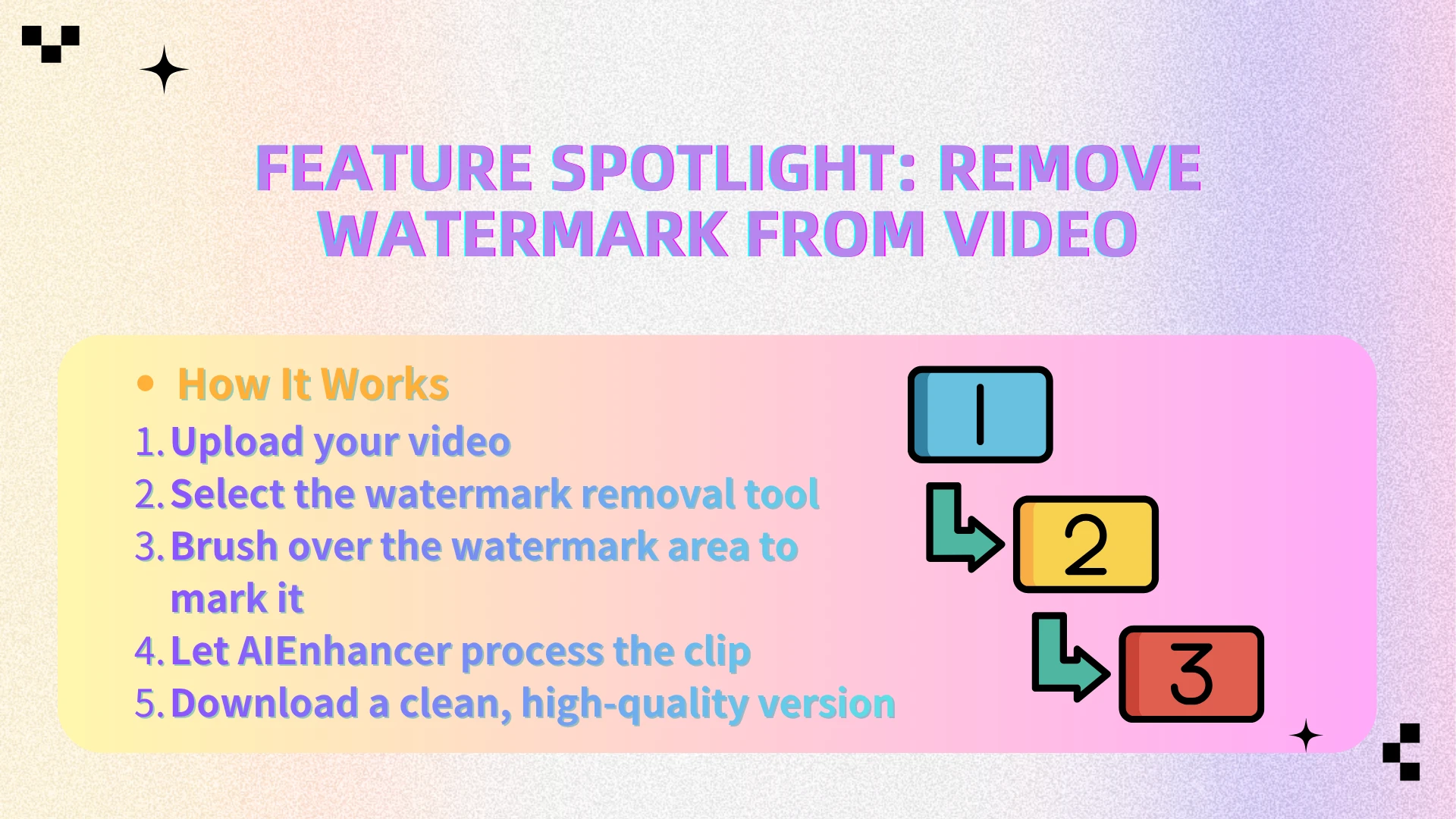
How It Works
Upload your video
Select the watermark removal tool
Brush over the watermark area to mark it
Let AIEnhancer process the clip
Download a clean, high-quality version
No precise masking. No professional editing skills required.
A Complete Workflow: From AI Generation to Final Content
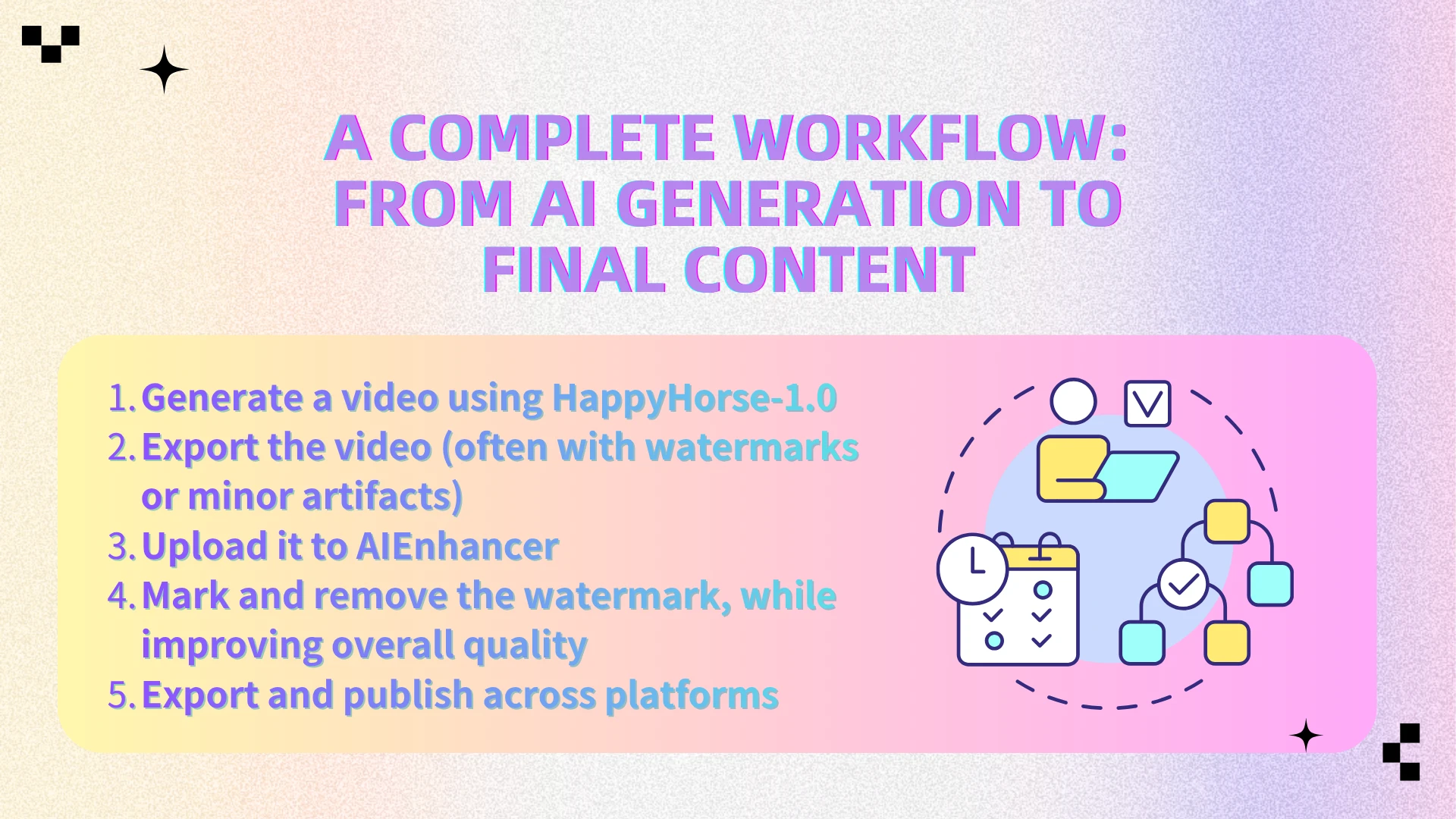
Here’s how creators can combine both tools into a practical workflow:
Generate a video using HappyHorse-1.0
Export the video (often with watermarks or minor artifacts)
Upload it to AIEnhancer
Mark and remove the watermark, while improving overall quality
Export and publish across platforms
This creates a streamlined pipeline from AI-generated output → clean, publish-ready content.
Why This Matters
We’re entering a new phase of content creation—driven by rapid advances in AI video generation and real-world creator workflows:
● AI models like HappyHorse significantly reduce production time
What used to take hours or days—shooting, editing, syncing—can now be generated in minutes from a single prompt.
● Content volume is increasing across platforms
Creators and brands are producing more videos than ever, especially for short-form platforms that demand constant output.
● Quality expectations remain high
Even with AI-generated content, audiences still expect clean, professional, watermark-free videos—especially for ads or branded content.
This creates a clear gap: while generation is becoming faster, final output quality still depends on post-processing.
As a result, post-processing tools are no longer optional—they are a core part of the modern AI video workflow.
👉 HappyHorse solves the creation problem.
👉 AIEnhancer solves the quality and usability problem.
FAQ
Is HappyHorse-1.0 publicly available?
Access to HappyHorse-1.0 is currently limited. There is no fully open public version yet, and availability may depend on specific platforms, partnerships, or regions. Most users today can only access it through demos, internal testing environments, or waitlists.
Can I use HappyHorse videos commercially?
Commercial usage is still uncertain. Since there is no clear official licensing or terms of use publicly available, it’s recommended to verify usage rights before using generated content for ads, client work, or monetized platforms.
Does AIEnhancer support all video formats?
AIEnhancer supports most widely used video formats, such as MP4, MOV, and other common file types used in content creation workflows. This makes it easy to integrate into existing editing or publishing pipelines without additional conversion steps.
Will removing a watermark reduce video quality?
AIEnhancer is designed to minimize quality loss by using AI to reconstruct the selected area based on surrounding frames. In most cases, the result looks natural and clean, though the final quality may vary slightly depending on the complexity of the background and motion.
How long does it take to remove a watermark?
In most cases, the process only takes a few minutes depending on the video length and resolution. You simply brush over the watermark area, and AIEnhancer handles the rest automatically—no frame-by-frame editing required.
Do I need any editing skills to use AIEnhancer?
No. AIEnhancer is designed for non-editors. The interface is straightforward, and the only manual step is marking the watermark area with a simple brush. Everything else—from detection to reconstruction—is handled by AI.
Final Thoughts
HappyHorse-1.0 represents a meaningful step forward in AI video generation, showing how close we are to creating high-quality videos directly from simple prompts. But as impressive as these models are, they still don’t produce fully polished results on their own.
In real-world workflows, generating the video is only the first step. Refinement—such as removing watermarks and improving visual quality—is what turns raw outputs into content that’s ready for publishing, branding, or commercial use.
Combining AI generation with the right post-processing tools is what unlocks the full potential of this new creative pipeline.
👉 Try AIEnhancer to transform your AI-generated videos into clean, watermark-free content ready for any platform.