Best AI Creativity Tools for Modern Creative Workflows
Introduction
Artificial intelligence is no longer just a niche technology for engineers or researchers. In 2026, AI creativity tools have become part of the everyday workflow for designers, marketers, creators, ecommerce sellers, content teams, and independent creators.
Just a few years ago, most AI tools were single-function novelties—generating an image from a basic prompt or drafting text from simple instructions. Today, however, modern creative workflows demand much more.
Creators have outgrown single-purpose utilities, demanding friction-free platforms capable of handling the entire pipeline:
generate visuals
edit images
improve quality
remove backgrounds
refine outputs
optimize content for publishing
create assets for websites, blogs, ads, and social media
In short, AI creativity has evolved beyond simple generation. The top tools of 2026 are no longer isolated generators; they have matured into comprehensive creative workflow platforms.
While some tools target isolated niches like video rendering, industry leaders specialize in refining raw AI outputs into premium, publish-ready assets.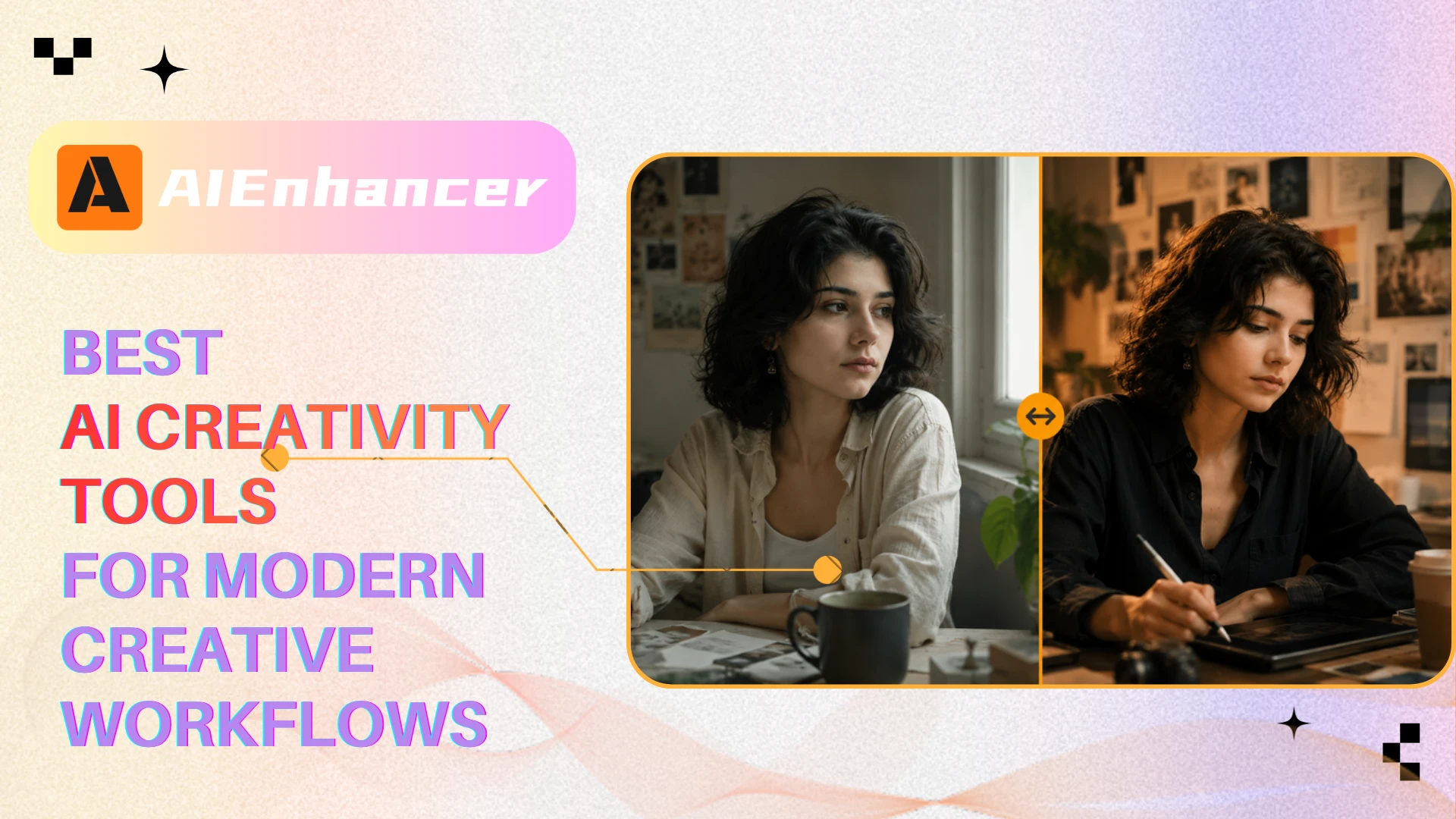
Best AI Creativity Tools at a Glance
| Tool | Best For | Core Strength |
|---|---|---|
| AIEnhancer | Visual creation workflows | Generation + editing + enhancement |
| Canva | Social design workflows | Templates and layouts |
| Midjourney | Artistic AI imagery | Cinematic image generation |
| Adobe Firefly | Adobe ecosystem workflows | Commercial-safe AI design |
| Figma AI | Product and UI design | Collaborative interface design |
| Runway | AI video creation | Motion and video workflows |
| Synthesia | AI avatar videos | Business video generation |
| Opus Clip | Short-form video repurposing | Viral clip automation |
| ChatGPT | Creative ideation | Writing and brainstorming |
| Jasper | Marketing copy creation | Brand-oriented writing |
| Claude | Long-form writing workflows | Structured content generation |
The Core Categories Shaping Modern AI Creative Workflows
Modern AI creativity tools are no longer limited to a single use case. In 2026, the market has expanded into several major creative categories designed for different types of creators, workflows, and production needs.
Some platforms focus on visual design and image creation, while others specialize in video generation, content writing, or workflow automation. As AI becomes increasingly integrated into creative work, the distinction between generators, editors, and production platforms is gradually disappearing.
Below are some of the most important categories shaping the AI creativity ecosystem today.
AI Platforms for Visual Design and Creative Workflows
Visual content remains the dominant category in the AI space. Today's creators spend the bulk of their time producing social graphics, marketing visuals, thumbnails, ecommerce imagery, blog graphics, website assets, and branded content. As a result, visual AI platforms are evolving rapidly from simple generators into complete creative workflow ecosystems.
AIEnhancer — Best AI Creativity Platform for Visual Workflows
Overview
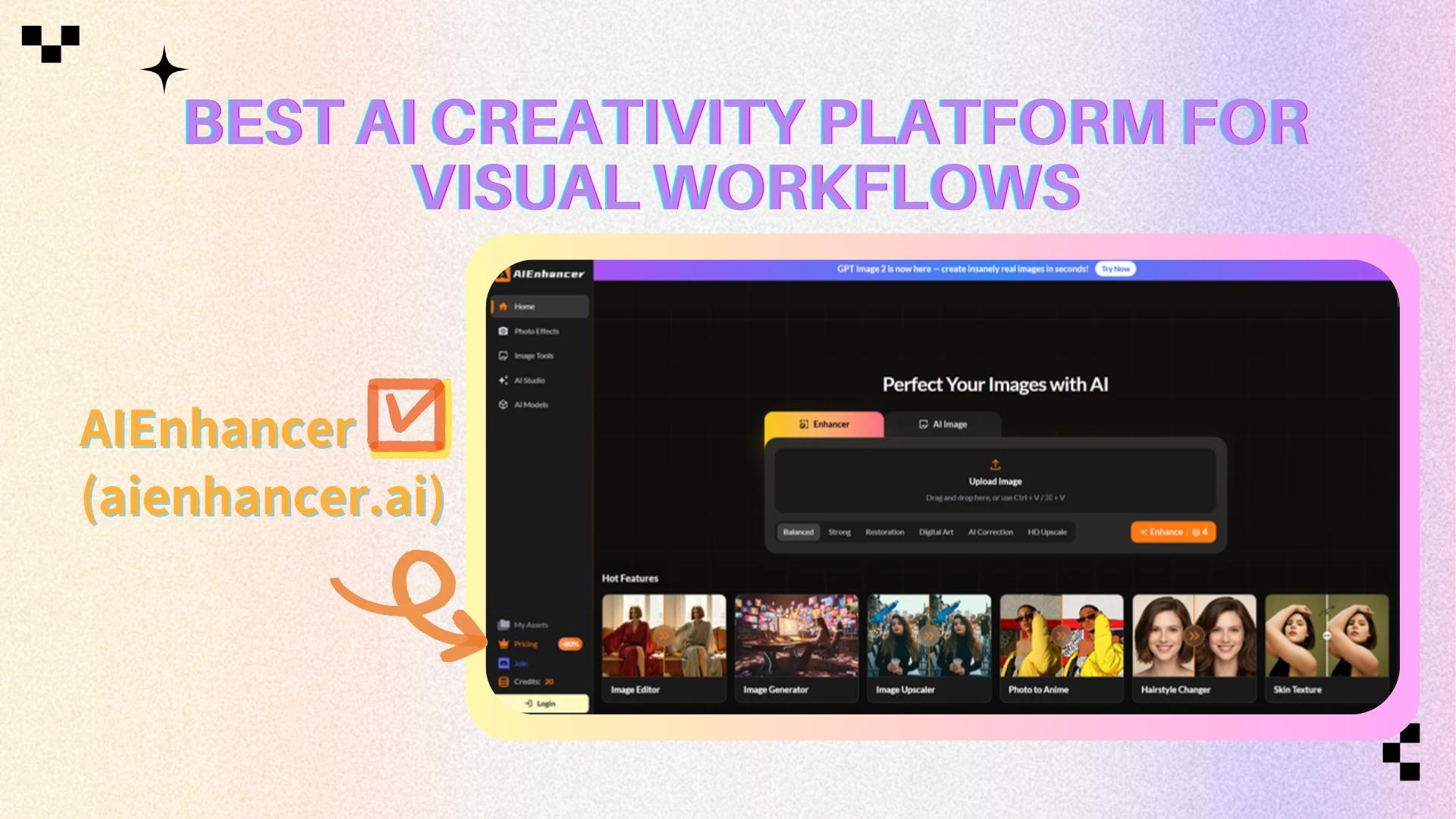
AIEnhancer has evolved far beyond a traditional AI image enhancer. In 2026, the platform positions itself more as a complete visual creation workflow platform that combines AI image generation, editing, enhancement, optimization, and creative refinement inside a unified environment.
Creators are facing severe app fatigue. Instead of juggling disconnected generators, editors, upscalers, and background removers, modern professionals need a streamlined environment. AIEnhancer provides a minimalist, prompt-first interface that drastically reduces cognitive load, allowing users to move seamlessly from generation to refinement.
This is where AIEnhancer truly sets itself apart.
The platform supports a wide range of workflows for:
social media graphics
creator thumbnails
marketing visuals
ecommerce product images
blog graphics
website assets
AI-generated content refinement
Unlike platforms that stop at image generation, AIEnhancer prioritizes post-generation usability. Modern creators often spend more time refining and optimizing visuals than writing prompts themselves, especially when producing content for publishing or commercial use.
This workflow-oriented structure makes AIEnhancer especially relevant inside the broader AI creativity ecosystem.
Key Features
AIEnhancer combines AI image generation, editing, enhancement, upscaling, and visual optimization inside a single workflow platform designed for creators and visual teams. The platform supports fast visual iteration through AI-assisted editing, high-resolution enhancement, background removal, and creator-focused optimization workflows that help users quickly transform raw AI outputs into polished, publish-ready assets. Unlike standalone generators that stop after image creation, AIEnhancer focuses heavily on the complete visual production process, making it especially useful for creators, marketers, ecommerce sellers, and content teams that need both speed and refinement inside the same workflow.
Pros
Combines generation, editing, and enhancement in one workflow
Strong visual optimization capabilities
Fast iteration for publish-ready visuals
Useful for both creators and marketers
Beginner-friendly workflow structure
Cons
Less focused on highly stylized art generation than Midjourney
Some advanced workflows still depend on prompt quality
Enterprise collaboration features remain relatively limited
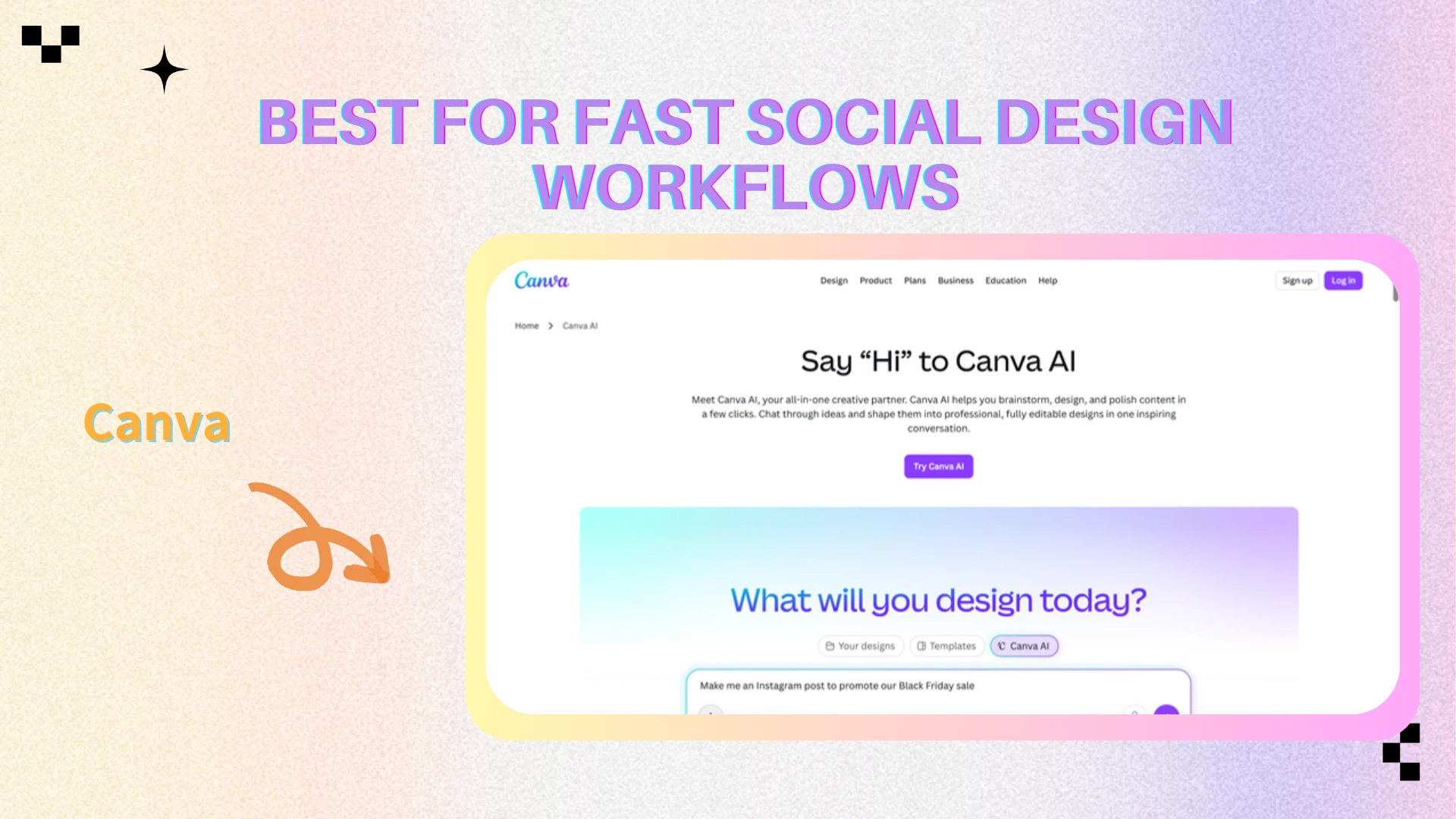
Canva — Best for Fast Social Design Workflows
Overview
Canva has become one of the most widely used AI creativity platforms for social graphics, presentations, marketing assets, and fast visual production workflows. Its biggest advantage is accessibility. Unlike traditional design software that often requires professional experience, Canva allows creators, marketers, educators, and small businesses to quickly create polished visual content through templates, drag-and-drop editing, and AI-assisted workflows.
As AI creativity tools continue evolving toward workflow-oriented platforms, Canva has expanded heavily into AI-powered automation, helping users move from idea to publish-ready content much faster than before.
Key Features
Canva offers AI-assisted layouts, text-to-design workflows, social media templates, presentation generation, collaborative editing, and automatic resizing tools designed for fast content production. Features like Magic Design and AI image generation help users quickly create visual assets without requiring advanced design skills, making the platform especially useful for social media teams, creators, and marketing workflows.
Pros
Extremely beginner-friendly
Massive template ecosystem
Fast social content production
Strong collaboration features
Cons
Advanced editing flexibility remains limited
Outputs can still feel template-driven
Less suitable for cinematic or artistic visuals
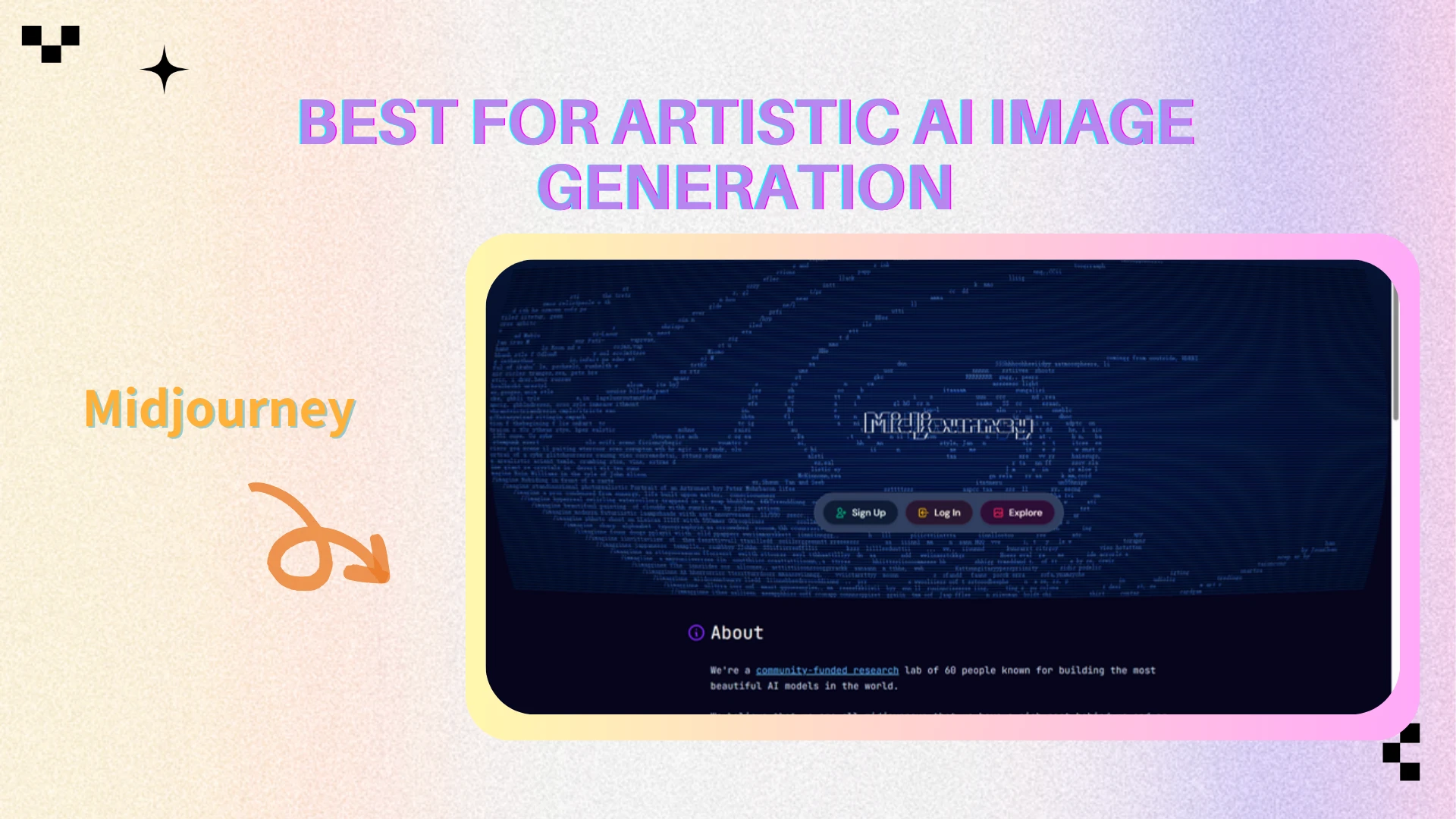
Midjourney — Best for Artistic AI Image Generation
Overview
Midjourney remains one of the most recognizable AI image generation platforms in 2026, especially among artists, designers, and creators looking for cinematic or highly stylized visuals. Unlike many AI tools focused on speed or template-based workflows, Midjourney emphasizes atmosphere, artistic detail, composition, and visual storytelling.
The platform is especially popular for concept art, cinematic imagery, fantasy visuals, mood boards, and creative experimentation. Its recognizable visual style has helped Midjourney become one of the defining platforms in the modern AI art movement.
Key Features
Midjourney specializes in cinematic image generation, artistic rendering, stylized composition, and mood-heavy visuals with strong prompt interpretation. The platform performs particularly well for concept art, poster design, branding exploration, and visually dramatic social content.
Pros
Exceptional artistic image quality
Strong cinematic aesthetics
Excellent for concept art and ideation
Highly recognizable visual style
Cons
Limited built-in editing workflows
Often requires external refinement tools
Less beginner-friendly than Canva
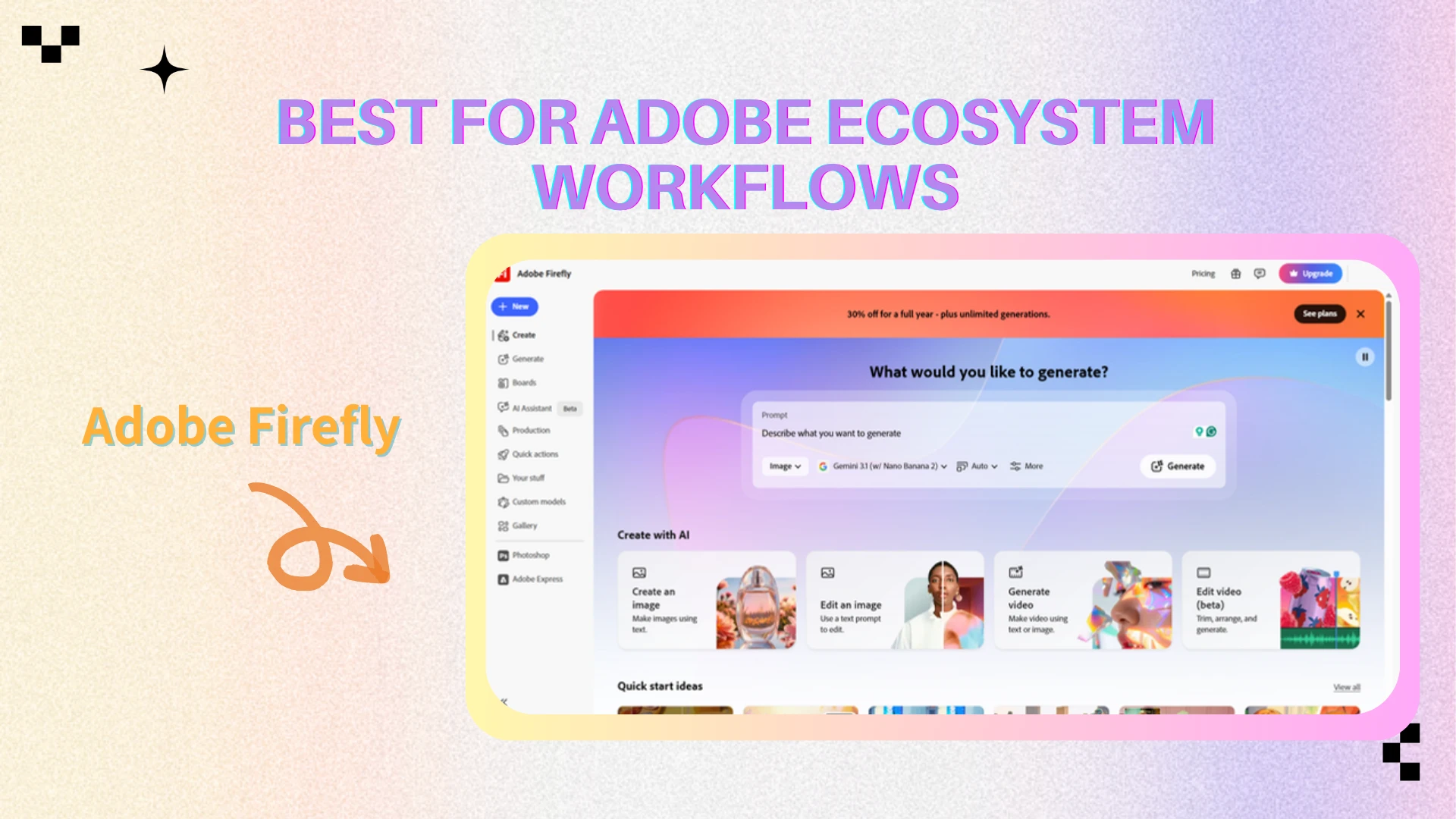
Adobe Firefly — Best for Adobe Ecosystem Workflows
Overview
Adobe Firefly is Adobe’s AI-powered creative platform integrated directly into products like Photoshop and Illustrator. Rather than competing purely on generation quality, Firefly focuses heavily on commercial-safe AI creation and professional creative workflows.
This makes it especially attractive for professional designers, agencies, and enterprise teams already relying on Adobe software for daily production work.
Key Features
Adobe Firefly offers AI-powered image generation, generative fill, AI-assisted editing, vector recoloring, and Photoshop-integrated workflows designed for professional creators and enterprise users. The platform emphasizes commercial-safe asset generation and ecosystem integration, making it particularly useful for branding, advertising, and professional creative production workflows.
Pros
Excellent Adobe ecosystem integration
Strong commercial licensing positioning
Familiar workflows for professional designers
Powerful Photoshop integration
Cons
Best experience requires Adobe subscriptions
More workflow-heavy for casual creators
Less beginner-friendly than Canva
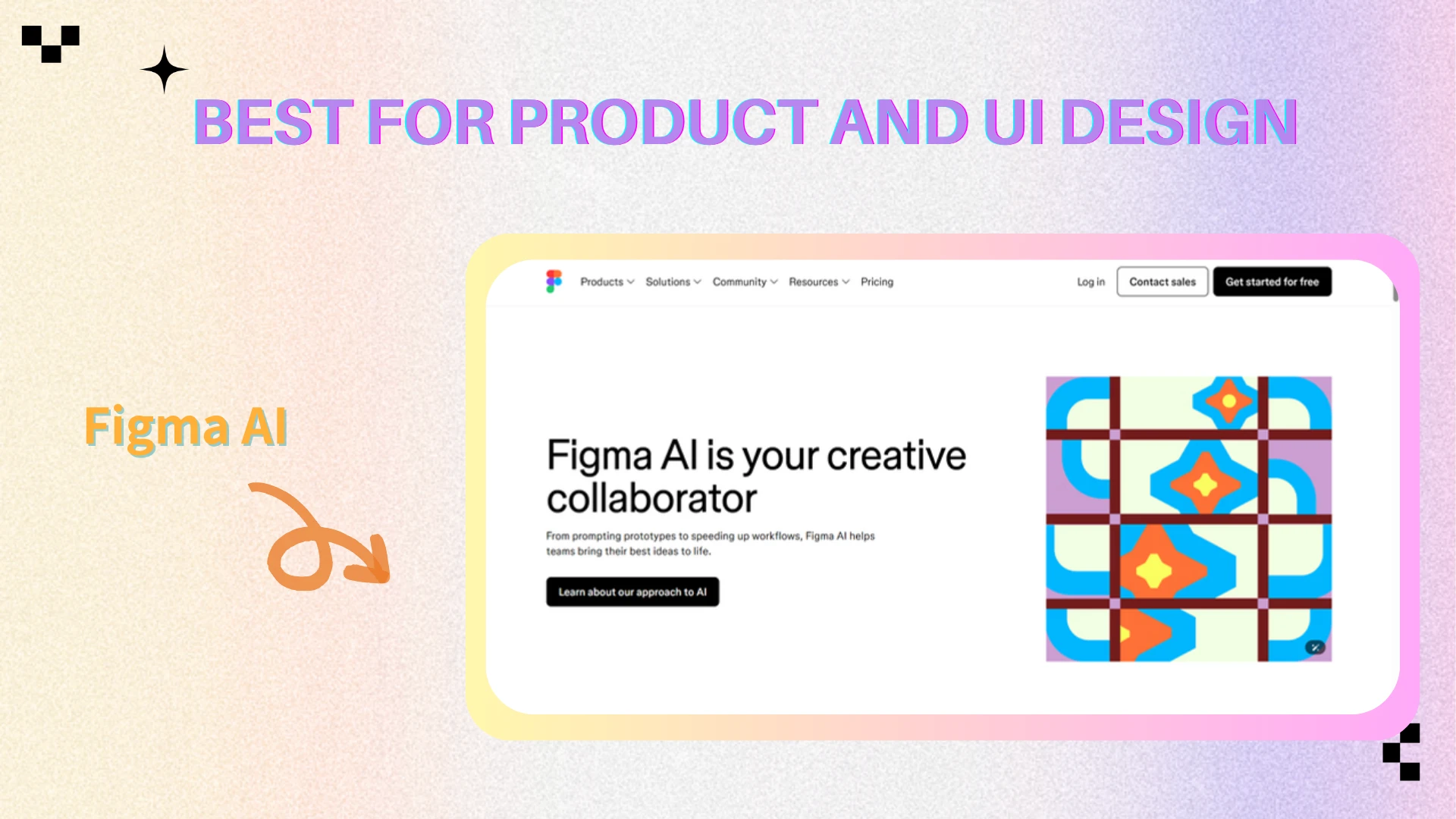
Figma AI — Best for Product and UI Design
Overview
Figma AI focuses primarily on product design, interface workflows, collaborative systems, and AI-assisted UI generation rather than general visual art creation. As AI becomes increasingly integrated into digital product development, tools like Figma AI are helping teams accelerate wireframing, prototyping, and interface iteration.
The platform is particularly useful for UI designers, UX teams, startups, and collaborative product environments where workflow efficiency and team collaboration are essential.
Key Features
Figma AI supports AI-assisted wireframing, interface suggestions, rapid UI ideation, collaborative design workflows, and productivity-focused prototyping tools designed for product teams. Its AI features are primarily focused on accelerating structured design workflows rather than generating cinematic or artistic imagery.
Pros
Excellent for collaborative product design
Strong workflow integration
Fast UI and wireframe ideation
Useful for startups and design teams
Cons
Limited visual art generation capabilities
Less useful for marketing creatives
Primarily focused on UI/UX workflows
AI Video and Motion Creation Tools
Video generation has become one of the fastest-growing segments inside AI creativity. Modern creators increasingly need short-form videos, motion graphics, AI avatars, automated editing, and social clips for TikTok, YouTube Shorts, Instagram Reels, and marketing campaigns.
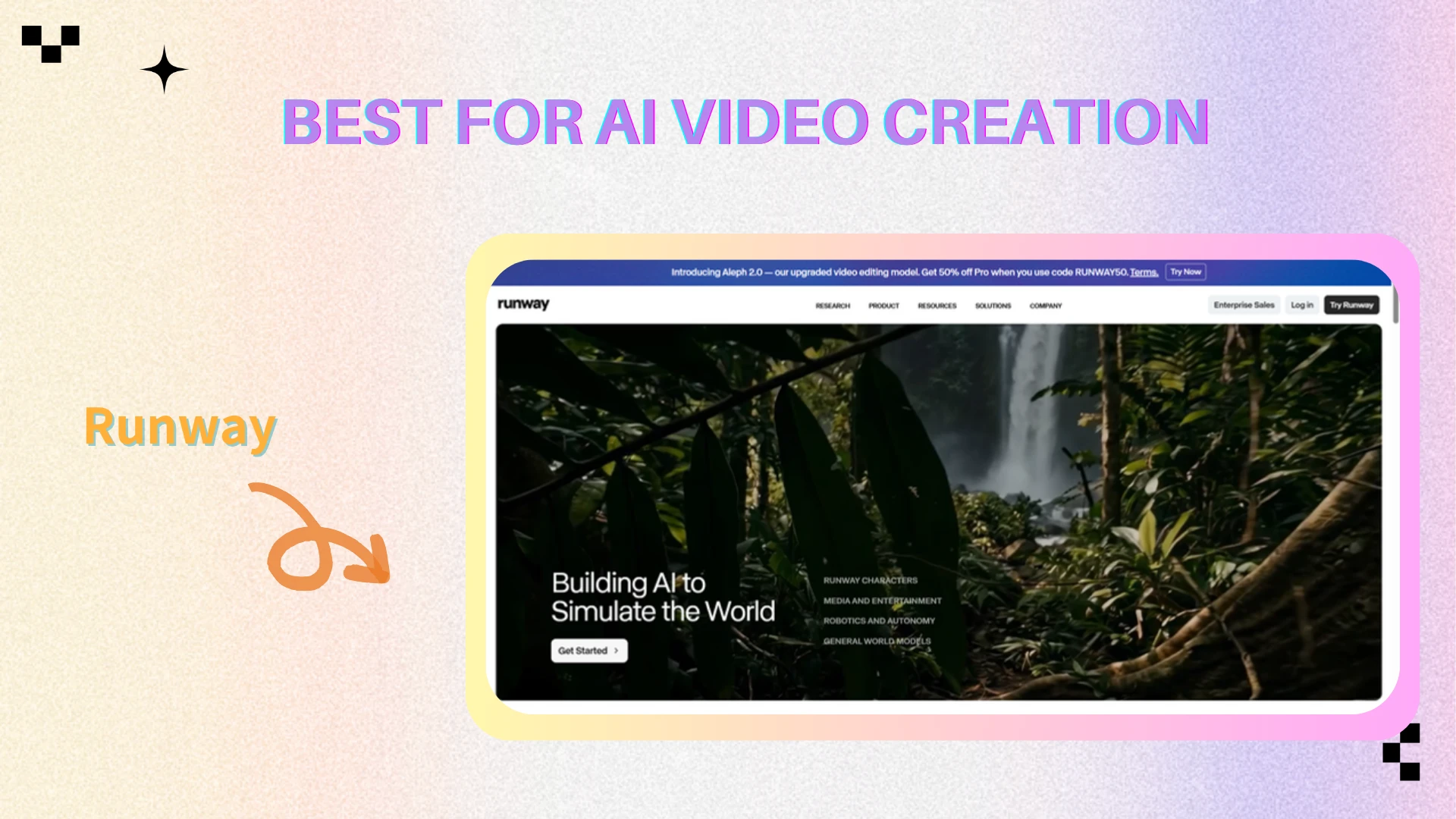
Runway — Best for AI Video Creation
Overview
Runway has become one of the leading AI video platforms for creators, filmmakers, marketers, and creative studios experimenting with generative video workflows. The platform focuses heavily on AI-assisted motion creation, text-to-video generation, and cinematic editing capabilities.
Key Features
Runway supports text-to-video generation, image-to-video workflows, AI-powered motion editing, cinematic transitions, and generative visual effects designed for creators and video professionals. The platform focuses heavily on experimental video creation and rapid content production.
Pros
Strong innovation in AI video
High-quality motion generation
Useful for creators and filmmakers
Rapidly evolving platform
Cons
Computationally intensive workflows
Some outputs remain inconsistent
Advanced workflows can become expensive
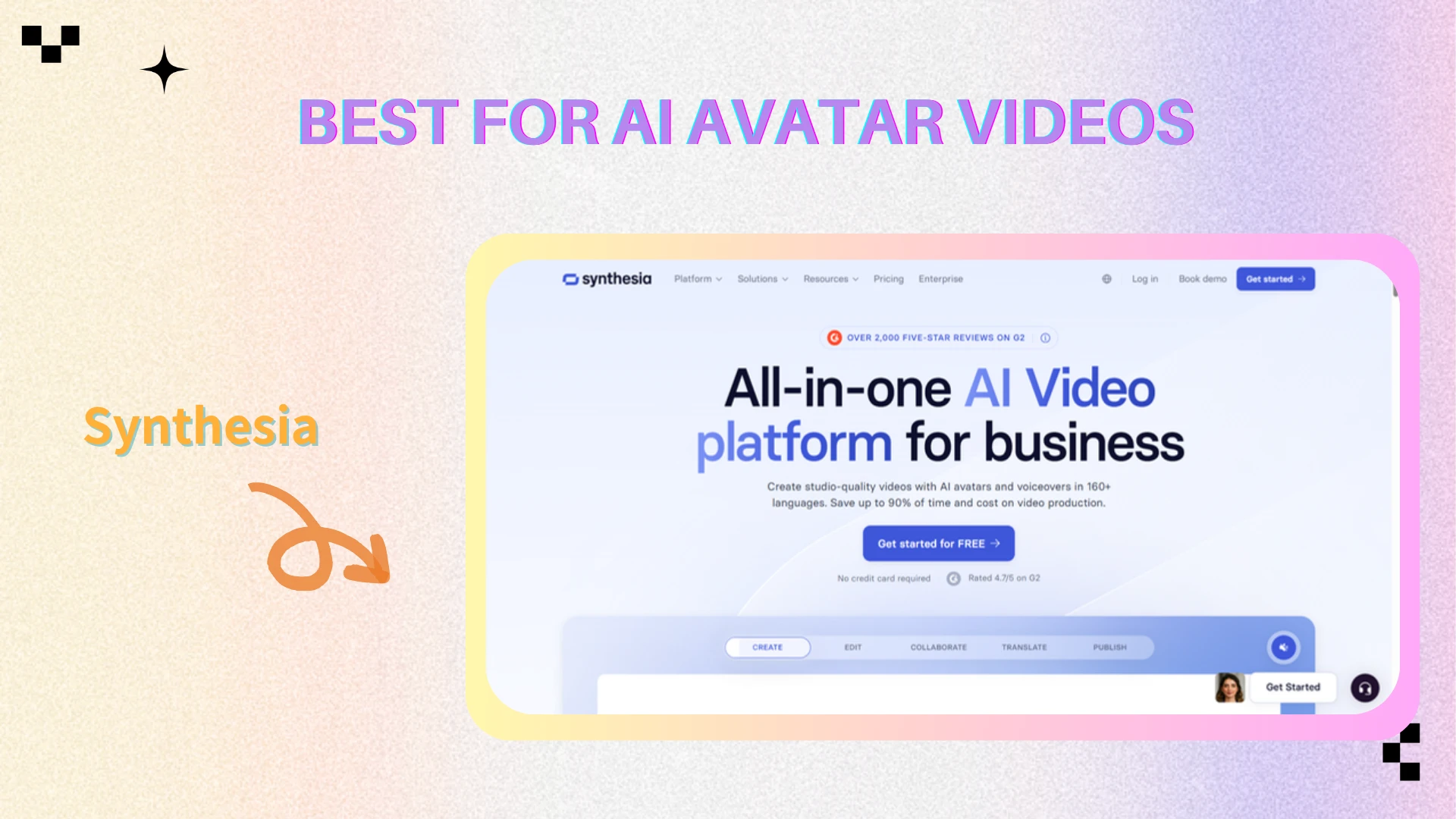
Synthesia — Best for AI Avatar Videos
Overview
Synthesia specializes in AI-generated avatar videos designed primarily for business communication, educational workflows, multilingual content production, and corporate training materials. Unlike cinematic AI video tools, Synthesia focuses more on accessibility and efficiency for enterprise environments.
Key Features
Synthesia offers AI avatar presenters, multilingual voice generation, business-oriented video templates, and automated training workflows designed for enterprise communication and educational production. The platform allows teams to create presenter videos quickly without traditional filming setups.
Pros
Excellent for corporate communication
Fast multilingual video production
Beginner-friendly workflows
Useful for training content
Cons
Limited cinematic flexibility
Avatar styles can feel repetitive
Less suitable for creative storytelling
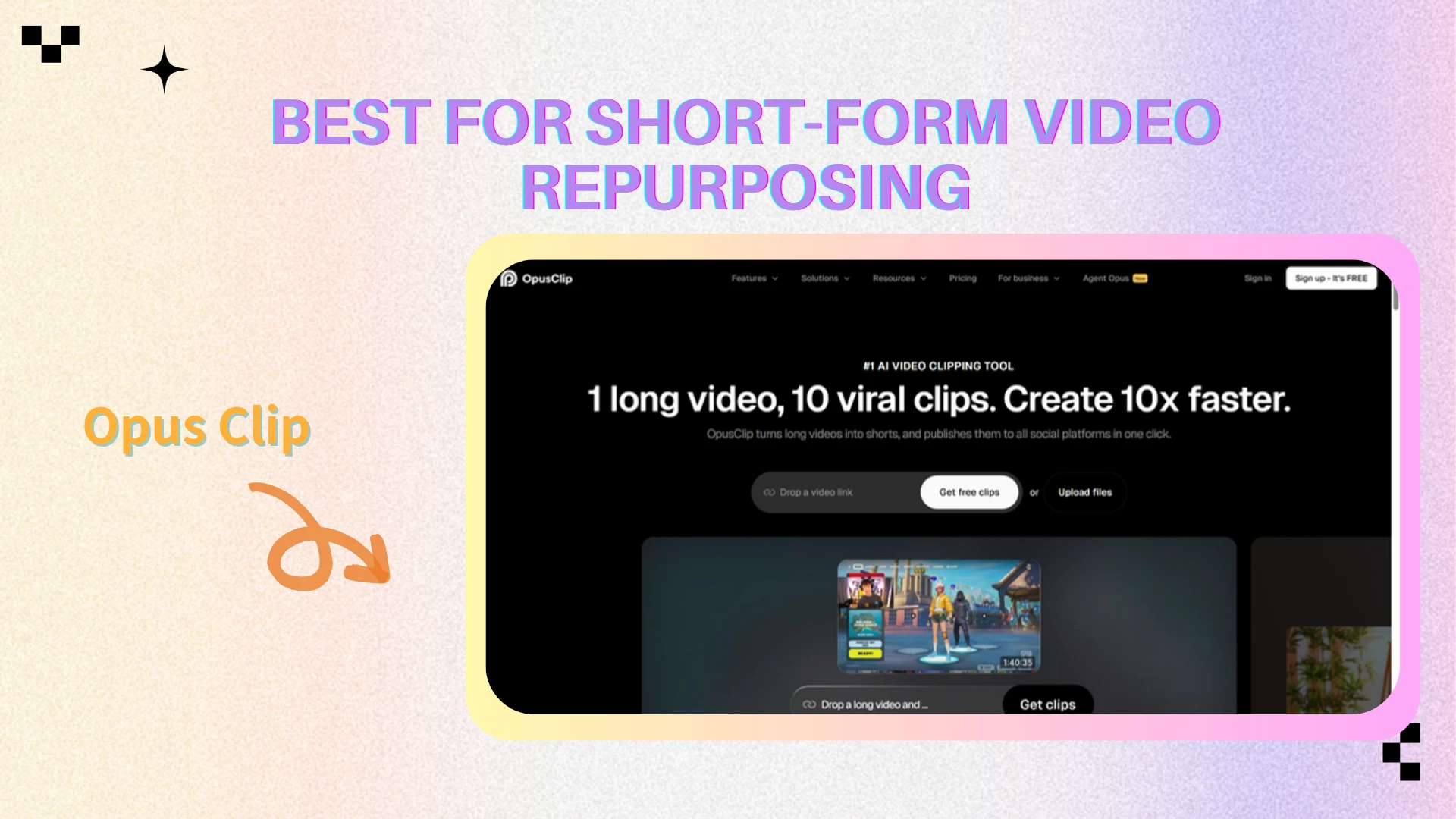
Opus Clip — Best for Short-Form Video Repurposing
Overview
Opus Clip focuses on helping creators transform long-form videos into short-form social content optimized for modern distribution platforms. As short-form content continues dominating creator marketing, tools like Opus Clip have become increasingly valuable for podcasters, YouTubers, and social media teams.
Key Features
Opus Clip automatically converts podcasts, interviews, webinars, and long-form videos into short-form social clips using AI-powered clipping, caption generation, and engagement optimization. The platform is designed to help creators quickly repurpose content for TikTok, Instagram Reels, and YouTube Shorts.
Pros
Saves significant editing time
Great for social media workflows
Optimized for short-form distribution
Beginner-friendly automation
Cons
Limited deep editing flexibility
Outputs may still require refinement
Best suited for repurposing workflows only
AI Writing and Content Creation Tools
Writing tools remain an important part of the AI creativity ecosystem, especially for brainstorming, scripting, campaign ideation, content planning, and marketing workflows. Modern creators increasingly combine visual AI platforms with AI writing assistants to accelerate the entire content production process.
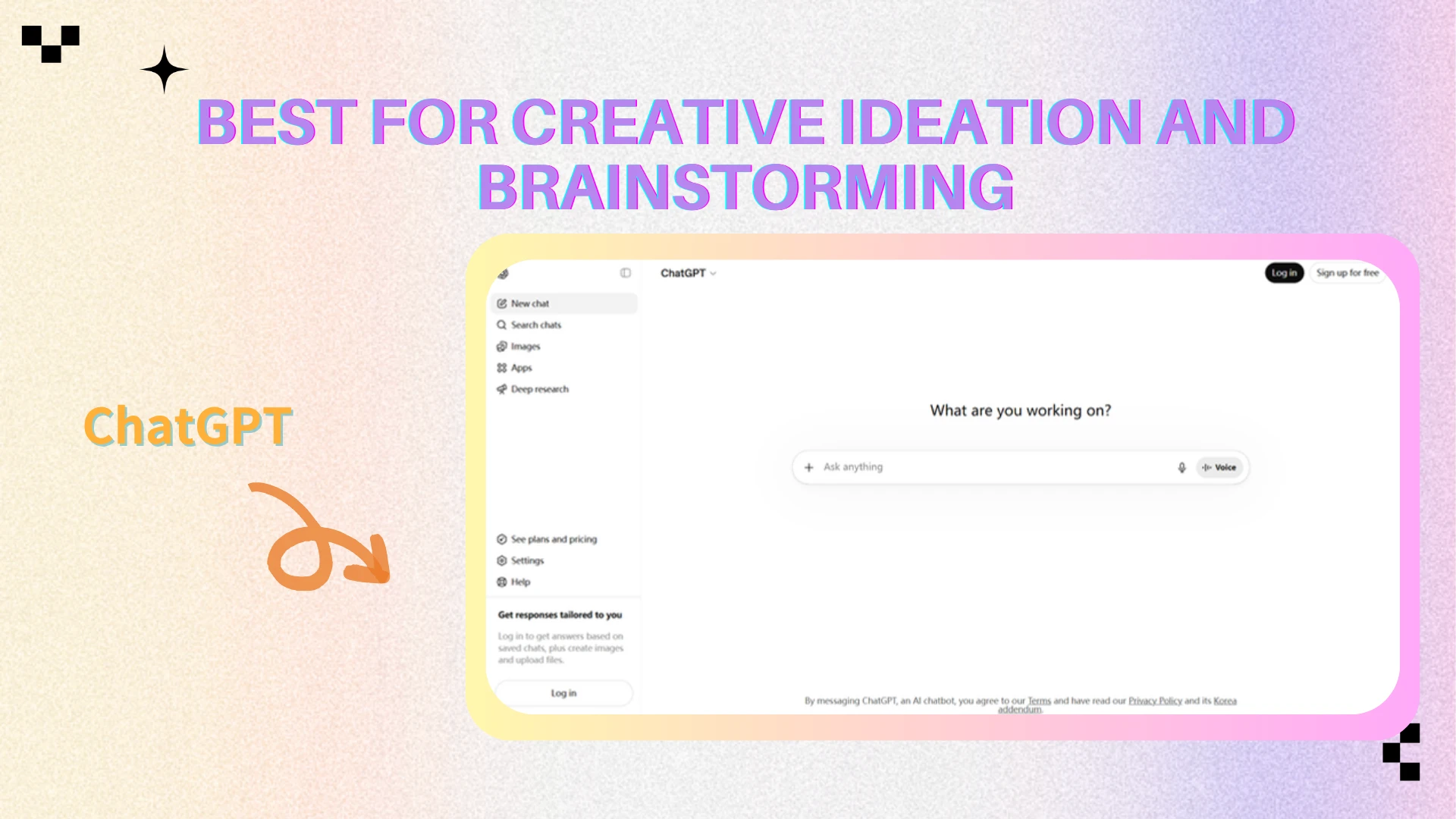
ChatGPT — Best for Creative Ideation and Brainstorming
Overview
ChatGPT remains one of the most versatile AI creativity tools available in 2026. While many users associate it primarily with writing, the platform is widely used across creative workflows for brainstorming, campaign planning, scripting, ideation, and content strategy.
Key Features
ChatGPT supports brainstorming workflows, long-form writing, scripting, social media ideation, marketing copy generation, conversational assistance, and creative planning across a wide range of industries. Its flexible conversational interface allows creators to quickly explore concepts and accelerate content workflows.
Pros
Extremely flexible across workflows
Excellent brainstorming capability
Useful across industries
Fast idea generation
Cons
Can generate generic content
Accuracy still varies
Strong prompting is often required
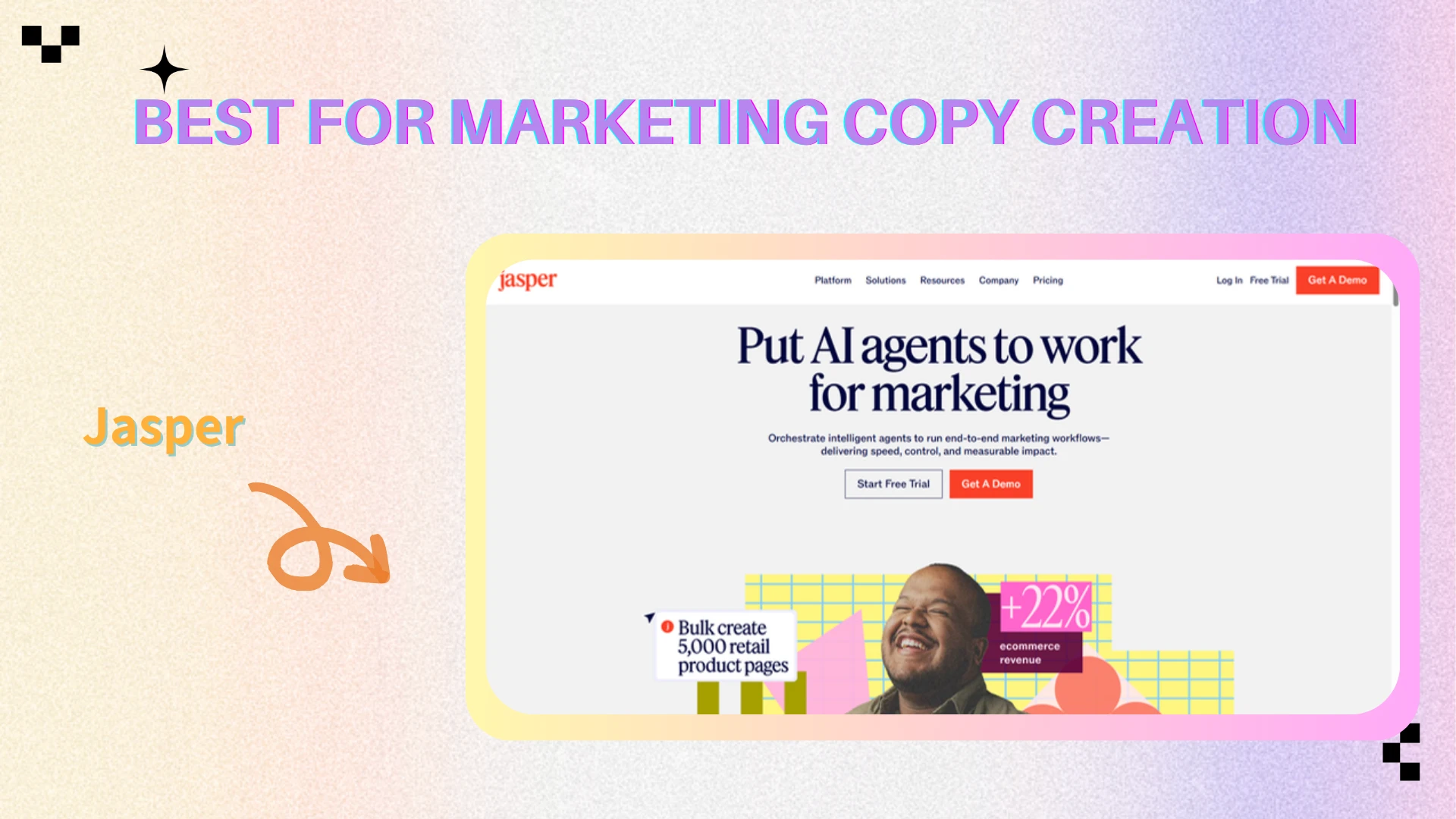
Jasper — Best for Marketing Copy Creation
Overview
Jasper is an AI writing platform focused heavily on marketing teams, branded content, and scalable copy production. Compared to more general-purpose AI assistants, Jasper positions itself more directly as a business-oriented content creation platform.
Key Features
Jasper offers AI-powered marketing copy generation, campaign writing, blog assistance, brand voice workflows, and team-oriented content production features designed for agencies, ecommerce brands, and marketing teams.
Pros
Strong marketing focus
Good brand consistency tools
Useful for agencies and businesses
Workflow-oriented writing features
Cons
Expensive for smaller creators
More business-focused than creator-focused
Less flexible outside marketing workflows
Claude — Best for Structured Long-Form Writing
Overview
Claude has become increasingly popular among creators and professionals who need structured long-form writing, research assistance, and context-heavy conversations. Its writing style is often considered calmer and more analytical compared to many competing AI assistants.
Key Features
Claude specializes in long-context conversations, structured writing assistance, research-heavy workflows, analytical content generation, and detailed document handling designed for creators working on strategy, planning, and long-form production.
Pros
Excellent long-context handling
Strong structured writing quality
Natural conversational flow
Useful for research-heavy workflows
Cons
Less visually oriented than creative platforms
Smaller creator ecosystem
Fewer publishing-focused workflows

Why Integrated Visual Platforms Are Replacing Standalone Tools
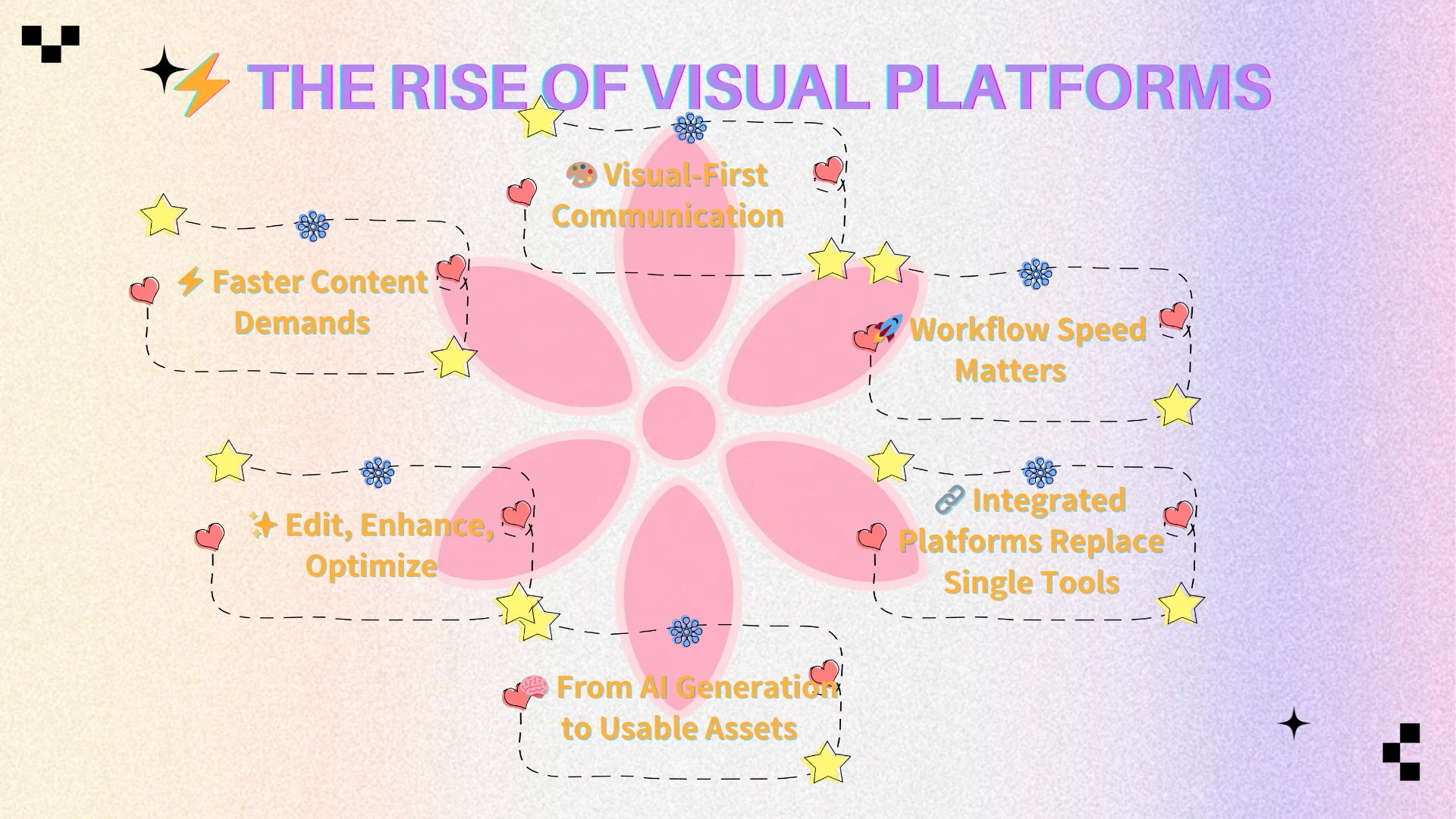
Visual content has become central to modern digital communication. Platforms like TikTok, Instagram, YouTube, ecommerce stores, blogs, and advertising systems all rely heavily on visual content to capture attention and drive engagement.
As content volume continues growing, creators are under increasing pressure to produce polished graphics, high-quality visuals, and publish-ready assets at a much faster pace than before. Because of this, the challenge is no longer simply whether AI can generate content. The real question is whether creators can quickly transform ideas into usable visual assets through efficient workflows.
This shift is one of the biggest reasons visual AI platforms are becoming increasingly important. Modern creators now care more about workflow speed, editing flexibility, enhancement capabilities, and fast iteration than generation alone. As a result, integrated visual creation platforms are rapidly replacing isolated single-purpose tools.
Why AIEnhancer Stands Out
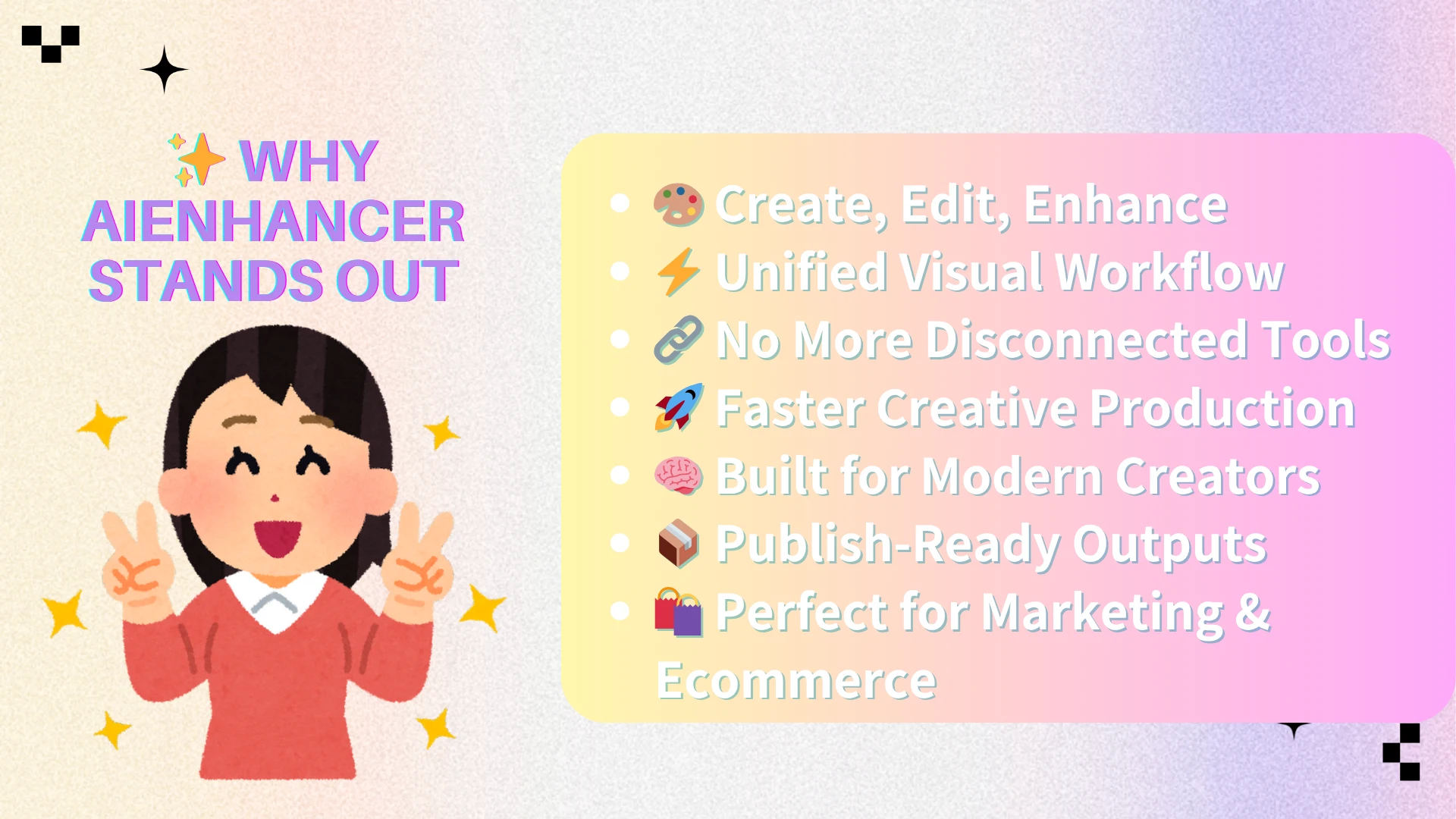
While traditional workflows partition the creative process—forcing creators to generate in one app, edit in another, and upscale in a third—AIEnhancer unifies these siloed steps into a single cohesive pipeline.
This approach aligns closely with how creators actually work in 2026.
Instead of constantly switching between disconnected tools, creators increasingly prefer streamlined workflows that reduce:
friction
export cycles
repetitive editing
production time
AIEnhancer’s workflow-oriented approach makes it especially useful for:
creators
marketers
ecommerce sellers
content teams
visual publishers
who need fast iteration and production-ready outputs.
The Future of AI Creativity Tools
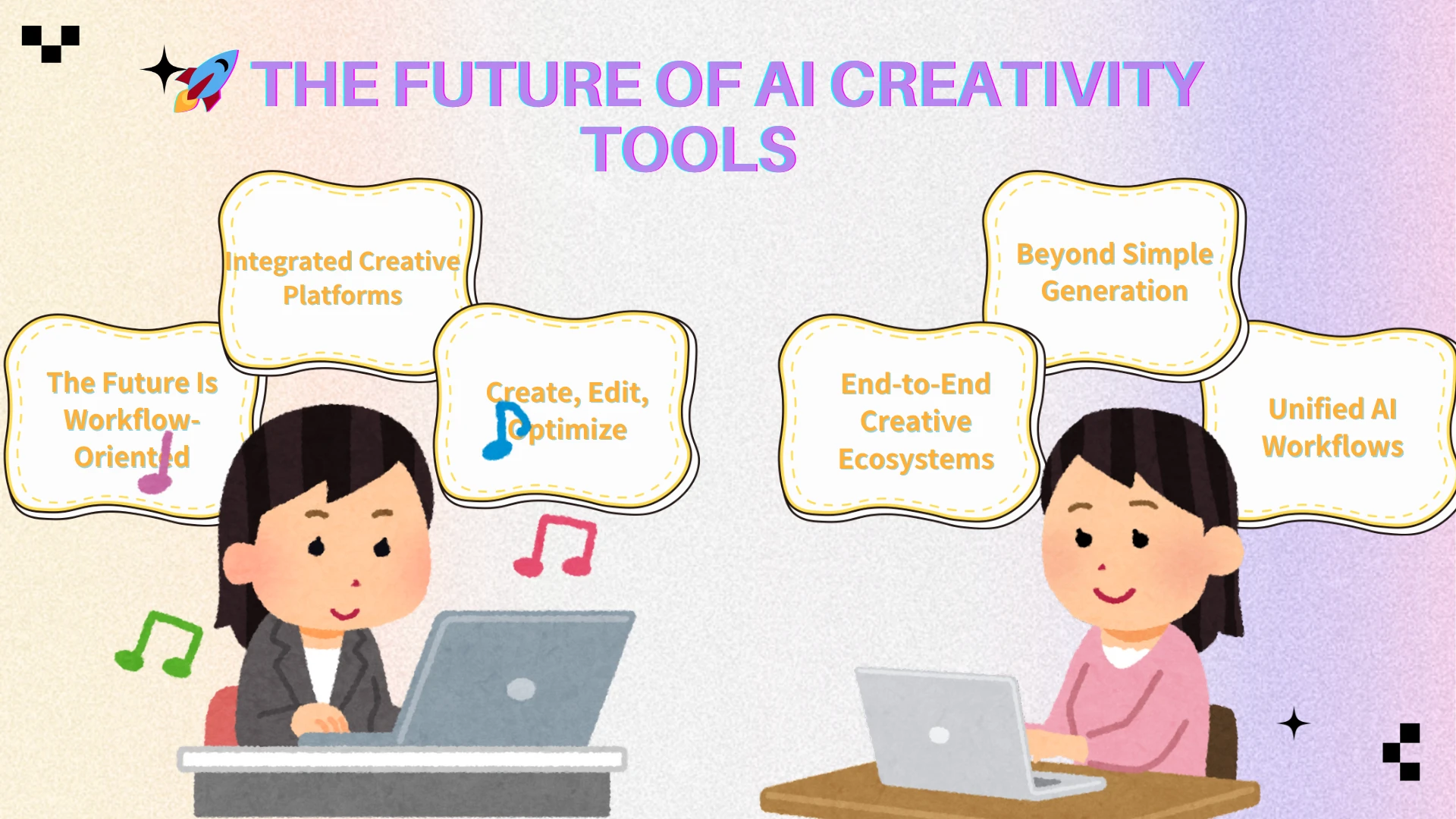
AI creativity tools are evolving rapidly beyond simple prompt-based generation. Over the next few years, the industry will likely continue moving toward integrated creative platforms that combine generation, editing, enhancement, optimization, and publishing workflows inside connected ecosystems.
The distinction between generators, editors, enhancers, and design tools is already starting to blur. Instead of relying on isolated tools for each production step, creators increasingly prefer unified platforms that can handle the entire creative process more efficiently.
As AI creativity continues evolving, workflow-oriented platforms will likely become one of the most important directions shaping the future of creative software.
FAQ
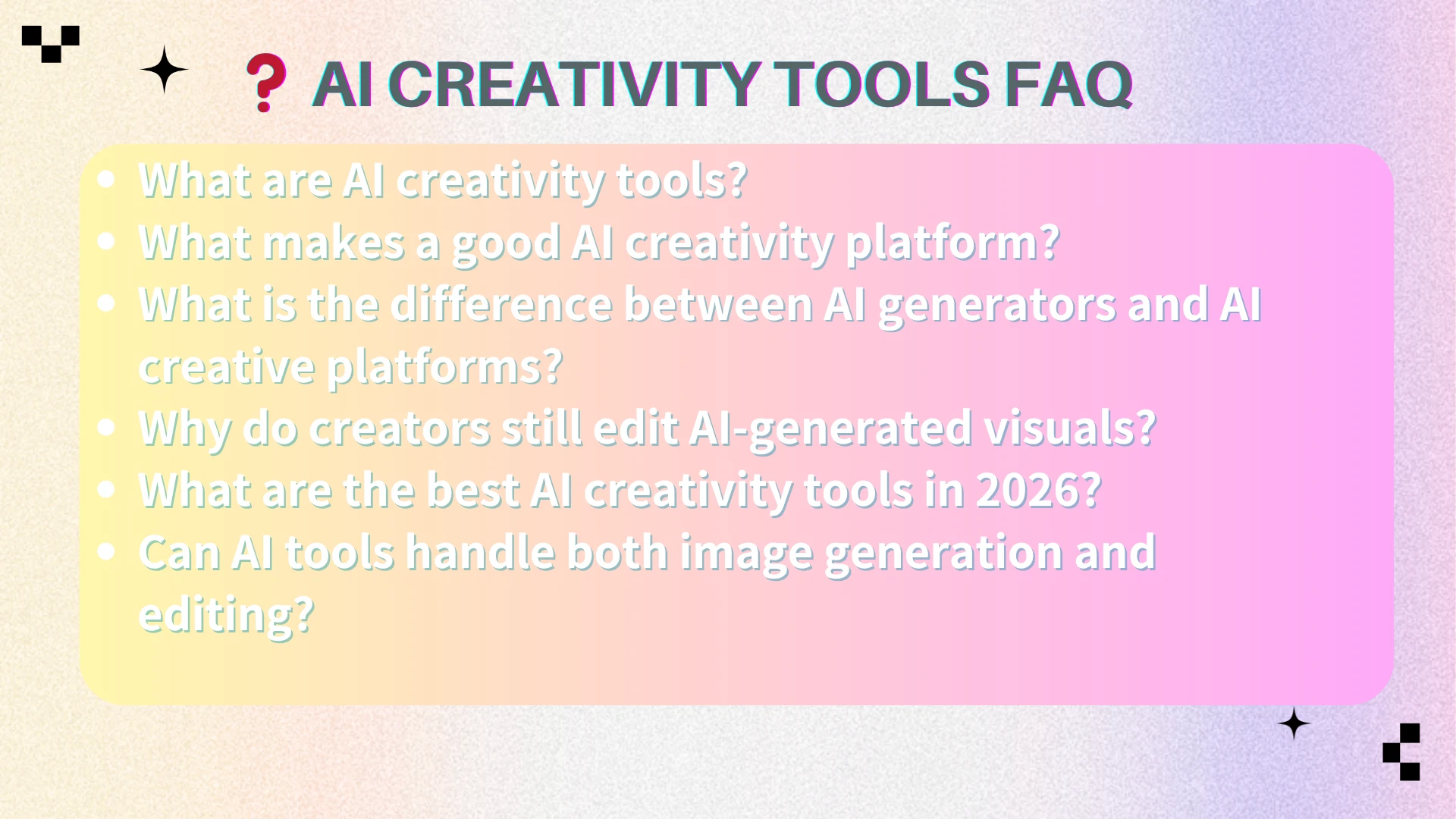
What are AI creativity tools?
AI creative tools are software platforms that enable users to generate, edit, enhance, and seamlessly publish digital assets like images, videos, and text. Modern platforms now support much broader workflows than simple generation alone.
What makes a good AI creativity platform?
A strong AI creativity platform combines generation quality, editing flexibility, workflow efficiency, and creator-focused usability. The best platforms help users move from idea to publish-ready content quickly.
What is the difference between AI generators and AI creative platforms?
AI generators mainly create outputs from prompts, while AI creative platforms support broader workflows including editing, enhancement, optimization, and publishing preparation.
Why do creators still edit AI-generated visuals?
Most AI-generated visuals still require refinement before publishing. Creators often need to improve quality, adjust layouts, upscale images, or optimize visuals for social media, marketing, and branding workflows.
What are the best AI creativity tools in 2026?
Some of the most widely discussed AI creativity tools in 2026 include AIEnhancer, Canva, Midjourney, Adobe Firefly, Figma AI, Runway, ChatGPT, Jasper, and Claude, depending on different workflow needs.
Can AI tools handle both image generation and editing?
Yes. Many modern AI platforms now combine image generation, editing, enhancement, and optimization inside unified creative workflows.
Conclusion
AI creativity tools are rapidly evolving beyond simple image generation. In 2026, creators increasingly need platforms that support complete workflows including creation, editing, enhancement, and publishing preparation.
While tools like Midjourney, Canva, Runway, and ChatGPT continue shaping different areas of AI creativity, workflow-oriented visual platforms are becoming more important than ever. This is one reason AIEnhancer stands out within modern creative workflows, combining generation, editing, and enhancement inside a unified visual creation platform.
As AI creativity continues evolving, the most valuable tools will be the ones that help creators move from idea to polished content faster and more efficiently.