7 Best AI Image Generators for Art and Design in 2026
Introduction
By 2026, AI image generation has become a core tool for art and creative design. Illustrators, brand designers, and marketing teams use text-to-image platforms to produce concept art, posters, social visuals, and campaign assets faster than traditional workflows allow.
Yet not every AI image generator for art and creative design fits creative design work. Art projects demand style control, readable typography, brand consistency, and room to refine drafts—not cinematic realism alone. A tool that excels at photorealistic portraits may still struggle with poster headlines, illustration styles, or brand-consistent layouts. That is why this guide focuses specifically on generators built for art and creative design, not general-purpose image creation.
We compared seven leading platforms across illustration, poster design, brand assets, and multi-model workflows. AIEnhancer stands out for most creators thanks to multi-model generation and a practical path from first draft to refined artwork. Below you'll find our evaluation criteria, a quick comparison table, detailed reviews, and scenario-based recommendations.
Whether you are a freelance illustrator testing concept directions, a marketing team producing weekly social assets, or an agency pitching visual ideas to clients, finding the best AI image generator for your pipeline should shorten ideation—not add another bottleneck before your design tools.
What Is an AI Image Generator for Creative Design?
An AI image generator turns text prompts—and sometimes reference images—into visual output. In art and creative design, results are judged on artistic control: composition, color, stylization, layout readability, and fit with a brand or brief.
Design-focused tools must handle illustration styles, poster layouts with readable headlines, and brand-consistent visual languages—not just photorealistic portraits. Common use cases include album cover exploration, social media campaign visuals, packaging mockups, and mood boards for client presentations.
The best platforms also support iteration, so you refine a promising draft instead of regenerating from scratch every time. Many creators now pair generation with light editing—adjusting composition, fixing local details, or polishing layout elements before the asset moves into Figma, Photoshop, or a print workflow.
How We Evaluated the Best AI Image Generators for Art
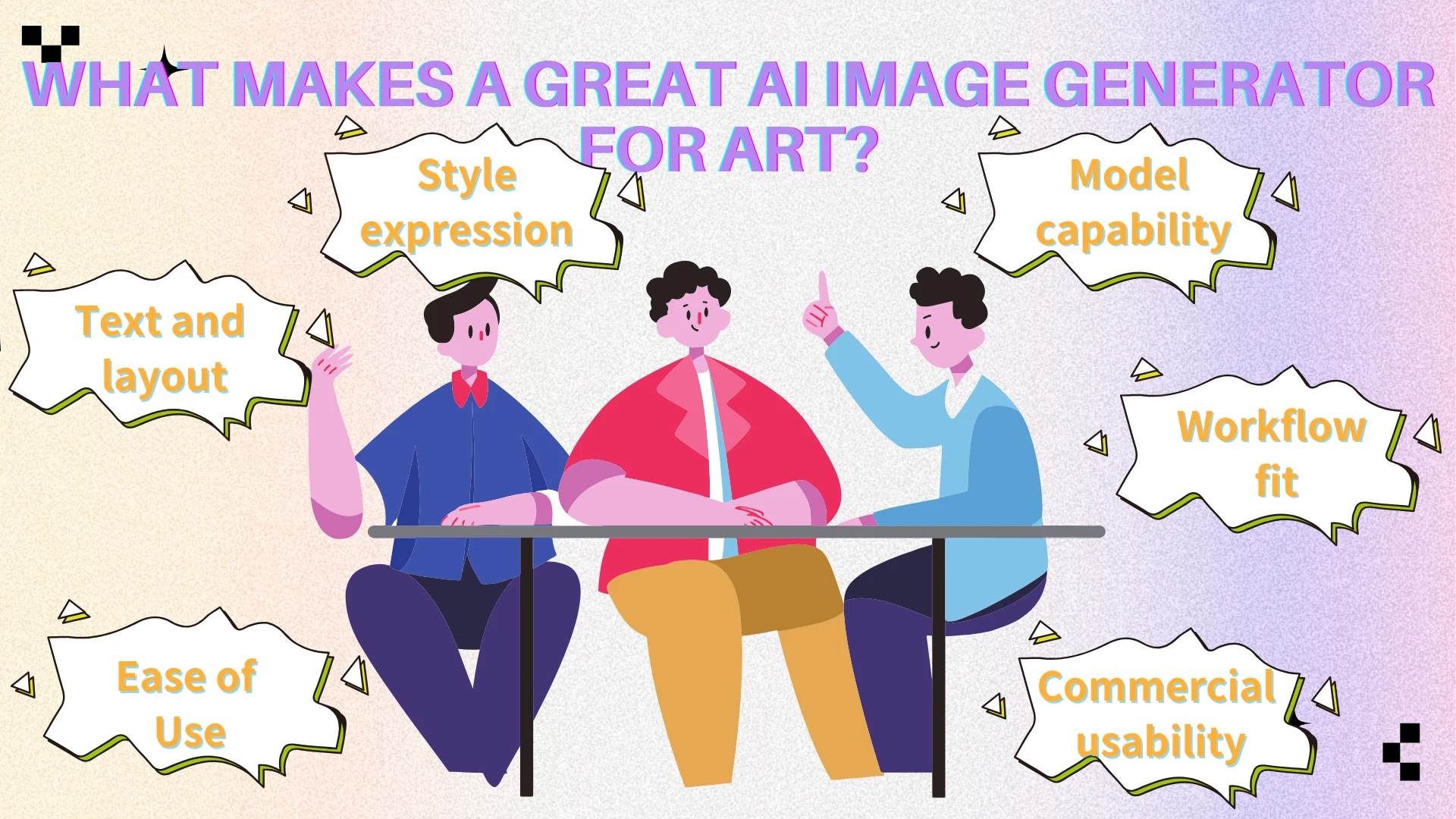
We selected these seven tools using criteria that matter for creative design:
Style expression — distinct illustration and graphic aesthetics, not one generic "AI look"
Model capability — strong engines for illustration, typography, or brand visuals
Text and layout — readable words in posters, ads, and social graphics
Ease of use — useful drafts without a custom technical pipeline
Commercial usability — clear guidance for professional and client-facing work
Workflow fit — variations, refinements, and handoff into a broader design process
We excluded pricing from this guide. Comparisons focus on creative output and workflow fit; licensing details should be confirmed on each platform's official site. Each tool was assessed for how well it serves art and design workflows in practice—not just single-prompt demo quality.
We also looked at how naturally each platform fits a real creative pipeline: can you generate variations quickly, fix weak areas without starting over, and export assets that feel ready for the next design step? Those questions matter as much as first-impression image quality when you are producing art and creative design work at scale.
Quick Comparison: 7 AI Image Generators at a Glance
| Tool | Best For | Art Style Strength | Text & Typography | Workflow Integration |
|---|---|---|---|---|
| AIEnhancer | Multi-model art creation + refinement | Broad via multiple models | Strong | Excellent |
| Leonardo AI | Illustration & concept art | Excellent stylized art | Moderate | High |
| Ideogram | Posters & text-heavy design | Design-forward | Excellent | High |
| Recraft | Brand design assets | Clean illustration | Good | High |
| Adobe Firefly | Adobe commercial teams | Polished marketing visuals | Good | Excellent |
| Microsoft Copilot Designer | Quick browser ideation | General creative styles | Moderate | High |
| Playground AI | Style experimentation | Flexible exploration | Moderate | Moderate |
The 7 Best AI Image Generators for Art and Creative Design
AIEnhancer
Best for: Creators who want multiple leading image models in one platform, plus a clear path from generation to refinement.
Key features
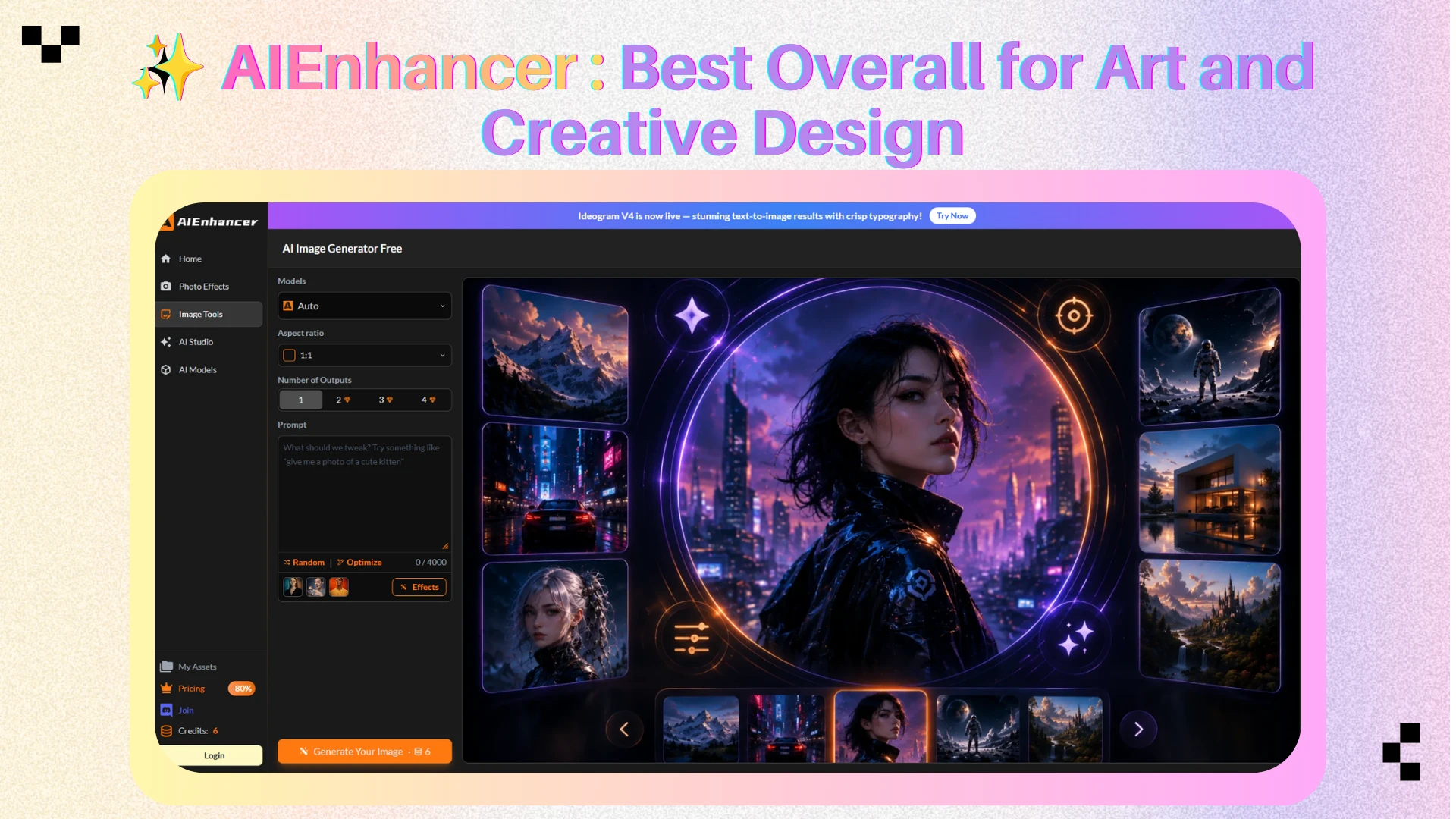
AIEnhancer is built around its AI Image Generator, giving creators access to multiple high-quality models for illustration, design-forward visuals, and text-capable generation—without juggling separate subscriptions. Through the AI Models hub, creators can switch between engines such as Ideogram V4 for poster-ready typography, Recraft V4 for brand-friendly design assets, and GPT Image 2 or Flux models for broader illustration styles—all from one workspace.
That multi-model access helps during early creative exploration: run the same brief through different engines, compare outputs, and move forward with the strongest direction.
Why it excels
Most creative workflows do not stop at the first generation. AIEnhancer supports a practical generate → refine pattern: create with multiple models, pick the strongest output, then polish it in the AI Image Editor —adjusting composition, local details, or layout before export. That combination makes it the strongest all-around choice on this list for art and creative design in 2026.
Pros
Multi-model access in one platform
Strong for illustration, posters, and varied art styles
Smooth handoff from generation to editing
Beginner-friendly with professional output potential
Cons
Less granular control than advanced open-source node-based workflows (such as ComfyUI)
Highly specialized illustration workflows may still benefit from dedicated single-model platforms
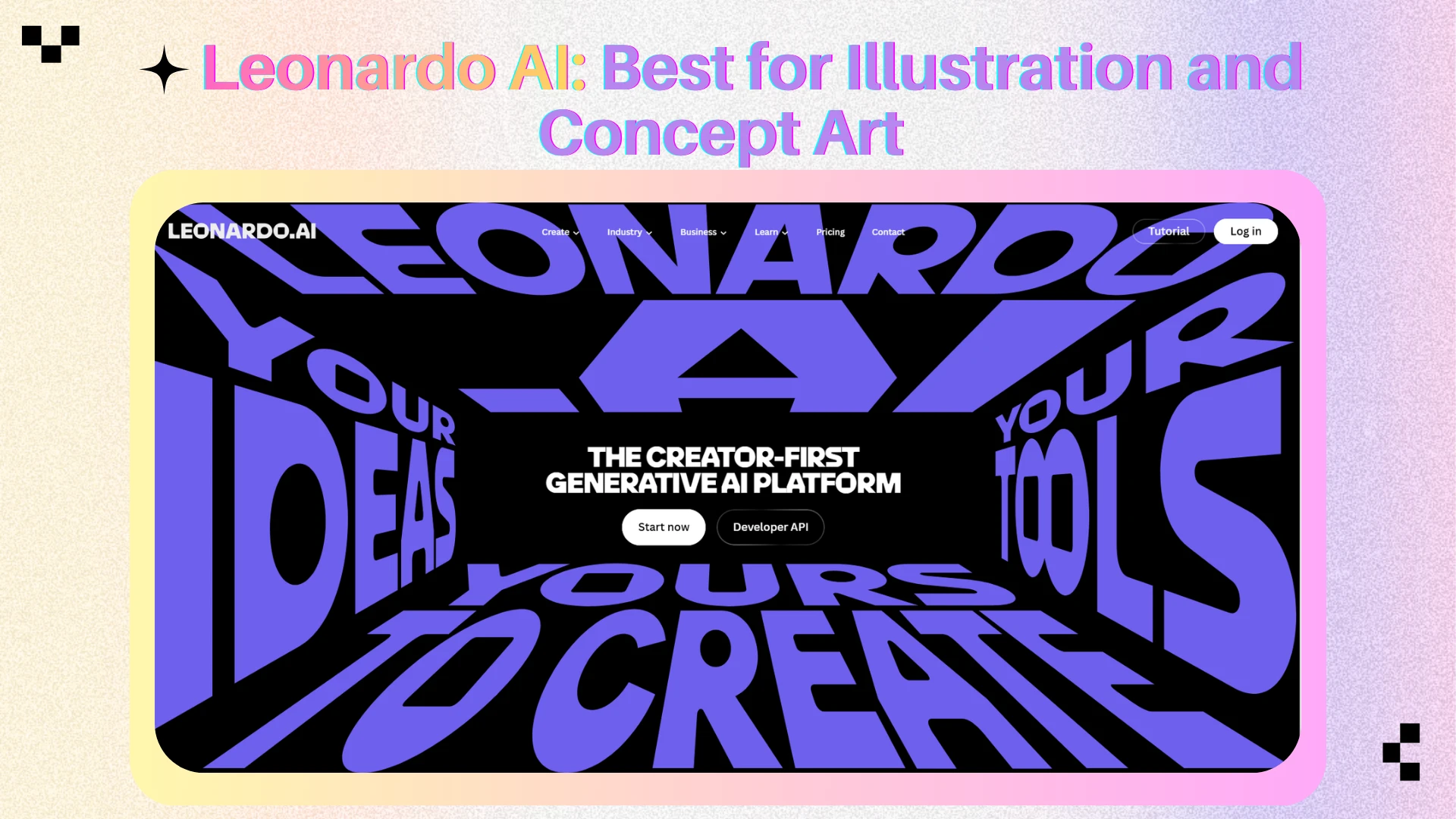
Leonardo AI
Best for: Illustrators, game artists, and concept designers who want rich stylization and strong, expressive visual style.
Key features
Leonardo AI focuses on artistic generation—fantasy scenes, character concepts, product visualization, and illustration-heavy outputs—with style presets and iterative exploration tools.
Why it excels
Leonardo produces images with clear stylistic intent, helping concept artists communicate mood, setting, and character personality quickly. Its preset library and community workflows also make it easier to stay consistent when you are building a series of related visuals—character sheets, environment studies, or sequential concept frames for the same project. It remains one of the strongest dedicated art generators for illustration-led workflows.
Pros
Excellent illustration and concept art quality
Useful presets for stylized creative work
Active creator community and inspiration ecosystem
Cons
Text-heavy poster workflows are not its primary strength
Strict layout precision can require another tool
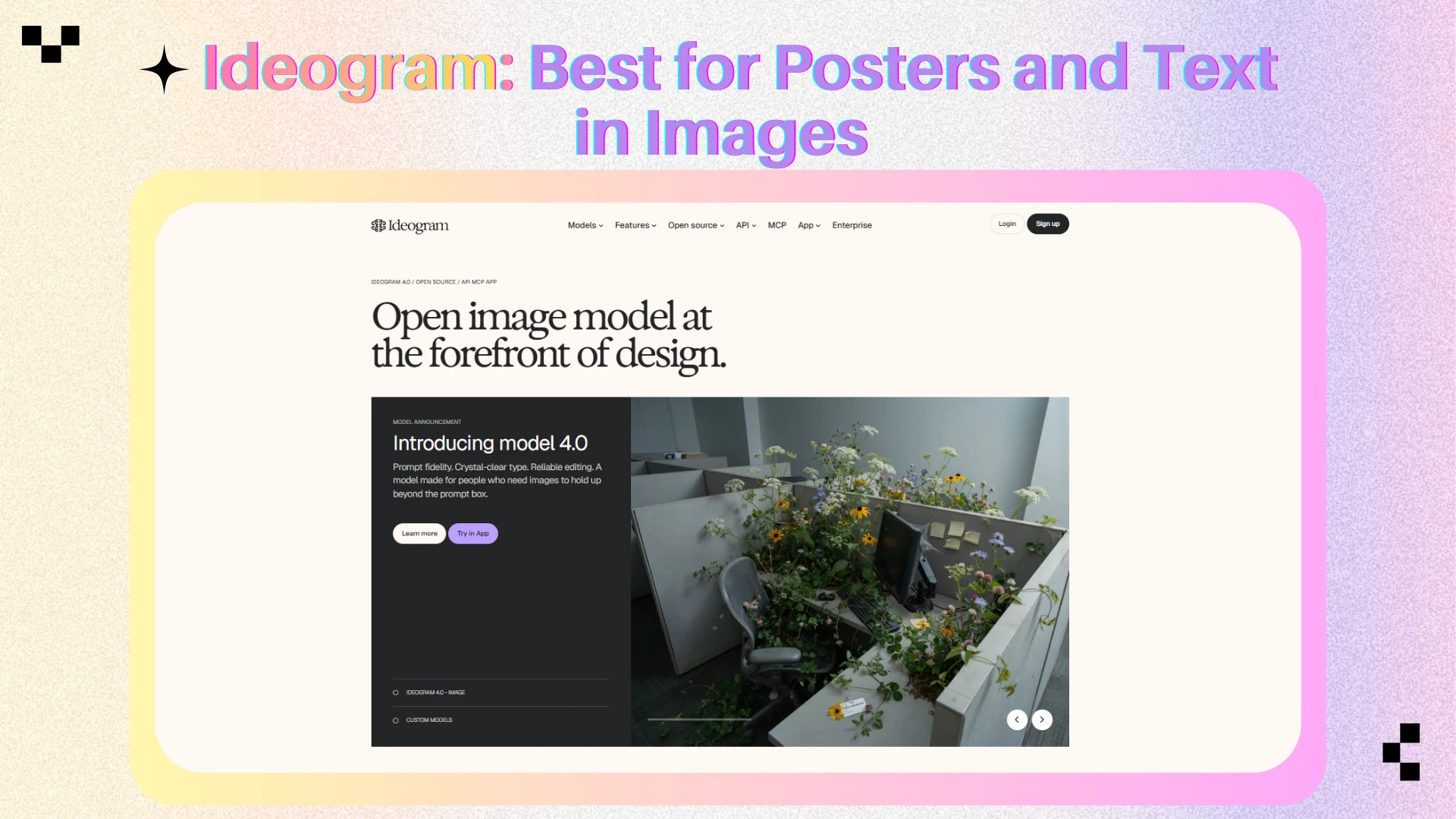
Ideogram
Best for: Posters, social ads, cover art, and any visual where readable text inside the image is essential.
Key features
Ideogram is built for text-in-image and layout-focused generation. Where many models distort letters, it handles headlines, labels, logos, and layout-like compositions with far greater consistency.
Why it excels
Creative design often fails at the text layer—a beautiful background means little if the event title or product name is unreadable. For poster and campaign work, Ideogram is the clearest typography specialist on this list. It is particularly strong when you need slogans, product names, or event details embedded directly in the visual rather than added manually afterward in a separate design tool.
Pros
Strong text rendering in generated images
Fast iteration for poster and ad concepts
Design-forward outputs, not generic photo renders
Cons
Less depth for illustration ecosystems than Leonardo AI
Highly painterly fine-art exploration may fit better elsewhere
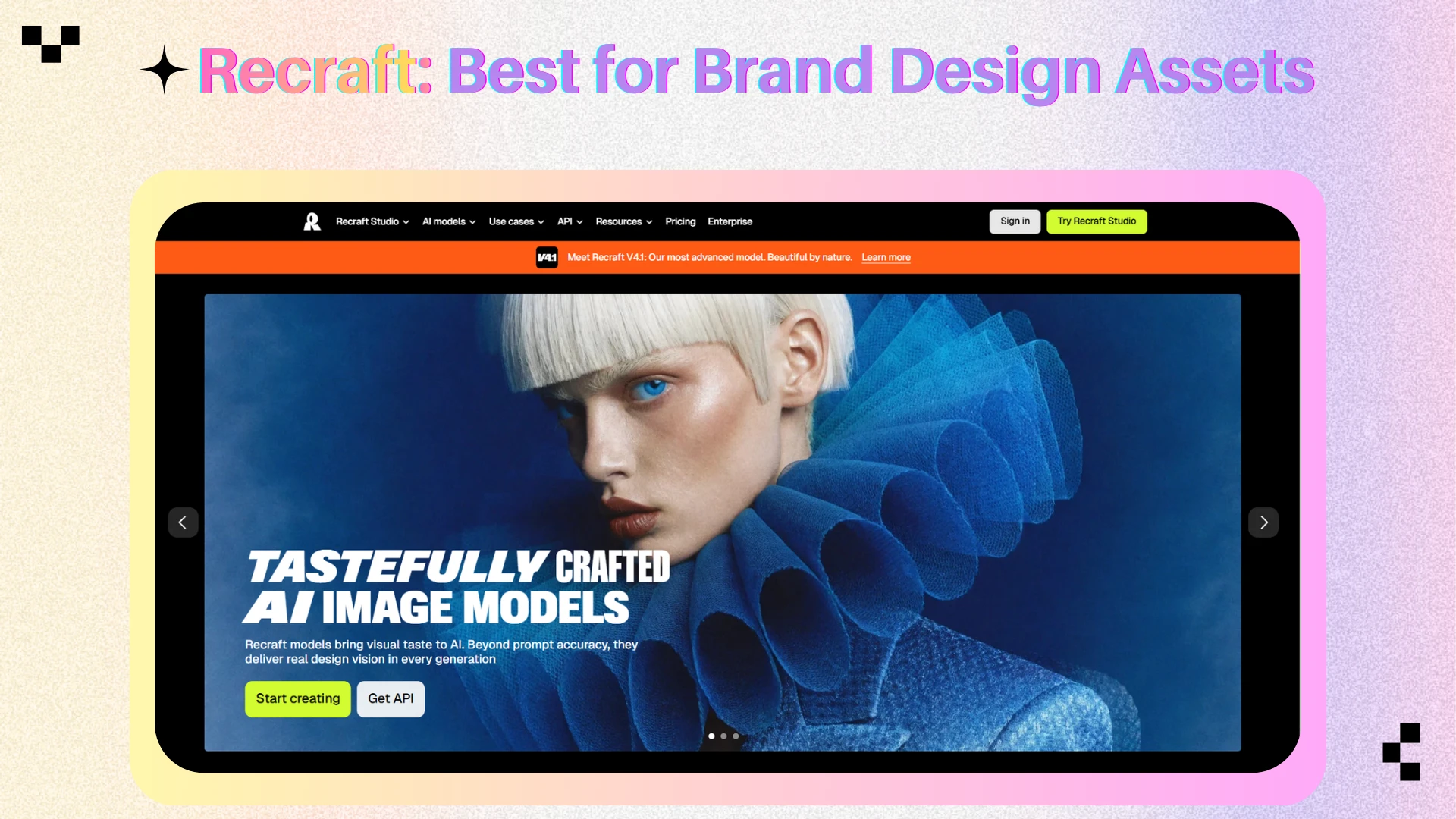
Recraft
Best for: Brand designers and agencies needing clean illustration, vector-like clarity, and design-system-friendly visuals.
Key features
Recraft emphasizes design-native generation—outputs closer to professional graphic assets than random AI art. Strong for iconography, brand illustration, packaging concepts, and consistent visual languages.
Why it excels
Many teams need controlled design assets aligned to a brand palette—not unstructured, painterly noise. Recraft makes generated art feel intentionally designed, which is why agency and product design teams rely on it.
Pros
Clean, brand-friendly illustration style
Useful for logos, icons, and marketing exploration
Outputs often feel production-ready with less cleanup
Cons
Less suited to cinematic or painterly concept art
Structured feel may limit playful experimentation
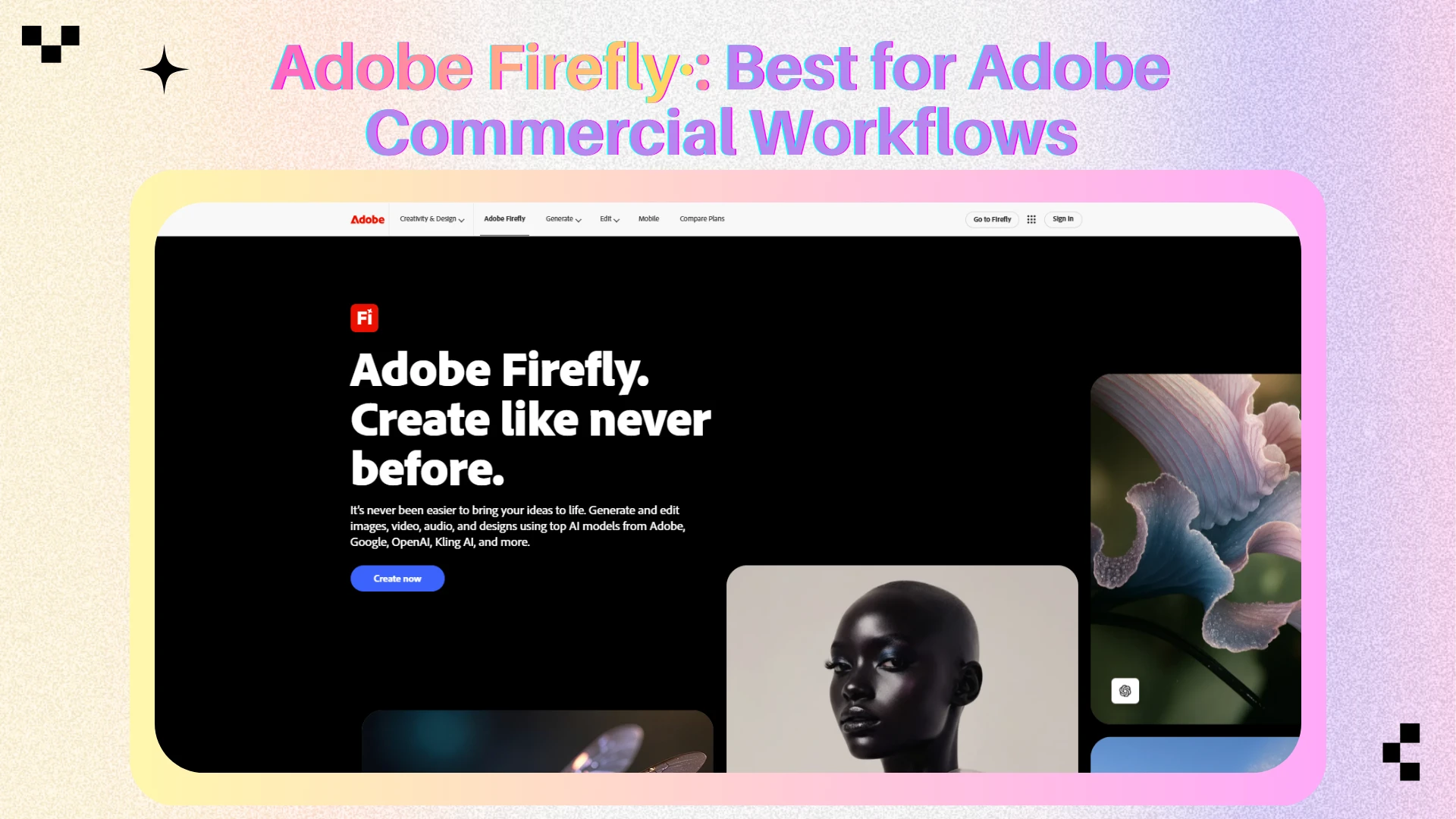
Adobe Firefly
Best for: Professional designers in the Adobe ecosystem who need commercially safer generation for marketing and brand assets.
Key features
Adobe Firefly integrates with Photoshop and Express, supporting campaign visuals, marketing graphics, and rapid asset creation inside familiar design environments.
Why it excels
Firefly's strength is workflow continuity—generation inside Adobe tools, with enterprise-friendly usage frameworks. It trades experimental flair for integration and consistency, making it a practical pick for commercial design teams.
Pros
Seamless Adobe ecosystem integration
Strong commercial workflow credibility
Reliable for marketing and branded content
Cons
More commercially conservative output than experimental art platforms
Less exciting for highly stylized illustration exploration
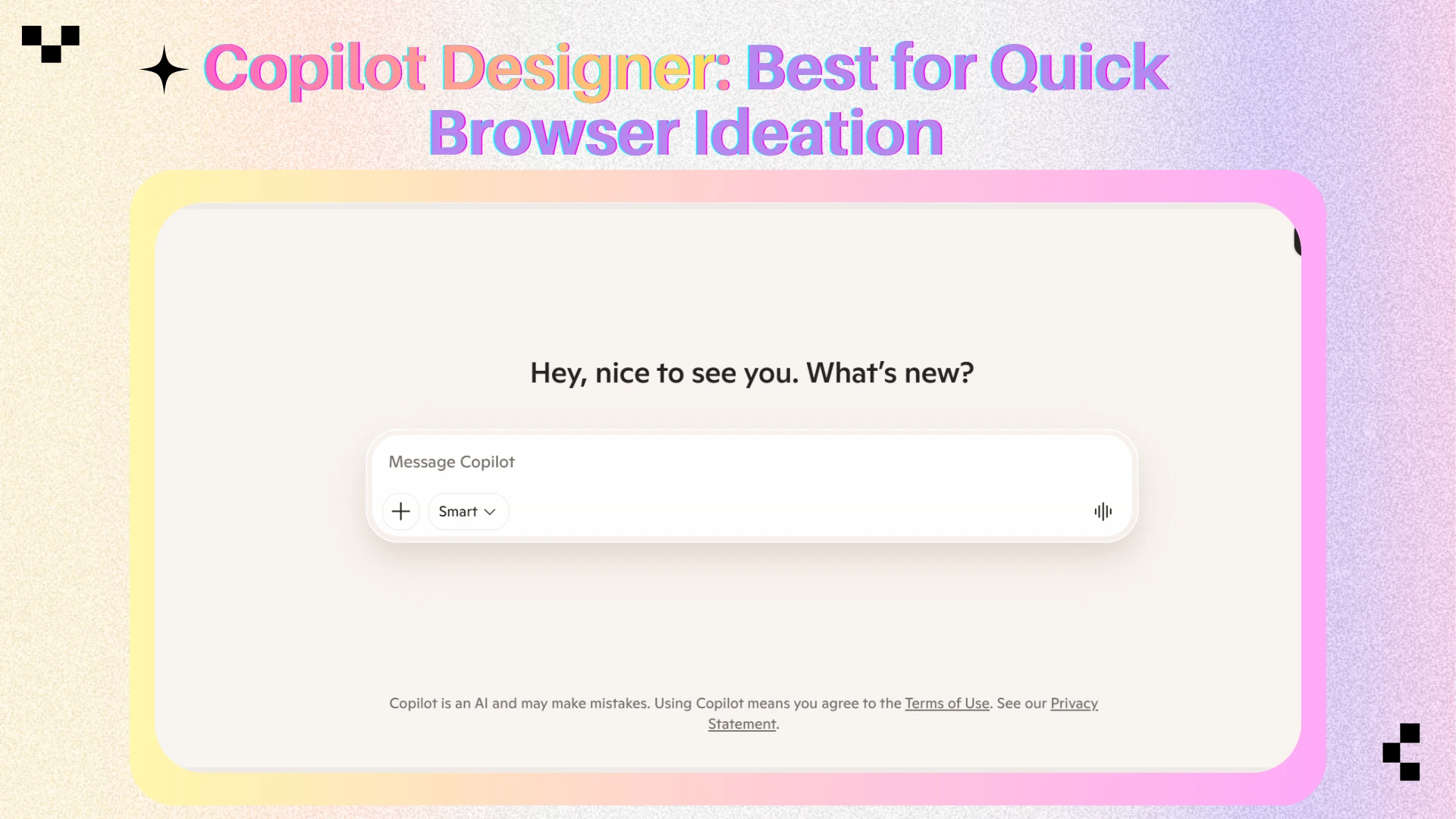
Microsoft Copilot Designer
Best for: Fast creative drafts in the browser—social visuals, presentation graphics, and lightweight campaign concepts.
Key features
Microsoft Copilot Designer offers low-friction, prompt-based image creation without a steep learning curve.
Why it excels
Copilot Designer wins on accessibility and speed—ideal when you need a visual draft quickly, not a polished brand asset. It is one of the easiest entry points for beginners and marketing teams.
Pros
Extremely easy to start using
Fast generation for everyday creative tasks
Useful for non-designers on marketing teams
Cons
Limited control for advanced illustration
Not the top choice for typography-critical poster design
Playground AI
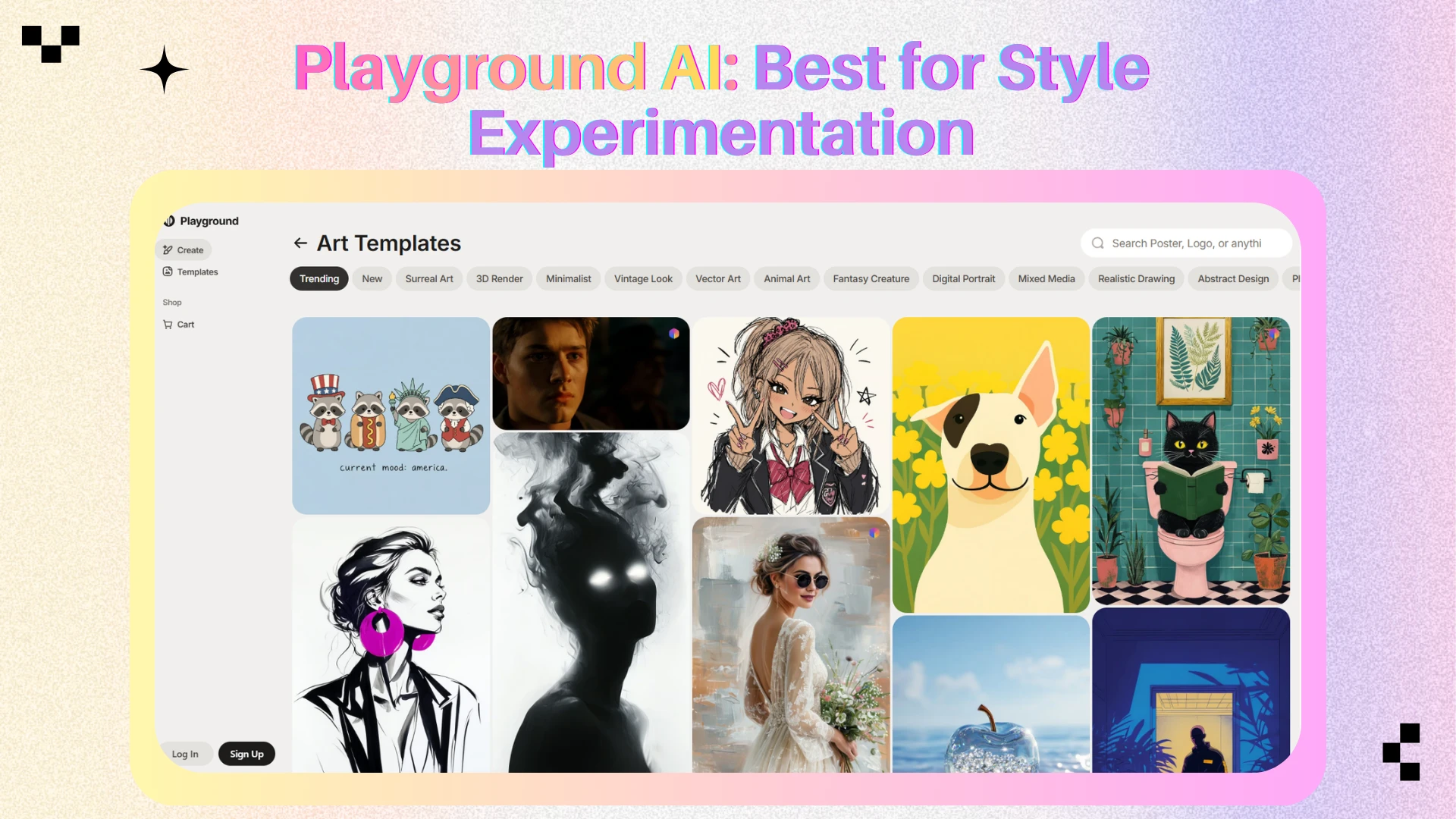
Best for: Creators who enjoy style blending, mood-board building, and visual exploration before locking a direction.
Key features
Playground AI offers a flexible canvas for generating and remixing images—testing compositions, styles, and variations across aesthetic directions.
Why it excels
Creative design often starts with discovery. Playground AI supports that early exploration phase well, though typography-critical and enterprise workflows usually need a specialist tool alongside it.
Pros
Experimentation-friendly interface
Useful for mood boards and visual exploration
Wide range of artistic styles
Cons
Less enterprise-focused than Adobe Firefly
Poster and typography work usually requires another tool
How to Choose the Right AI Image Generator by Creative Scenario
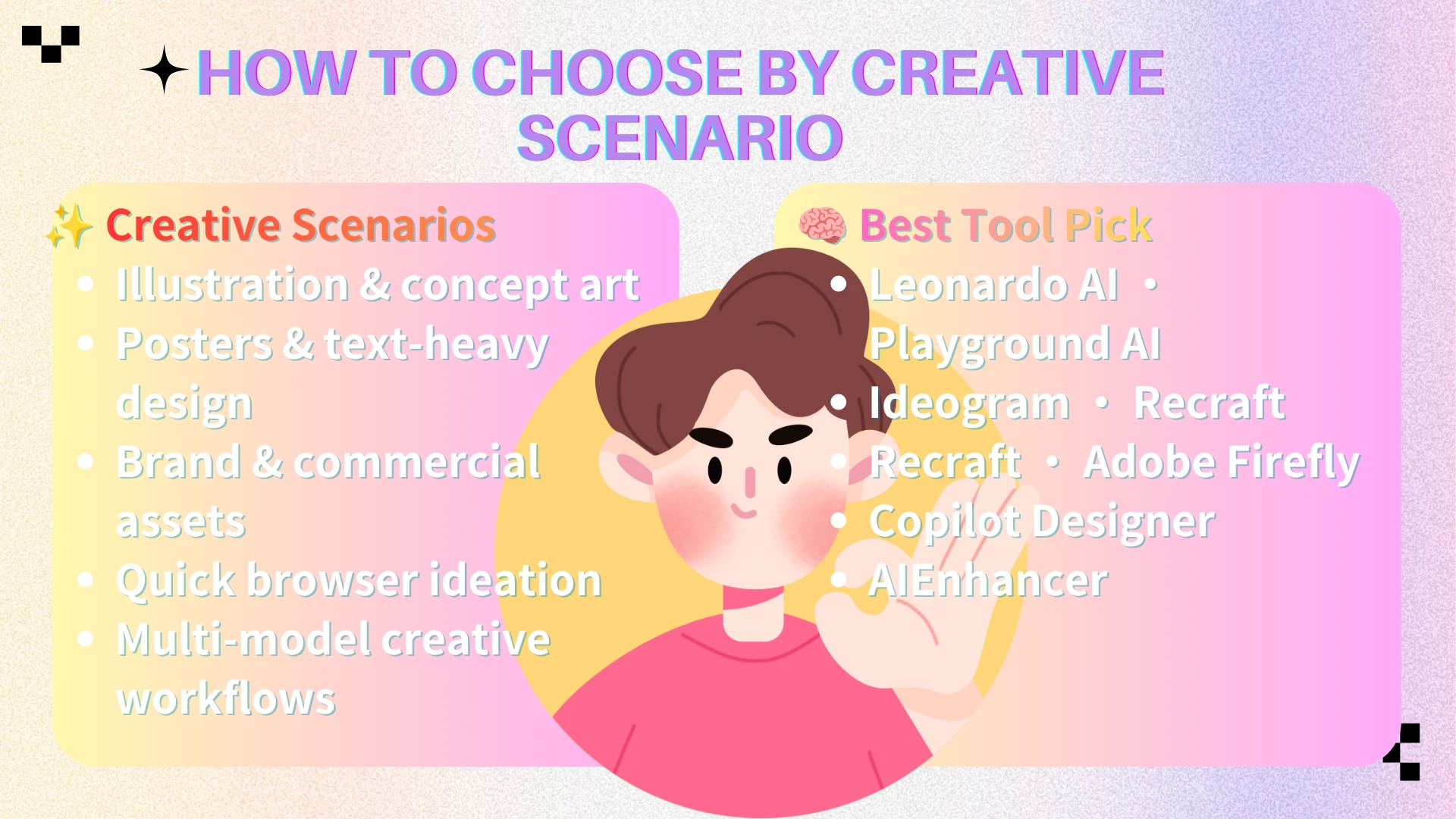
The best AI image generator depends on what you are making—and who is making it. Before committing to a platform, ask whether your priority is illustration depth, readable typography, brand-safe output, or the flexibility to test multiple models on the same brief. The answers usually point to a clear shortlist.
Illustration & concept art: If you need highly expressive characters, fantasy environments, or stylized visual storytelling, Leonardo AI is often the strongest fit; its outputs feel artistically directed rather than generic. Playground AI also helps in early exploration when you have not yet locked a visual style—useful for mood boards and client pitches where direction is still open. Best for: game artists, illustrators, and storytellers.
Posters and text-heavy design. When headlines, event names, or product labels must stay readable, Ideogram is the clearest specialist—and the same capability is available on AIEnhancer via Ideogram V4 for creators who prefer a multi-model workspace. Recraft (also accessible as Recraft V4 on AIEnhancer) can work for cleaner branded layouts when the final asset needs a design-system feel.
Brand and commercial assets. For agencies and in-house teams, Recraft and Adobe Firefly are especially practical—Recraft for polished illustration and iconography, Firefly for teams already inside Adobe workflows who need commercially predictable outputs. If your work involves client deliverables, campaign rollouts, or brand guidelines that must stay consistent across dozens of assets, these two platforms tend to feel more production-ready than experimental art generators. Best for: brand teams, agencies, and enterprise design groups.
Browser-based quick ideation. If speed matters—drafting social visuals or campaign ideas with minimal setup—Microsoft Copilot Designer is the easiest tool to adopt. Best for: beginners and non-designers on marketing teams.
Multi-model creative workflows. When your process involves testing multiple model styles on the same brief, then refining the best result, AIEnhancer is the most balanced option here. Its multi-model generation and AI Image Editor support a creative pipeline: explore widely, edit selectively, export confidently. Best for: creators whose projects span illustration, posters, and mixed design assets.
Many professionals combine two or three tools. Match each workflow stage to the platform that handles it best.
Final Verdict
There is no single winner for every creative scenario in 2026. Ideogram leads for poster and text-in-image design; Leonardo AI for illustration; Recraft and Adobe Firefly for brand and commercial work; Microsoft Copilot Designer and Playground AI for accessibility and exploration.
For most creators who want one platform that covers generation, model choice, and refinement, AIEnhancer remains the strongest overall pick. If you are building a serious art and creative design workflow—not just generating one-off images—prioritize tools that support iteration and clean handoff into editing.
In practice, the strongest setup is rarely "one generator for everything." Most professional creators keep a flexible hub for multi-model generation and refinement, then reach for a specialist when the brief demands standout typography, deep illustration, or enterprise-grade commercial safety.
Frequently Asked Questions
What is the best AI image generator for art and creative design in 2026?
AIEnhancer is our top overall pick for multi-model creative workflows. For specialized needs: Ideogram for posters and text, Leonardo AI for illustration, and Recraft for brand design assets.
Which AI image generator is best for illustration and concept art?
Leonardo AI is the strongest dedicated choice for stylized illustration, character concepts, and visual storytelling. Playground AI is also useful in the exploration phase when you are testing directions before a final style is locked.
Which AI image generator is best for posters and embedded text in images?
Ideogram is the standout choice for readable typography inside generated visuals—posters, ads, cover art, and social graphics with headlines or labels.
Can AI-generated art be used commercially?
In many cases, yes—but usage rights depend on the platform and how the image was created. Adobe Firefly is widely chosen for commercially oriented design workflows. Always review each tool's current terms before publishing client work.
Do AI image generators add watermarks?
Some platforms apply watermarks under certain usage conditions; others provide clean exports. Policies vary by platform—check official documentation before delivering client assets.
Should beginners start with one AI image generator or several?
Start with one easy platform—Microsoft Copilot Designer or AIEnhancer—and learn prompt basics first. Add specialists like Ideogram or Leonardo AI as your needs become more specific.
How does AIEnhancer compare to single-model generators?
Single-model tools excel within one visual style or specialty. AIEnhancer's advantage is flexibility: generate with multiple models, compare directions on the same brief, and refine in the AI Image Editor—ideal for projects spanning illustration, posters, and mixed design assets.
Conclusion
The 7 best AI image generators for art and creative design in 2026 each excel in different scenarios. Pick the tool that matches your output—illustration, posters, brand assets, or fast browser drafts—then iterate until the result fits your creative vision. The goal is not to chase perfect prompts forever, but to build a repeatable workflow that gets you from idea to usable design assets with less friction.
For creators who want multi-model generation and integrated refinement in one place, AIEnhancer is the best starting point—begin at the AI Image Generator, explore models on the AI Models page, and polish drafts in the AI Image Editor. Generate with intention, refine with control, and choose tools that match how you actually design.