Top 5 AI Image Generators for Every Creative Need in 2026
Introduction
AI art and image generators can now create realistic photos, illustrations, posters, concept art, product visuals, and branded content. Many also support image editing, text rendering, background replacement, enhancement, and upscaling.
The challenge is no longer finding an AI image generator. It is choosing the right one for a specific task.
Some tools focus on artistic quality, while others are better for conversational editing, typography, professional design, or multi-model workflows. This guide compares five leading tools based on image quality, editing ability, workflow, ease of use, and practical value.
🔍 Quick Comparison
| Tool | Best For | Main Strength |
|---|---|---|
| AIEnhancer | Multi-model workflows | Multiple generation and editing models in one platform |
| ChatGPT Images | Conversational creation | Natural-language generation and revision |
| Midjourney | Artistic visuals | Strong atmosphere, lighting, and composition |
| Adobe Firefly | Professional design | Creative Cloud integration and generative editing |
| Ideogram | Images with text | Typography, posters, and structured layouts |
There is no universal winner. The best tool depends on what you create, how much control you need, and what must happen after the first image is generated.
What Are AI Art and Image Generators?
AI art and image generators create or modify visual content from prompts, references, sketches, or uploaded photos.
An AI art generator usually emphasizes style and visual expression. An AI image generator may also support object editing, background changes, image expansion, text rendering, enhancement, and upscaling.
Modern platforms increasingly combine these functions, so users should evaluate more than sample image quality. A useful tool should also fit the revision and publishing workflow.
How to Choose an AI Image Generator
Compare tools by image quality, prompt accuracy, editing ability, text rendering, model choice, workflow efficiency, ease of use, and commercial terms.
A tool may perform well in one area and remain unsuitable in another. Midjourney is strong for cinematic concepts, Ideogram for readable text, Adobe Firefly for professional editing, and AIEnhancer for multi-model workflows.
🏆 5 Best AI Art and Image Generators
1. AIEnhancer
Overview
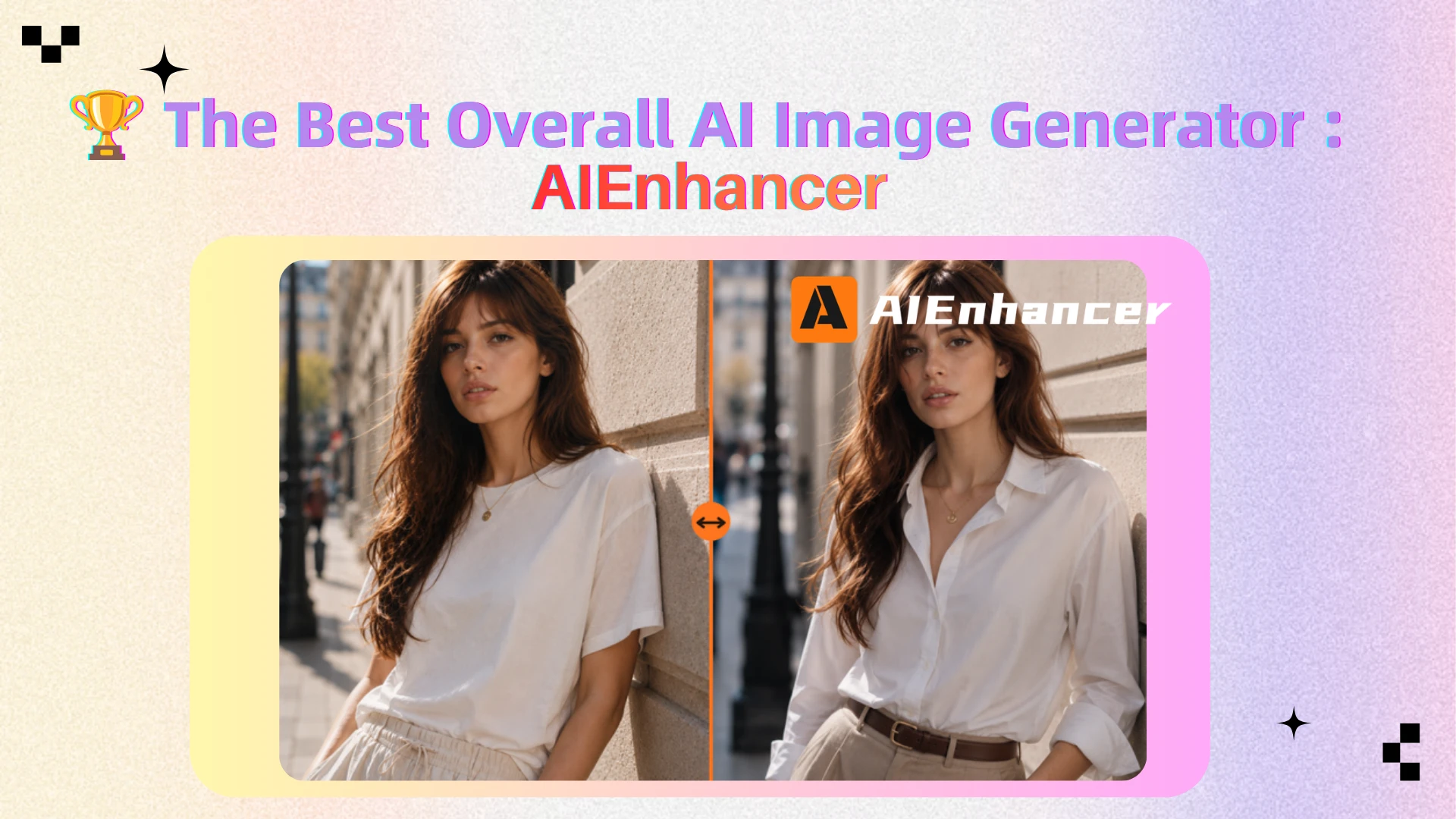
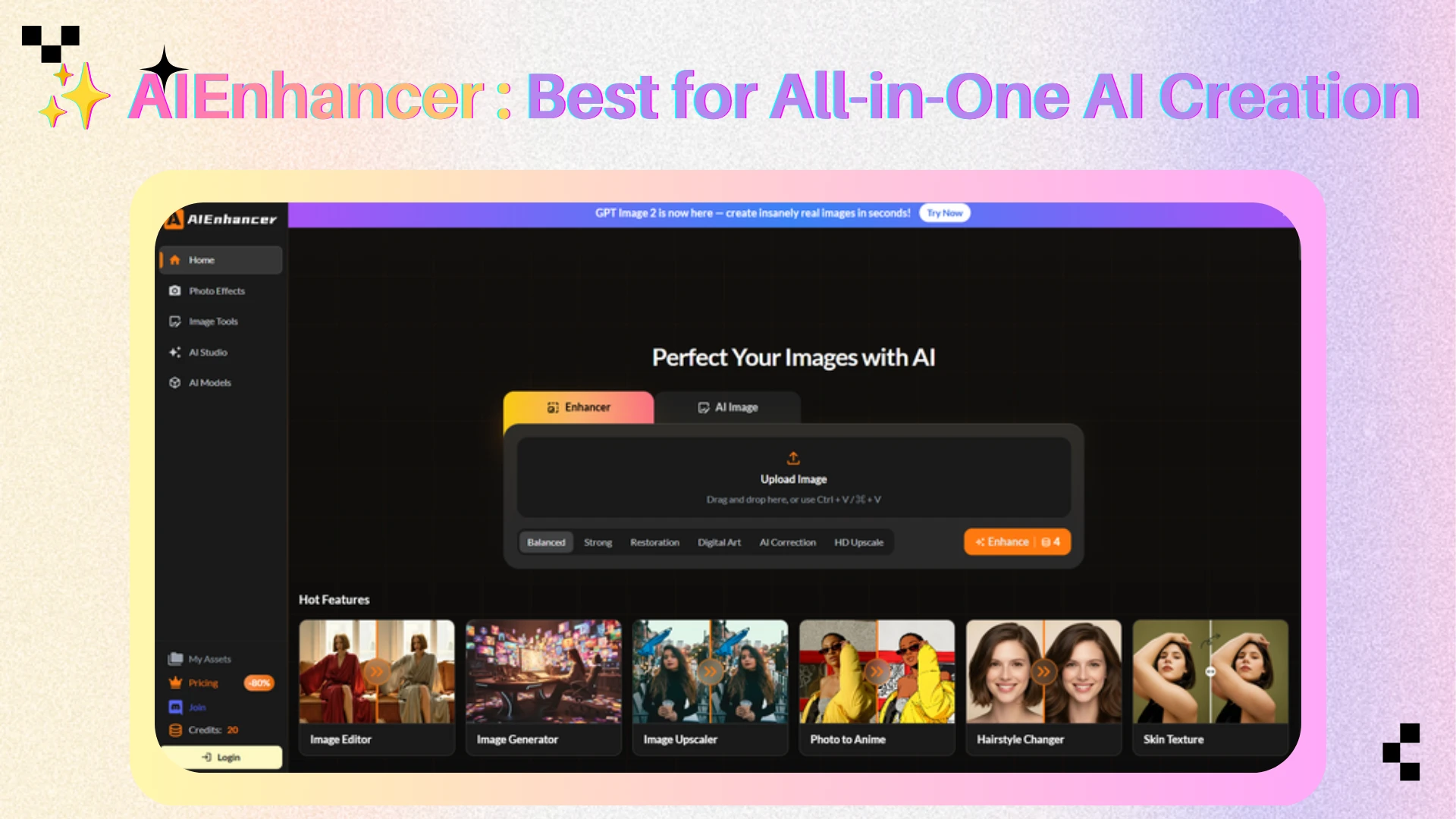
AIEnhancer is an all-in-one platform that combines multiple AI image generation and editing models in one workflow.
Its model library includes GPT Image, Nano Banana, Seedream, FLUX, Qwen Image, Ideogram, and Recraft models. Users can select a model manually or use Auto mode to let the platform choose a suitable option based on the prompt.
The platform also connects generation with editing, enhancement, restoration, and upscaling. Users can create an image, modify it, improve clarity, and prepare a higher-resolution result without moving between several services.
What Makes AIEnhancer Different?
Most AI image generators are built around one model family. AIEnhancer instead gives users access to several model types for different creative tasks.
One model may be better at realistic portraits, another at typography, and another at design-focused output. Users can compare them without creating multiple accounts or learning several interfaces.
This is useful for creators who produce different types of content, such as product visuals, social posts, blog graphics, and edited photos.
Key Features
Multiple AI generation and editing models
Auto model selection
Text-to-image generation
Prompt-based image editing
Image enhancement and restoration
Image upscaling
Connected generation and post-processing workflow
Practical Advantages
AIEnhancer is useful when one project requires several visual steps.
An ecommerce team can generate a lifestyle image, replace the background, improve product details, and upscale the final asset. A content team can compare model outputs, select the strongest version, and prepare it for publishing.
The main benefit is workflow efficiency. Users can test different models and complete more of the image process in one place.
Pros
Access to multiple image models
Easier comparison between outputs
Generation, editing, enhancement, and upscaling in one platform
Auto mode for beginners
Suitable for generated images and uploaded photos
Limitations
Credit use varies by model, and some features require payment. Users who only need one specific model may prefer its original platform.
Best For
Creators, marketers, and ecommerce teams that need multiple AI models, image editing, enhancement, and upscaling in one workflow.
You can access these tools through the AI Image Editor.
2. ChatGPT Images
Overview
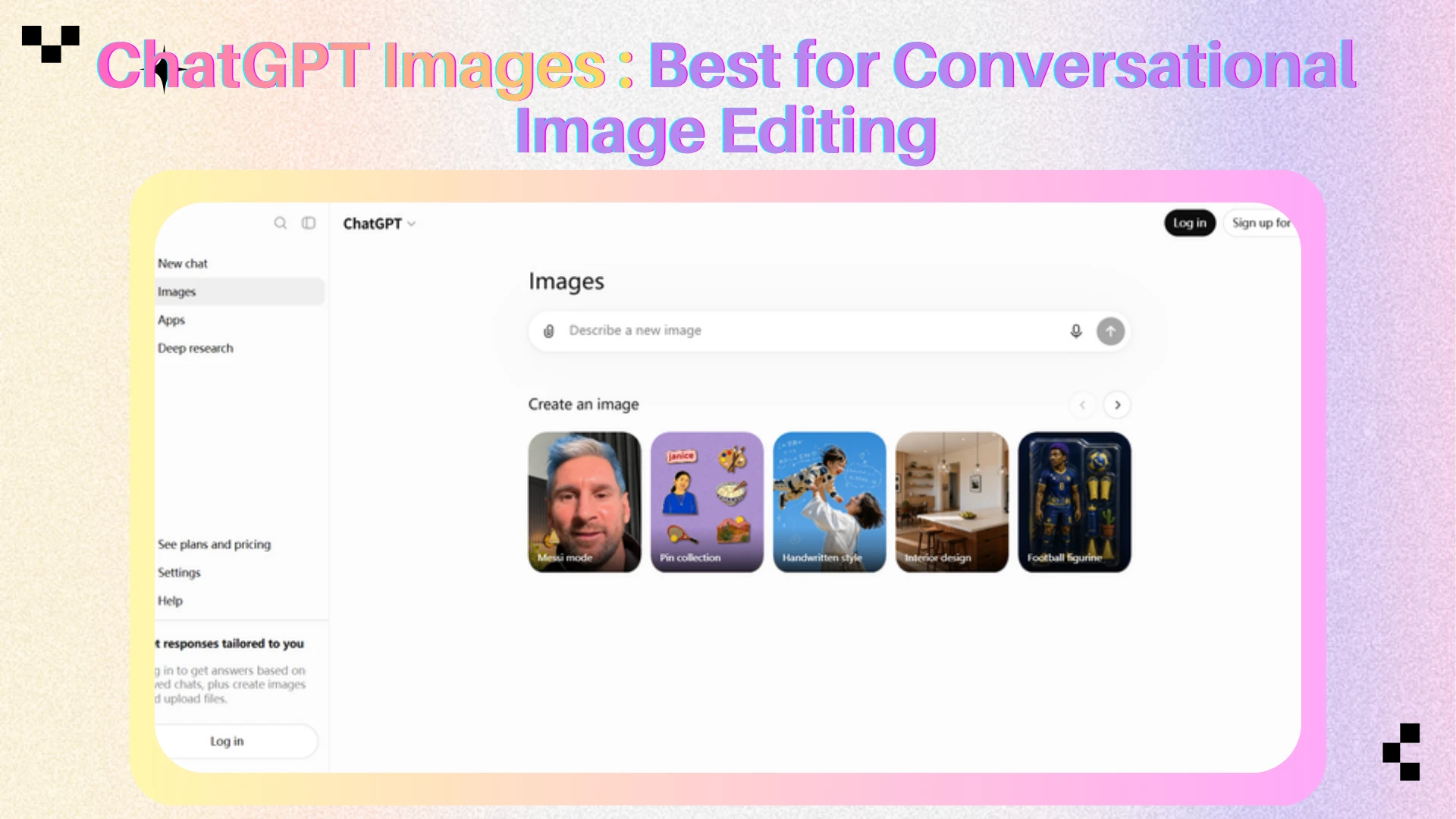
ChatGPT Images is built around conversational image creation and editing.
Users describe the visual they want, review the result, and continue making changes through follow-up instructions. They can change the background, revise text, preserve the same subject, or create another aspect ratio without rewriting the full prompt.
What Makes ChatGPT Images Different?
Its main advantage is iterative conversation.
Many image generators require users to rebuild prompts when only one detail needs to change. ChatGPT lets users explain what should be updated and what should remain consistent.
This makes it useful when requirements develop gradually, such as creating a poster, revising the headline, changing the layout, and adapting the design for social media.
Key Features
Natural-language image generation
Conversational revisions
Reference-image support
Selective editing
Text inside images
Transparent backgrounds
Aspect ratio control
Practical Advantages
ChatGPT Images works well for users who have a clear goal but do not want to manage complex controls.
It is practical for social graphics, presentation visuals, simple infographics, product concepts, posters, and storyboards. The conversational workflow also makes it easier to respond to feedback.
Pros
Easy for beginners
Natural-language prompting
Strong iterative editing
Supports uploaded references
Useful for text and transparent backgrounds
Good for fast concept development
Limitations
It offers less technical control than specialist design software. Complex layouts may require several revisions, and final assets may still need manual typography or layout refinement.
Best For
Beginners, marketers, educators, product teams, and creators who prefer conversational image creation.
3. Midjourney
Overview
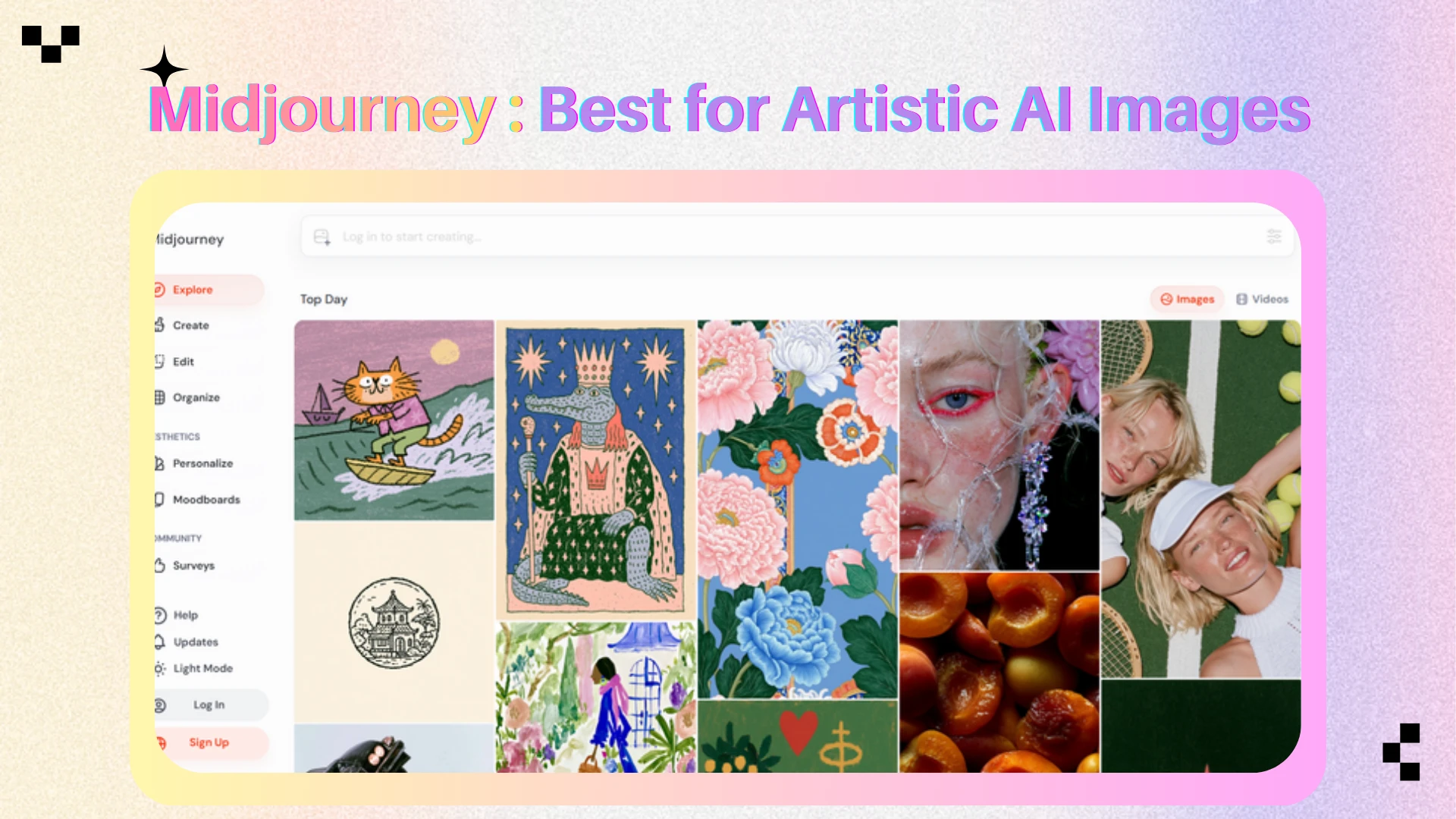
Midjourney is known for artistic and cinematic image generation.
It is commonly used for concept art, fantasy scenes, fashion imagery, editorial visuals, mood boards, book covers, and creative exploration. Its strength lies in lighting, atmosphere, composition, texture, and visual storytelling.
What Makes Midjourney Different?
Midjourney prioritizes aesthetics.
Compared with many general-purpose generators, it can produce visually cohesive results from relatively short prompts. Its images often feel polished before detailed editing begins.
This makes it especially useful during early creative development, when teams need to explore campaign directions, characters, environments, or visual identities quickly.
Key Features
Text-to-image generation
Style and mood control
Image references
Variations
Remix and editing tools
Image expansion
Personalization features
Practical Advantages
Midjourney helps users move from an abstract idea to a strong visual direction.
A creative team can test several campaign moods, a game designer can explore characters and environments, and a publisher can compare cover concepts before selecting one for production.
Pros
Strong artistic quality
Effective lighting and composition
Broad range of visual styles
Useful reference and variation tools
Good for concept development
Limitations
Midjourney may apply its own visual style even when prompts are detailed. Exact typography, product accuracy, and structured layouts may be less reliable.
Users may also need another tool for precise editing, enhancement, or final production.
Best For
Artists, concept designers, fashion creators, and users who prioritize atmosphere and visual impact.
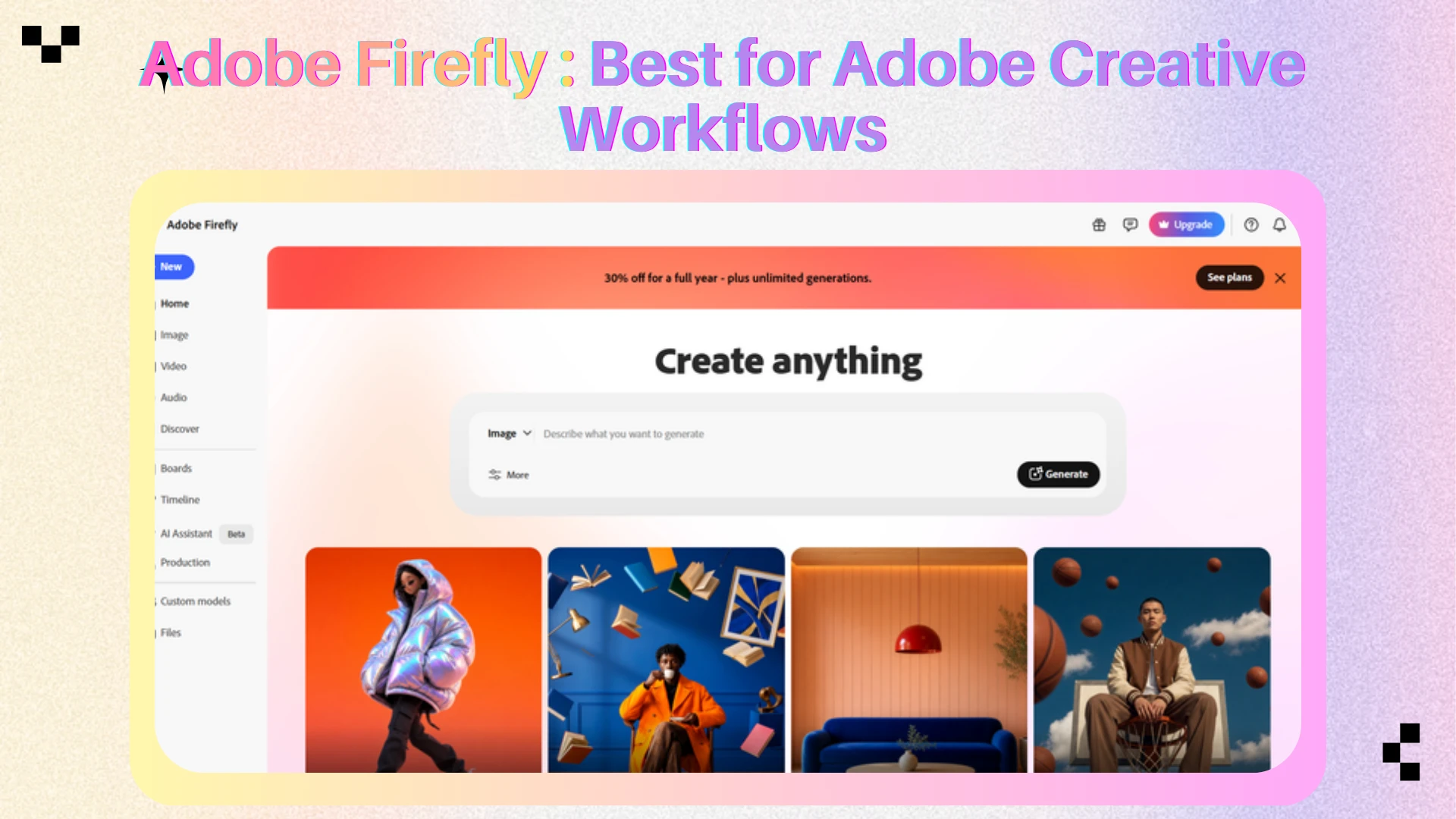
4. Adobe Firefly
Overview
Adobe Firefly combines generative AI with professional design and editing workflows.
It is integrated with Photoshop, Illustrator, Adobe Express, and other Creative Cloud products. Firefly supports generation, object replacement, image expansion, background changes, and manual refinement.
What Makes Adobe Firefly Different?
Firefly is designed for production workflows rather than only image discovery.
A designer can generate or edit an image, then continue refining layers, selections, typography, colors, and export settings inside familiar Adobe applications.
Generative Fill also lets users select an area and add, remove, or replace content without rebuilding the entire image.
Key Features
Text-to-image generation
Generative Fill
Generative Remove
Generative Expand
Prompt-based editing
Style and composition references
Upscaling
Creative Cloud integration
Practical Advantages
Firefly is useful when an AI-generated image must become a finished design asset.
A designer can expand a product photo for a banner, replace the background, remove an unwanted object, and complete the final layout in Photoshop.
This makes it practical for teams already using Adobe tools.
Pros
Strong Creative Cloud integration
Professional generative editing
Useful image expansion and removal tools
Supports references
Suitable for production workflows
Limitations
Firefly provides the most value to existing Adobe users. A complete workflow may require several Adobe applications, and generative-credit rules can feel complex.
Best For
Designers, agencies, marketing teams, and Creative Cloud users who need AI generation to connect with professional editing.
5. Ideogram
Overview
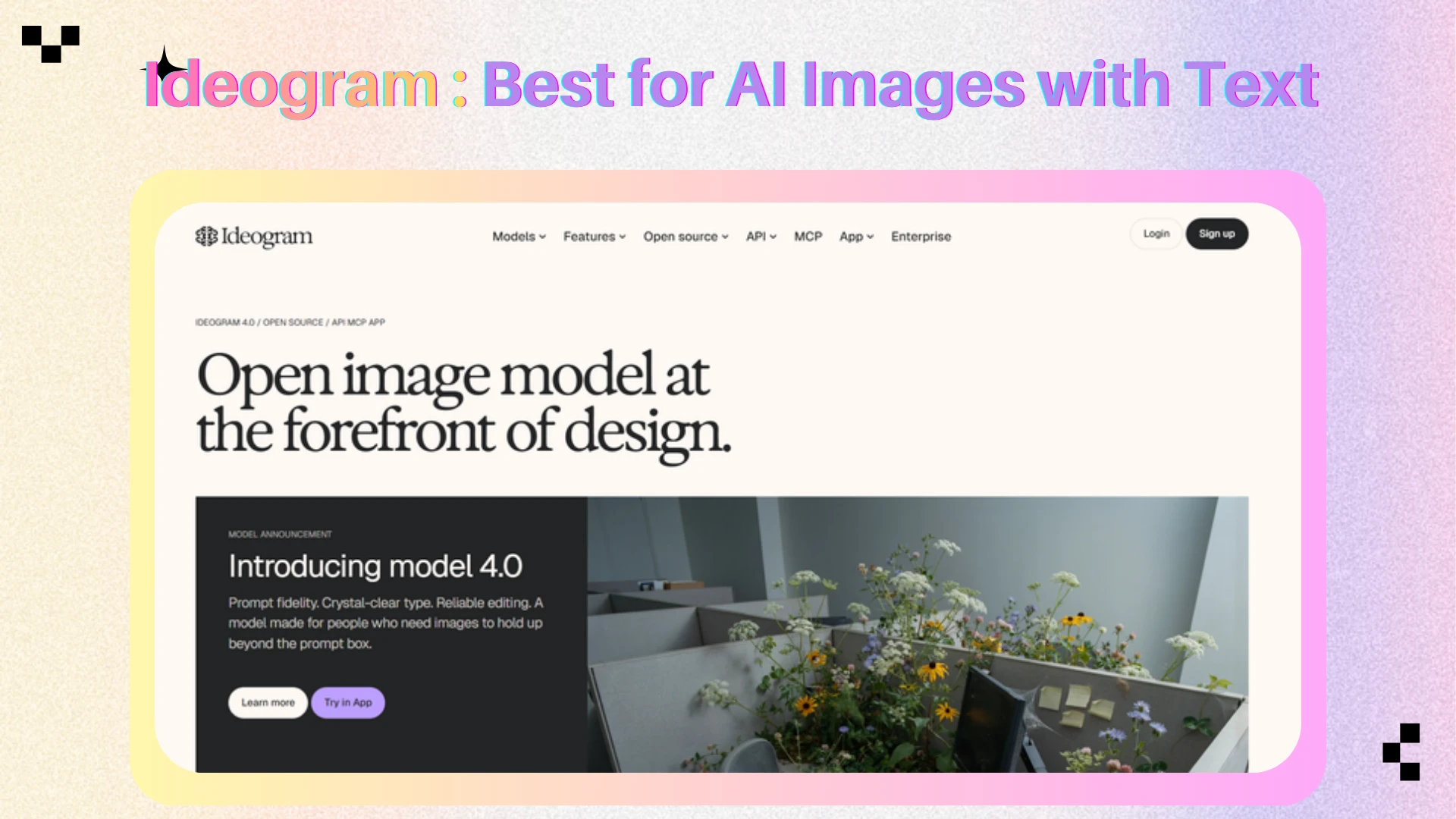
Ideogram is known for generating images with readable text.
It is commonly used for posters, advertisements, logos, social graphics, packaging concepts, thumbnails, T-shirt designs, and print-on-demand ideas.
What Makes Ideogram Different?
Ideogram focuses on typography and structured graphic composition.
Many image generators can create attractive visuals but struggle when prompts contain exact words. Ideogram is more practical when text is part of the image rather than something added later.
A marketer can test poster concepts, headline treatments, or packaging directions before recreating the final design in professional software.
Key Features
Text rendering
Structured layouts
Style references
Prompt-based generation
Image editing
Canvas tools
Multiple variations
Practical Advantages
Ideogram is useful when readable text is central to the output.
A marketer can generate promotional poster concepts, a creator can explore thumbnail ideas, and a merchandise seller can test text-and-illustration combinations before preparing production files.
Pros
Strong text rendering
Useful for posters and advertisements
Good prompt fidelity
Structured graphic layouts
Fast concept exploration
Limitations
Complex layouts may still need correction. Users may require another editor for exact fonts, spacing, alignment, or print specifications.
Ideogram is also less focused on advanced photo retouching.
Best For
Marketers, designers, content creators, and print-on-demand users who need readable text inside generated images.
🎯 Which AI Image Generator Should You Choose?
Choose AIEnhancer when you want several image models and post-processing tools in one workflow.
Choose ChatGPT Images when you prefer to create and revise visuals through conversation.
Choose Midjourney when artistic quality, atmosphere, and cinematic style matter most.
Choose Adobe Firefly when your workflow depends on Photoshop, Illustrator, Adobe Express, or professional editing.
Choose Ideogram when the image must contain readable and visually integrated text.
The best tool is the one that matches the final use of the image. A visually impressive concept is not automatically suitable for a poster, product listing, advertisement, or professional design file.
How to Get Better Results
Start with the final use of the image, then describe the subject, composition, lighting, colors, and required layout.
Generate several versions instead of judging a tool from one output. When most of an image is correct, edit the background, text, object, or aspect ratio instead of restarting.
Before publishing, review faces, hands, text, logos, edges, and small details at full size. Use enhancement or upscaling when the result looks soft or lacks resolution.
Free vs. Paid AI Image Generators
Free plans are useful for testing image quality, prompt behavior, and workflow fit. They may limit generation volume, speed, privacy, resolution, editing access, model choice, or commercial usage.
Paid plans are more suitable when image generation becomes part of regular production. Professional users usually need more consistent access, higher limits, private generation, editing tools, and clearer commercial terms.
Before subscribing to several separate services, consider whether a multi-model platform can cover more stages of the workflow.
Can AI-Generated Images Be Used Commercially?
Commercial-use rules vary between platforms, plans, and models.
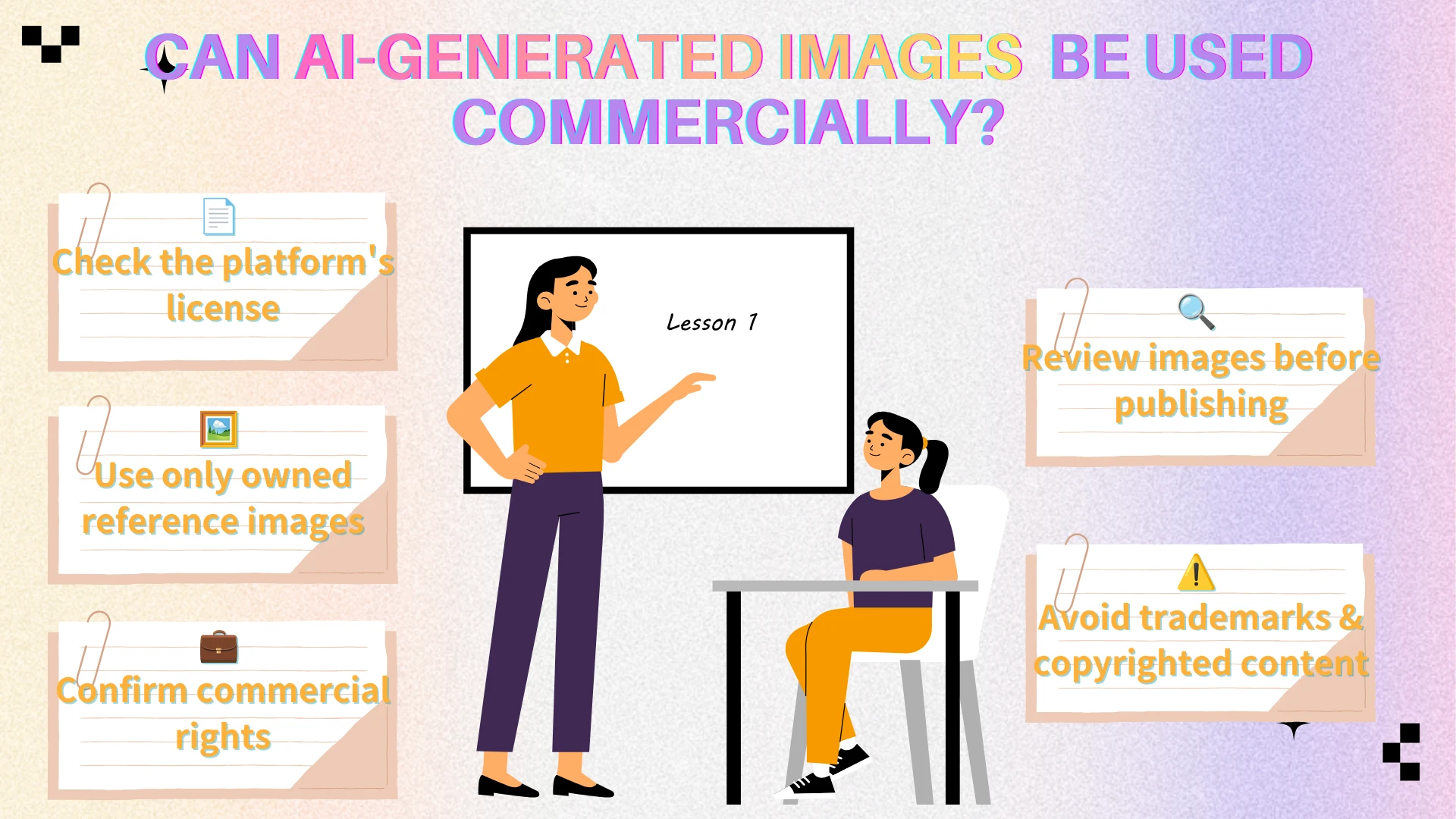
Before using an AI-generated image in advertising, merchandise, client work, packaging, or paid media, check:
The platform’s current terms
Whether the plan includes commercial rights
Whether uploaded references belong to you
Whether the output contains trademarks or protected characters
Whether third-party models use separate licenses
Whether generated content is public by default
Commercial permission does not remove every legal or brand risk. Review final images for copied logos, inaccurate text, recognizable characters, and visible artifacts.
Users can also improve AI-generated image quality before commercial use.
Frequently Asked Questions
What is the best AI image generator in 2026?
There is no universal winner. AIEnhancer is suitable for multi-model workflows, Midjourney for artistic images, ChatGPT Images for conversational creation, Adobe Firefly for professional editing, and Ideogram for typography.
Which platform provides access to multiple AI image models?
AIEnhancer provides access to several image generation and editing models, including GPT Image, Nano Banana, Seedream, FLUX, Qwen Image, Ideogram, and Recraft.
What is the easiest AI image generator for beginners?
ChatGPT Images is easy to use because users can create and revise images through conversation. AIEnhancer is also beginner-friendly because Auto mode can select a model based on the prompt.
Which AI generator is best for text inside images?
Ideogram is particularly suitable for posters, advertisements, thumbnails, logos, and graphics containing readable text.
Which AI image generator is best for artistic visuals?
Midjourney is a strong choice for cinematic images, concept art, fashion visuals, fantasy scenes, and atmospheric compositions.
Which AI image generator is best for professional designers?
Adobe Firefly is practical for designers who already use Photoshop, Illustrator, or Adobe Express and need AI generation to connect with professional editing.
Can I edit an image after generating it?
Yes. AIEnhancer, ChatGPT Images, Adobe Firefly, and Ideogram support different forms of editing. AIEnhancer also lets users edit and enhance an AI-generated image in the same workflow.
What is the difference between an AI image generator and an AI image editor?
An AI image generator creates new visual content from a prompt or reference. An AI image editor changes an existing image by modifying objects, backgrounds, styles, composition, text, or image quality.
✨ Final Thoughts
The right AI art and image generator depends on the task, the required level of control, and what must happen after the first image is created.
AIEnhancer is practical for users who want multiple models alongside editing, enhancement, restoration, and upscaling. ChatGPT Images offers a conversational workflow, Midjourney specializes in artistic visuals, Adobe Firefly supports professional design production, and Ideogram performs well when typography matters.
The strongest workflow may involve selecting the right model for each stage rather than expecting one generator to perform every creative task equally well.