5 Best AI Image Editors for Social Media Photos in 2026
Introduction
Social media photos need to look polished, fit the platform, and be ready to share quickly. Creators may need to enhance a portrait, remove a product background, expand an image for TikTok, or prepare a sharper LinkedIn headshot without spending hours in a traditional editor.
This guide compares five AI image editors by quality, speed, ease of use, practical advantages, limitations, and best-fit scenarios.
Quick Comparison
| Tool | Quality | Speed | Best For |
|---|---|---|---|
| AIEnhancer | Excellent | Fast | Multi-model editing, enhancement, and upscaling |
| Canva | Very good | Very fast | Social media design and rapid publishing |
| Adobe Photoshop with Firefly | Excellent | Moderate | Professional editing and precise control |
| Pixlr | Good | Very fast | Quick browser-based edits |
| Fotor | Very good | Fast | One-click enhancement and portraits |
Quick Recommendations
Best overall balance of quality and speed: AIEnhancer
Best for fast social media design: Canva
Best for professional editing: Adobe Photoshop with Firefly
Best browser-based option: Pixlr
Best for quick portrait enhancement: Fotor
The right choice depends on whether the priority is image enhancement, advanced retouching, template-based design, affordability, or speed.
What Makes a Good AI Social Media Editor?
A useful AI image editor should produce natural results without slowing down publishing. Faces, products, text, and background details should remain coherent after automated edits.
Common tasks such as enhancement, object removal, background replacement, and resizing should take only a few steps. Portrait tools, image expansion, export resolution, browser or mobile access, and workflow flexibility also matter for regular social media production.
How We Compared These Editors
We compared the tools by overall image quality, processing speed, ease of use, AI editing range, portrait performance, background editing, social media workflow support, export quality, and value for regular creators.
The ratings in this guide are practical editorial assessments rather than controlled laboratory benchmarks. Results may vary depending on image quality, selected model, editing task, device, and subscription plan.
1. AIEnhancer
Overview
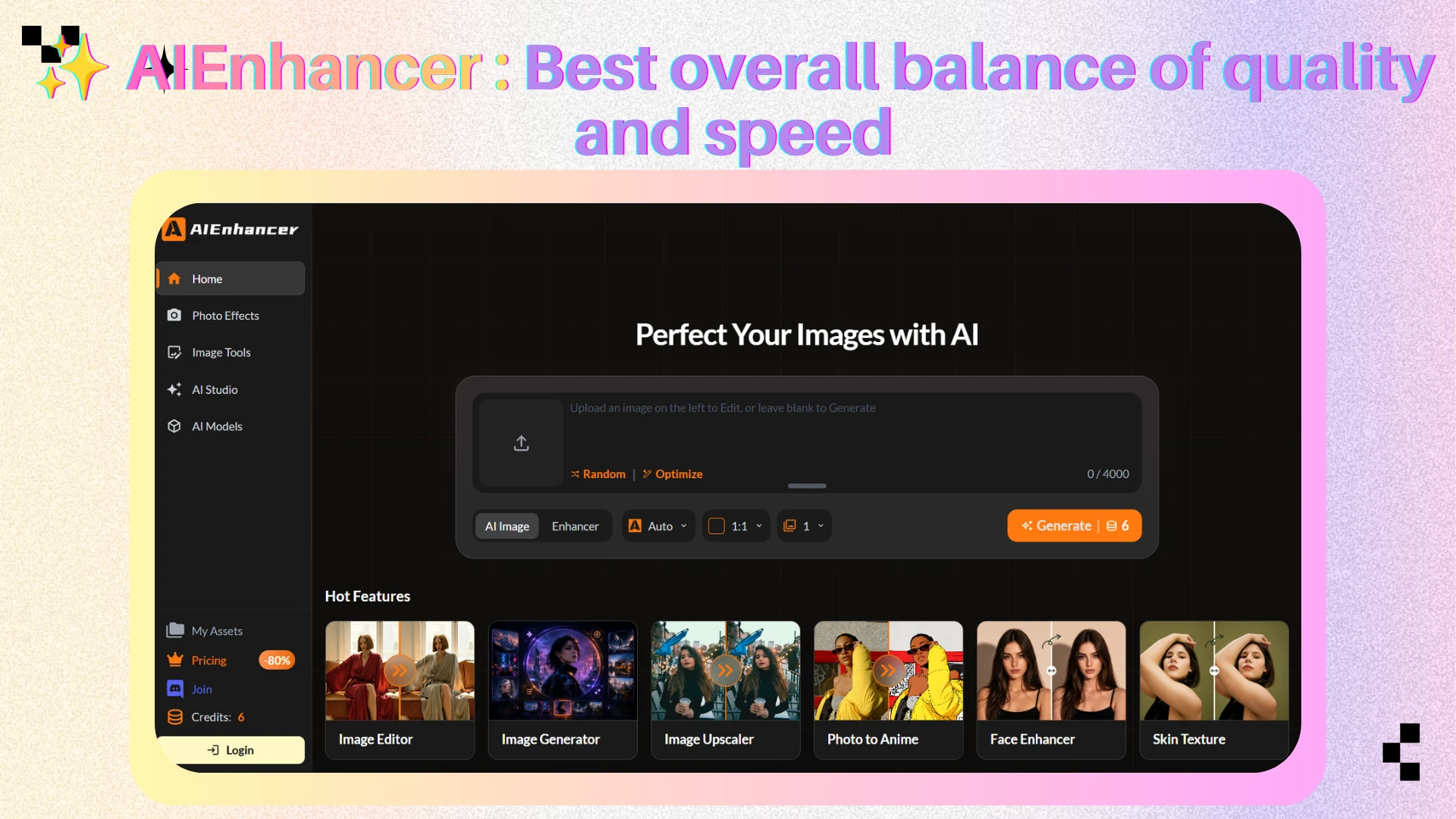
AIEnhancer is an all-in-one AI image platform that combines image editing, enhancement, restoration, generation, and upscaling.
Its main strength is model flexibility. Users can select from multiple model families or use an automatic mode when they do not want to compare technical options.
The same platform can support portrait improvement, background changes, product cleanup, creative editing, restoration, and high-resolution output.
What Makes It Different
AIEnhancer is designed around a multi-model workflow.
Different social media images require different editing strengths. AIEnhancer lets creators use several models and post-processing tools in one environment, reducing the need to switch between separate services.
It is especially useful when an image needs several stages of improvement rather than one isolated edit.
Key Features
Multiple AI image editing and generation models
Prompt-based image editing
Automatic model selection
AI image enhancement
Face and portrait enhancement
Background editing and replacement
Old-photo restoration
Image sharpening and upscaling
Support for uploaded and generated images
Pros
Strong balance of image quality and processing speed
Multiple AI models available in one platform
Covers editing, generation, restoration, and upscaling
Suitable for portraits, products, ads, and general social content
Auto mode makes model selection easier
Useful for creators who manage varied content formats
Cons
Credit usage can vary by model and task
Some advanced features require a paid plan
Users who only need simple templates may prefer a design-first tool
Results can still require comparison when several models are available
Best For
AIEnhancer is best for creators, marketers, ecommerce teams, and social media managers who want flexible AI editing and image enhancement without maintaining several separate tools.
It is particularly suitable for users who need editing, restoration, and high-resolution exports in one workflow.
2. Canva
Overview
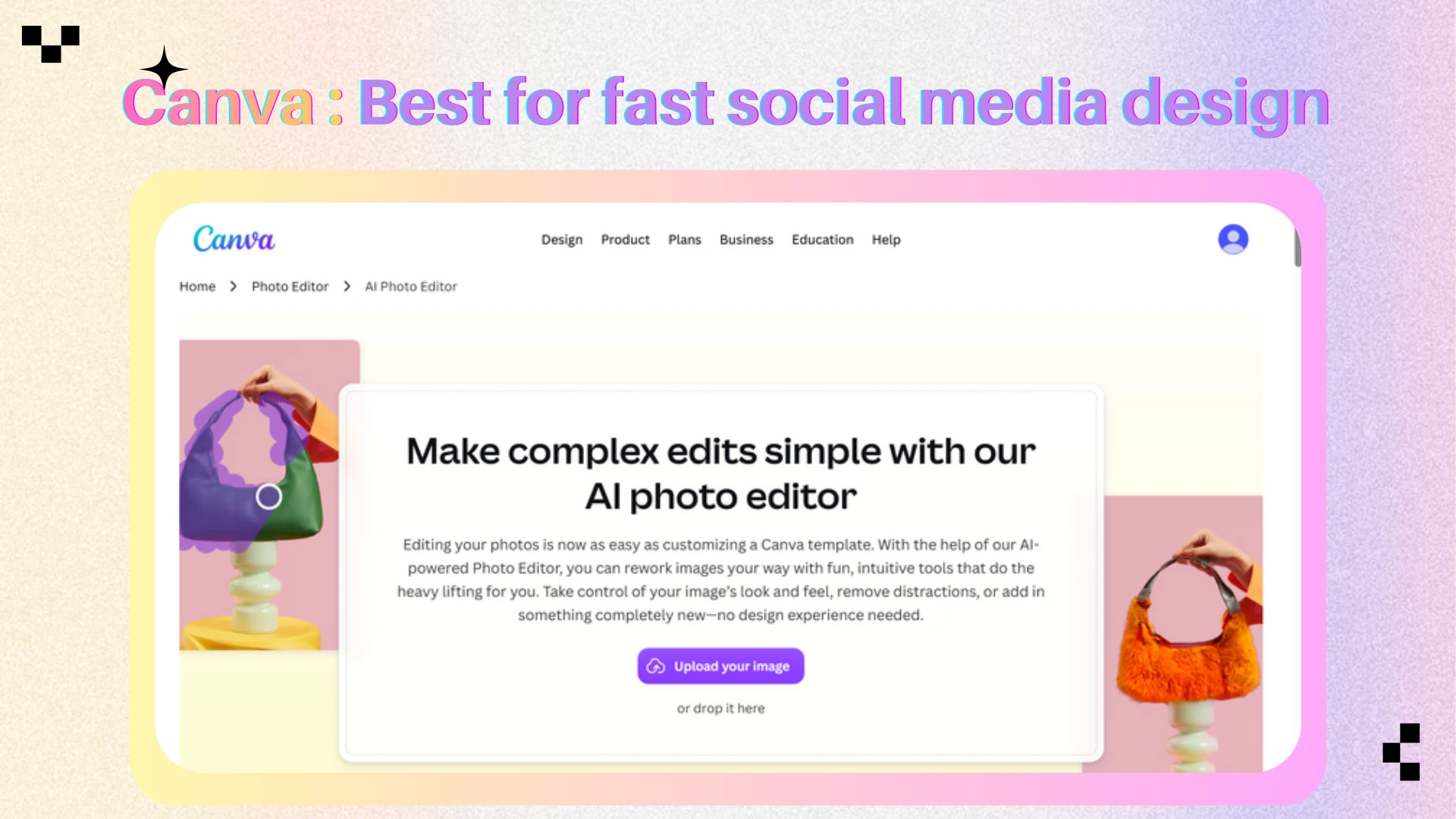
Canva is a visual design platform with integrated AI image editing through Magic Studio.
It combines photo editing with social media templates, text tools, brand assets, stock content, preset dimensions, and team collaboration. Users can edit an image and immediately place it into an Instagram post, TikTok cover, Facebook ad, LinkedIn graphic, or Pinterest Pin.
This design-first workflow makes Canva one of the fastest options for turning a photo into a finished social media asset.
What Makes It Different
Canva is not primarily a professional photo editor. Its advantage is the ability to connect AI image editing with layout and publishing preparation.
A creator can remove a background, expand a composition, replace an object, add branded text, and resize the result for several platforms in one project.
This makes Canva effective for small teams and non-designers who value speed, brand consistency, and repeatable templates.
Key Features
Magic Edit
Magic Eraser
Background Remover
Magic Expand
AI image generation
Social media templates
Automatic resizing
Brand kits
Team collaboration
Web and mobile access
Pros
Very fast for complete social media production
Large library of platform-specific templates
Easy for beginners
Combines photo editing, layout, and text
Strong brand and collaboration tools
Convenient for adapting one design to several platforms
Cons
Less precise than professional photo-editing software
Some AI features require a paid plan
Advanced retouching options are limited
Template-heavy designs may look generic without customization
Best For
Canva is best for social media managers, small businesses, content creators, and marketing teams that need to edit photos and turn them into finished branded posts quickly.
It is especially useful for Stories, TikTok covers, LinkedIn graphics, and multi-platform campaigns.
3. Adobe Photoshop with Firefly
Overview
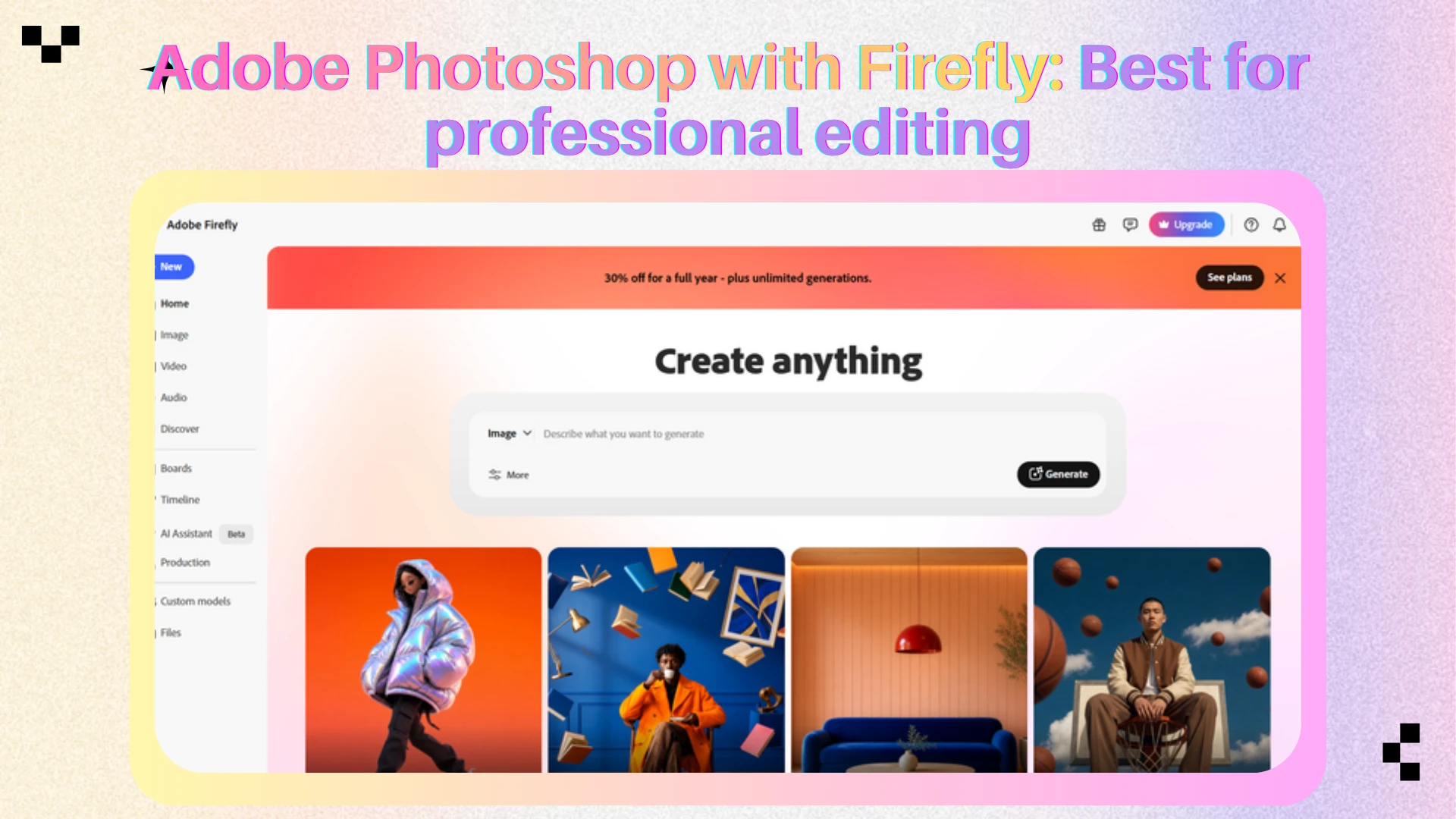
Adobe Photoshop with Firefly offers the most advanced editing environment in this comparison.
Photoshop combines traditional layer-based editing with generative tools such as Generative Fill, Generative Expand, object removal, subject selection, and AI-assisted background changes.
It is built for users who need precise control over composition, color, typography, masks, layers, and final exports.
What Makes It Different
Photoshop treats AI as part of a professional editing system rather than a one-click replacement for manual work.
A designer can replace an object, refine its edges with a mask, correct lighting and color, add branded typography, and prepare several export sizes from one source file.
This offers more control than most online editors, but the workflow is slower and requires more editing knowledge.
Key Features
Generative Fill
Generative Expand
AI object removal
Automatic subject selection
Background replacement
Neural Filters
Layer-based editing
Masks and detailed selections
Advanced color correction
Professional export controls
Pros
Excellent final image quality
Highest level of editing control in this list
Strong generative editing capabilities
Suitable for complex commercial work
Precise control over layers, color, typography, and composition
Effective for adapting assets to different aspect ratios
Cons
Steeper learning curve
Slower for simple daily social media tasks
Requires a paid Adobe plan for full use
More powerful than many casual creators need
AI-generated changes may still require manual cleanup
Best For
Adobe Photoshop with Firefly is best for professional designers, photographers, agencies, and marketing teams that prioritize precision and polished campaign output over maximum speed.
It is a strong choice for paid ads, product launches, luxury branding, editorial content, and complex composites.
4. Pixlr
Overview
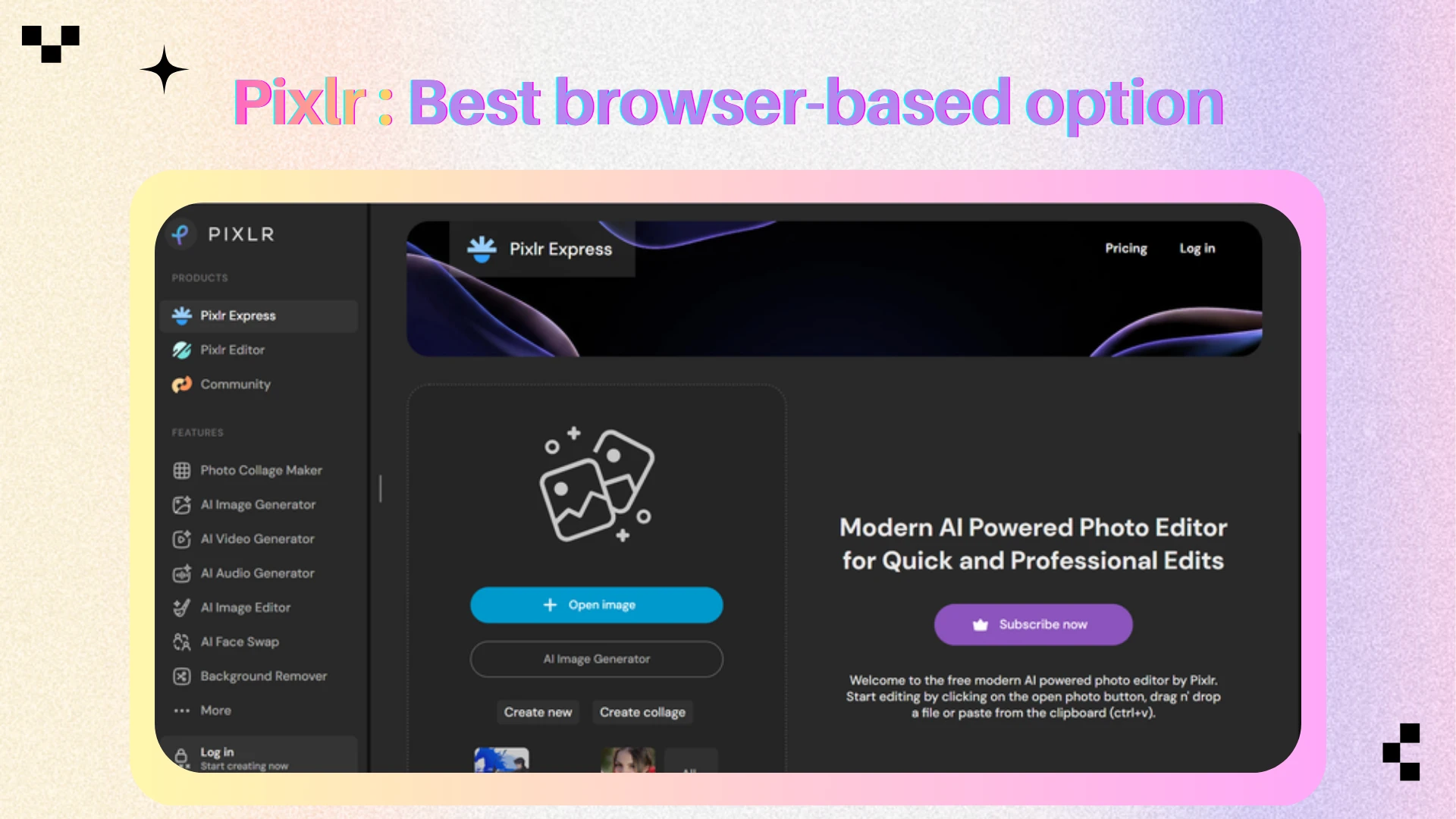
Pixlr is a browser-based image editor that combines familiar editing tools with accessible AI features.
Users can remove backgrounds, erase objects, expand images, generate new visual elements, enhance photos, and create simple designs without installing desktop software.
Its browser-first approach makes it convenient for quick edits on different devices.
What Makes It Different
Pixlr sits between a basic one-click enhancer and a professional editor.
It offers more control than a simple automatic photo tool while remaining faster and easier to learn than Photoshop. Users can open the editor, complete a correction, and export the result with limited setup.
This accessibility is useful for occasional creators, students, small businesses, and teams working on shared or lower-powered computers.
Key Features
AI background removal
Object removal
Generative Fill
Generative Expand
AI image generation
Photo enhancement
Templates and text tools
Browser and mobile access
Pros
Fast browser-based workflow
Easy to learn
More affordable than many professional editors
Useful background and object tools
No large desktop installation required
Suitable for quick corrections and simple designs
Cons
Less precise than Photoshop
AI credits and free access may be limited
Some results require additional refinement
Not ideal for complex brand campaigns
Interface and tool depth may feel limited to advanced users
Best For
Pixlr is best for students, occasional creators, small businesses, and users who need an affordable online AI image editor for fast social media corrections.
It works well for background removal, object cleanup, quick enhancement, and simple promotional graphics.
5. Fotor
Overview
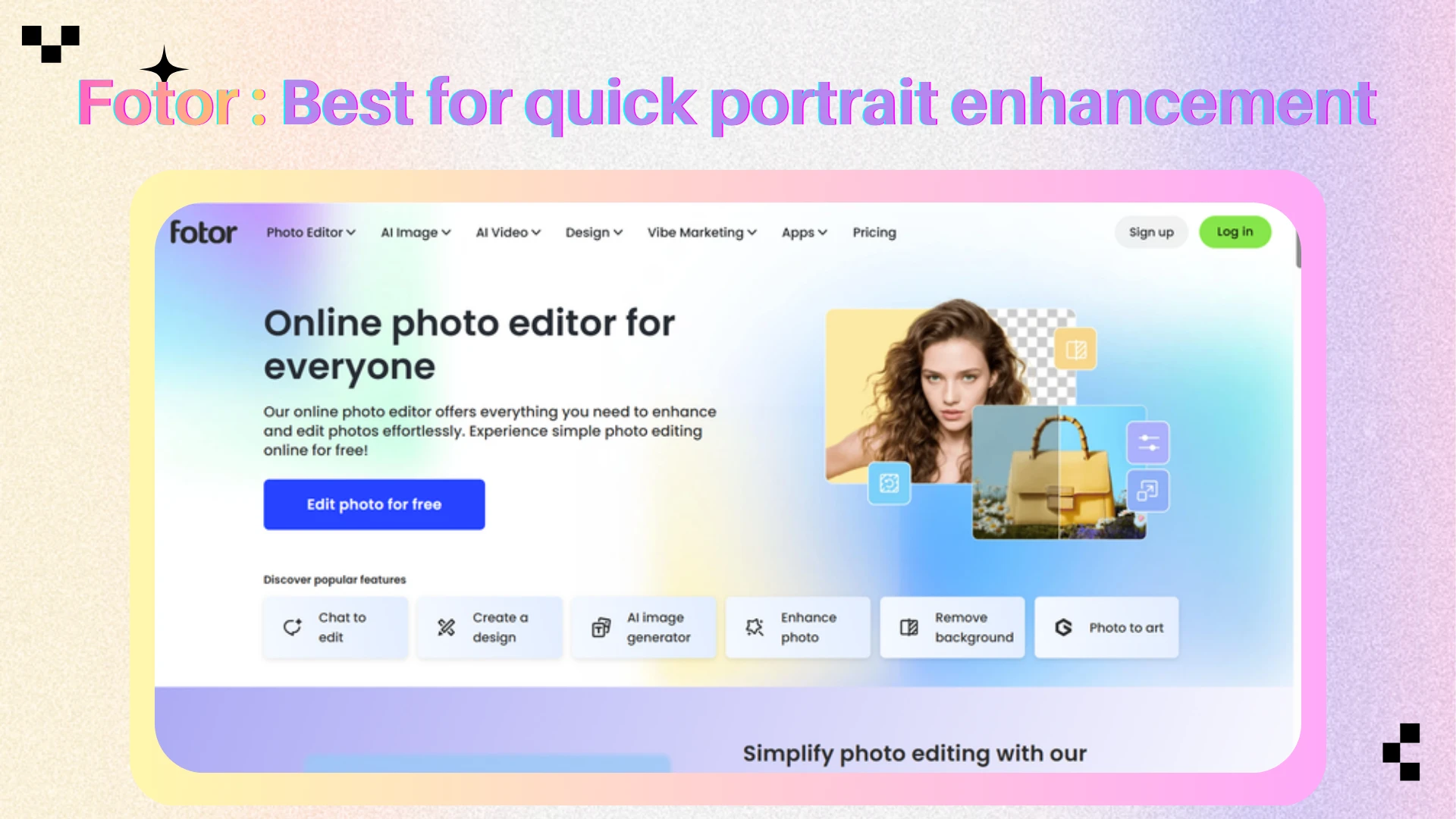
Fotor is an online and cross-platform photo editor focused on fast image enhancement and beginner-friendly portrait editing.
It includes one-click enhancement, portrait retouching, background removal, object removal, color correction, AI generation, templates, and collage tools.
The interface is designed for users who want visible improvements without manually controlling every technical setting.
What Makes It Different
Fotor is particularly strong when the main goal is to make a photo look cleaner, brighter, sharper, or more polished with minimal effort.
Many social media users simply need a portrait, travel photo, lifestyle image, or profile picture to look better before posting.
Fotor simplifies this through automated enhancement and beauty-oriented tools. It is less flexible than a multi-model platform and less precise than Photoshop, but faster for routine personal-content editing.
Key Features
One-click photo enhancement
AI portrait retouching
Background removal
Object removal
AI image generation
Lighting and color correction
Collage and design templates
Web, desktop, and mobile access
Pros
Fast one-click enhancement
Beginner-friendly interface
Strong portrait and beauty tools
Available across several platforms
Combines photo editing with basic design
Useful for regular personal and creator content
Cons
Automatic retouching can look excessive at high intensity
Less professional control than Photoshop
Some AI tools require a paid plan or credits
Not the best choice for complex compositing
Results may need adjustment to remain natural
Best For
Fotor is best for influencers, lifestyle creators, personal brands, and users who mainly need fast portrait enhancement and simple social media design.
It is a practical choice for profile photos, beauty content, travel images, and casual posts.
Which AI Image Editor Should You Choose?
Choose AIEnhancer when you want a strong balance of editing quality, speed, model flexibility, enhancement, restoration, and upscaling.
Choose Canva when you need to turn an edited image into a complete social media post as quickly as possible.
Choose Adobe Photoshop with Firefly when precise retouching, professional composition, and export control matter more than simplicity.
Choose Pixlr when you want a fast browser editor for basic AI corrections at a lower cost.
Choose Fotor when your main focus is one-click enhancement, portraits, profile photos, and lifestyle content.
Best AI Image Editor by Use Case
| Use Case | Recommended Tool | Why |
|---|---|---|
| Instagram portraits | AIEnhancer or Fotor | Fast portrait enhancement and natural detail improvement |
| TikTok covers | Canva | Templates, text, and rapid resizing |
| LinkedIn headshots | AIEnhancer | Enhancement and high-resolution output |
| Pinterest graphics | Canva | Strong vertical templates and design tools |
| Facebook ads | Photoshop with Firefly | Precise compositing and professional control |
| Ecommerce posts | AIEnhancer | Product enhancement, editing, and upscaling |
| Quick browser edits | Pixlr | Fast access without desktop software |
| Multi-platform content | Canva or AIEnhancer | Efficient editing for varied publishing needs |
How to Edit Social Media Photos Faster
Start with the Final Format
Choose the platform and aspect ratio before editing. A photo for an Instagram Story, TikTok cover, LinkedIn post, or Pinterest Pin requires a different composition.
Fix the Main Problem First
Identify the largest issue in the image, such as low resolution, poor lighting, an unwanted object, an unsuitable background, or an awkward crop. Solving the main problem first prevents unnecessary edits.
Keep Portrait Edits Natural
Avoid removing all skin texture or changing facial structure. Natural enhancement is usually more credible for personal brands, creator content, and professional headshots.
Export at a High Resolution
Social platforms compress uploaded images. Use an appropriate export size and upscale a small source image before publishing when necessary.
Can AI-Edited Photos Be Used Commercially?
AI-edited photos can often be used commercially, but usage rights depend on the original image, selected platform, subscription plan, and AI model.
Before using an edited image commercially, confirm that:
You have permission to use the original image
Your plan allows commercial use
Third-party models do not impose separate restrictions
The image does not misuse trademarks or copyrighted characters
Identifiable people have approved the intended use
The final result has been checked for misleading details
AI editing does not remove the need for a final legal and visual review.
Frequently Asked Questions
What is the best AI image editor for social media photos?
AIEnhancer offers a strong overall balance of quality, speed, model flexibility, enhancement, and upscaling. Canva is better for rapid social media design, while Photoshop with Firefly provides more professional control.
Which AI image editor is best for Instagram?
Canva is strong for Stories, carousels, and branded layouts. AIEnhancer is useful when the main priority is improving the image itself before placing it into a final design.
Which AI photo editor is best for portraits?
AIEnhancer and Fotor are both suitable for portraits. AIEnhancer supports a wider editing and enhancement workflow, while Fotor focuses on fast one-click retouching.
Which AI image editor is best for professional users?
Adobe Photoshop with Firefly is the strongest option for professionals who need layers, masks, detailed selections, advanced color control, and precise exports.
Which AI image editor is best for free or low-cost editing?
Pixlr is a practical choice for quick browser-based edits. Free access and AI limits may vary, so frequent users should compare current plan restrictions.
Can an AI image editor improve a blurry photo?
Yes. AI enhancement and upscaling can improve sharpness, resolution, and visible detail. Results depend on the original image and the amount of recoverable information.
Can AI image editors remove backgrounds?
Yes. AIEnhancer, Canva, Photoshop, Pixlr, and Fotor all include background removal or background-editing capabilities.
Final Thoughts
The best AI image editor for social media is the tool that produces publishable images with the fewest unnecessary steps.
AIEnhancer offers a flexible all-in-one workflow that combines AI editing, enhancement, restoration, and upscaling in one platform. Canva is the fastest option for turning photos into complete branded designs. Adobe Photoshop with Firefly provides the most professional control, Pixlr offers accessible browser editing, and Fotor is effective for quick portrait enhancement.
For creators who publish regularly, quality and speed should not be treated as separate goals. The right editor should make the image look better while keeping the production process simple enough to repeat every day.