Top 6 AI Image Editors & Expansion Tools for 2026
🌍 Introduction
AI image tools are no longer judged solely by how well they generate a beautiful first image.
In 2026, the real production standard has shifted. The more critical question is: what happens after generation? Can your tool seamlessly restore realistic details, adjust complex lighting, upscale low-resolution textures, or expand a canvas to fit a new layout without forcing you to start over?
That is why the market is moving away from simple text-to-image prompts toward comprehensive editing workflows. In this guide, we compare the best AI image editors in 2026 based on true post-generation flexibility, editing depth, and real-world usability.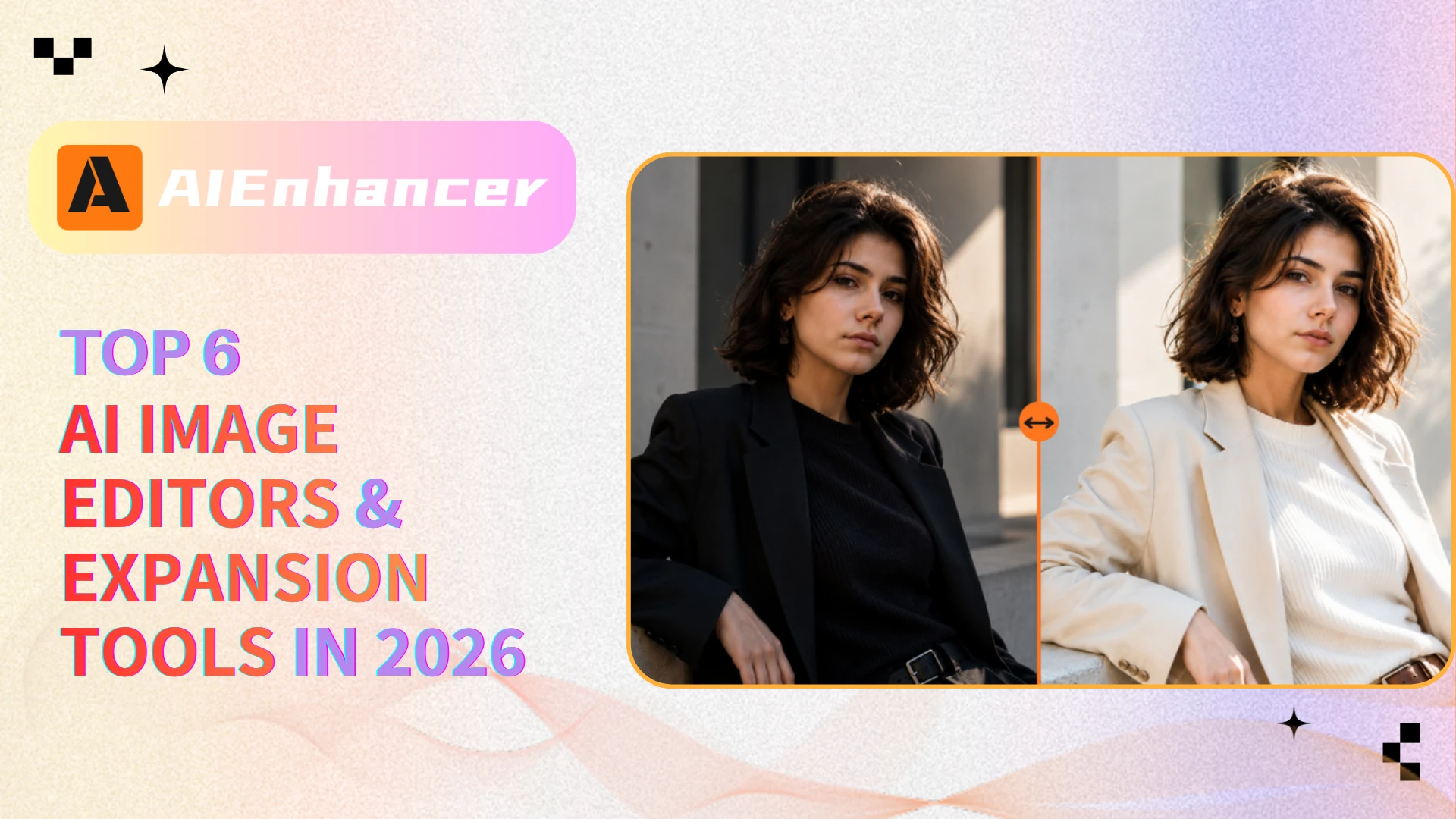
⚡ Quick Answer
For creators and marketers who need to turn raw concepts into production-ready visual assets quickly, AIEnhancer stands out as the ultimate all-in-one AI image editor.
Instead of forcing you to hop between fragmented single-purpose tools, it delivers a unified, prompt-first workflow that bridges the gap between initial generation and final publishing. AIEnhancer’s core ecosystem—including its advanced Image Editor, Image Generator, and professional Image Upscaler—focuses heavily on the critical post-generation phase. It excels at high-fidelity realism restoration, seamlessly sharpening fine textures, correcting complex lighting, and expanding background canvases to fit any ad, thumbnail, or social media layout while keeping your assets protected with reliable data security.
The Short Verdict: If your goal is a continuous, efficient editing pipeline that prioritizes jaw-dropping detail over a simple raw draft, AIEnhancer is the most practical platform to take your images across the finish line.
✨ AIEnhancer — Best Overall AI Image Editor for Editing, Enhancement, and Expansion
Why AIEnhancer Stands Out
AIEnhancer combines editing, enhancement, upscaling, object removal, and image expansion inside one workflow. Instead of only generating images, it focuses on helping users quickly refine and finish them.
Core Features
Its strongest features include Image Editor, Image Upscaler, Image Remover, and AI enhancement tools. Image expansion is also useful for adjusting layouts and aspect ratios.
Best Use Cases
AIEnhancer works well for:
High-converting social media creatives
E-commerce product mockups
Photorealistic AI portraits
Dynamic web hero banners
Marketing assets
Thumbnail enhancement
Product Positioning
An all-in-one AI image editor built for practical editing, enhancement, cleanup, and expansion workflows.
Pros
Seamless workflow
Strong enhancement quality
Fast object removal
Easy upscaling and expansion
Cons
Lacks the hyper-granular manual controls of Photoshop
Less optimized for abstract, highly stylized artistic generation than Midjourney
Best Users
Best for creators, marketers, e-commerce sellers, and users who want fast image refinement without switching tools.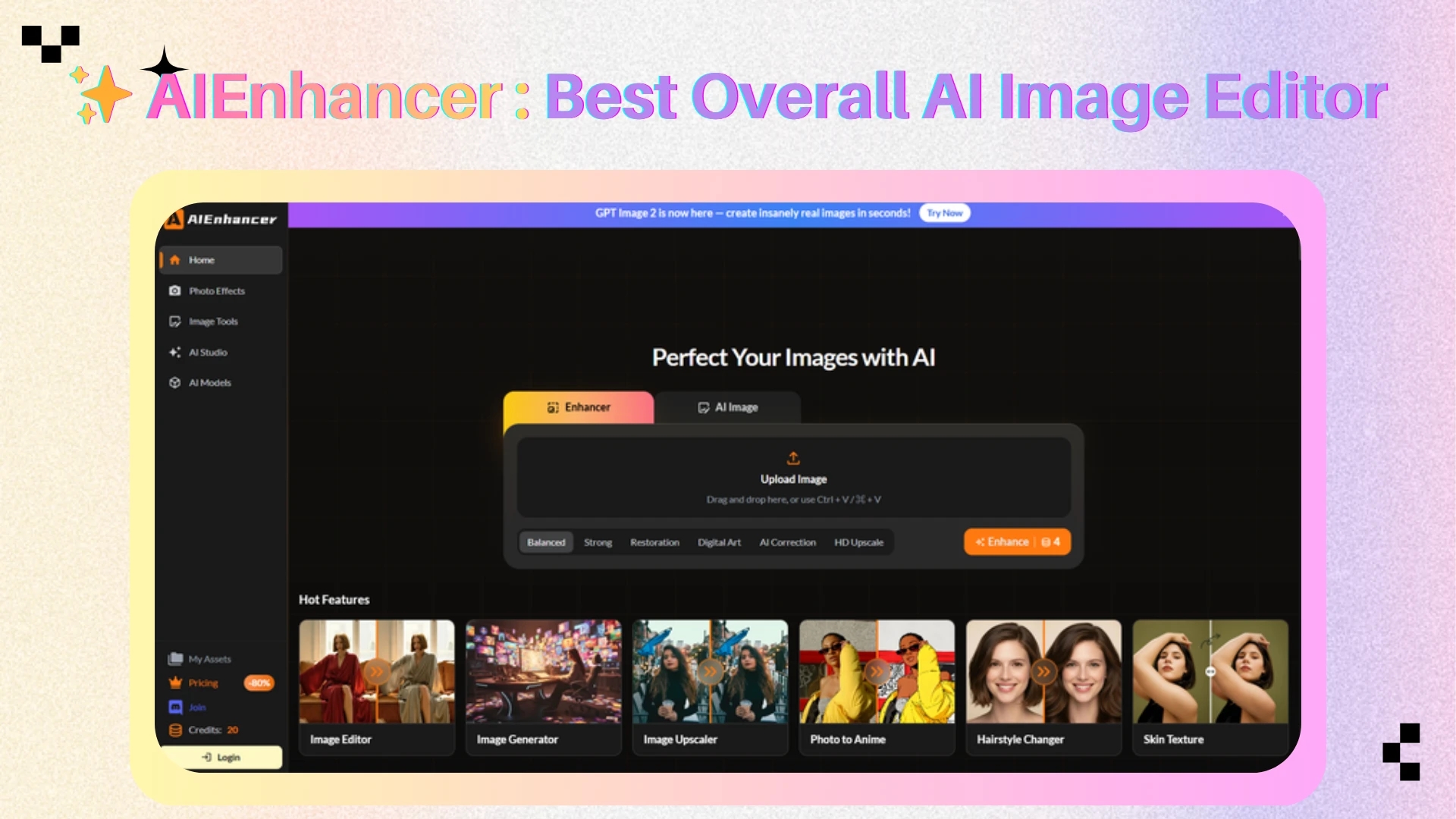
🎨 Adobe Firefly — Best for Professional Editing Control
Professional Editing Workflow
Adobe Firefly focuses on professional AI-assisted editing inside a Photoshop-style workflow. Its main advantage comes from combining generative AI with layers, masks, selections, and manual editing control.
Core Features
The platform works well for object replacement, background cleanup, photo correction, Generative Fill, and controlled image manipulation. It also integrates closely with other Adobe creative tools.
Best Use Cases
Adobe Firefly is commonly used for:
Commercial image editing
Product visuals
Campaign assets
Professional retouching
Generative Fill workflows
Advertising creatives
Product Positioning
A professional AI editing platform designed for users who need detailed control and advanced editing workflows.
Pros
High editing precision
Mature professional workflow
Strong Adobe ecosystem integration
Reliable commercial editing tools
Cons
Steeper learning curve for non-designers
Over-engineered for quick, casual edits
Locked into the broader Adobe subscription ecosystem
Best Users
Best for designers, photographers, agencies, and professional creative teams.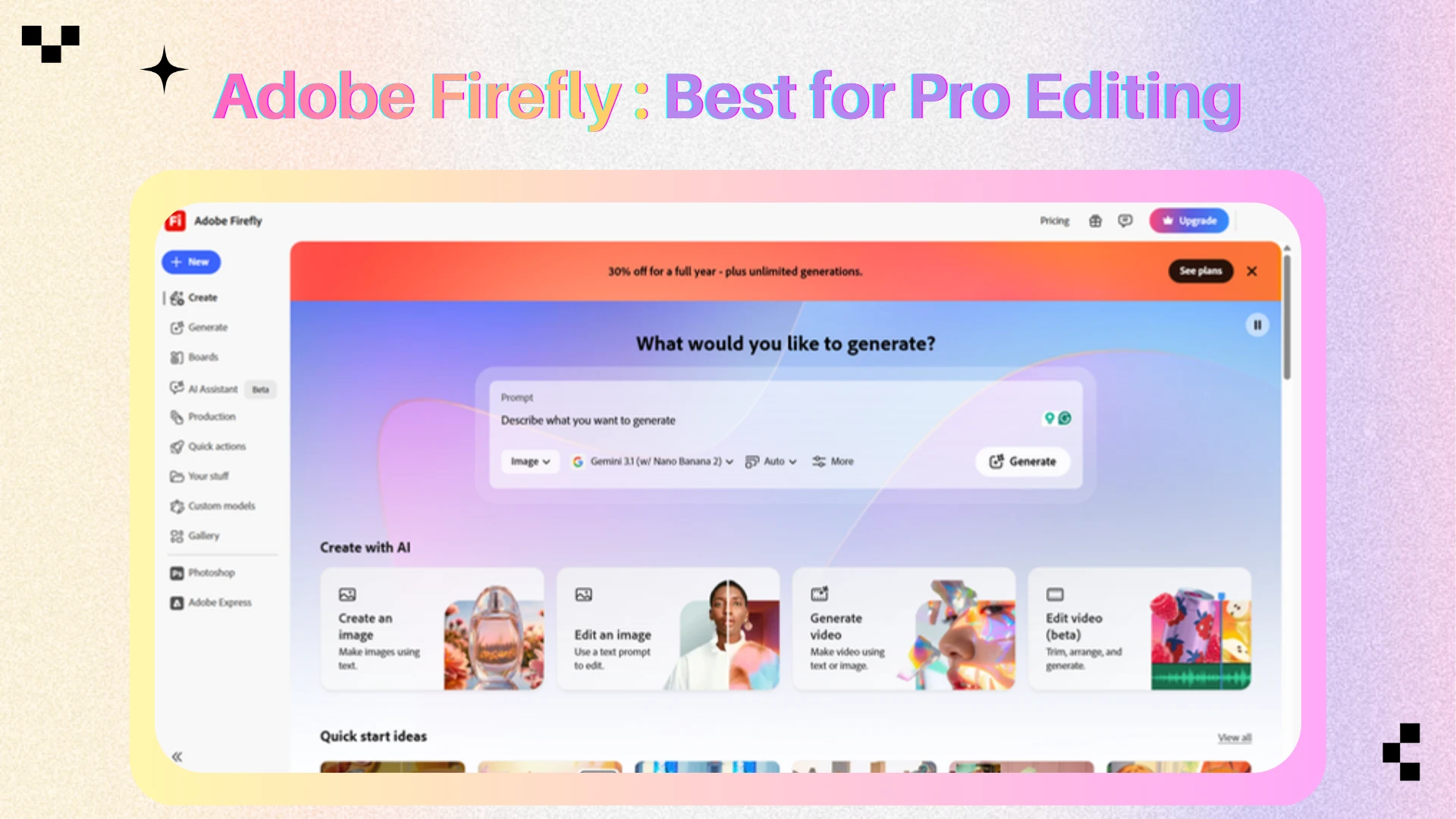
📱 Canva — Best for Fast Social Media Editing
Quick Editing Workflow
Canva focuses on fast, template-driven image editing for everyday content creation. Its AI tools help users remove objects, generate backgrounds, resize visuals, and quickly prepare designs for different platforms.
Core Features
The platform is built around simplicity and speed rather than advanced editing precision. Its strongest advantage comes from combining AI editing tools with ready-made templates and collaborative workflows.
Best Use Cases
Canva is commonly used for:
Instagram posts
Advertisements
Presentations
YouTube thumbnails
Posters and banners
Quick brand visuals
Product Positioning
A fast AI-assisted design and image editing platform built for social media and marketing content creation.
Pros
Very easy to use
Fast content production workflow
Strong template ecosystem
Good collaboration features
Cons
Less precise than professional editors
Limited advanced image correction
Weaker realism refinement capabilities
Best Users
Best for marketers, small businesses, social media teams, and non-designers who need fast visual content creation.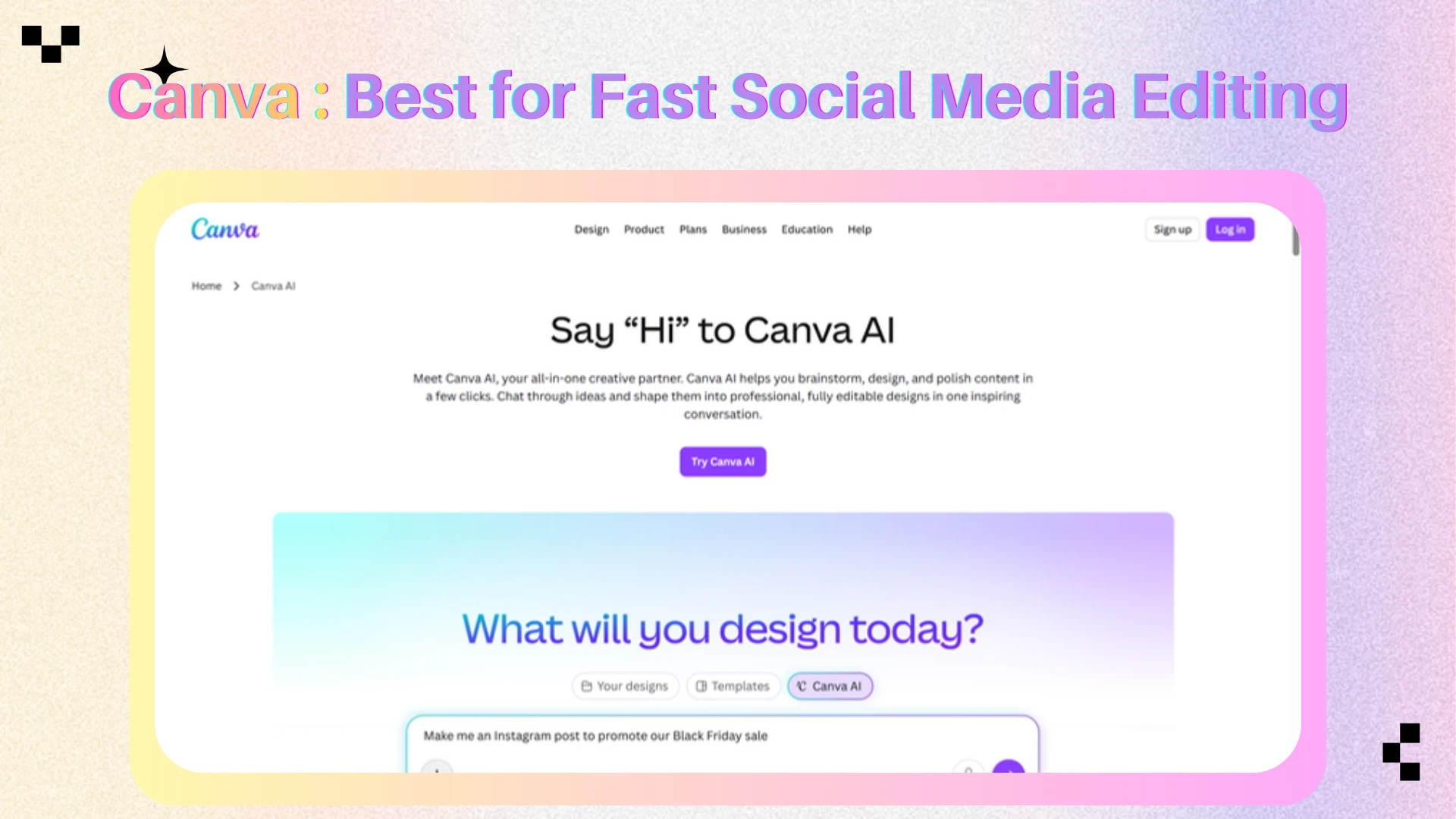
🧠 Midjourney — Best for Creative Image Refinement
Creative Image Workflow
Midjourney is mainly focused on visual style, atmosphere, and artistic direction rather than precise editing control. Its editing tools help users refine selected areas, expand compositions, and adjust stylized details in a more creative workflow.
Core Features
The platform performs especially well for cinematic lighting, fantasy aesthetics, mood-driven visuals, and highly stylized image generation. It is built more for creative exploration than commercial production editing.
Best Use Cases
Midjourney is commonly used for:
Concept art
Cinematic visuals
Fantasy scenes
Moodboards
Posters
Stylized image refinement
Product Positioning
A creative AI image platform focused on artistic generation, stylized editing, and visual experimentation.
Pros
Excellent visual atmosphere
Strong artistic style quality
Great for creative exploration
Highly cinematic outputs
Cons
Less precise for production editing
Weaker object-level control
Not ideal for commercial correction workflows
Best Users
Best for AI artists, concept creators, visual storytellers, and users focused on artistic image generation.
🛠️ Leonardo AI — Best for Creator Asset Workflows
Asset Creation Workflow
Leonardo AI is built for creators who need to develop and refine visual assets across multiple iterations. It works particularly well for workflows that involve repeated variations, concept refinement, and prompt-based asset development.
Core Features
The platform supports character design, environment generation, creative variations, and asset-focused image workflows. Compared with lightweight editors, Leonardo provides more flexibility for long-term creative projects.
Best Use Cases
Leonardo AI is commonly used for:
Game assets
Character concepts
Environment design
Creative variations
Product concepts
Visual asset libraries
Product Positioning
An AI asset creation and refinement platform designed for creators who need iterative visual workflows.
Pros
Strong asset iteration workflow
Useful prompt-based editing
Good for long-form creative projects
Flexible visual experimentation
Cons
More complex than lightweight tools
Results may vary across models and settings
Less optimized for quick casual edits
Best Users
Best for game creators, concept artists, designers, and users building large visual asset systems.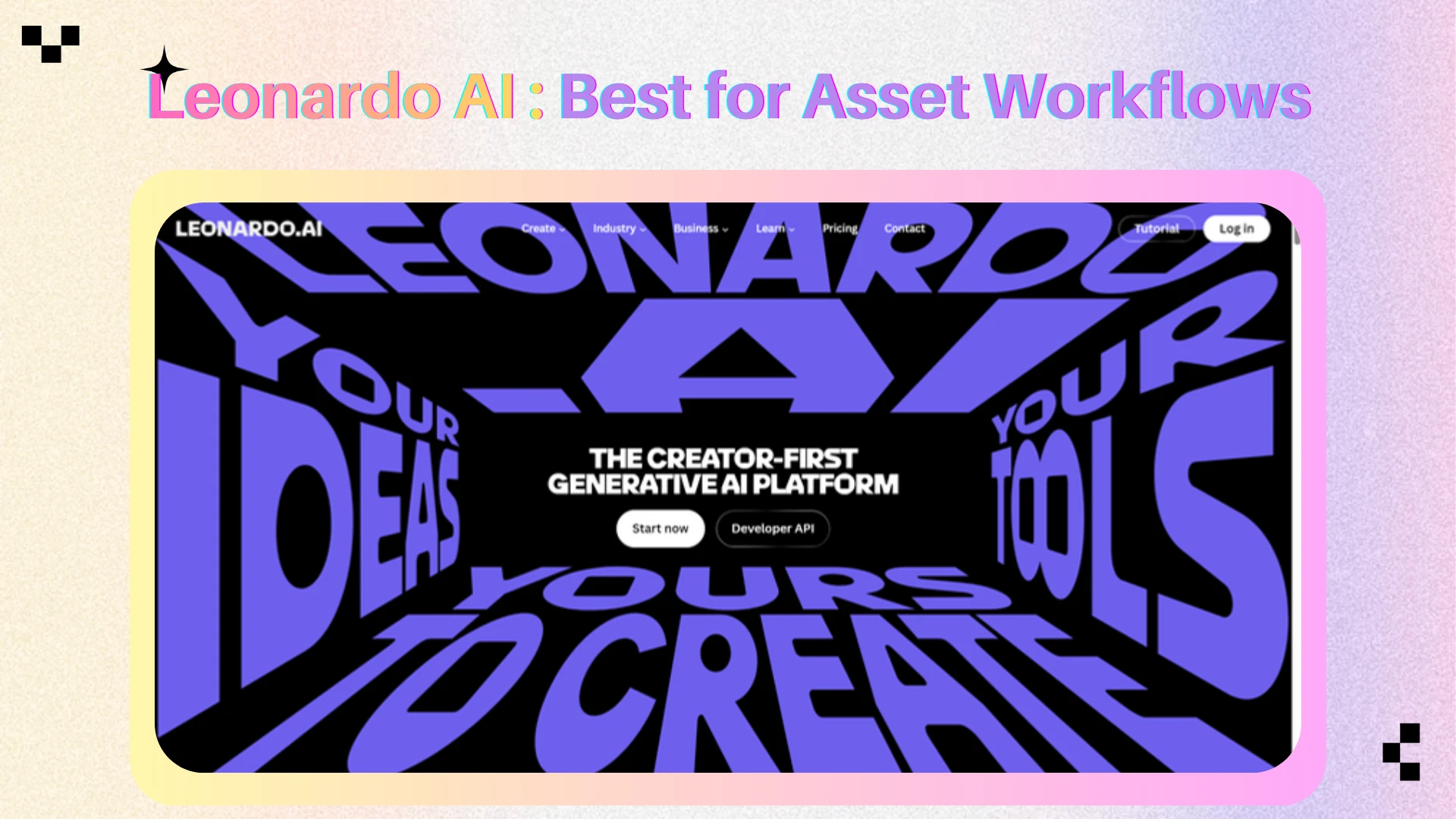
📷 Luminar Neo — Best for Photography Enhancement
Photography Editing Workflow
Luminar Neo focuses on improving real photography rather than generating new AI images. Its workflow is built around enhancement, correction, relighting, sharpening, and photo cleanup.
Core Features
The platform performs well for portrait correction, masking, realistic relighting, and AI-assisted photo enhancement. It is designed more for photography workflows than generative creative editing.
Best Use Cases
Luminar Neo is commonly used for:
Portrait editing
Landscape enhancement
Relighting
Photo cleanup
Sharpening
Realistic image correction
Product Positioning
An AI-assisted photo editor focused on realistic photography enhancement and correction workflows.
Pros
Strong photo enhancement quality
Useful AI-assisted correction tools
Good workflow for photographers
Natural-looking image adjustments
Cons
Limited generative editing features
Less suitable for image expansion workflows
Weaker for creative AI generation tasks
Best Users
Best for photographers and users mainly focused on improving real photos rather than generating stylized AI artwork.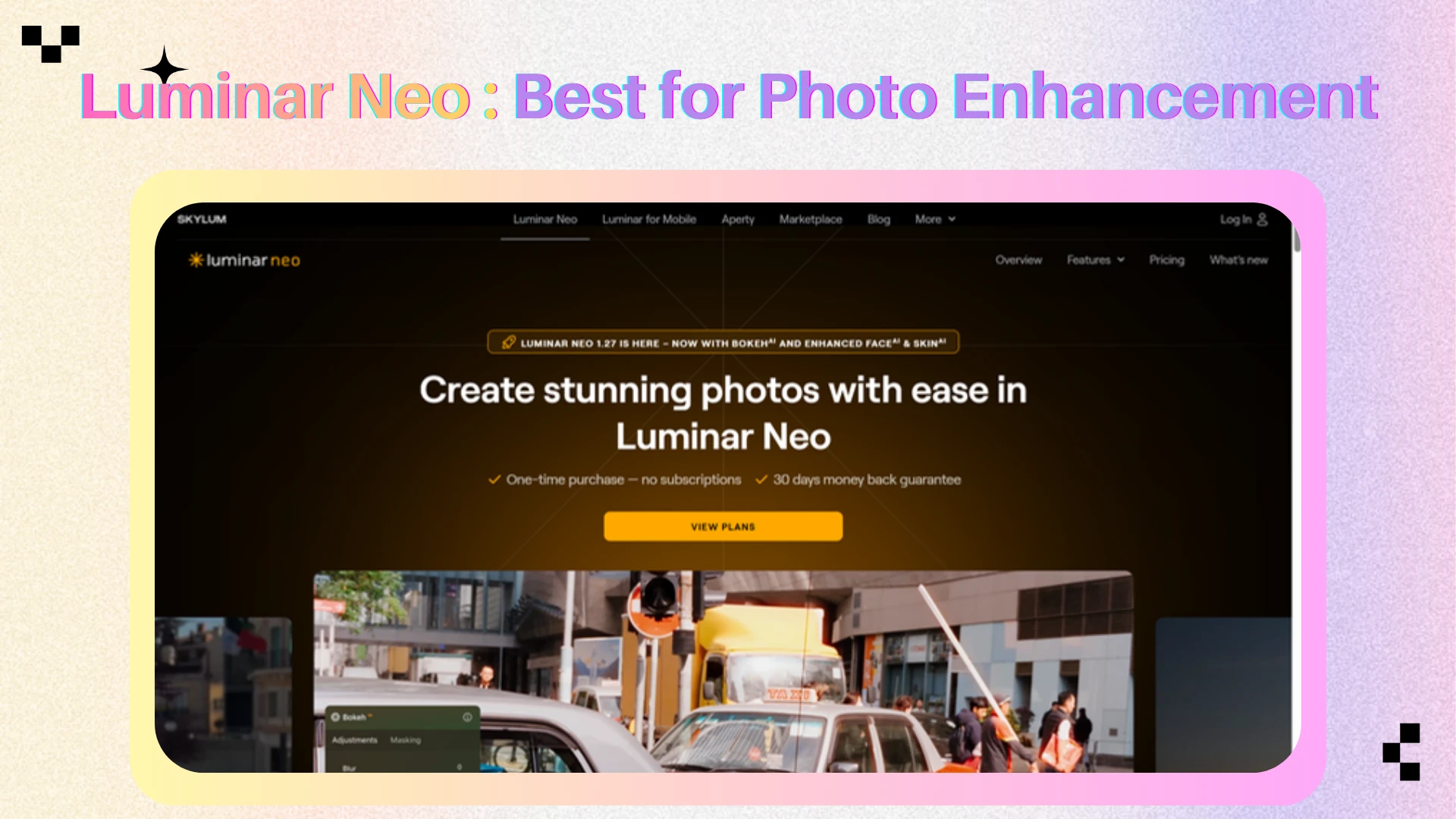
📊 AI Image Editor Comparison
| Tool | Best For | Core Editing Features | Expansion Support | Best Users |
|---|---|---|---|---|
| AIEnhancer | All-in-one AI image editing | Enhance, upscale, remove, edit, refine | Yes | Creators and marketers |
| Adobe Firefly | Professional editing | Generative Fill, object editing, Photoshop control | Yes | Designers and agencies |
| Canva | Fast content editing | Magic Edit, eraser, background tools | Basic | Social media teams |
| Midjourney | Creative refinement | Remix, inpainting, style control | Yes | AI artists |
| Leonardo AI | Asset workflows | Canvas editing, object replacement, refinement | Yes | Asset creators |
| Luminar Neo | Photo enhancement | Relight, retouch, mask, sharpen | Limited | Photographers |
🚀 Why AI Image Editors Matter More in 2026
The biggest shift in professional content creation is that users are moving from a passive “generate and accept” mindset to an active “generate and edit” control model.
Why? Because a raw AI output is rarely a finished business asset. Consider how different creators actually work once an image is generated:
Marketers need to instantly adjust product lighting and swap out background environments.
Social Media Teams need to restore high-fidelity facial features, correct colors, and seamlessly clone elements.
Designers frequently face the headache of adapting a single horizontal visual into square, banner, or story aspect ratios.
Traditionally, a single flawed detail meant rolling the dice on a complete regeneration—forcing you to sacrifice a perfect composition just to fix a misplaced artifact.
Specialized AI image editors eliminate this friction by offering continuity. They treat the generated image as a workable canvas, allowing you to layer, upscale, and apply targeted inpainting or image expansion while maintaining the original style. Ultimately, the best tools in 2026 aren't judged by how pretty their demo gallery looks; they are judged by how efficiently they help you cross the finish line.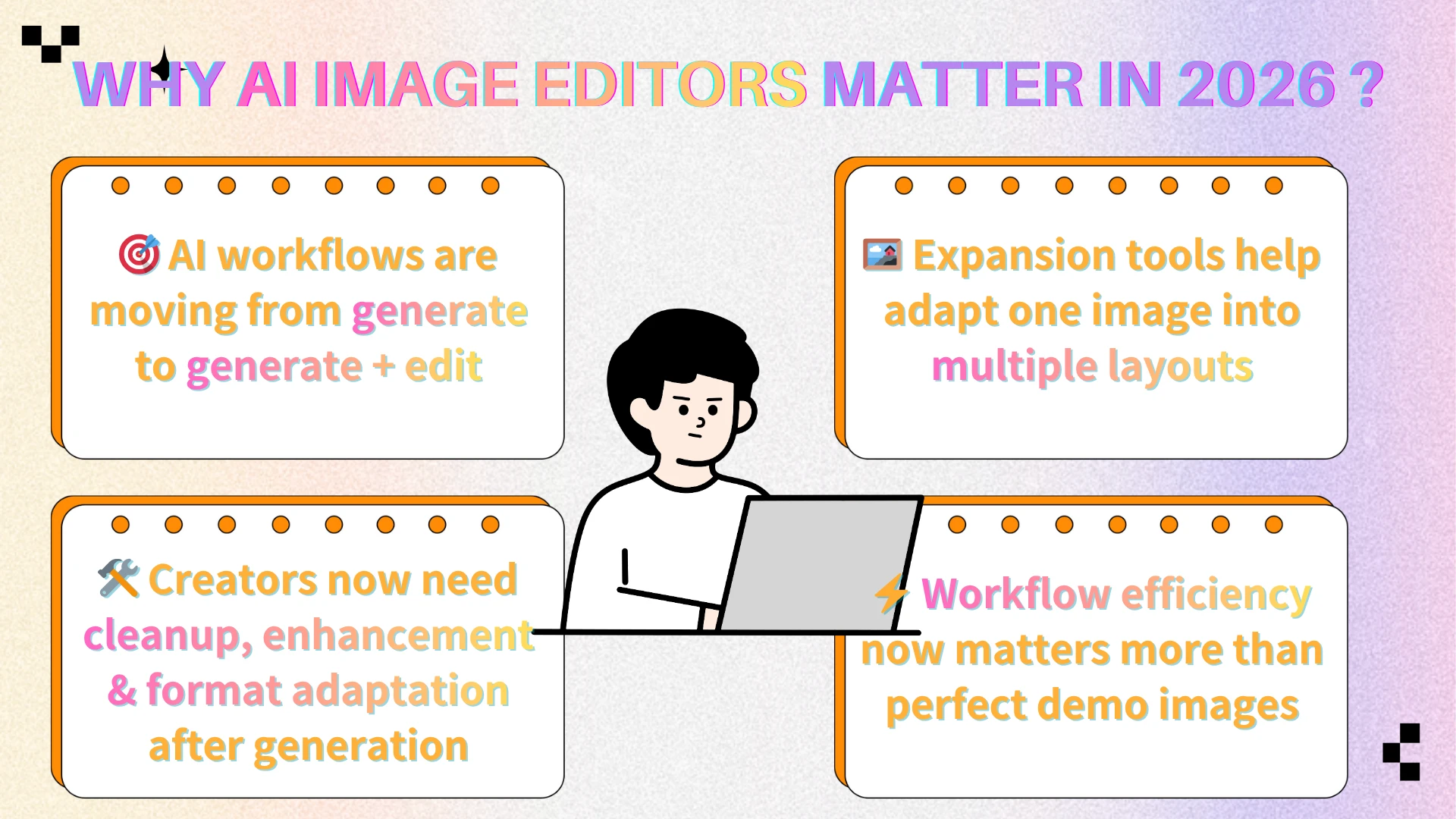
✅ How to Choose the Right AI Image Editor
Choose an AI image editor based on your actual workflow, rather than just comparing feature lists. Here is a quick breakdown to help you decide:
For an all-in-one practical workflow: Go with AIEnhancer. It perfectly covers the most common post-generation needs for creators and marketers—editing, enhancement, upscaling, object removal, and seamless image expansion.
When speed is the priority: Canva is your best bet for simple edits, quick resizing, and platform-ready social media templates.
For professional control: Adobe Firefly offers the precision designers and agencies need for commercial object replacement and background cleanup.
For creative atmosphere: Midjourney remains unmatched when your goal is stylistic refinement rather than pixel-perfect editing.
For visual asset iteration: Leonardo AI provides the best structure for references, variations, and project-based development.
For real photography: Luminar Neo is the highly focused choice for relighting, portrait correction, and realistic enhancement.
Whether you are extending a canvas for an ad campaign or cleaning up a quick product shot, the best AI image editor is simply the one that keeps you in your creative flow without slowing you down. 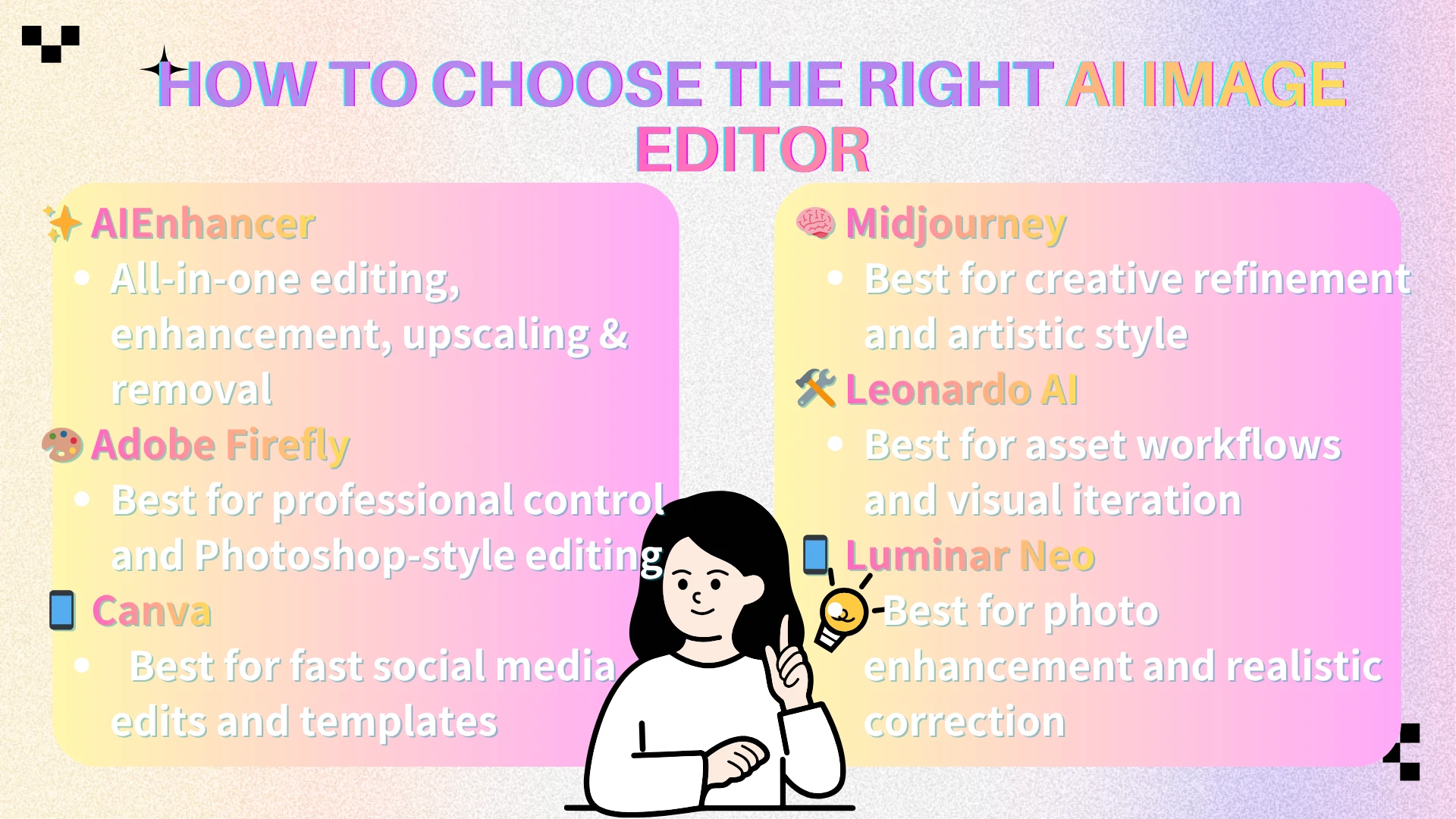
🏆 Final Verdict
The best AI image editors in 2026 are not simply the tools with the most features; they are the platforms that fit real creative workflows.
While Adobe Firefly excels in professional control, Canva wins in fast social media editing, Midjourney leads in artistic refinement, Leonardo AI shines in asset generation, and Luminar Neo is highly focused on photography enhancement.
However, for users who want one practical platform that brings together editing, enhancement, upscaling, object removal, and expansion support, AIEnhancer is the best overall recommendation.
The reason is simple: AI content creation does not end when an image is generated. That is usually where the editing begins. In 2026, creators need tools that help them fix, refine, adapt, and finish images faster. That is what separates a good AI generator from a truly useful AI image editor. 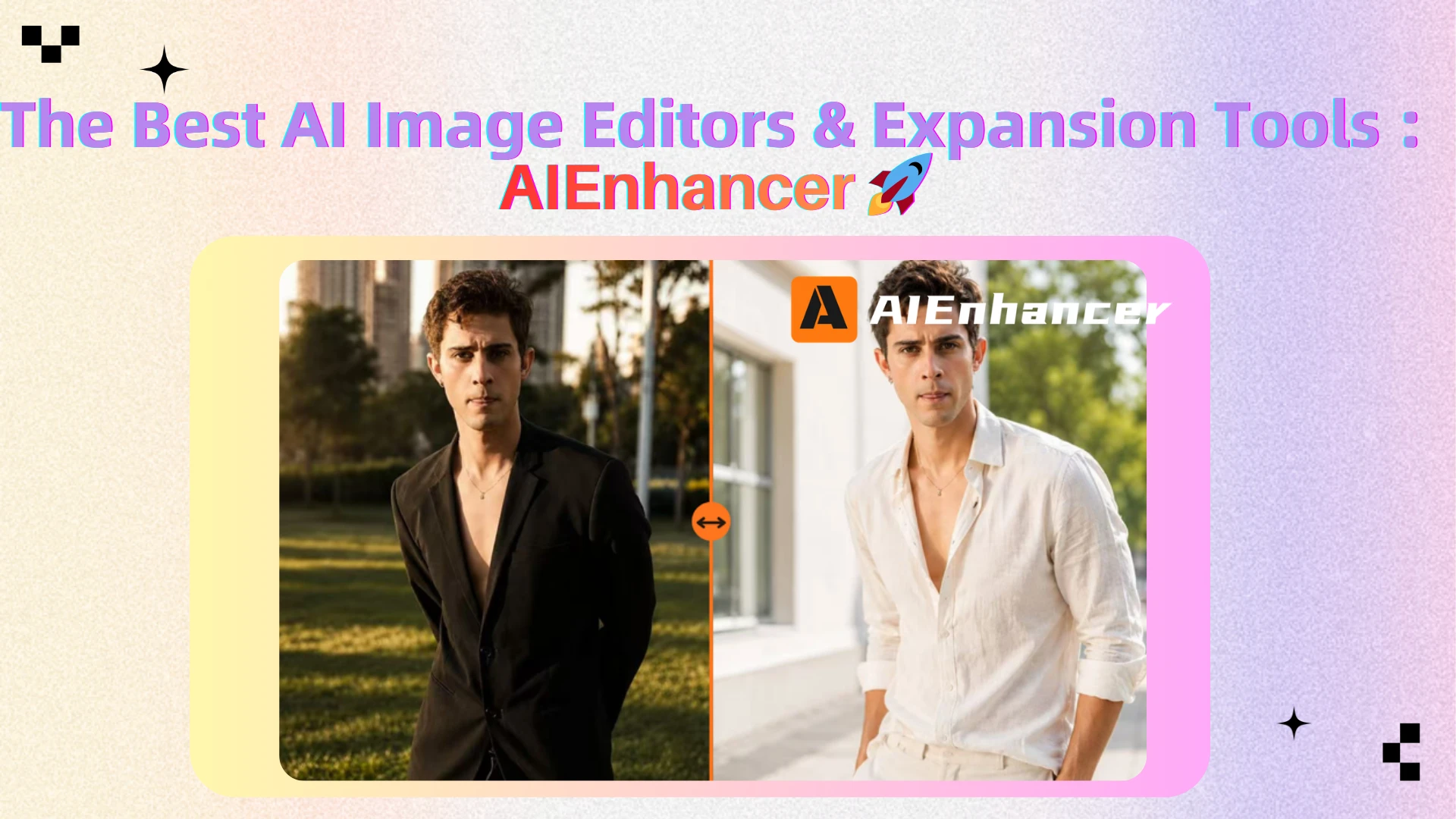
❓ FAQ
What is an AI image editor?
An AI image editor is a tool that uses artificial intelligence to modify, repair, enhance, or transform existing images. It can help users remove objects, replace backgrounds, retouch portraits, improve quality, upscale images, or edit specific areas with prompts.
What can AI image editors do?
AI image editors can handle tasks such as object removal, background editing, inpainting, retouching, upscaling, sharpening, color improvement, image restoration, and sometimes image expansion. The best tools combine several of these features into one workflow.
Which AI image editor is best in 2026?
AIEnhancer is the best overall choice for users who want an all-in-one AI image editing workflow. Adobe Firefly is best for professional editing control, Canva is best for fast social media editing, Midjourney is best for artistic refinement, Leonardo AI is best for asset workflows, and Luminar Neo is best for photography enhancement.
What is the difference between AI image editing and AI image generation?
AI generation cooks up an entirely new visual from text prompts. AI editing, by contrast, manipulates, refines, or builds upon an existing asset. In real workflows, users often generate an image first, then edit, enhance, upscale, or refine it before publishing.
Do AI image editors support image expansion?
Yes, top-tier AI image editors now feature image expansion (often called outpainting). This capability allows users to extend the image beyond its original frame. It is useful for creating more background space, changing aspect ratios, or adapting an image for banners, thumbnails, and social media formats.
Which AI image editor is best for beginners?
Canva is one of the easiest AI image editors for beginners because it combines simple AI tools with templates. AIEnhancer is also beginner-friendly for users who want a more complete editing, enhancement, and upscaling workflow without learning professional software.
Which AI image editor is best for professionals?
Adobe Firefly is one of the best options for professionals because it connects AI editing with Adobe’s broader creative ecosystem. It is especially useful for designers, photographers, and agencies that need precise control over commercial visuals.
Why are AI image editors important in 2026?
AI image editors are important because generated images often need refinement before they can be used. Users need to remove distractions, improve quality, fix details, adjust backgrounds, upscale images, and adapt visuals for different platforms. AI image editors make that process faster and more practical.