 Auto
Auto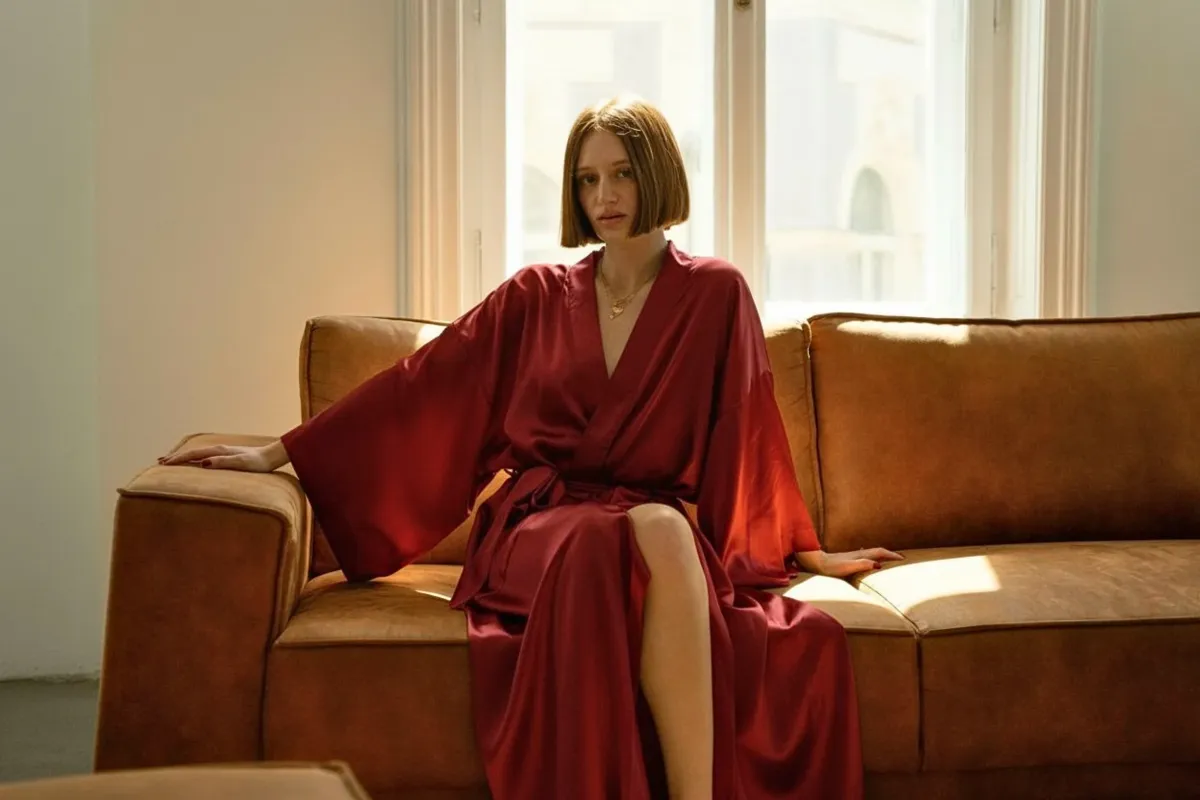
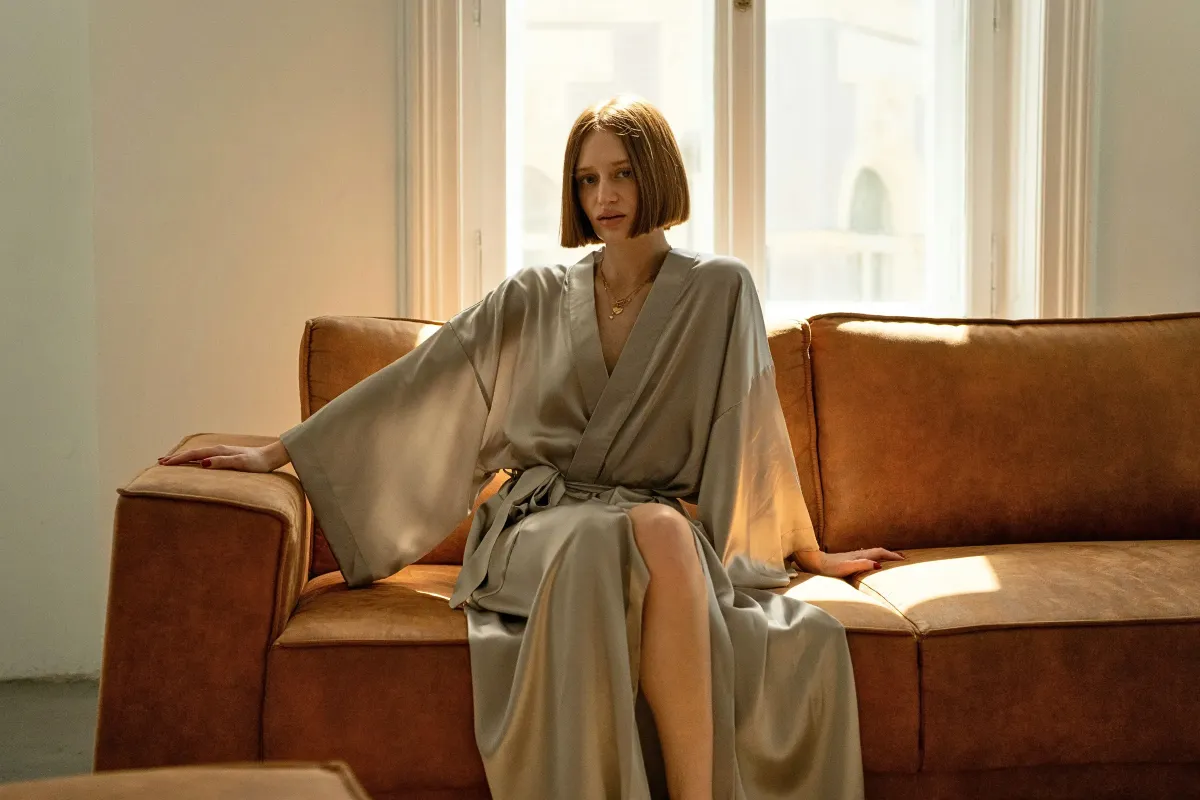
Free AI Photo Enhancer - Online AI Image Quality Enhancer
Trusted by 1M+ users worldwide




How to enhance photo quality?
In just four easy steps, you can transform blurry, low-quality, or AI-generated images into stunning high-resolution photos.
Step 1: Upload Your Image
Choose any photo you want to improve - whether it's a blurry snapshot, an old low-resolution picture, or an AI-generated artwork. Drag and drop it directly onto the AI Photo Enhancer.
Step 2: Select Enhancement Mode
Step 3: Preview the Enhanced Result
Step 4: Download in High Quality
Enhance Low-Quality Photos with AI Photo Enhancer
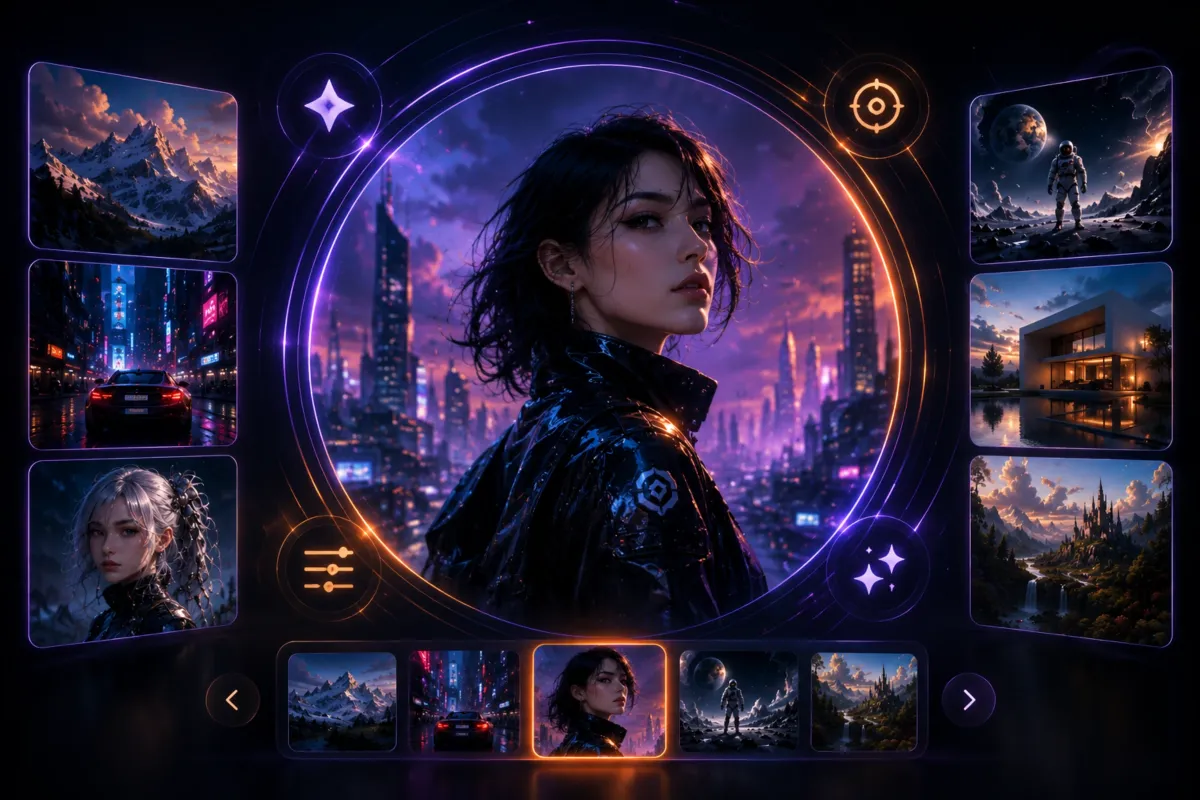
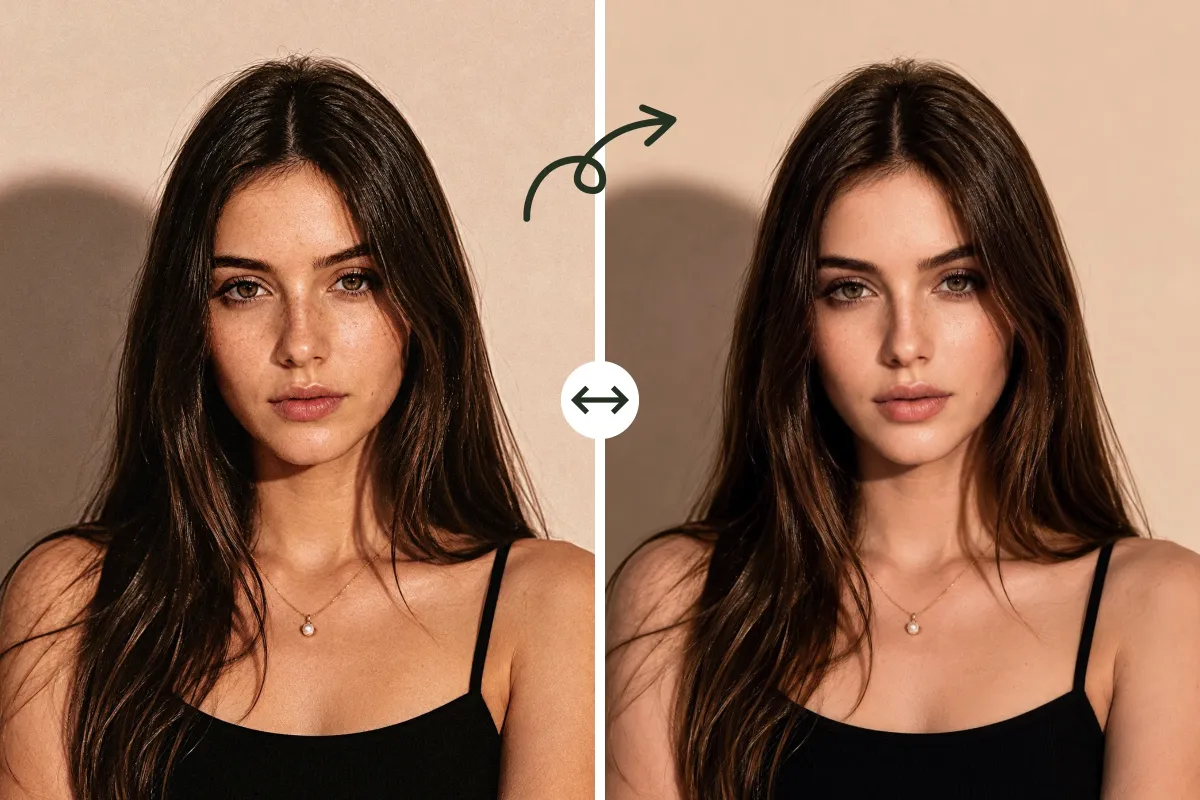
Enhance, restore, and transform your photos with our AI Photo Enhancer.
Enhance Blurry Images to 4K
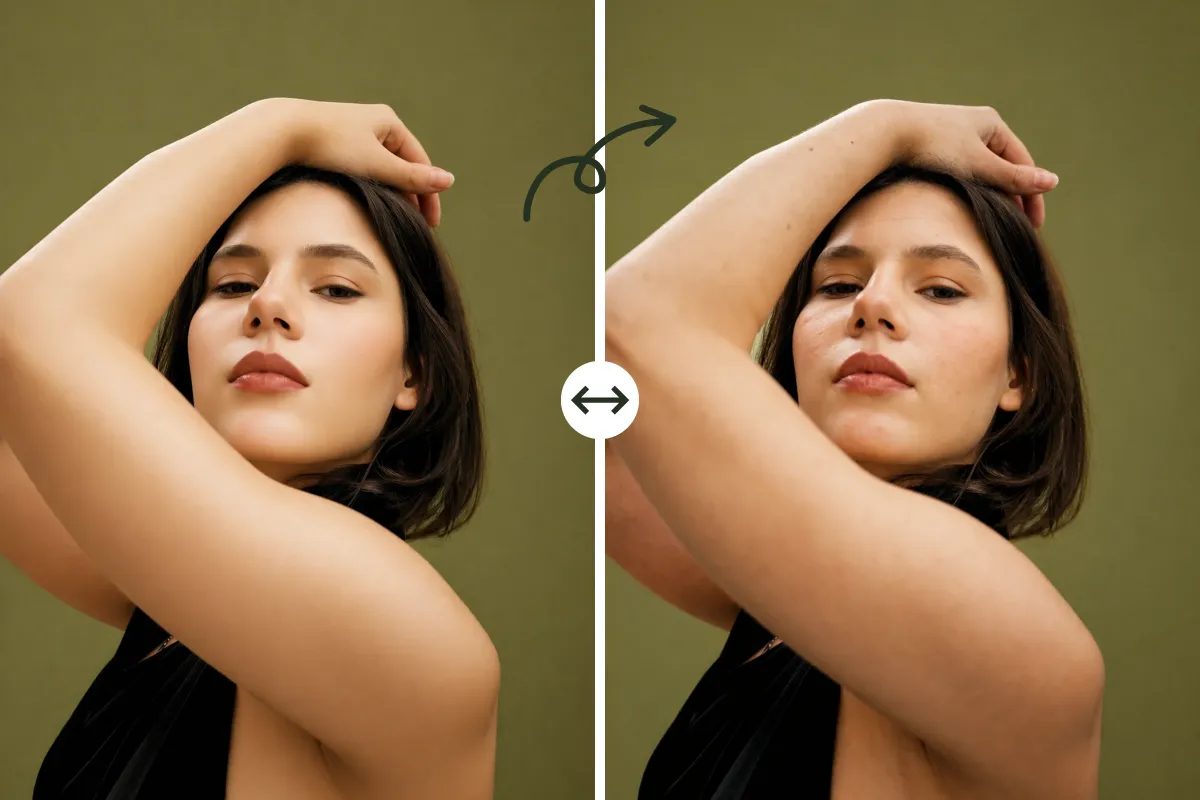
Transform low-resolution or blurry photos into stunning 4K images. Our AI Photo Enhancer restores fine details and textures that typical online tools often miss.
Improve Clarity and Sharpness
Remove haze, noise, and pixelation with intelligent AI sharpening. Every photo looks crisp, clean, and professional with minimal effort.
Revive Colors Naturally
Bring dull or washed-out images back to life. The AI Photo Enhancer enhances color vibrancy and tone balance for a realistic, eye-catching result.
Repair AI-Generated Image Distortions
Fix artifacts, warped faces, or unnatural details in AI-generated images. Our AI Photo Enhancer restores visual harmony, making your AI art look natural and high-quality.
What You Get with AI Photo Enhancer
Professional-Grade Resolution Enhancement
The AI Photo Enhancer transforms blurry or low-resolution images into sharp, ultra-clear 4K quality. Instead of just enlarging pixels like ordinary tools, it rebuilds missing details intelligently. This means old family photos, compressed social media pictures, or screenshots can instantly look professional.
Enhance Photo Now!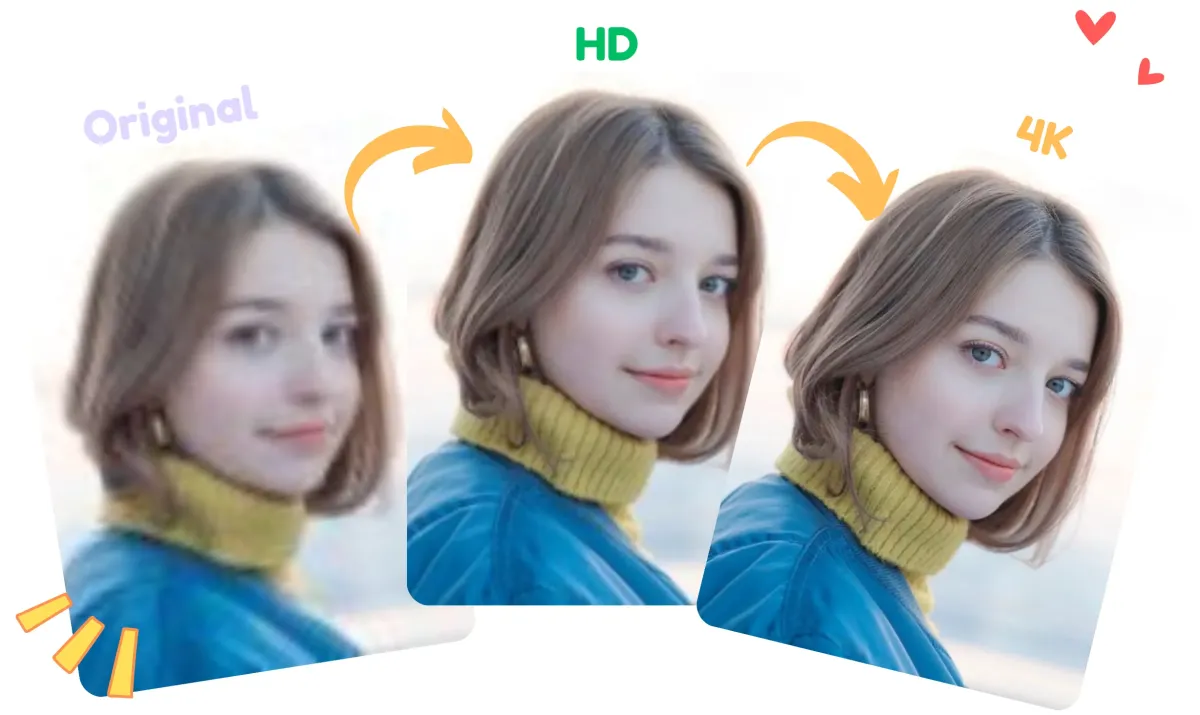
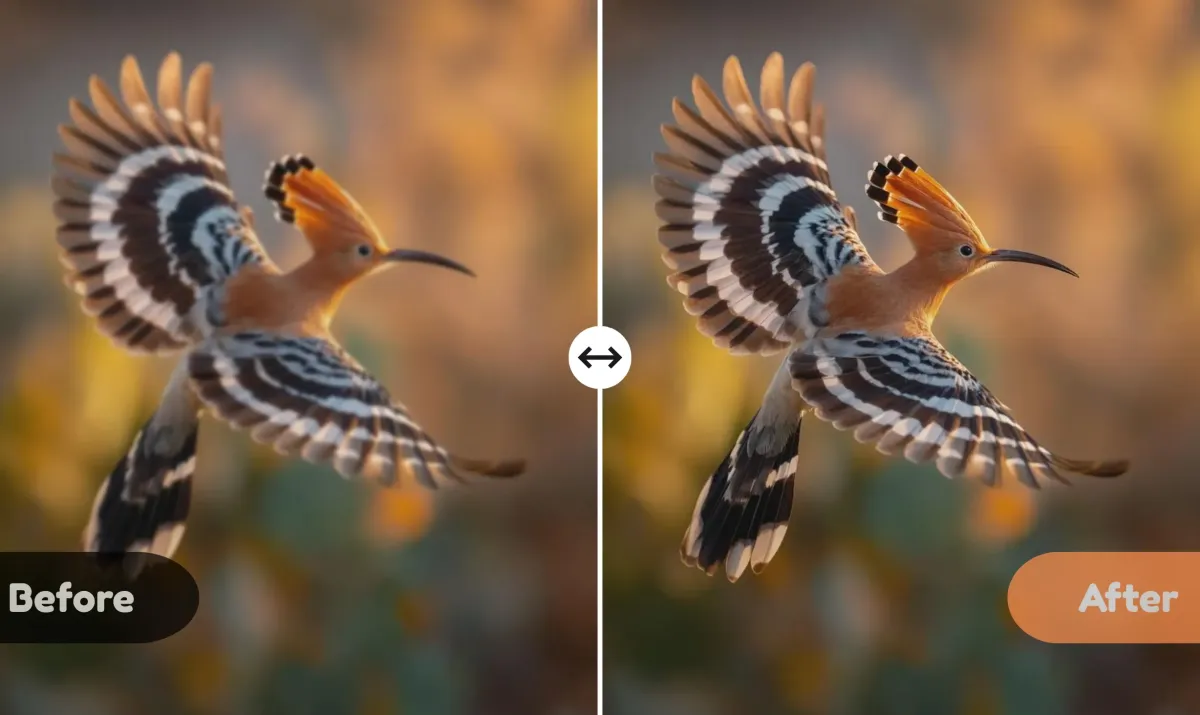
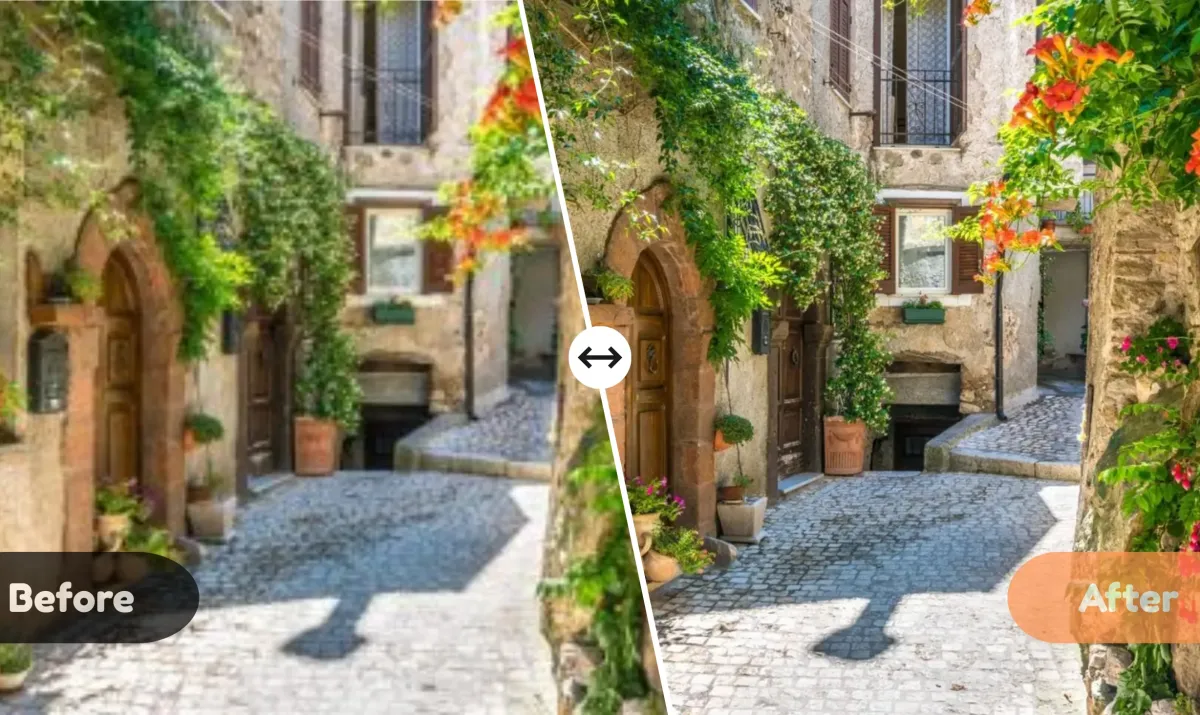
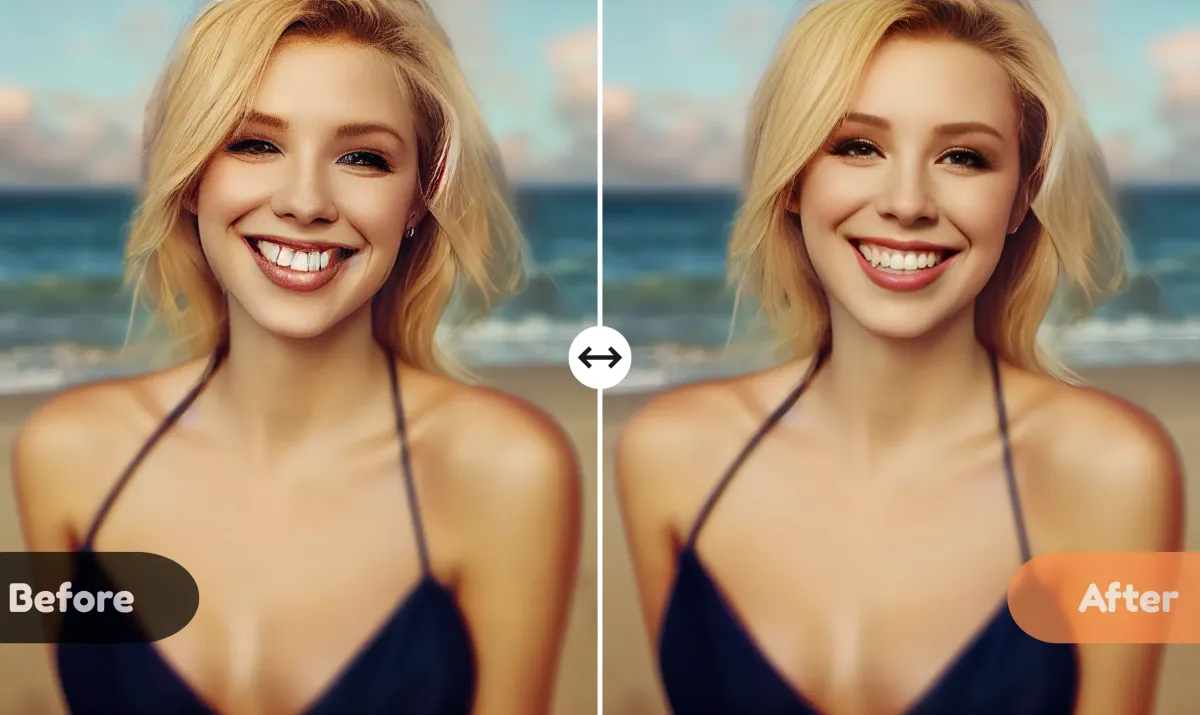
Everything you need to enhance photo quality resolution
AI Photo Enhancer restores old photos, fixes blurry shots, upscales low-resolution images, etc. Make every photo clear, vibrant, and ready to impress.
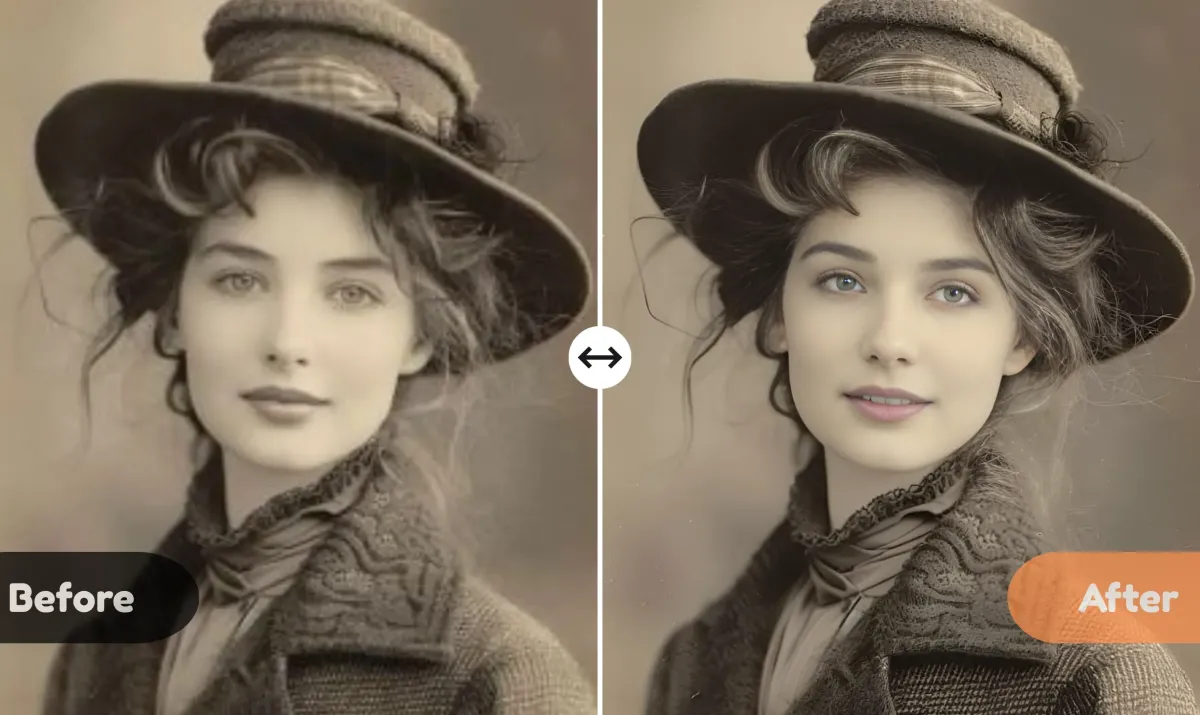
Enhance Old Photos
Bring faded, yellowed, or damaged images back to life. The AI Photo Enhancer restores lost details and colors.
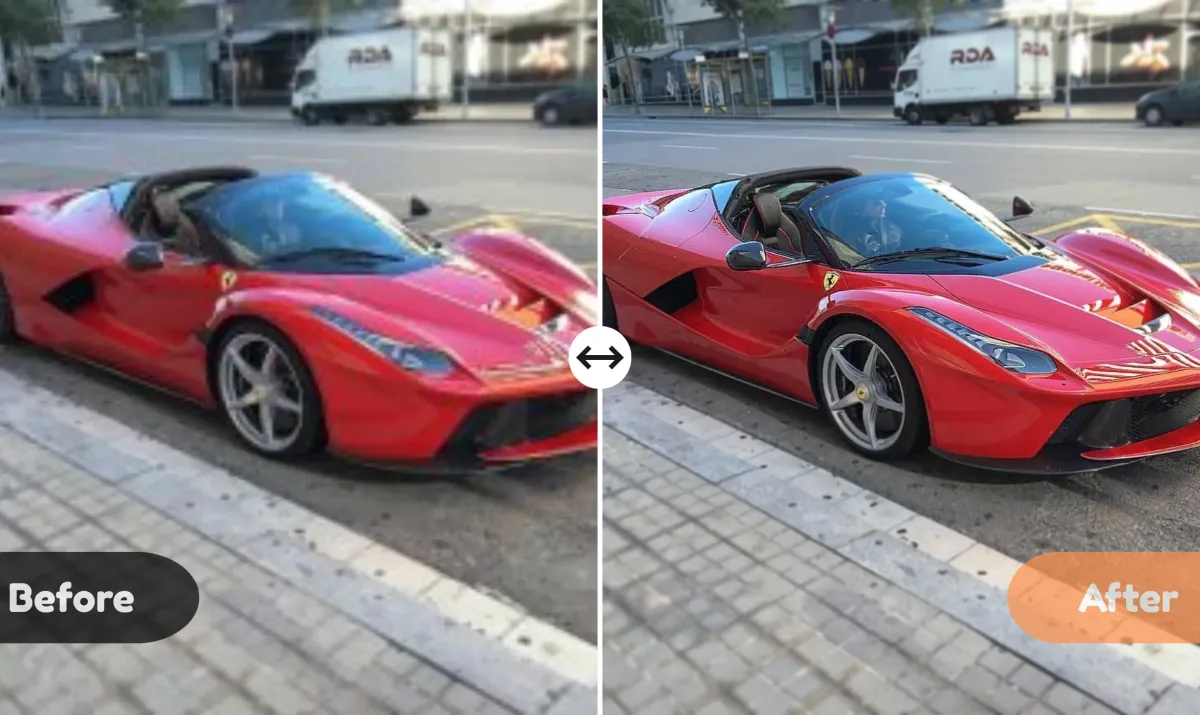
Repair Blurry Shots
Fix motion blur or out-of-focus photos. Edges become sharp, and textures look natural without over-editing.
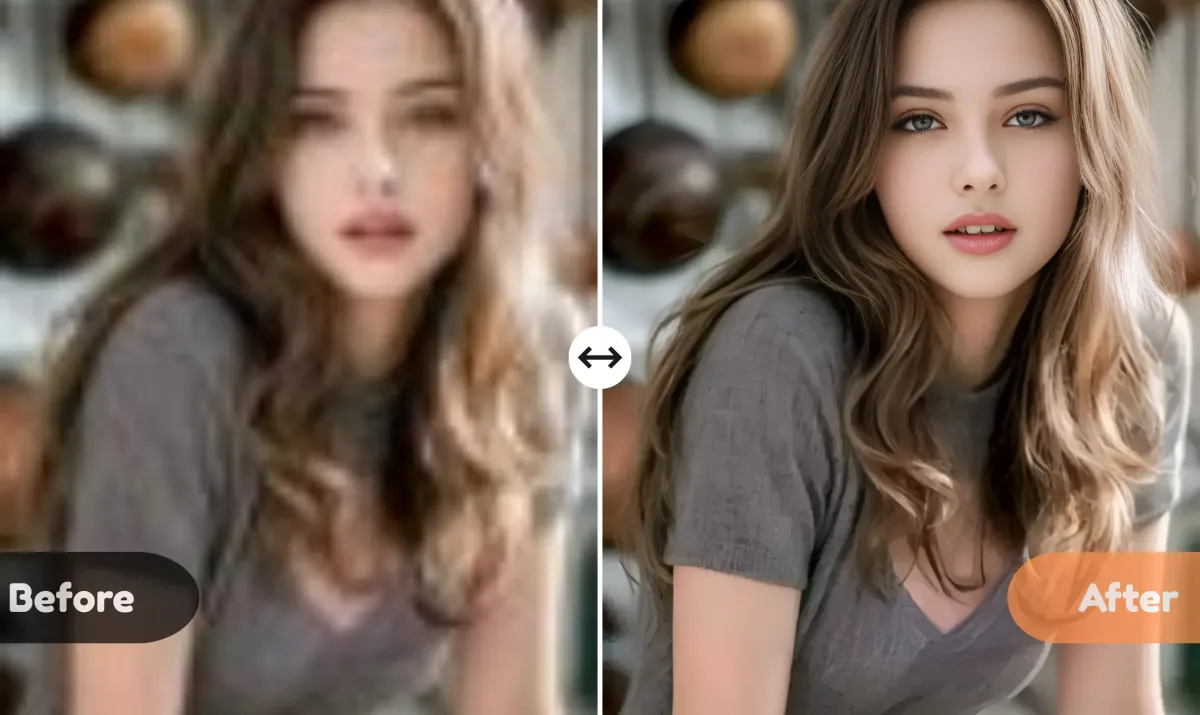
Upscale Low-Resolution Images
Turn pixelated or compressed images into 4K-quality photos. Ideal for enlarging old digital photos or screenshots without losing clarity.
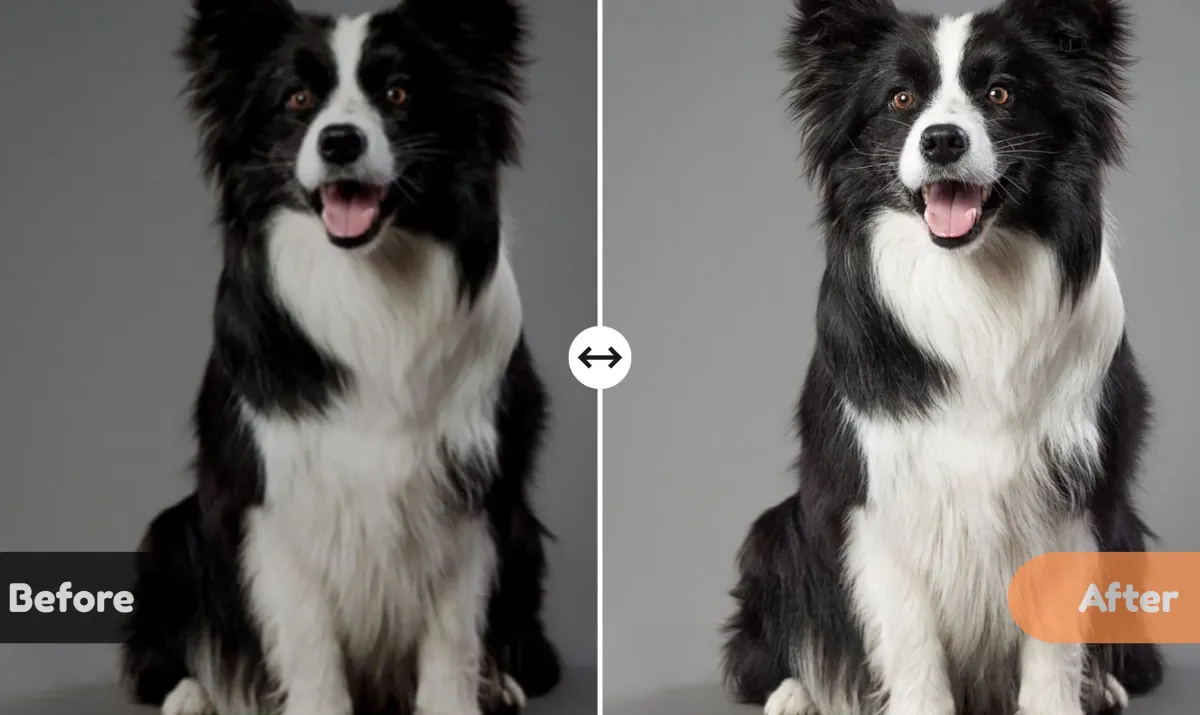
Beautify Dark & Noisy Photos
Remove noise and correct poor lighting in low-light shots. The AI Photo Enhancer brightens, sharpens, and balances tones for a clear, vibrant finish.
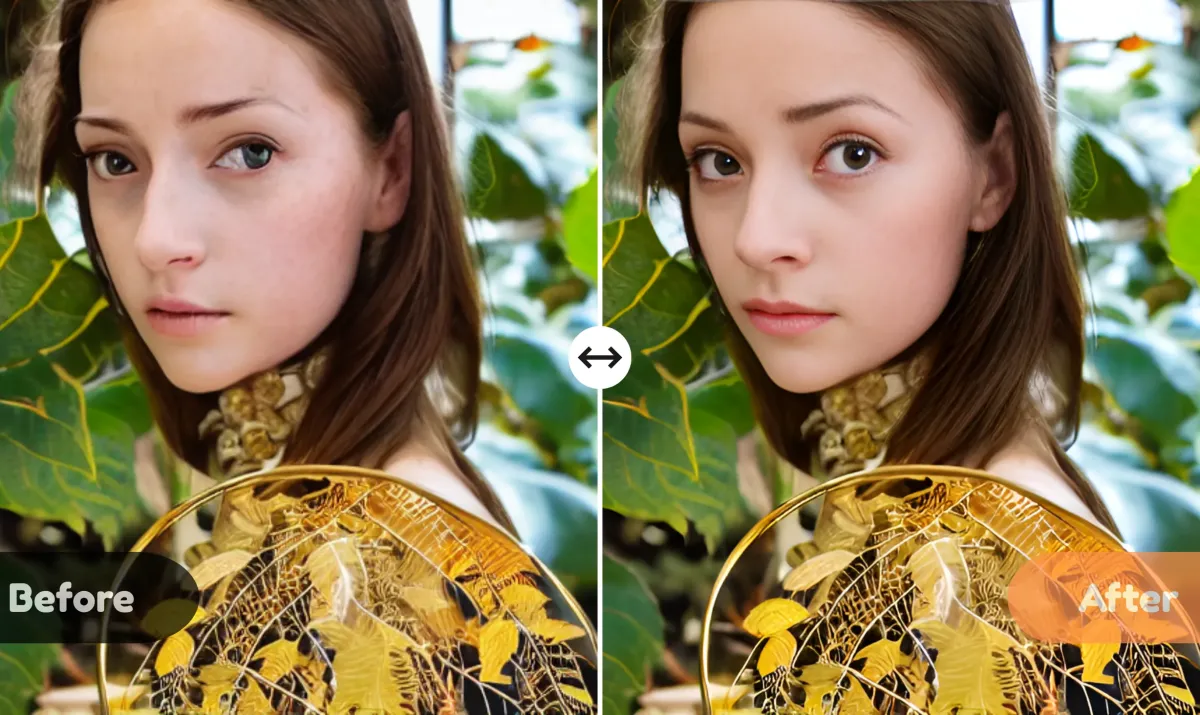
Correct AI-Generated Art
Repair warped faces, distorted objects, or artificial skin textures in AI-generated images. Your digital creations become polished and lifelike.
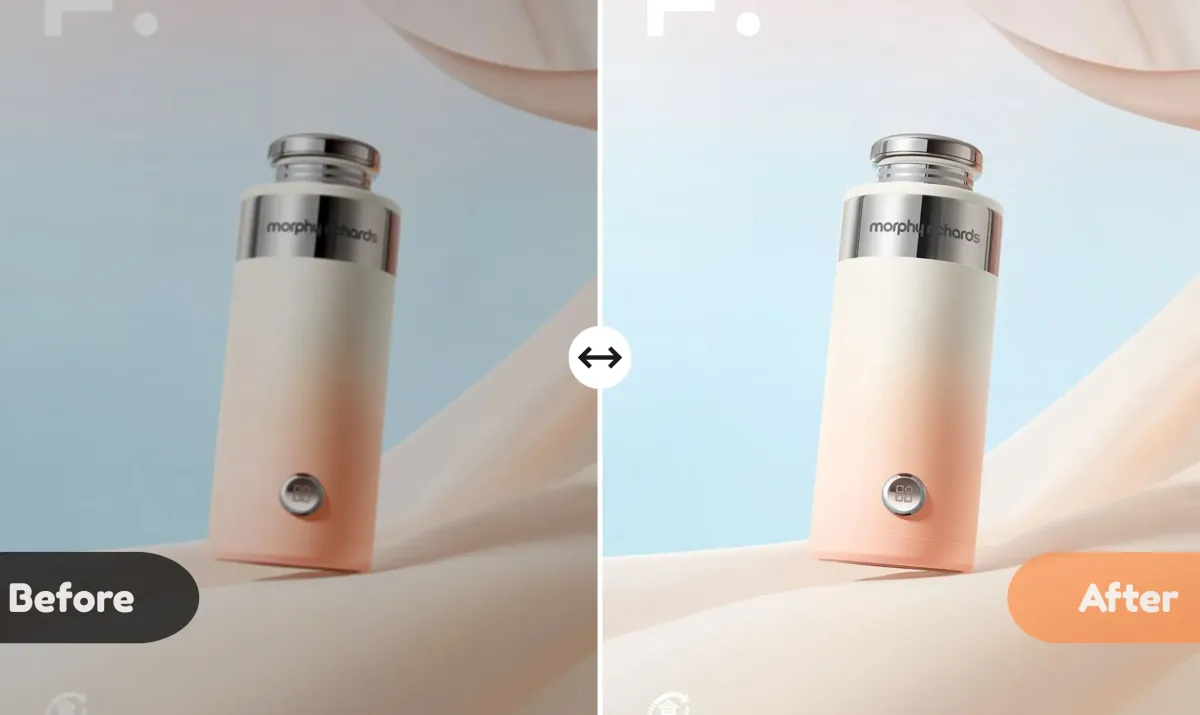
Enhance Product Photos
Make e-commerce and catalog images more professional by improving sharpness, contrast, and color vibrancy-helping products stand out to buyers.
What Our Users Say
Thousands of users trust AI Photo Enhancer to restore, repair, and beautify their images.


AI Photo Enhancer FAQs
Get answers to the most common questions about AI Photo Enhancer.
How to enhance photo quality?
Upload your image to AI Photo Enhancer, select the upscaling mode, and let the AI restore missing details. Low-resolution images can be converted to sharp, high-quality 4K photos in seconds.
Can AI Photo Enhancer fix blurry photos?
Yes! It intelligently sharpens edges and textures while keeping photos natural, removing motion blur or out-of-focus areas effectively.
How can I improve colors and lighting in my photos?
AI Photo Enhancer automatically balances brightness, contrast, and saturation, restoring vivid and lifelike colors without manual editing.
Can it repair AI-generated images with distortions?
Absolutely. The AI Photo Enhancer detects warped faces, extra limbs, or unnatural textures in AI-generated images and corrects them for realistic results.
What types of images can I enhance?
You can enhance old photos, low-resolution images, blurry shots, dark/noisy photos, AI-generated art, product photos, and more.
Is AI Photo Enhancer suitable for professional use?
Yes. It delivers high-resolution, sharp, and color-accurate images suitable for portfolios, e-commerce listings, prints, or social media content.
Do I need to install software to use it?
No downloads or installations are required. AI Photo Enhancer works entirely online, accessible through any browser.
Is AI Photo Enhancer free to use?
Yes! You can enhance, repair, and beautify your photos online for free. Some advanced features may require a subscription, but the basic photo enhancement tools are completely free to use.