8 Best Editing Tools for AI Image Creation in 2026
Introduction
In today’s hyper-visual digital landscape, high-quality imagery has moved from a 'nice-to-have' to a non-negotiable asset. From social media posts and blog articles to eCommerce listings and ads, high-quality images directly impact engagement, click-through rates, and conversions.
But here’s the challenge:
How do you efficiently find, edit, and optimize images without spending hours learning complex tools?
Traditionally, the workflow looked like this:
Search for an image → Download → Open editing software → Manually edit → Export
This process is time-consuming and requires technical skills.
Now, with the rise of AI image editor technology, everything is changing. A new generation of online image search and editing tools allows users to:
Search + Edit + Enhance images in one seamless workflow
In this guide, we’ll explore the best tools available today, compare them, and help you build the perfect image editing toolkit—whether you’re a beginner, creator, or professional.
🧰 Best Editing Tools
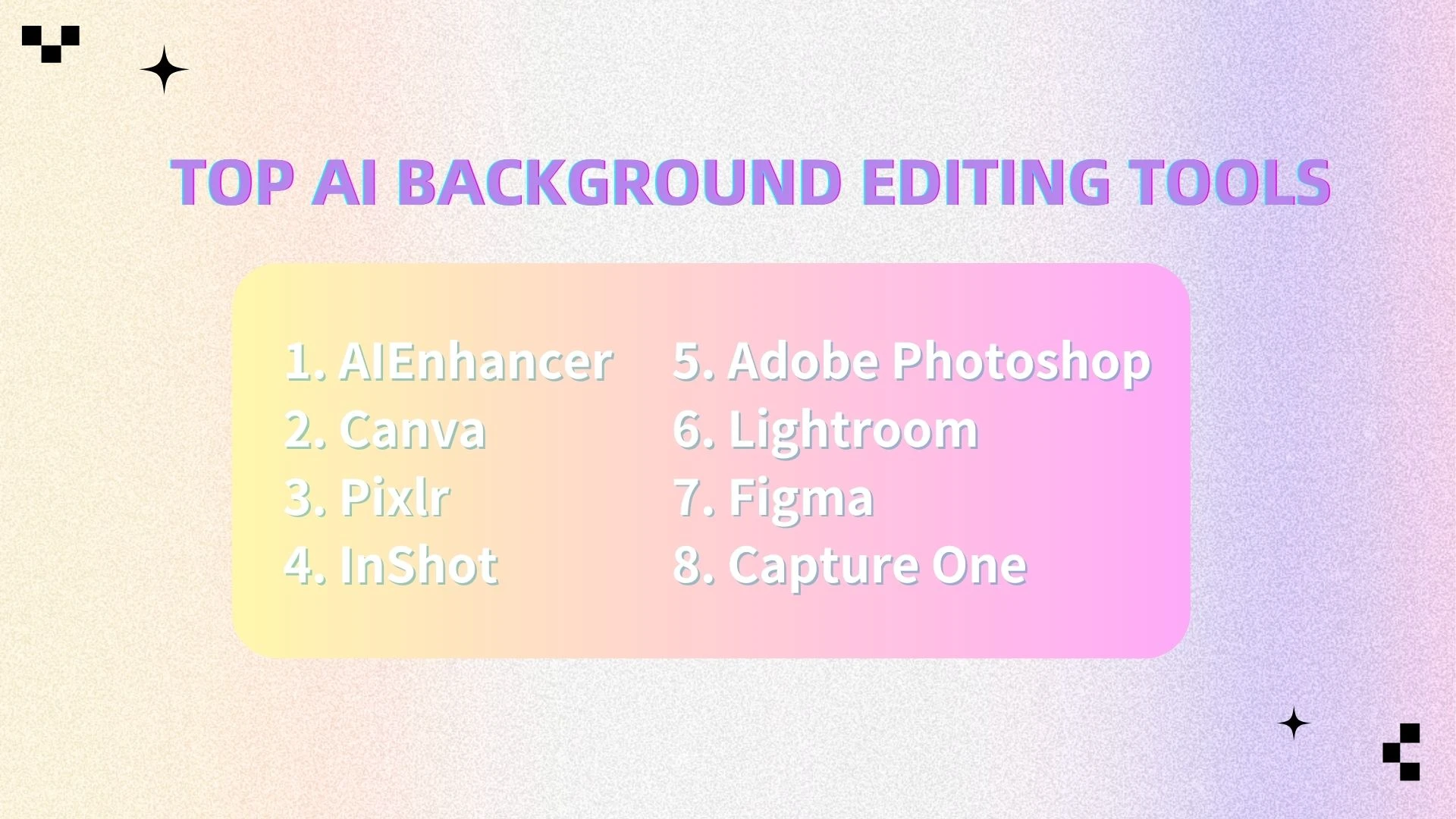
AIEnhancer
Canva
Pixlr
InShot
Adobe Photoshop
Lightroom
Figma
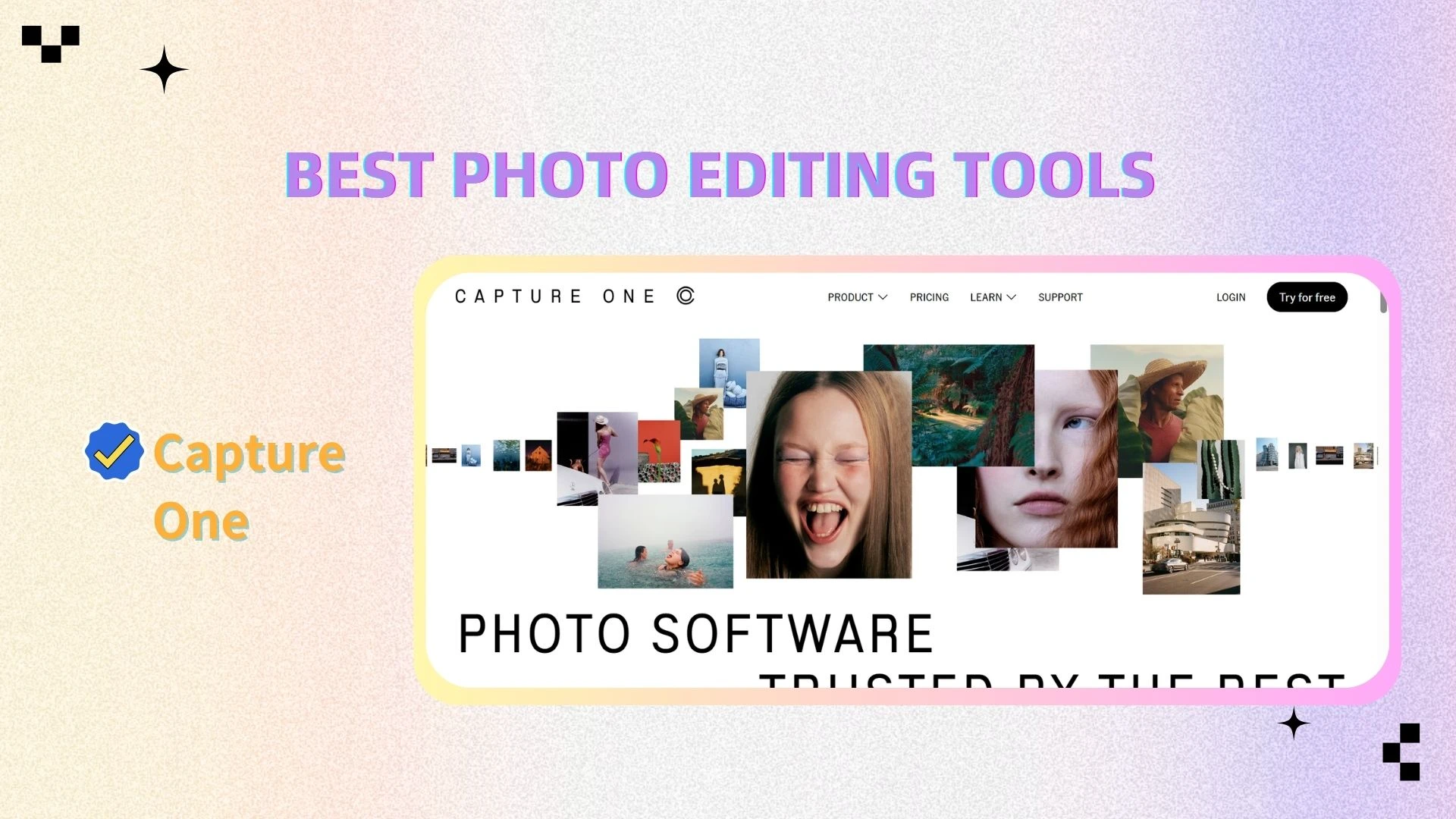
Capture One
📊 Comparison Table: Best Online Image Editing Tools
| Tool | Type | AI Capability | Ease of Use | Platform | Best For |
|---|---|---|---|---|---|
| AIEnhancer | AI enhancement | ⭐⭐⭐⭐⭐ | ⭐⭐⭐⭐⭐ | Web | Everyone |
| Canva | Design | ⭐⭐⭐⭐ | ⭐⭐⭐⭐⭐ | Web/App | Beginners |
| Pixlr | Image editing | ⭐⭐⭐ | ⭐⭐⭐⭐ | Web | Casual users |
| InShot | Image/Video | ⭐⭐⭐⭐ | ⭐⭐⭐⭐⭐ | App | Content creators |
| Adobe Photoshop | Image editing | ⭐⭐⭐ | ⭐⭐ | Desktop | Professionals |
| Lightroom | Image editing | ⭐⭐⭐ | ⭐⭐⭐⭐ | Desktop/App | Photographers |
| Figma | Design | ⭐⭐ | ⭐⭐⭐⭐ | Web | Teams |
| Capture One | Image editing | ⭐⭐⭐ | ⭐⭐⭐ | Desktop | Professional photographers |
👉 Quick recommendations:
Want fast results → AIEnhancer
Want easy design → Canva
Want advanced editing → Photoshop
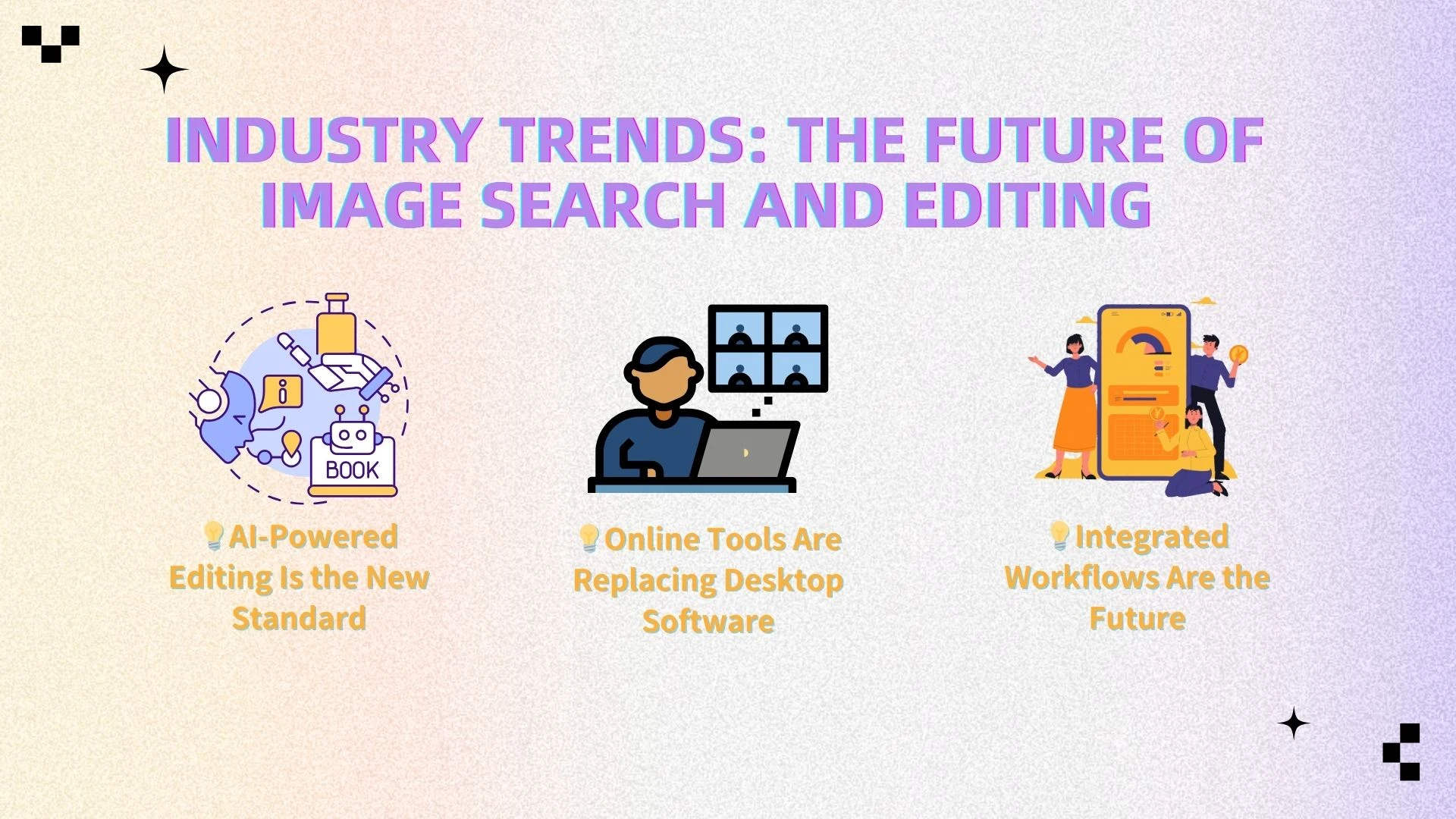
📈 Industry Trends: The Future of Image Search and Editing
The way we search, edit, and optimize images is rapidly evolving. Tasks that once required multiple tools and advanced skills can now be completed in seconds using modern online image search and editing tools.
Here are three key trends shaping this shift:
1. The Shift from Manual Labor toPrompt-Based Precision
Image editing is moving from manual work to intelligent automation. We're moving beyond pixel-pushing. Modern editors leverageneural networks to interpretintent, turning a "salvageable"low-res shot into a high-fidelityasset in seconds.
With AI tools, users can:
Fix blurry or low-quality images instantly
Restore old or damaged photos
Enhance product images for eCommerce
Automatically adjust lighting and colors
More importantly, AI makes professional editing accessible to everyone—not just experts.
👉 Tools like AIEnhancer simplify complex editing and deliver high-quality results instantly.
Key takeaway: AI is becoming the foundation of modern image editing.
2. Online Tools Are Replacing Desktop Software
There is a clear shift from traditional desktop software to web-based tools. Unlike heavy applications, modern platforms offer:
No installation required
Access across devices
Cloud-based workflows
Faster updates and usability
This makes them ideal for creators who need flexibility and speed.
👉 Tools like AIEnhancer, Canva, and Pixlr highlight the move toward lightweight, browser-based editing.
Key takeaway: The future of image editing is browser-first.
3. Integrated Workflows Are the Future
Creators no longer want fragmented tools. Instead, they expect a seamless workflow:
Search → Edit → Enhance → Publish
Modern tools are combining these steps into a single experience, reducing time and effort.
With AI-powered platforms, you can:
Edit and enhance images in one place
Apply improvements instantly
Export ready-to-use visuals for any platform
👉 AIEnhancer represents this shift by focusing on fast, all-in-one image optimization.
Key takeaway: Efficiency and integration are now the biggest advantages.
📸 Best Photo Editing Tools (Detailed Breakdown)
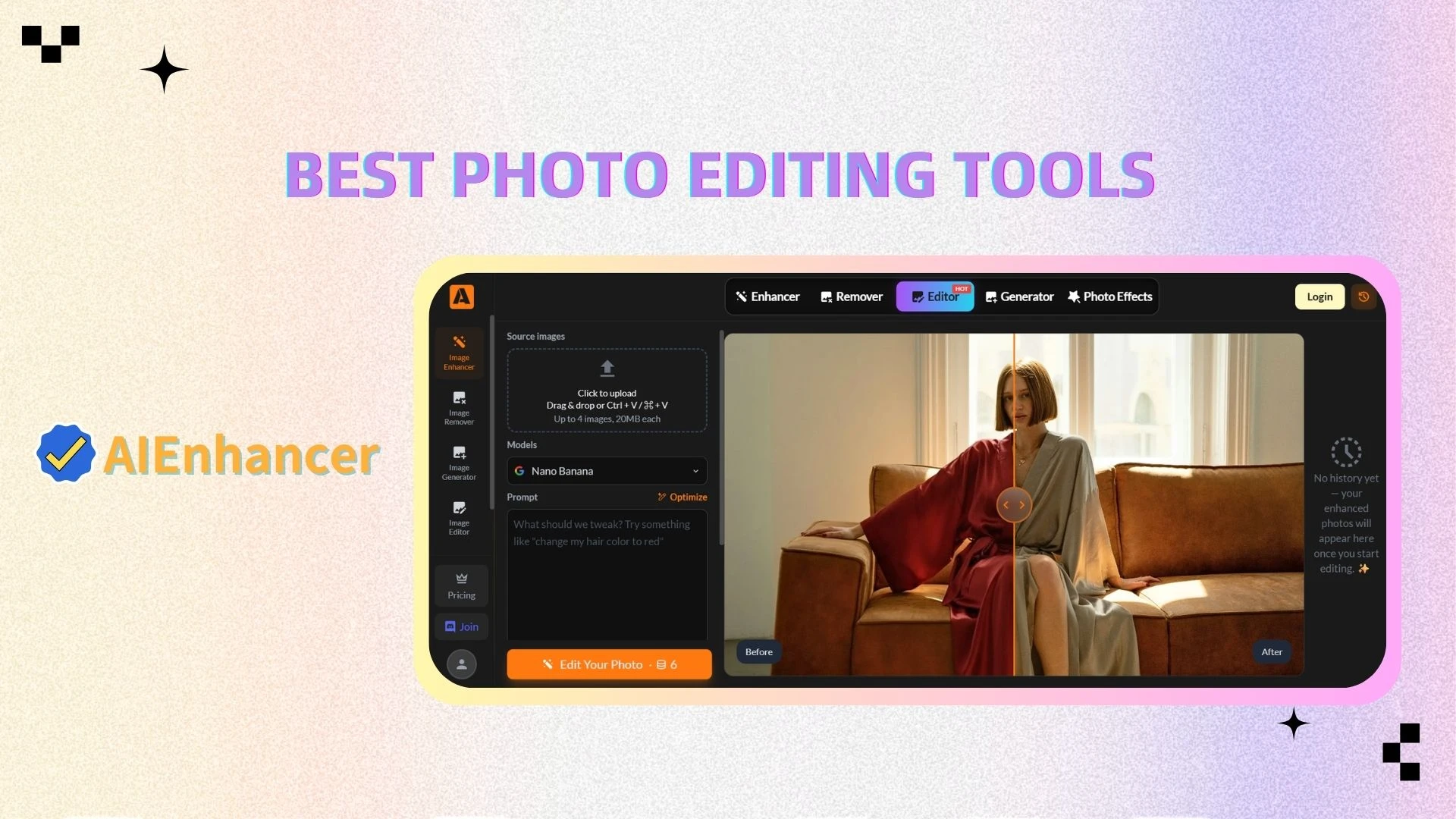
AIEnhancer
Overview
AIEnhancer is a next-generation AI image editor designed to automate and simplify image enhancement. It enables users to improve image quality instantly without manual editing, making it one of the most efficient image tools available.
Key Features
AI-powered image enhancement
Automatic quality optimization
Image restoration and sharpening
One-click editing
Advantages
No learning curve
Fully automated workflow
Fast processing
Web-based access
Who It’s For & Common Uses
Content creators → enhance visuals quickly
eCommerce sellers → improve product images
Social media marketers → optimize posts
Everyday users → restore and upgrade photos
Canva
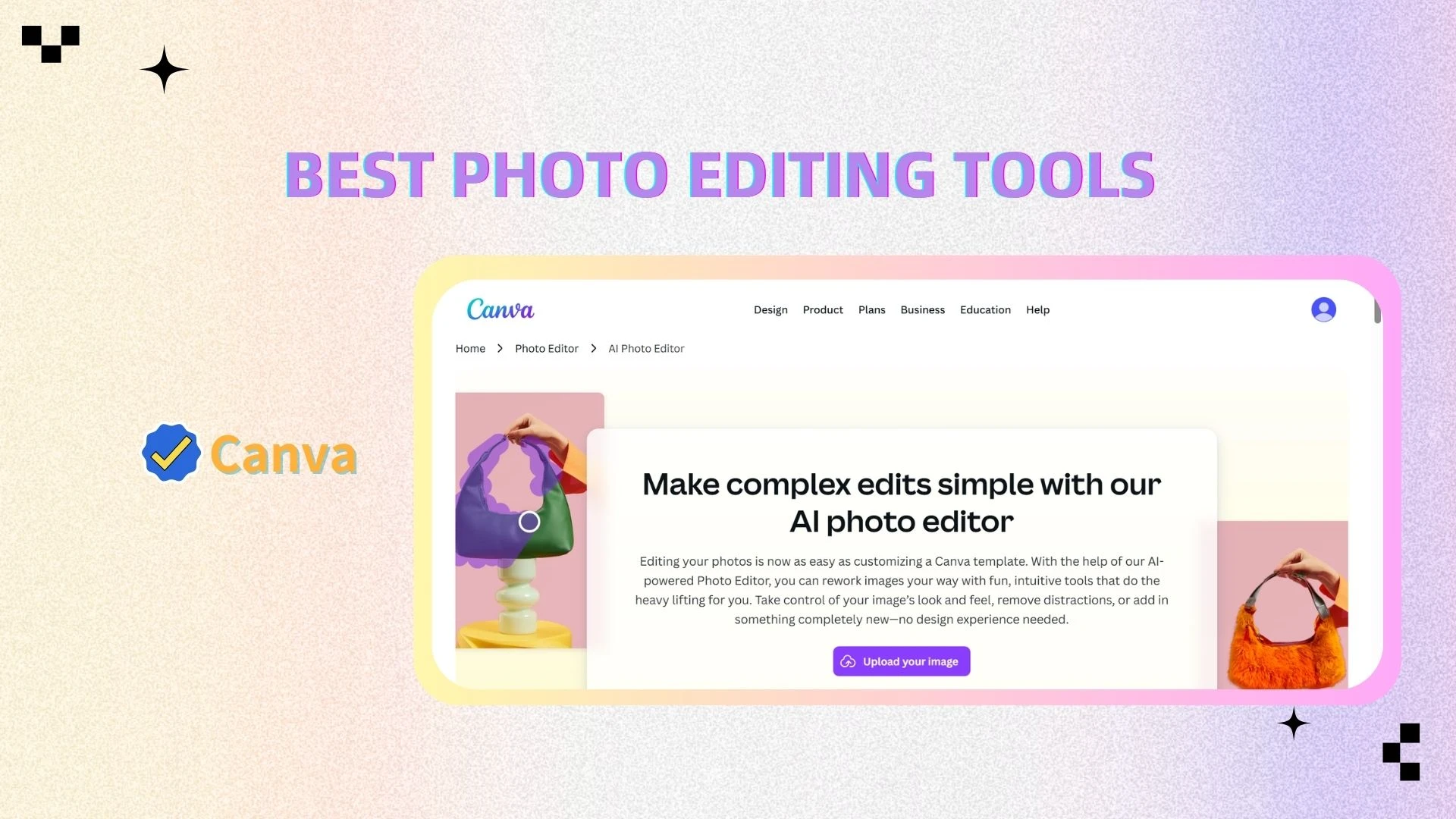
Overview
Canva is a user-friendly design platform that allows anyone to create professional visuals using templates and drag-and-drop tools.
Key Features
Template-based design
Drag-and-drop editor
Built-in image editing
Advantages
Beginner-friendly
Large template library
Collaboration support
Who It’s For & Common Uses
Beginners → create designs easily
Marketers → build social content
Small businesses → design branding materials
Pixlr
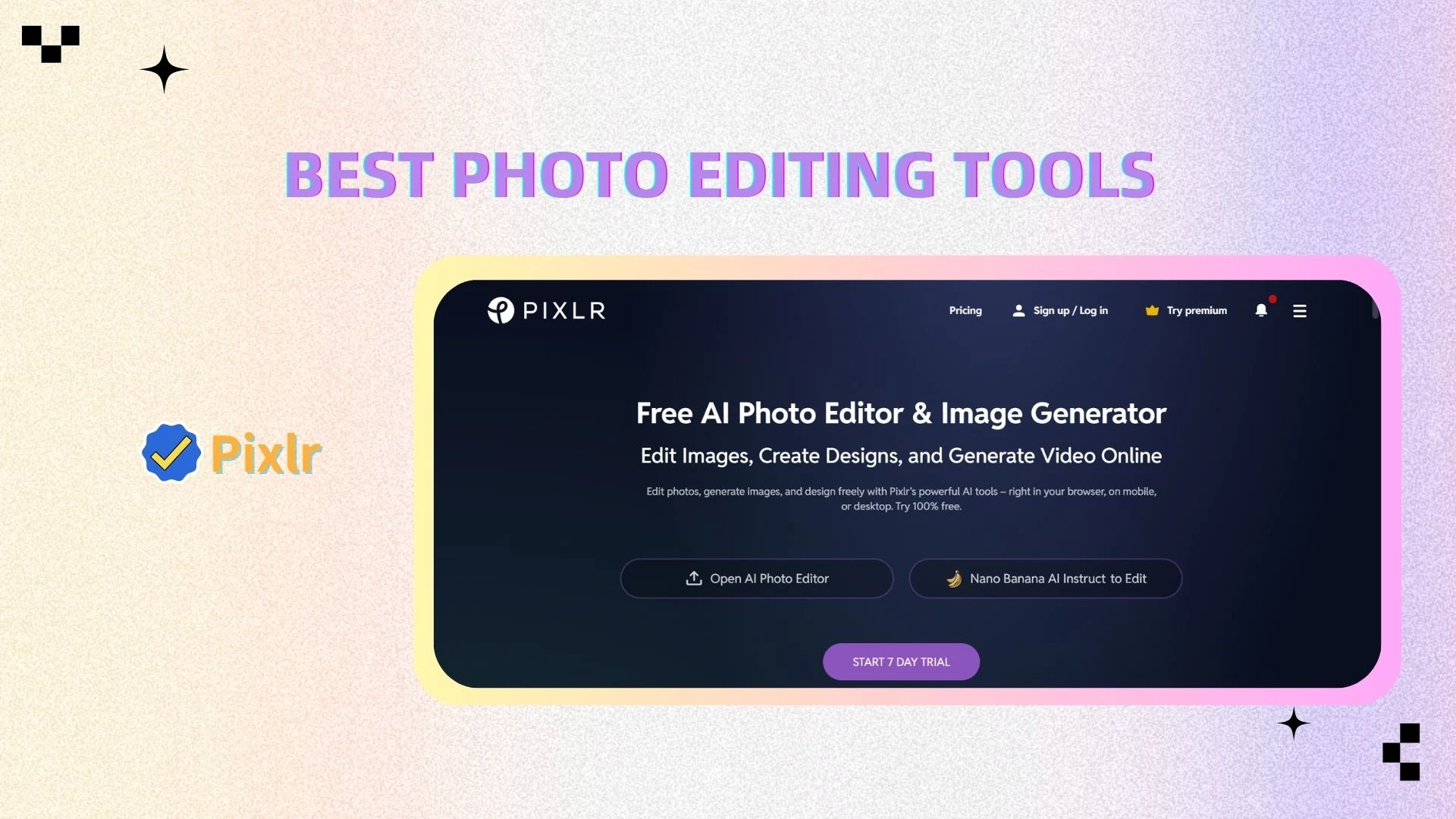
Overview
Pixlr is a lightweight online photo editor that offers advanced features without requiring installation.
Key Features
Layer-based editing
Filters and effects
Online access
Advantages
No download needed
Fast and flexible
Easy to use
Who It’s For & Common Uses
Students → quick edits
Casual users → simple enhancements
Creators → fast image adjustments
InShot
Overview
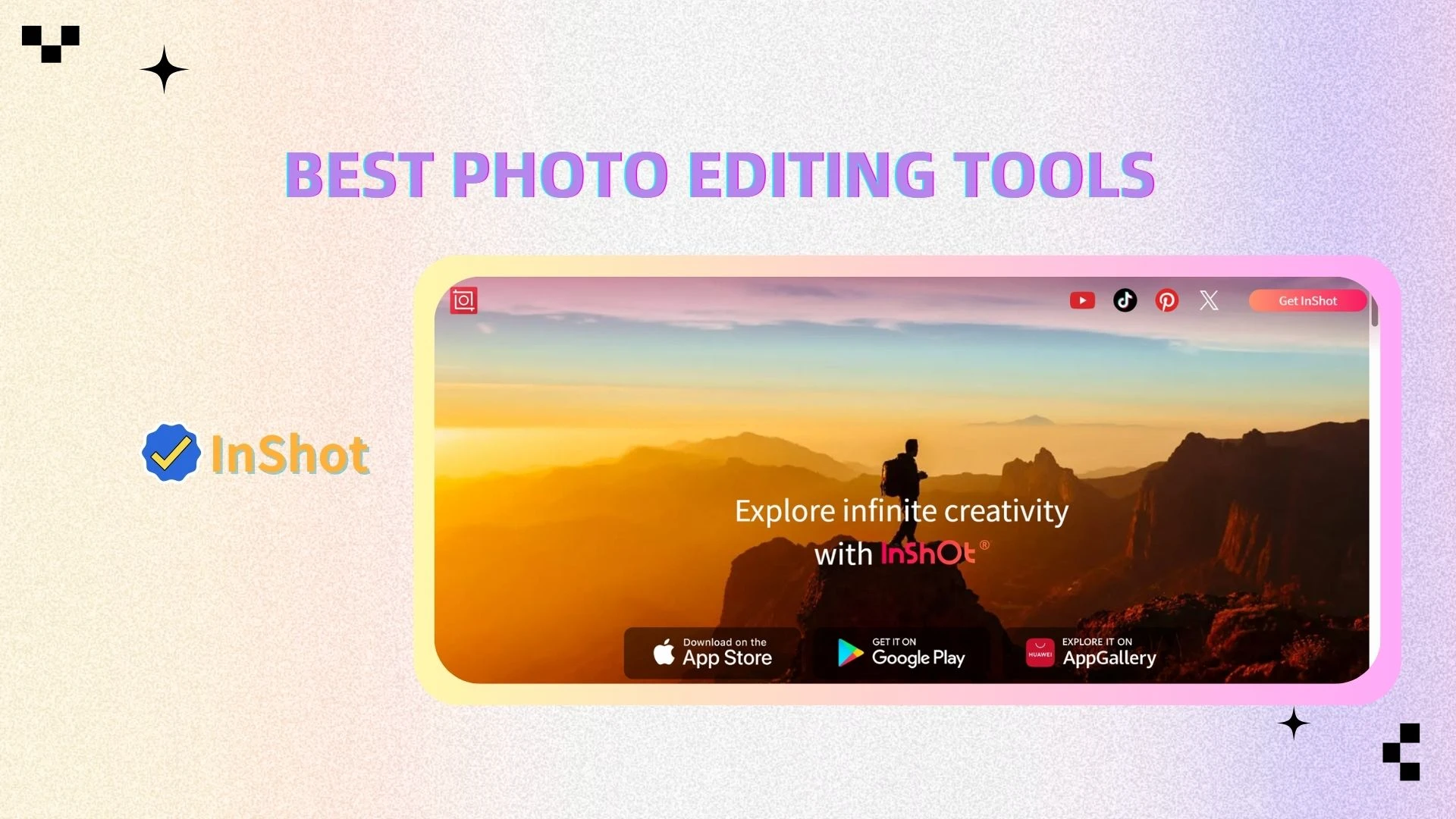
InShot is a mobile-focused editing tool designed for creating social media content, combining image and video editing features.
Key Features
Image and video editing
Filters and transitions
Text and effects
Advantages
Mobile-friendly
Easy to use
All-in-one editor
Who It’s For & Common Uses
Content creators → short-form content
Influencers → reels and stories
Social media users → quick edits
Adobe Photoshop
Overview
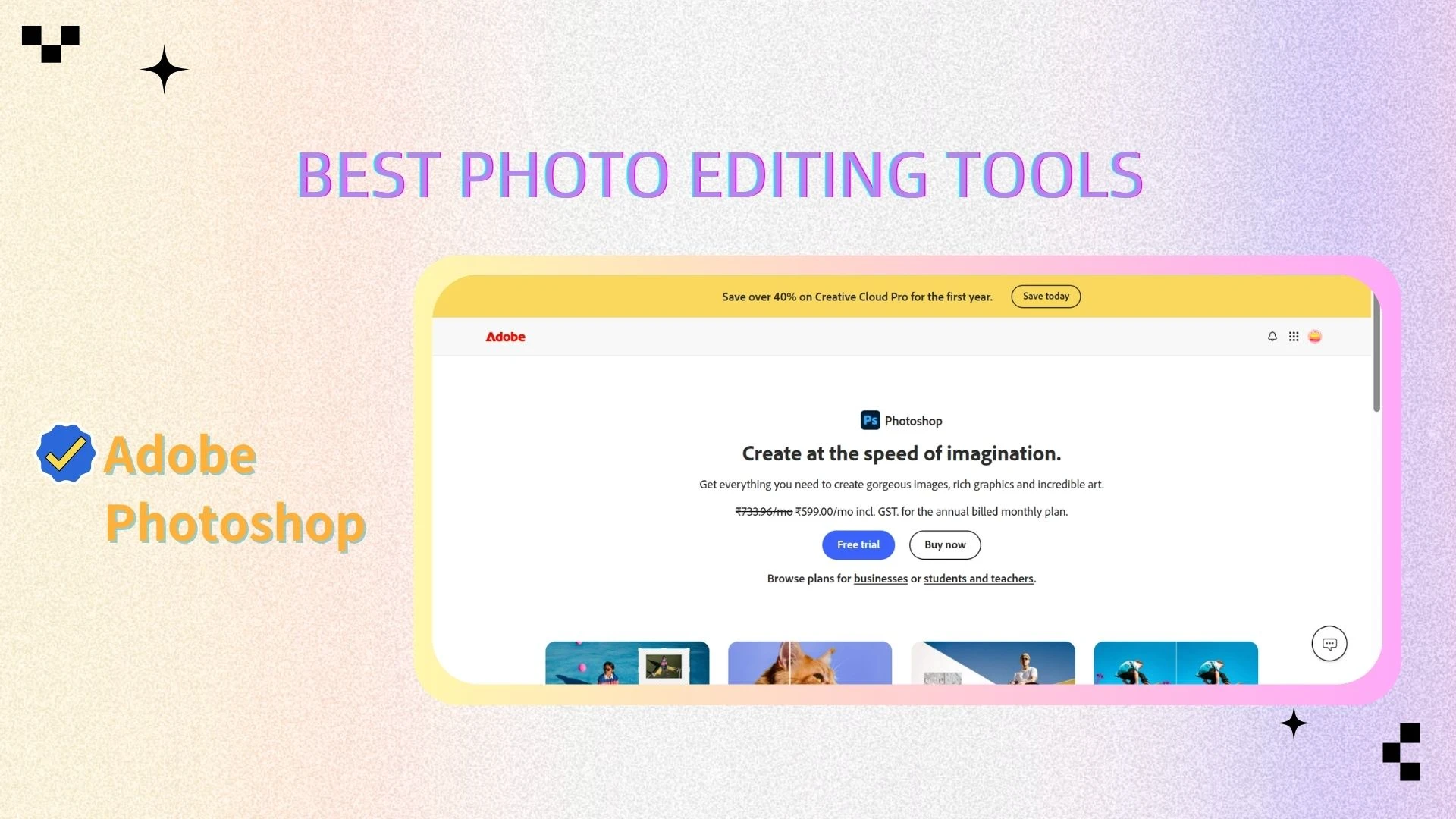
Adobe Photoshop is the industry-standard image editing software, offering advanced tools for professional-level editing.
Key Features
Advanced layer editing
Professional retouching
Plugin support
Advantages
Extremely powerful
Full creative control
Industry standard
Who It’s For & Common Uses
Designers → complex projects
Photographers → high-end editing
Agencies → commercial design
Lightroom
Overview
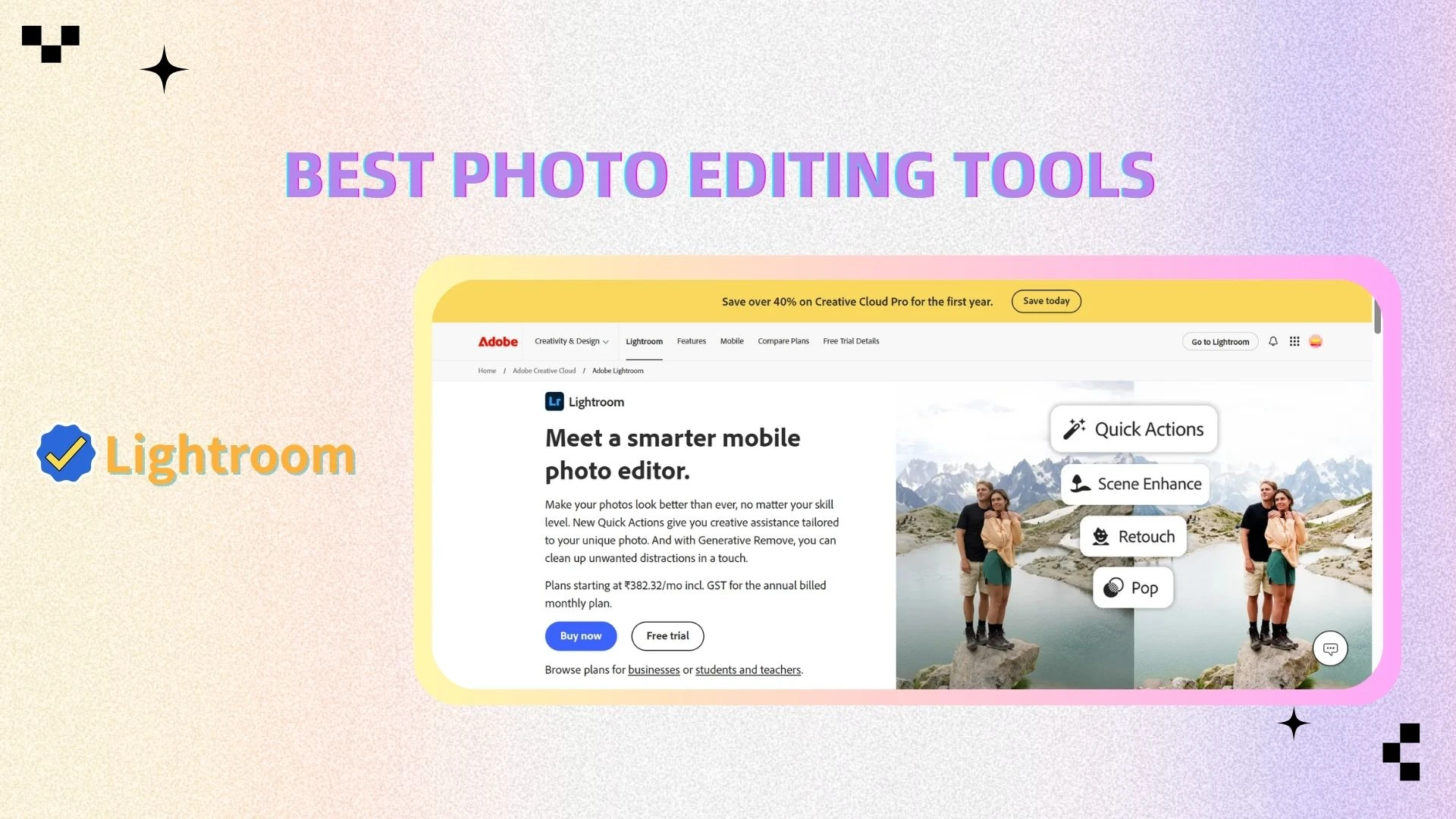
Lightroom is a professional photo editing tool focused on color grading and efficient workflow management.
Key Features
Color grading tools
Batch processing
RAW support
Advantages
Strong color control
Efficient workflow
Consistent results
Who It’s For & Common Uses
Photographers → photo editing
Bloggers → visual consistency
Creators → batch processing
Figma
Overview
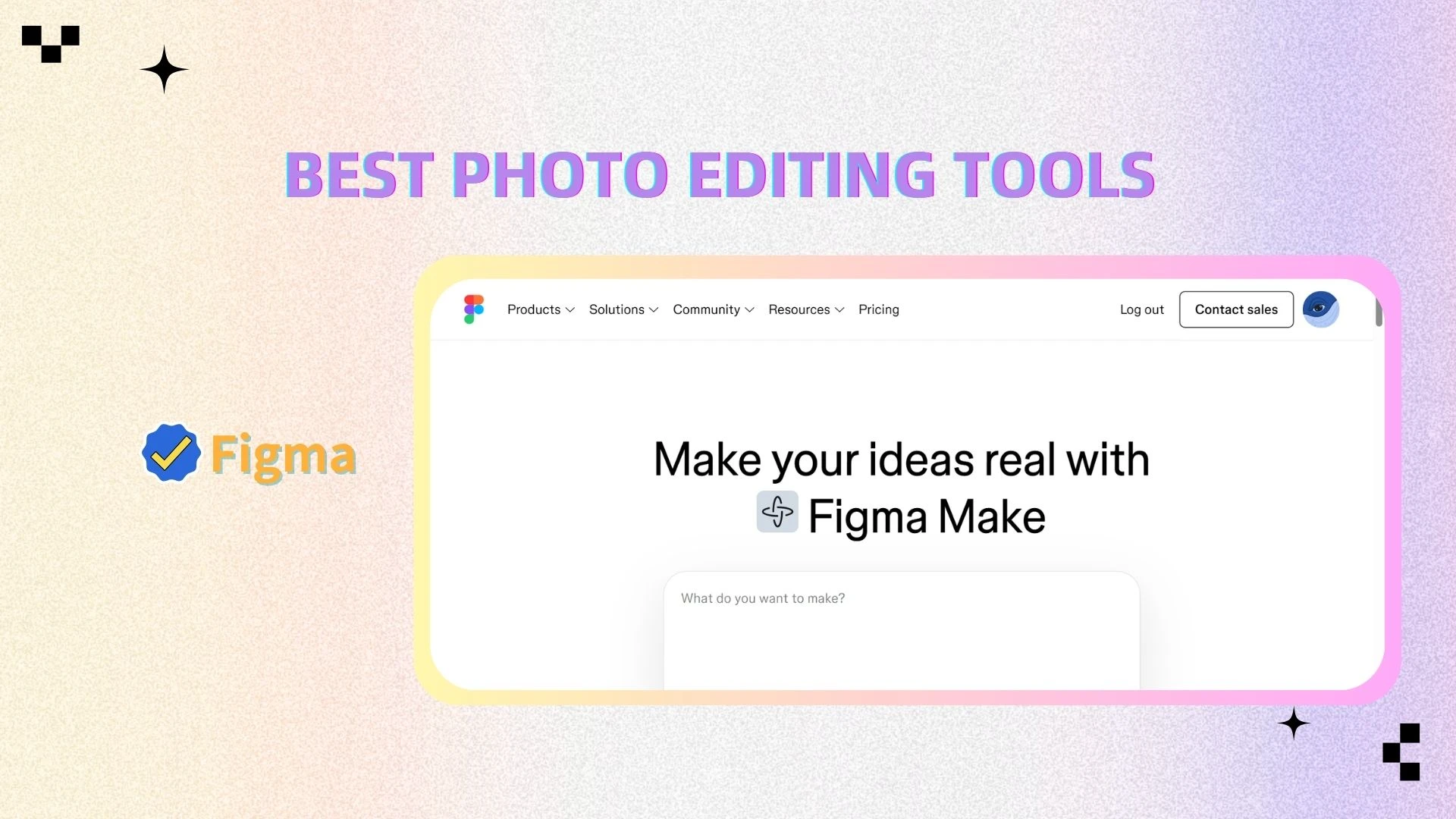
Figma is a cloud-based design and collaboration platform widely used for UI/UX and team-based design workflows.
Key Features
UI/UX design tools
Real-time collaboration
Cloud-based system
Advantages
Team-friendly
Accessible anywhere
Efficient collaboration
Who It’s For & Common Uses
Design teams → UI/UX projects
Product teams → prototyping
Businesses → brand systems
Capture One
Overview
Capture One is a professional-grade photo editing software known for its advanced RAW processing and color precision.
Key Features
RAW image processing
Precision color editing
Advanced controls
Advantages
High-quality output
Accurate color rendering
Professional workflow
Who It’s For & Common Uses
Commercial photographers → studio work
Professionals → high-end editing
Brands → product photography
🎯 Choosing the Right Image Editing Tools for Your Needs
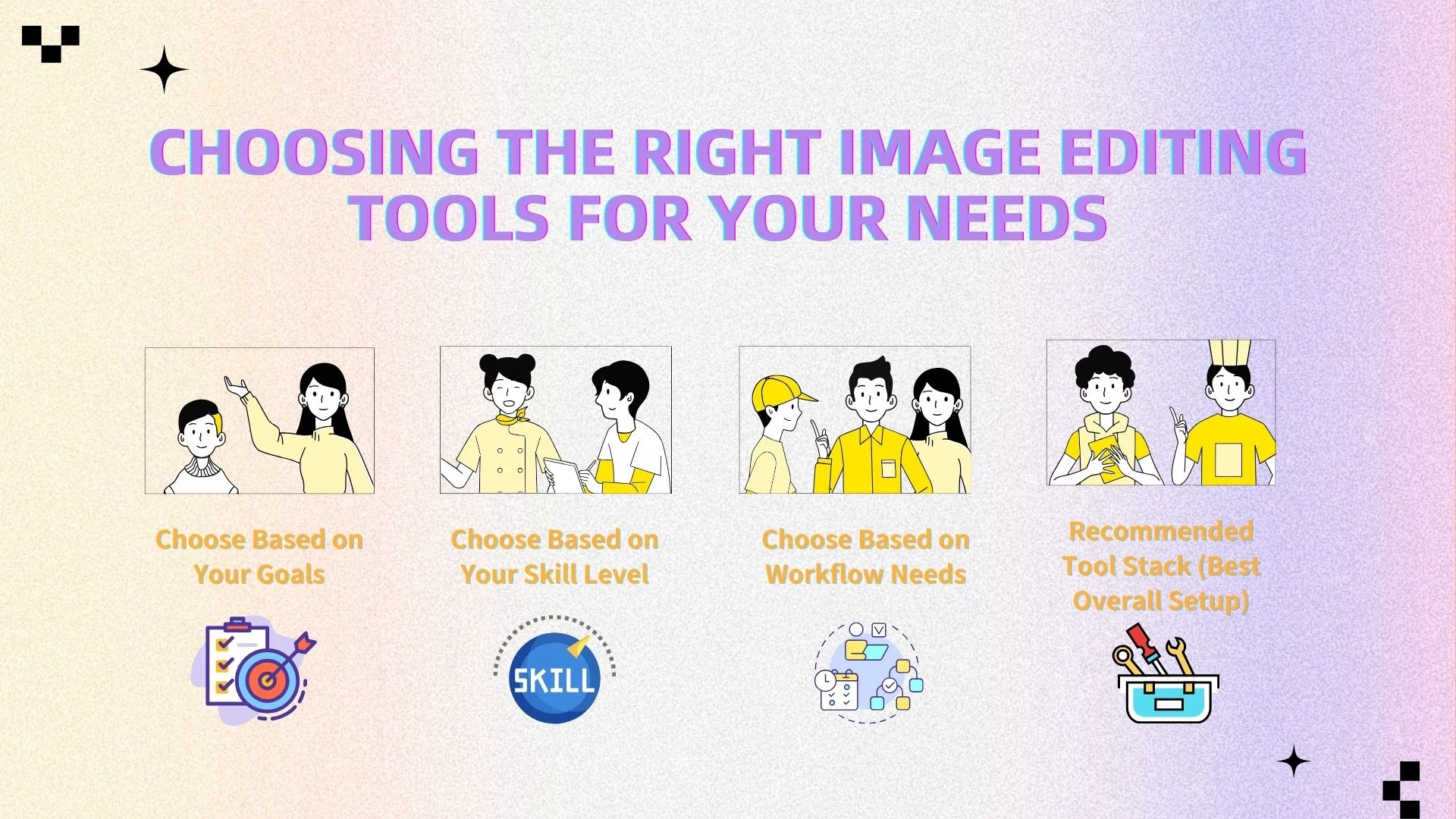
With so many online image search and editing tools available today, choosing the right combination can feel overwhelming. The key is to align your tools with three factors: your goals, your skill level, and your workflow needs.
Instead of relying on a single tool, most users benefit from a stack of complementary tools—especially when combining an AI image editor like AIEnhancer with other platforms.
1. Match Your Toolkit to Your Output Velocity
Your primary use case should be the starting point when selecting tools.
Social media content
If your focus is platforms like Instagram, TikTok, or YouTube, speed and visual appeal matter most. AI-powered tools combined with templates can help you produce high-quality content quickly.
👉 Best fit: AIEnhancer + Canva + InShotCommercial and professional projects
For branding, advertising, or client work, you need more control and precision. In this case, combining AI with professional-grade tools delivers the best results.
👉 Best fit: Photoshop + AIEnhancer
2. Choose Based on Your Skill Level
Different tools are designed for different experience levels.
Beginners (No design experience)
AI-first tools eliminate the learning curve and allow anyone to create polished visuals instantly.
👉 Recommended: AIEnhancer + Canva
→ Perfect for quick, professional-looking results without technical skillsIntermediate / Content creators
Creators need tools that balance speed and flexibility, especially for high-volume content production.
👉 Recommended: AIEnhancer + InShot
→ Ideal for short-form videos, social posts, and daily contentAdvanced users / Professionals
Professionals require precision, customization, and advanced editing capabilities. AI tools can still play a role by accelerating repetitive tasks.
👉 Recommended: Photoshop + AIEnhancer
→ Combines full control with automation
3. Choose Based on Workflow Needs
Your workflow—whether individual or collaborative—also impacts your tool selection.
Solo creators
Need speed, simplicity, and minimal setup
→ AI tools + lightweight editors work bestTeams & businesses
Require collaboration, consistency, and scalability
👉 Recommended: Figma + AIEnhancer
→ Combines real-time collaboration with automated image optimization
4. Recommended Tool Stack (Best Overall Setup)
For most users, the most effective approach is to combine tools rather than rely on just one.
👉 AIEnhancer + Canva + InShot
This combination covers:
AI-powered image enhancement
Fast design and templates
Video and social content creation
It provides a complete workflow:
Enhance → Design → Create → Publish
🔍 Final Insight
Choosing the right tools is no longer about finding the most powerful software—it’s about building the most efficient workflow.
By combining an AI image editor like AIEnhancer with the right supporting tools, you can:
Save time
Reduce complexity
Produce higher-quality visuals at scale
👉 The smartest creators today don’t just edit—they optimize their entire workflow.
🚀 Optimizing Visual Content for Performance and Conversions
High-quality visuals are not just about aesthetics—they directly impact performance. Well-optimized images can significantly improve:
Click-through rates (CTR)
Engagement (likes, shares, comments)
Conversions and sales
Key Strategies to Improve Your Visual Content
1. Use AI tools to enhance quality
An AI image editor like AIEnhancer allows you to instantly improve sharpness, lighting, and overall image quality—without manual editing.
2. Maintain consistent branding
Use consistent colors, styles, and layouts to build recognition and trust across your content.
3. Start with high-resolution images
Better input leads to better output, especially when optimizing for different platforms.
4. Optimize based on performance data
Track engagement and conversions, then refine your visuals based on what works best.
Why AIEnhancer Makes a Difference
With AIEnhancer, you can:
Improve content quality automatically
Reduce editing time significantly
Scale visual production with ease
By combining smart strategies with an AI image editor, you can turn everyday images into high-performing assets.
❓ FAQ
Will an Al image editor actually save me time?
An AI image editor uses artificial intelligence to automatically enhance, fix, and optimize images. Instead of manually adjusting settings like brightness, sharpness, or color, AI can analyze the image and apply improvements in seconds, making professional-quality editing accessible to everyone.
Are there free online image editing tools?
Yes, many popular online image search and editing tools offer free versions. Platforms like Canva, Pixlr, and AIEnhancer provide essential editing features at no cost, with optional premium upgrades for advanced capabilities.
Can AI replace Photoshop?
Not entirely. Photoshop still offers unmatched control and advanced editing features for professionals. However, AI tools can significantly reduce manual work by automating repetitive tasks, making them a powerful complement—or even an alternative for everyday use.
Can I edit images professionally on mobile?
Yes. With modern mobile apps and AI-powered tools, it’s now possible to create high-quality, professional-looking visuals directly from your phone, especially for social media and content creation.
What is the best tool for social media content?
A combination of AIEnhancer + Canva + InShot works best for most users. This setup allows you to enhance images with AI, design engaging visuals, and create short-form video content efficiently.
🧩 Conclusion
Image editing is undergoing a major transformation driven by AI and online tools:
From complex → simple
From manual → automated
From expert-only → accessible to everyone
What once required advanced skills and hours of effort can now be done in seconds with the help of an AI image editor. This shift is not just improving efficiency—it’s redefining how visual content is created and scaled.
Today, success is no longer about mastering the most complicated software. Instead, it’s about choosing the right tools and building an efficient workflow that fits your needs.
👉 The winning formula is simple:
AIEnhancer + the right tool stack + a clear content strategy
By combining AI-powered enhancement with design and content tools, you can create high-quality visuals faster, maintain consistency, and keep up with the growing demand for content.
If you want to stay competitive and produce better visuals with less effort, now is the perfect time to embrace AI-powered image editing.