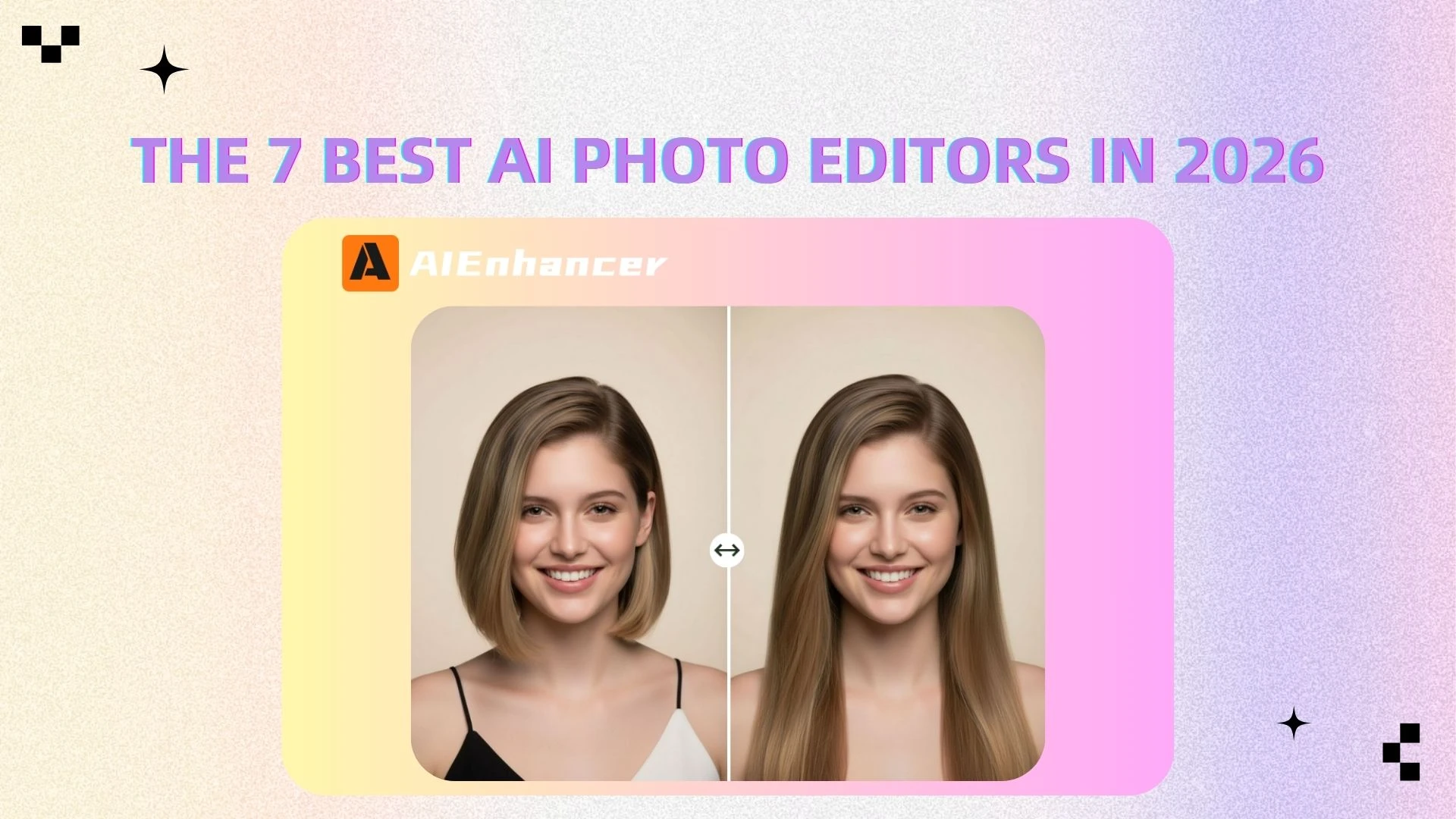
Best AI Image Editors for Photo Editing 2026
Introduction
The days of battling complex sliders and layers are officially over. Tasks that once required hours of manual adjustments and professional skills—like color correction, sharpening, and retouching—can now be done in seconds with AI-powered tools. Instead of complex workflows, users can achieve high-quality results with just a few clicks.
Today’s AI image editors go beyond basic filters. They can automatically enhance images, restore details, reduce noise, and optimize overall quality with minimal effort. This shift has made advanced photo editing accessible not only to professionals, but also to beginners and everyday users.
Whether you're a content creator, photographer, or simply editing photos for personal use, AI tools are redefining how we improve and transform images.
We put the leading Al photo editors of 2026 through a real-worldworkflow test to see which ones actually save you time without sacrificing quality. From easy-to-use tools to more advanced solutions, this list will help you find the right AI image editor for your needs.
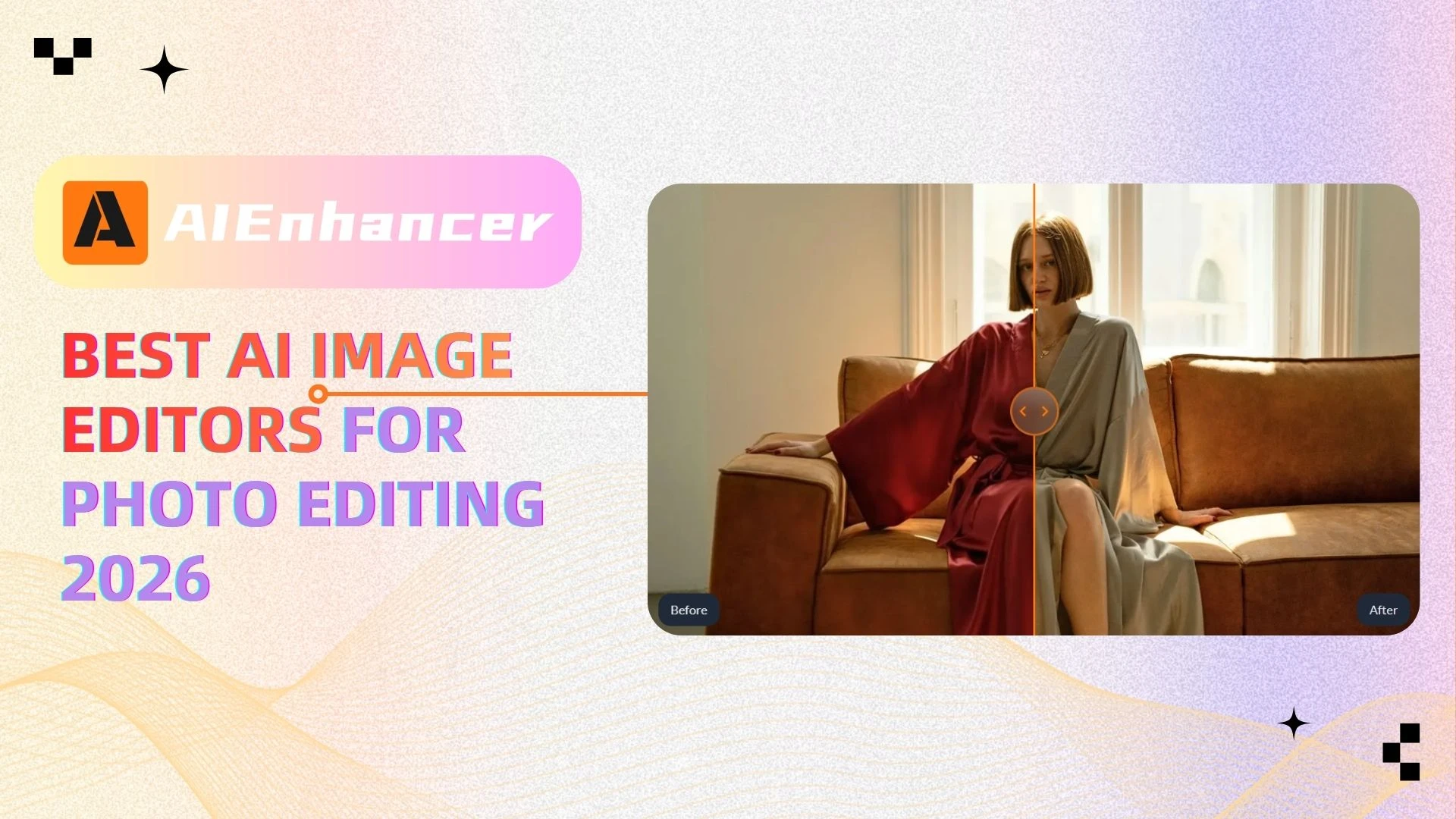
Quick Overview: Top AI Photo Editing Apps
If you’re in a hurry, here’s a quick look at the best AI image editors available today:
AIEnhancer — Best All-in-One AI Image Editor
Adobe Lightroom — Best for Professional Editing
Snapseed — Best Free Photo Editor
Luminar Neo — Best AI Creative Editing Tool
VSCO — Best for Filters & Aesthetic Styles
Canva — Best for Beginners & Social Media
Pixlr — Best Online Photo Editor
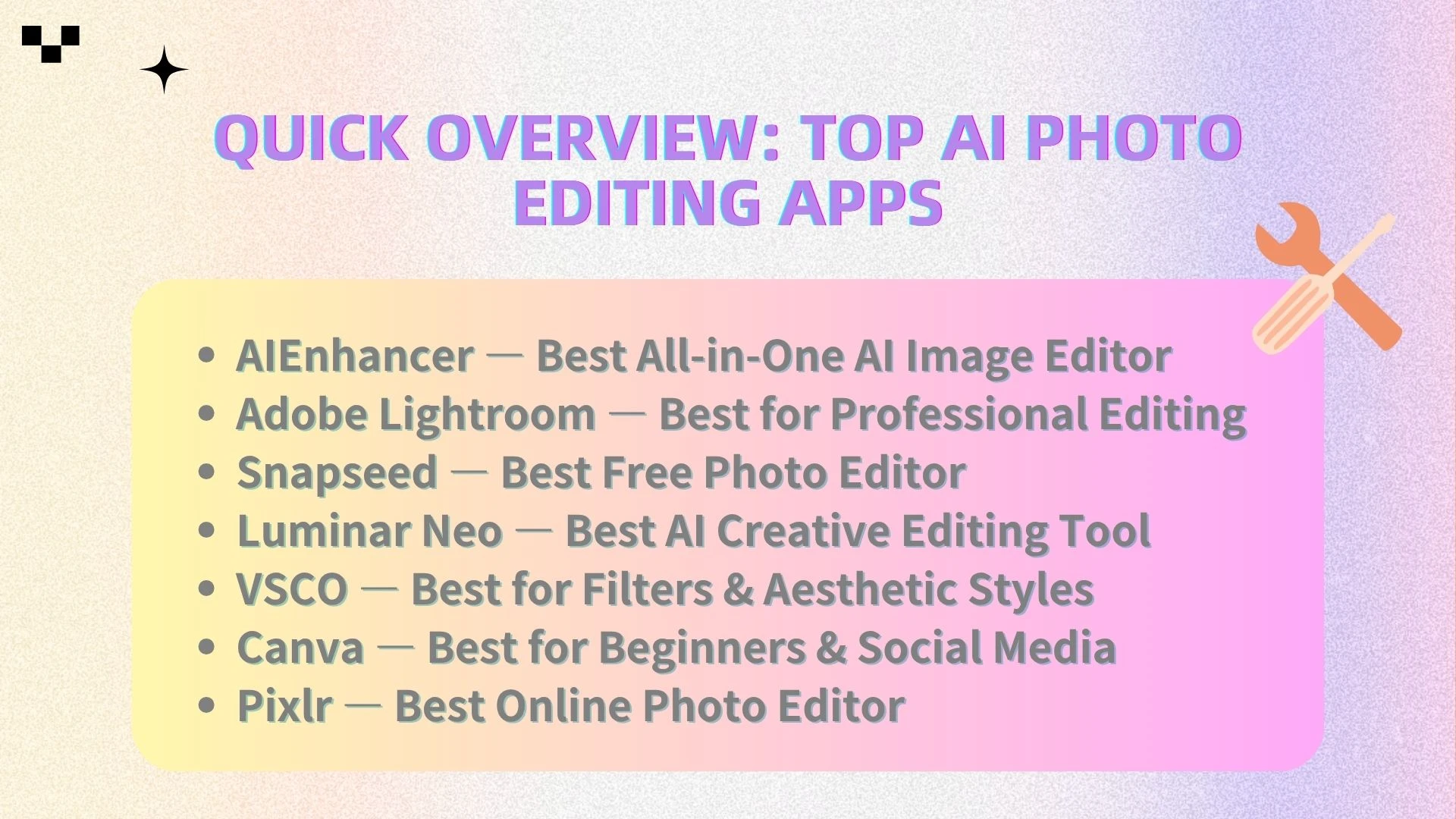
Comparison Table: Top AI Photo Editing Tools Compared
| Tool | AI Editing | Ease of Use | Platform | Pricing | Best For |
|---|---|---|---|---|---|
| AIEnhancer | ⭐⭐⭐⭐⭐ | ⭐⭐⭐⭐⭐ | Web | Freemium | All-in-one users |
| Lightroom | ⭐⭐⭐⭐ | ⭐⭐⭐ | iOS/Android/Desktop | Subscription | Professionals |
| Snapseed | ⭐⭐⭐ | ⭐⭐⭐⭐ | Mobile | Free | Beginners |
| Luminar Neo | ⭐⭐⭐⭐⭐ | ⭐⭐⭐ | Desktop | Paid | Creative editing |
| VSCO | ⭐⭐⭐ | ⭐⭐⭐⭐ | Mobile | Freemium | Filters & style |
| Canva | ⭐⭐⭐ | ⭐⭐⭐⭐⭐ | Web/Mobile | Freemium | Social media |
| Pixlr | ⭐⭐⭐ | ⭐⭐⭐⭐ | Web | Free | Quick edits |
Top AI Photo Editing Apps in 2026
1. AIEnhancer
Overview
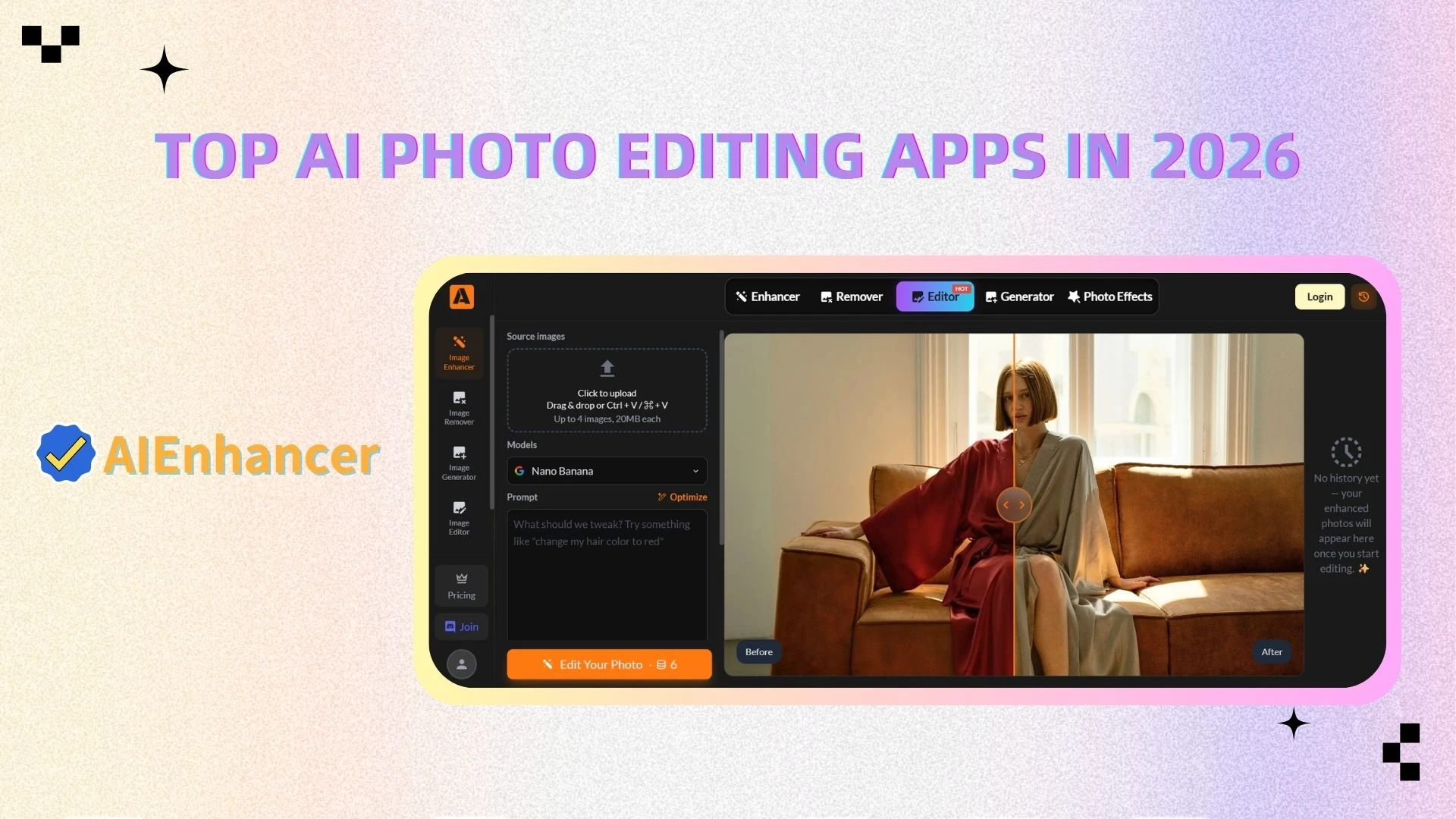
AIEnhancer is a powerful web-based AI image editor designed to simplify photo editing for everyone. Powered by advanced AI algorithms, AIEnhancer enables users to enhance, restore, and improve images instantly—without requiring any technical skills.
Key Features
AI image enhancement (sharpening, denoising, clarity boost)
One-click automatic optimization
Photo restoration for old or low-quality images
Background processing and cleanup
Advantages
One of the biggest strengths of AIEnhancer is its simplicity. AlEnhancer eliminates the 'trial and error' phase of editing. Its engineintelligently distinguishes between skin textures and background noise, delivering aprofessional finish in one click. This makes it incredibly efficient for users who want fast, high-quality results.
It’s also fully web-based, meaning you don’t need to download or install anything. This accessibility makes it ideal for users working across different devices.
Best For
Content creators
E-commerce sellers
Everyday users who want quick and effective photo enhancement
2. Adobe Lightroom
Overview
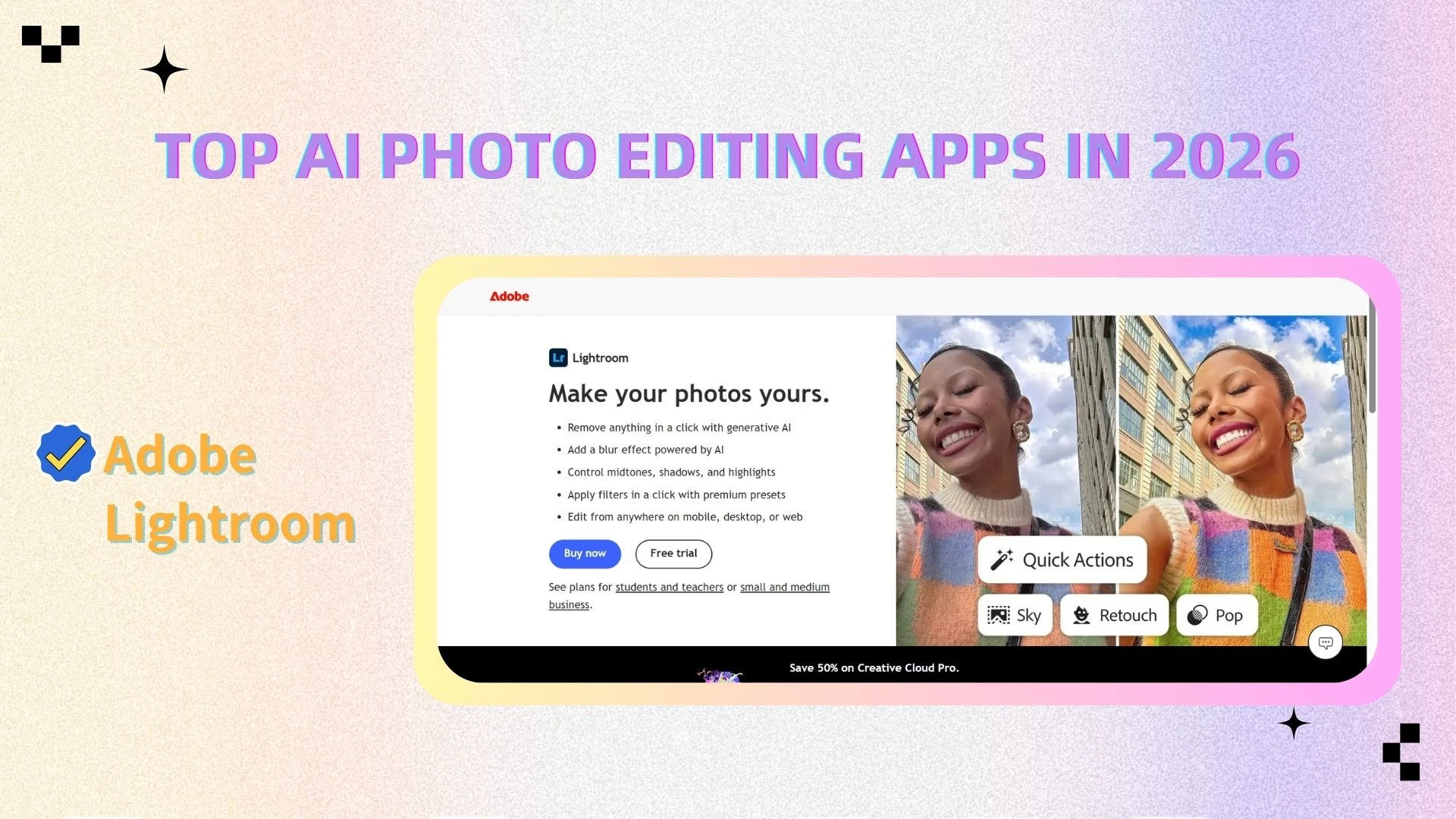
Adobe Lightroom remains one of the most powerful and widely used photo editing tools in the industry. It offers professional-grade editing capabilities and is trusted by photographers worldwide.
Key Features
RAW photo editing
Advanced color grading tools
Batch processing
Cloud synchronization
Advantages
Lightroom provides unmatched control over image adjustments. Its precision tools allow professionals to fine-tune every aspect of a photo, from exposure to color balance.
Additionally, its ecosystem integrates seamlessly with other Adobe products, making it a staple in professional workflows.
Best For
- Professional photographers who need granular control over RAW files and complex color grading.
3. Snapseed
Overview
Snapseed is a free mobile photo editing app that delivers a surprisingly powerful set of tools. Developed with usability in mind, it’s ideal for users who want strong editing capabilities without complexity.
Key Features
Basic adjustments (brightness, contrast, saturation)
Selective editing tools
Filters and presets
RAW support
Advantages
Snapseed stands out because it’s completely free while still offering a wide range of features. Its intuitive interface makes it accessible to beginners, yet it remains powerful enough for more advanced edits.
Best For
Beginners
Casual users looking for a free solution
4. Luminar Neo
Overview
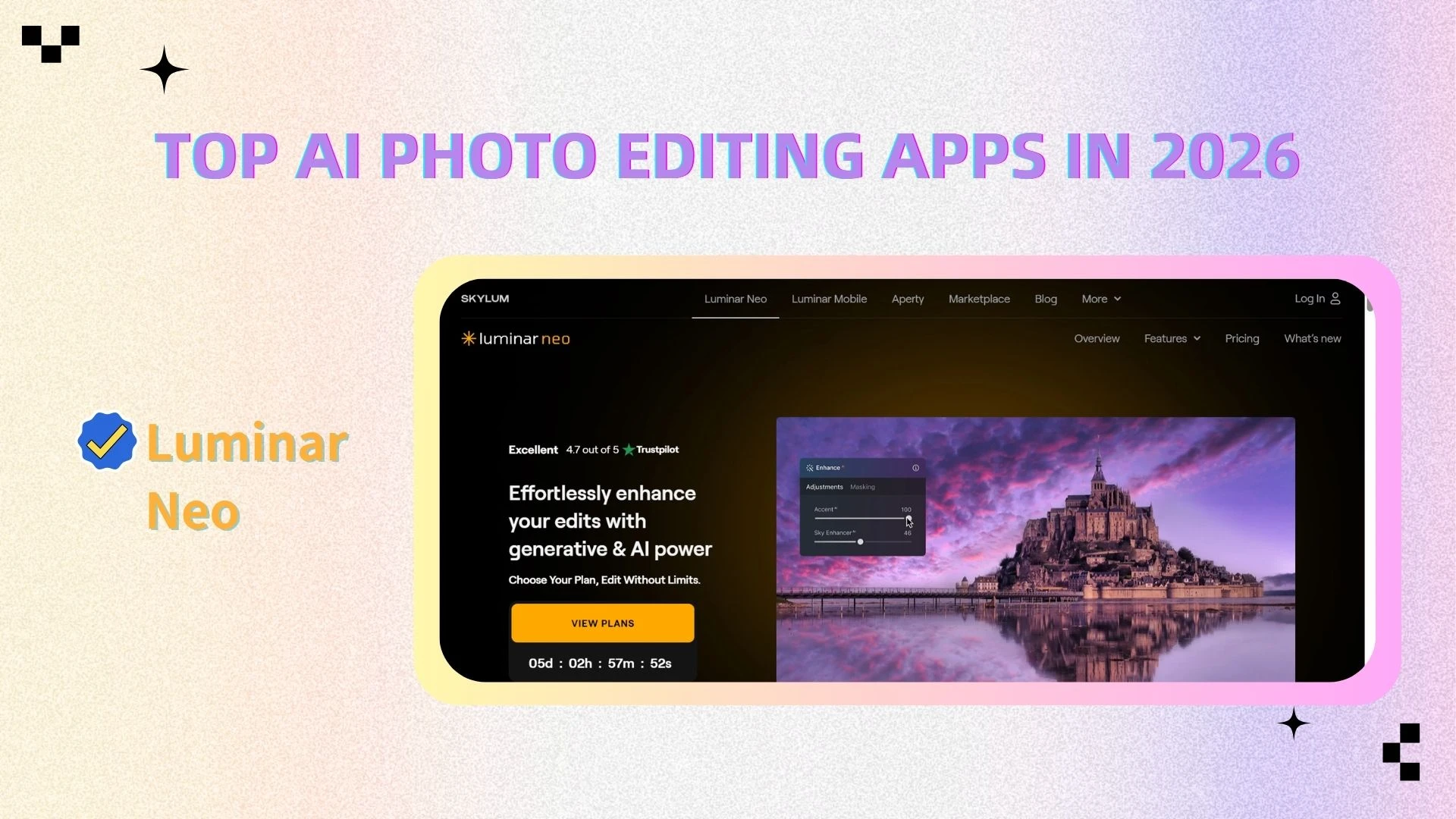
Luminar Neo is an AI-driven photo editing software focused on creativity and visual storytelling. It uses artificial intelligence to automate complex edits and produce stunning results.
Key Features
AI sky replacement
AI relighting tools
Layer-based editing
Advanced creative effects
Advantages
Luminar Neo excels in creative editing. Its AI tools allow users to transform images in ways that would take hours manually. This makes it a favorite among photographers who want to experiment with artistic styles.
Best For
Creative professionals
Photography enthusiasts
5. VSCO
Overview
VSCO is a popular photo editing app known for its high-quality filters and strong visual identity. It also offers a community platform for creators.
Key Features
Premium filters
Manual editing tools
Presets and styles
Creator community
Advantages
VSCO’s filters are among the best in the industry, offering a consistent and polished aesthetic. It’s particularly popular among social media users who want a cohesive visual style.
Best For
Social media creators
Users focused on visual aesthetics
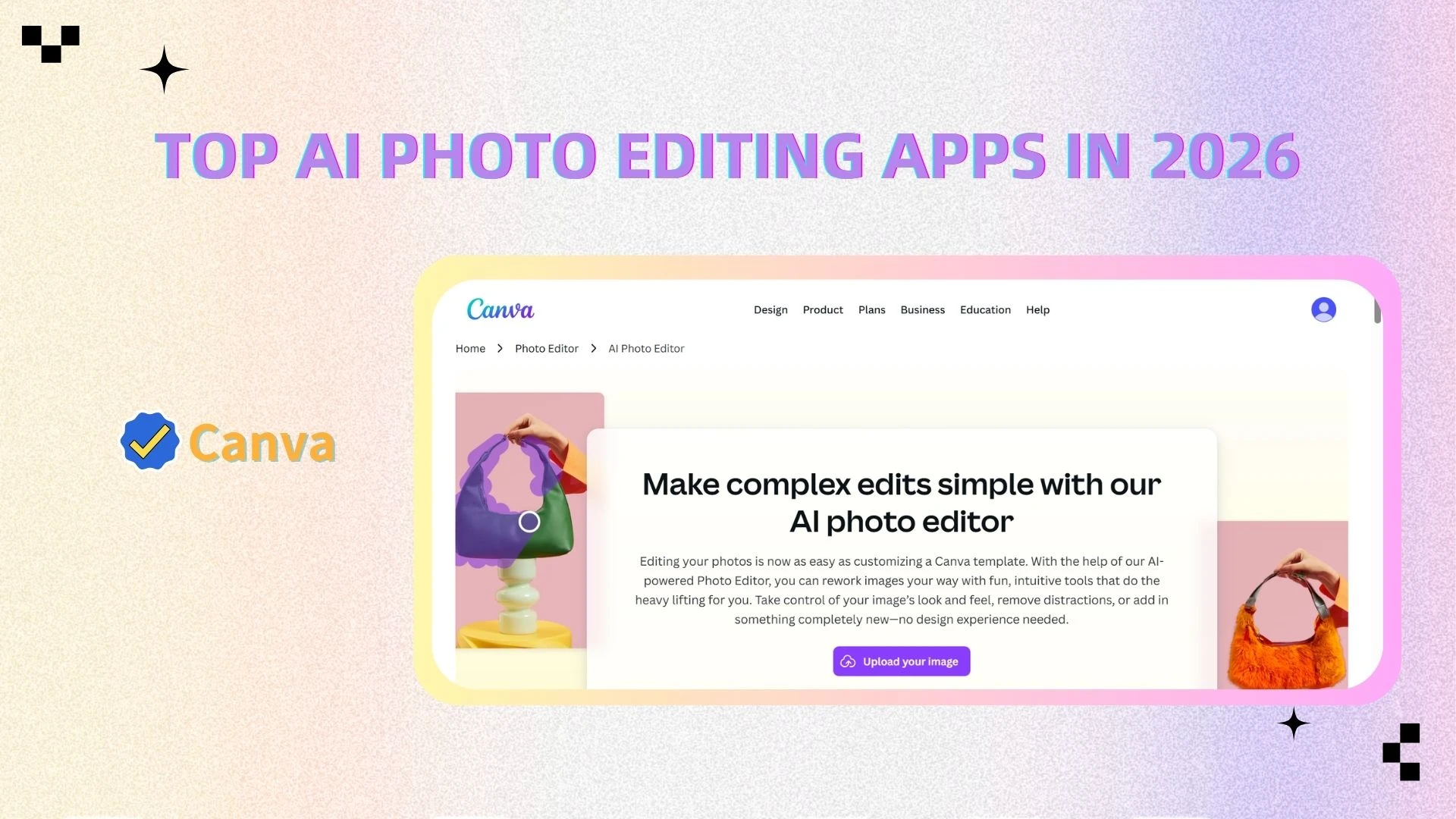
6. Canva
Overview
Canva is an all-in-one design platform that includes basic photo editing tools. It’s designed for ease of use and is widely used for creating social media content.
Key Features
Drag-and-drop interface
Templates for various use cases
Basic photo editing tools
AI-assisted design features
Advantages
Canva is extremely beginner-friendly. Its intuitive interface allows users to create and edit visuals quickly, even without design experience.
Best For
Beginners
Social media content creators
7. Pixlr
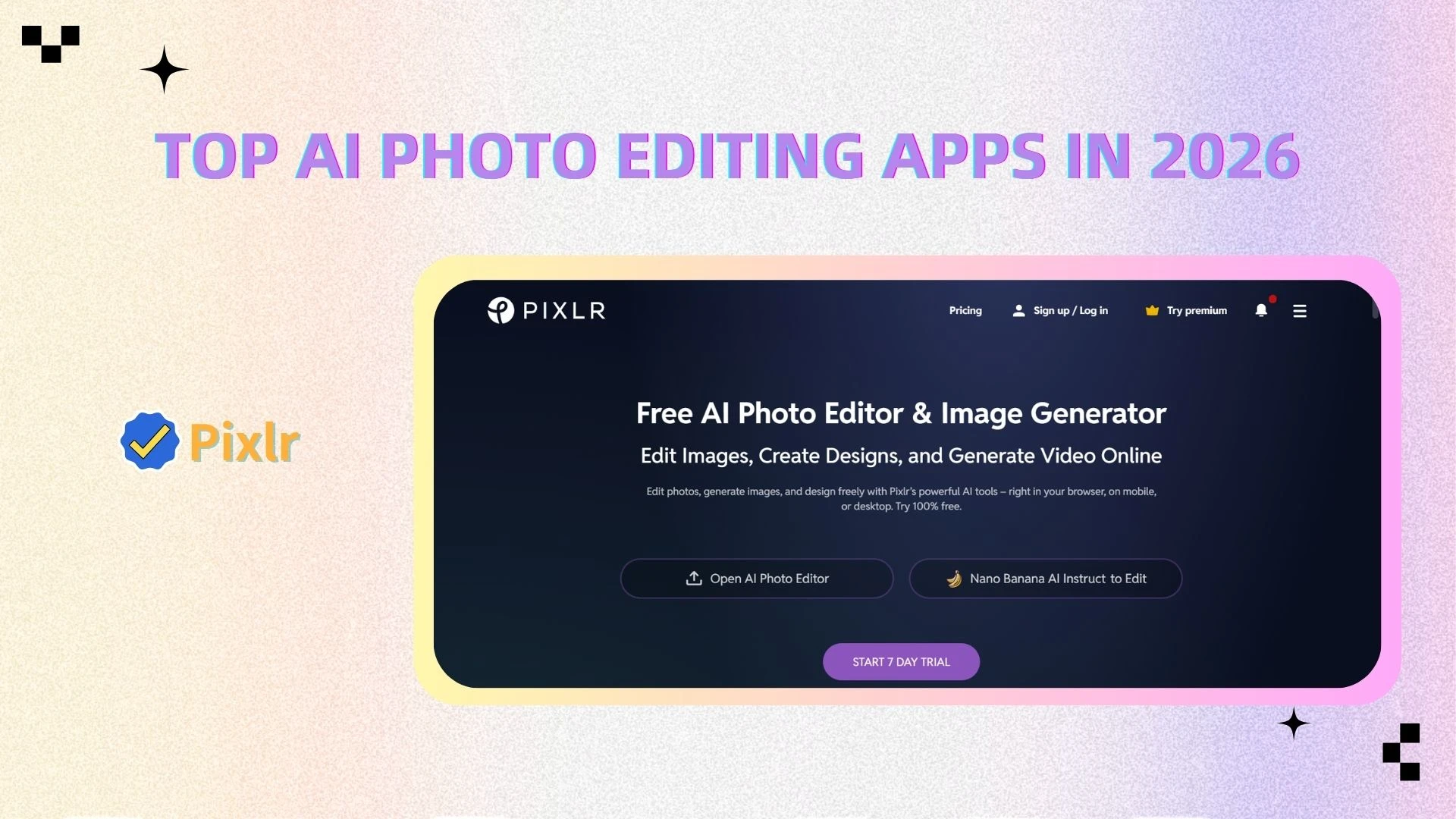
Overview
Pixlr is a lightweight online photo editor that provides quick and easy editing capabilities directly in your browser.
Key Features
Online editing
Basic adjustment tools
Filters and overlays
AI background removal
Advantages
Pixlr is fast, accessible, and requires no installation. It’s perfect for quick edits and simple tasks.
Best For
Users who need fast edits
Lightweight editing needs
Best AI Photo Editing Apps by Category
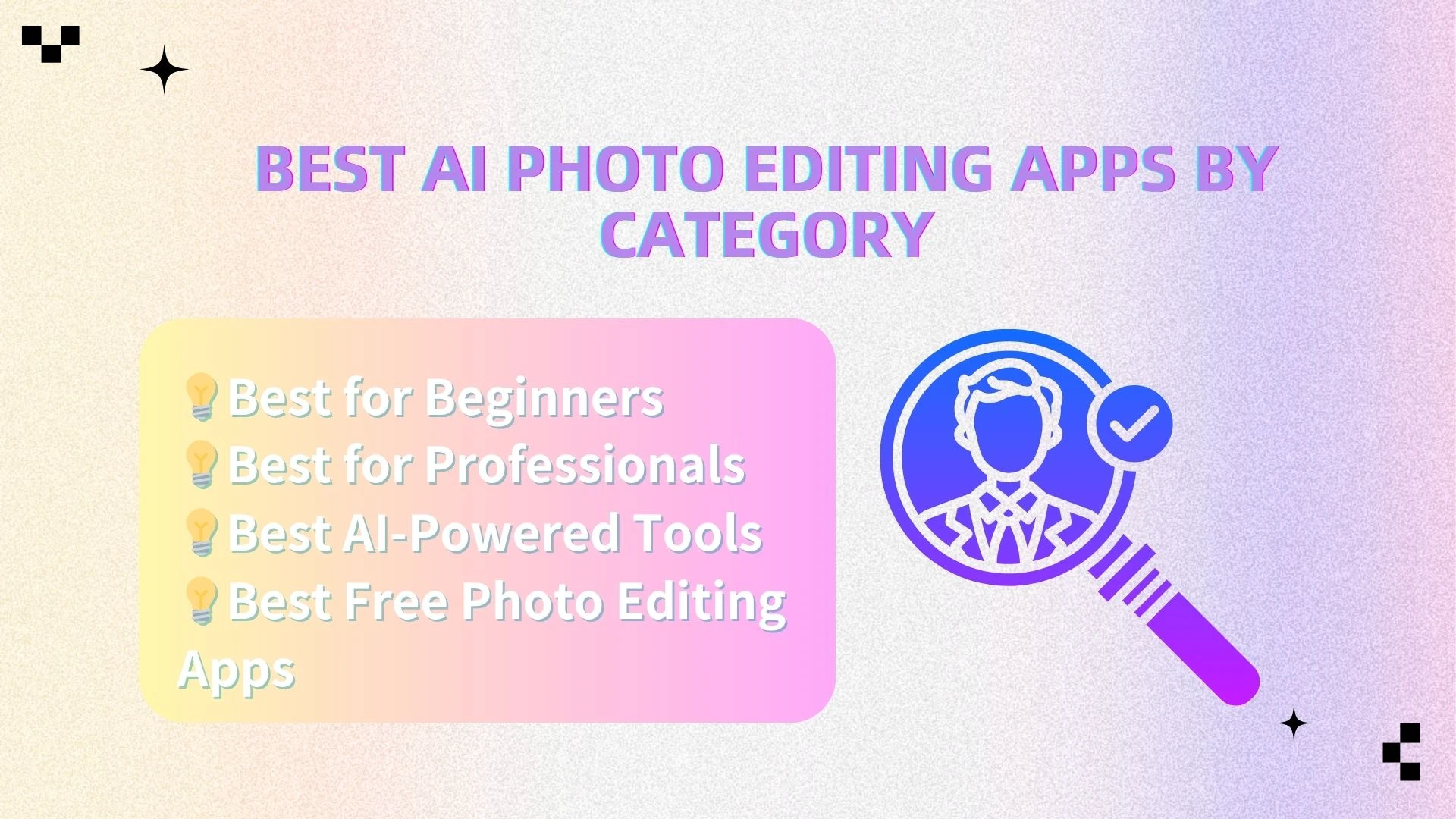
Best for Beginners
● AIEnhancer
● Canva
● Snapseed
These tools are beginner-friendly because they emphasize simple interfaces and minimal manual work. While AIEnhancer and Canva prioritize one-click or drag-and-drop workflows, Snapseed provides a more hands-on set of essential editing tools.
Best for Professionals
● Adobe Lightroom
● Luminar Neo
These tools are suited for professionals due to their advanced controls and precision editing capabilities. Lightroom provides industry-standard RAW editing, while Luminar Neo combines manual adjustments with powerful AI features for more flexibility.
Best AI-Powered Tools
● AIEnhancer
● Luminar Neo
These tools stand out for their strong use of AI to automate and simplify editing tasks. AIEnhancer focuses on fast, one-click enhancements, while Luminar Neo blends AI automation with creative editing options.
Best Free Photo Editing Apps
● Snapseed
● Pixlr
These apps are popular free options that still offer solid editing functionality. Snapseed provides a comprehensive mobile editing toolkit, while Pixlr offers convenient browser-based editing with no installation required.
Key Trends in AI Photo Editing
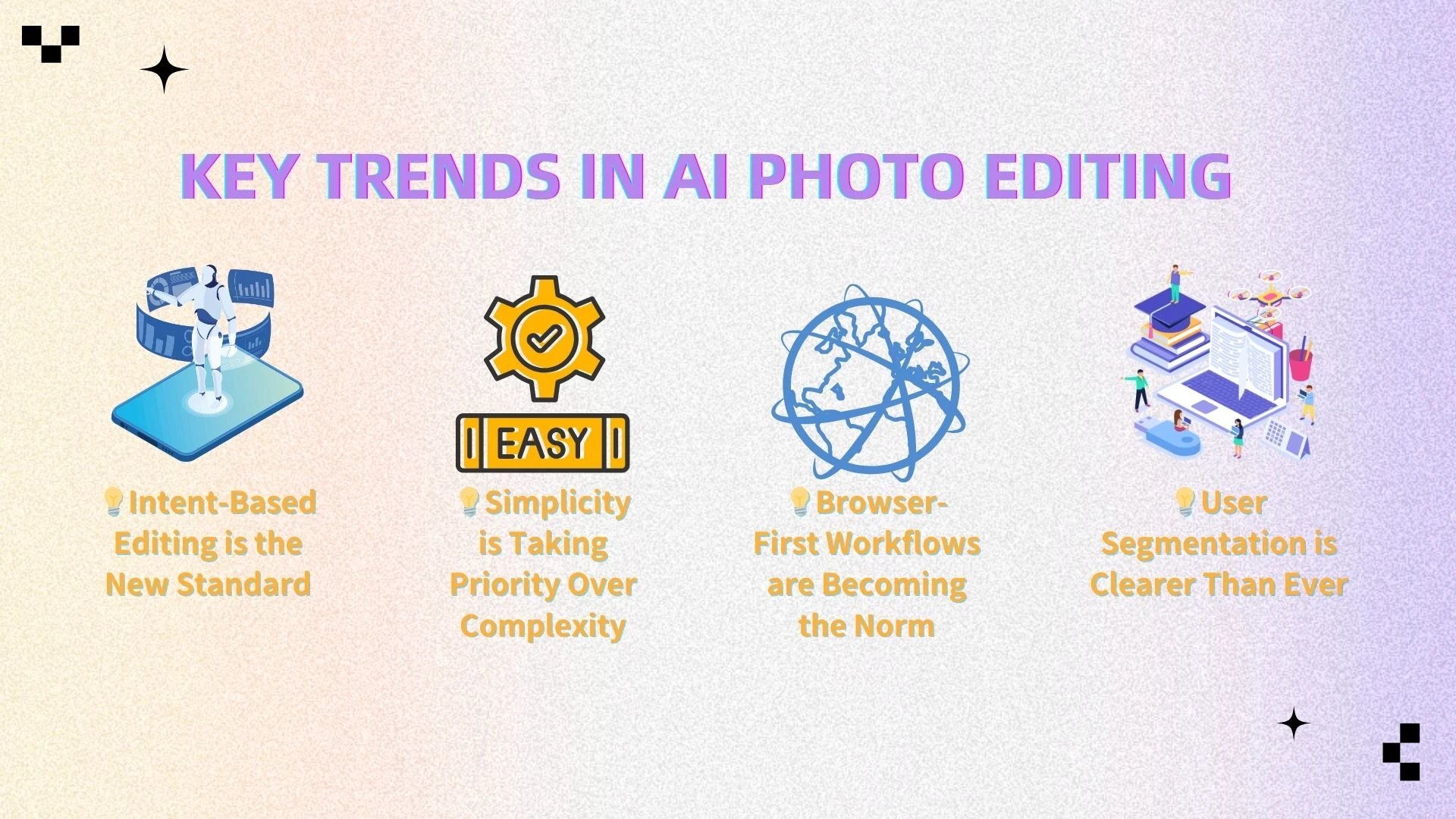
1. Intent-Based Editing is the New Standard
In 2026, we've moved from 'tools' to 'assistants'. The editor nowunderstands what you want to achieve before you even move a slider.
2. Simplicity is Taking Priority Over Complexity
Users increasingly prefer tools that deliver results quickly. AIEnhancer, for example, eliminates the need for manual adjustments entirely.
3. Browser-First Workflows are Becoming the Norm
No-install workflows are no longer 'lightweight' versions; they are nowpowerful enough to handle heavy-duty Al processing in the cloud.
4. User Segmentation is Clearer Than Ever
Different tools cater to different audiences:
Beginners → Simple, AI-driven tools
Professionals → Advanced control and flexibility
How to Choose the Right AI Photo Editor
Choosing the right AI photo editor depends on your specific needs, skill level, and workflow. Here’s a more detailed breakdown to help you decide:
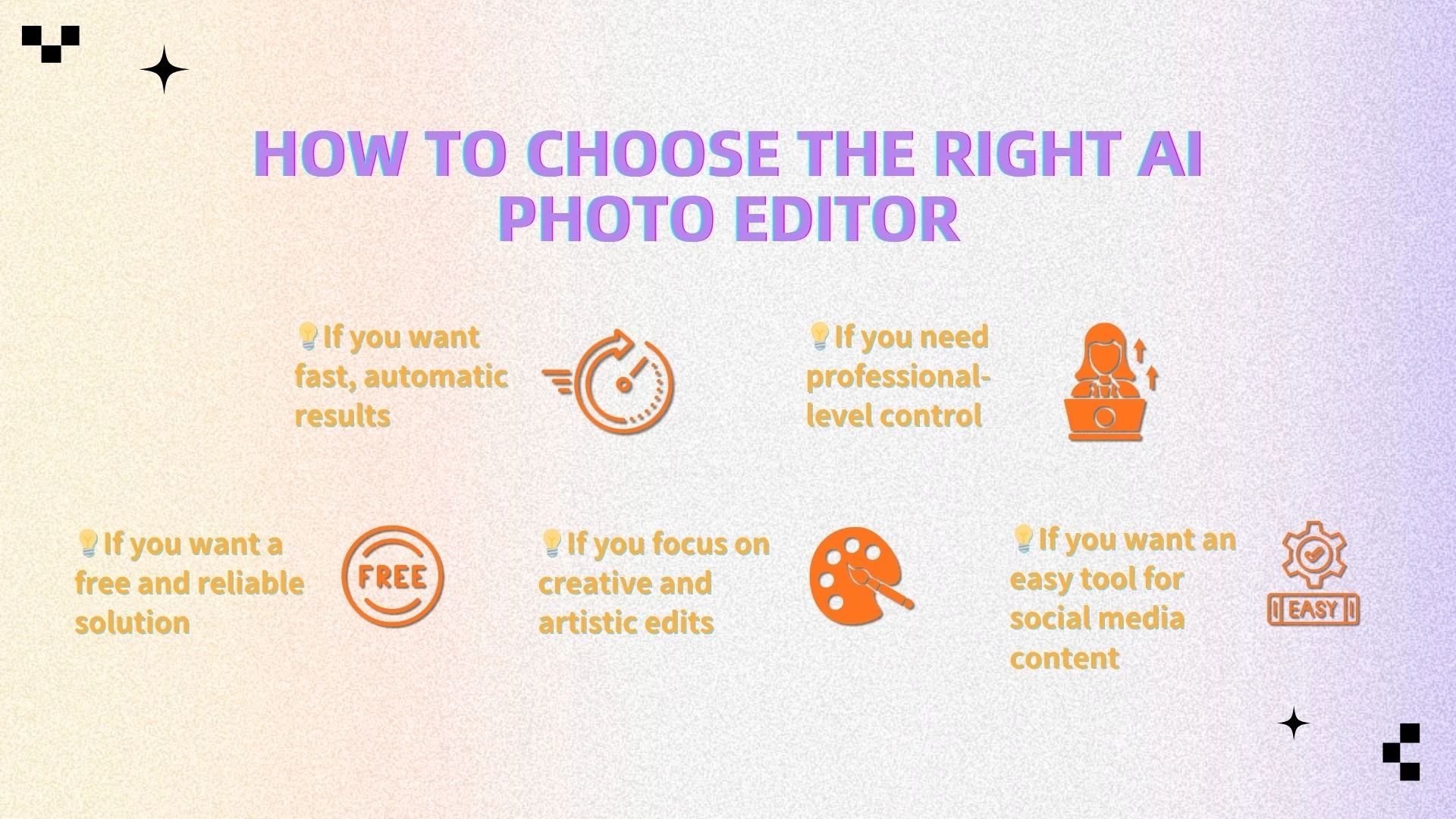
● If you want fast, automatic results
If your priority is speed and simplicity, an AI-first tool like AIEnhancer is the best choice. It’s designed to handle complex edits automatically—such as sharpening, denoising, and overall image enhancement—so you can improve photos in just a few clicks without any technical knowledge. This is ideal for users who want high-quality results with minimal effort.
● If you need professional-level control
For advanced editing and precise adjustments, Lightroom is a better fit. It offers full control over exposure, color grading, and fine details, making it suitable for photographers and professionals. However, it comes with a steeper learning curve and requires more time to master.
● If you want a free and reliable solution
If you’re looking for a cost-effective option, Snapseed is a great starting point. It provides a wide range of editing tools for free, including basic adjustments and selective editing. It’s perfect for beginners who want flexibility without committing to a paid tool.
● If you focus on creative and artistic edits
For users who prioritize visual creativity, Luminar Neo stands out. Its AI-powered features—like sky replacement and lighting effects—make it easy to create dramatic, stylized images. This makes it especially appealing for designers and photography enthusiasts.
● If you want an easy tool for social media content
If your main goal is to create quick, polished visuals for social platforms, tools like Canva offer a simple drag-and-drop experience combined with basic editing features. It’s ideal for non-designers who want fast results.
✔ Final Tip
If you’re unsure where to start, choose a tool that balances ease of use and AI capability. For most users, an all-in-one solution like AIEnhancer provides the best combination of speed, quality, and simplicity.
Why AIEnhancer Stands Out
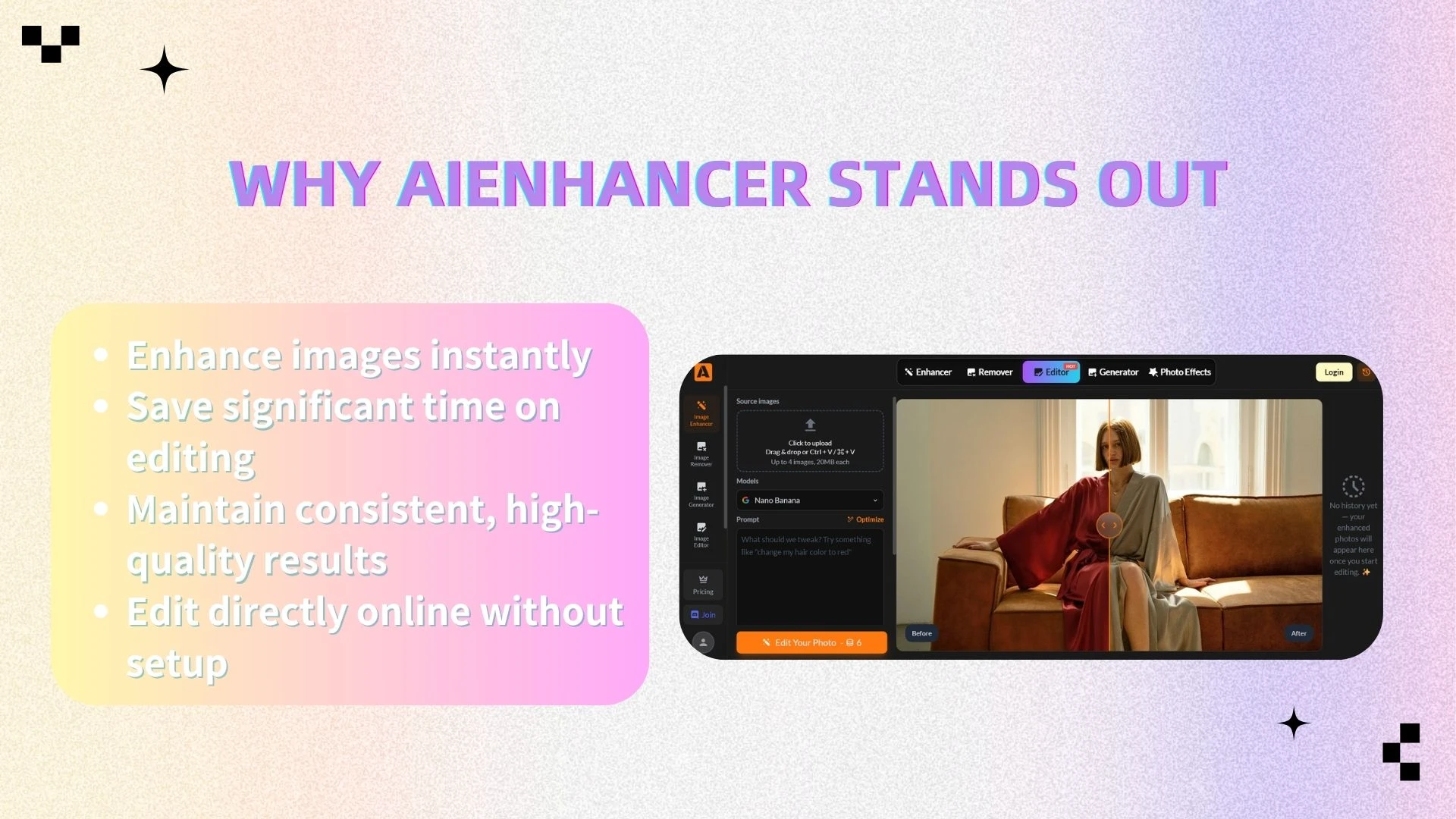
AIEnhancer stands out by striking a rare balance between simplicity and performance. While many photo editing tools tend to fall into two extremes—either overly complex for professionals or too limited for meaningful results—AIEnhancer bridges that gap with powerful, AI-driven automation that delivers high-quality output without the usual learning curve.
Unlike traditional editors that require manual adjustments for every detail, AIEnhancer intelligently analyzes your image and applies optimized enhancements in seconds. This makes it especially valuable for users who want professional-looking results without spending time mastering advanced tools.
With AIEnhancer, users can:
Enhance images instantly
Improve clarity, sharpness, and overall image quality with just one click, eliminating the need for manual fine-tuning.Save significant time on editing
Automate repetitive tasks like noise reduction and detail enhancement, allowing you to focus on content rather than process.Maintain consistent, high-quality results
AI ensures that every image is optimized with reliable, repeatable outcomes—especially useful for batch workflows like e-commerce or content creation.Edit directly online without setup
As a web-based tool, AIEnhancer removes the need for downloads or installations, making it accessible anytime, anywhere.
For users who prioritize efficiency, ease of use, and reliable results, AIEnhancer is more than just a photo editor—it’s a smarter, faster way to handle image enhancement in today’s AI-driven workflow.
FAQ
1. What is an AI photo editor?
An AI photo editor is a tool that uses artificial intelligence to automatically enhance and edit images. It can perform tasks like sharpening, noise reduction, color correction, and photo restoration with minimal manual input, making photo editing faster and more accessible.
2. Will AI photo editors replace professional photographers?
Al doesn't replace the eye; it replaces the grunt work. It handles the 90%
of repetitive tasks so creators can focus on the 10% of artistic vision.
3. What is the best AI photo editor for beginners?
AIEnhancer is one of the best options for beginners because it offers simple, one-click enhancements without requiring technical skills. Tools like Canva and Snapseed are also beginner-friendly.
4. Can AI really improve image quality?
Yes. Modern AI tools can enhance image clarity, reduce noise, fix blur, and even restore old or low-resolution photos. While results may vary depending on the image, AI can significantly improve overall quality in most cases.
5. Do I need to download software to use an AI image editor?
Not always. Many tools, like AIEnhancer and Pixlr, are web-based and can be used directly in your browser without installation. Others, like Lightroom and Luminar Neo, require downloading software.
6. Are there free AI photo editing tools available?
Yes. Some tools like Snapseed and Pixlr are completely free, while others offer free plans with optional premium features. AIEnhancer also provides a freemium model for users to get started easily.
Final Thoughts
AI is fundamentally transforming the way photos are edited. What used to require technical expertise, specialized software, and significant time investment can now be accomplished through intelligent automation powered by AI. This shift is not only improving efficiency but also redefining what’s possible for both beginners and professionals.
Today’s landscape offers a wide range of tools tailored to different needs—from advanced platforms like Lightroom that provide full manual control for professionals, to intuitive AI-powered solutions like AIEnhancer that prioritize speed, simplicity, and consistent results. This diversity means users are no longer forced into a one-size-fits-all workflow, but can instead choose tools that align closely with their specific goals, skill level, and use cases.
Ultimately, the best AI photo editor is the one that fits naturally into your workflow—whether that means fine-grained control, creative flexibility, or fast, automated enhancements. For users who value efficiency, accessibility, and reliable output without a steep learning curve, AIEnhancer stands out as a strong starting point in the modern AI-driven photo editing ecosystem.