
Ideogram 4 Review: A Leading Open-Weight Image Model
Introduction
Ideogram 4 has emerged as a game-changing open-weight image model, specifically engineered for design-focused AI generation. Unlike many image models that mainly compete on photorealism, cinematic style, or artistic expression, Ideogram 4 puts stronger emphasis on typography, layout control, spatial understanding, and structured visual composition.
For creators, designers, marketers, and product teams, this matters because AI image generation is no longer only about making beautiful pictures. In real workflows, users often need usable visuals: posters with readable text, product banners with controlled layout, social media graphics with clear hierarchy, or packaging concepts with consistent colors.
That is where Ideogram 4 stands out. It is built for design-oriented image generation, especially when the output needs text, layout, structure, and commercial visual clarity.
Ideogram 4 is now available on AIEnhancer, alongside GPT Image 2, Nano Banana Pro, Recraft V4, and other leading AI image models. This makes it easier to test different models in one workspace and choose the best option for each creative task.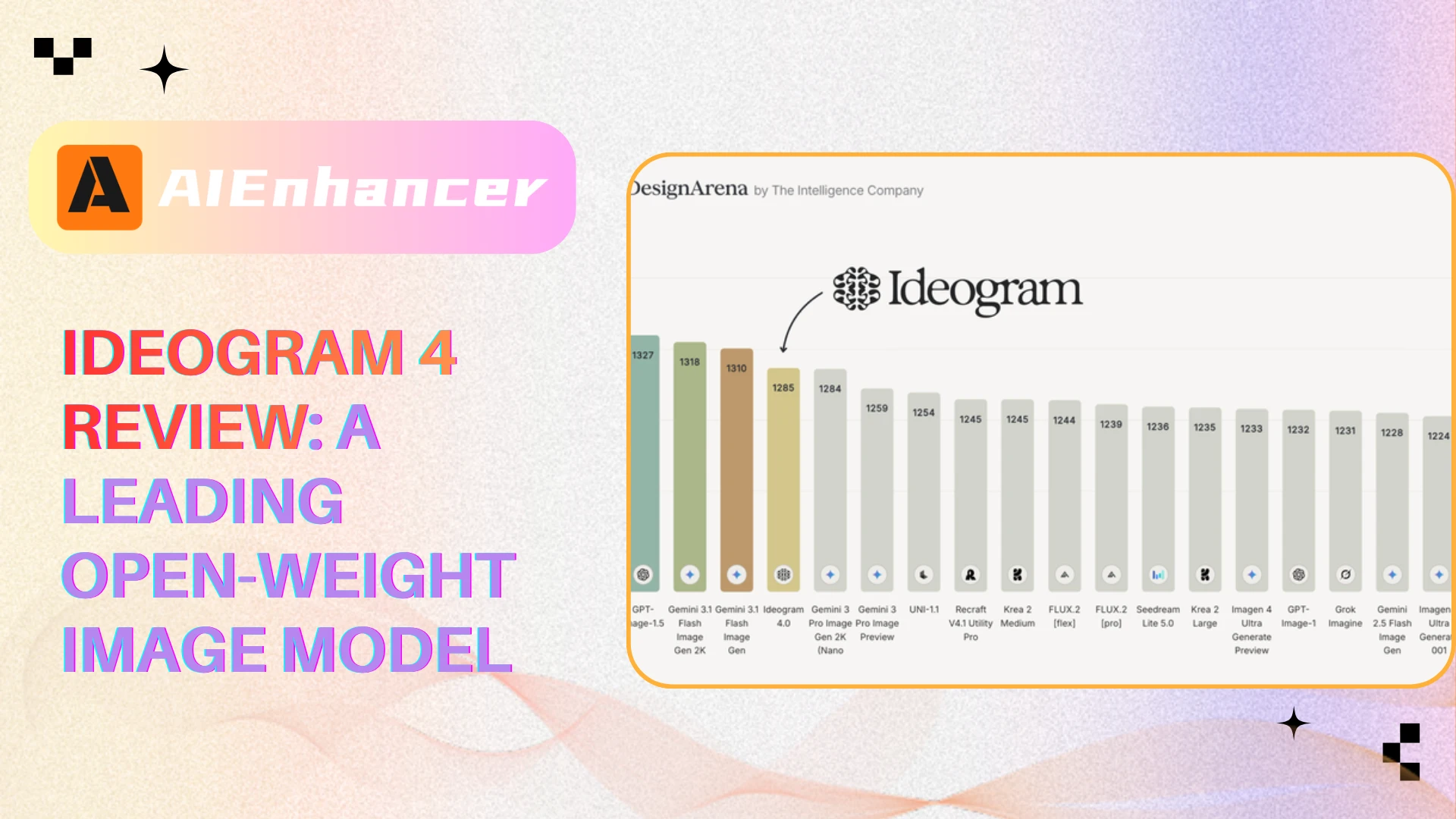
What Is Ideogram 4?
Ideogram 4 is a 9.3B parameter open-weight text-to-image model developed by Ideogram. According to Ideogram’s official technical release, it uses a single-stream Diffusion Transformer architecture, a vision-language text encoder, and structured JSON prompts.
In simple terms, Ideogram 4 is designed to understand images in a more structured way. Instead of treating a prompt as one long paragraph, the model can work with descriptions that separate different parts of an image, such as background, objects, text, colors, styles, and layout positions.
This makes it especially useful for design-heavy tasks. A poster is not only about a central subject. It also needs a title, subtitle, visual hierarchy, spacing, color palette, and readable typography. Ideogram 4 is built to handle these requirements more directly than many general-purpose image models.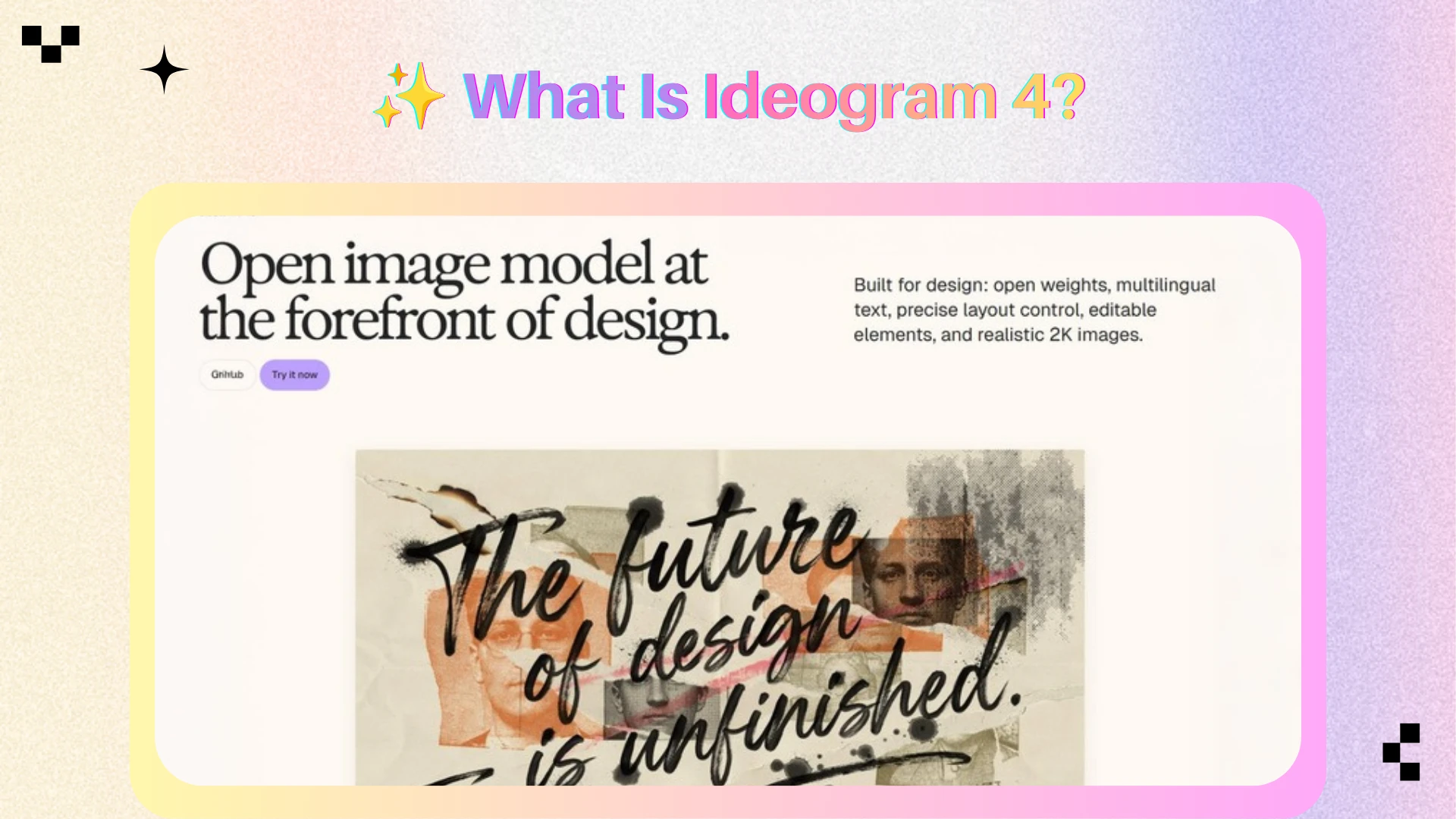
What’s New in Ideogram 4?
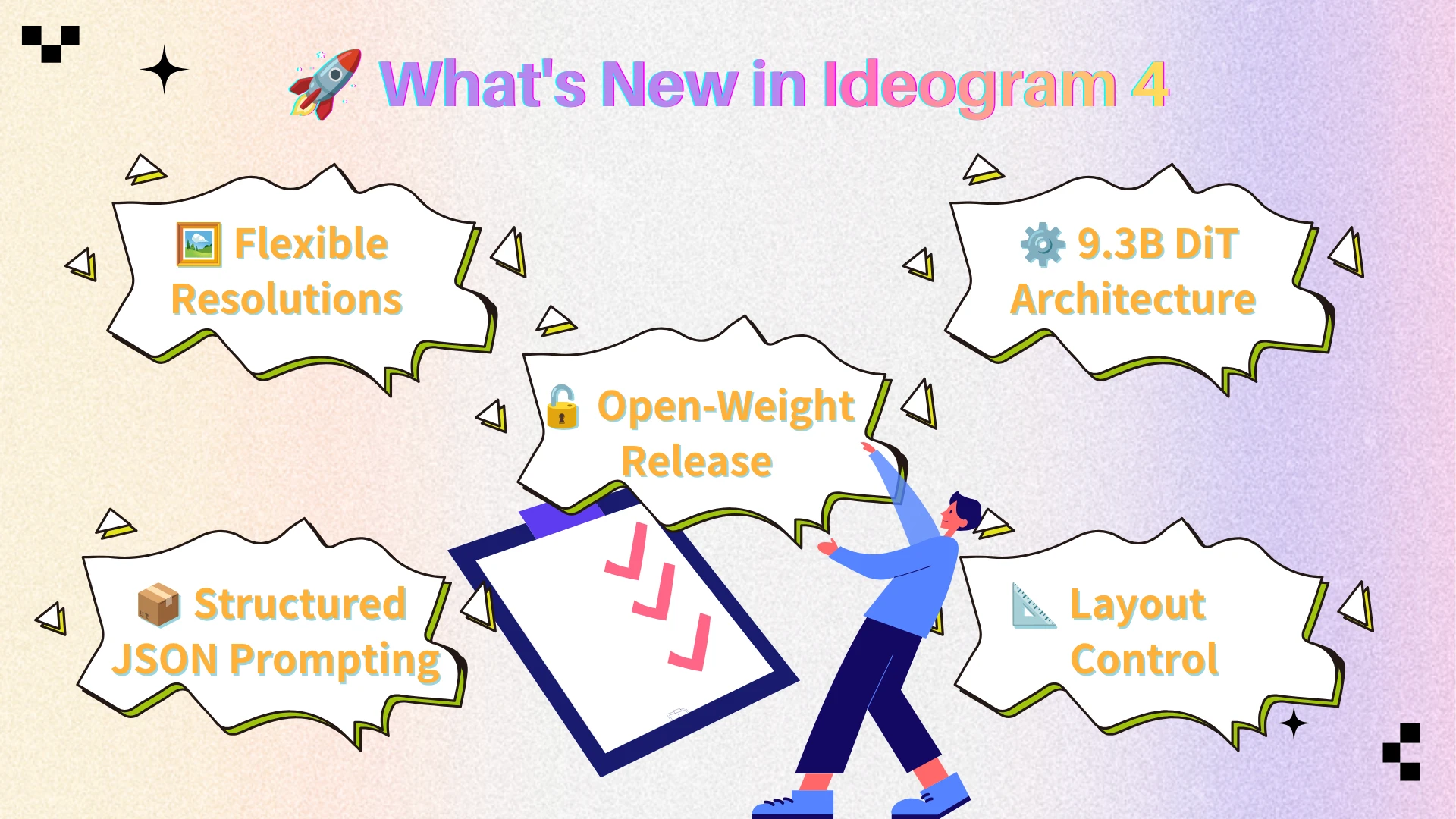
Ideogram 4 is more than an incremental update. Compared with Ideogram 3, the new model introduces stronger control over typography, layout, prompt structure, and commercial design workflows. While Ideogram 3 already delivered impressive text rendering, Ideogram 4 expands those capabilities with open-weight access, structured JSON prompting, and more advanced layout control.
| Feature | Ideogram 3 | Ideogram 4 |
|---|---|---|
| Model Access | Proprietary model | Open-weight release |
| Architecture | Previous-generation diffusion model | 9.3B Single-Stream DiT |
| Prompt Structure | Natural language prompts | Structured JSON prompting |
| Layout Control | Basic positioning | Bounding-box layout control |
| Text Rendering | Strong | Further improved accuracy and consistency |
| Color Guidance | Prompt-based | Structured color palette conditioning |
| Resolution Support | Multiple formats | Broader resolution and aspect ratio flexibility |
| Design Workflows | Posters and graphics | Posters, packaging, ads, branding, and structured design tasks |
🔓 Open-Weight Access
Model weights, inference code, and deployment resources are publicly available.
📦 Structured JSON Prompting
Improved understanding of elements, typography, colors, and layout relationships.
📐 Advanced Layout Control
Bounding-box positioning enables more predictable visual composition.
🖼️ Flexible Output Formats
Optimized for posters, banners, social graphics, wallpapers, and marketing assets.
Key Features of Ideogram 4
1. Strong Text Rendering
Text rendering is one of Ideogram 4’s strongest capabilities.
Many AI image models can generate visually attractive images but still struggle with in-image text. They may misspell words, distort letters, repeat characters, or make typography unreadable. This is a major limitation for posters, ads, packaging, thumbnails, and brand visuals.
Ideogram 4 performs much better in this area. In Ideogram’s official benchmark, the model reports a text rendering score of 0.97 on X-Omni English OCR accuracy.
This makes it especially useful for:
Promotional posters
Product packaging
Social media graphics
Event flyers
Advertising creatives
Typography-based visuals
For users who need readable words inside an image, Ideogram 4 is one of the strongest open-weight choices.
2. Better Layout Control
Layout control is another major strength of Ideogram 4.
In real design work, users often need to control where things appear. A product may need to be centered. A headline may need to stay at the top. A logo may need to sit in the corner. A CTA may need to appear at the bottom.
Ideogram 4 supports bounding-box layout control through structured prompting. The official blog explains that elements can be placed with normalized bounding box coordinates, helping the model understand where objects should appear in the image.
This is highly valuable for design tasks because it makes outputs more predictable. Instead of simply asking for “a product poster,” users can provide clearer structure around product placement, title area, text position, color palette, and background composition.
3. Structured JSON Prompting
One of Ideogram 4’s most distinctive features is structured JSON prompting.
Traditional text-to-image models usually rely on plain text prompts. This is flexible, but it can also be ambiguous. When a prompt includes multiple objects, colors, texts, and layout instructions, the model may not understand which instruction belongs to which part of the image.
Ideogram 4 is trained on structured JSON captions. These captions can describe the high-level image, background, individual elements, text, styling, color palette, and optional bounding boxes. Ideogram’s official blog highlights three advantages of this format: color palette conditioning, bounding-box layout, and typed text elements.
This does not mean every user needs to manually write JSON prompts. But it does mean the model has been trained to understand images in a more organized, design-aware way.
4. Color Palette Control
Ideogram 4 also improves control over color.
Its structured prompts can include color palette conditioning, allowing users to guide the dominant colors more directly. This is useful for brand and marketing work, where visuals often need to follow specific color systems.
For example:
A skincare brand may need soft beige, white, and pastel green.
A tech product may need black, silver, and electric blue.
A food brand may need warm orange, cream, and red.
A luxury product may need gold, black, and deep navy.
This makes Ideogram 4 more useful for brand-consistent visuals and campaign exploration.
5. Flexible Resolution Support
Ideogram 4 supports a broad resolution range from 256 to 2048 pixels per side, with flexible aspect ratios.
This matters because real content workflows require different formats:
1:1 for social posts
9:16 for stories and short-form video covers
16:9 for blog headers or thumbnails
Wide formats for website banners
Vertical formats for posters
This flexibility makes Ideogram 4 practical for marketing teams and content creators who need to generate visuals for multiple channels.
6. Strong Spatial Reasoning
Spatial reasoning refers to how well a model understands relationships between objects.
For example:
The product is in front of the background.
The logo is above the headline.
The person stands behind the product.
The title appears on the left side.
The object sits inside a frame.
Ideogram 4 performs well here. Ideogram reports a spatial reasoning score of 0.76 and a prompt alignment score of 0.89 in its benchmark section.
This helps with complex prompts and multi-element compositions, especially in posters, ads, and packaging concepts.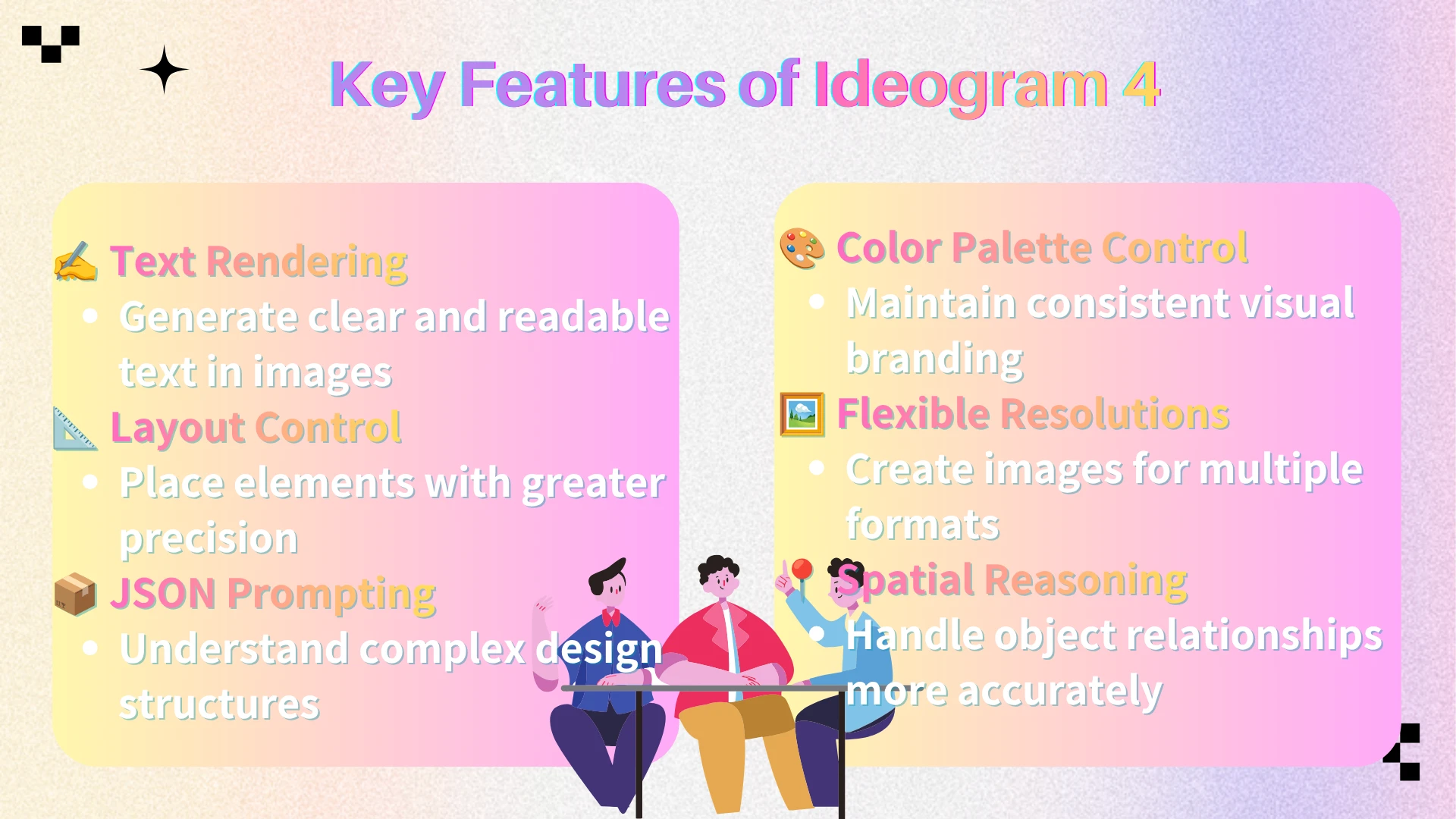
Specifications at a Glance
Ideogram 4 is a 9.3B open-weight text-to-image model built on a single-stream Diffusion Transformer architecture. It uses Qwen3-VL-8B-Instruct as its text encoder and supports resolutions ranging from 256 to 2048 pixels per side.
The model is trained with structured JSON prompts and supports optional bounding-box layout control, allowing for more precise positioning of design elements. It also includes color palette conditioning to help maintain visual consistency across branding and marketing projects.
Overall, Ideogram 4 is designed for controllable image generation, making it particularly well suited for typography, layout-focused design, posters, advertising creatives, and product packaging concepts.
Ideogram 4 vs Other AI Image Models
While Ideogram 4 dominates the design and layout arena, it isn’t a one-size-fits-all solution. Its biggest strengths are text rendering, layout control, typography, and structured visual composition. For tasks such as posters, packaging, advertising creatives, and typography-heavy visuals, Ideogram 4 is often a better fit than more general-purpose models.
However, other models still have clear advantages in different workflows. GPT Image 2 is stronger for broad general-purpose image generation and photorealistic scenes. Nano Banana Pro is better suited for cinematic, stylish, and social-media-ready visuals. Recraft V4 is more useful for vector-style graphics, brand illustration, and clean design assets.
Since Ideogram 4, GPT Image 2, Nano Banana Pro, and Recraft V4 are all available on AIEnhancer, users can compare these models under the same workflow and choose the best one based on their creative goal.
| Model | Best For | Strengths | Ideal Use |
|---|---|---|---|
| Ideogram 4 | Typography and layout design | Text, layout, structured prompts | Posters, ads, packaging |
| GPT Image 2 | General image generation | Realism, flexibility, editing | Product and lifestyle visuals |
| Nano Banana Pro | Cinematic visuals | Lighting, mood, style | Portraits and social media images |
| Recraft V4 | Brand graphics | Clean design, illustration, vector style | Icons, brand assets, illustrations |
Overall, Ideogram 4 is the best choice when the image needs readable text, clear layout, and strong design structure. For photorealistic scenes, GPT Image 2 may be more suitable. For cinematic visuals, Nano Banana Pro can be a better option. For vector-style brand assets, Recraft V4 is often the stronger choice.
Best Use Cases for Ideogram 4
Poster Design
Ideogram 4 is a strong option for poster generation because posters require both visual impact and readable text. It works well for event posters, campaign posters, product launch posters, music posters, and typography posters.
Advertising Creatives
Advertising images need more control than pure art generation. A good ad creative often includes a product, headline, slogan, CTA, brand color, and visual hierarchy. Ideogram 4’s layout and typography strengths make it suitable for ad concepts and marketing visuals.
Product Packaging Concepts
Packaging design often requires product names, label text, logo placement, colors, and clear hierarchy. Ideogram 4 can help generate early packaging concepts for food, beverage, skincare, perfume, and other product categories.
Social Media Graphics
Many social media visuals need short slogans, text overlays, promotional messages, or campaign headlines. Ideogram 4 is useful for Instagram posts, X graphics, Pinterest visuals, YouTube thumbnails, and short-form video covers.
Brand and Campaign Exploration
Ideogram 4 can help teams explore campaign directions by testing different color palettes, typography styles, layout structures, and visual themes. This makes it useful during the early creative ideation stage.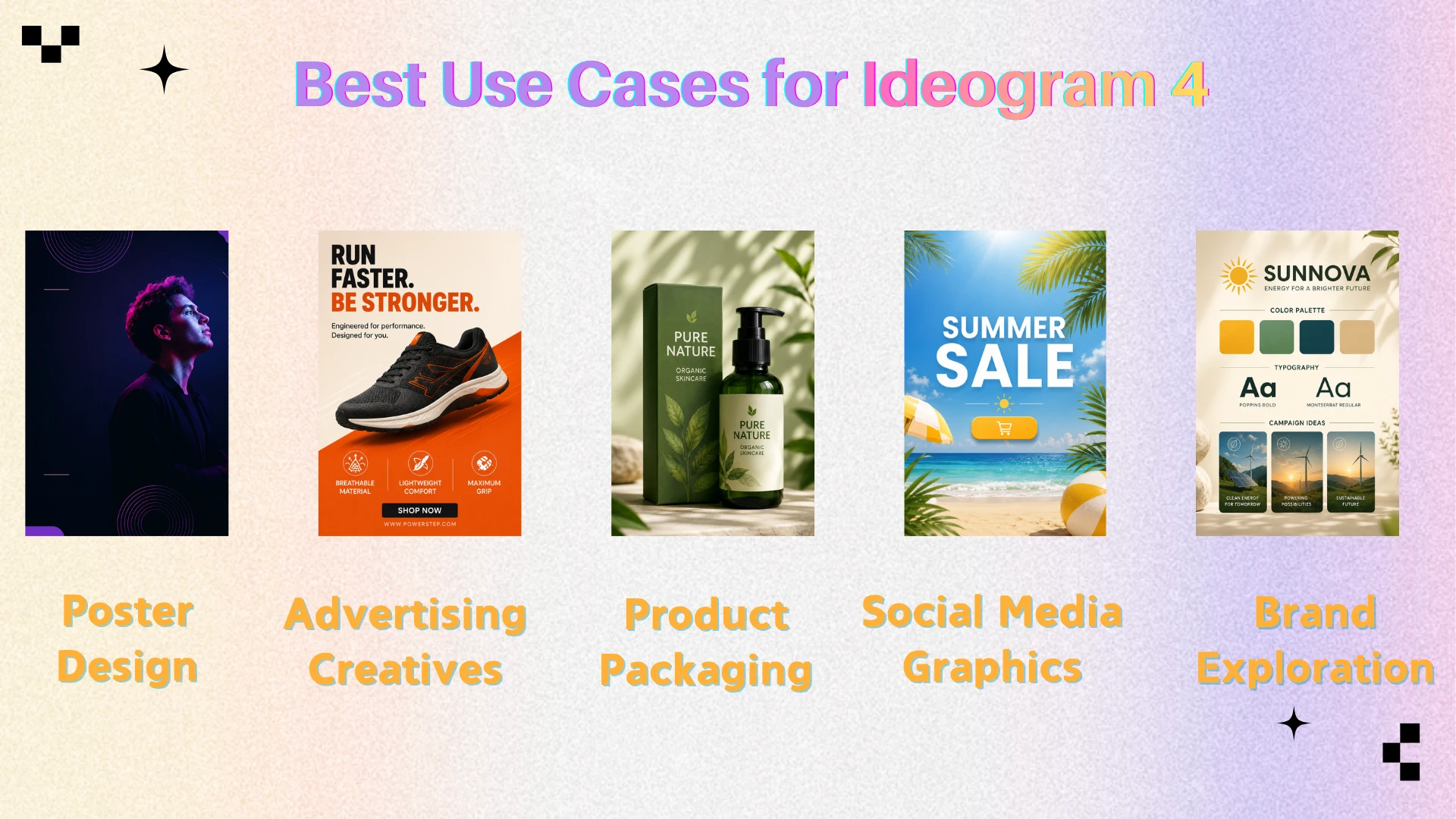
Who Should Use Ideogram 4?
Ideogram 4 is ideal for users who care about design structure, not just image beauty.
It is especially suitable for:
Graphic designers
Marketing teams
E-commerce sellers
Social media creators
Brand designers
Content marketers
Creative agencies
Product marketing teams
It is a good fit when the output needs text, layout, product placement, or structured composition.
However, it may not be the best first choice for pure photorealistic portraits, cinematic character scenes, realistic fashion photography, or detailed human identity consistency. For those workflows, GPT Image 2 or Nano Banana Pro may be more suitable.
Pros and Cons of Ideogram 4
Pros
Ideogram 4 has several clear advantages.
Its text rendering is one of its strongest features, making it useful for commercial visuals where words need to appear inside the image.
Its layout control is stronger than many general image models, especially when used with structured prompts and bounding boxes.
Its open-weight nature makes it more accessible for developers, research teams, and companies that want more control over deployment and customization.
Its color palette conditioning is valuable for brand-oriented visuals.
Its flexible resolution support makes it suitable for posters, banners, social graphics, and other content formats.
Cons
Ideogram 4 also has limitations.
It is not always the strongest model for photorealistic people or cinematic portraits.
Its structured JSON prompting can be more complex for beginners.
To unlock its full potential, the model thrives on explicit design instructions, meaning highly ambiguous prompts may underutilize its structural capabilities.
It overlaps with Recraft V4 in some design scenarios, so users may need to test both models to see which style fits better.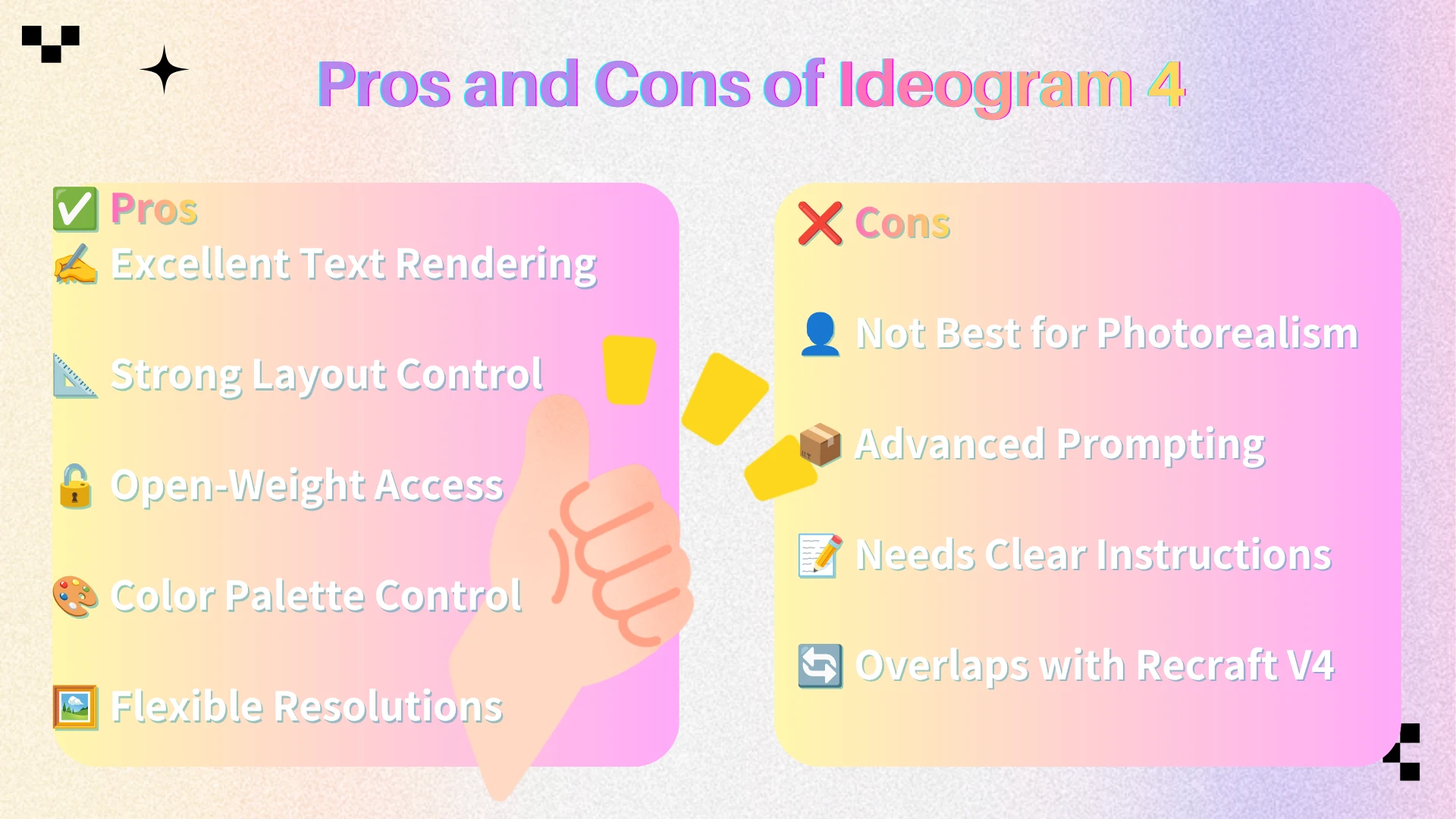
Final Verdict
Ideogram 4 is one of the strongest open-weight AI image models for design-focused generation. Its biggest strengths are text rendering, layout control, structured prompting, color palette control, and multi-element composition.
It is not simply a model for making attractive images. It is a model for making more usable design assets.
For posters, packaging concepts, ad creatives, typography-heavy visuals, social media graphics, and structured brand materials, Ideogram 4 is a very strong choice. It gives users better control over the parts of image generation that matter most in practical design workflows: where elements appear, how text is rendered, how colors are guided, and how visual hierarchy is built.
At the same time, Ideogram 4 should not be treated as the best model for every possible image task. GPT Image 2 may still be stronger for broad general-purpose generation and photorealistic scenes. Nano Banana Pro may be better for cinematic and stylized visuals. Recraft V4 may be stronger for vector-like brand assets and graphic systems.
That is why the best workflow is not choosing one model forever, but choosing the right model for each task.
With Ideogram 4 now available on AIEnhancer alongside GPT Image 2, Nano Banana Pro, Recraft V4, and other leading models, users can compare different outputs in one workspace and select the model that best matches their creative goal.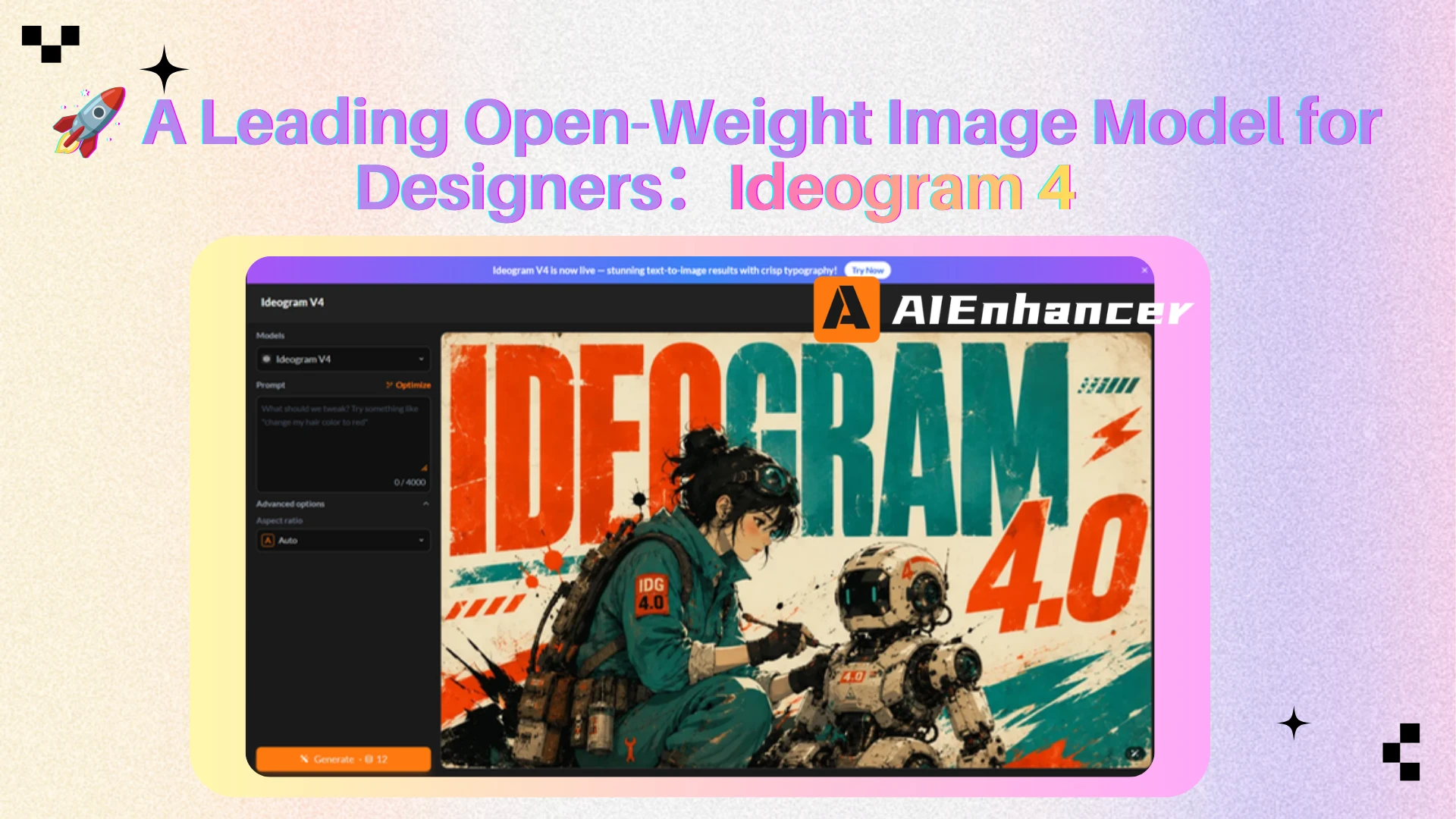
FAQ
What is Ideogram 4?
Ideogram 4 is an open-weight text-to-image model developed by Ideogram. It is designed for image generation with strong capabilities in text rendering, layout control, structured prompting, and design-oriented composition.
Is Ideogram 4 open weight?
Yes. Ideogram describes Ideogram 4 as an open-weight model with public weights, inference code, prompting guide, and sampler presets.
What is Ideogram 4 best for?
Ideogram 4 is best for posters, ads, packaging concepts, typography visuals, social media graphics, and other layouts that require readable text.
How is Ideogram 4 different from GPT Image 2?
Ideogram 4 is more specialized in typography, layout control, and structured design generation. GPT Image 2 is more general-purpose and may be better for photorealistic or broader creative tasks.
How is Ideogram 4 different from Recraft V4?
Ideogram 4 is stronger for text-heavy visuals and layout-controlled posters, while Recraft V4 is often better for brand graphics, vector-style assets, and clean visual systems.
Can I use Ideogram 4 on AIEnhancer?
Yes. Ideogram 4 is available on AIEnhancer, together with GPT Image 2, Nano Banana Pro, Recraft V4, and other leading AI image models.
Is Ideogram 4 good for text in images?
Yes. Text rendering is one of Ideogram 4’s strongest capabilities. It is useful for images that need headlines, slogans, labels, or multi-line typography.



