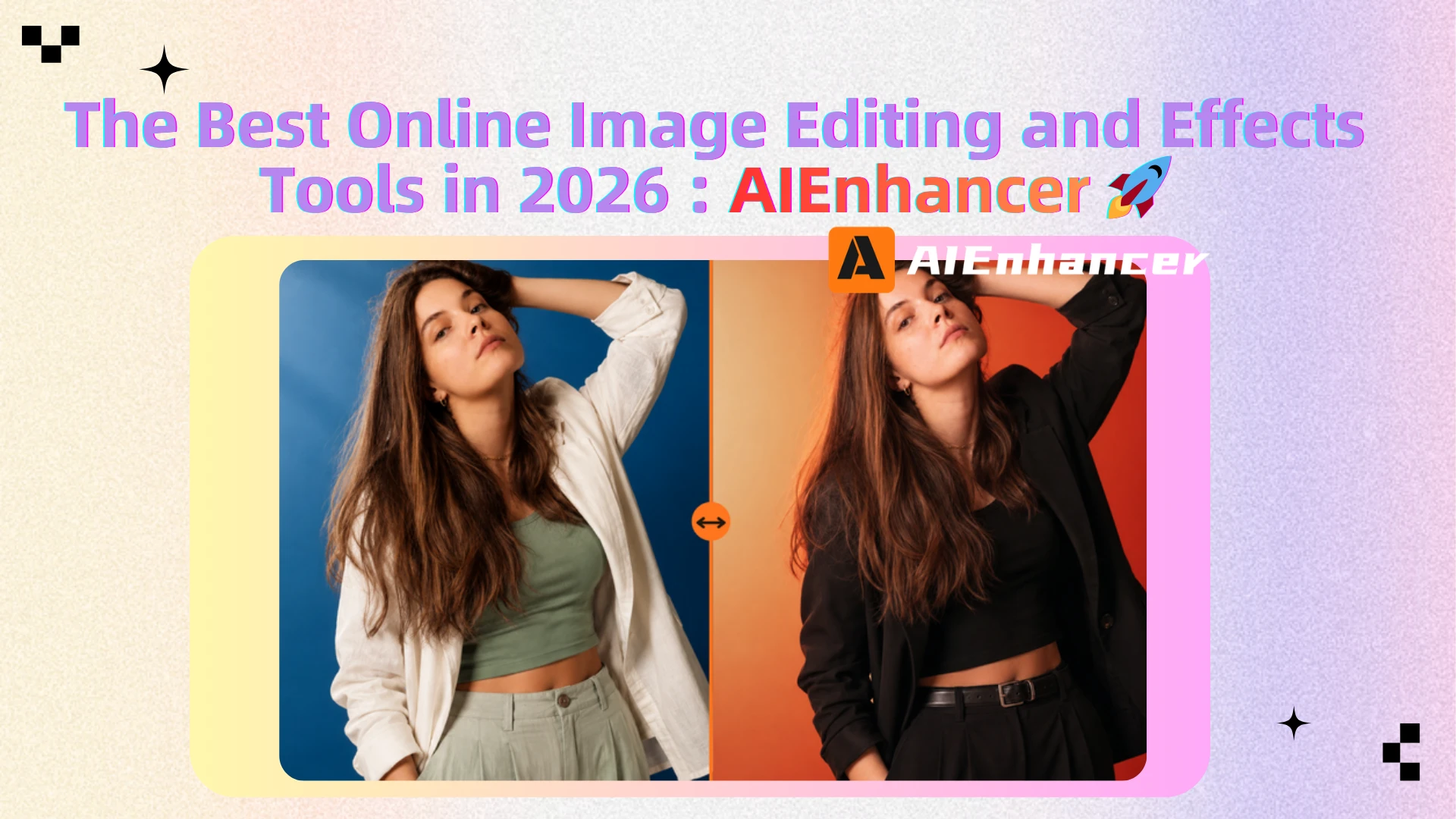
Top 10 Online Image Editing and Effects Tools in 2026
Image Editing Has Changed Dramatically in 2026
With capabilities ranging from AI-powered enhancement and background removal to creative effects, these platforms are putting professional-grade editing within everyone's reach.
In this guide, we compare the 10 best online image editing and effects tools in 2026, including their key features, strengths, limitations, and ideal use cases.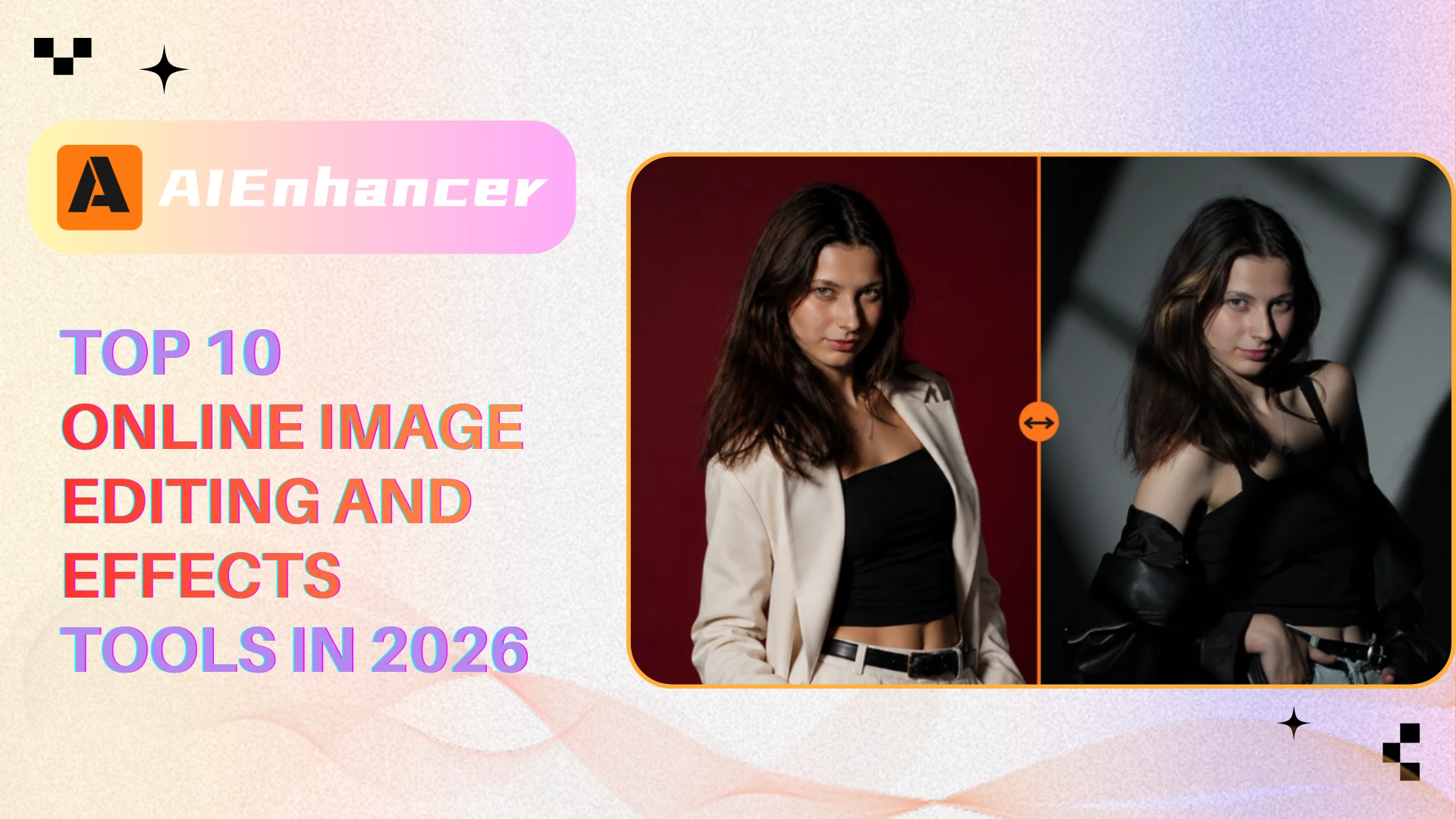
What Makes a Great Online Image Editing Tool?
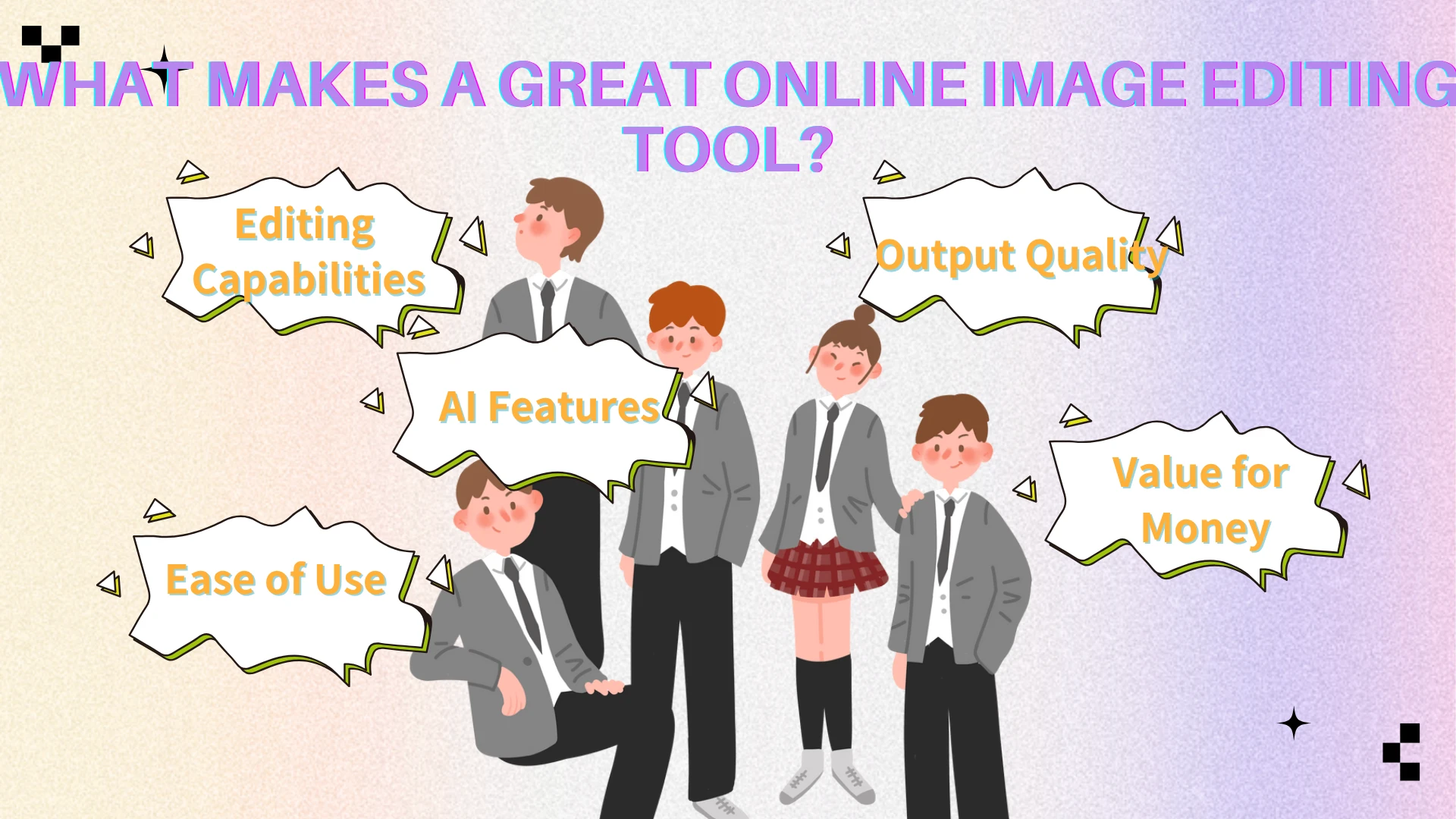
Before evaluating the tools, we used five criteria:
Editing Capabilities
A strong editor should support common tasks such as cropping, resizing, color correction, retouching, object removal, and image enhancement.
AI Features
Modern editors should offer intelligent tools such as:
AI image enhancement
Background removal
Object removal
Generative fill
Image expansion
AI effects and styles
Ease of Use
Many users are not designers. The best platforms provide professional results without requiring extensive training.
Output Quality
The final output must remain sharp, preserving visual integrity without introducing artifacts or quality loss.
Value for Money
Free plans should be useful enough for real work, while paid plans should offer meaningful upgrades.
Quick Comparison Table
| Tool | Best For | Key Strength | Main Limitation |
|---|---|---|---|
| AIEnhancer | AI enhancement & image effects | All-in-one AI workflow | Limited layer editing |
| Canva | Marketing design | Templates & collaboration | Advanced editing |
| Pixlr | General editing | AI + layer support | Free plan limits |
| Fotor | Portrait enhancement | One-click AI improvements | Fewer pro controls |
| Picsart | Creative content | Effects & social content | Ads on free plan |
| Photopea | PSD editing | Photoshop-like tools | Steeper learning curve |
| Remove.bg | Background removal | Fast and accurate cutouts | Limited editing tools |
| BeFunky | Quick design | Simplicity and speed | Fewer advanced features |
| LunaPic | Artistic effects | Creative transformations | Outdated interface |
| Adobe Express | Marketing workflows | Branding & templates | Less flexible than Photoshop |
The 10 Best Online Image Editing and Effects Tools in 2026
1. AIEnhancer — Best Overall for AI Image Enhancement and Effects
AIEnhancer combines AI image enhancement and image editing in one platform. Users can upscale images, remove objects, replace backgrounds, expand photos, apply effects, and generate new content through multiple AI models. Its flexible workflow makes it suitable for creators, marketers, and ecommerce sellers alike.
Key Features
AI Image Enhancement
AI Upscaling
Object Removal
Background Removal
AI Image Expansion
AI Image Editing
AI Image Generation
Multiple AI Models
Why It Excels
Many online editors are excellent at one specific task. Some specialize in design. Others focus on retouching.
AIEnhancer combines enhancement and editing into a single workflow.
For example, a user can:
Upload a low-quality image
Improve its resolution
Remove distracting objects
Expand the canvas
Generate missing content
Download a final production-ready image
Without switching between multiple platforms.
This workflow is particularly valuable for:
Content creators
Ecommerce sellers
Digital marketers
Bloggers
Social media managers
Pros
Excellent enhancement quality
Multiple AI editing workflows
Strong image effects capabilities
Beginner-friendly interface
Covers both editing and enhancement
Cons
Traditional layer editing is limited
Not intended for complex graphic design projects
Best For
Users who want AI-powered image enhancement, image editing, and creative effects in one platform.
Pricing
Paid plans unlock higher processing limits and premium AI models.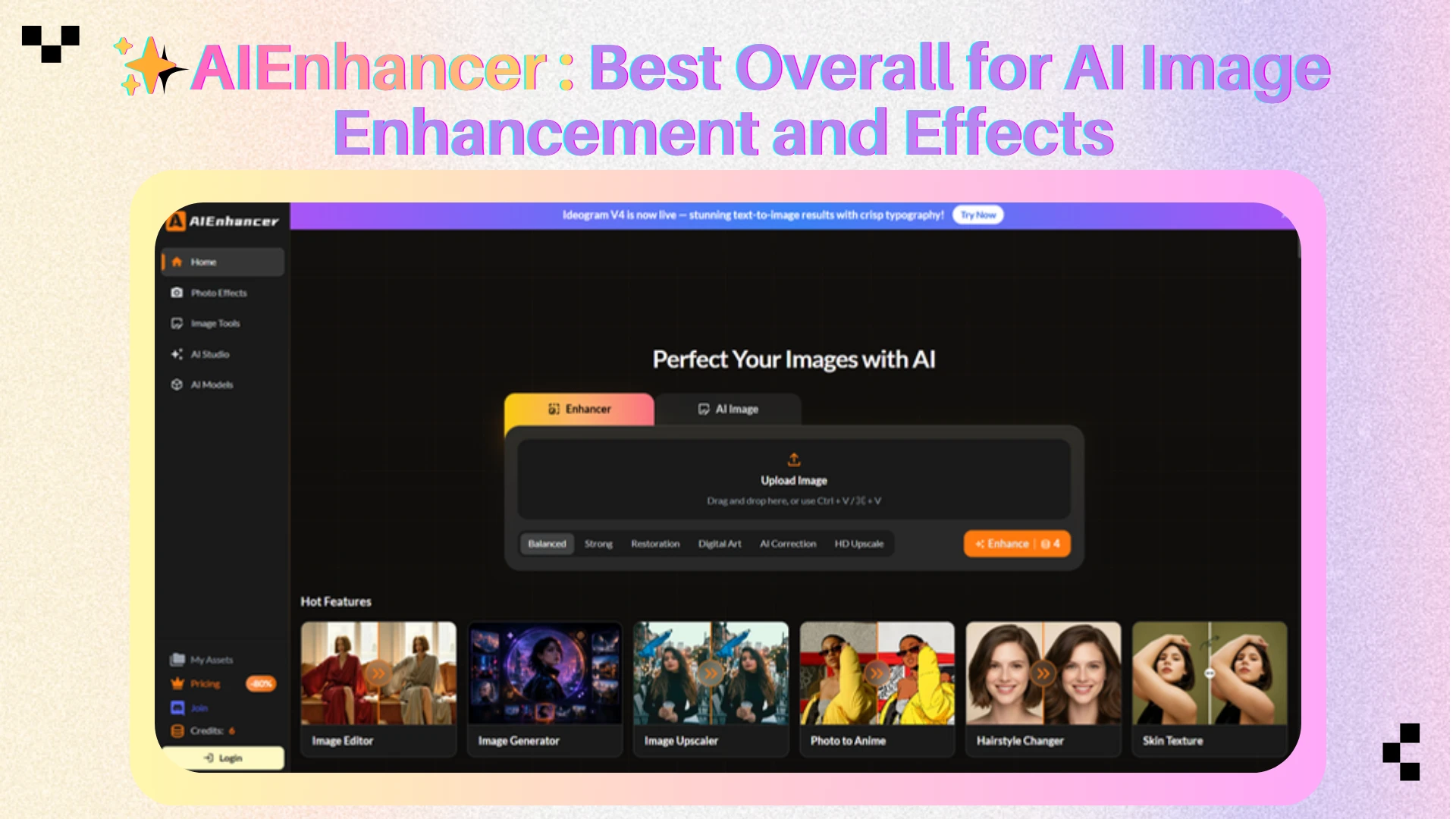
2. Canva — Best for Social Media and Marketing Design
Canva combines image editing, AI features, and templates for social media, presentations, and marketing content.
Key Features
Drag-and-drop editor
Millions of templates
AI Magic Studio tools
Background removal
Text overlays
Filters and effects
Brand kits
Why It Excels
Canva simplifies content creation with templates and design tools for social media, presentations, advertisements, and marketing materials.
Pros
Extremely easy to use
Huge template library
Strong collaboration features
Excellent for teams
Cons
Advanced editing is limited
Many AI features require Pro
Not ideal for detailed retouching
Best For
Marketing teams, social media managers, entrepreneurs, and content creators.
Pricing
Canva Pro starts around $13/month. 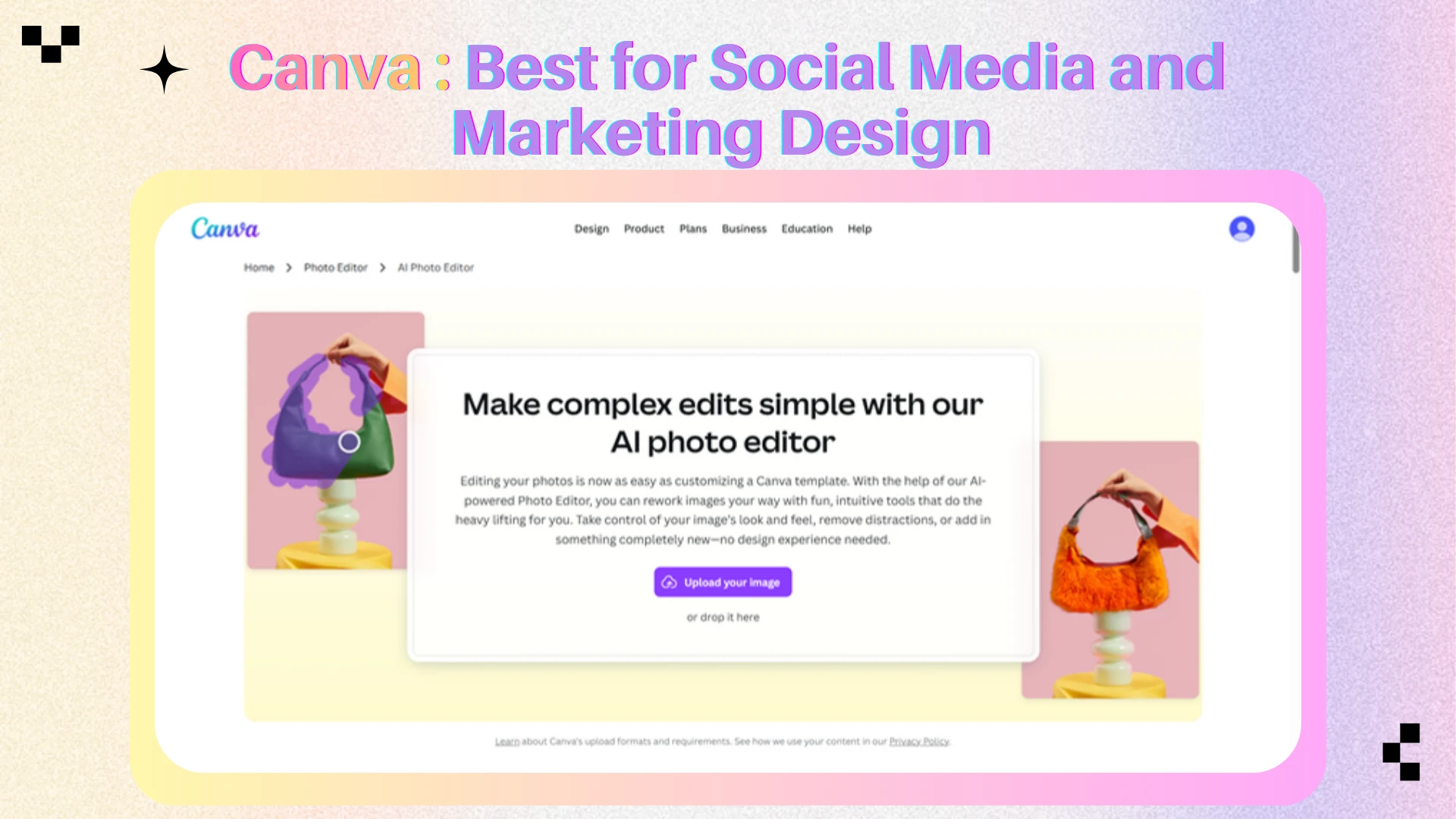
3. Pixlr — Best All-Around Online Image Editor
Pixlr combines intuitive editing, layer support, and AI-powered tools for both quick edits and advanced workflows.
Key Features
Layer editing
AI background removal
Generative Fill
Generative Expand
AI image generation
Filters and effects
Object removal
Why It Excels
Pixlr combines AI-powered tools like Generative Fill and Generative Expand with traditional editing features, making it suitable for both quick edits and advanced workflows.
Pros
Strong AI capabilities
Layer support
Beginner-friendly
Fast browser experience
Cons
Free plan includes ads
AI usage limits on free tier
Export restrictions
Best For
Users looking for a balance between traditional editing and AI-powered workflows.
Pricing
Free plan available
Premium plans start around $1.99/month. 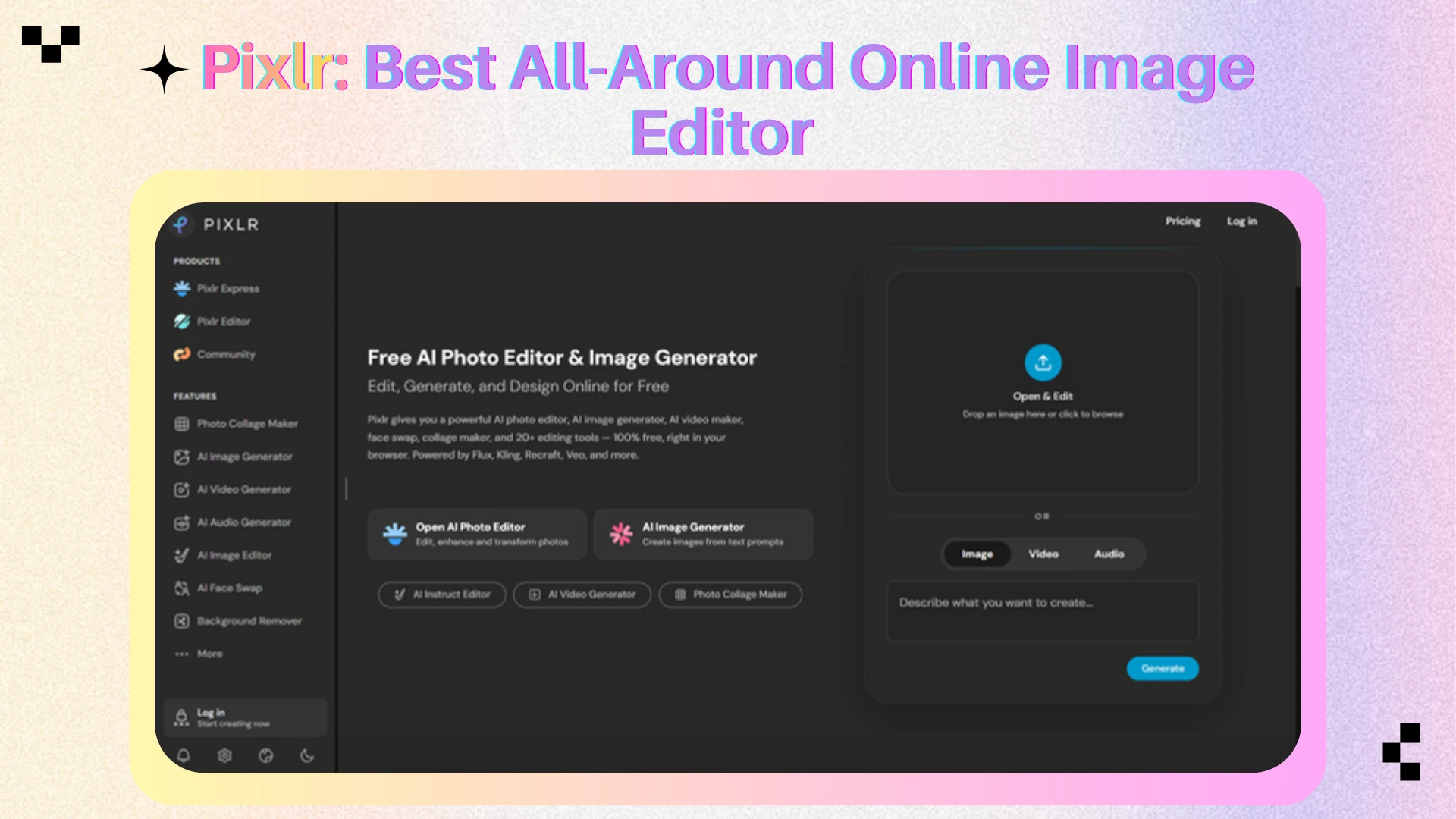
4. Fotor — Best for Portrait Enhancement and One-Click Editing
Fotor uses AI-powered tools to simplify portrait retouching and photo enhancement for everyday users.
Key Features
AI photo enhancement
Portrait retouching
Beauty tools
Background removal
AI filters
Collage creation
Design templates
Why It Excels
Fotor excels at one-click photo enhancement, automatically improving lighting, color, sharpness, and portraits with minimal effort.
Pros
Extremely beginner friendly
Fast enhancement workflow
Strong portrait tools
Good mobile experience
Cons
Limited professional controls
Watermarks on some features
Premium features locked behind subscription
Best For
Portrait photography, influencer content, and casual photo editing.
Pricing
Free plan available
Premium plans start around $8.99/month. 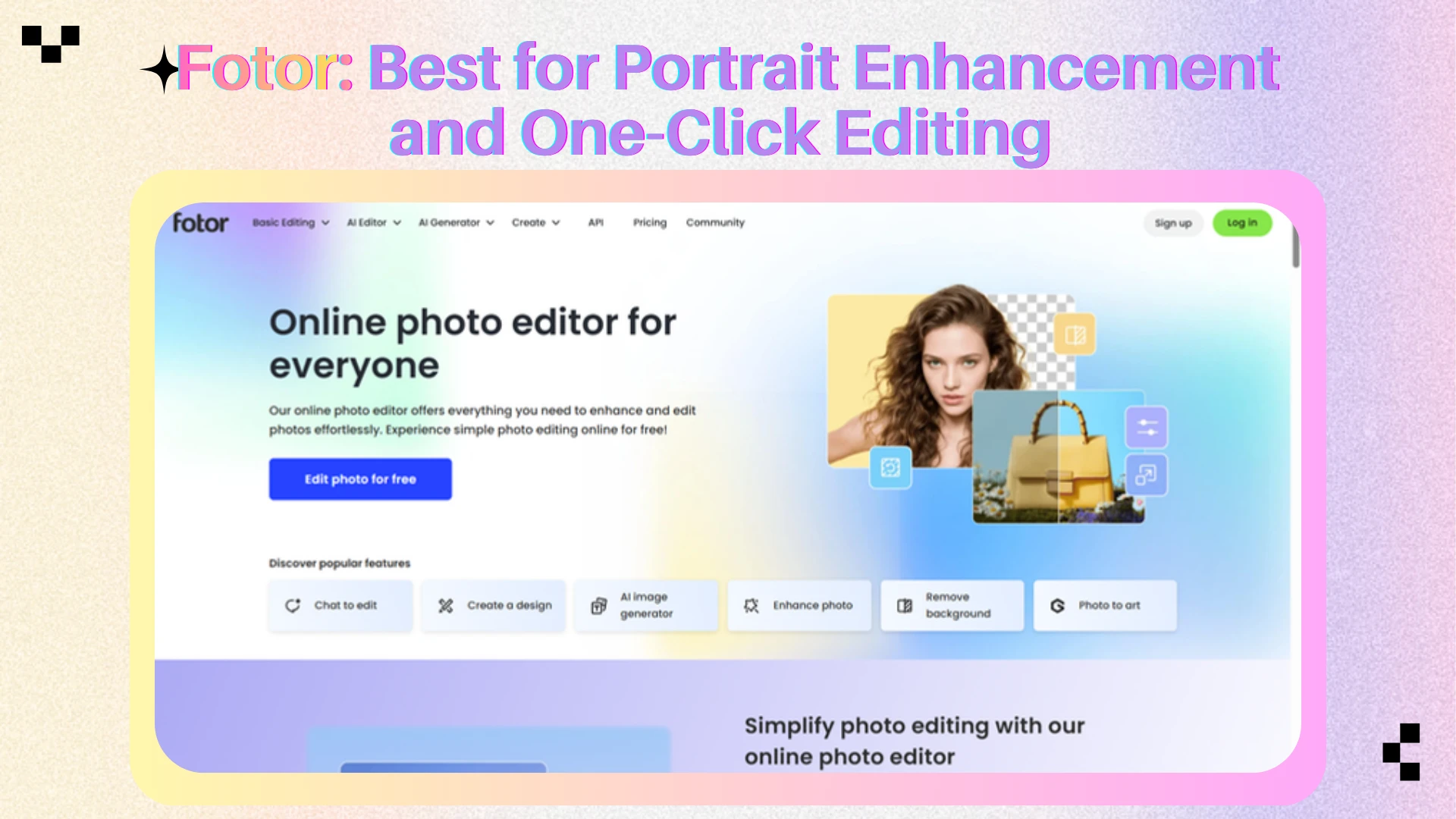
5. Picsart — Best for Creative Effects and Content Creation
Picsart combines AI editing, creative effects, and templates, making it popular among social media creators and content makers.
Key Features
AI image generation
Creative effects
Filters
Stickers
Text tools
Background removal
Social media templates
Mobile-first editing
Why It Excels
Picsart makes it easy for creators to produce eye-catching social media content using creative effects, overlays, templates, and AI-powered editing features.
Pros
Huge effects library
Excellent mobile experience
Strong creator community
Frequent feature updates
Cons
Professional editing tools are limited
Free plan contains ads
Some outputs can feel template-driven
Best For
Creators focused on social media content and visual experimentation.
Pricing
Free plan available
Premium subscriptions unlock additional effects, AI tools, and content assets.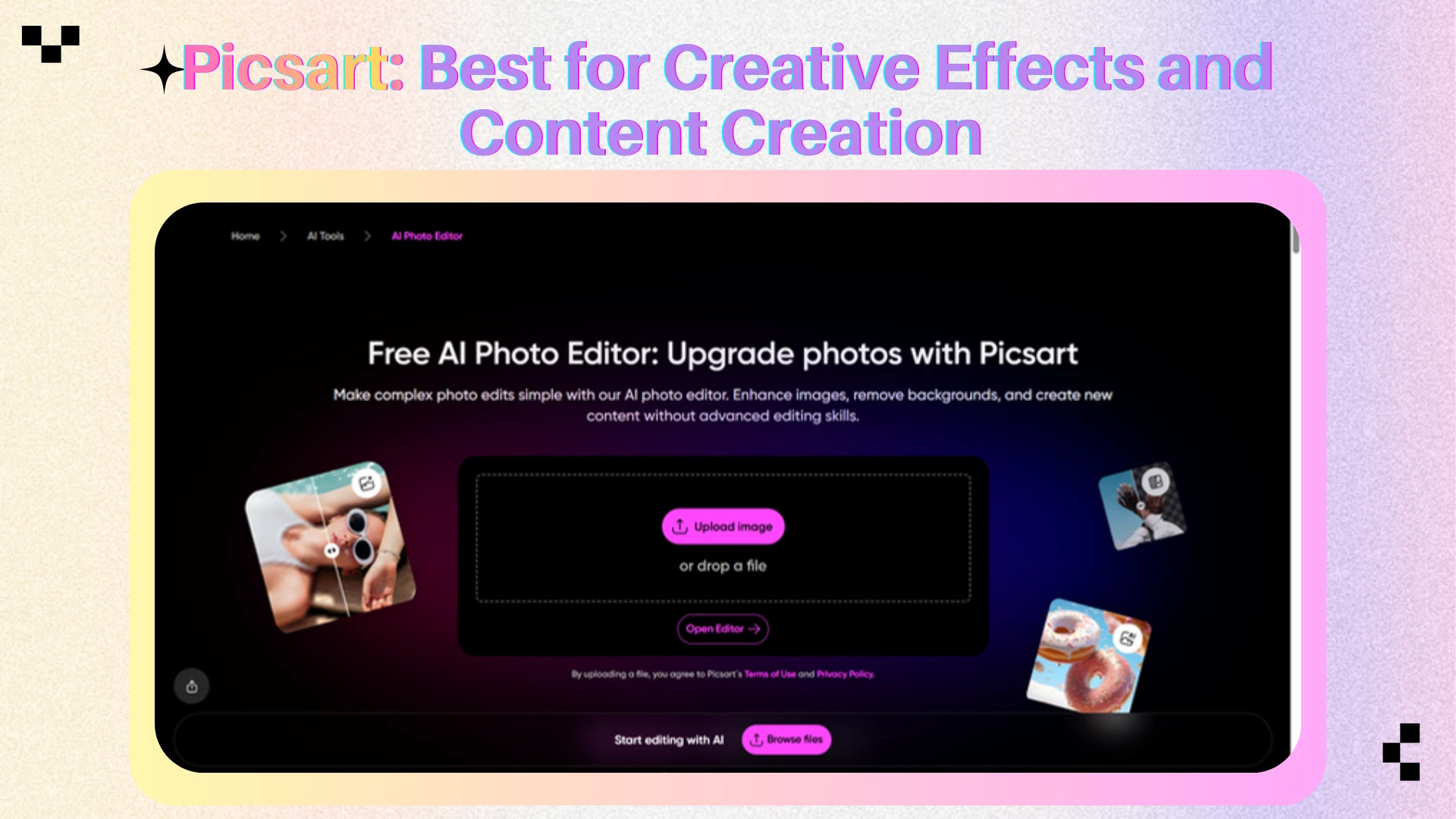
6. Photopea — Best Photoshop Alternative in a Browser
Photopea offers professional-grade editing with PSD support, layers, masks, and advanced tools, making it the closest browser-based alternative to Photoshop.
Key Features
PSD, XD, Sketch, and RAW support
Layer-based editing
Smart Objects
Advanced selections
Adjustment layers
Masks and blend modes
Text and vector tools
Why It Excels
Photopea offers Photoshop-like editing in the browser, with PSD support, advanced tools, and full layer-based workflows.
Pros
Extremely powerful
Full PSD support
Professional editing tools
Completely browser-based
Cons
Steeper learning curve
Interface may overwhelm beginners
Limited AI editing features compared to newer platforms
Best For
Designers, photographers, and advanced users who need precise control.
Pricing
Free plan available
Premium plan starts around $5/month.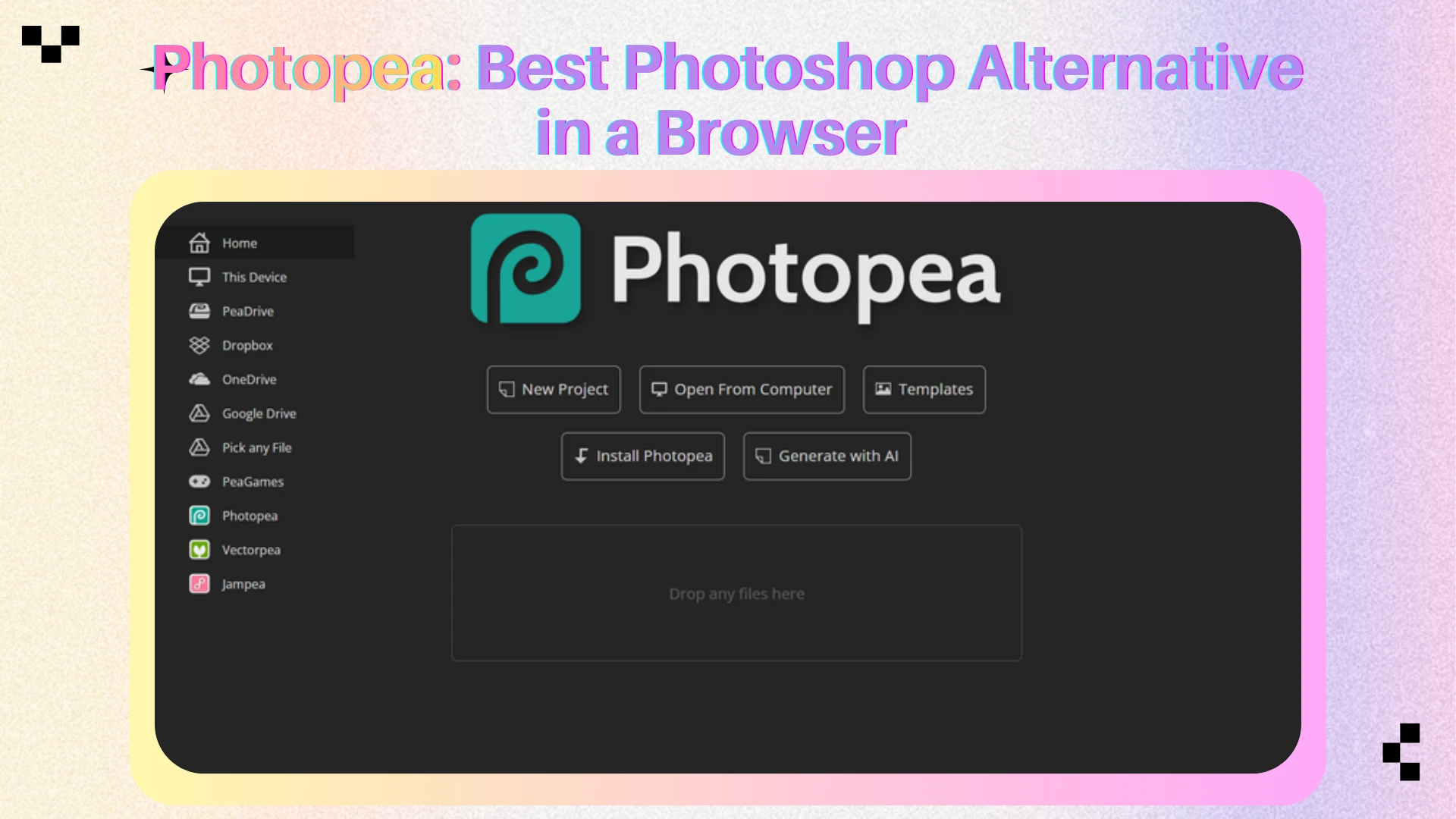
7. Remove.bg — Best for Background Removal
Remove.bg specializes in fast and accurate background removal, making it one of the most popular tools for creating clean cutouts in seconds.
Key Features
One-click background removal
Transparent PNG export
Batch processing
API integrations
Ecommerce workflows
Team collaboration options
Why It Excels
Remove.bg excels at removing backgrounds in seconds, making it a popular choice for ecommerce, marketing, and content creation.
Pros
Extremely fast
High-quality cutouts
Easy to use
Excellent automation
Cons
Specialized tool rather than full editor
HD exports require credits
Limited editing capabilities
Best For
Product photography, ecommerce listings, profile photos, and marketing assets.
Pricing
Free low-resolution exports
Premium pricing based on image credits.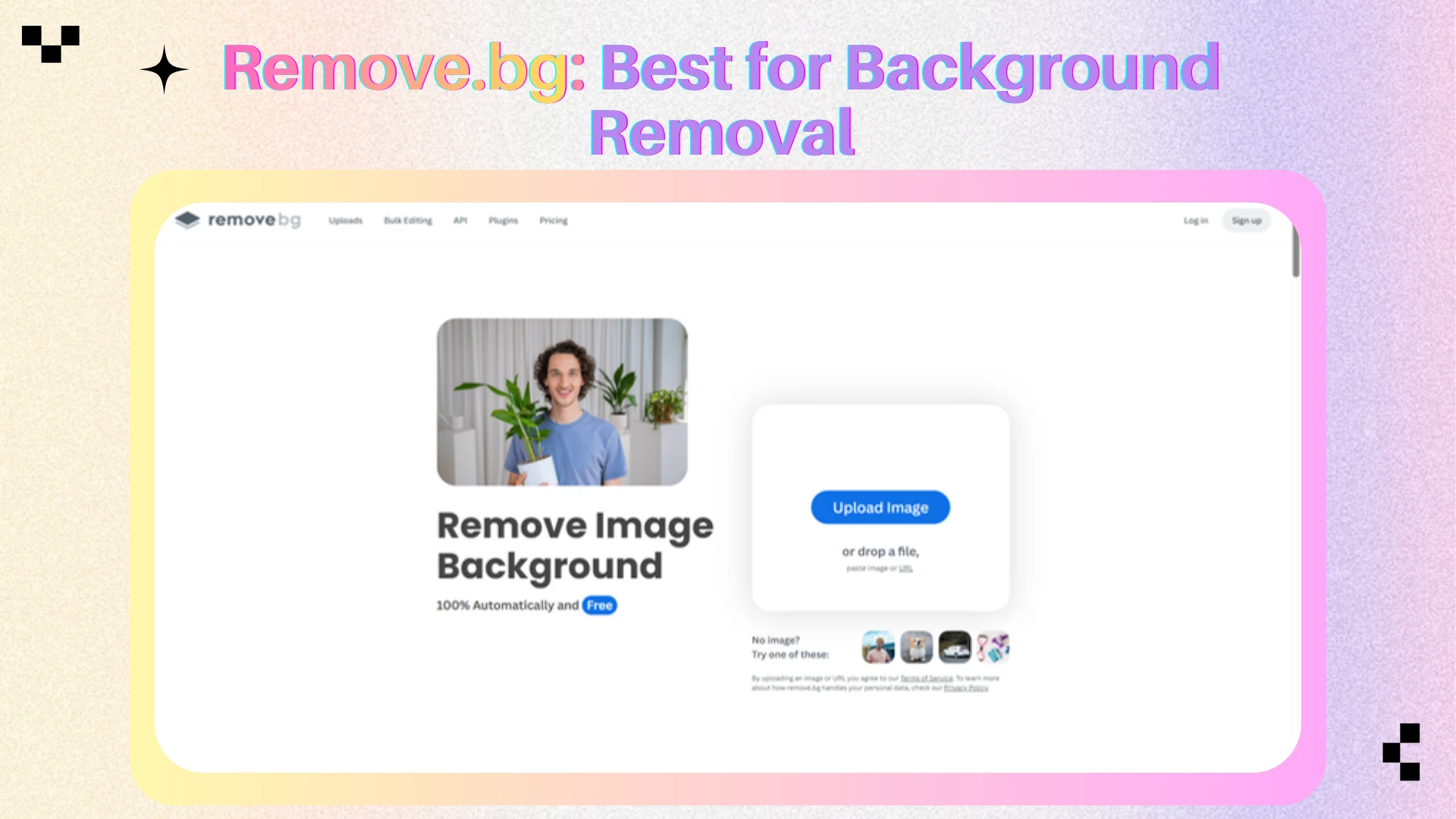
8. BeFunky — Best for Quick Graphic Design
BeFunky combines photo editing, graphic design, and collage tools in a simple browser-based platform for quick content creation.
Key Features
Photo editing
Graphic design templates
Collage maker
AI enhancement
Portrait retouching
Background removal
Creative effects
Why It Excels
BeFunky combines simplicity and flexibility, making it ideal for quick photo edits, social media graphics, and promotional content.
Pros
Beginner friendly
Strong template library
Easy workflow
Good balance of editing and design
Cons
Fewer advanced features
Premium tools locked behind subscription
Not ideal for professional retouching
Best For
Small businesses, bloggers, educators, and casual creators.
Pricing
Free plan available
Premium plans unlock advanced features and content.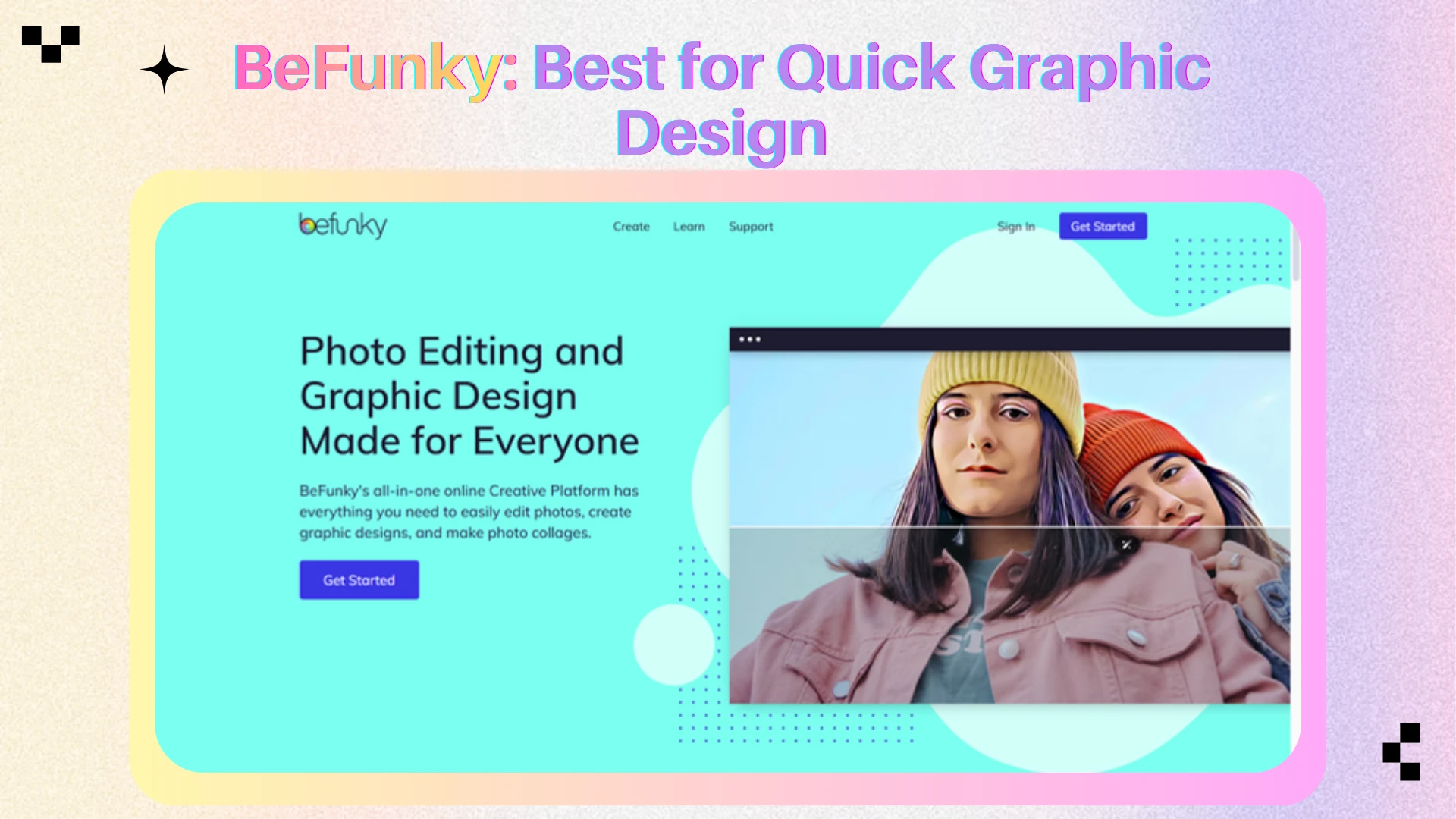
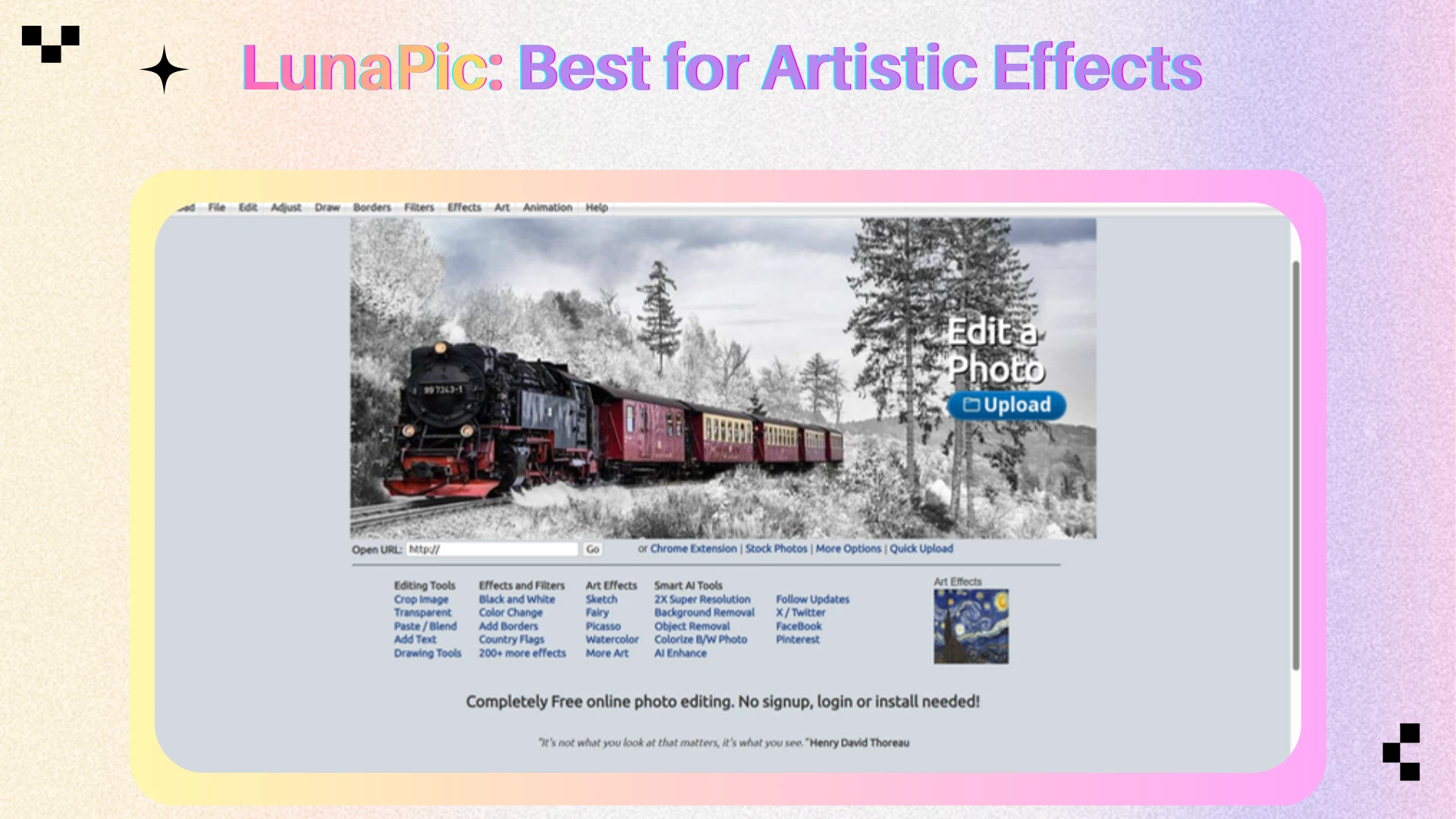
9. LunaPic — Best for Artistic Effects
LunaPic offers a wide range of artistic effects, filters, and animations, making it a popular choice for creative image transformations.
Key Features
Hundreds of effects
Artistic filters
GIF editing
Animation tools
Drawing tools
Basic editing functions
Why It Excels
LunaPic stands out for its artistic effects, animations, and creative image transformations beyond traditional photo editing.
Pros
Huge collection of effects
Completely free
No account required
Unique creative options
Cons
Outdated interface
Limited professional workflows
Less suitable for commercial design work
Best For
Creative experimentation, artistic projects, memes, and animated graphics.
Pricing
Free.
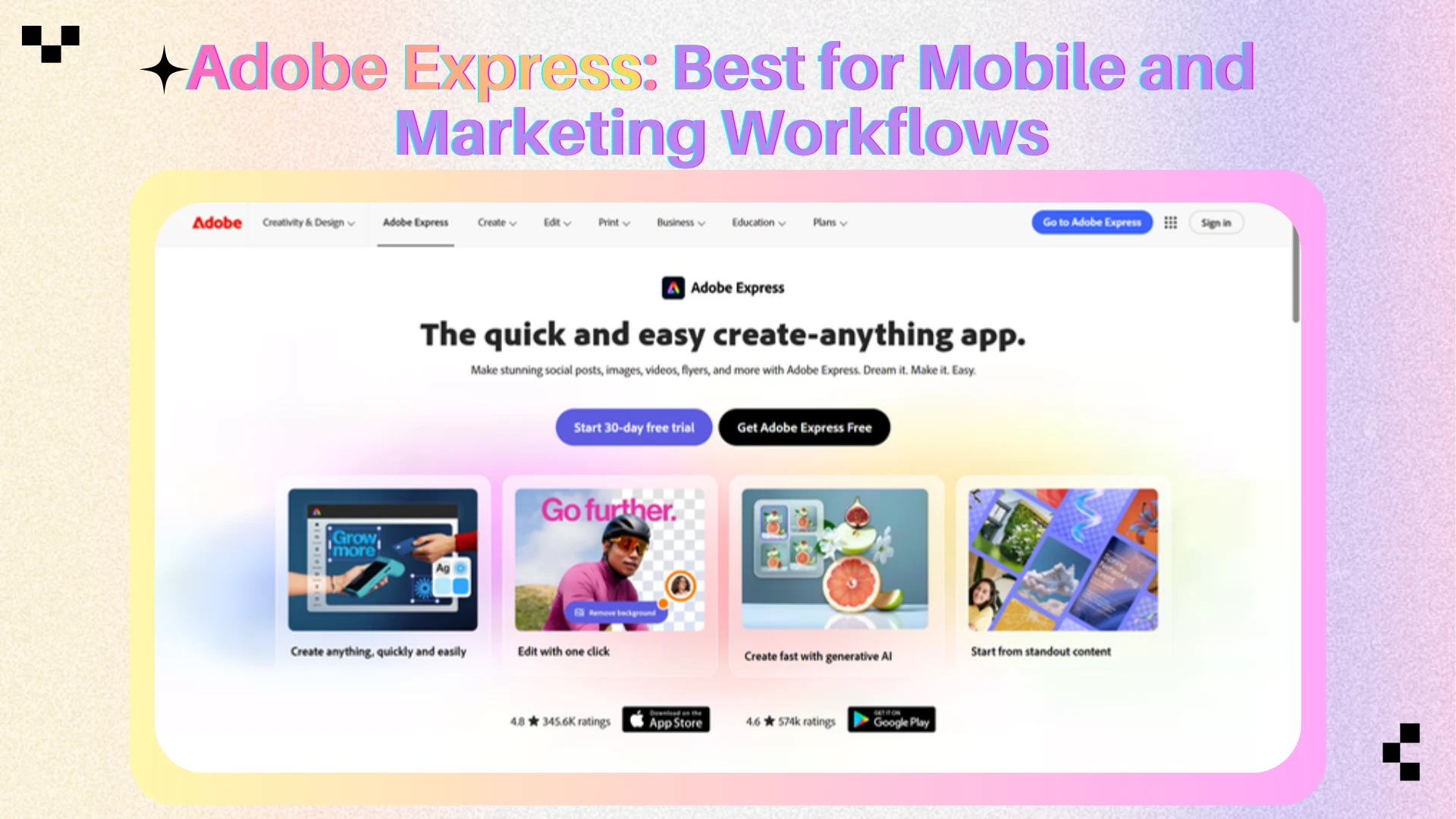
10. Adobe Express — Best for Mobile and Marketing Workflows
Adobe Express combines AI-powered editing, templates, and branding tools to help users create marketing content quickly and efficiently.
Key Features
Social media templates
AI-powered editing
Background removal
Text effects
Brand management
Mobile editing
Adobe ecosystem integration
Why It Excels
Adobe Express combines AI-powered editing, templates, and branding tools for fast content creation and marketing workflows.
Pros
Excellent mobile experience
Strong template ecosystem
Adobe integration
Easy collaboration
Cons
Limited advanced editing
Some AI tools require premium access
Less flexible than Photoshop
Best For
Marketing teams, entrepreneurs, and Adobe ecosystem users.
Pricing
Free plan available
Premium plans available through Adobe subscriptions.
Which Tool Should You Choose?
The best online image editing tool depends entirely on your workflow.
For AI Enhancement and Image Effects
AIEnhancer: If your primary goal is improving image quality, applying AI-powered effects, removing objects, expanding images, or working with modern AI editing workflows, AIEnhancer offers the most balanced solution.
For Social Media Design
Canva: Ideal for creators and marketers who need templates, team collaboration, and fast content production.
For General-Purpose Editing
Pixlr: A strong balance between traditional editing and modern AI features.
For Portrait Retouching
Fotor: Best for beauty enhancement, portrait corrections, and one-click improvements.
For Creative Effects
Picsart: Excellent for creators focused on highly visual social content.
For Professional Editing
Photopea: The strongest browser-based option for advanced editing and PSD workflows.
For Background Removal
Remove.bg: The fastest solution for clean background extraction.
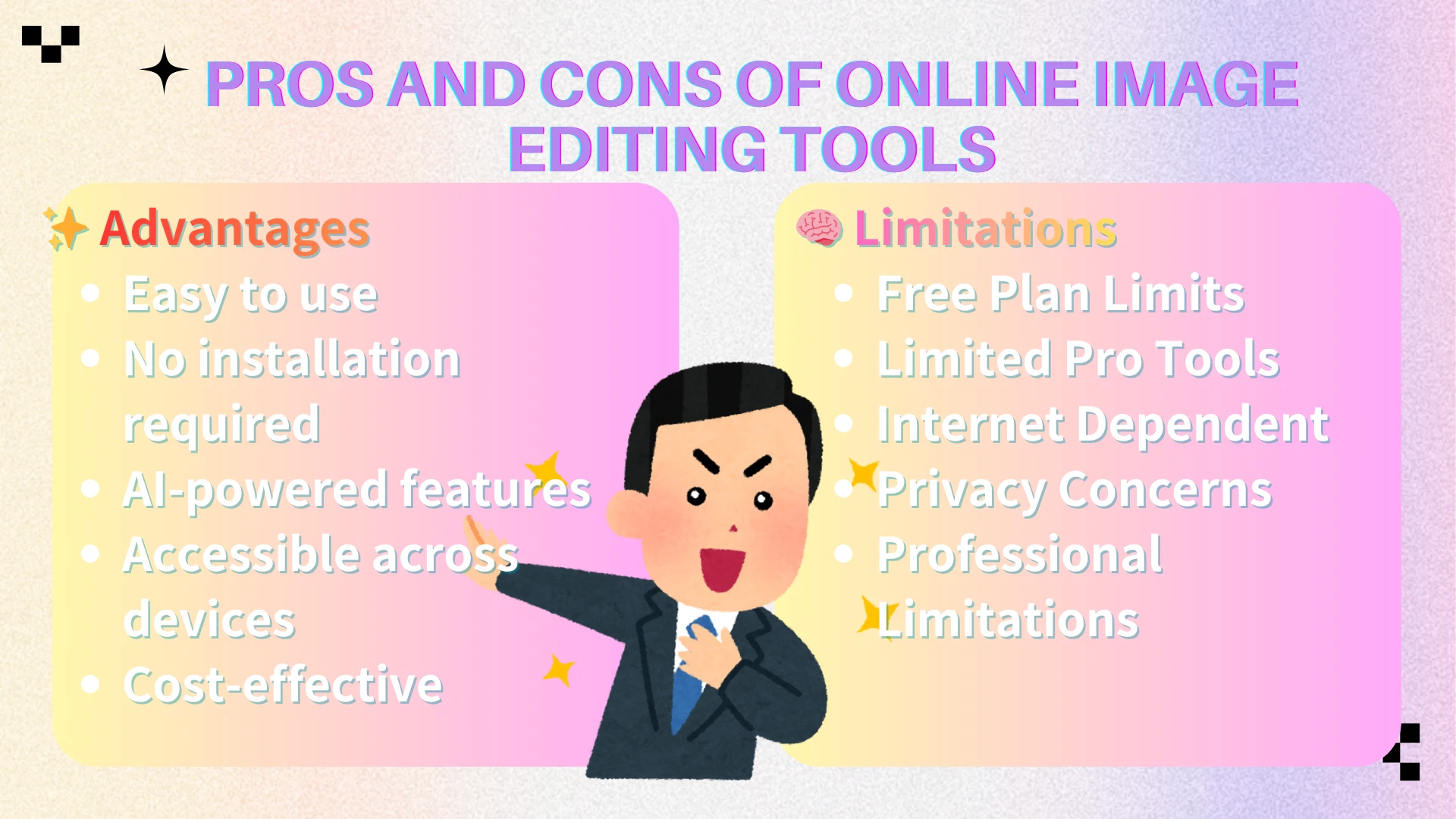
Pros and Cons of Online Image Editing Tools
Advantages
Easy to use — Most online editors are designed for beginners and require little to no editing experience.
No installation required — Users can edit images directly from a browser without downloading software.
AI-powered features — Many tools now include background removal, object removal, image enhancement, and generative editing.
Accessible across devices — Most platforms work on desktop, tablet, and mobile devices.
Cost-effective — Free plans are often sufficient for basic editing and content creation needs.
Limitations
Feature restrictions on free plans — Watermarks, export limits, ads, or AI usage caps are common.
Limited advanced editing controls — Some tools lack professional features such as detailed layer management and advanced selections.
Performance depends on internet connection — Large files may upload and process more slowly than desktop software.
Privacy considerations — Many cloud-based editors require images to be uploaded to external servers.
Not ideal for complex professional workflows — High-end retouching, print design, and advanced compositing may still require desktop applications.
Who Should Use Online Image Editors?
Online image editing tools are ideal for:
Content creators
Social media managers
Marketers
Ecommerce sellers
Bloggers
Students
Small businesses
For most everyday editing tasks, modern online editors provide a faster and more accessible alternative to traditional desktop software.
Final Verdict
The best online image editing tool depends on your needs. Canva is ideal for design, Photopea for advanced editing, Pixlr for versatility, and Fotor for quick enhancements. If you want image enhancement, editing, effects, and AI-powered workflows in a single platform, AIEnhancer is one of the strongest all-around choices in 2026.
Frequently Asked Questions
What is the best online image editing tool in 2026?
There is no single best tool for everyone. AIEnhancer is one of the strongest options for AI-powered enhancement and editing, Canva excels at design, and Photopea remains the best Photoshop alternative.
Which online editor is best for AI image enhancement?
AIEnhancer and Fotor are among the leading choices for AI-powered image enhancement. AIEnhancer provides additional editing capabilities beyond enhancement.
Can I edit images online without Photoshop?
Yes. Modern browser-based tools such as AIEnhancer, Pixlr, Canva, Fotor, and Photopea can handle most editing tasks without installing desktop software.
Which tool is best for removing image backgrounds?
Remove.bg remains one of the most specialized background removal tools, while AIEnhancer, Canva, Pixlr, and Picsart also provide background removal features.
Are free online image editors good enough for professional work?
In many cases, yes. Modern online editors can handle marketing content, ecommerce photography, social media assets, and many professional workflows that previously required desktop software.
What is the best editor for social media content?
Canva and Picsart are among the strongest options for social media creation because of their templates, effects, and content-focused workflows.
Which online image editor supports PSD files?
Photopea offers the most complete PSD support among browser-based editors.
What is the difference between image editing and image enhancement?
Image editing changes image content, while image enhancement improves image quality. Many modern AI tools now combine both capabilities.