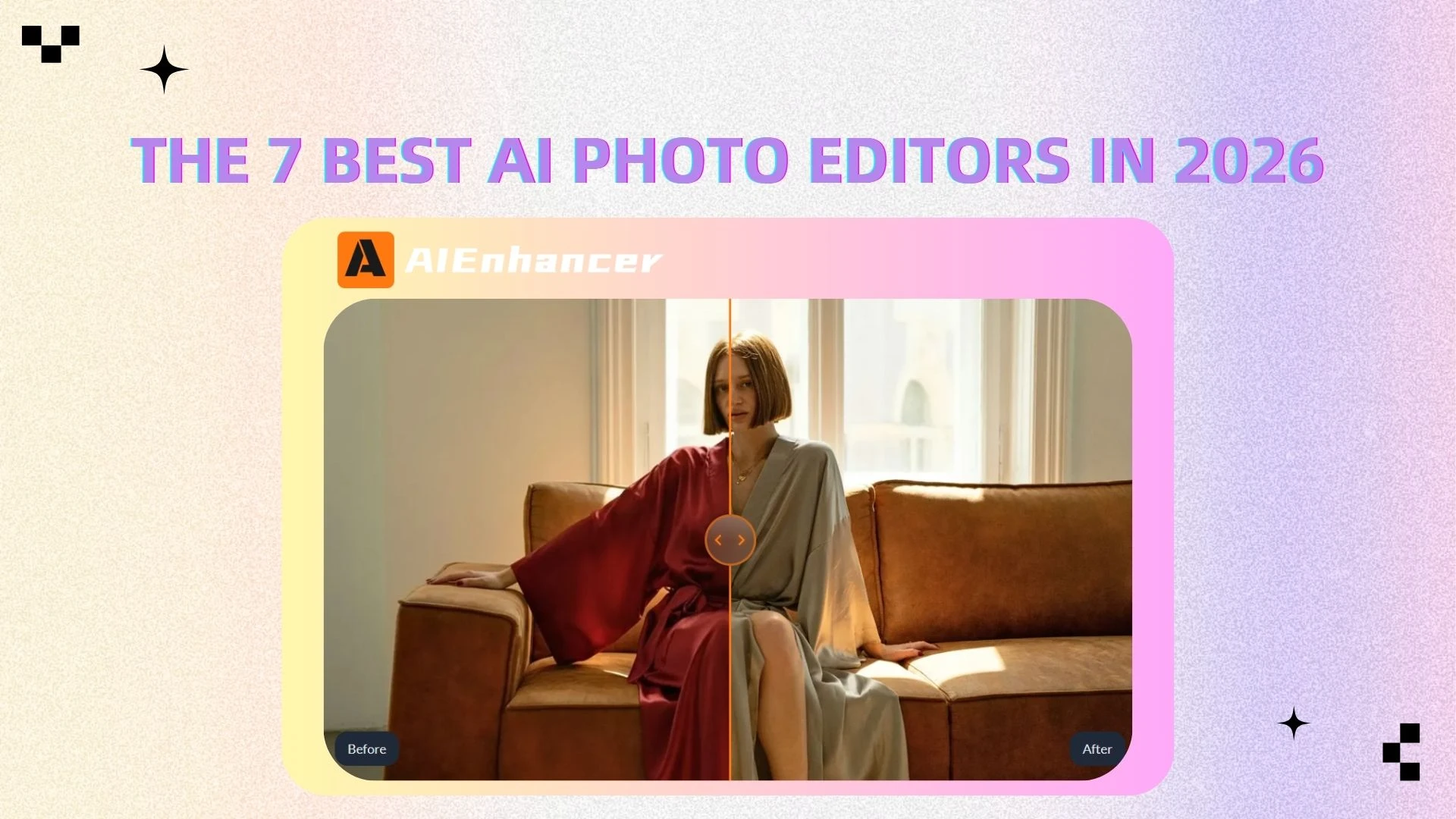
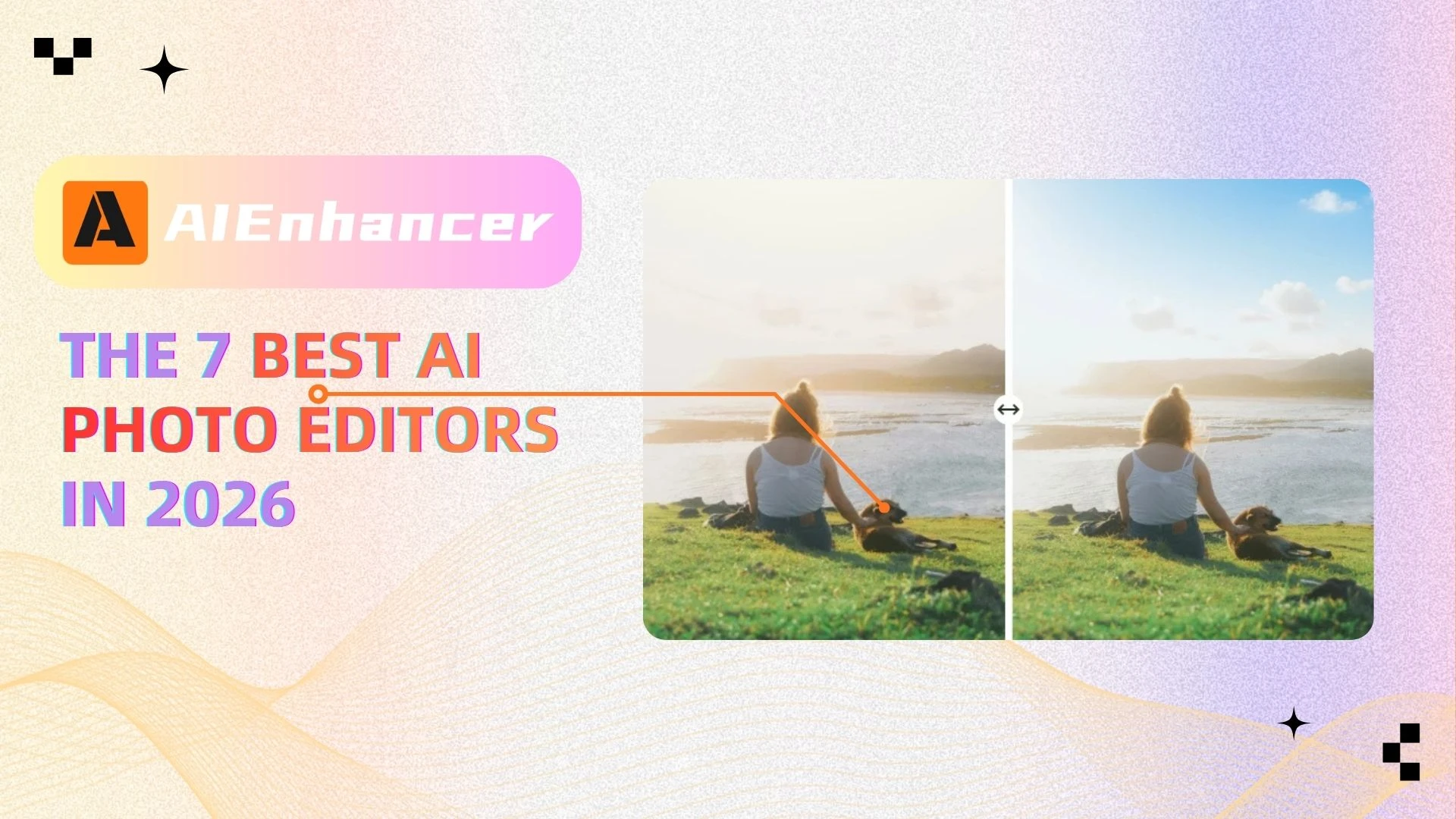
The 7 Best AI Photo Editors in 2026
Introduction
Most people don’t want to learn photo editing—they just want better images.
Whether you're uploading product photos, posting on social media, or improving old pictures, the goal is simple: make your images look sharper, clearer, and more professional. The problem? Traditional tools like Photoshop often require too much time, effort, and technical skill for tasks that should be quick.
That’s exactly why AI image editors are gaining so much attention.
Instead of manually adjusting brightness, contrast, and sharpness, modern tools can now enhance images automatically in seconds. There are no layers or complex workflows—just upload your image and let AI handle the rest.
In this guide, we’ll break down the best picture editing programs in 2026, compare traditional software with AI-powered alternatives, and help you find the right tool based on your needs.
How to Choose the Best Picture Editing Software
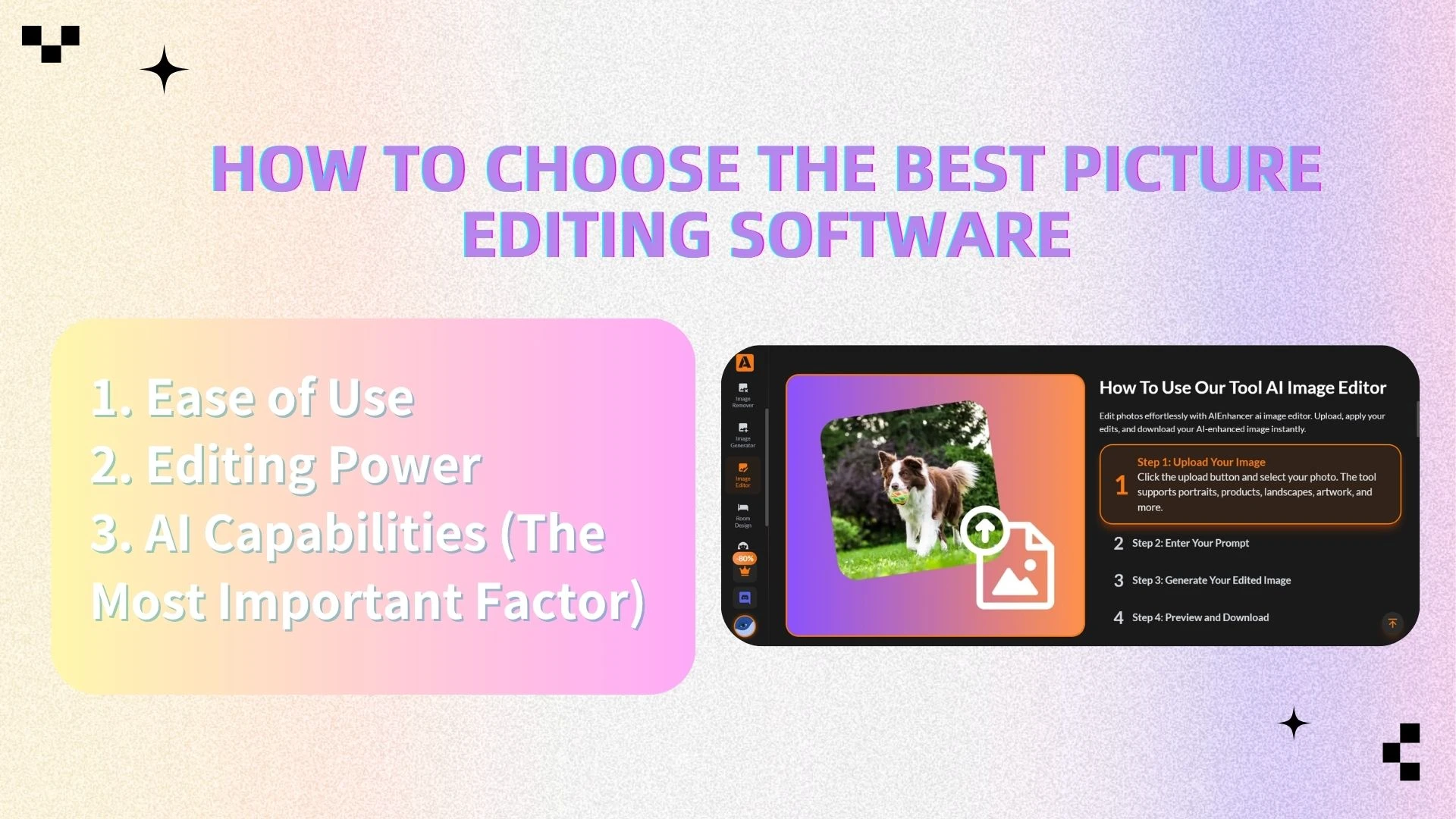
Not all photo editing tools are created equal. The definition of the “best” software depends on your needs—but there are three key factors that matter most today.
1. Ease of Use
For most users, simplicity is critical.
Traditional tools often require hours (or days) to learn. The best modern editors allow you to:
Edit images in seconds
Avoid complex manual adjustments
Get professional results without experience
AI-powered tools excel here by automating the entire process.
2. Editing Power
Professional-level features still matter, especially for advanced users.
Look for tools that offer:
Layer-based editing
RAW image processing
Filters and color adjustments
However, for most everyday use cases, you don’t need full manual control—you need efficient results.
3. AI Capabilities (The Most Important Factor)
This is where modern tools stand out.
The best picture editing programs now include:
AI image enhancement (sharpness, color, clarity)
AI restoration (fix blur, noise, low resolution)
AI upscaling (increase image size without losing quality)
👉 Today, AI + ease of use = the new standard for photo editing software
📊 Product Comparison Table
| Tool | Best For | AI Features | Ease of Use | Platform |
|---|---|---|---|---|
| AIEnhancer | Fast enhancement | ⭐⭐⭐⭐⭐ | ⭐⭐⭐⭐⭐ | Online |
| Adobe Photoshop | Professional design | ⭐⭐⭐ | ⭐⭐ | Desktop |
| Adobe Lightroom | Photography | ⭐⭐⭐⭐ | ⭐⭐⭐ | Desktop/Mobile |
| Canva | Beginners | ⭐⭐⭐ | ⭐⭐⭐⭐⭐ | Online |
| Luminar | Creative AI | ⭐⭐⭐⭐⭐ | ⭐⭐⭐⭐ | Desktop |
| GIMP | Free users | ⭐⭐ | ⭐ | Desktop |
| Photopea | Online editing | ⭐⭐ | ⭐⭐⭐ | Online |
👉 As you can see, AIEnhancer leads in both AI capability and ease of use, making it the best choice for most users.
🏆 Best AI Image Editor for Instant Results
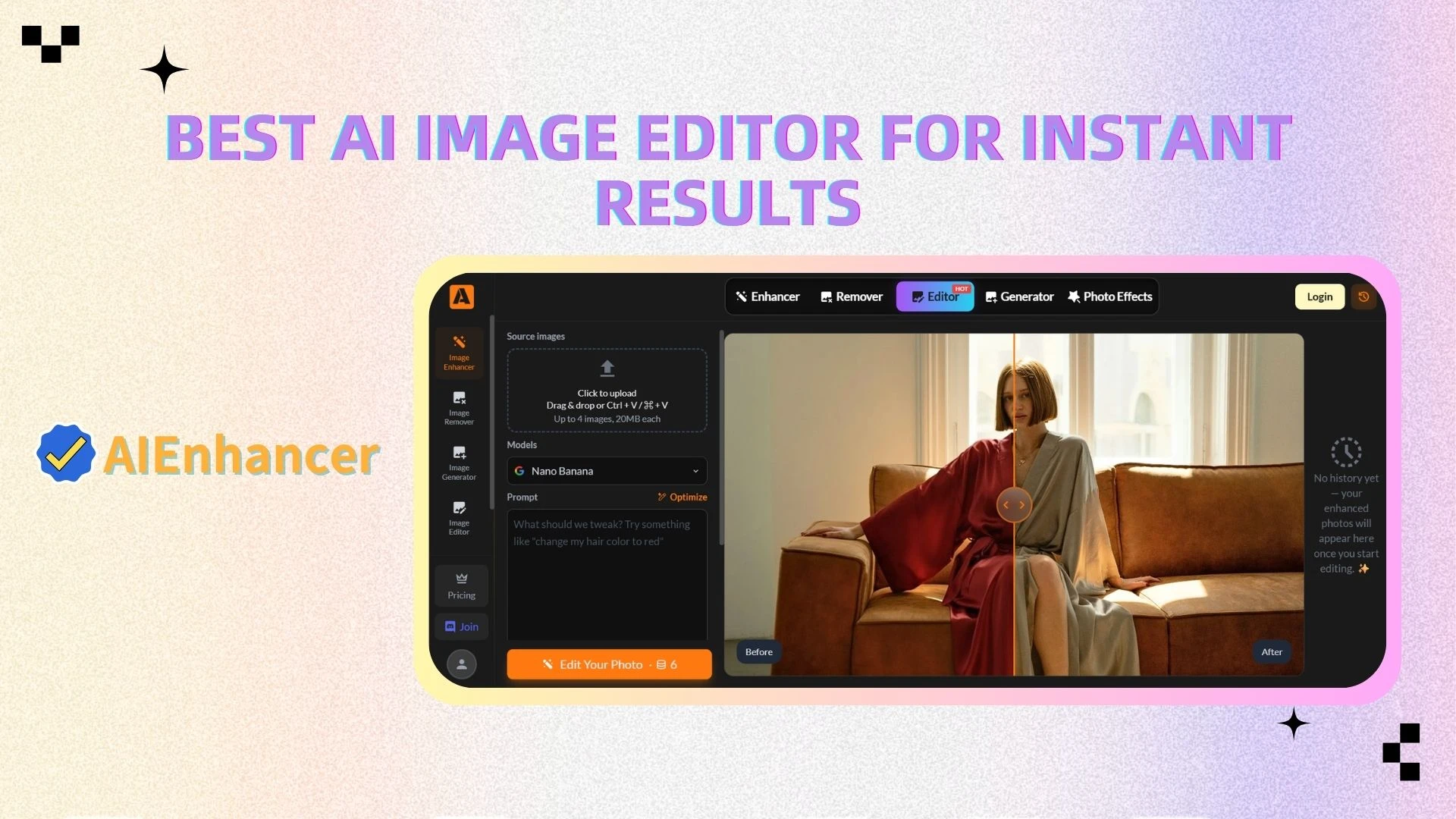
AIEnhancer
Overview
AIEnhancer is a next-generation AI image editor designed to simplify photo editing through automation. Unlike traditional software that requires manual adjustments, AIEnhancer leverages neural-network architectures to orchestrate instant visual synthesis and correction.
Whether you're working with low-resolution images, blurry photos, or dull visuals, AIEnhancer can transform them into sharp, vibrant, high-quality images in seconds—all directly in your browser.
Key Features
One-click AI image enhancement (sharpness, color, contrast)
AI upscaling (increase resolution without quality loss)
Automatic blur and noise reduction
Smart detail recovery for low-quality images
Fully online—no download or installation required
Fast processing with real-time results
Advantages
No learning curve: Perfect for beginners and non-designers
Time-saving: Enhances images in seconds instead of minutes or hours
High-quality output: Delivers professional-grade results automatically
Accessible anywhere: Works directly in your browser
Versatile use cases: Ideal for e-commerce, social media, marketing, and personal use
👉 Unlike traditional tools, AIEnhancer eliminates the need for manual editing. The AI handles everything—from enhancement to restoration—making it the most efficient solution for modern image editing.
Best For
E-commerce sellers
Content creators
Everyday users
👉 If you want fast, high-quality results with zero effort, AIEnhancer is the best AI image editor available today.
👉 Try AIEnhancer for free and enhance your images in seconds.
Adobe Photoshop
Overview
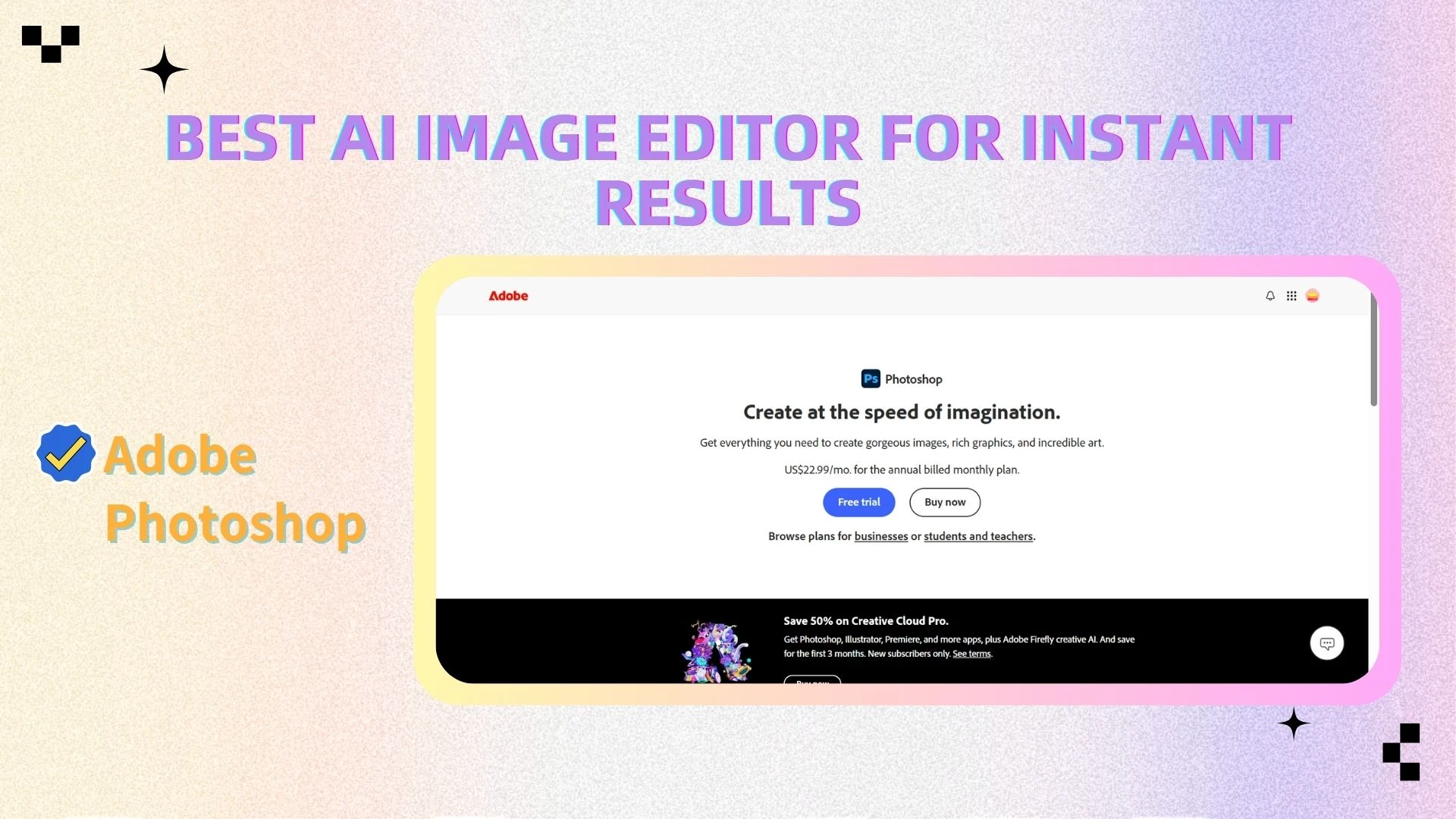
Adobe Photoshop remains the definitive ecosystem for granular, pixel-level manipulation. It offers a comprehensive set of tools for everything from basic photo adjustments to complex digital art and design work. However, its depth and flexibility come with a steep learning curve.
Key Features
Layer-based editing system
Advanced selection and masking tools
Extensive filters and effects
Support for RAW files and high-resolution images
Integration with other Adobe Creative Cloud apps
Advantages
Unmatched editing power: Suitable for any type of visual project
Full creative control: Every detail can be manually adjusted
Industry standard: Widely used by professionals worldwide
👉 Best for users who need maximum control and advanced editing capabilities.
Adobe Lightroom
Overview
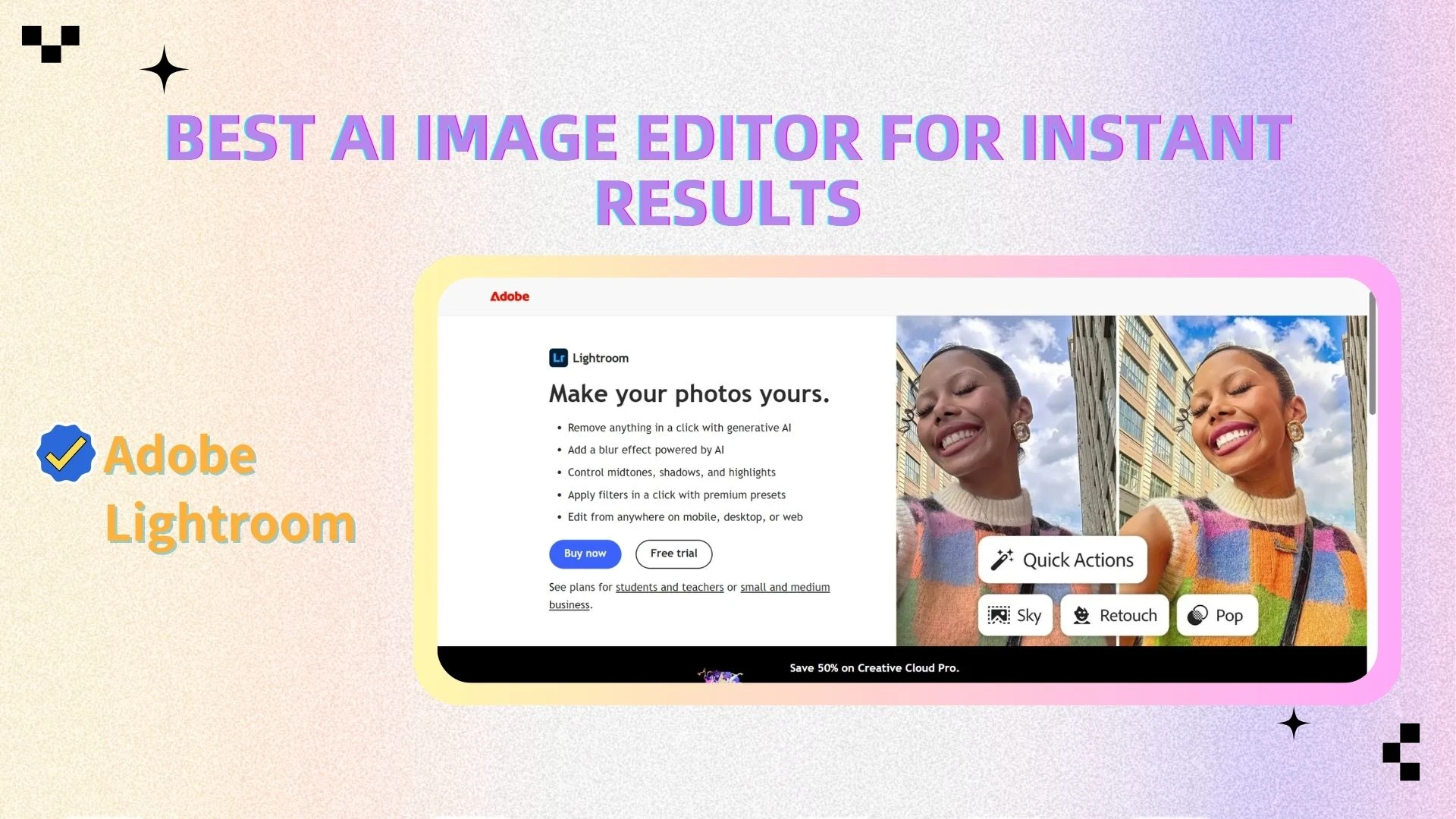
Adobe Lightroom is designed specifically for photographers who need efficient tools for organizing, editing, and processing large numbers of images. It focuses on workflow efficiency rather than complex design features.
Key Features
Non-destructive photo editing
Batch processing and presets
Advanced color grading tools
Photo organization and cataloging
Cloud syncing across devices
Advantages
Efficient workflow: Ideal for editing large photo collections
Consistent results: Presets help maintain a unified style
User-friendly interface: Easier to learn than Photoshop
👉 Best for photographers who need speed and organization.
Canva
Overview
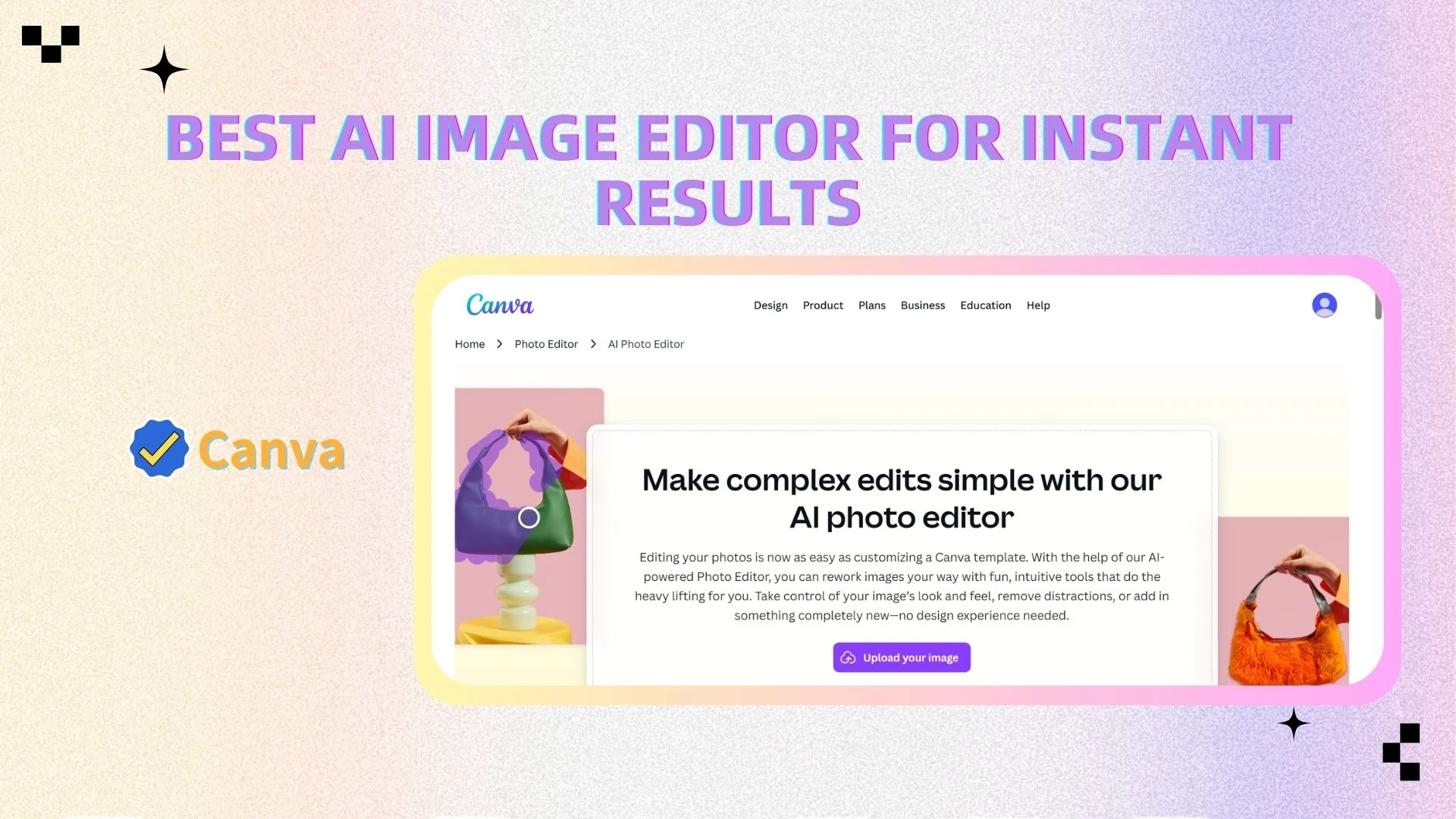
Canva is a beginner-friendly design platform that combines simple photo editing with ready-made templates. It is widely used for creating social media graphics, presentations, and marketing materials.
Key Features
Drag-and-drop editor
Thousands of templates
Built-in photo filters and effects
Text and graphic design tools
Online collaboration features
Advantages
Extremely easy to use: No design experience required
Fast content creation: Templates save time
All-in-one platform: Combines design and editing
👉 Best for beginners, marketers, and social media users.
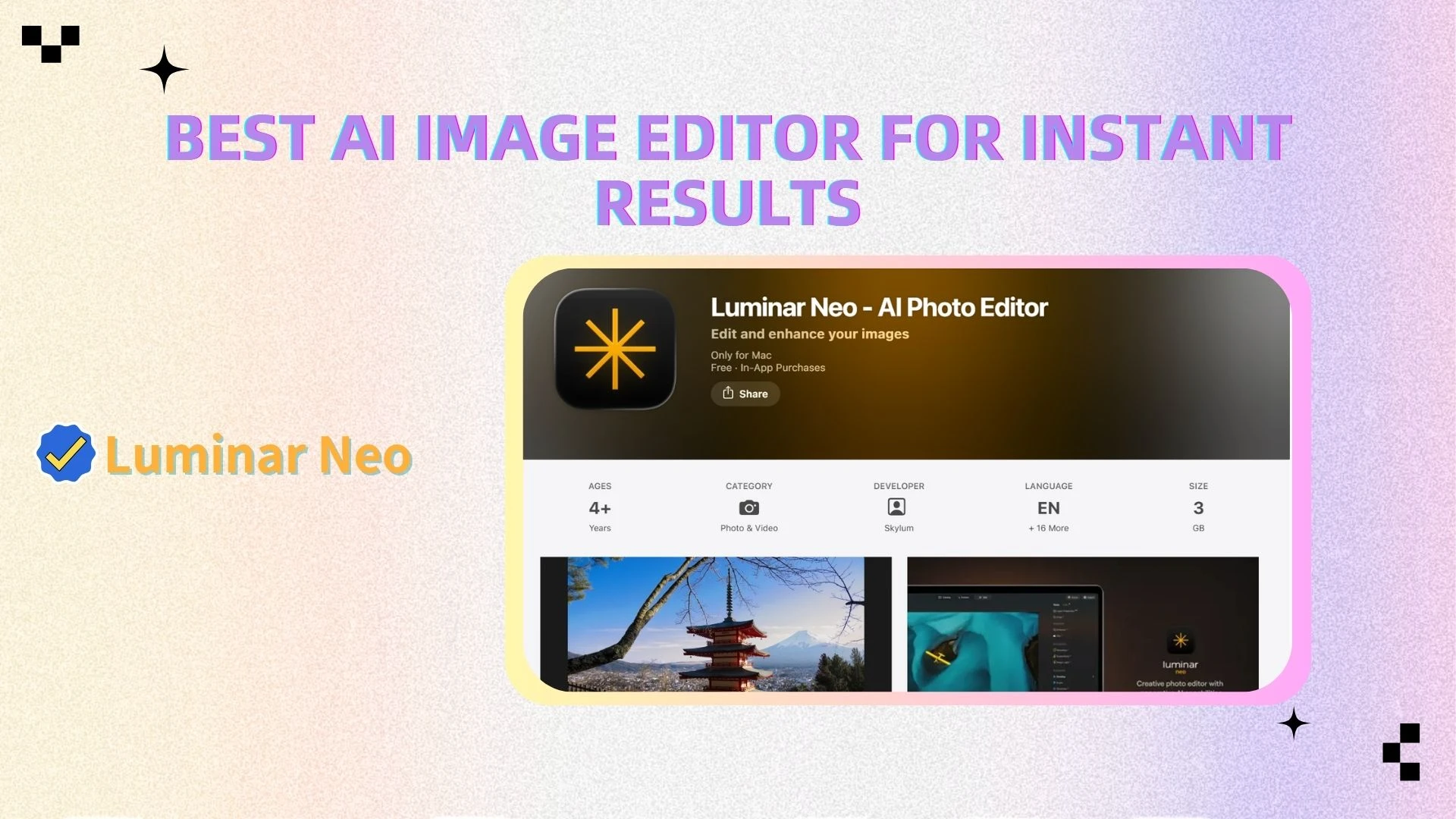
Luminar Neo
Overview
Luminar Neo is an AI-powered photo editor that specializes in generative atmosphere and semantic scene understanding. It offers automated tools for transforming images, especially in areas like landscape and portrait editing.
Key Features
AI sky replacement
AI portrait enhancement
Relighting and atmosphere effects
Layer-based editing support
Preset-driven workflows
Advantages
Strong AI capabilities: Automates complex edits
Creative flexibility: Ideal for artistic transformations
Faster than traditional tools: Reduces manual work
👉 Best for users who want creative AI-driven edits without deep technical skills.
GIMP
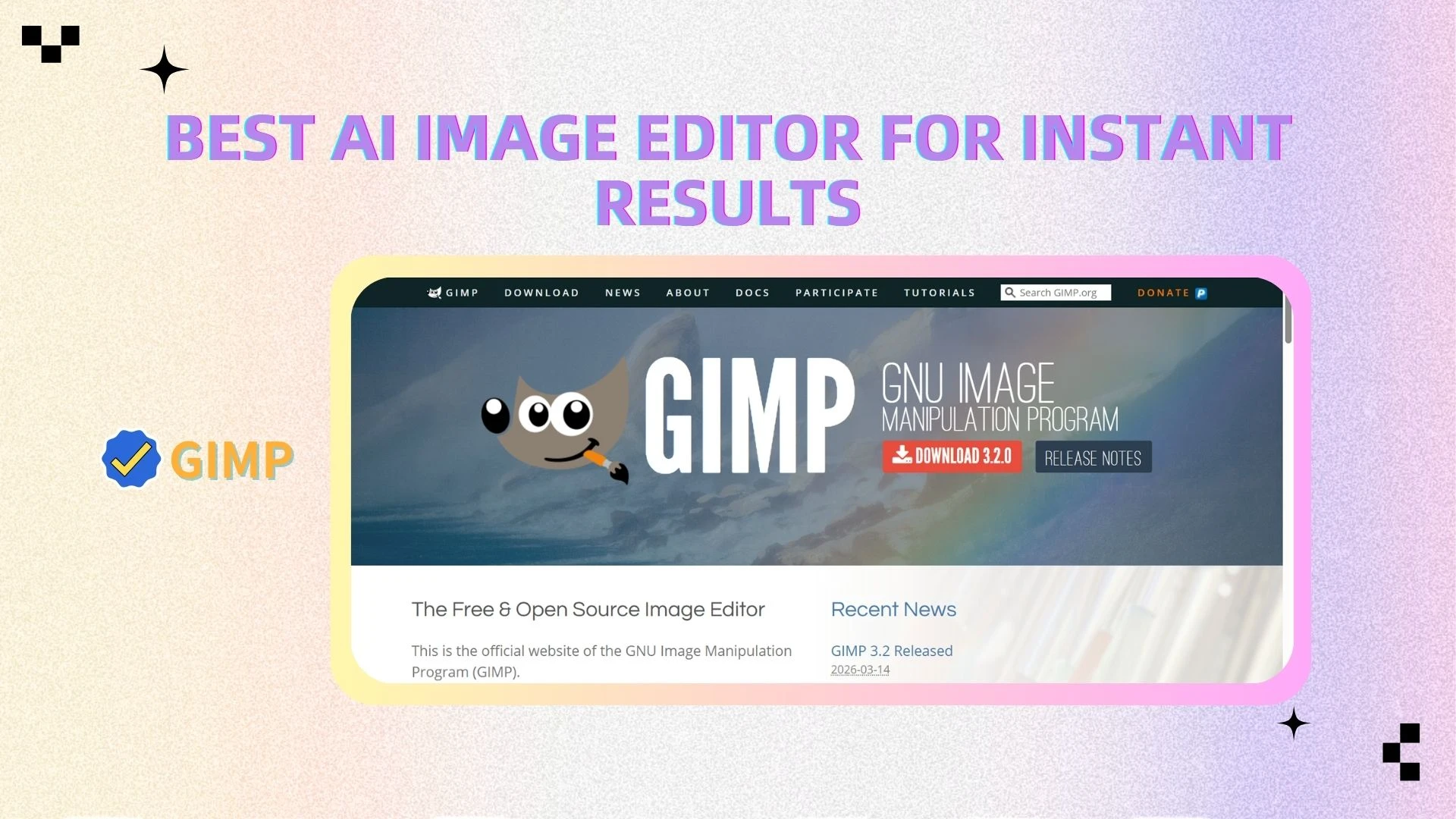
Overview
GIMP (GNU Image Manipulation Program) is a free, open-source image editor that offers many features similar to Photoshop. It is a powerful tool but less polished in terms of user experience.
Key Features
Layer-based editing
Custom brushes and plugins
Advanced selection tools
Support for multiple file formats
Open-source customization
Advantages
Completely free: No cost for full functionality
Highly flexible: Customizable through plugins
Powerful editing tools: Suitable for advanced users
👉 Best for users who want a free alternative and are willing to learn.
Photopea
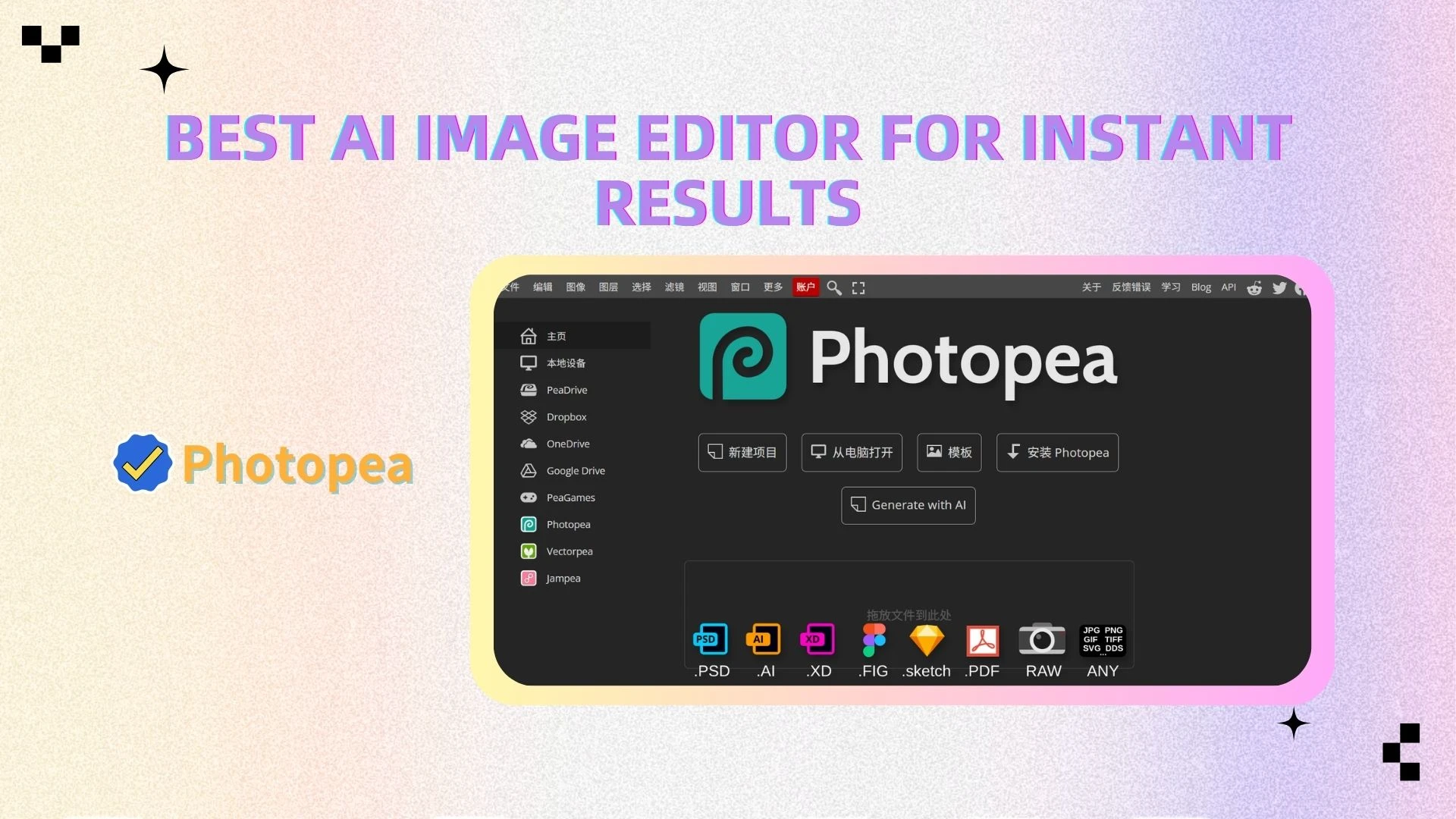
Overview
Photopea is a browser-based image editor that closely resembles Photoshop in both interface and functionality. It allows users to edit images without installing any software.
Key Features
Layer-based editing
PSD file support
Web-based interface
Basic filters and adjustments
Works on any device with a browser
Advantages
No installation required: Fully online
Familiar interface: Easy for Photoshop users
Accessible anywhere: Works across devices
👉 Best for quick edits and users who need a lightweight Photoshop alternative.
Use Cases: Choosing the Right Tool for Your Needs
Different users have different goals—and choosing the right photo editing software depends largely on what you're trying to achieve. Below, we break down the best tools based on real-world use cases, along with how traditional workflows compare to modern AI-powered solutions.
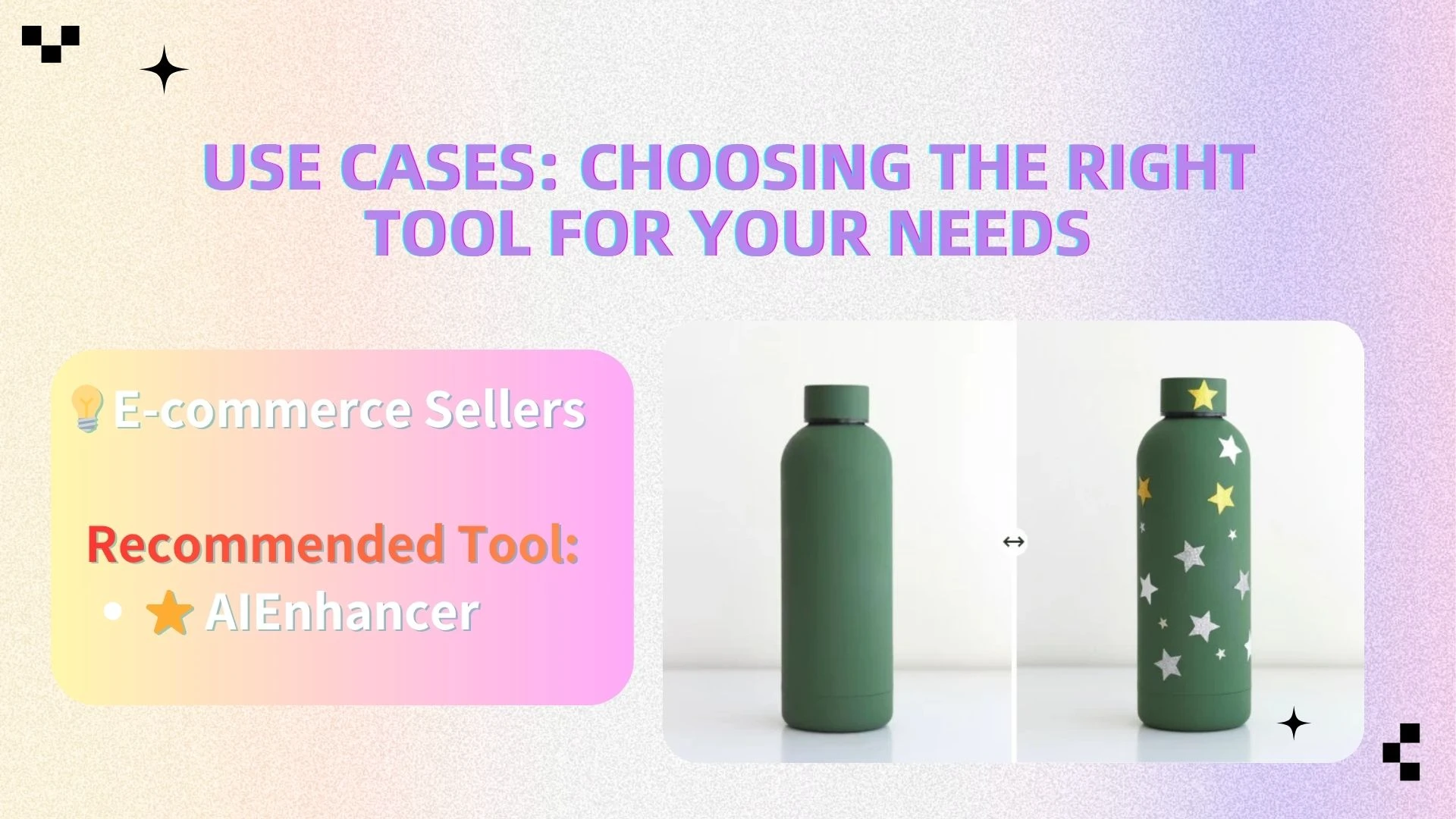
🛒 E-commerce Sellers
Use Case:
Product images look blurry, low-resolution, or poorly lit
Need consistent, high-quality visuals across listings
Want to improve click-through rates and conversions
Traditional Approach:
E-commerce sellers often rely on tools like Photoshop to manually sharpen images, adjust lighting, and fix imperfections. While effective, this process is time-consuming and requires editing skills—especially when dealing with large product catalogs.
AI Approach:
With AIEnhancer, product images can be instantly improved with one click. The AI automatically enhances clarity, sharpness, and detail, while also increasing resolution when needed—without any manual adjustments.
Recommended Tool:
- ⭐ AIEnhancer
Result:
Sharper, more professional-looking product images
Improved visual consistency across listings
Higher click-through rates and conversion performance
👉 For e-commerce, speed and consistency are critical—and AIEnhancer delivers both.
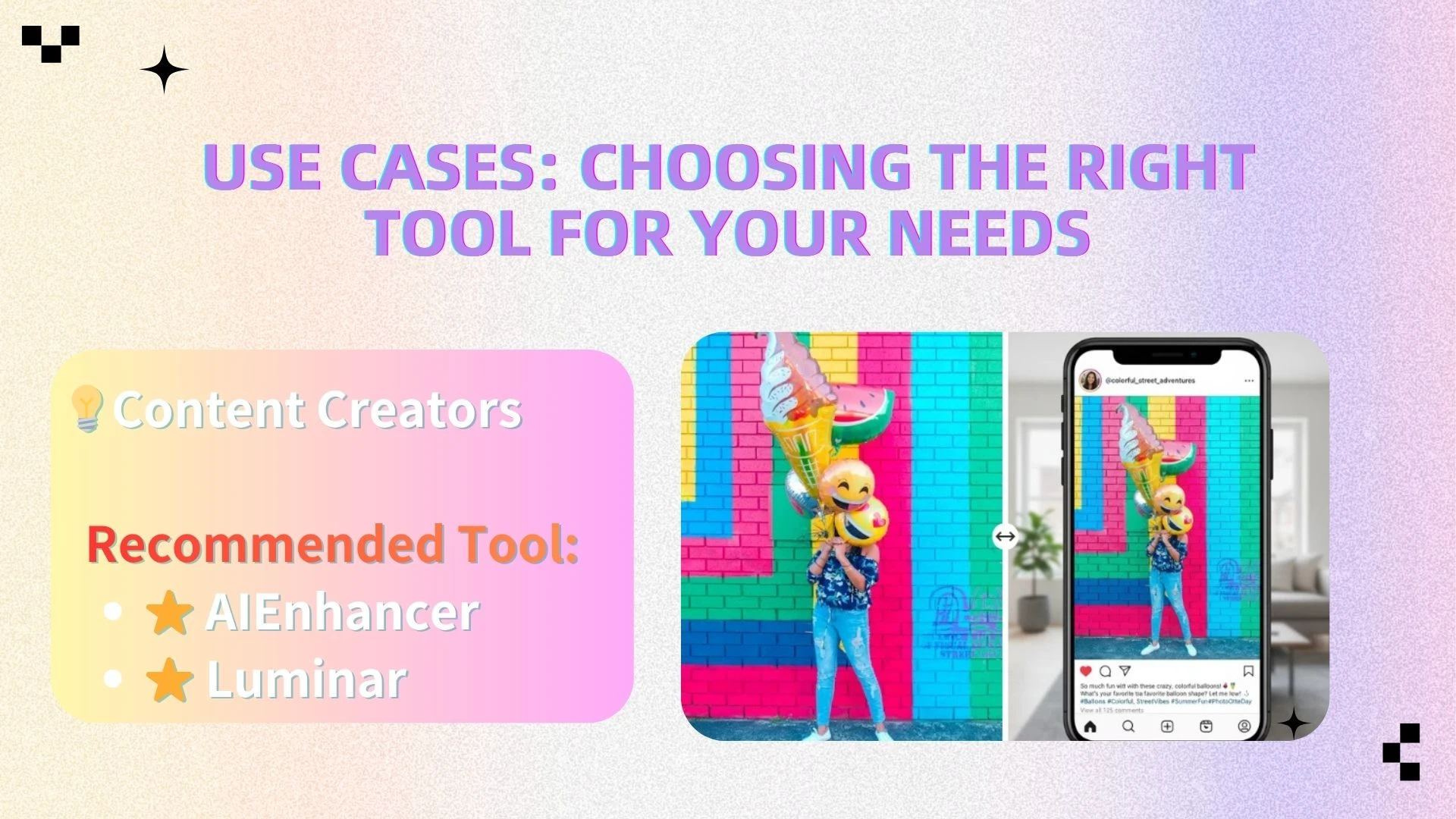
📱 Content Creators
Use Case:
Social media posts (Instagram, TikTok, YouTube thumbnails)
Visual content that needs to stand out in crowded feeds
Quick turnaround for daily or frequent posting
Traditional Approach:
Creators often spend time manually adjusting colors, applying filters, and tweaking contrast to make images more appealing. This can slow down content production and limit consistency.
AI Approach:
AIEnhancer automatically optimizes brightness, contrast, and sharpness, ensuring that images look vibrant and eye-catching instantly. For more stylized edits, tools like Luminar can add creative effects.
Recommended Tools:
AIEnhancer (fast optimization and quality boost)
Luminar (creative enhancements and effects)
Result:
More visually appealing content
Faster content production workflow
Increased engagement (likes, shares, comments)
👉 In fast-paced content environments, AI tools give creators a major speed advantage.
👶 Beginners
Use Case:
Everyday photo editing
Personal photos, social sharing, simple improvements
No prior editing experience
Pain Point:
Traditional tools like Photoshop can feel overwhelming, with complex interfaces and too many controls for basic tasks.
Recommended Tools:
⭐ AIEnhancer (fully automated, no learning required)
Canva (simple design and editing tools)
Why AI Works Best:
AIEnhancer removes the need to understand editing concepts entirely. Instead of learning how to adjust exposure, sharpness, or color balance, users can simply upload an image and get instant results.
Conclusion:
👉 For beginners, AI tools are the most efficient and frustration-free option.
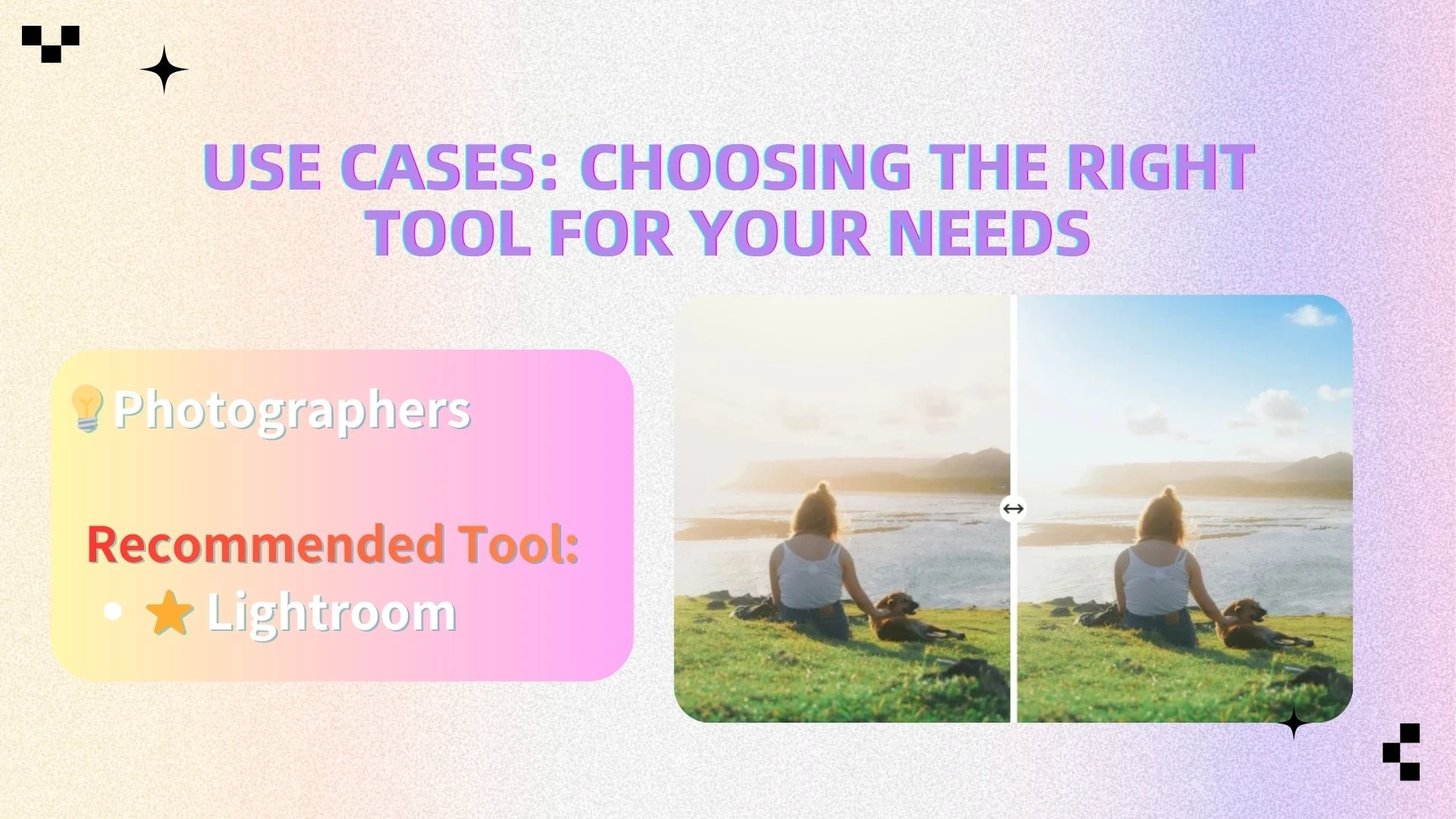
📷 Photographers
Use Case:
RAW image editing
Batch processing large photo collections
Fine-tuned color grading and adjustments
Traditional Approach:
Photographers rely on tools like Lightroom for detailed control over exposure, color, and tone, as well as efficient batch editing workflows.
Recommended Tool:
- Lightroom
Tip:
AIEnhancer can be used as a pre-processing tool to quickly improve image clarity and resolution before applying detailed edits in Lightroom.
Result:
Faster initial workflow
Better starting quality for professional edits
👉 Combining AI tools with traditional software can significantly improve efficiency.
🎨 Designers
Use Case:
Posters, UI design, marketing creatives
Complex compositions and layered projects
High precision and creative control
Traditional Approach:
Designers typically use Photoshop for full control over layout, layers, and visual elements.
Recommended Tool:
- Photoshop
Tip:
AIEnhancer can be used to enhance image assets (e.g., photos, backgrounds, textures) before importing them into design projects.
Result:
Higher-quality visual assets
Cleaner, more professional final designs
👉 AI tools complement—not replace—professional design workflows.
🔥 Key Takeaway
Professionals → traditional software (for control and complexity)
Most users → AI tools (for speed and simplicity)
👉 AIEnhancer can handle up to 80% of everyday image editing needs, making it the most practical choice for the majority of users.
The Future of Photo Editing
The world of photo editing is evolving faster than ever—and AI is driving this transformation. What used to require hours of manual adjustments can now be done automatically, accurately, and instantly. As AI continues to improve, the very concept of traditional editing is being redefined.
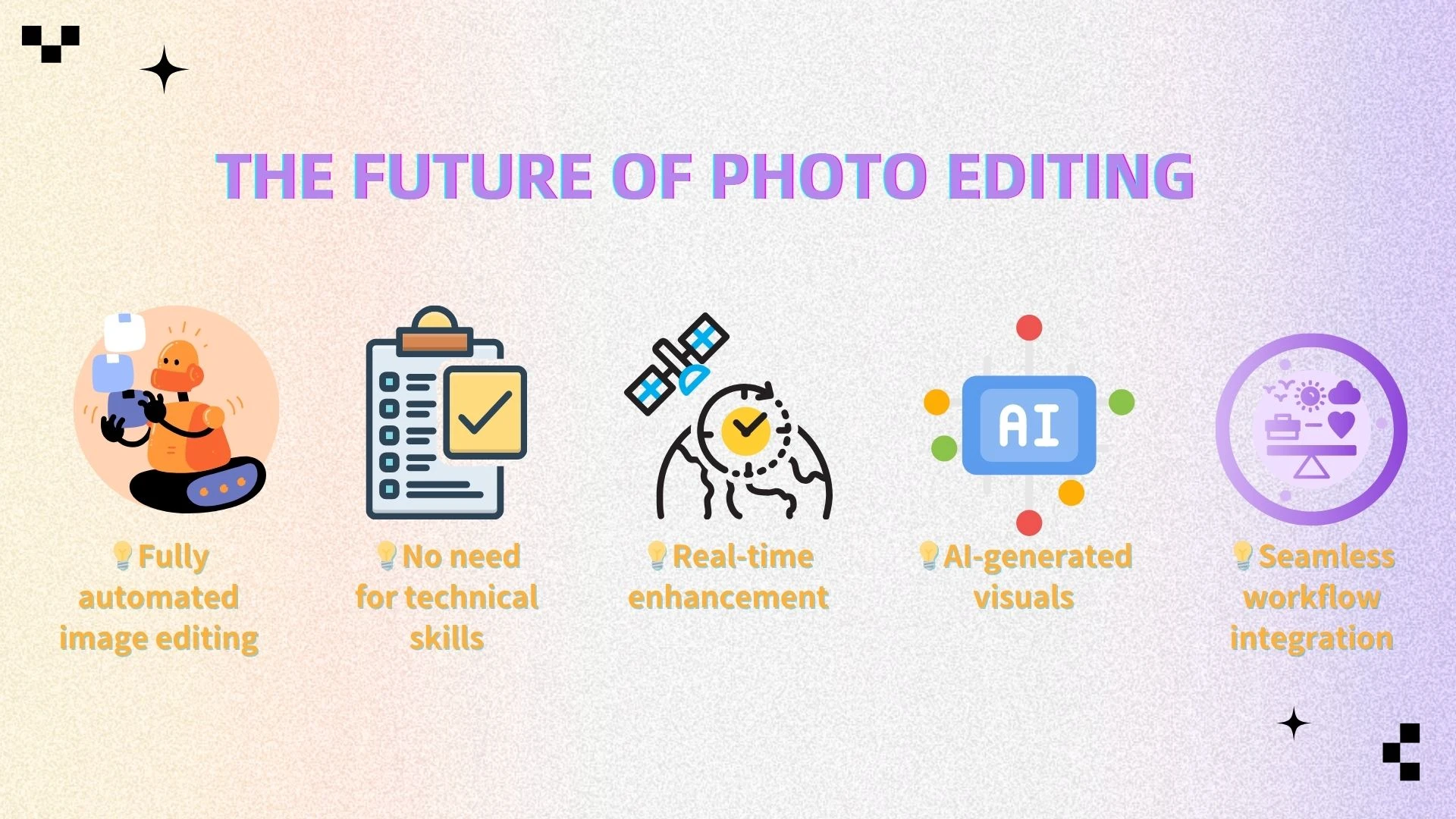
Here’s what’s shaping the future:
Fully automated image editing
Soon, the majority of basic and even intermediate photo adjustments—like exposure correction, sharpening, and noise reduction—will be handled entirely by AI, freeing users from tedious manual workflows.No need for technical skills
Anyone, regardless of experience, will be able to produce professional-quality images. The gap between professional designers and casual users will narrow dramatically.Real-time enhancement
Editing will happen instantly, with AI analyzing each photo in milliseconds and suggesting or applying the optimal adjustments automatically. This is already changing how content creators, marketers, and e-commerce sellers work.AI-generated visuals
Beyond improving existing images, AI is starting to create new visuals, backgrounds, and composite elements, opening creative possibilities that were previously time-consuming or impossible without advanced design skills.Seamless workflow integration
AI tools are increasingly integrating with other software and cloud platforms, allowing users to enhance, edit, and export images directly into marketing campaigns, social media posts, or design projects without interruption.
In the near future, manual editing will no longer be a necessity—it will be optional. The role of traditional tools will shift from hands-on correction to creative refinement, while AI handles the heavy lifting.
👉 Tools like AIEnhancer are already at the forefront of this shift, offering instant image enhancement, resolution upscaling, and automatic corrections—empowering anyone to produce professional-quality visuals in seconds. For businesses, creators, and everyday users alike, embracing AI image editors is no longer just an option—it’s the new standard.
❓ FAQ
What is the best picture editing program for beginners?
For beginners, simple and intuitive tools are the best choice. AI-powered editors like AIEnhancer and platforms like Canva allow users to enhance images quickly without needing technical skills.
What is the best AI image editor?
The best AI image editor depends on your needs, but AIEnhancer stands out for its ability to enhance, upscale, and fix images instantly with minimal effort.
Are free photo editing programs good enough?
Yes, free tools like GIMP, Canva, and Photopea offer useful features. However, AI-powered tools often provide better results faster, especially for beginners.
Can AI replace traditional photo editing software?
AI can handle most basic editing tasks such as enhancement, sharpening, and color correction. However, advanced design work still requires tools like Photoshop.
Which photo editor is best for e-commerce images?
AIEnhancer is one of the best options for e-commerce because it can quickly improve image clarity, resolution, and overall visual quality—helping increase conversions.
Do I need Photoshop for professional-quality images?
Not necessarily. AI tools can now produce professional-quality results for most use cases without the complexity of Photoshop.
Final Thoughts
There’s no single “best” photo editor—your choice depends on your goals and experience. But one trend is clear: AI is reshaping how we edit images. Tasks like sharpening, enhancing, and upscaling that once took hours can now be done automatically in seconds.
AI tools combine speed, simplicity, and professional-quality results, making them the practical choice for most users. Among them, AIEnhancer stands out—offering instant AI-driven enhancement, upscaling, and automatic corrections without any complexity.
For anyone who wants high-quality images quickly and easily, AIEnhancer isn’t just a tool—it’s the future of image editing.