Top 5 AI Image Upscaler Tools You Can Trust
Introduction
The Growing Gap Between Image Quality and Real-World Workflows 📈
Image quality expectations have increased across digital platforms as high-resolution screens and image-heavy feeds become standard. Images that once looked acceptable now feel soft or outdated when reused in modern contexts. This gap is rarely caused by poor photography. More often, it comes from images being reused across devices, platforms, and formats they were never designed for. As a result, many users turn to an AI image upscaler to keep existing visuals clear, usable, and visually relevant without recreating them from scratch.
How AI Image Upscalers Change the Way Images Are Reused ✨
An AI image upscaler changes how teams treat existing visuals. Instead of simply stretching pixels, it analyzes structure and texture to reconstruct missing detail in a way that looks natural. This allows screenshots, archived assets, and compressed images to remain useful in scenarios such as websites, presentations, or marketing materials. By reducing manual fixes and repeated rework, these tools help images feel intentional rather than accidental, complementing rather than replacing professional editing software.
What This Article Covers and How to Read It 📘
With so many AI image upscaler tools available today, choosing the right one can be confusing. Some focus on speed, others on output quality, and some are built for specific workflows. This article takes a practical, use-case-driven approach. Below, we explain what an AI image upscaler is, review five popular tools, compare their strengths and limitations, and offer guidance to help you choose the option that best fits your needs. The structure is designed for both quick scanning and deeper reading.
What Is an AI Image Upscaler Tool? 🔍
Definition of an Image Upscaling Tool
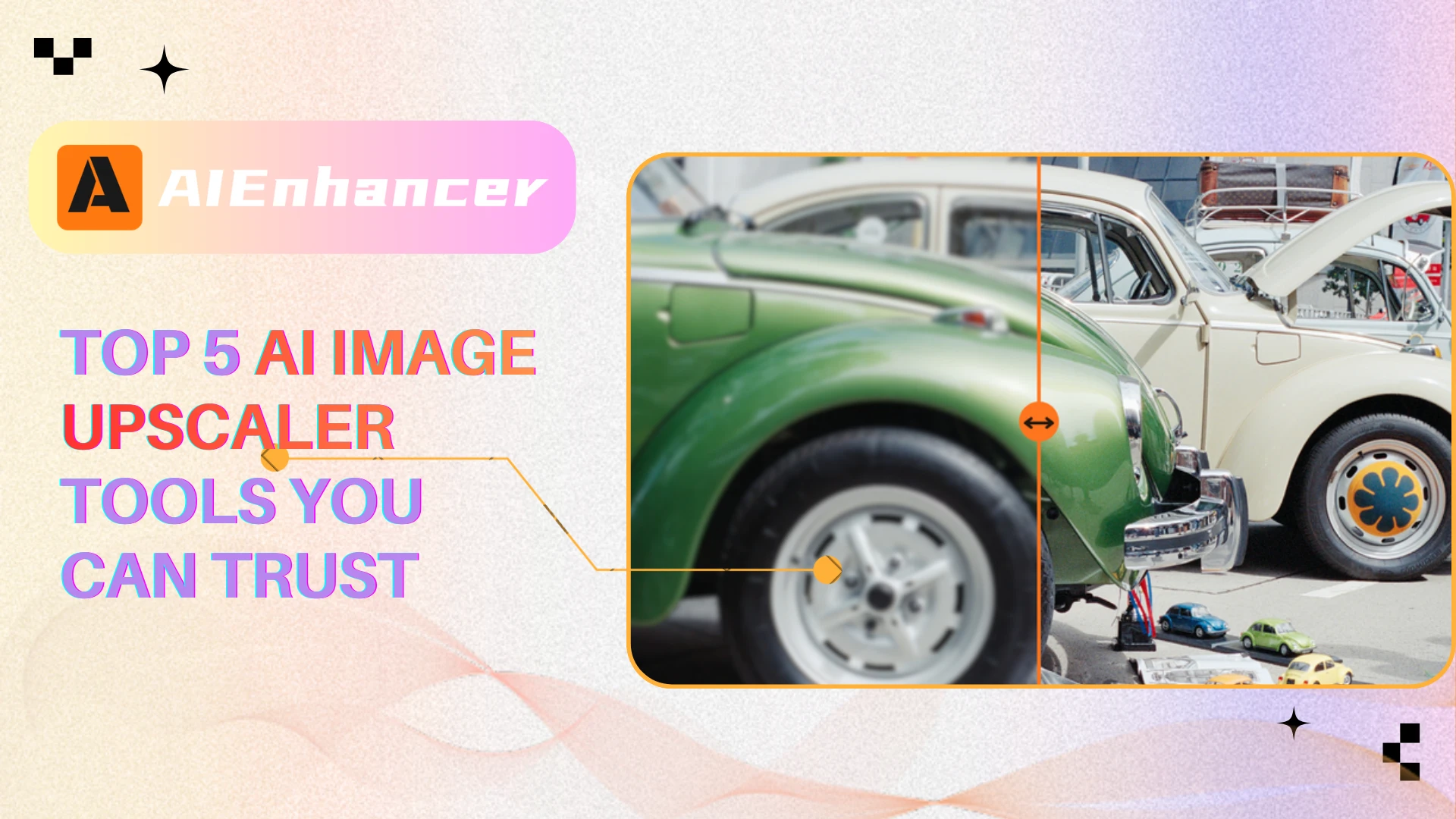
An image upscaling tool increases the resolution of an image using artificial intelligence rather than traditional interpolation. Instead of simply stretching existing pixels, it predicts what additional visual information should exist based on learned patterns.
In practical terms, this type of tool helps transform:
Low-resolution photos into clearer versions
Compressed images into more usable assets
Old or archived visuals into modern-ready images
The goal is not to invent detail for artistic effect, but to restore usability.
How AI Image Upscaling Works
Most AI image upscalers rely on deep learning models trained on large datasets containing pairs of low- and high-resolution images. Over time, these models learn how textures, edges, shadows, and shapes behave at higher resolutions.
When an image is processed, the system typically follows these steps:
Structural analysis
The model identifies edges, contours, and repeating patterns.Contextual prediction
Based on learned data, it predicts what higher-resolution detail would logically exist.Detail reconstruction
New pixels are generated in a way that preserves visual coherence.Output refinement
Noise reduction and sharpening are applied selectively to avoid artifacts.
This approach allows an AI image upscaler to deliver results that feel sharper and more intentional than traditional resizing.
AI Image Upscaler vs Traditional Image Enlargement
Traditional image enlargement relies on mathematical interpolation. While fast, it often produces:
Soft or blurred edges
Visible pixel blocks
Unnatural textures
By contrast, an AI image upscaler aims to reconstruct plausible detail, making it far better suited for images that will be reused in professional or semi-professional contexts.
Why AI Image Upscalers Are Becoming So Important 🎯
Image Quality Standards Are Rising
As screen resolutions increase and visual competition intensifies, tolerance for low-quality images has dropped. On marketplaces and websites, users make split-second judgments based on visual cues alone.
A low-resolution image can:
Reduce trust
Lower engagement
Decrease conversion rates
Even when the content itself is valuable, poor visuals undermine its impact.
More Images, Fewer Chances to Recreate Them
Many images cannot be recreated due to cost, timing, or ownership constraints:
Client-supplied assets
User-generated content
Historical photos
Screenshots used as documentation
AI image upscalers provide a practical alternative to starting over, allowing these images to remain useful.
Modern workflows prioritize speed and flexibility
Few teams want to rely on heavy desktop software just to fix resolution issues. Web-based AI image upscalers integrate easily into existing processes, allowing users to:
Upload images
Improve quality
Download results within minutes
This level of accessibility has shifted image upscaling from a specialized task into an everyday utility that fits naturally into modern content workflows.
Top 5 AI Image Upscaler Tools Review 🧰
AIEnhancer
Overview
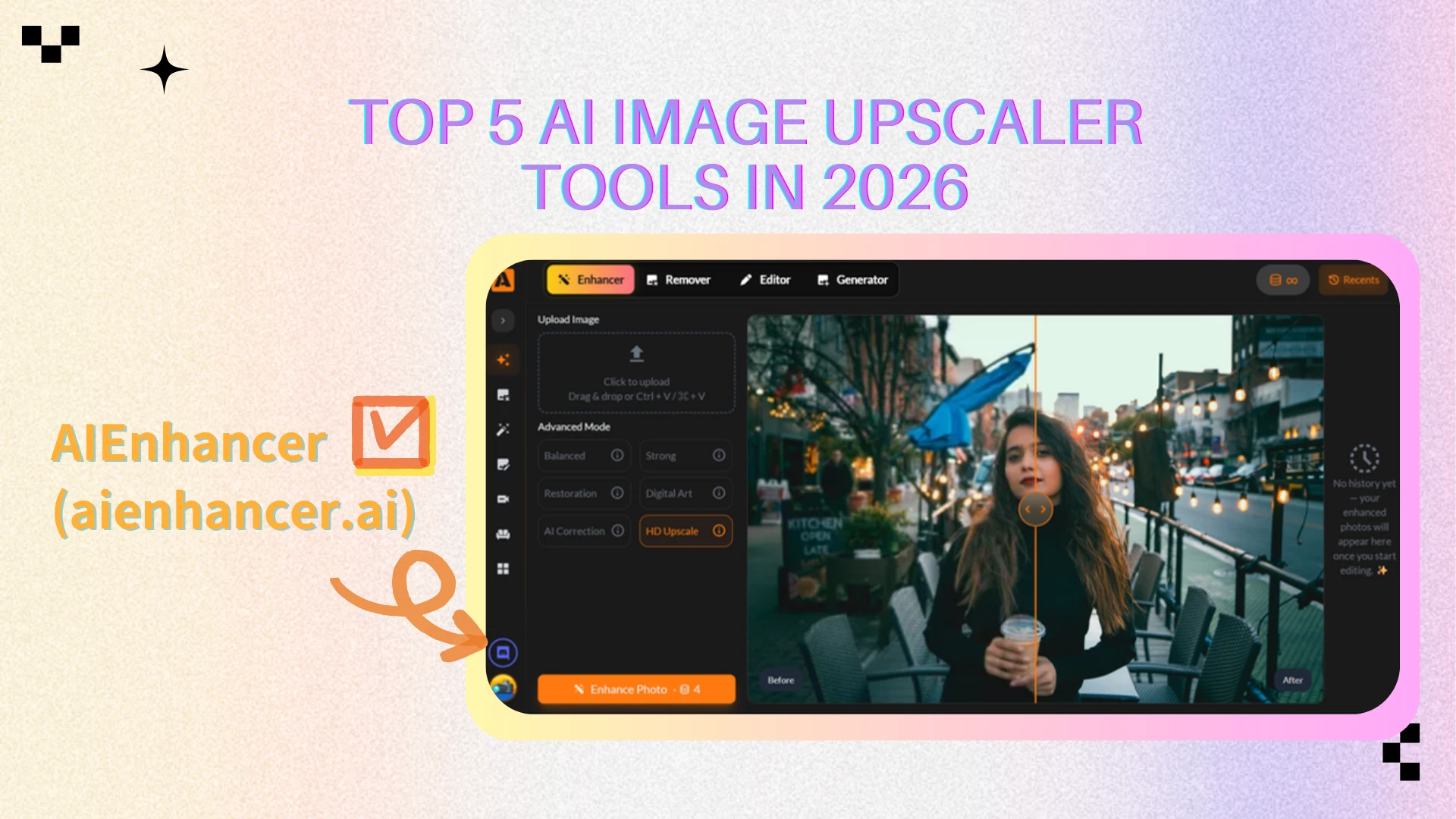
AIEnhancer is a practical, web-based AI image upscaler built for consistency and ease of use. Rather than exposing users to complex parameters, it focuses on a streamlined workflow: upload an image, apply enhancement, and receive a clearer, higher-resolution result within seconds.
This makes AIEnhancer especially suitable for users who want reliable image improvements without learning advanced editing tools.
Key Strengths
AIEnhancer performs best when images need to look clean, sharp, and usable rather than heavily stylized. Common scenarios include:
Web images that must appear clearer on modern screens
Presentation visuals that remain sharp when enlarged
Screenshots used for documentation or tutorials
General photography needing subtle resolution improvement
The emphasis is on practical enhancement, not dramatic visual effects.
Pricing
AIEnhancer follows a usage model that offers effectively unlimited image upscaling after login. Rather than charging per image or requiring users to constantly manage credits, the platform allows frequent image enhancement with minimal friction during normal use. This approach appeals to users who process images regularly, prefer predictable access, and want to focus on results instead of tracking usage limits.
Pros
Simple upload-and-enhance workflow: upload an image, click once, and receive results in seconds.
Consistent output across different image types, reducing the need for repeated adjustments.
Fully web-based with no software installation required.
Accessible to non-technical users with an intuitive interface.
Cons
Limited manual fine-tuning options for users who want precise control.
Less suitable for advanced artistic or experimental image manipulation.
Best Use Cases
AIEnhancer works best when:
Speed matters more than granular control
Images need to be “good enough” quickly for real-world use
Predictable results are preferred over experimentation
Image upscaling is part of a frequent or repeated workflow
“The real value of an AI image upscaler is how little you have to think about it.”
ImgUpscaler
Overview
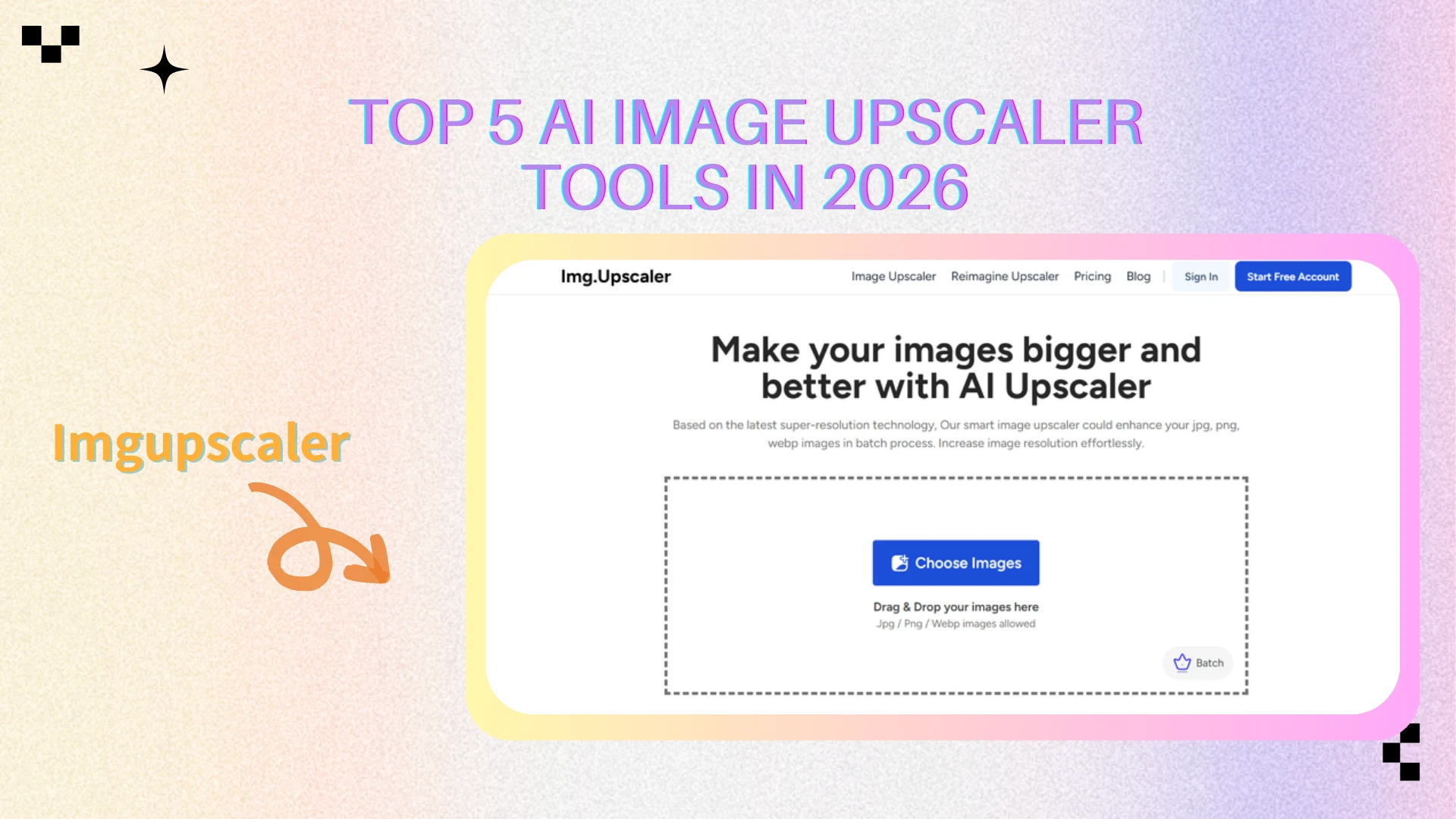
ImgUpscaler is a web-based AI image upscaler designed for fast and lightweight image enhancement. It focuses on simplicity and speed, offering a straightforward upload-and-upscale workflow with minimal configuration.
Pricing
Free plan: $0/month with 20 credits
Starter plan: $3.9/month with 100 credits
Premium plan: $6.9/month with 500 credits
Business plan: $19/month with unlimited credits
Each image upscale typically consumes one credit, so usage is directly tied to the selected plan.
Pros
Simple and fast workflow with no setup required
Flexible pricing tiers for different usage levels
Batch processing available on paid plans
Cons
Credit-based limits require usage management
Output quality varies with image complexity
Limited control compared to advanced upscalers
Best Use Cases
ImgUpscaler is best suited for users who need a quick AI image upscaler for occasional tasks and are comfortable with credit-based usage limits.
Upscale.media
Overview
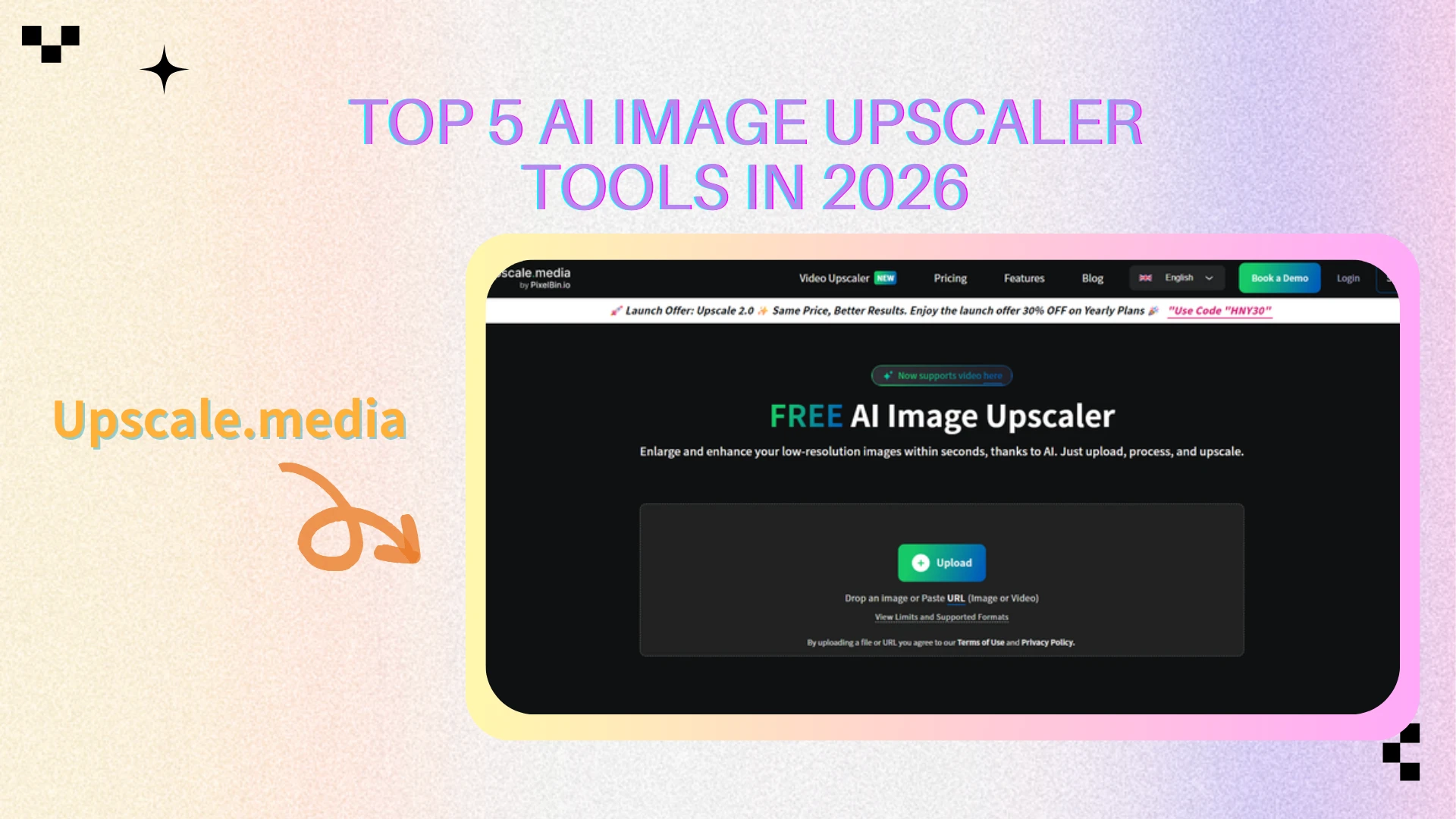
Upscale.media is a web-based AI image upscaler focused on scalable, credit-based image processing. It is designed for users who need to handle images in batches or integrate upscaling into structured workflows, rather than for quick, casual edits.
Pricing
Free plan with 3 credits and 3 downloads
Subscription plans with 1500–12000 credits per year
One-time credit purchases (50–1000 credits, valid for one year)
Enterprise plan with custom pricing and API access
Pros
Multiple pricing models for different usage levels
Supports batch processing and large-scale workflows
Enterprise and API-ready options available
Cons
Credit-based usage requires tracking consumption
Less convenient for single-image, quick edits
Workflow is heavier than simple web upscalers
Best Use Cases
Upscale.media is best suited for users who need a scalable AI image upscaler for batch processing, high-volume usage, or API-based business workflows.
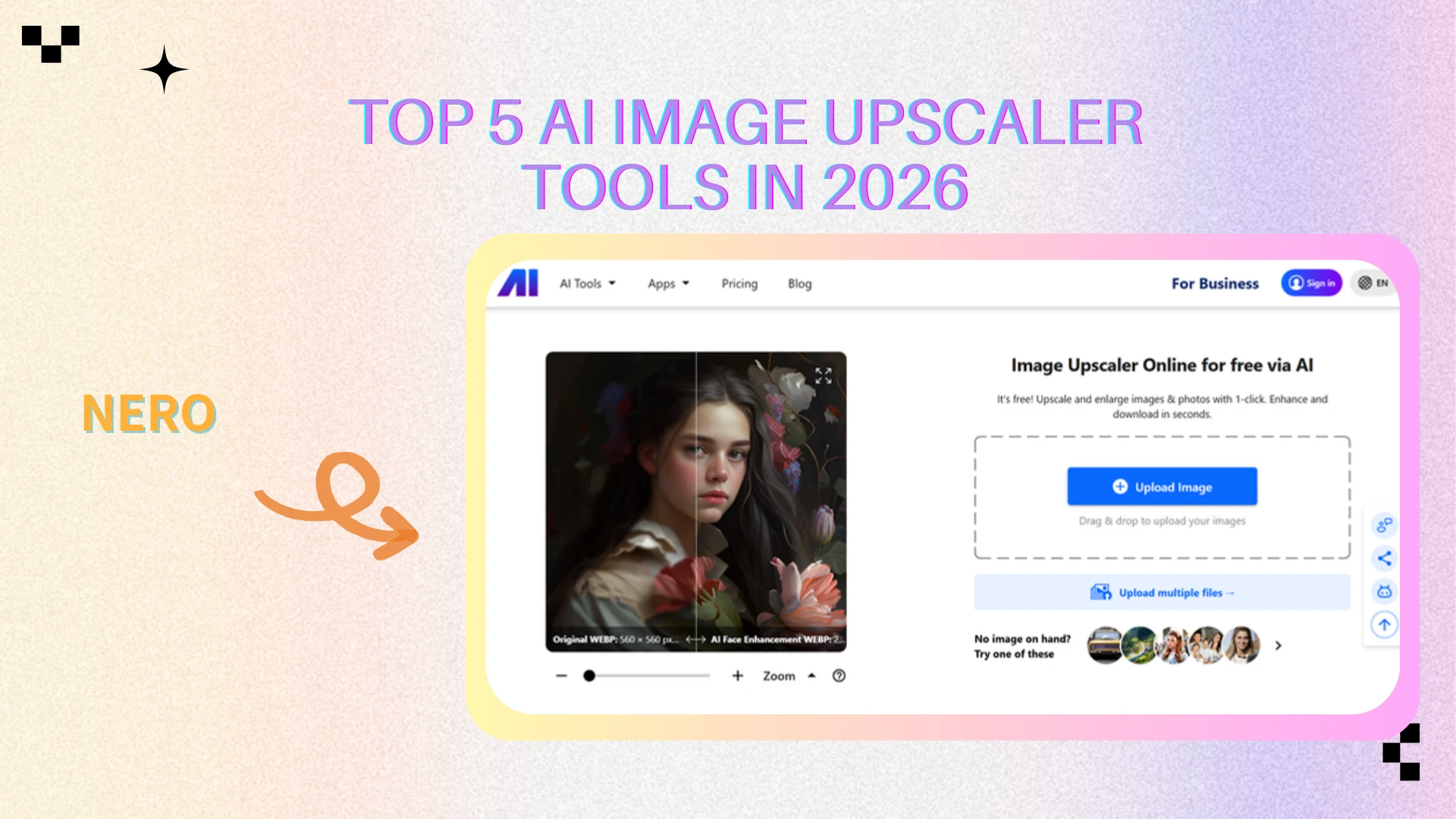
Nero
Overview
Nero is part of the Nero AI tool suite and offers web-based image upscaling through a credit-based system. It is positioned as a general-purpose AI image upscaler within a broader multimedia ecosystem rather than a standalone enhancement tool.
Pricing
Free plan: $0/month with 10 credits (one-time)
Standard plan: $22.99/month with 300 credits
Business plan: custom pricing with custom credits
Credits are consumed per image, and usage depends on the selected plan.
Pros
Integrated into a well-known multimedia brand
Simple web-based workflow
Suitable for users already using Nero AI tools
Cons
Credit allowance is limited on lower plans
Less cost-effective for frequent upscaling
Fewer advanced controls compared to professional tools
Best Use Cases
Nero is best suited for users who need an occasional AI image upscaler, already use Nero’s ecosystem, and are comfortable with monthly credit limits.
Picsart
Overview
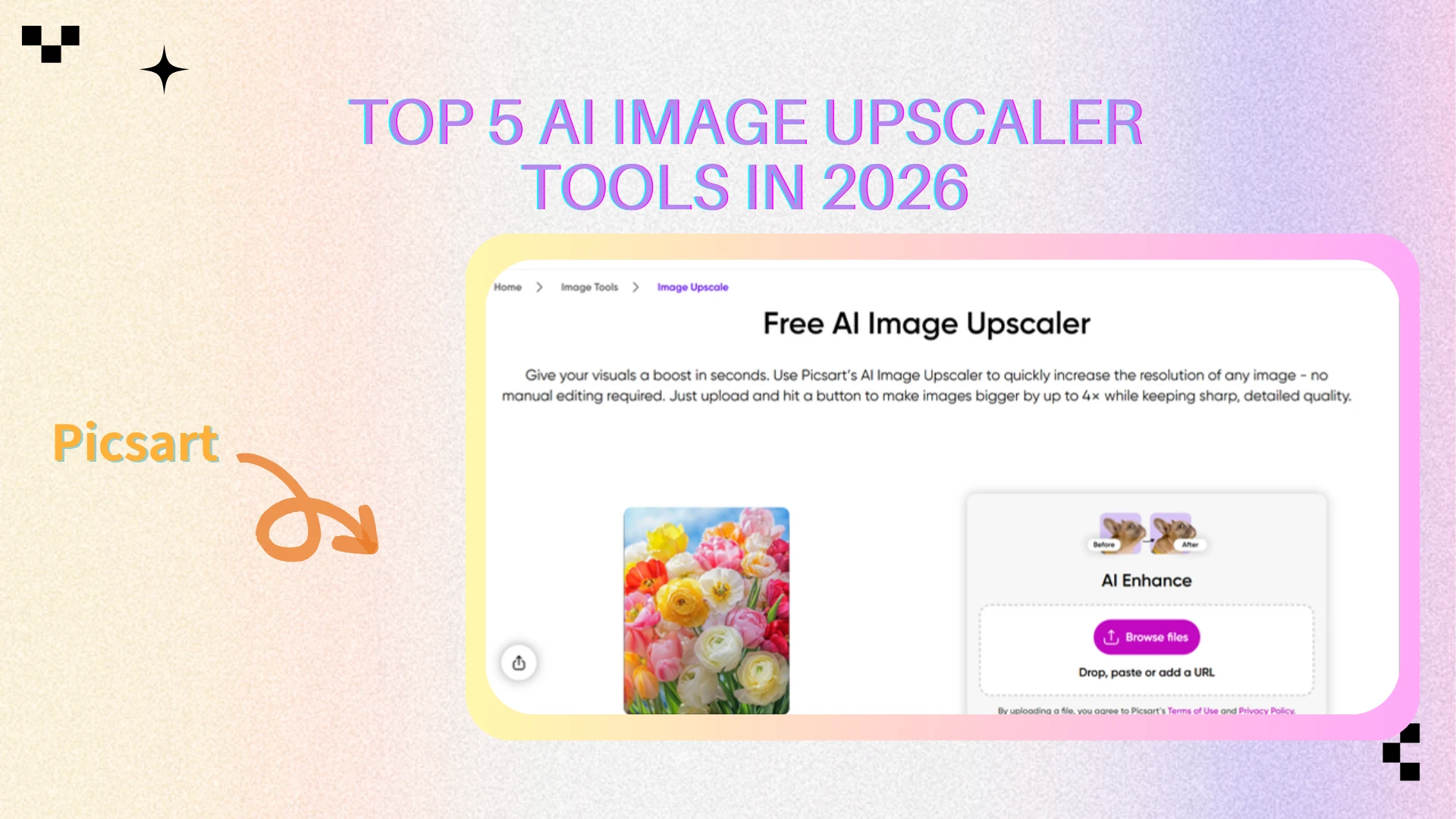
Picsart is an all-in-one creative platform that includes an AI image upscaler as part of a broader design and content creation suite. Rather than focusing solely on image enhancement, it combines editing, templates, effects, and generative AI tools in a single ecosystem.
Pricing
Free plan: $0/month with limited editing tools and generative credits
Picsart Plus: $13/month with expanded AI tools and content access
Picsart Pro: $15/month with higher AI usage limits and batch editing
Picsart Ultra: $125/month with maximum AI credits and advanced features
Pricing scales with access to AI tools, credits, and collaboration features.
Pros
All-in-one creative suite beyond image upscaling
Rich templates, effects, and design resources
Available on web and mobile platforms
Cons
AI image upscaling is not the primary focus
Higher-tier plans required for frequent AI usage
Less control over upscaling behavior compared to dedicated tools
Best Use Cases
Picsart is best suited for creators who want design tools plus basic AI image upscaler capabilities, especially for social media content and creative projects.
AI Image Upscaler Tool Comparison Overview 📊
Below is a high-level comparison of the five tools reviewed in this article. The goal is not to crown a single winner, but to clarify which AI image upscaler fits which type of workflow.
| Tool | Best For | Upscaling Quality | Core Strengths | Free Plan | Pricing Model |
|---|---|---|---|---|---|
| AIEnhancer | General users, marketing, social media | ⭐⭐⭐⭐⭐ | Simple workflow, consistent results, no setup required | ✅ Yes | Free / Unlimited use |
| ImgUpscaler | Occasional users, light tasks | ⭐⭐⭐⭐ | Fast processing, easy to use, flexible plans | ✅ Yes (limited) | Credit-based subscription |
| Upscale.media | Batch processing, business workflows | ⭐⭐⭐⭐ | Batch upscaling, API access, scalable plans | ✅ Yes (limited) | Credits (subscription) |
| Nero | Nero ecosystem users | ⭐⭐⭐⭐ | Integrated AI tools, web-based access | ✅ Yes (limited) | Monthly credits / Custom |
| Picsart | Creators, social media designers | ⭐⭐⭐ | Design tools + AI enhancement suite | ✅ Yes (limited) | Subscription |
How to Choose the Right AI Image Upscaler for Your Needs ⚙️
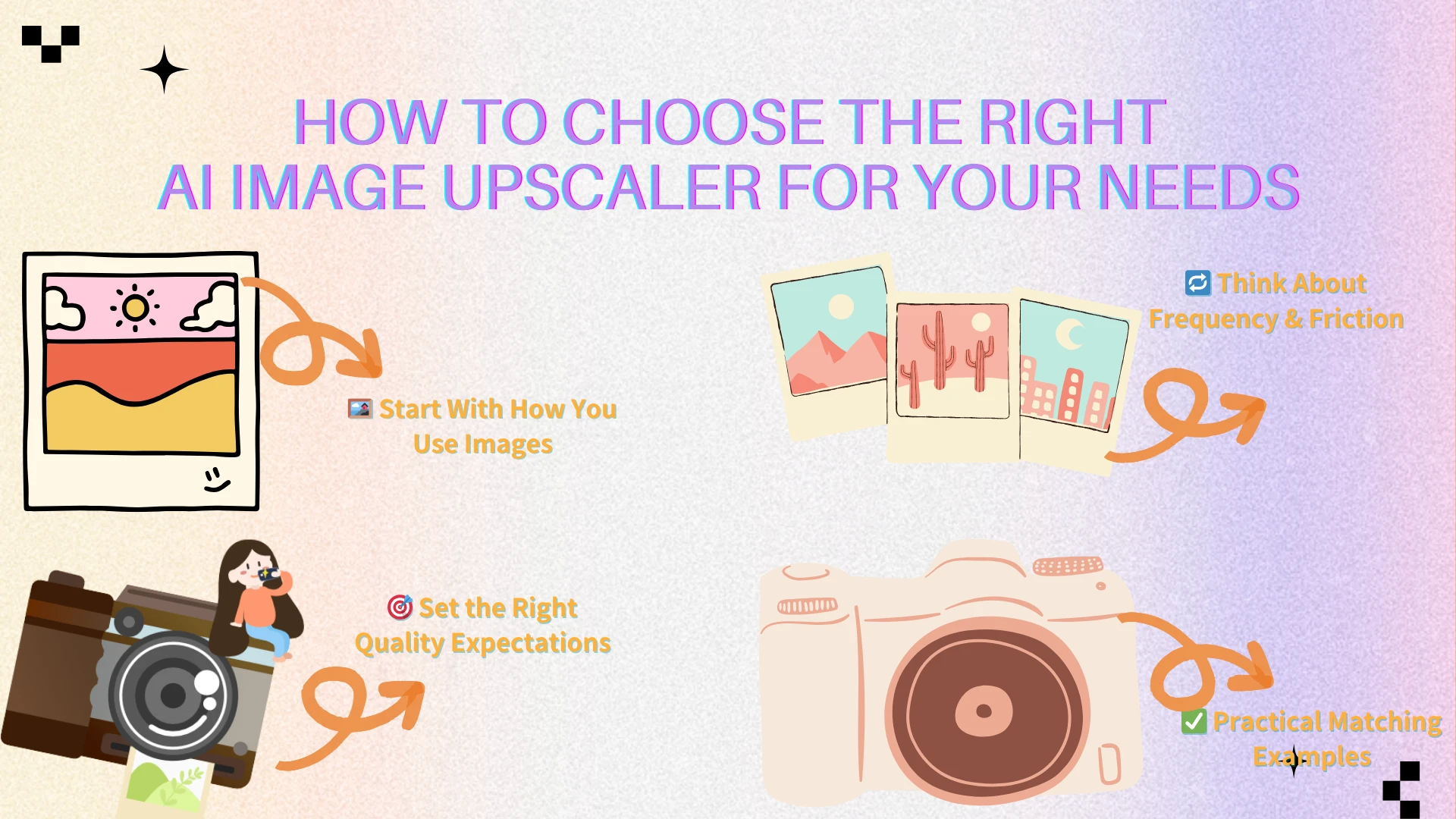
Choosing the right AI image upscaler becomes much easier when you look at how you actually work with images, rather than comparing feature lists line by line. Based on the five tools reviewed above, the differences are less about capability and more about workflow fit.
Step-by-Step Selection Guide
Identify your main image types
Are you mostly working with everyday photos, screenshots, social media visuals, or mixed content?
Simple images benefit more from lightweight tools, while creative or branded content often requires design-oriented platforms.Define your quality expectations
Some workflows only need images to look cleaner and sharper, while others require consistent, high-quality results at scale. Not every task justifies advanced controls.Consider how often you upscale images
Occasional fixes and daily usage lead to very different tool choices. Credit-based systems work well for light use, while frequent workflows benefit from fewer usage constraints.Evaluate workflow friction
Ask yourself how much setup, configuration, or waiting time you’re willing to tolerate. In many cases, ease of use matters more than fine-grained control.Balance speed against flexibility
Faster tools trade precision for convenience, while more complex tools reward users who need deeper control or scalability.
Practical Matching Examples
If you want quick improvements with minimal effort → a simple, web-based AI image upscaler
If you work with batches or large volumes → tools designed around credits and batch processing
If design and creative flexibility matter → all-in-one creative platforms
If predictability and low friction matter most → tools that minimize setup and usage tracking
“The right tool is the one you’ll actually use — not the one with the longest feature list.”
Tips for Getting Better Results From Any AI Image Upscaler 🛠️
Even the best Al image upscaling tools perform better when used with realistic expectations. These practical tips apply across all five tools reviewed above.
Best Practices
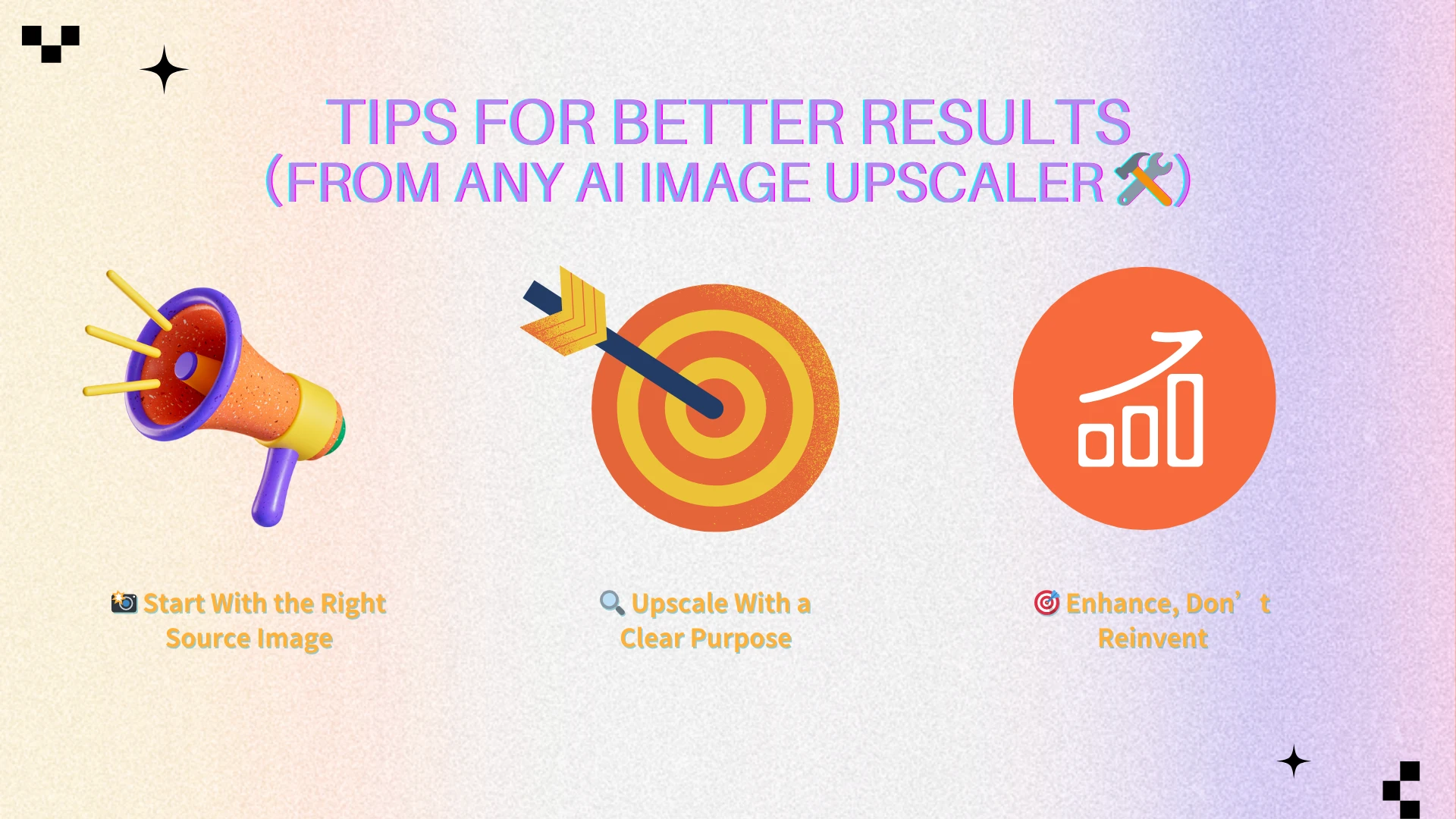
Start with the highest-quality source image available, even if it’s imperfect
Upscale only as much as needed for the final use case
Match output resolution to where the image will be used (web, presentation, or social media)
Review results at 100% zoom before exporting or publishing
Common Mistakes to Avoid
Over-processing small images that don’t need high resolution
Expecting AI to fully fix severe blur, motion artifacts, or missing detail
Ignoring texture inconsistencies introduced during aggressive upscaling
Using an AI image upscaler works best when the goal is enhancement, not reinvention. Treat the tool as a way to improve usability, not to replace good source material entirely.
Conclusion
There is no single AI image upscaler that fits every workflow. The tools reviewed in this article represent different approaches to image enhancement:
Some prioritize speed and simplicity for everyday tasks
Others focus on batch processing and scalable usage
Creative platforms blend enhancement with design features
Credit-based systems trade flexibility for predictable pricing
Within this landscape, AIEnhancer stands out by reducing friction rather than adding complexity. Rather than emphasizing credit management or complex configuration, it focuses on making image upscaling straightforward and accessible for repeated, real-world use after login.Platforms like Picsart emphasize creative flexibility, while other tools balance structure and scale. AIEnhancer sits at the practical center—designed to help images move forward without becoming another tool users have to think about.
Ultimately, the best AI image upscaler is the one that fits naturally into your workflow, helps you work faster, and delivers results that feel intentional rather than compromised.