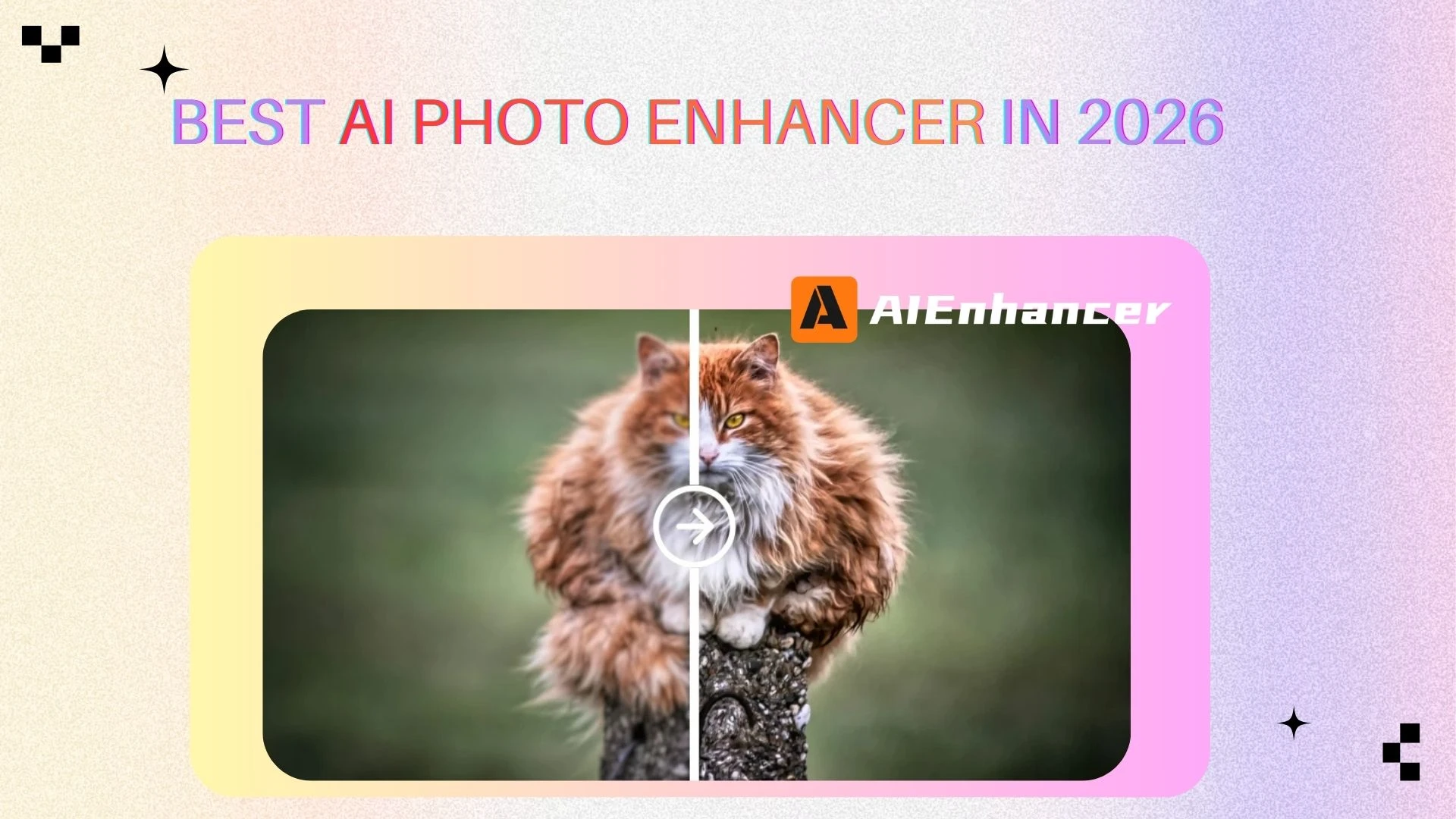
Top 5 AI Photo Enhancer Tools Review
Introduction to AI Photo Enhancer Tools
In 2026, visual content is more important than ever. From social media feeds and online stores to blogs and digital advertising, images are often the first thing users notice. Unfortunately, not every photo is captured in perfect conditions. Poor lighting, camera limitations, compression, and motion blur can all reduce image quality. This is why the demand for an AI photo enhancer has grown rapidly.
An AI photo enhancer uses artificial intelligence to automatically improve photo quality by increasing resolution, restoring details, reducing noise, and optimizing colors. Unlike traditional photo editing software that requires manual adjustments and technical skills, an AI photo enhancer delivers fast, consistent, and professional results with minimal effort.
In this article, we provide a comprehensive review of the top 5 AI photo enhancer tools in 2026. The list includes several well-known platforms such as AIEnhancer, Picsart, Cutout.Pro, Canva, and AirBrush. We will explain how each AI photo enhancer works, analyze real-world use cases, compare features and pricing, and help you choose the best solution for your needs.
What Is an AI Photo Enhancer?
Definition of an AI Photo Enhancer
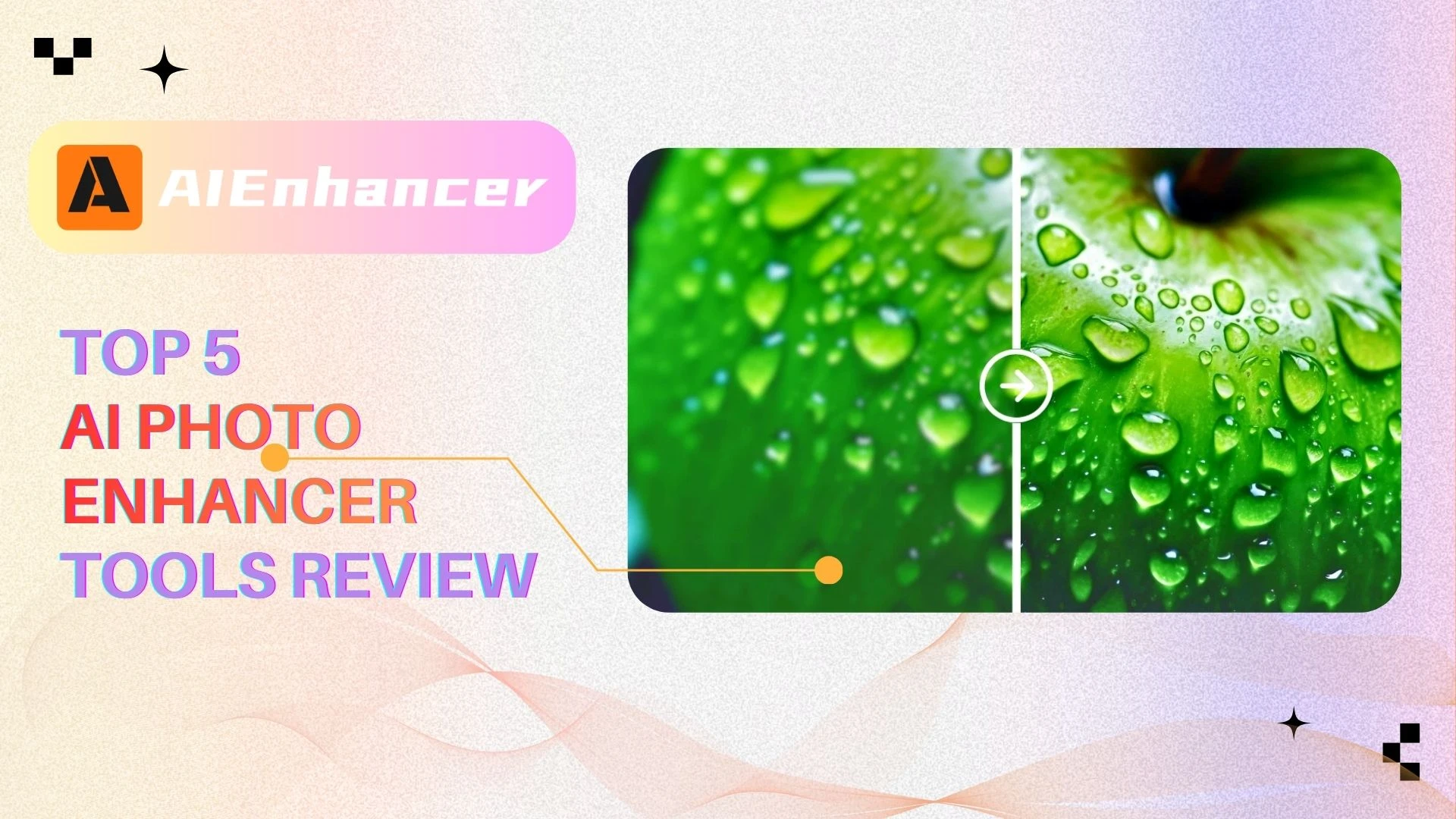
An AI photo enhancer is a software tool that applies machine learning and computer vision techniques to improve digital images automatically. By analyzing patterns, textures, edges, and colors, an AI photo enhancer predicts how a higher-quality version of an image should look and reconstructs missing or degraded details.
Unlike simple filters or sharpening tools, a modern AI photo enhancer is trained on large datasets of high-resolution images. This allows it to generate natural-looking results that closely resemble professionally edited photos.
How an AI Photo Enhancer Works
Most AI photo enhancer tools rely on deep neural networks that perform multiple enhancement tasks simultaneously:
AI Super Resolution
Upscales low-resolution images by intelligently recreating lost details instead of stretching pixels.Noise Reduction and Deblurring
Separates noise from real image details, producing cleaner and sharper photos.Color and Lighting Optimization
Automatically adjusts brightness, contrast, saturation, and white balance.Artifact and Compression Repair
Removes JPEG artifacts and restores smooth gradients.
Because these steps are handled automatically, an AI photo enhancer can dramatically improve photo quality in seconds.
AI Photo Enhancer vs Traditional Photo Editing Software
Traditional photo editing software offers maximum control but requires time and experience. In contrast, an AI photo enhancer focuses on speed, accessibility, and automation. For most everyday use cases—such as social media, e-commerce, and marketing—an AI photo enhancer delivers better efficiency and more consistent results.
Why Do You Need an AI Photo Enhancer?
One-Click Image Quality Improvement
One of the biggest advantages of using an AI photo enhancer is simplicity. Users can upload an image, select an enhancement mode, and receive an improved version almost instantly. This makes AI photo enhancer tools ideal for beginners and non-designers.
Save Time Compared to Manual Photo Editing
Manual photo editing can take anywhere from 10 minutes to an hour per image. An AI photo enhancer reduces this to seconds. For businesses handling large image volumes, this time saving translates directly into lower costs and faster workflows.
Common Use Cases for AI Photo Enhancer Tools
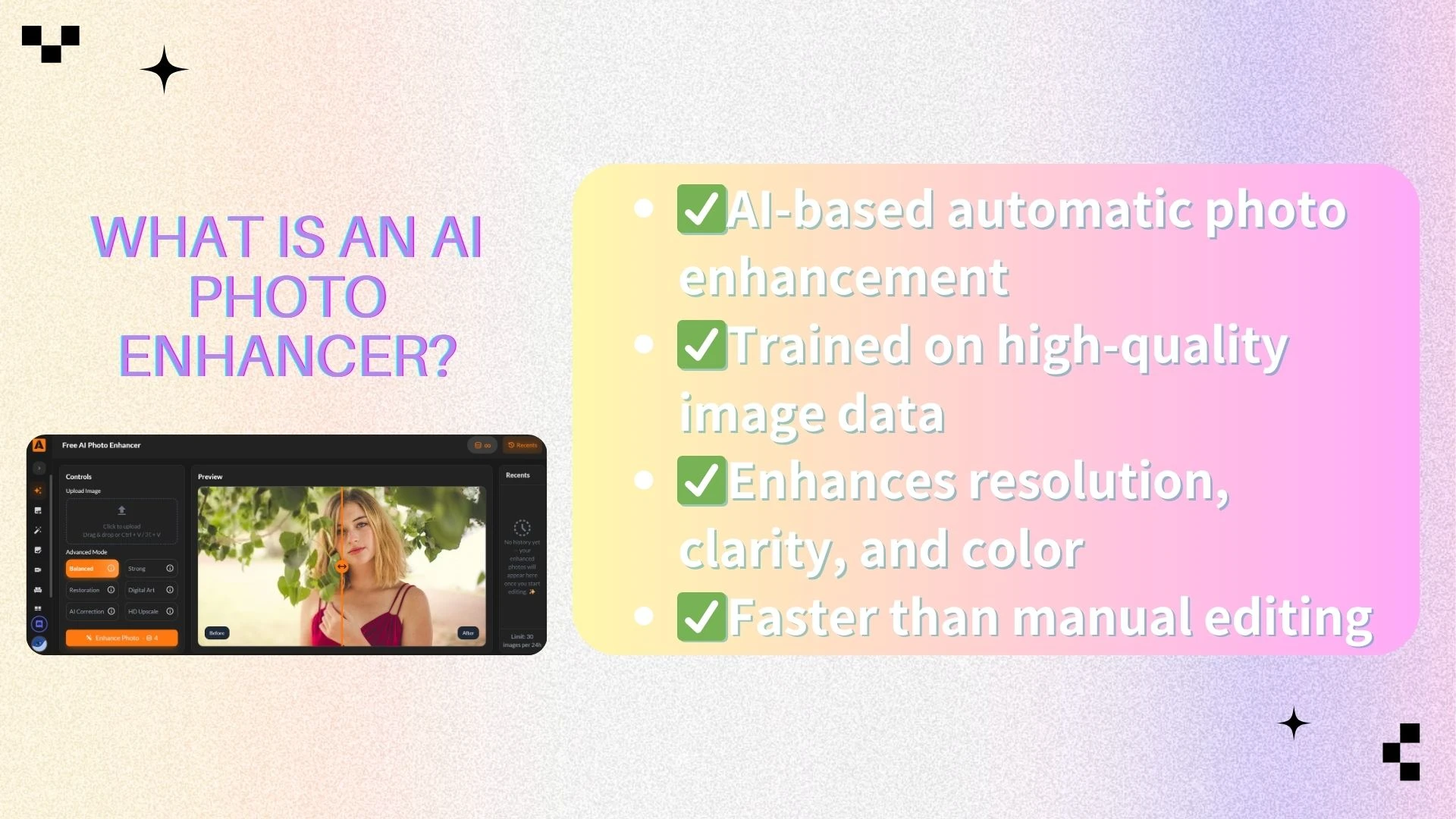
An AI photo enhancer is widely used across many industries:
Social media and content creation – sharper images increase engagement
E-commerce – high-quality product photos boost conversion rates
Photography and design – AI upscaling enables large-format printing
Old photo restoration – faded or damaged photos can be revived
Marketing and advertising – visuals look more professional and trustworthy
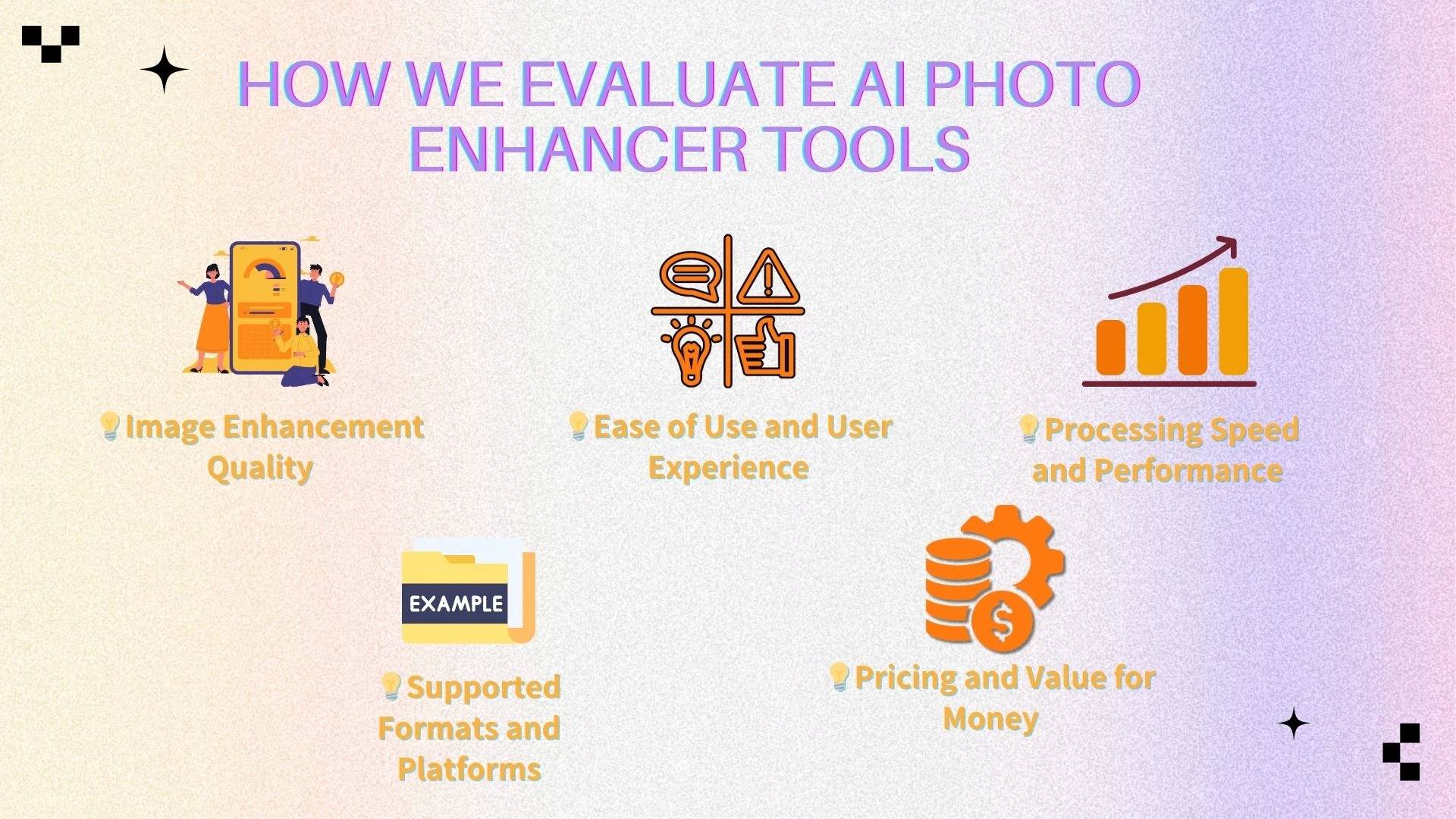
How We Evaluate AI Photo Enhancer Tools
To ensure a fair and practical comparison, each tool in this review is evaluated using a consistent set of criteria. We focus on real-world performance, usability, and overall value, providing readers with a clear understanding of each tool’s strengths and limitations.
Image Enhancement Quality
We assess how effectively a tool improves image resolution, sharpness, and detail while keeping the results natural. Special attention is given to avoiding over-sharpening, color distortion, or other visual artifacts that could reduce realism.
Ease of Use and User Experience
This factor looks at how intuitive the interface is and how easy it is to navigate the workflow. We consider the learning curve for beginners as well as how efficiently experienced users can perform enhancements.
Processing Speed and Performance
Processing speed is measured for both single images and batches of large files. We evaluate whether the tool can maintain consistent performance under heavy workloads without crashes or lag.
Supported Formats and Platforms
Compatibility with various image formats is important for flexibility. We also check whether the tool is accessible on web browsers, desktop applications, or mobile devices to suit different user scenarios.
Pricing and Value for Money
We analyze whether the cost aligns with the features and quality offered. This includes reviewing free and paid plans, assessing limitations, and determining whether the tool provides good overall value.、
Top 5 AI Photo Enhancer Tools in 2026
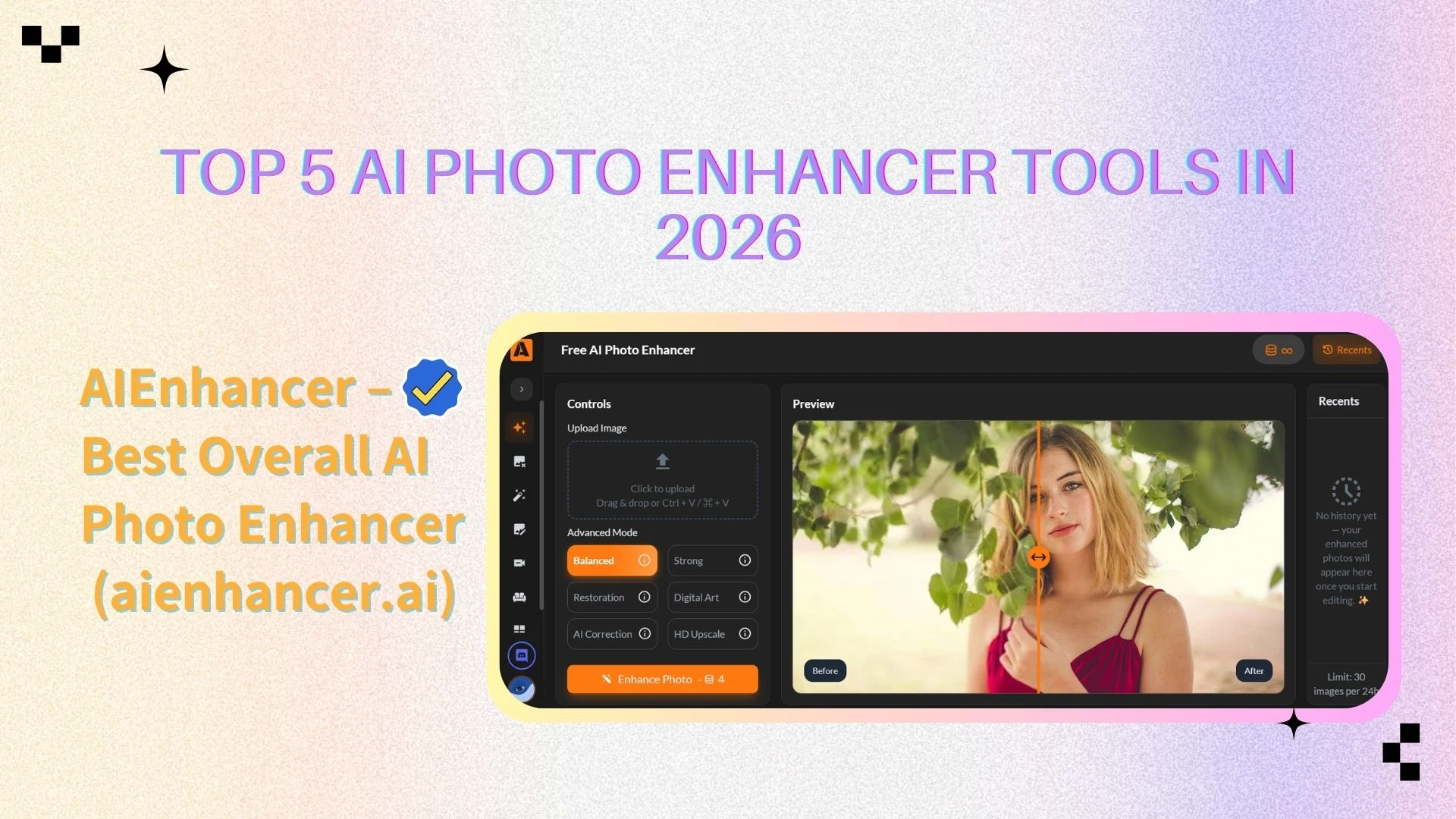
AIEnhancer – Best Overall AI Photo Enhancer
AIEnhancer is a modern, browser-based photo enhancement tool designed to provide high-quality results with maximum simplicity. It emphasizes intelligent, automated enhancements, allowing users to improve their images quickly without being overwhelmed by complex manual controls. Its intuitive interface makes it accessible for both beginners and experienced users, while delivering results suitable for professional purposes.
Key Features
Advanced AI upscaling and sharpening – enhances image resolution and brings out fine details, making low-resolution photos look crisp and clear.
Noise reduction and clarity restoration – removes grain, blur, and other imperfections while preserving natural textures.
Photo restoration for old or damaged images – revives faded or scratched photos, giving them a refreshed, high-quality appearance.
No watermark on enhanced images – users can download clean, professional results without branding overlays.
Pros
Free to use – offers high-quality enhancements without subscription or hidden fees.
Very fast processing – images are enhanced in seconds, making it ideal for both individual users and bulk workflows.
Clean and intuitive interface – easy to navigate, even for users with minimal experience in photo editing.
Cons
Limited advanced manual controls – lacks detailed adjustment options for users who want full control over every aspect of editing.
Web-based only – requires an internet connection; no dedicated desktop application is available.
Best For
Users who want a powerful yet simple enhancement tool for everyday photos, social media, e-commerce product images, or professional content creation. It is especially suitable for those who value speed and quality without the complexity of traditional photo editing software.
Pricing
- Free plan available with full core functionality
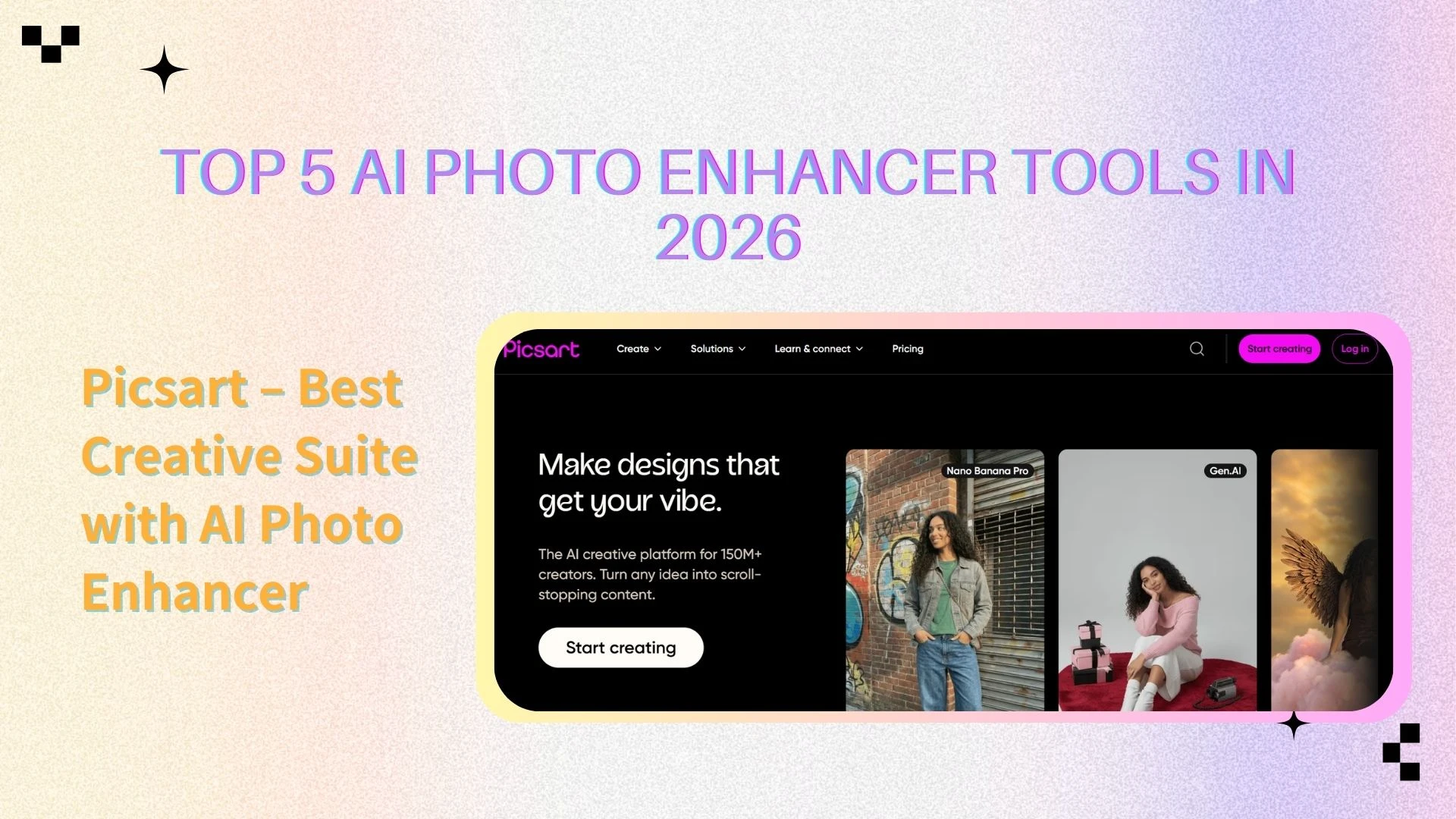
Picsart – Best Creative Suite with AI Photo Enhancer
Picsart is a well-known creative platform that includes an AI photo enhancer as part of a broader editing ecosystem. It combines enhancement with design tools, templates, and effects.
Key Features
AI-powered photo enhancement
Background and object removal
Creative filters and templates
Mobile and web access
Pros
All-in-one creative solution
Strong community and resources
Good for social media content
Cons
Enhancement quality is not the main focus
Some AI tools require subscription
Best For
Creators who want design tools plus basic AI photo enhancer capabilities.
Pricing
Free version with limited features
Premium: $11.99/month or $83.88/year (full access to AI tools, effects, and templates)
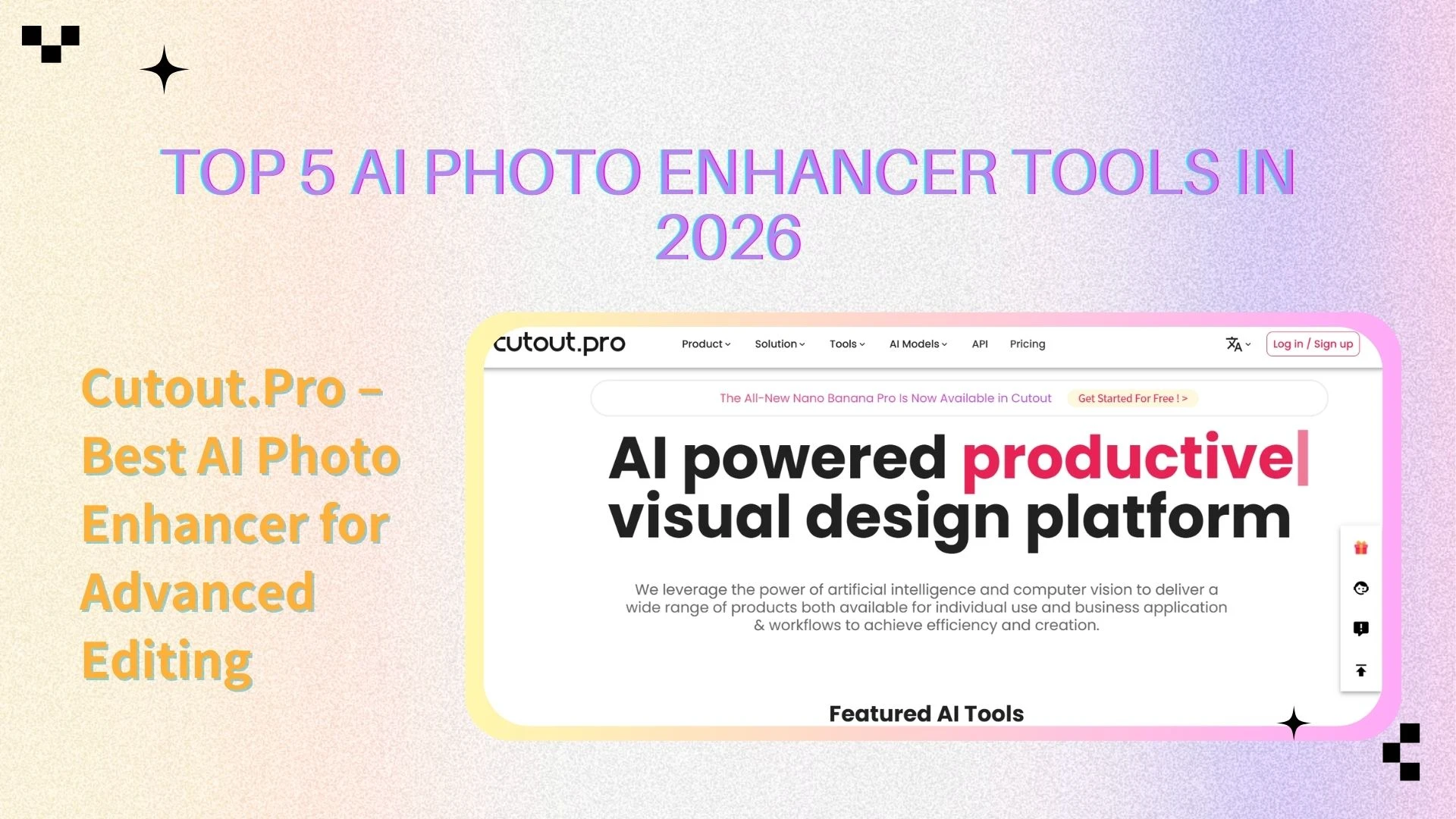
Cutout.Pro – Best AI Photo Enhancer for Advanced Editing
Cutout.Pro offers a versatile suite of AI tools, including a strong AI photo enhancer. It is designed for users who need enhancement plus additional AI-powered editing features.
Key Features
AI image upscaling and enhancement
Background and object removal
API support for automation
Additional AI visual tools
Pros
Powerful and flexible
Suitable for business use
Supports batch workflows
Cons
Credit-based pricing can become expensive
Interface may feel complex to beginners
Best For
Businesses, agencies, and advanced users needing more than basic enhancement.
Pricing
Free trial available with limited credits
Credit-based plans starting at $9/month
Subscription plans for high-volume users starting at $29/month
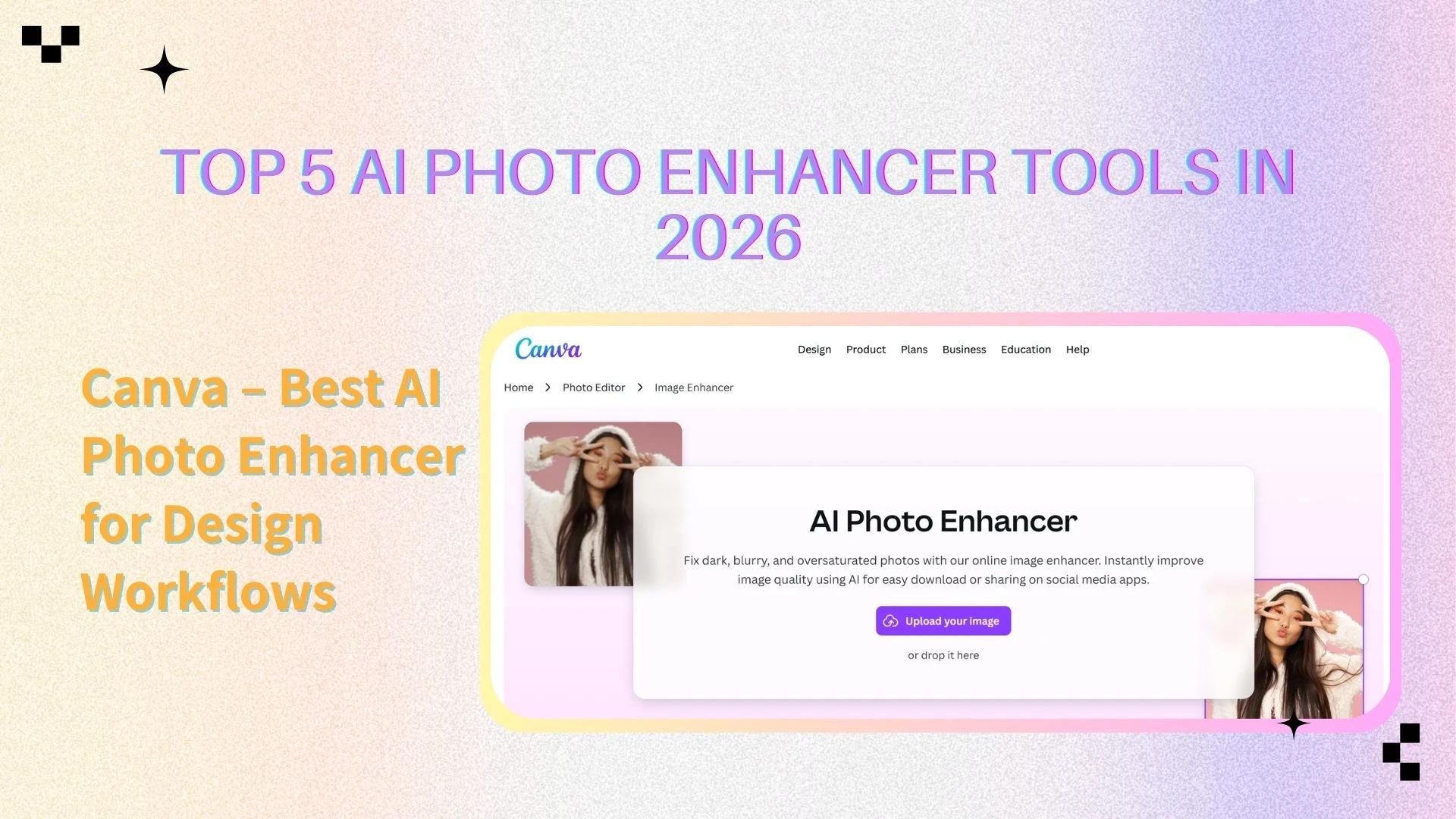
Canva – Best AI Photo Enhancer for Design Workflows
Canva integrates an AI photo enhancer into its popular design platform. While not a pure enhancement tool, it excels at combining improved images with layouts and branding.
Key Features
Auto image enhancement
Magic Edit and background removal
Templates for marketing and social media
Team collaboration tools
Pros
Extremely easy to use
Perfect for design-centric workflows
Strong collaboration features
Cons
Advanced enhancement requires Pro plan
Limited control over enhancement parameters
Best For
Teams and marketers who want design and AI photo enhancer tools in one place.
Pricing
Free plan with basic editing and enhancement
Pro: $12.99/month per user or $119.99/year per user
Enterprise: Custom pricing for large teams
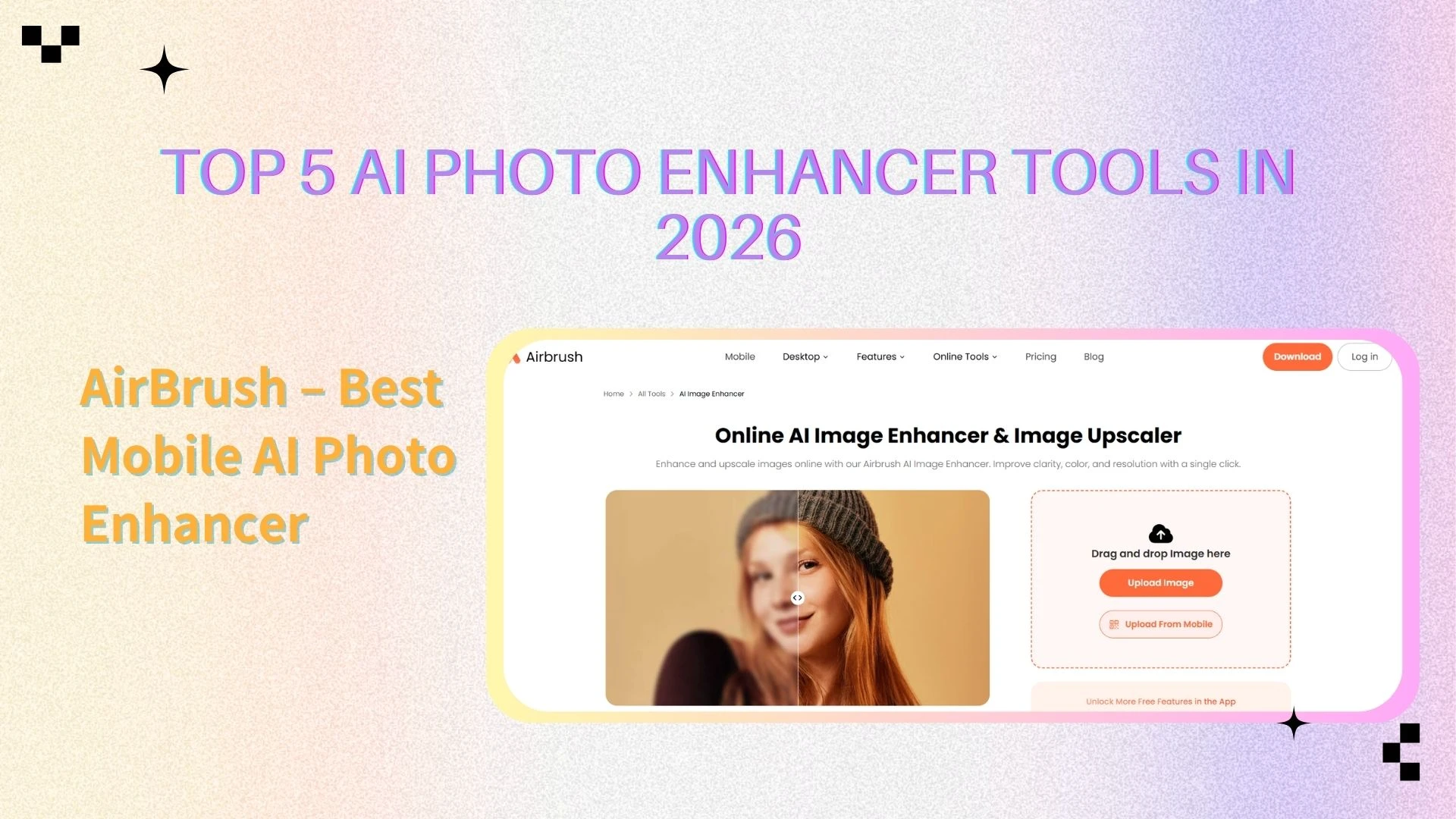
AirBrush – Best Mobile AI Photo Enhancer
AirBrush is optimized for mobile users who want fast photo enhancement on the go. Its AI photo enhancer focuses on clarity, color correction, and portrait improvements.
Key Features
AI clarity and upscaling
Noise reduction
Portrait optimization
Mobile-first experience
Pros
Great for quick edits
Simple and intuitive
Works well on mobile devices
Cons
Limited batch processing
Less suitable for professional workflows
Best For
Casual users and mobile creators.
Pricing
Free version with basic AI enhancements
Premium subscription: $7.99/month or $47.99/year (includes full AI tools and high-resolution exports)
AI Photo Enhancer Comparison
| AI Photo Enhancer | Best Use Case | Core Strength | Ease of Use | Platform | Pricing |
|---|---|---|---|---|---|
| AIEnhancer | General enhancement | Free, fast, high-quality results | Very Easy | Web | Free |
| Picsart | Creative content | Design + AI enhancement | Easy | Web & Mobile App | Freemium |
| Cutout.Pro | Advanced editing | Powerful AI tools & API | Medium | Web | Credits / Subscription |
| Canva | Design workflows | Templates + enhancement | Hard | Web & Mobile App | Freemium / Pro |
| AirBrush | Mobile enhancement | Speed & simplicity | Easy | Web & Mobile App | Freemium |
How to Choose the Best AI Photo Enhancer
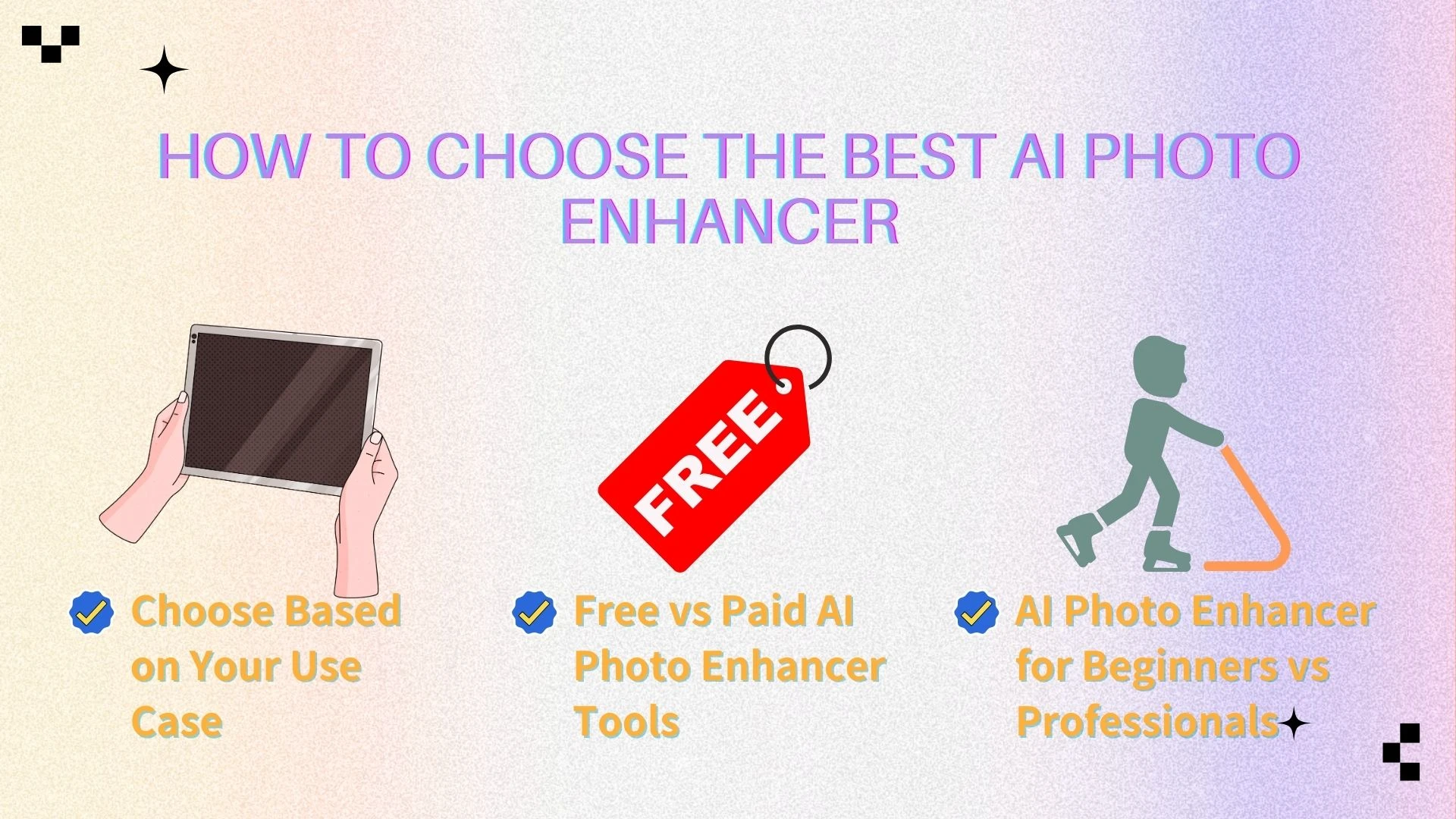
Choose Based on Your Use Case
Selecting the right tool largely depends on what you intend to do with your images. If your primary goal is pure photo quality, including sharpness, resolution, and detail restoration, dedicated enhancers like AIEnhancer or Cutout.Pro are usually the best choice. On the other hand, if your work also involves design, branding, or social media content creation, platforms like Canva or Picsart provide integrated features that combine enhancement with templates, creative tools, and layout options.
Free vs Paid AI Photo Enhancer Tools
Free tools are great for casual users, hobbyists, or anyone who wants to test how AI enhancement works without any upfront cost. They usually cover basic enhancements like upscaling, noise reduction, or color adjustments, but may limit resolution or batch processing. Paid options unlock more advanced features, including high-resolution exports, bulk processing, and usage rights suitable for commercial or professional projects, making them a better investment for frequent or business users.
AI Photo Enhancer for Beginners vs Professionals
Beginners often benefit from tools that are automated, intuitive, and require minimal input, allowing them to enhance images quickly without technical knowledge. Professionals, however, may prefer solutions that offer more control, custom settings, and scalability, especially for handling large volumes of images, integrating into workflows, or producing images for commercial use. Choosing the right level of complexity ensures the tool matches your skill level and workflow requirements.
Final Verdict: Best AI Photo Enhancer in 2026
Overall Recommendation
For most users, AIEnhancer provides an ideal balance of image quality, processing speed, and ease of use. It produces professional-grade results without requiring complex adjustments or advanced technical skills. With its intuitive interface and fast performance, it is suitable for both casual users and professionals. Combined with its free access, AIEnhancer stands out as a versatile, all-around AI photo enhancer for everyday and creative projects alike.
Best AI Photo Enhancer by User Type
Best overall: AIEnhancer
Best for design: Canva
Best creative suite: Picsart
Best advanced workflows: Cutout.Pro
Best mobile option: AirBrush
Final Thoughts
An AI photo enhancer is now an essential tool in modern digital workflows.
High-quality visuals are crucial for social media, marketing, e-commerce, and creative projects.
Whether enhancing everyday photos or restoring old images, it helps save significant time.
These tools automatically improve clarity, sharpness, and color balance, producing professional results.
With minimal effort, users can elevate their content and make it more engaging and polished.
Choosing the right enhancer ensures consistent quality across all your images and projects.