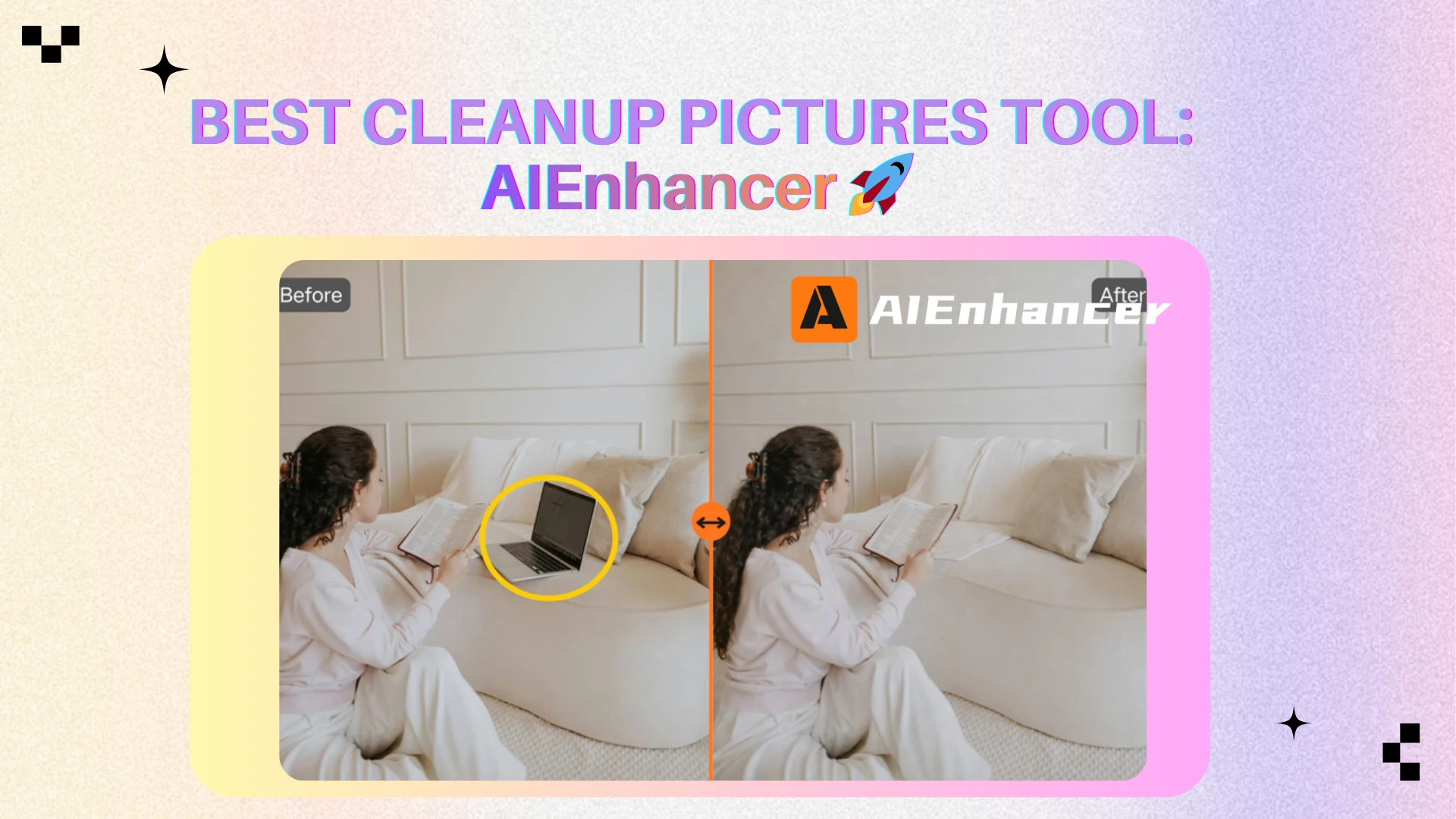
TOP 5 Cleanup Pictures Tools Worth Trying Today
Introduction ✨
In today’s digital landscape, visuals are no longer just supporting elements; they are key conversion drivers.
Whether you run an online store, manage a content brand, build marketing campaigns, or maintain a professional portfolio, image quality directly influences perception. A viewer may not consciously analyze every detail, but subtle distractions shape how polished and trustworthy your content feels.
A misplaced object in the background.
A watermark partially covering a product.
Visible scratches on an old family photograph.
Unwanted reflections or shadows.
Individually, these imperfections seem minor. Collectively, they weaken visual focus.
That is why more creators and businesses actively seeking reliable ways to cleanup pictures efficiently and seamlessly. The demand is not for dramatic manipulation — but for subtle refinement that restores clarity without compromising authenticity.
Modern AI tools have transformed how image refinement works. Tasks that once required advanced retouching skills can now be handled in seconds through automated reconstruction. However, tool quality varies widely, and not all platforms deliver the same level of realism.
To help readers make informed decisions, this guide evaluates five leading tools and compares their performance using consistent criteria.
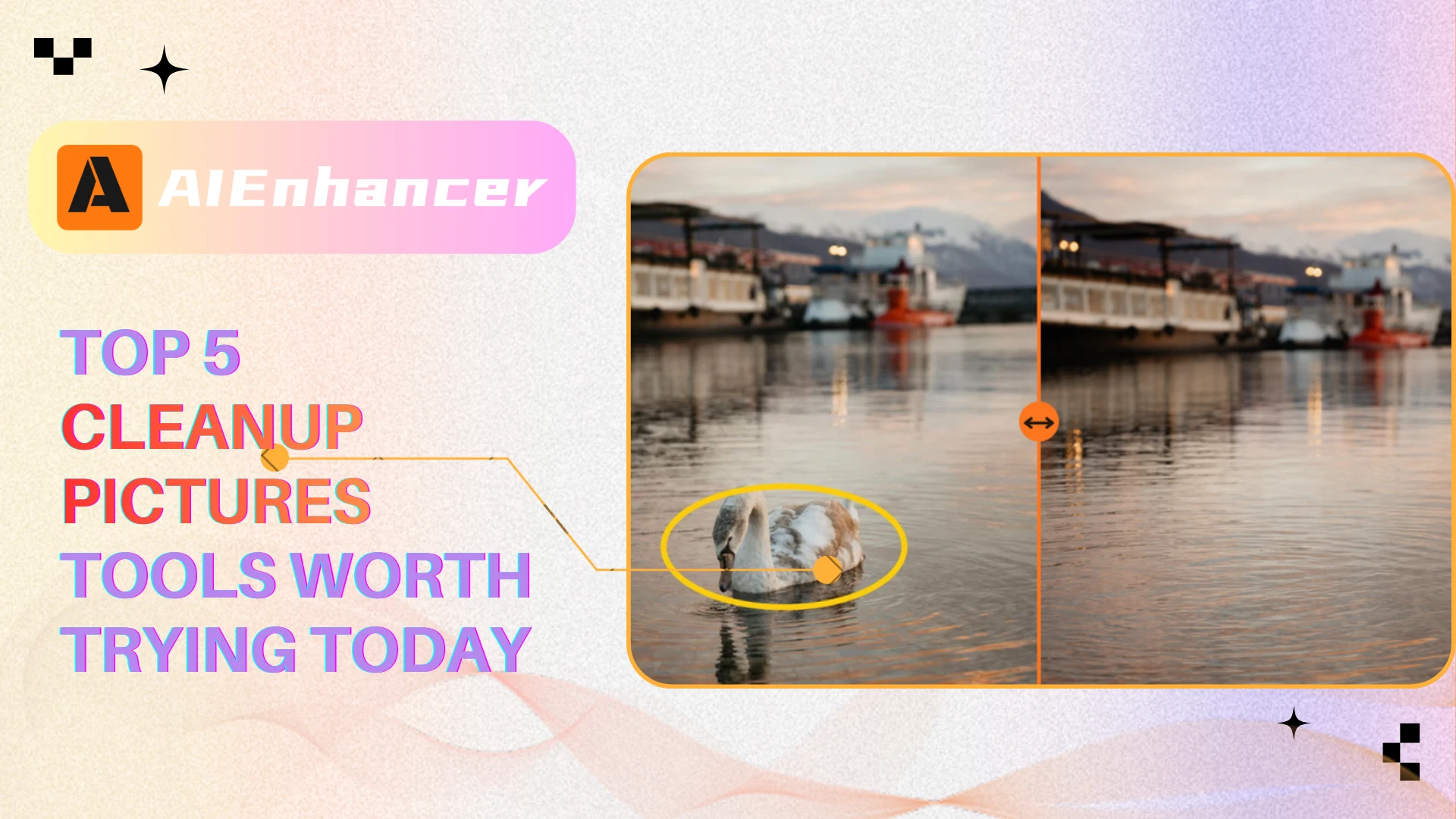
What Does It Mean to Cleanup Pictures? 🔍
Before reviewing specific platforms, it is important to define what modern image cleanup actually involves.
Cleaning up pictures is about more than just deleting pixels. Instead, it means removing distractions while preserving structural coherence and visual realism.
🧠 From Pixel Replacement to Intelligent Reconstruction
Traditional editing methods relied heavily on cloning or healing tools. These approaches copy nearby pixels and paste them into the selected area. While effective for minor blemishes, they often struggle with complex textures, layered depth, or lighting transitions—especially when users attempt to cleanup pictures involving detailed backgrounds.
Modern AI-based systems operate differently.
Instead of duplicating pixels, they analyze contextual information across the image. Lighting gradients, texture patterns, perspective lines, and environmental cues are processed to predict what should logically exist behind the removed object.
This shift — from manual duplication to AI reconstruction — is what defines the current generation of image cleanup tools.
When comparing platforms, reconstruction accuracy becomes more important than removal speed alone.
🎯 The Role of Source Image Quality
Even the most advanced systems depend on input quality.
High-resolution images provide more contextual information for accurate reconstruction. Compressed screenshots or heavily blurred files limit the AI’s ability to generate natural-looking fills.
When users attempt to cleanup pictures, the original file often determines the ceiling of achievable quality.
Understanding this dependency helps set realistic expectations and explains why two tools may produce different results on the same image.
Why Image Cleanup Matters in Modern Workflows 📸
The importance of visual refinement extends across industries.
As content production increases, visual standards rise accordingly. Audiences are accustomed to polished imagery. Minor imperfections now stand out more than they once did.
📱 Social Media & Creator Economy
On visual-first platforms, composition clarity directly influences engagement.
Creators who refine backgrounds and remove distractions maintain stronger aesthetic consistency. Many use lightweight tools to cleanup pictures before publishing, ensuring that attention stays on the subject rather than on unintended background elements.
Even subtle improvements can enhance perceived professionalism without making the image look over-processed. When viewers scroll quickly, clean visuals help content stand out naturally—especially when images are thoughtfully refined rather than heavily altered.
🛍 E-Commerce & Product Presentation
In online retail, image clarity directly impacts purchasing decisions.
Small imperfections such as dust particles, background clutter, or unwanted reflections reduce perceived product quality. Businesses that consistently cleanup pictures for listings often achieve stronger visual consistency and higher buyer confidence.
In competitive markets, that marginal improvement can translate into measurable conversion gains.
🖼 Old Photo Preservation
Family photographs often carry emotional value that extends beyond technical quality.
Scratches, stains, and fold marks accumulate over time. Using modern tools to cleanup pictures allows these surface imperfections to be removed while preserving the image’s authenticity, ensuring that memories remain intact without appearing artificially altered.
📊 Marketing & Professional Communication
Campaign assets must feel intentional.
A stray background object or overlooked watermark weakens credibility. Designers and marketers frequently refine images to ensure that visual composition supports messaging rather than distracting from it.
Across all these contexts, image cleanup serves one core purpose: reducing visual noise to strengthen focus.
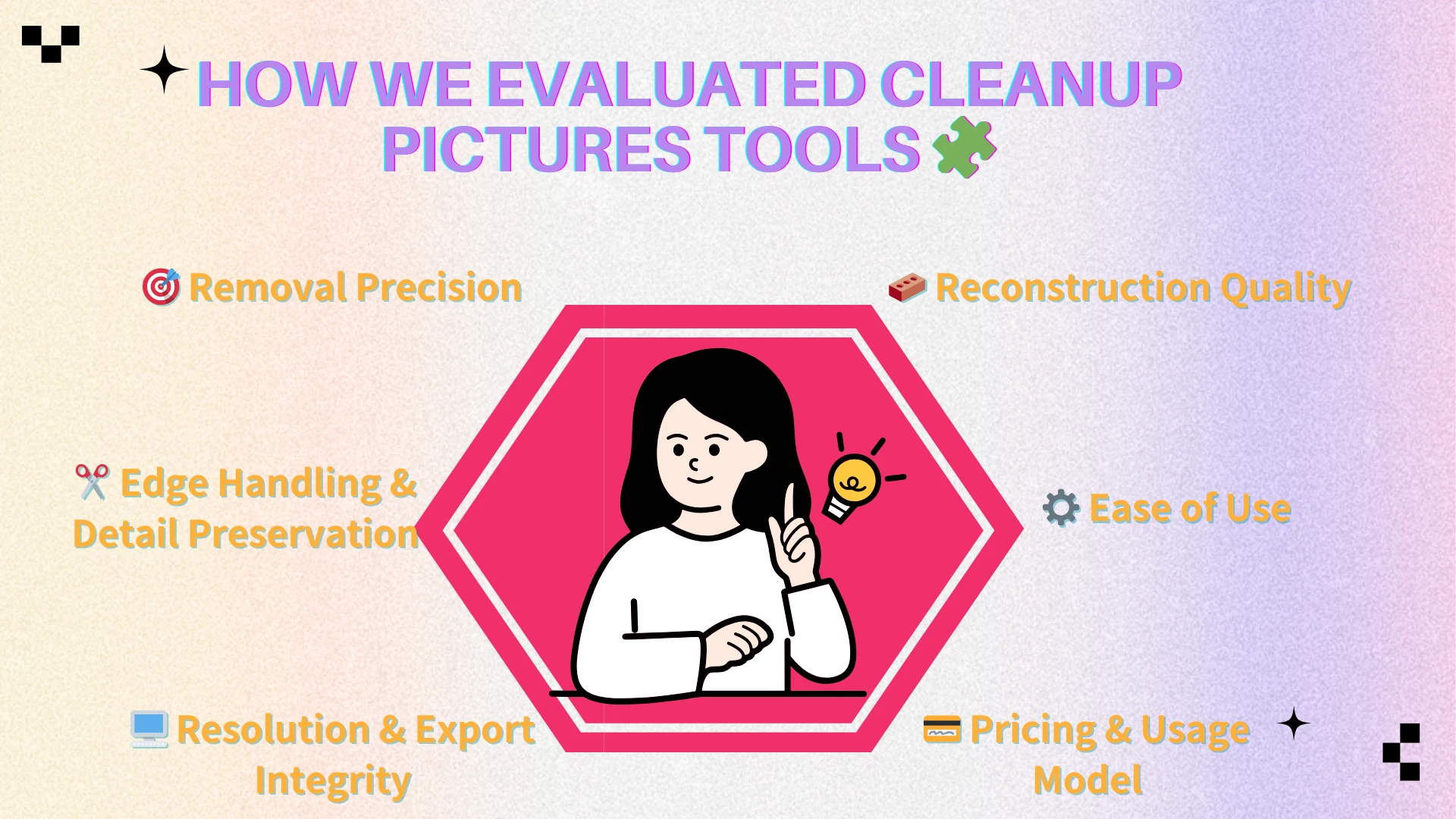
How We Evaluated Cleanup Pictures Tools 🧩
With numerous platforms claiming instant object removal, objective comparison is essential.
Rather than relying on marketing claims, we applied consistent evaluation standards across all five tools in this review.
🎯 Removal Precision
The first benchmark is accuracy.
How cleanly does the platform eliminate unwanted elements? Are there visible outlines, color mismatches, or texture repetitions?
Precise removal forms the foundation of believable results.
🧱 Reconstruction Quality
Deletion alone is not enough. The rebuilt area must integrate seamlessly with the surrounding environment. When users attempt to cleanup pictures, the real challenge lies not in removing the object itself but in how convincingly the background is reconstructed afterward.
We examined texture continuity, lighting consistency, perspective alignment, and pattern realism to assess how naturally each tool handled reconstruction. This factor is often what separates average tools from high-performing ones.
✂️ Edge Handling & Detail Preservation
Fine details reveal reconstruction quality quickly.
Hair strands, product edges, and architectural lines often expose blending weaknesses. Tools were tested under zoom to evaluate how well they preserved these subtle boundaries.
Natural edge transitions significantly enhance realism.
⚙️ Ease of Use
An effective platform should not require professional design expertise.
Workflow clarity, intuitive controls, and minimal friction were considered. Some tools prioritize one-click automation, while others allow more manual adjustments when users need finer control to cleanup pictures precisely.
User accessibility plays a major role in practical adoption. A tool may deliver strong technical results, but if the process feels complicated or time-consuming, it is less likely to become part of a regular editing workflow.
🖥 Resolution & Export Integrity
High-resolution support is critical for commercial use.
We evaluated upload limits, export quality, compression behavior, and format compatibility to determine whether output integrity remained consistent after editing.
💳 Pricing & Usage Model
Subscription structure affects long-term viability.
Some platforms operate on credit-based systems. Others include daily limits or resolution caps. Usage flexibility can significantly impact workflows for users who frequently cleanup pictures.
By structuring our evaluation around these criteria, the upcoming TOP 5 comparison reflects real-world performance rather than surface-level feature lists.
In the next section, we break down each tool using a consistent framework to highlight strengths, limitations, pricing structure, and ideal use scenarios.
TOP 5 Cleanup Pictures Tools 🏆
If your goal is to remove distractions while keeping the image believable, the tool you choose matters as much as the image you start with. Some platforms are built for fast, casual edits, while others focus on higher-fidelity reconstruction that holds up under zoom.
Below are five options that cover the most common needs: quick browser edits, creator workflows, full design pipelines, and scalable usage. No matter which one you pick, the best results come from matching the tool to your scenario—and using it with the right expectations for cleanup pictures.
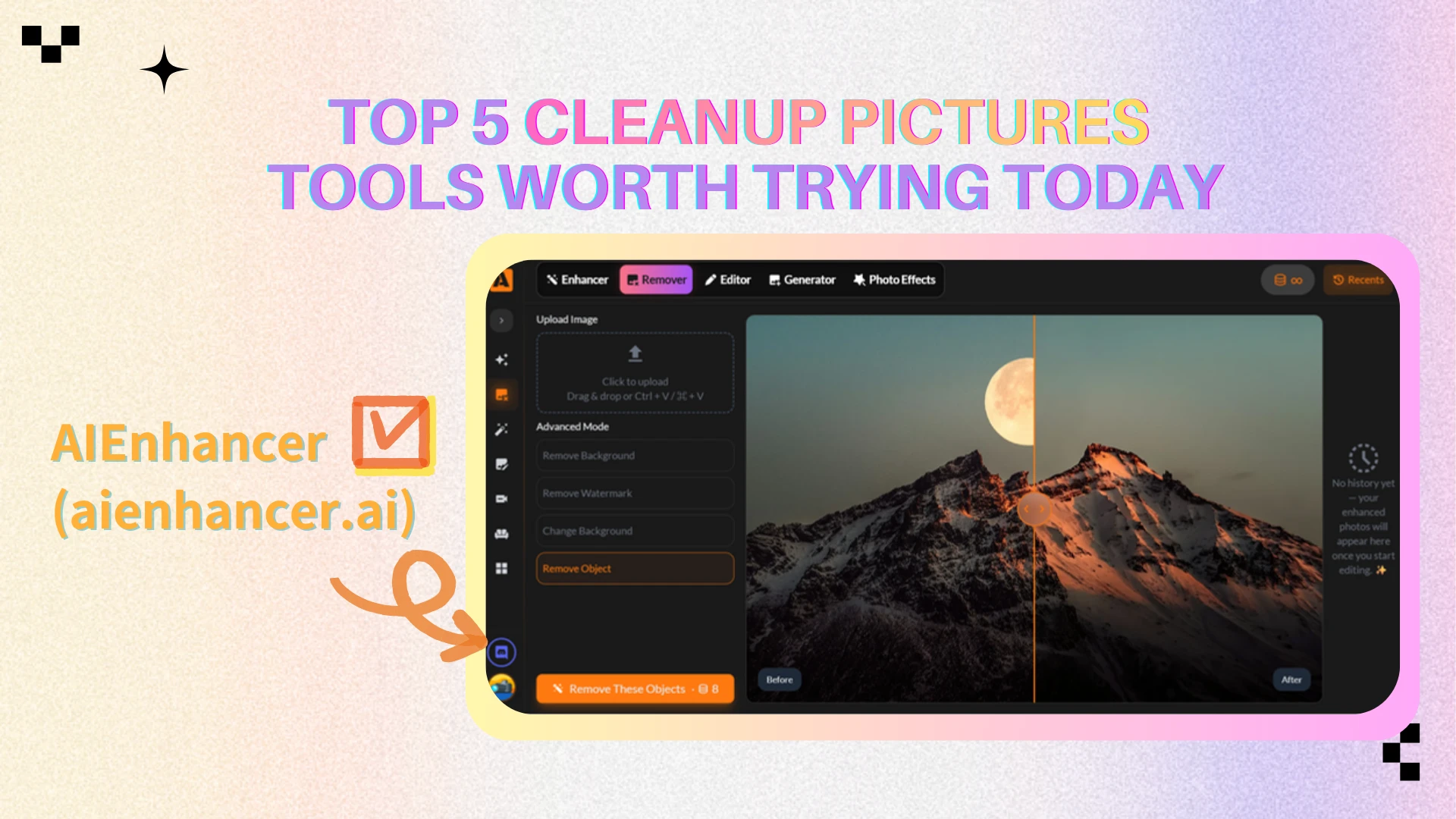
AIEnhancer — Best for Unlimited Workflow 🚀
Quick Positioning
Dedicated AI cleanup platform with unlimited usage after login, designed for consistent high-volume editing.
Strengths
Unlimited edits after login
Strong reconstruction for moderate removals
Clean, simple interface
Limitations
Requires account login
Focused mainly on cleanup rather than full design suite
Best For
High-frequency editing, e-commerce listings, content teams.
Price Structure
Login-based unlimited usage model.
Best Use Scenarios
Product image cleanup, repeated background removal, workflow-driven editing.
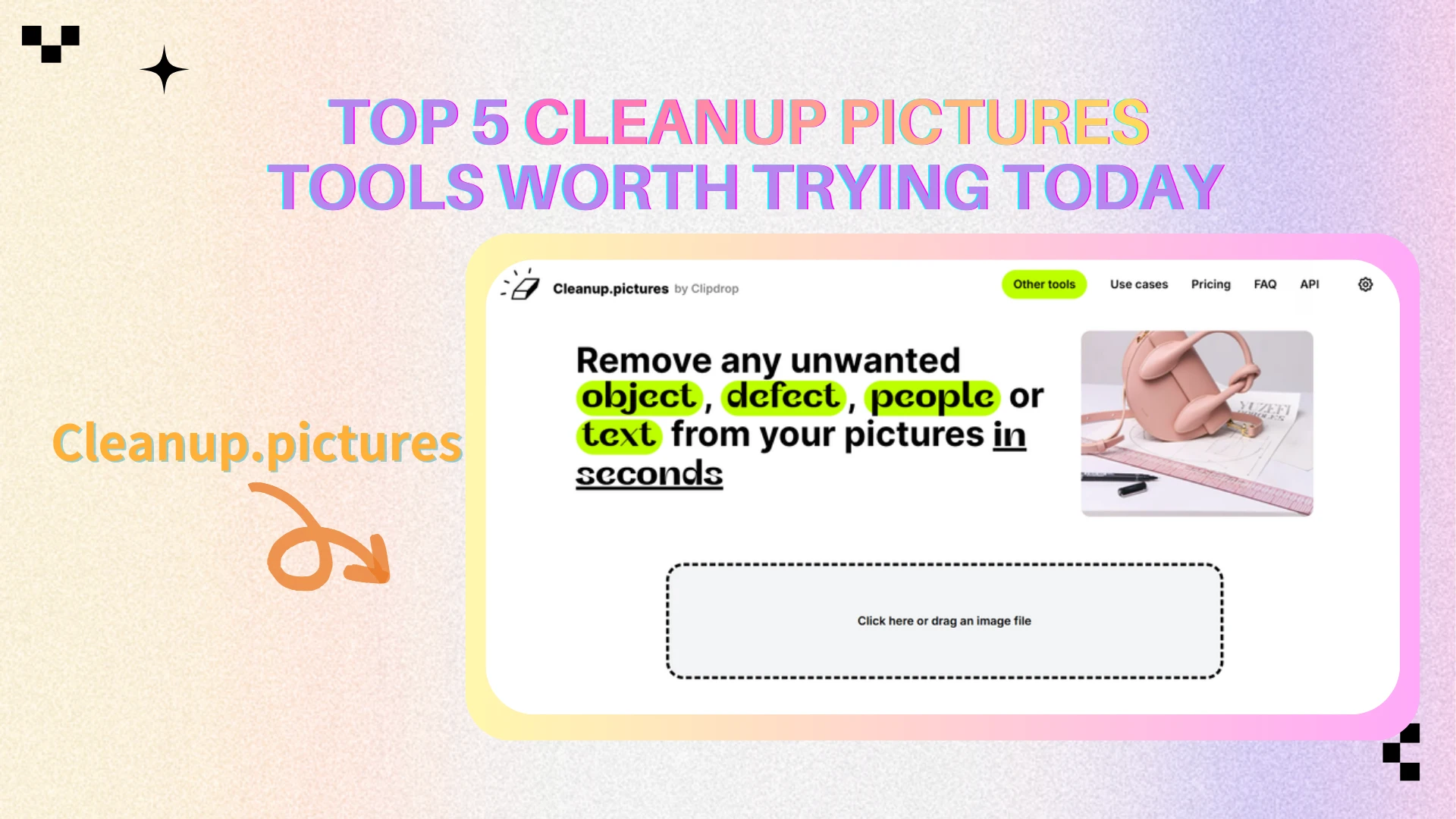
Cleanup.pictures — Best for Quick Browser Fixes 🎯
Quick Positioning
Minimalist web-based tool built specifically for fast object removal.
Strengths
Extremely easy to use
Works directly in browser
Affordable Pro tier
Limitations
720p export on free plan
Less consistent on complex textures
Best For
Occasional users who need fast, lightweight edits.
Price Structure
Free ($0); Pro from $3/month.
Best Use Scenarios
Small object removal, quick blog visuals, light background cleanup.
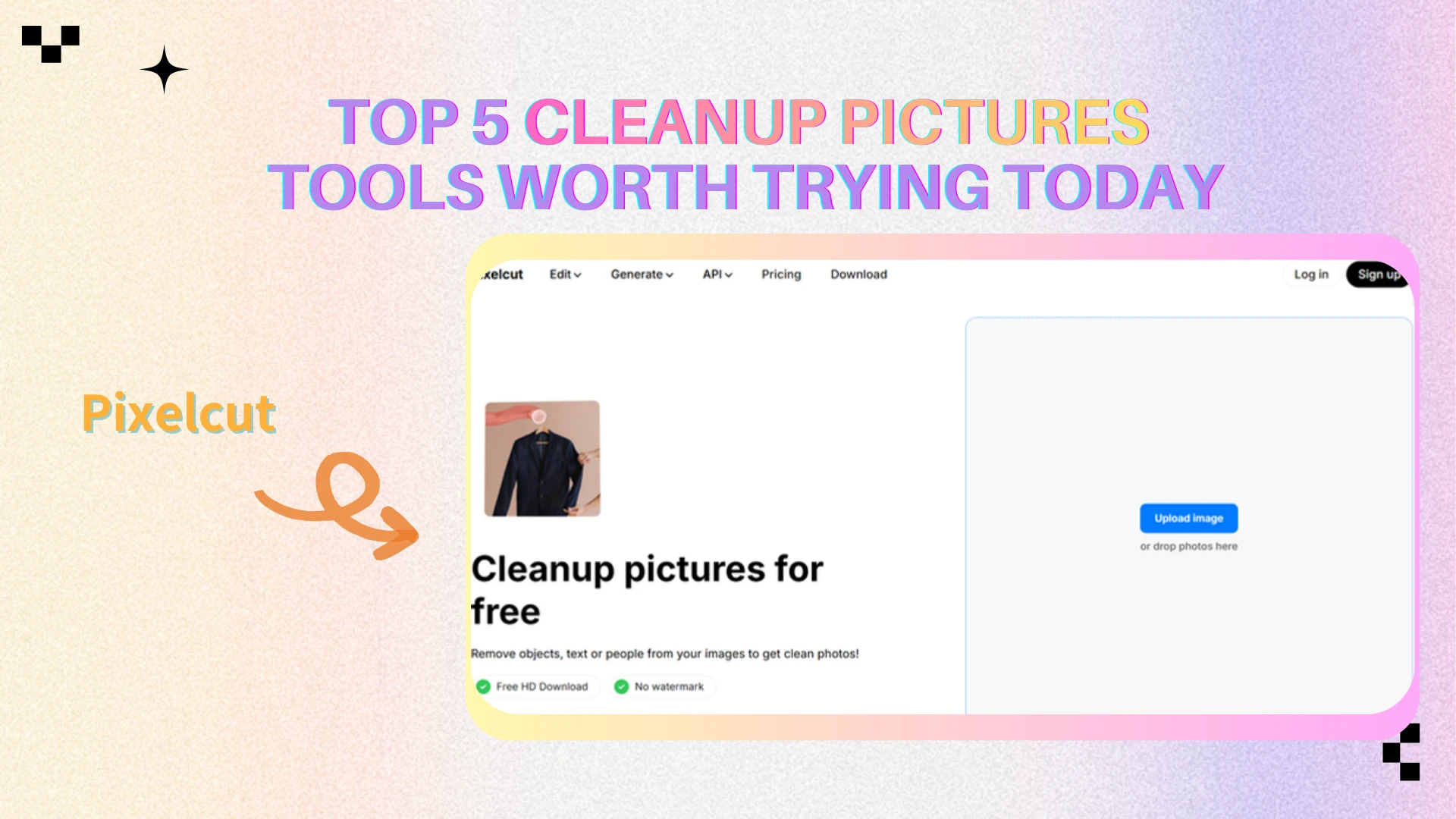
Pixelcut — Best for Creator Workflows 📱
Quick Positioning
- AI editing platform tailored for creators and mobile workflows.
Strengths
Mobile-friendly interface
Good balance of cleanup + other AI tools
Clean visual output for social content
Limitations
Credit-based usage
Less granular manual control
Best For
Creators and small teams managing social media assets.
Price Structure
Free; Pro $10/month; Business $30/month.
Best Use Scenarios
Social posts, marketing visuals, short-form content editing.
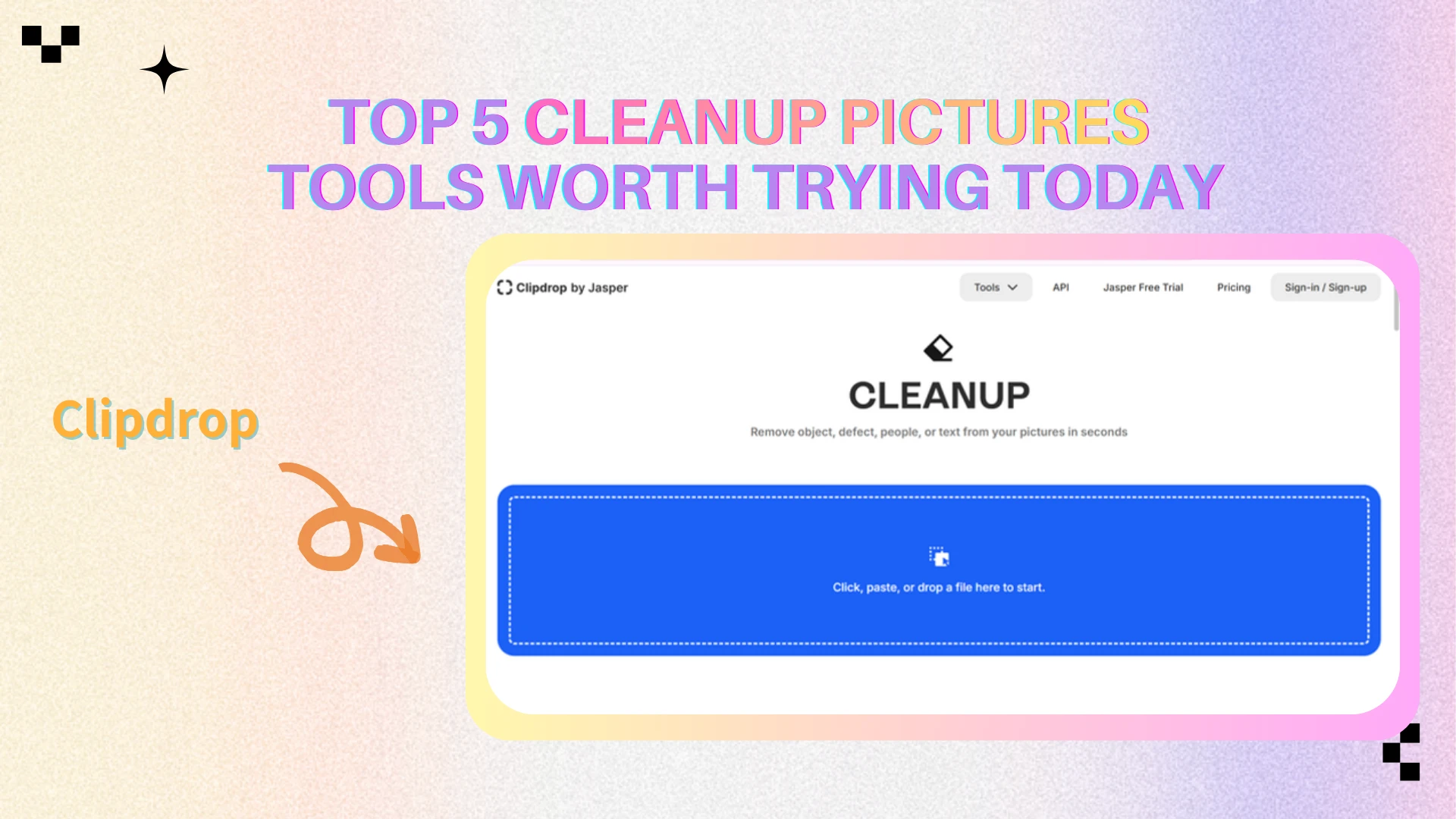
Clipdrop — Best for Multi-Tool AI Editing 🧠
Quick Positioning
All-in-one AI suite that includes cleanup alongside generative and background tools.
Strengths
High-resolution support (Pro)
Broad AI feature ecosystem
Reliable structured scene reconstruction
Limitations
Usage limits on free tier
Interface slightly more layered
Best For
- Users who want cleanup plus generative fill and background tools in one platform.
Price Structure
- Pro $15/month; API usage-based.
Best Use Scenarios
- Multi-step edits, structured background removal, advanced AI workflows.
Canva — Best for Design-Integrated Cleanup 🎨
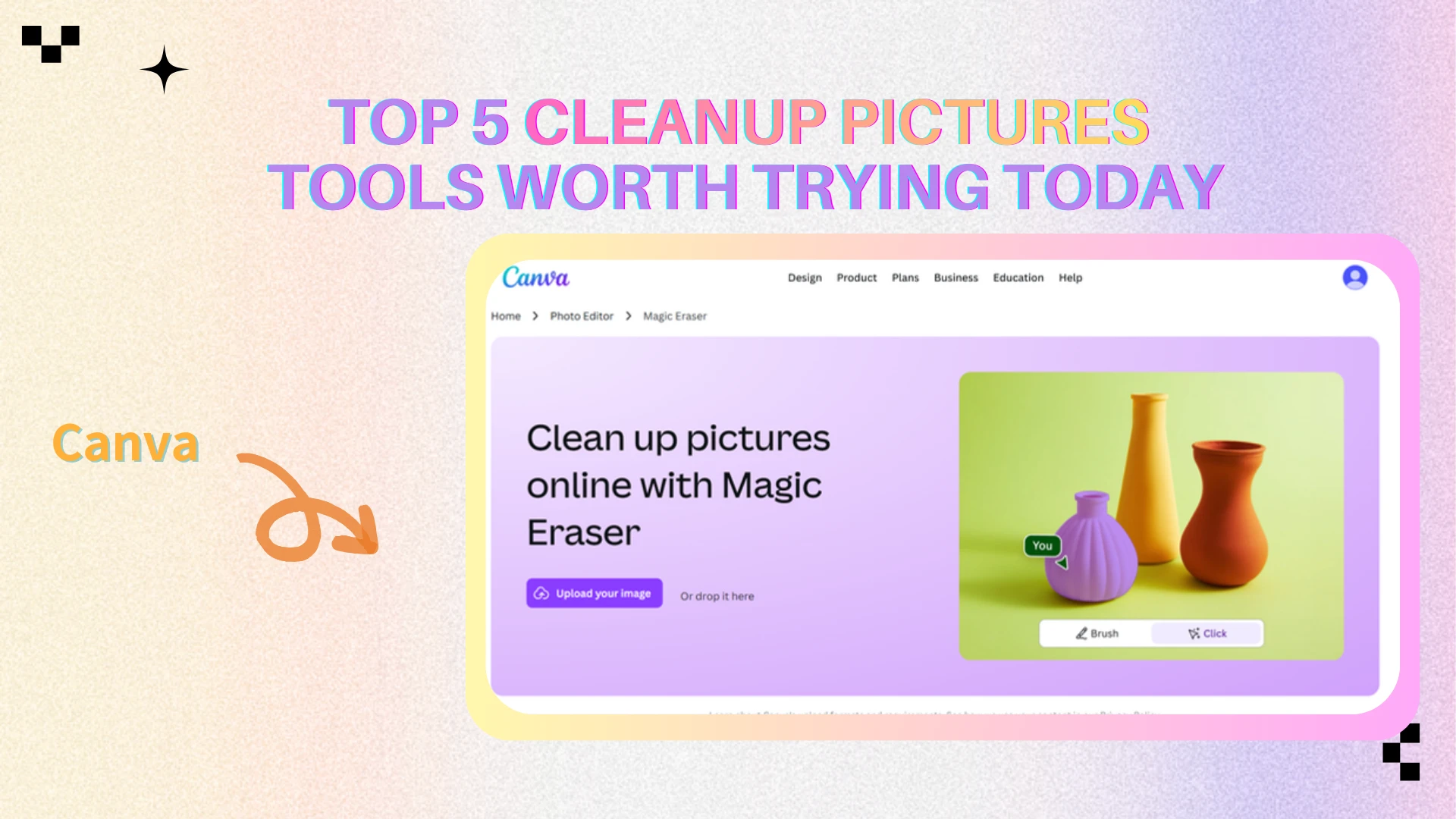
Quick Positioning
- Design-first platform where object removal is part of a broader layout workflow.
Strengths
Seamless template integration
Strong collaboration features
Easy for non-designers
Limitations
Cleanup not as specialized as dedicated AI tools
Advanced features behind paid tiers
Best For
Marketing teams and designers working inside template-based environments.
Price Structure
Free; Pro $18/month; Business $24/month per user.
Best Use Scenarios
Campaign assets, presentations, brand templates.
Tool Comparison Table 📊
This table is built for fast decision-making—especially if you’re choosing a tool based on workflow fit rather than feature lists. If you want the smoothest path to cleanup pictures, start with “Best For” and “Free Option,” then confirm the price.
| Tool | Best For | Ease of Use | AI Accuracy | Free Option | Price |
|---|---|---|---|---|---|
| AIEnhancer | Unlimited, high-frequency editing | Very easy | High | Yes | Unlimited after login |
| Cleanup.pictures | Quick browser fixes | Very easy | Medium–High | Yes (Limited) | Pro from $3/mo |
| Pixelcut | Creator/mobile workflows | Easy | Medium–High | Yes (Limited) | Pro $10/mo; Business $30/mo |
| Clipdrop | Multi-tool AI suite | Medium | High (Pro) | Yes (Limited) | Pro $15/mo; API usage-based |
| Canva | Design + templates + team workflows | Easy | Medium | Yes (Limited) | Pro $18/mo; Business $24/mo |
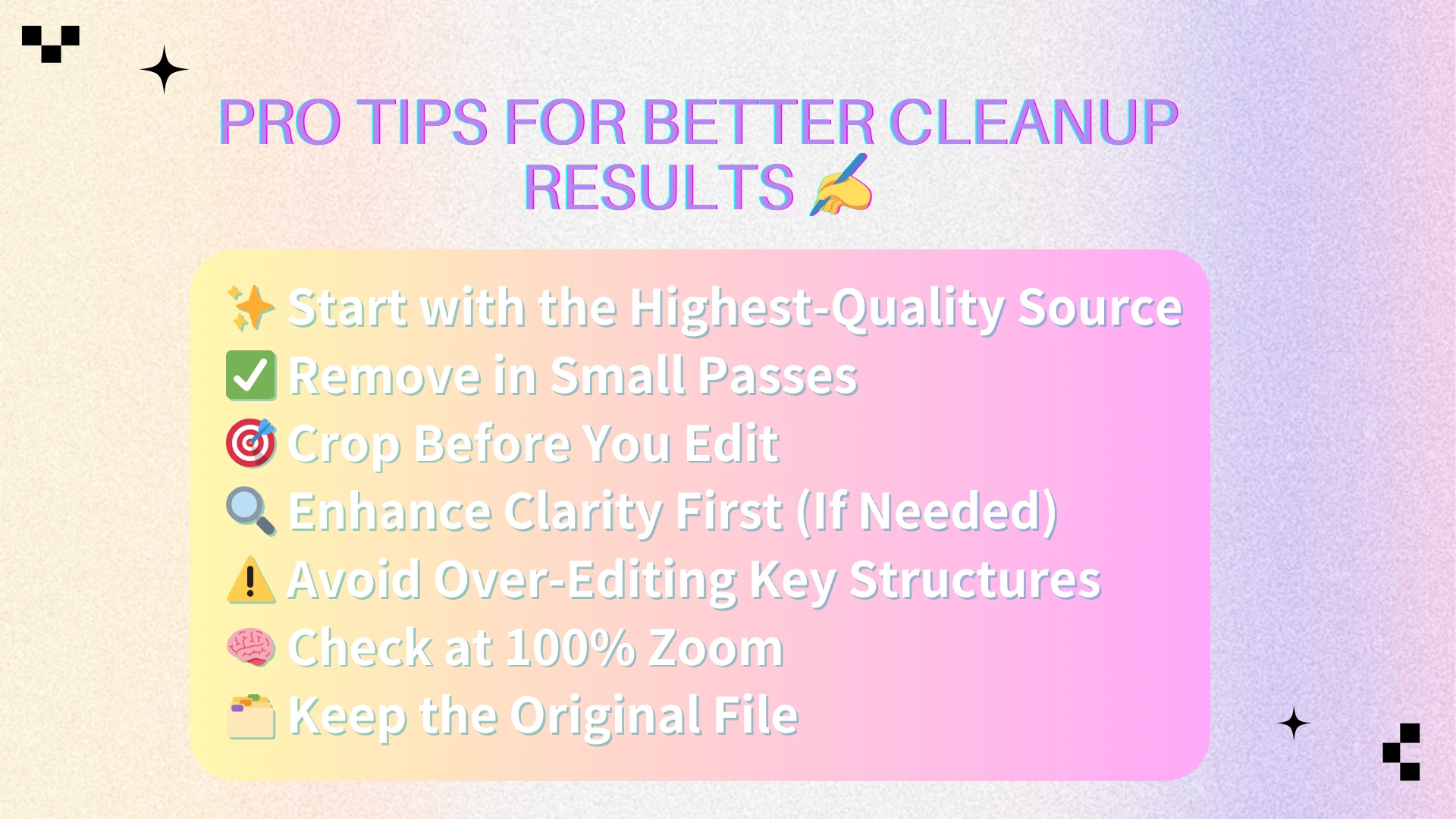
Pro Tips for Better Cleanup Results ✍️
Good tools help, but the most consistent improvements come from technique. These tips are what separate “it looks edited” from “it looks natural,” especially when you’re trying to cleanup pictures for professional use.
Start with the highest-quality source ✨
Resolution matters more than most people think. Higher-res images give the model more texture and structure to reconstruct. If you only have a compressed screenshot, expect the reconstruction to look softer.
Remove in small passes ✅
Multiple small removals usually outperform one large wipe. When you remove a huge area, the model has to invent more information, which increases the chance of texture mismatch. Small edits keep reconstruction grounded and realistic.
Crop before you edit 🎯
If the background is complex, cropping can dramatically improve results. Reduce the area the model has to interpret. This is one of the simplest ways to make cleanup pictures look more seamless.
Enhance clarity first (when needed) 🔍
If the photo is noisy or low-detail, a light enhancement step can help before removal. Better structure makes reconstruction easier. Don’t overdo it—just enough to improve edges and textures.
Avoid over-editing key structures ⚠️
Repeated edits on the same region can “wash out” natural texture. If you keep brushing the same area, step back and reassess the selection size, brush softness, or crop strategy.
Check results at 100% zoom 🧠
What looks fine at screen size may reveal artifacts when zoomed in. Always review at full resolution before final export—especially for e-commerce images where details matter.
Keep the original file 🗂️
This sounds basic, but it’s essential. Tools evolve, and you may want to re-run edits later. Keeping the original gives you flexibility when a better method appears.
Used together, these habits make it much easier to cleanup pictures with natural-looking results—without falling into the “AI smear” effect.
Conclusion 🧭
AI-based cleanup technology is mature, and the best tools today can remove distractions with impressive realism. For most everyday use cases, it’s absolutely possible to cleanup pictures in minutes rather than hours.
Still, results are not guaranteed by the tool alone. The final quality depends heavily on your source image, the size of the removal area, and how complex the background is. AI is a powerful assistant, but it’s not magic—especially when you attempt to clean up pictures with highly detailed textures or layered depth.
That’s why choosing the right tool is so important. If you edit frequently and want unlimited throughput, a dedicated platform can be the most efficient choice. If you need quick web edits, a browser tool may be enough. If cleanup is part of a broader creative pipeline, an all-in-one suite or design platform can reduce friction.
The best next step is simple: pick one tool that fits your workflow, test it on your most common scenario, and refine your process from there. When your workflow is right, cleanup pictures becomes a fast, repeatable habit—one that improves visual trust every time you publish.