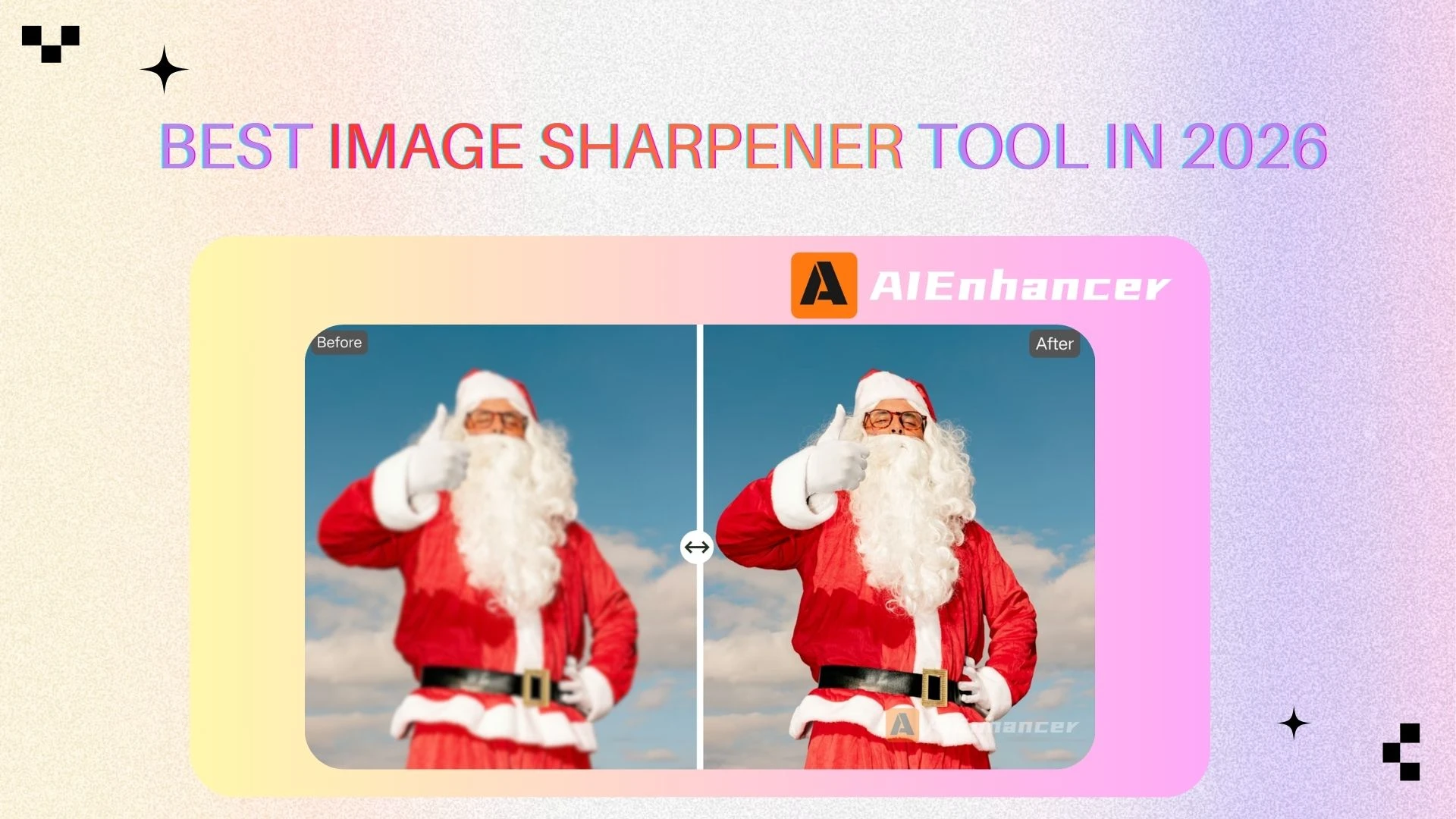
Top 5 Image Sharpener Tools That Actually Deliver in 2026
Introduction
In the modern digital landscape, images are no longer just decorative elements — they are one of the most powerful communication tools available. Whether you are running an online store, building a personal brand, managing social media accounts, or creating marketing materials, the clarity of your images directly influences how people perceive your content.
Unfortunately, not all images are captured under ideal conditions. Low light, camera shake, compression, motion blur, or low-resolution sources can result in images that look soft, dull, or unprofessional. This is exactly why a reliable image sharpener has become an essential tool for creators, businesses, and everyday users.
Advanced enhancement tools help recover lost details, refine edges, and improve overall visual clarity without requiring advanced photo editing skills. In this comprehensive guide, we review the top 5 tools in 2026 — AIEnhancer, PINETOOLS, Canva, Pixelcut, and Picsart — and explain how each solution performs in real-world scenarios.
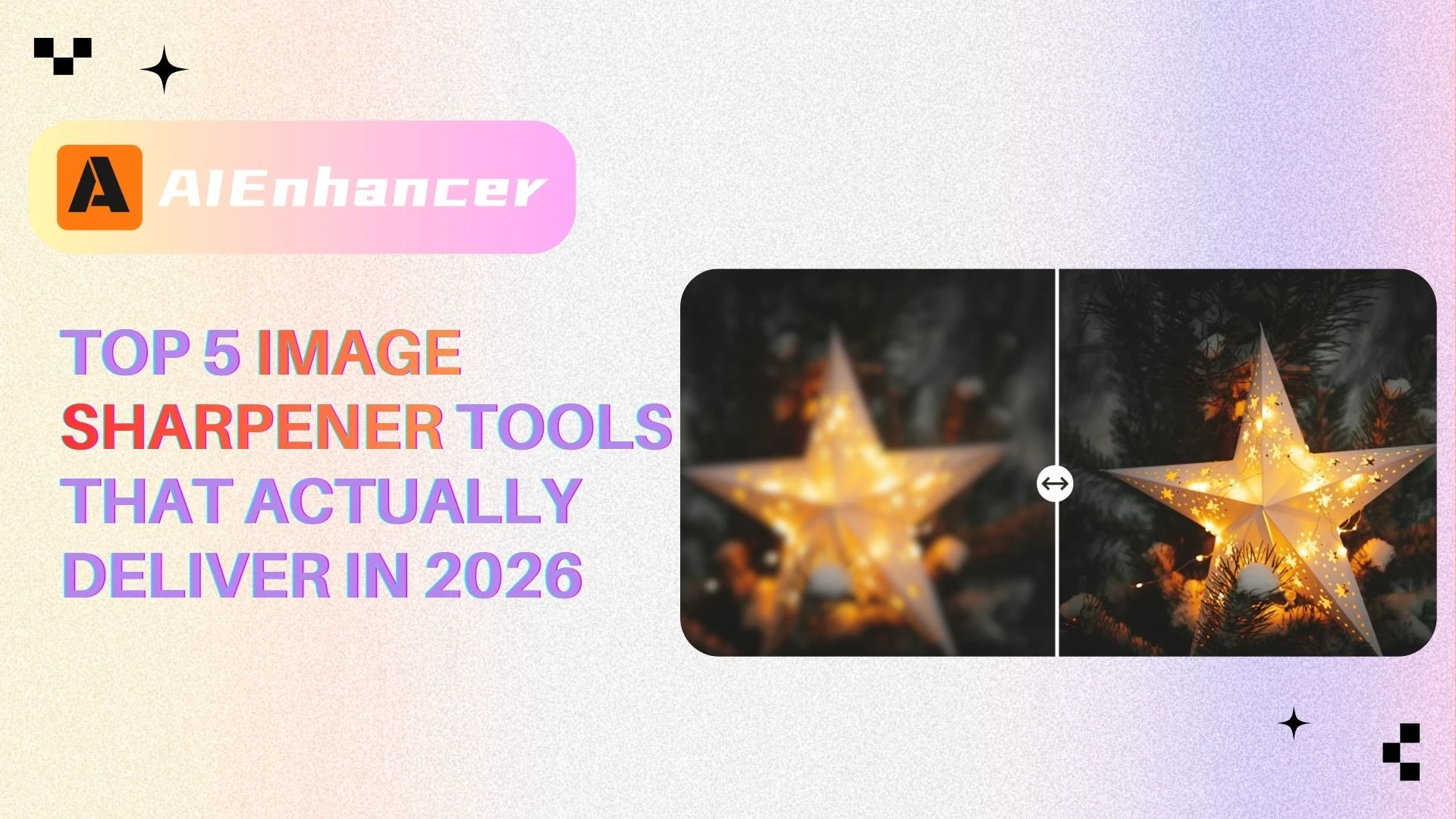
What Is an Image Sharpener
A photo enhancement tool is designed to improve the perceived clarity and definition of an image. Rather than simply boosting contrast, modern enhancement technology intelligently emphasizes edges, textures, and fine details, making visuals appear cleaner and more refined.
Traditional sharpening methods rely on basic edge-detection algorithms. While these approaches can slightly improve clarity, they often introduce unwanted side effects such as noise, halos, or unnatural-looking edges—especially when applied to low-quality or heavily compressed images.
By contrast, an AI-powered image sharpener uses machine learning models trained on large image datasets. These models analyze patterns, textures, and structures to reconstruct missing details more naturally. As a result, AI image sharpener tools can significantly improve clarity while preserving a realistic appearance.
Common Use Cases for an Image Sharpener
An image sharpener is widely used across industries and content types:
✨Enhancing blurry smartphone photos
💥Improving low-resolution images for websites
🌈Optimizing product images for e-commerce listings
🌟Restoring scanned or old photographs
⚡️Improving images for social media, ads, and presentations
Regardless of the scenario, the right enhancement approach can elevate average visuals into polished, professional-quality assets.

Why an Image Sharpener Matters More Than Ever
Using an image sharpener is no longer optional in a competitive digital environment. Clear images directly impact engagement, trust, and conversion rates.
📈Higher Engagement and Retention
Sharp, clear visuals capture attention instantly. Research consistently shows that high-clarity content keeps users engaged longer and improves overall interaction. Using the right enhancement approach helps your visuals stand out instead of fading into the background.
🔖Stronger Brand Credibility
For brands and businesses, image quality reflects professionalism. Blurry or poorly edited visuals can make a brand appear unreliable. A consistent image sharpener workflow helps maintain visual standards across all platforms.
⚡️Faster Production Workflows
Manual photo editing is often time-consuming and requires technical expertise. Modern AI-powered enhancement tools automate most of the workflow, enabling users to improve image clarity and detail in just seconds.
📊Wide Applicability
From photographers and designers to social media managers and online sellers, this type of enhancement tool fits seamlessly into nearly every creative workflow.
Simply put, a high-quality solution improves productivity just as much as it enhances visual results.
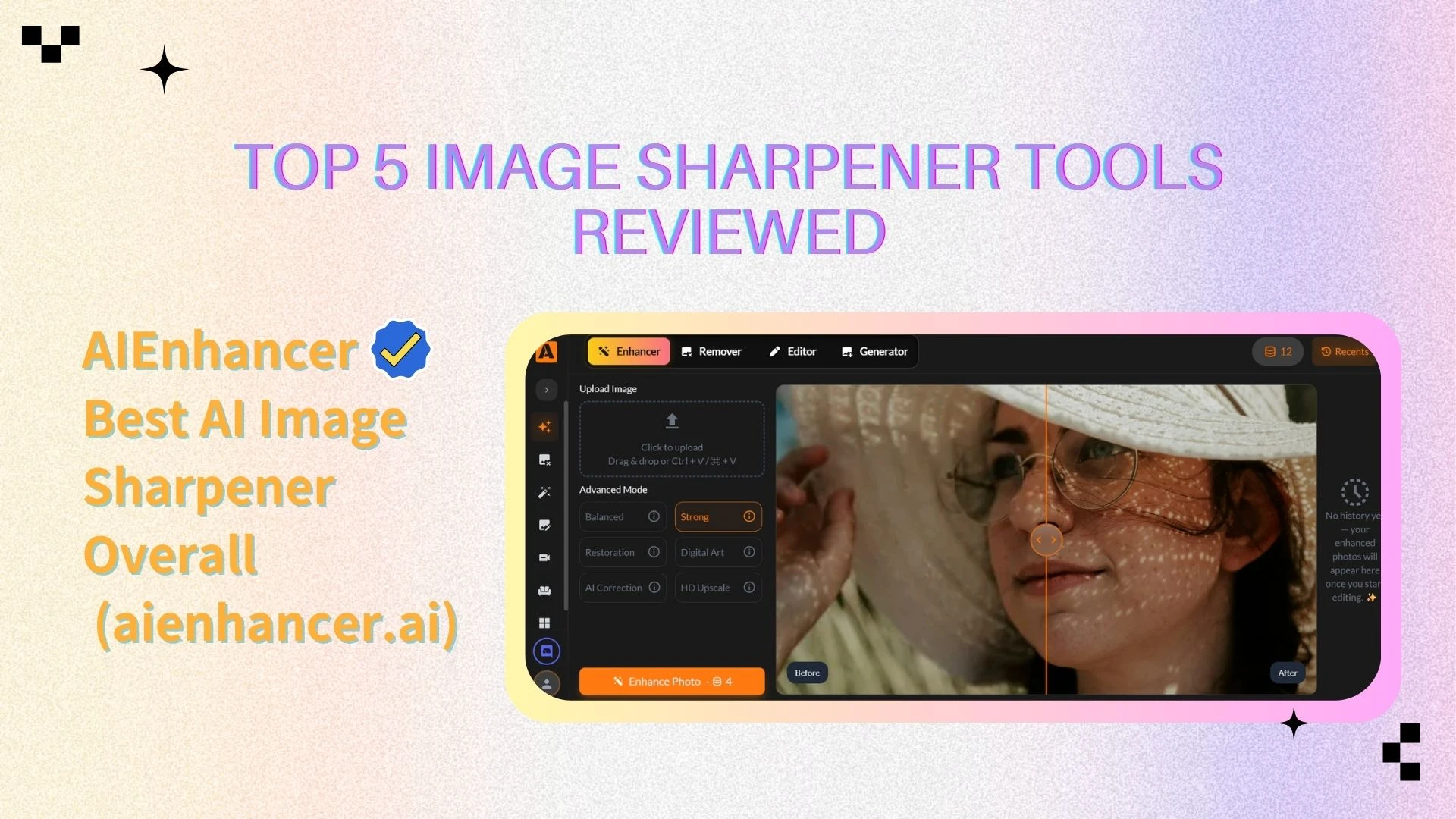
Top 5 Image Sharpener Tools Reviewed
Below is a detailed breakdown of the top 5 image sharpener tools available today. Each image sharpener is evaluated using the same criteria: sharpening quality, ease of use, features, pricing, and ideal use cases.
AIEnhancer — Best AI Image Sharpener Overall
Overview
AIEnhancer is a dedicated AI image sharpener designed specifically for restoring clarity, fine details, and texture in images. Unlike general-purpose photo editors, this image sharpener focuses entirely on enhancement quality and automation.
Key Features
Advanced AI-driven image sharpener engine
Intelligent edge and texture reconstruction
Built-in noise reduction during sharpening
Cloud-based processing for consistent results
Image Sharpener Performance
AIEnhancer performs exceptionally well at restoring details in low-resolution or slightly blurred images. It delivers clean, natural-looking results without introducing excessive noise or harsh sharpening artifacts. This makes it especially effective for product photography and portrait images where detail and realism matter most.
Pros
Industry-leading image sharpener quality
Fully automatic workflow
Cons
- Requires account registration to access features
Pricing
- Currently free of charge
Best For
Users who want the best AI image sharpener with minimal manual effort, especially e-commerce sellers and content teams.
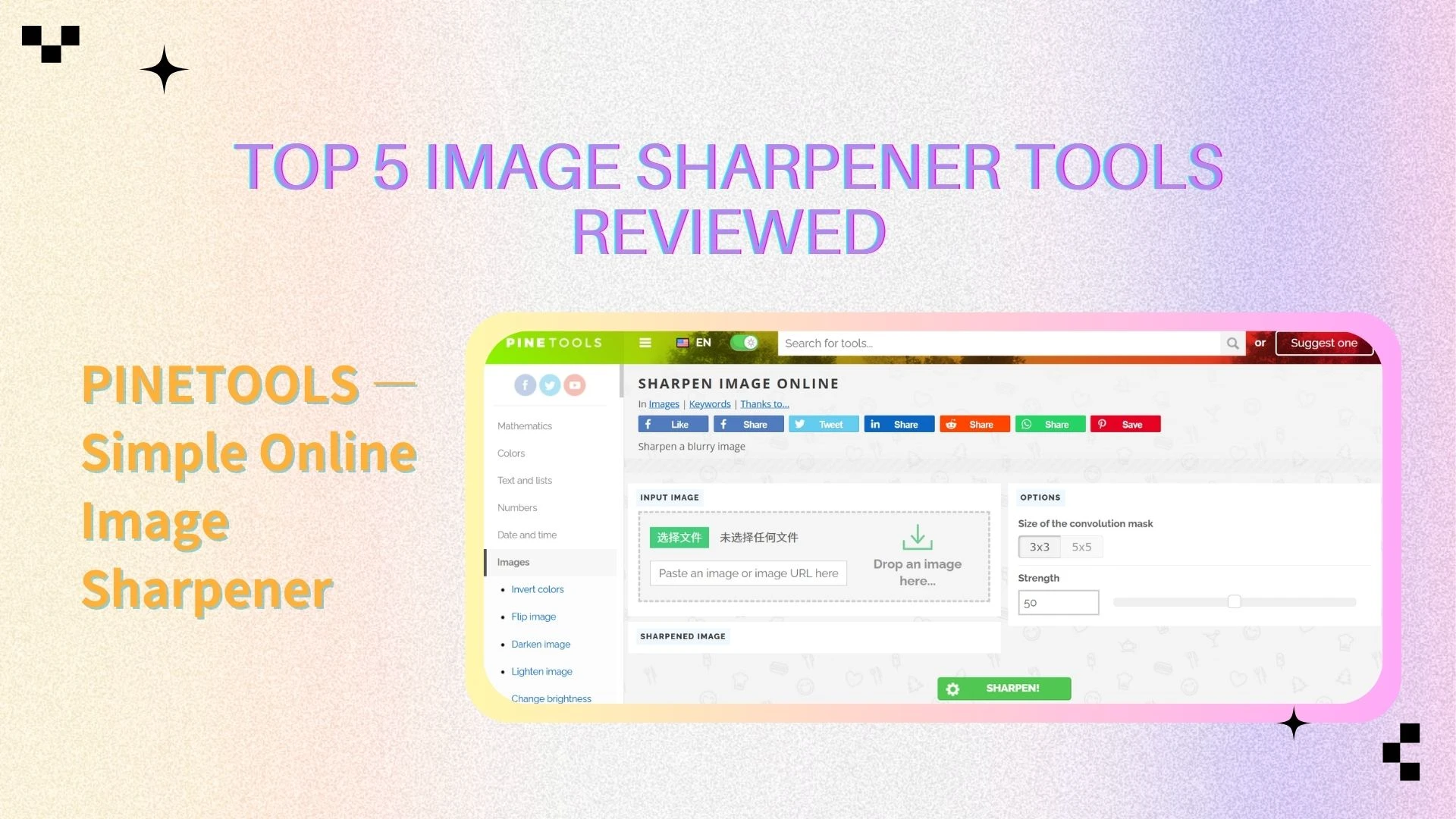
PINETOOLS — Simple Online Image Sharpener
Overview
PINETOOLS provides a basic online image sharpener that runs entirely in the browser. It is designed for simplicity rather than advanced image enhancement.
Key Features
Slider-based image sharpener
No account or installation required
Fast processing on standard images
Image Sharpener Performance
This tool performs adequately for light enhancement tasks but struggles when handling heavily blurred or low-quality images. It does not rely on AI technology and provides only limited adjustment options.
Pros
Free image sharpener
Extremely easy to use
No learning curve
Cons
No AI enhancement
Limited sharpening quality
Pricing
Completely free.
Best For
Occasional users who need a quick image sharpener for simple tasks.
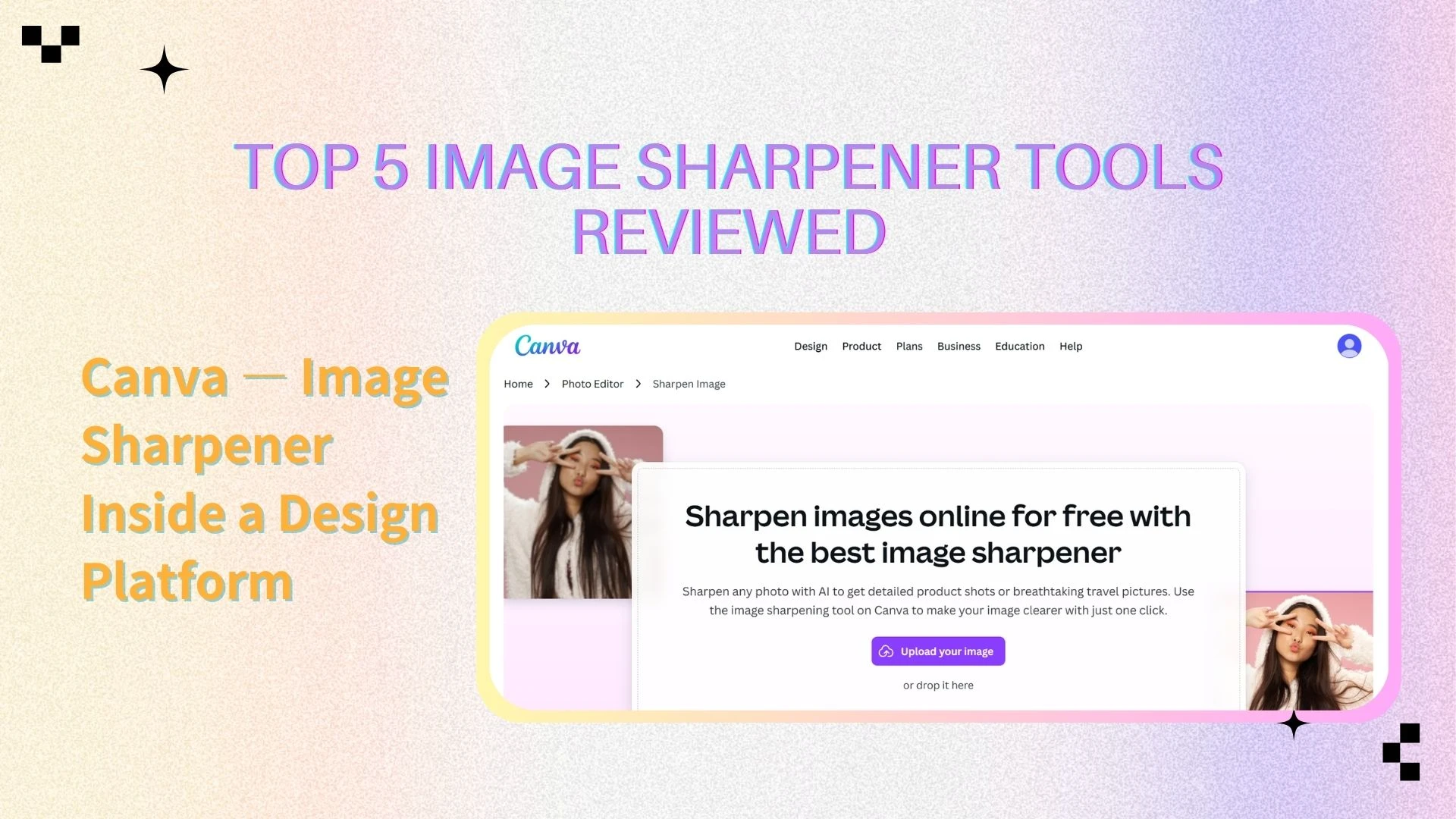
Canva — Image Sharpener Inside a Design Platform
Overview
Canva includes a basic clarity adjustment feature within its photo editing toolkit. While it isn’t a dedicated enhancement solution, it integrates smoothly into a broader design and layout workflow.
Key Features
Sharpen and clarity adjustment
Drag-and-drop design interface
Templates for social media and marketing
Web and mobile access
Image Sharpener Performance
Canva’s built-in enhancement feature works well for minor visual improvements but lacks the depth required for serious image restoration. It performs best when applied to images that already have decent overall quality.
Pros
Beginner-friendly image sharpener
Seamless design integration
Ideal for content creation
Cons
Limited sharpening control
Not suitable for heavy image repair
Pricing
Free plan available; Pro subscription unlocks premium assets.
Pro: $12.99/month per user or $119.99/year per user
Best For
Marketers and creators who want an image sharpener within a design ecosystem.
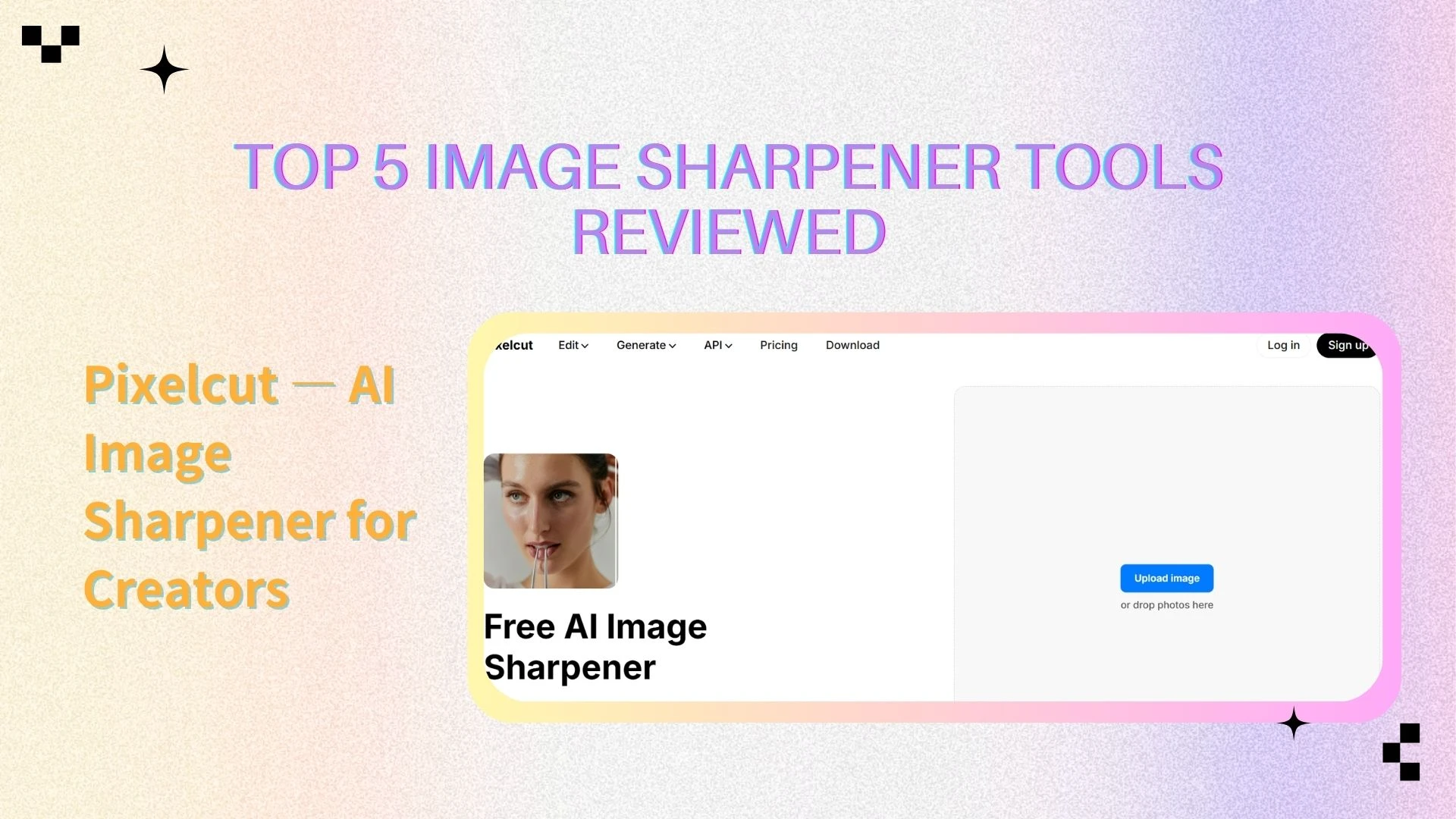
Pixelcut — AI Image Sharpener for Creators
Overview
Pixelcut is a modern AI-powered image sharpener popular among social media creators and small businesses. It focuses on speed, automation, and mobile usability.
Key Features
AI-based image sharpener
Automatic clarity enhancement
Background removal tools
Mobile-first experience
Image Sharpener Performance
Pixelcut produces clean, natural-looking sharpening results, especially for lifestyle and social media images. However, manual control is limited compared to professional tools.
Pros
Fast AI image sharpener
Excellent mobile experience
Simple and intuitive
Cons
Fewer advanced controls
Some features behind paywall
Pricing
- Credit-based plans starting at $10/month
Best For
Creators who want a quick, AI-driven image sharpener on mobile.
Picsart — Advanced Image Sharpener with Manual Control
Overview
Picsart includes a powerful clarity and detail adjustment feature within its full-featured photo editing suite. It offers more hands-on control and customization than most AI-only enhancement solutions.
Key Features
Adjustable image sharpener intensity
Noise reduction and filters
Layer-based editing
Mobile and web versions
Image Sharpener Performance
Picsart’s image sharpener is flexible and effective but requires user input. When used correctly, it delivers excellent results, though beginners may find it overwhelming.
Pros
Highly customizable image sharpener
Suitable for advanced users
Large creative toolkit
Cons
Steeper learning curve
Subscription required for premium features
Pricing
Free version available; Gold subscription unlocks advanced tools.
Credit-based plans starting at $9/month
Best For
Users who want maximum creative control over image sharpening.
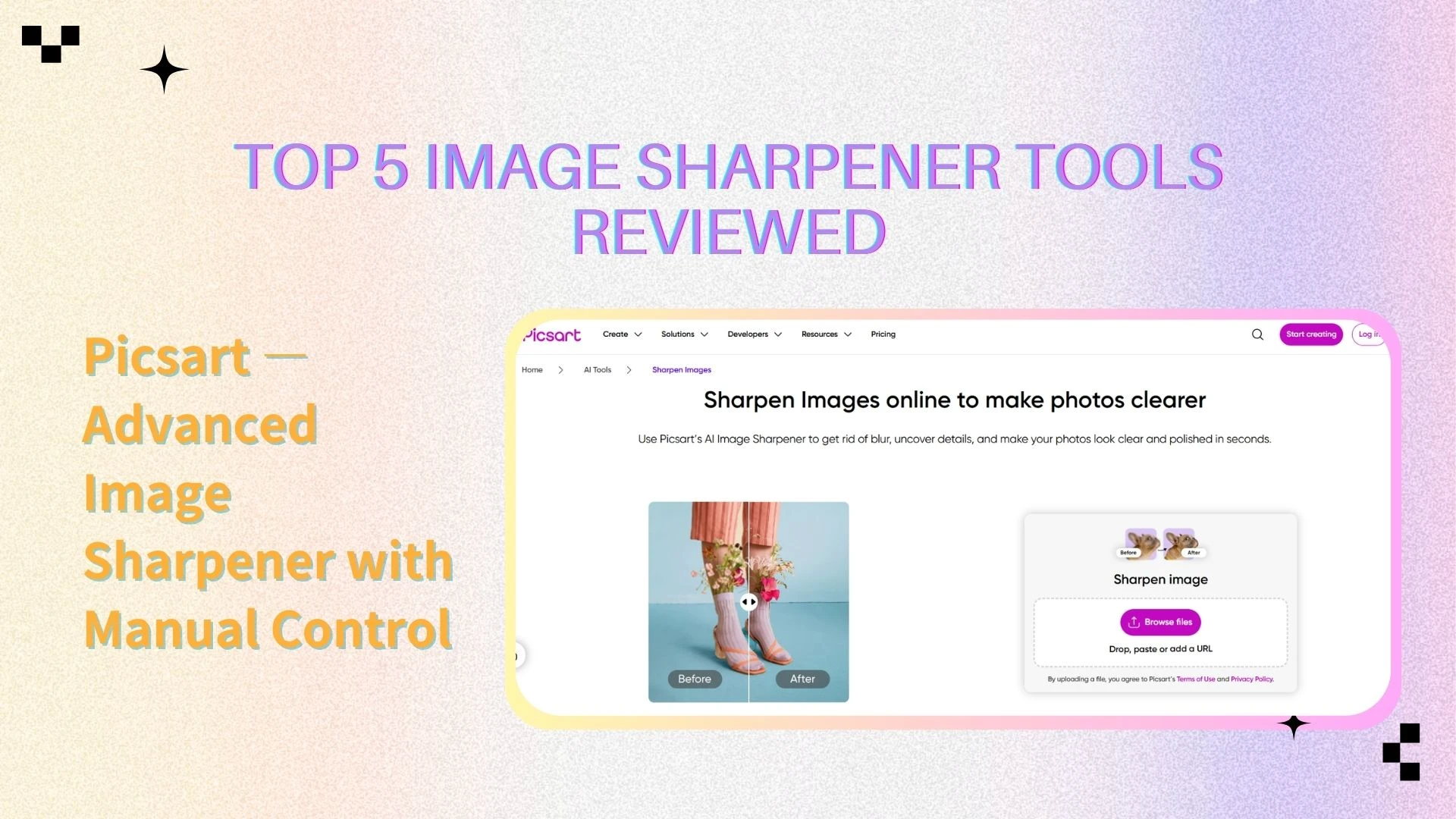
Image Sharpener Comparison Table (With Star Ratings)
| Tool | Image Sharpener Quality | Ease of Use | Features | Price | Best For |
|---|---|---|---|---|---|
| AIEnhancer | ⭐⭐⭐⭐⭐ | Very Easy | Very Rich | Free | Fully automated, high-quality results |
| PINETOOLS | ⭐⭐⭐ | Very Easy | Limited | Free | Quick and simple edits |
| Canva | ⭐⭐⭐⭐ | Hard | Very Rich | From $12.99/mo | Design-focused workflows |
| Pixelcut | ⭐⭐⭐⭐ | Easy | Rich | From $10/mo | Mobile and social content |
| Picsart | ⭐⭐⭐⭐ | Easy | Rich | From $9/mo | Manual control and creativity |
How to Choose the Best Image Sharpener
Choosing the right enhancement solution depends on several key factors that directly influence both final results and workflow efficiency. Clearly understanding your own needs will help you select a tool that delivers consistent quality without adding unnecessary complexity.
📌Skill level:
AI-powered tools are ideal for beginners who want fast, automated results with little to no learning curve. More advanced users may prefer manual options that provide greater control over intensity, edge handling, and fine details.📌Image type:
Different visuals require different enhancement approaches. Product photos benefit from clean, precise edges, portraits require subtle detail refinement, while old or scanned images often need intelligent restoration technology to recover lost information.📌Workflow:
Think about where and how you edit your visuals. Desktop software fits professional production environments, online platforms offer speed and convenience, and mobile solutions are perfect for quick edits while on the move.📌Budget:
Free tools are suitable for basic needs and occasional use, while premium solutions unlock higher-resolution outputs, batch processing, and more advanced AI-driven capabilities.
Ultimately, the best solution is the one that integrates seamlessly into your workflow while meeting your quality expectations and supporting your long-term creative goals.
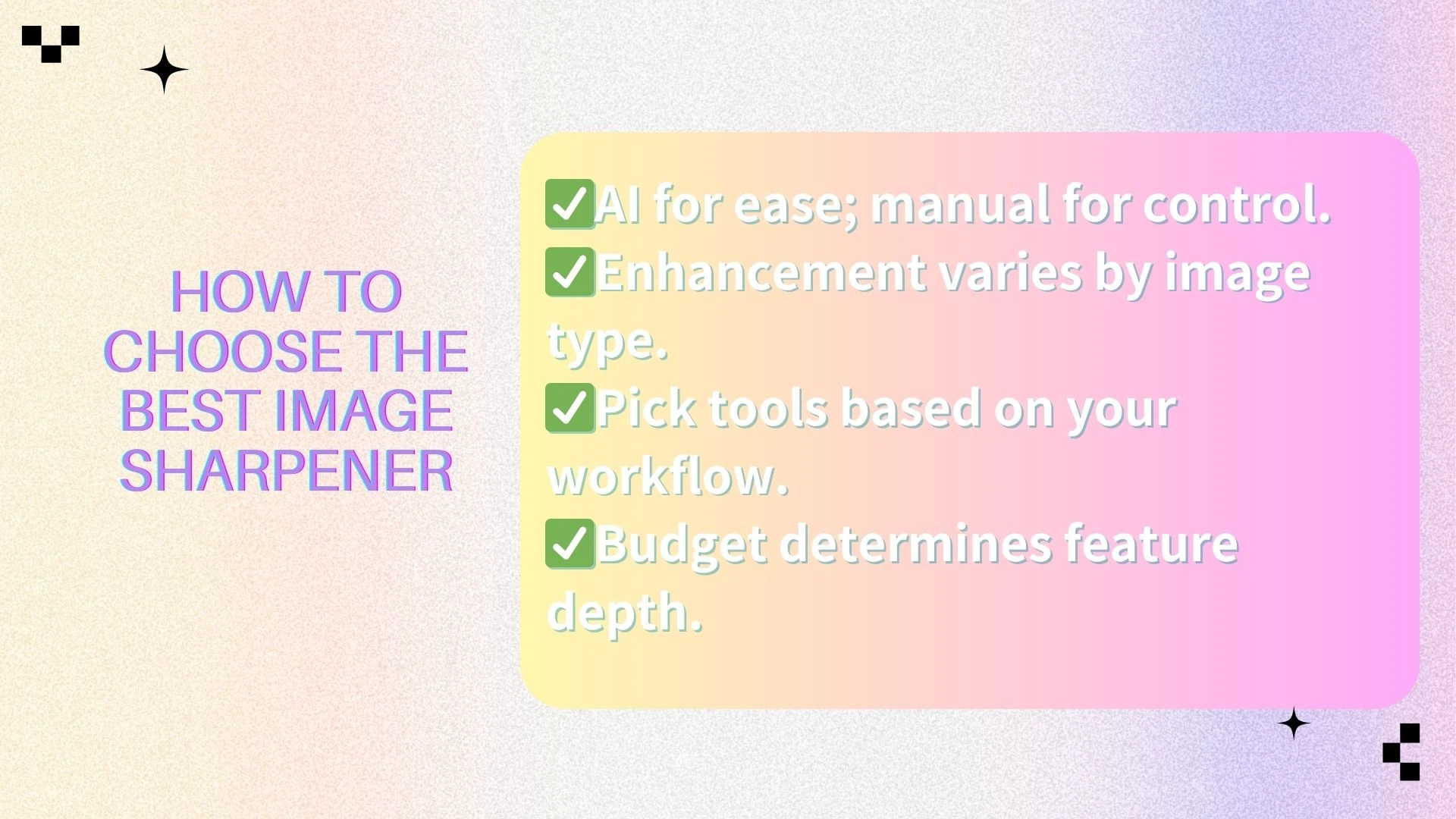
Image Sharpener Best Practices
🔖Avoid over-sharpening
Applying excessive sharpening can lead to unnatural edges, visible halos, and amplified noise. A balanced approach should improve clarity subtly, keeping images clean and natural rather than harsh or over-processed.
✒️Combine enhancement with noise reduction
Many tools perform best when used alongside noise reduction, especially for low-light or low-resolution photos. This combination helps preserve fine details while minimizing grain and unwanted artifacts.
✏️Preview results at 100% zoom
Always evaluate results at full resolution to accurately judge edge definition and texture. Zoomed-out previews can mask issues that only become apparent when viewed at 100%.
🪄Always keep original files
No enhancement process can replace the original image. Keeping an untouched version allows you to re-edit or fine-tune adjustments as your needs, standards, or tools evolve.
When applied correctly, enhancement techniques improve clarity and detail while maintaining a natural, high-quality look—without compromising the integrity of the original image.

Frequently Asked Questions About Image Sharpeners
🔎Do enhancement tools reduce image quality?
No. When implemented properly, enhancement techniques improve perceived clarity and edge definition without harming overall quality. Issues typically arise only when adjustments are pushed too far or applied incorrectly.
🔎Can enhancement fix extremely blurry images?
AI-powered solutions can significantly improve moderately blurry visuals by reconstructing missing details. However, images that are severely out of focus or affected by strong motion blur will still be limited by the quality of the original file.
🔎Is AI-based enhancement better than traditional methods?
For most users, yes. AI-driven approaches deliver faster and more consistent results while requiring far less manual adjustment than traditional sharpening techniques.
🔎What types of images benefit the most from enhancement?
Product photos, portraits, and social media visuals tend to see the greatest improvement. AI-based tools are also effective for restoring older images or files with lower resolution.
🔎Should enhancement be applied before or after resizing?
In most workflows, it’s best to apply enhancements after resizing. This ensures adjustments are tailored to the final output dimensions and helps avoid unnecessary artifacts.
Conclusion
High-quality visual enhancement is no longer optional in modern digital content creation—it’s a foundational capability for anyone who relies on images to communicate, sell, or build a brand. From e-commerce product visuals to social media posts and marketing creatives, the right solution can dramatically improve clarity, detail, and overall visual impact.
Different users prioritize different workflows. Some value full automation and speed, while others prefer creative control or mobile-first editing. Choosing the right approach ensures that your visuals not only appear clearer and more refined, but also remain natural, consistent, and optimized for their final use case.
AIEnhancer stands out as the best overall AI image sharpener, delivering industry-leading sharpening quality, automatic processing, and consistent results at scale. It is especially well-suited for businesses and content teams that need professional output with minimal effort.
PINETOOLS is ideal for simple, free image sharpening, making it a practical choice for quick edits or occasional use when advanced features are not required.
Canva works best within complete design workflows, allowing users to apply basic image sharpening while creating social media graphics, presentations, and marketing materials in one place.
Pixelcut excels at mobile AI image sharpening, offering fast, visually pleasing results for creators who edit on the go and prioritize speed and convenience.
Picsart provides advanced manual image sharpener control, making it a strong option for users who want flexibility, creative freedom, and fine-tuned adjustments.
With the right image sharpener, your images will consistently look clean, sharp, and professional — helping you capture attention, build trust, and ultimately convert more viewers into customers.