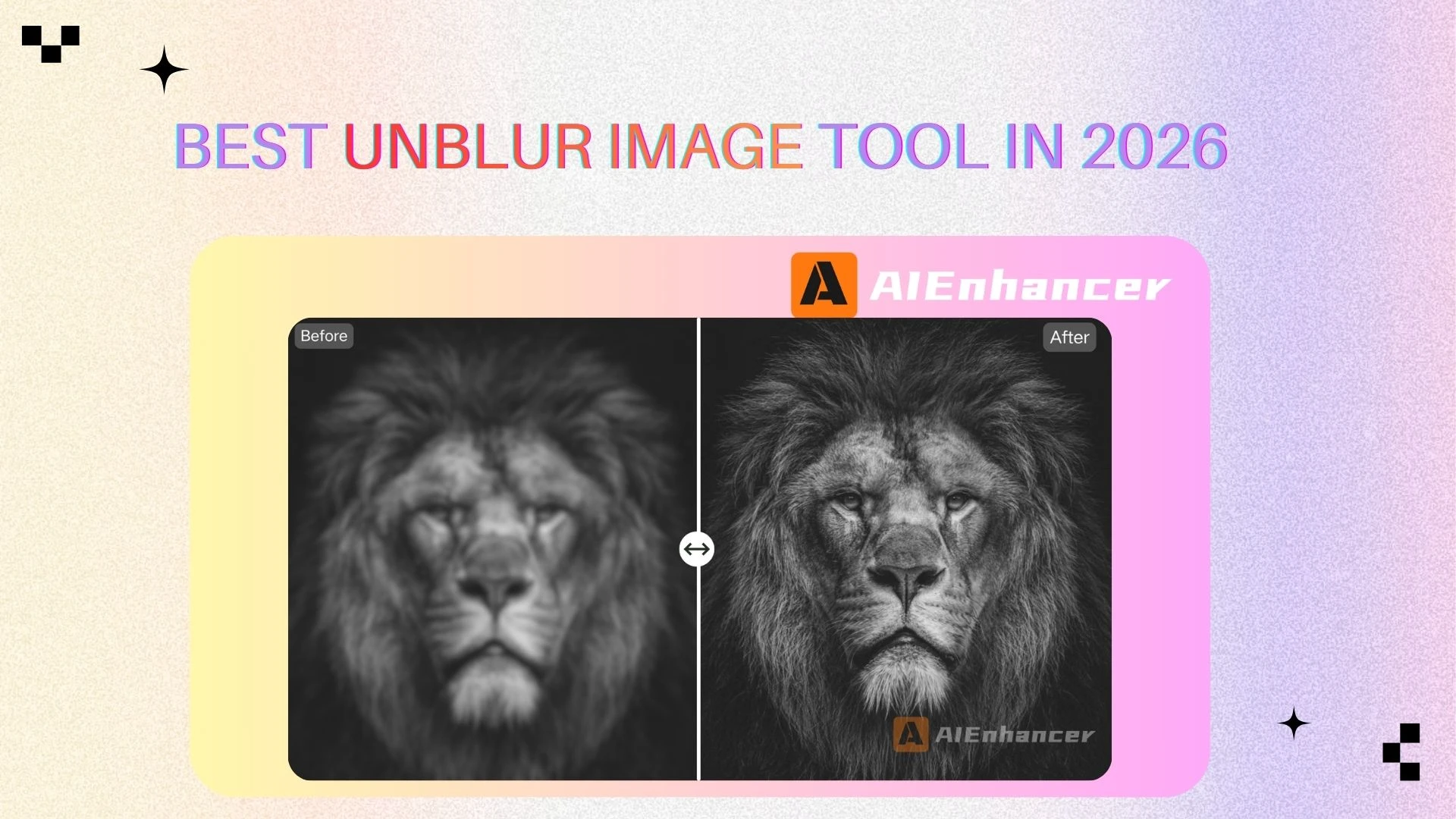
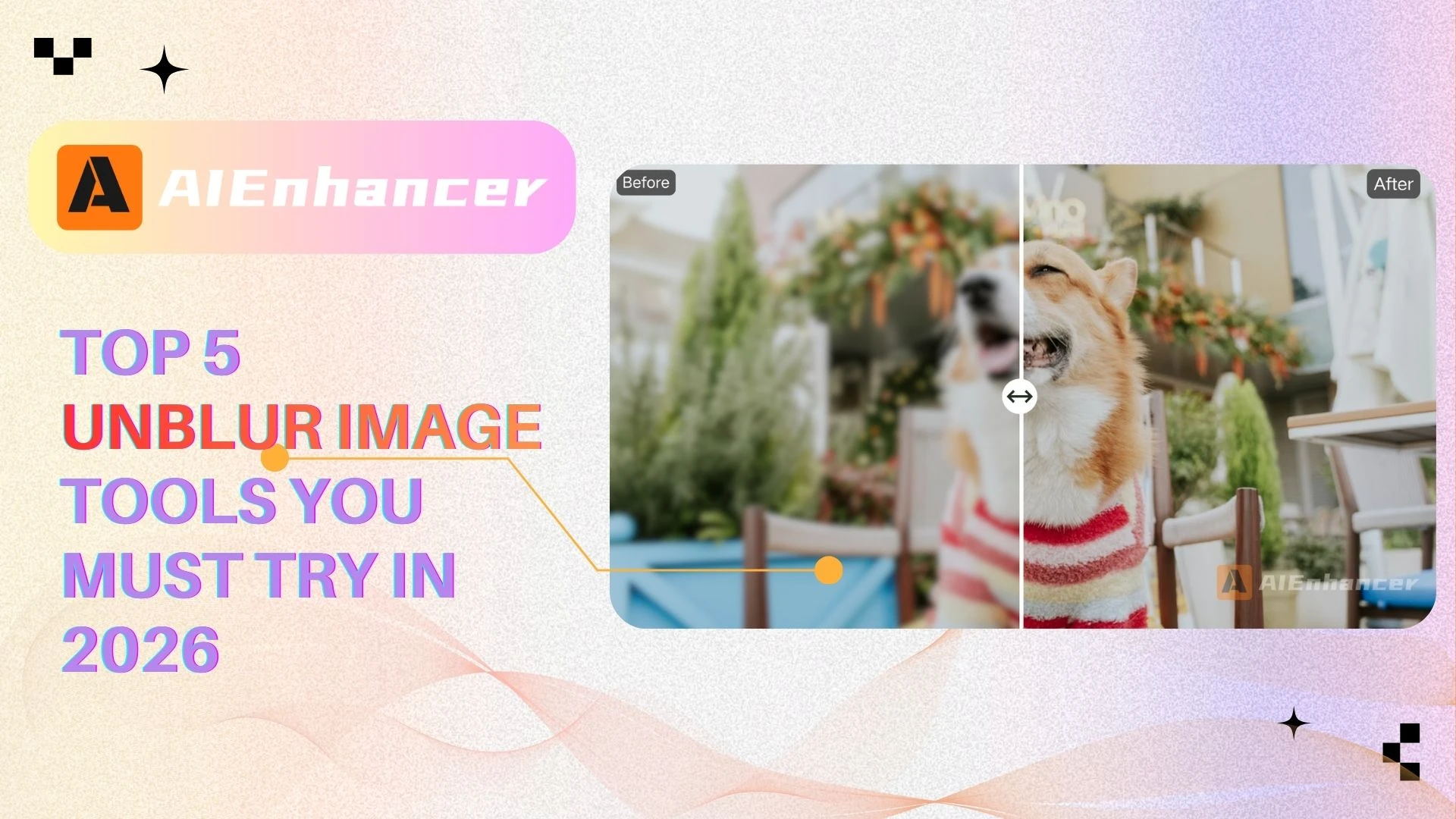
Top 5 Unblur Image Tools You Must Try in 2026
Introduction
Blurry images are one of the most common problems people face when working with photos. Whether it’s a shaky smartphone shot, a motion-blurred product photo, a scanned document with unreadable text, or an old family picture that lost detail over time, blur can significantly reduce image quality and usability.
This is where AI unblur image tools come in.
In recent years, artificial intelligence has dramatically changed how we handle image deblurring. Instead of relying on basic sharpening filters, modern AI unblur image solutions use deep learning models to analyze pixels, predict missing details, and intelligently restore clarity. As a result, users can now unblur image files online with just a few clicks—no professional editing skills required.
In this article, we provide a comprehensive review of the top AI unblur image tools, compare their features and pricing, and help you choose the best solution based on your needs.
What Is AI Unblur Image
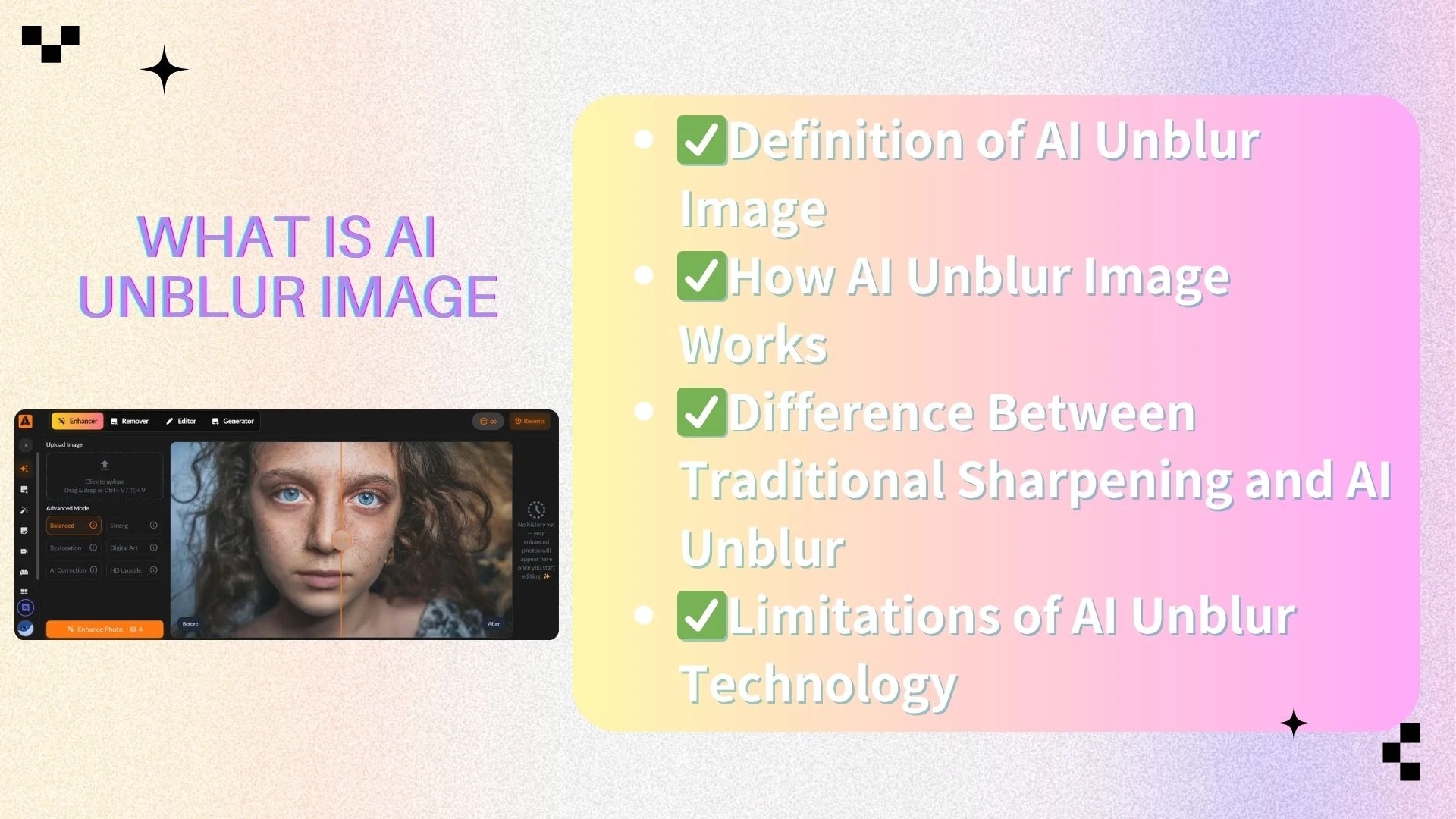
Definition of AI Unblur Image
AI unblur image refers to the process of using artificial intelligence to reduce or remove blur from digital images. Unlike traditional photo editing techniques, AI-based image deblurring attempts to reconstruct lost details rather than simply enhancing edges.
In simple terms, an AI unblur image tool analyzes a blurry image, understands what the image should look like, and then recreates a clearer version.
How AI Unblur Image Works
Most AI unblur image tools are built on convolutional neural networks trained with millions of image pairs. These models learn patterns from sharp images and blurred images, enabling them to predict fine details such as edges, textures, and shapes.
Advanced tools combine:
💡Image deblurring algorithms
✏️Super-resolution upscaling
📘Noise reduction
⚡Edge reconstruction
This multi-step process allows AI to unblur image files while keeping results natural and visually consistent.
Difference Between Traditional Sharpening and AI Unblur
Traditional sharpening increases contrast along edges, which often creates halos or artifacts. AI unblur image technology, on the other hand, restores structure and details at a deeper level. This makes AI image deblurring far more effective, especially for faces, text, and product photos.
Limitations of AI Unblur Technology
While powerful, AI unblur image tools are not magic. Extremely blurred images—such as those with heavy motion blur or missing pixel information—may not be fully recoverable. Understanding these limits helps set realistic expectations.
Why You Need Image Unblur Tools
Fixing Motion Blur and Camera Shake
Hand movement and camera shake are among the most common causes of blurry photos, especially in low-light conditions. AI unblur image tools can effectively correct mild to moderate motion blur by analyzing edge patterns and restoring lost sharpness. As a result, images become noticeably clearer without introducing harsh artifacts.
Restoring Old and Low-Resolution Images
Old or low-resolution photos often suffer from softness, faded details, and visual noise. AI image deblurring helps restore clarity by enhancing facial features, textures, and outlines while preserving a natural look. This makes vintage photos more usable for digital archiving, sharing, or printing.
Improving Image Quality for E-commerce
In e-commerce, image quality plays a critical role in user trust and conversion rates. A reliable unblur image solution helps sellers enhance product photos by improving sharpness and clarity, making items appear more detailed and professional. Clearer visuals can significantly improve customer confidence and purchasing decisions.
Enhancing Text Readability in Images
Blurry screenshots, scanned documents, or photographed text can be difficult to read and interpret. AI unblur image tools enhance text edges and contrast, making words sharper and more legible. This is especially useful for sharing documents, presentations, or instructional images online.
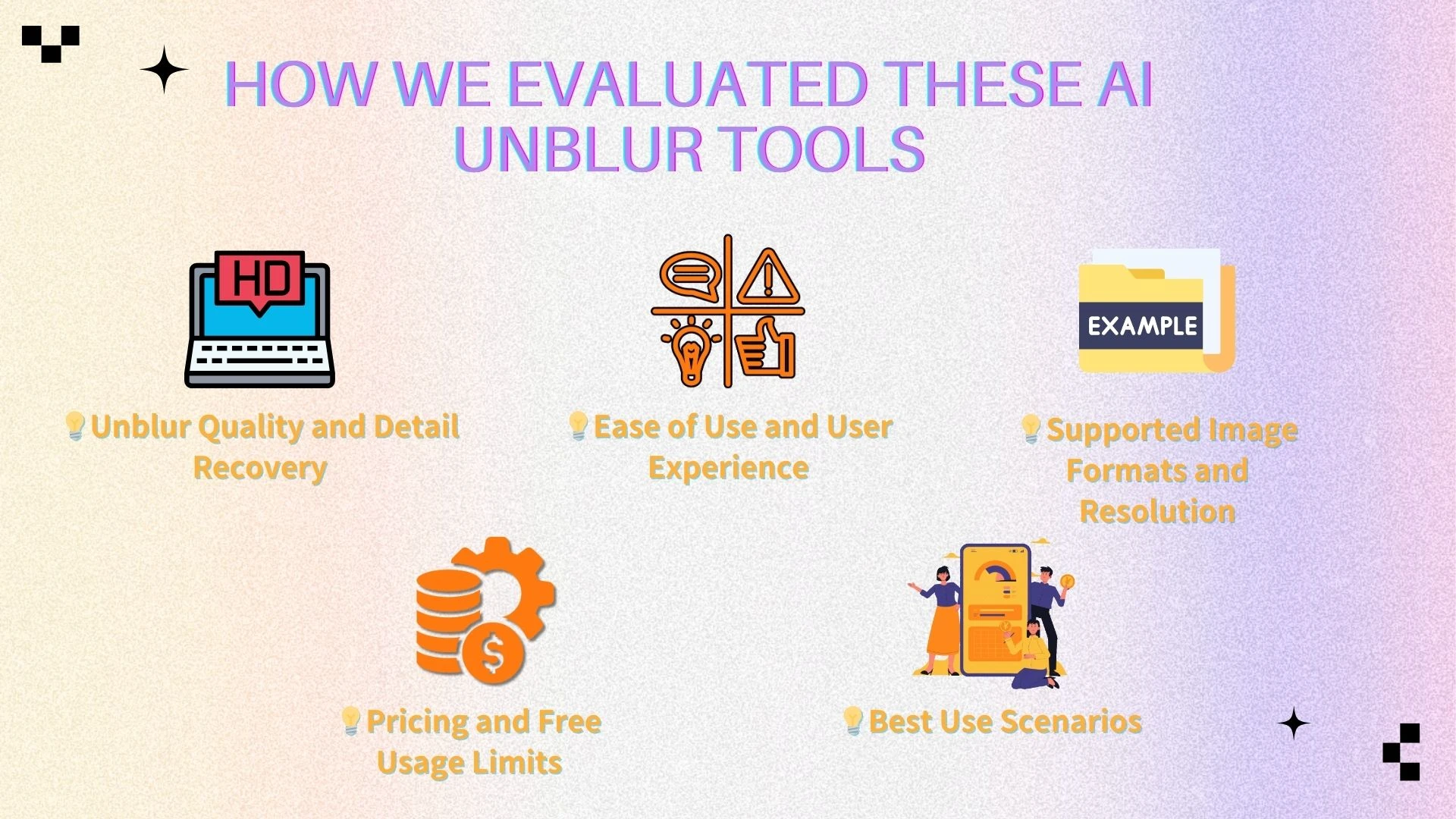
How We Evaluated These AI Unblur Tools
Unblur Quality and Detail Recovery
We tested how effectively each tool could unblur image files affected by different types of blur, including motion blur, focus blur, and compression artifacts. Special attention was given to how well fine details, edges, and textures were restored without creating unnatural distortions. The goal was to assess real-world improvement rather than just visual sharpness.
Ease of Use and User Experience
A strong AI unblur image tool should be intuitive and accessible to users of all skill levels. We evaluated factors such as upload speed, interface clarity, and how smoothly users can move from image upload to final download. A streamlined workflow is essential for both casual users and professionals.
Supported Image Formats and Resolution
Support for common image formats like JPG, PNG, and HEIC is essential for everyday compatibility. We also considered whether each tool allows high-resolution output without excessive limitations. This is particularly important for users who need images suitable for printing or commercial use.
Pricing and Free Usage Limits
Transparent pricing and fair usage limits play a major role when choosing an image deblurring tool. We examined free plans, credit systems, and subscription models to determine whether the features offered justify the cost. Tools that clearly communicate limitations and pricing tend to provide better overall value.
Best Use Scenarios
Each tool performs best in specific scenarios rather than excelling at everything. We identified whether a solution is more suitable for social media images, professional design work, document cleanup, or quick one-off fixes. Understanding these strengths helps users select the right tool for their specific needs.
Top 5 Unblur Image Tools Review
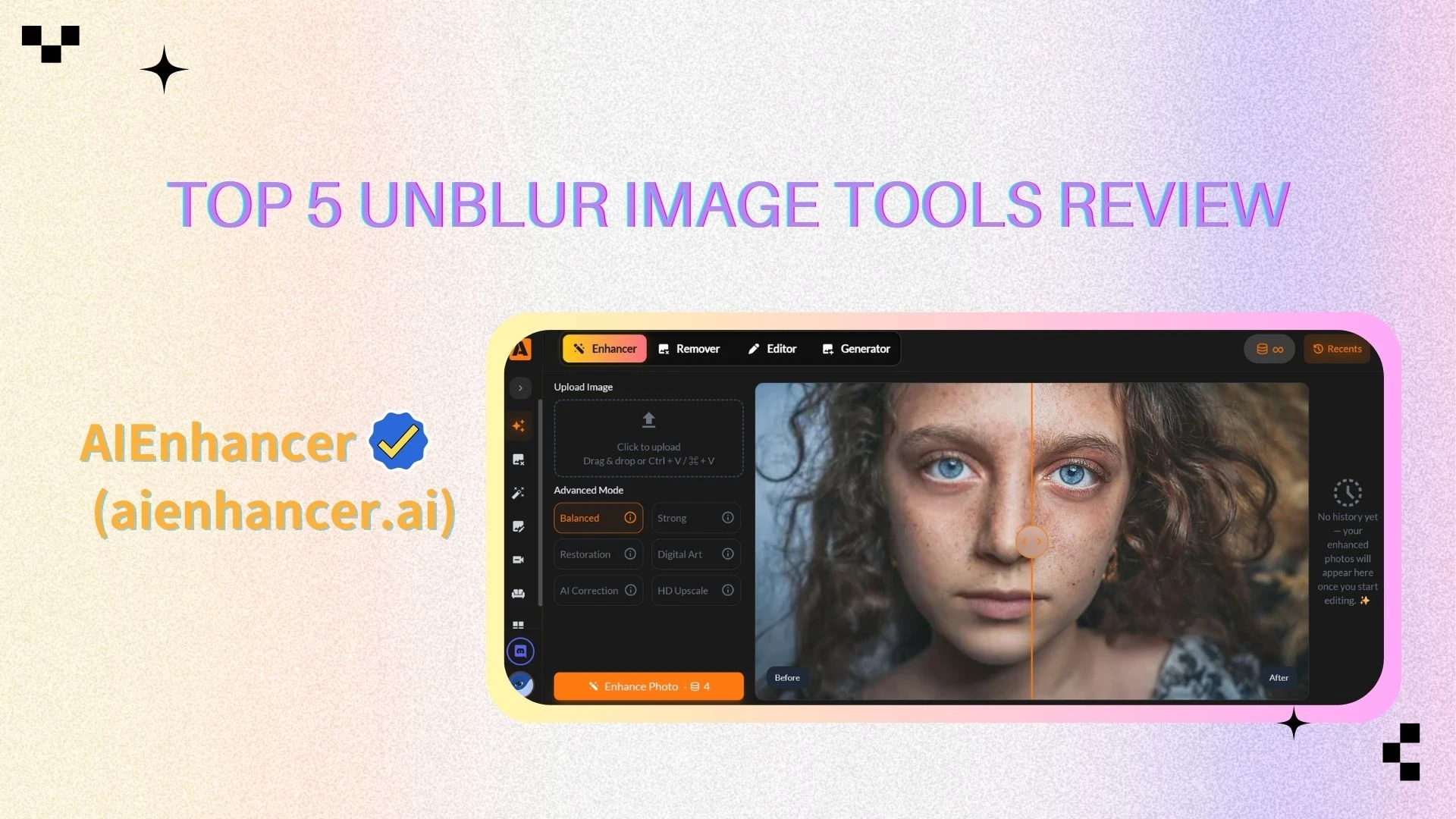
AIEnhancer Overview
AIEnhancer is a versatile AI-powered image enhancement tool designed to unblur image files while improving overall visual quality. It focuses on fully automated processing, enabling users to restore clarity and sharpness quickly without requiring any technical editing skills. With a clean interface and reliable results, it works well for both casual users and content creators.
Key Features
One-click AI unblur image processing that automatically detects and corrects common blur issues
Noise reduction and detail enhancement to improve clarity while preserving natural textures
Supports high-resolution output, suitable for social media, websites, and digital publishing
Price
Completely free with no subscription required
No hidden fees, or watermarks
Pros
Delivers natural-looking unblur results without over-sharpening or visual artifacts
Extremely easy to use, requiring no setup or learning curve
Fast processing speed, allowing users to enhance images in seconds
Consistent output quality, making it reliable for repeated daily use
Free access makes it highly accessible for students, creators, and small businesses
Cons
Limited manual control for users who want fine-grained adjustments
Less effective on extreme blur, such as heavily out-of-focus images
Best For
Users who want a simple, fast, and reliable way to unblur image files for everyday use, social media content, and quick visual improvements without cost or complexity.
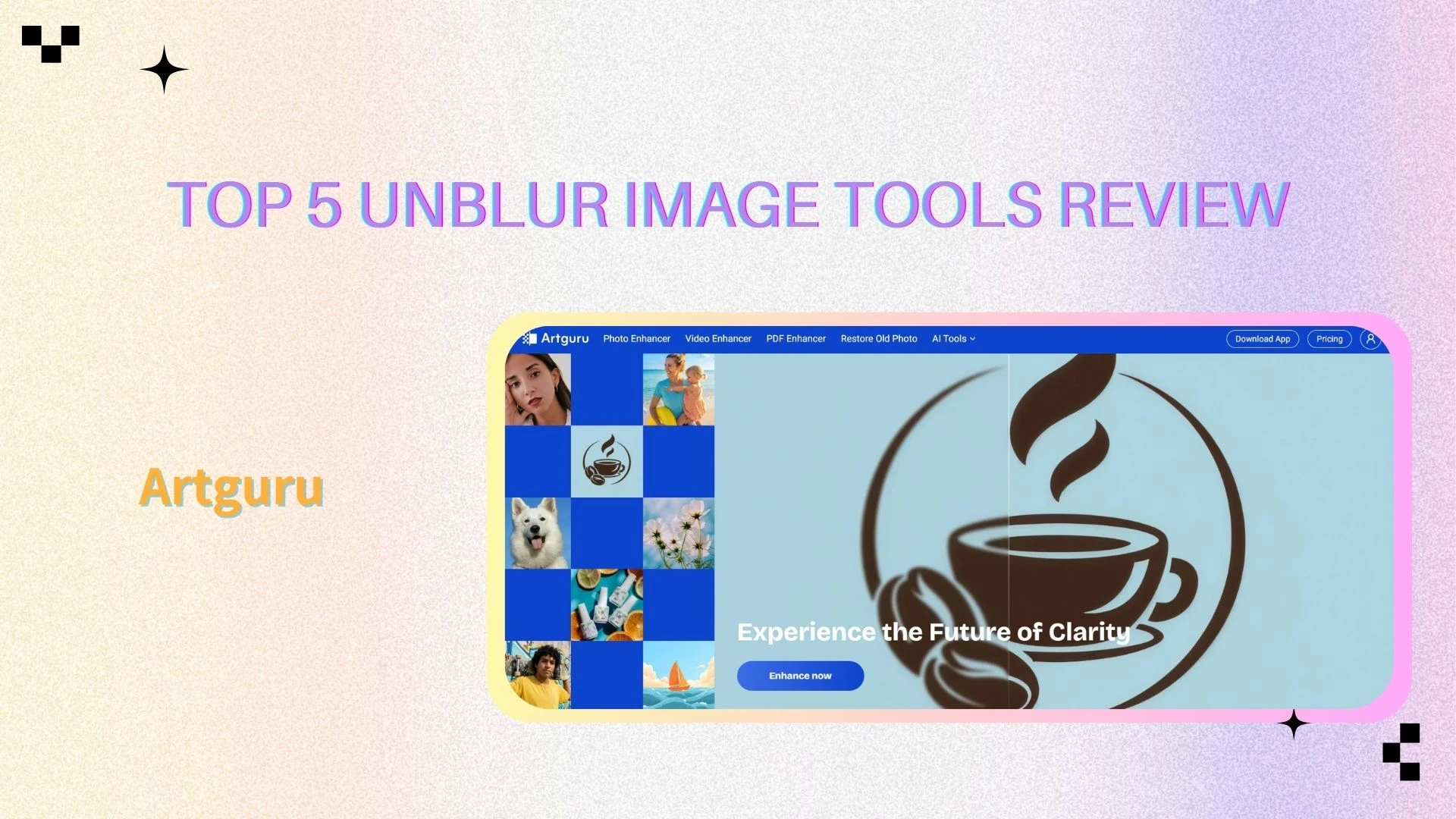
Artguru Overview
Artguru is a multi-purpose AI image and video enhancement platform with strong image deblurring capabilities.
Key Features
AI unblur image for photos, videos, and PDFs
Batch processing
Additional tools like background removal
Price
Free trial available
Subscription plans starting around $9.99/month
Pros
All-in-one enhancement suite
Supports multiple file types
Cons
Advanced features require subscription
Performance depends on file size
Best For
Users who need more than just an unblur image tool, especially for multimedia projects.
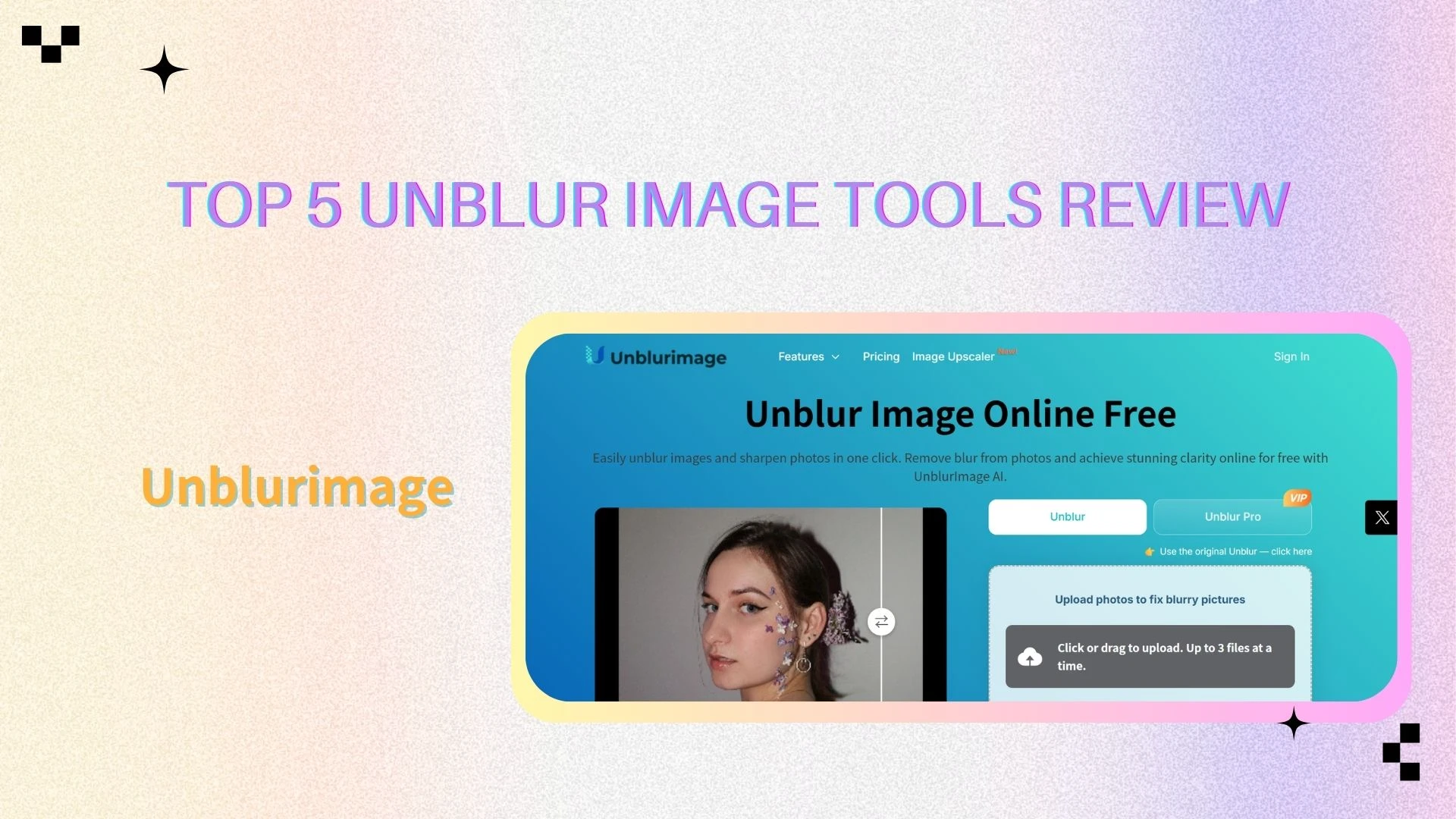
Unblurimage Overview
Unblurimage focuses specifically on fast and simple image deblurring.
Key Features
Dedicated AI unblur image engine
No registration required
Supports common image formats
Price
Free to use (with limitations)
Paid options for higher resolution output
Pros
Extremely easy to use
Fast processing
Clean interface
Cons
Limited advanced features
Not ideal for professional workflows
Best For
Quickly unblur image files online without extra tools or setup.
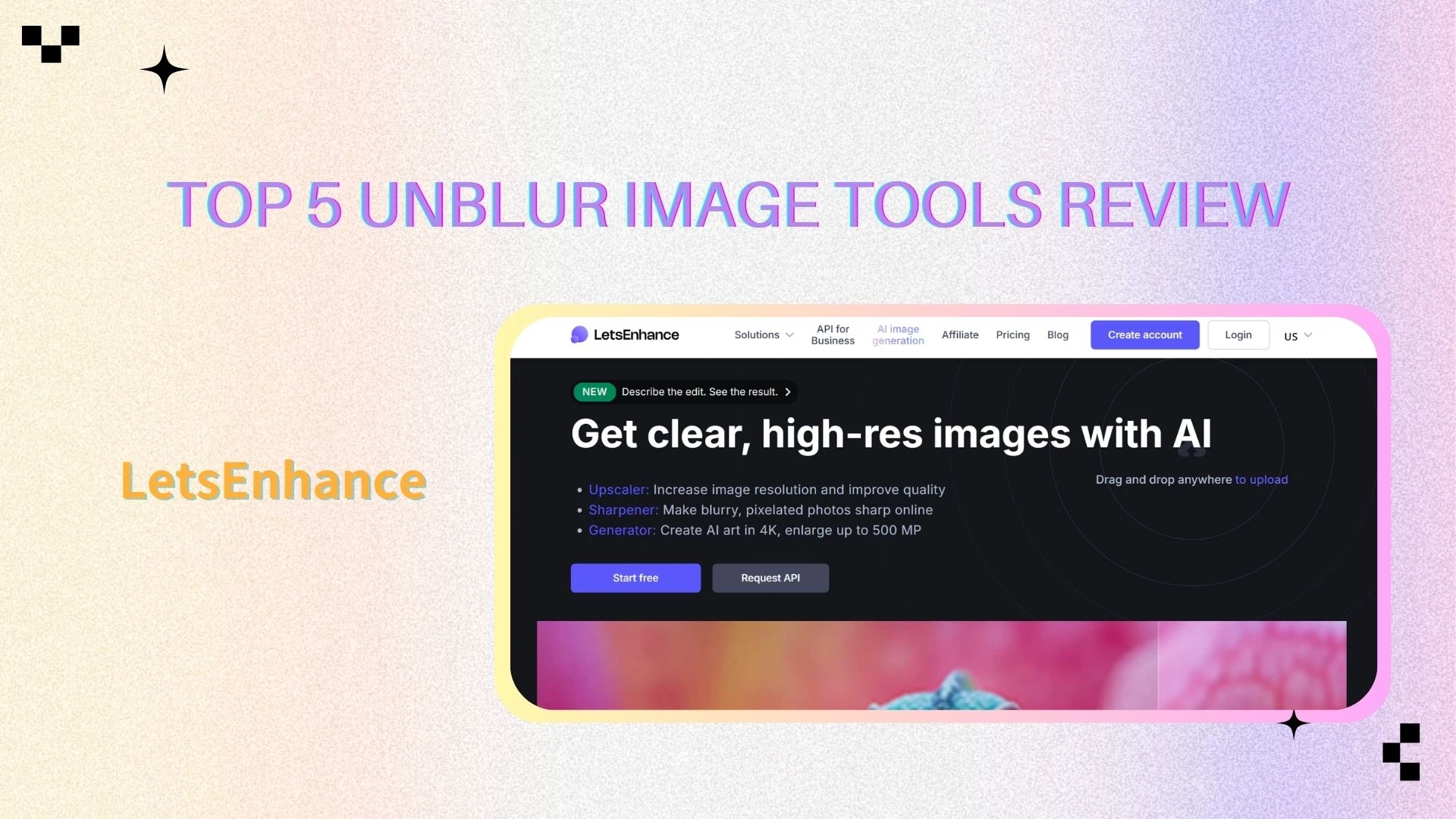
LetsEnhance Overview
LetsEnhance is a professional-grade AI image enhancement platform widely used in e-commerce and design.
Key Features
AI unblur image combined with high-quality upscaling
Multiple enhancement modes
Supports large image outputs
Price
Limited free credits
Paid plans starting around $9/month, scaling with usage
Pros
Excellent detail recovery
Ideal for commercial images
Cons
Free usage is limited
Higher cost for heavy users
Best For
Professionals who need high-quality image deblurring and upscaling.
Pollo.ai Overview
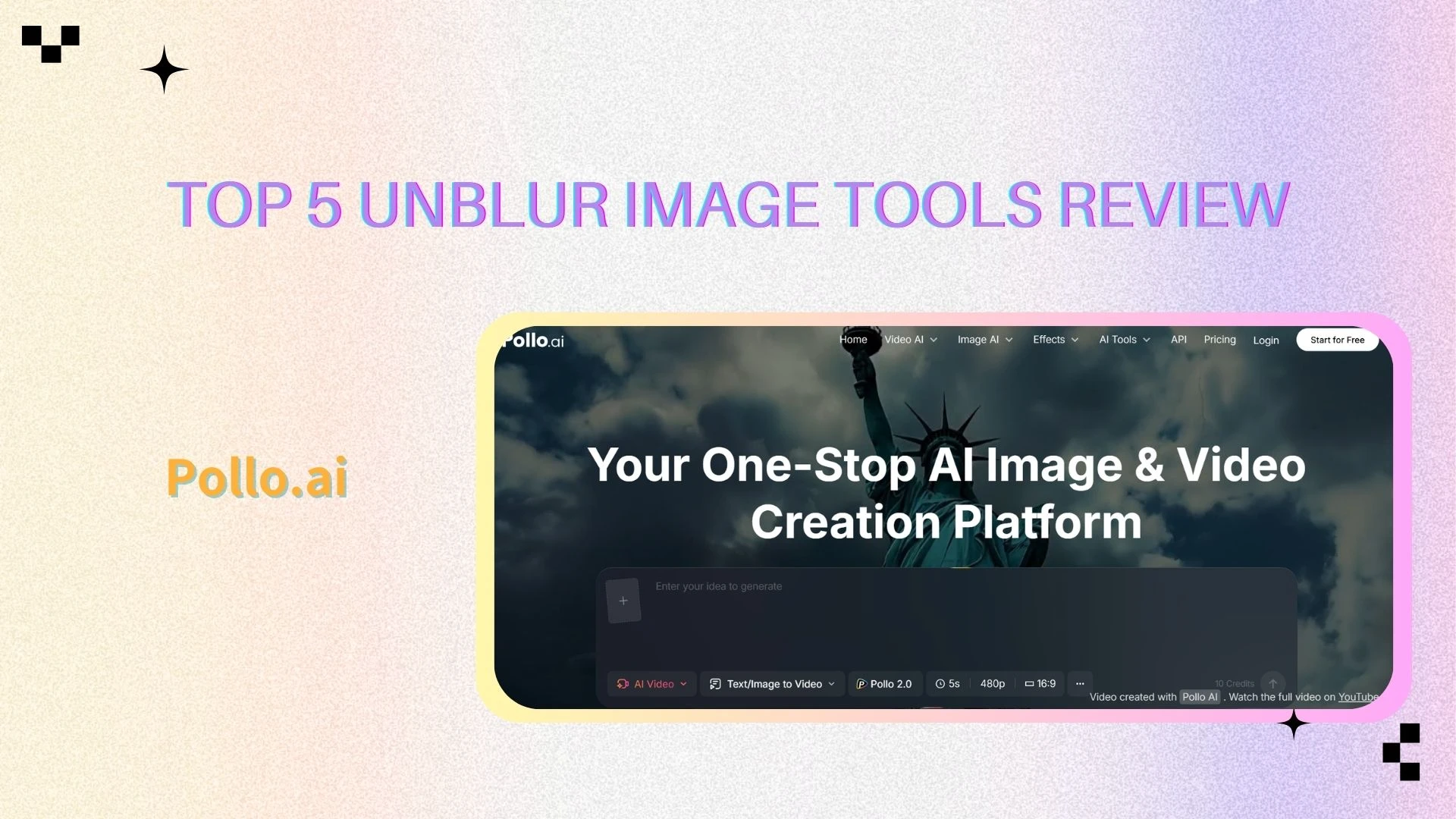
Pollo.ai is a beginner-friendly online tool designed for simple image restoration.
Key Features
One-click AI unblur image processing
Works well for portraits and old photos
Price
Free trial available
Paid plans vary by export quality
$29 per month
Pros
Very easy to use
Suitable for casual users
Cons
Limited advanced settings
Struggles with heavy blur
Best For
Users new to AI image deblurring who want fast results.
AI Unblur Tools Comparison
Feature Comparison Table
| Tool | Deblur Quality | Ease of Use | Advanced Features | Price | Best Use Case |
|---|---|---|---|---|---|
| AIEnhancer | ⭐⭐⭐⭐ | ⭐⭐⭐⭐ | ⭐⭐⭐ | Free | Daily photos |
| Artguru | ⭐⭐⭐⭐ | ⭐⭐⭐⭐ | ⭐⭐⭐⭐ | From $9.99/mo | Multimedia |
| Unblurimage | ⭐⭐⭐⭐ | ⭐⭐⭐⭐⭐ | ⭐⭐ | Free / Paid | Quick fixes |
| LetsEnhance | ⭐⭐⭐⭐ | ⭐⭐⭐⭐ | ⭐⭐⭐⭐ | From $9/mo | Professional |
| Pollo.ai | ⭐⭐⭐ | ⭐⭐⭐⭐ | ⭐⭐ | From $29/mo | Casual use |
Which Tool Is Best for Different Unblur Needs
✅Best for quick unblur: For users who need fast results without extra setup, Unblurimage and Pollo.ai are among the most efficient options. These tools are designed for quick online use, allowing users to upload an image, apply unblurring, and download the result within seconds. They are especially useful for social media images, casual photos, or situations where speed matters more than fine-tuned control.
✅Best for professional use: When it comes to commercial projects or high-resolution image requirements, LetsEnhance stands out as a more professional solution. It offers stronger detail recovery, better consistency at large resolutions, and more reliable output for print or business use. This makes it suitable for designers, photographers, and teams that need dependable quality at scale.
✅Best for beginners: For users with little editing experience, AIEnhancer and Pollo.ai provide an excellent balance between simplicity and quality. Their clean interfaces and automated workflows eliminate the need for technical adjustments, helping beginners achieve clear, improved images with minimal effort while still maintaining natural-looking results.
Practical Tips for Better Unblur Results
Start With the Best Possible Original Image
Even the most advanced AI unblur image tools deliver better results when the original image quality is reasonably good. Images with sufficient lighting, minimal noise, and higher resolution give the AI more visual information to work with. Starting from a cleaner source helps achieve sharper and more natural-looking results.
Avoid Over-Sharpening Artifacts
Applying excessive enhancement can lead to unnatural textures, halos, or harsh edges. It is often better to use moderate settings and preserve a realistic appearance rather than pushing sharpness too far. Subtle improvements usually result in more visually pleasing and professional outcomes.
When AI Unblur Will Not Work Well
AI unblur tools have limitations, especially when an image is extremely blurred or lacks essential visual data. In cases where details are completely lost, full recovery may not be possible. Understanding these limitations helps set realistic expectations for the final output.
Combining Unblur with Upscaling Tools
For the best overall results, unblur image processing can be combined with AI upscaling when higher resolution is needed. Unblurring first restores clarity, while upscaling then improves image size and detail. This combination works particularly well for old photos or low-resolution images.
Recommended Scenarios and Tool Selection
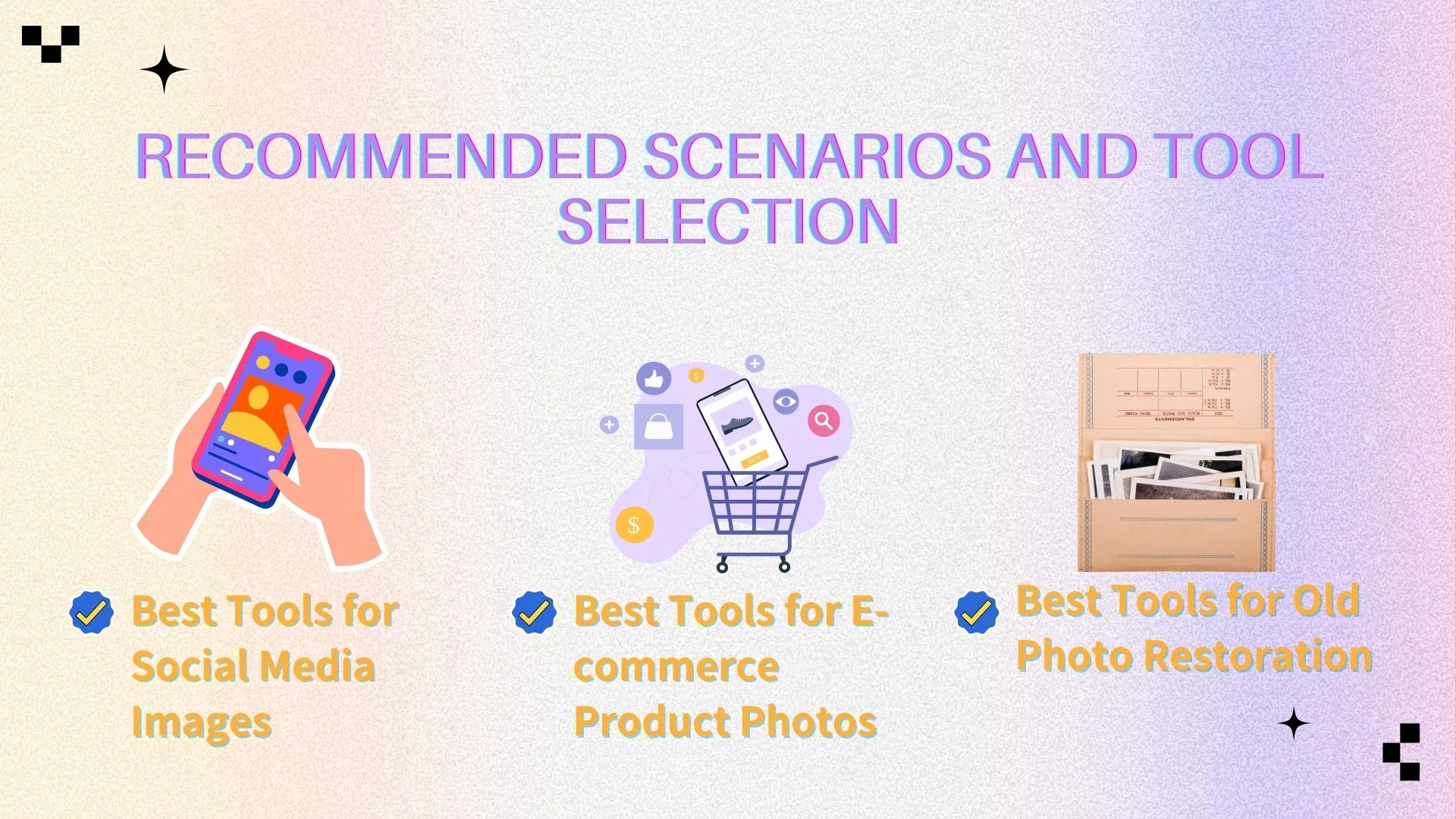
Best Tools for Social Media Images
For social media content, speed and ease of use are key factors. AIEnhancer and Unblurimage perform well for social-ready images by quickly improving sharpness and clarity without overprocessing. Their simple workflows make them ideal for creators who need fast results for frequent posting.
Best Tools for E-commerce Product Photos
High-quality visuals are essential for building trust and increasing conversion rates in online stores. LetsEnhance delivers more professional and consistent results, especially for product images that require high resolution and clean details. It is well suited for e-commerce platforms where image quality directly impacts sales performance.
Best Tools for Old Photo Restoration
Restoring old or damaged photos often requires careful balance between clarity and natural appearance. Pollo.ai and Artguru are effective for this purpose, helping revive faded details and reduce blur while maintaining a realistic look. These tools work well for personal archives, family photos, and historical images.
Conclusion
AI unblur image technology has transformed the way we restore and enhance photos, allowing users to quickly improve clarity and detail that would have taken hours with manual editing. Whether for personal photos, social media content, or professional projects, there are tools to fit every workflow and budget. Among these, AIEnhancer stands out for its combination of speed, simplicity, and quality. It is completely free, requires no technical expertise, and delivers natural-looking results in just a few clicks, making it ideal for beginners and casual users.
By understanding your needs and comparing available features, AIEnhancer provides a reliable solution to consistently achieve sharper, clearer, and more polished images. Its intuitive interface and fast processing ensure professional-looking results instantly, striking a balance between accessibility and high-quality output that few other tools can match.