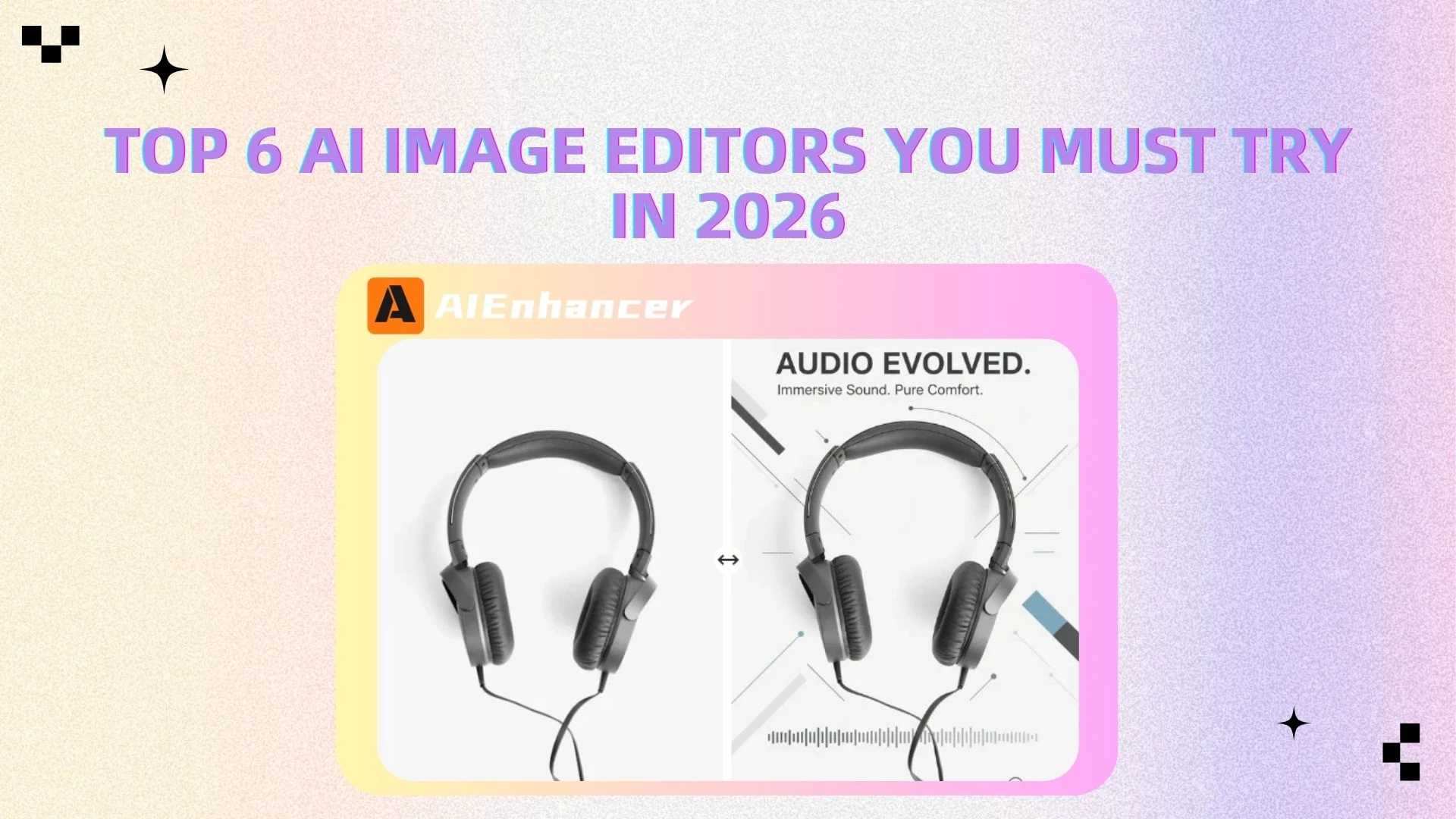
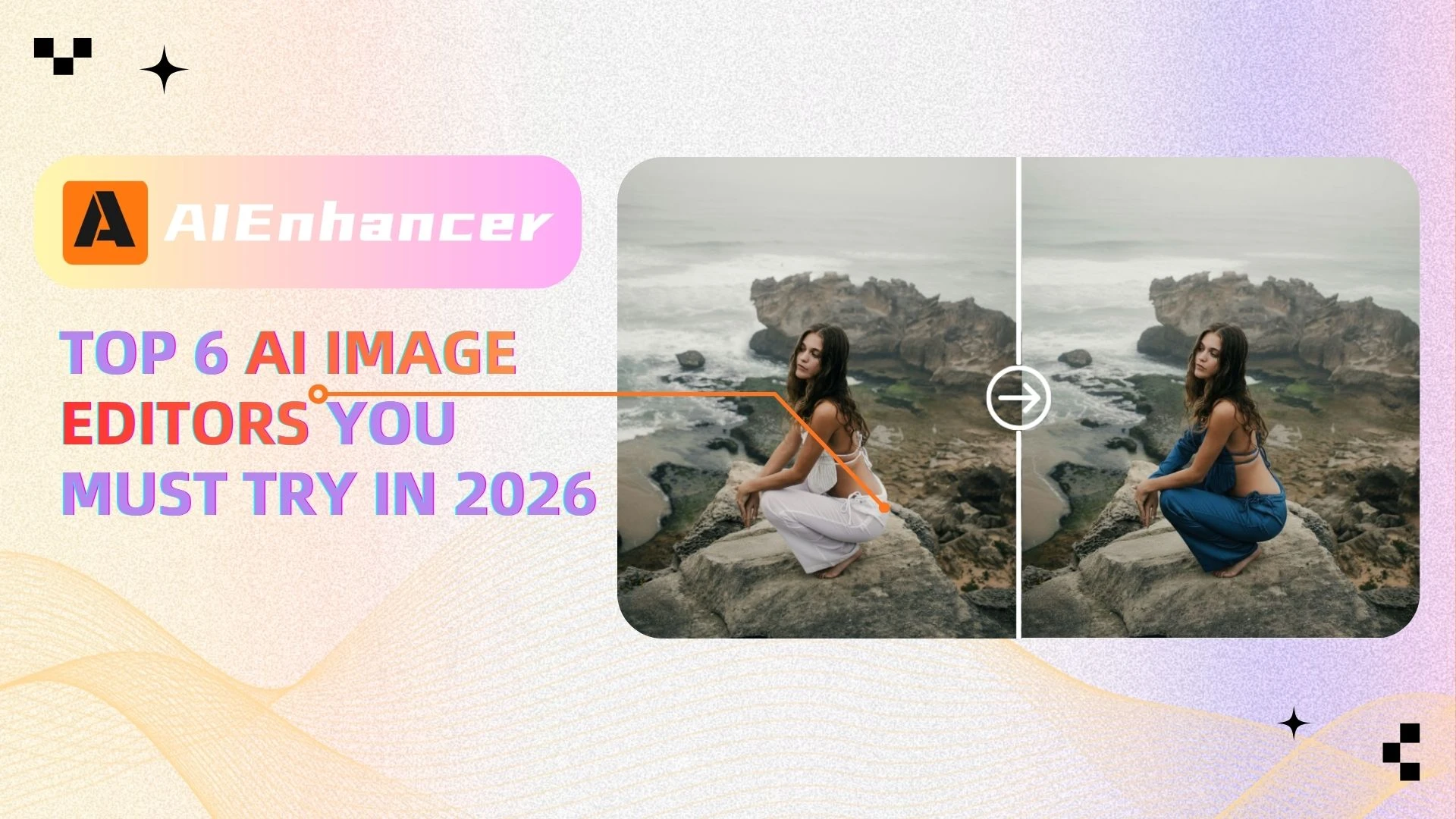
Top 6 AI Image Editors You Must Try in 2026
Introduction
Photo editing has come a long way. Not long ago, improving a photo meant learning complex software like Photoshop, adjusting layers manually, and spending hours on edits. For many people, it was simply too complicated and time-consuming.
Today, everything has changed.
With the rise of online photo editing tools powered by AI, editing images is now faster and easier than ever. Tasks like enhancing quality, fixing lighting, or removing backgrounds can be done in seconds—no skills required.
Thanks to modern AI image editors, anyone can create high-quality visuals effortlessly. Whether you're a content creator, an online seller, or just want better photos, these tools are transforming the way we edit images.
In this guide, we’ll explore the best AI image editors in 2026, compare their features, and help you find the right tool for your needs—especially powerful solutions like AIEnhancer.
What Is an AI Image Editor?
An AI image editor is a powerful, all-in-one photo editing tool that uses artificial intelligence to analyze, edit, and transform images with minimal effort. Unlike traditional software that relies heavily on manual adjustments, AI editors understand image content and enable users to perform a wide range of edits quickly and intuitively.
Rather than focusing on just image enhancement, modern AI image editors provide a complete editing experience—combining automation with flexible control to handle both basic and advanced editing tasks.
With an AI-powered image editor, you can:
● Edit and enhance images with intelligent, one-click adjustments
● Remove, replace, or customize backgrounds with high precision
● Adjust lighting, contrast, and overall tone automatically
● Retouch portraits, including skin smoothing, blemish removal, and facial detail refinement
● Resize and upscale images while preserving clarity and detail
● Modify or clean up unwanted objects with AI-assisted tools
Powered by advanced technologies such as machine learning and computer vision, these editors can recognize objects, faces, and visual elements within an image. This enables context-aware editing, where adjustments are applied precisely based on the content—not just generic filters.
Instead of manually fine-tuning multiple settings, users can rely on AI to handle complex edits while still maintaining control over the final result. This makes the editing process not only faster, but also more flexible and efficient.
👉 The result is a smarter, more versatile approach to photo editing—making professional-quality image editing accessible to anyone with modern tools like AIEnhancer.
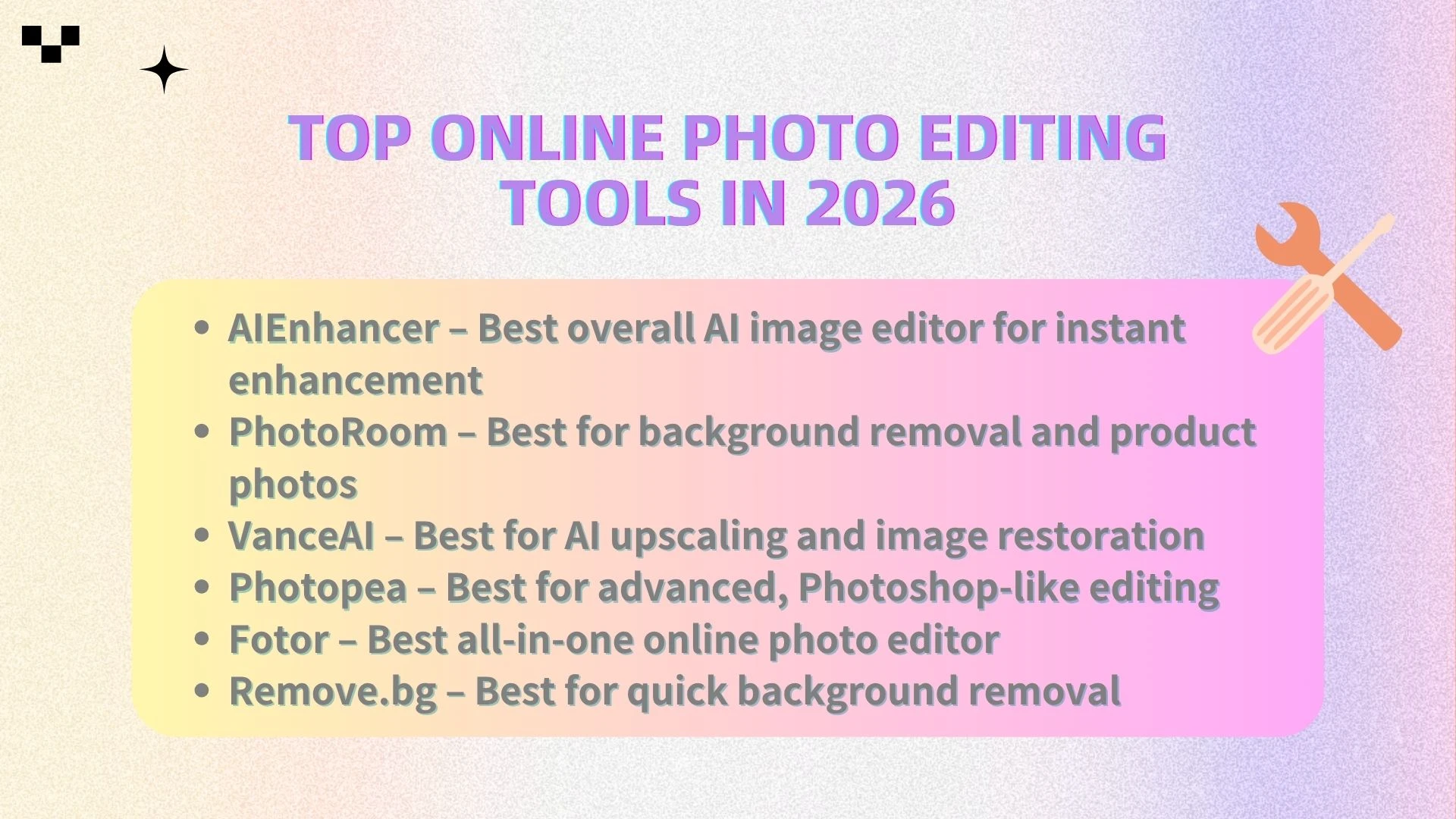
🧰 Top Online Photo Editing Tools in 2026
Here are the best online photo editing tools you can use right now:
AIEnhancer – Best overall AI image editor for instant enhancement
PhotoRoom – Best for background removal and product photos
VanceAI – Best for AI upscaling and image restoration
Photopea – Best for advanced, Photoshop-like editing
Fotor – Best all-in-one online photo editor
Remove.bg – Best for quick background removal
Each of these tools offers something unique—let’s take a closer look.
📊 Comparison Table
| Tool | Online | AI Power | Ease of Use | Best For | Free Plan |
|---|---|---|---|---|---|
| AIEnhancer | ✅ | ⭐⭐⭐⭐⭐ | ⭐⭐⭐⭐⭐ | Beginners & creators | Freemium |
| PhotoRoom | ✅ | ⭐⭐⭐⭐⭐ | ⭐⭐⭐⭐ | E-commerce | Free |
| VanceAI | ✅ | ⭐⭐⭐⭐⭐ | ⭐⭐⭐⭐ | Image enhancement | Limited |
| Photopea | ✅ | ⭐⭐ | ⭐⭐ | Professionals | Free |
| Fotor | ✅ | ⭐⭐⭐⭐ | ⭐⭐⭐⭐ | General users | Freemium |
| Remove.bg | ✅ | ⭐⭐⭐⭐⭐ | ⭐⭐⭐⭐⭐ | Background removal | Limited |
🔍 Detailed Reviews of the Best Photo Editing Tools
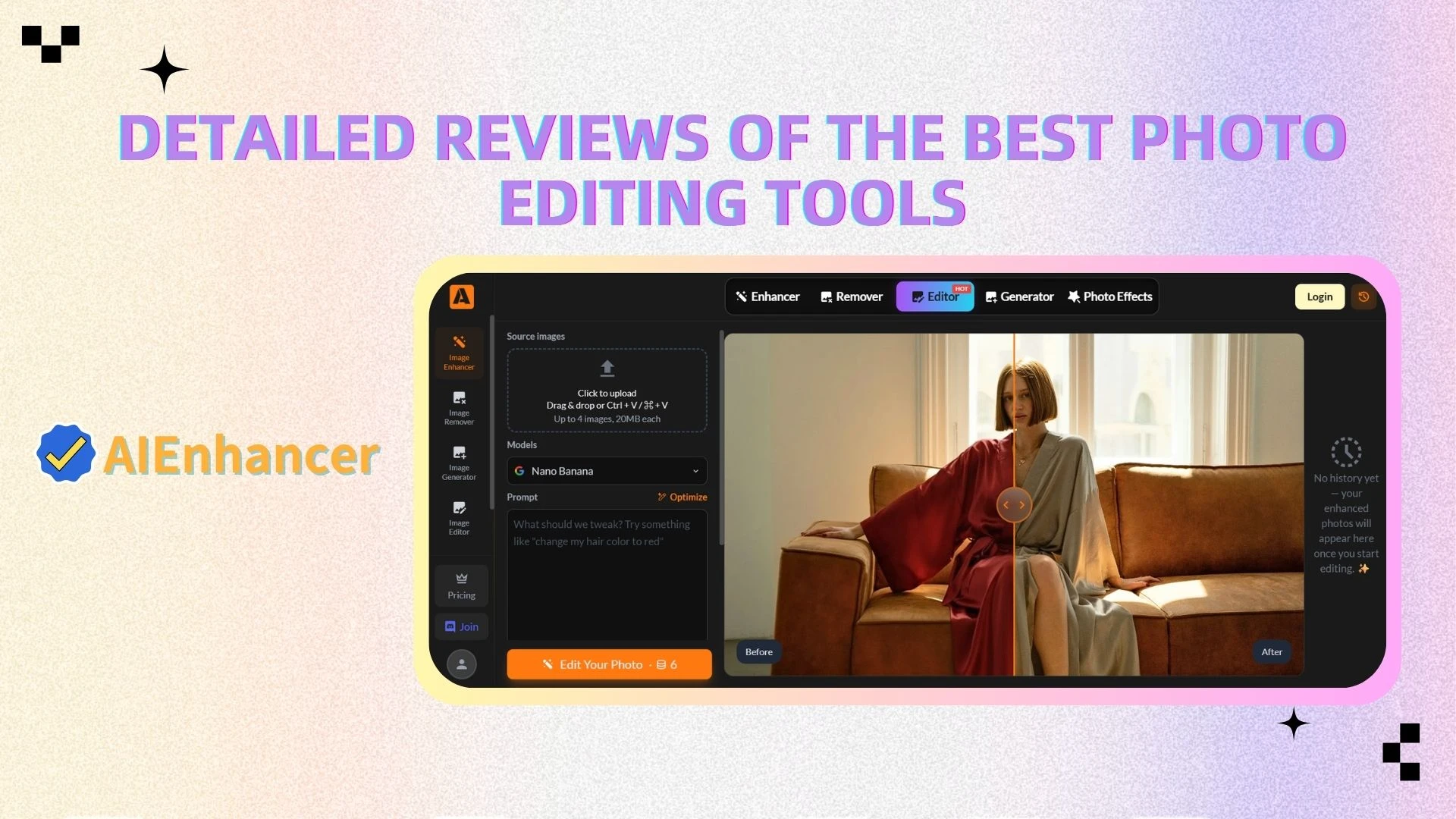
1. AIEnhancer – Best Overall AI Image Editor ⭐
AIEnhancer stands out as one of the most powerful and easy-to-use online AI image editors available today. It focuses on simplifying the photo editing process through automation, allowing users to achieve professional-quality results in seconds without any technical skills.
Key Features:
AI-powered image enhancement
Automatic lighting, and contrast correction
One-click photo improvement
Fully online (no download or installation required)
Pros:
Extremely beginner-friendly with a clean interface
Fast processing with results delivered in seconds
No manual adjustments required
Produces consistent, high-quality outputs
Cons:
- Limited manual editing controls compared to advanced software
Best For:
Beginners
Content creators
E-commerce sellers
Anyone looking for fast and reliable photo enhancement
👉 If you want a simple yet powerful way to improve images quickly, AIEnhancer is one of the best choices.
2. PhotoRoom – Best for Background Removal
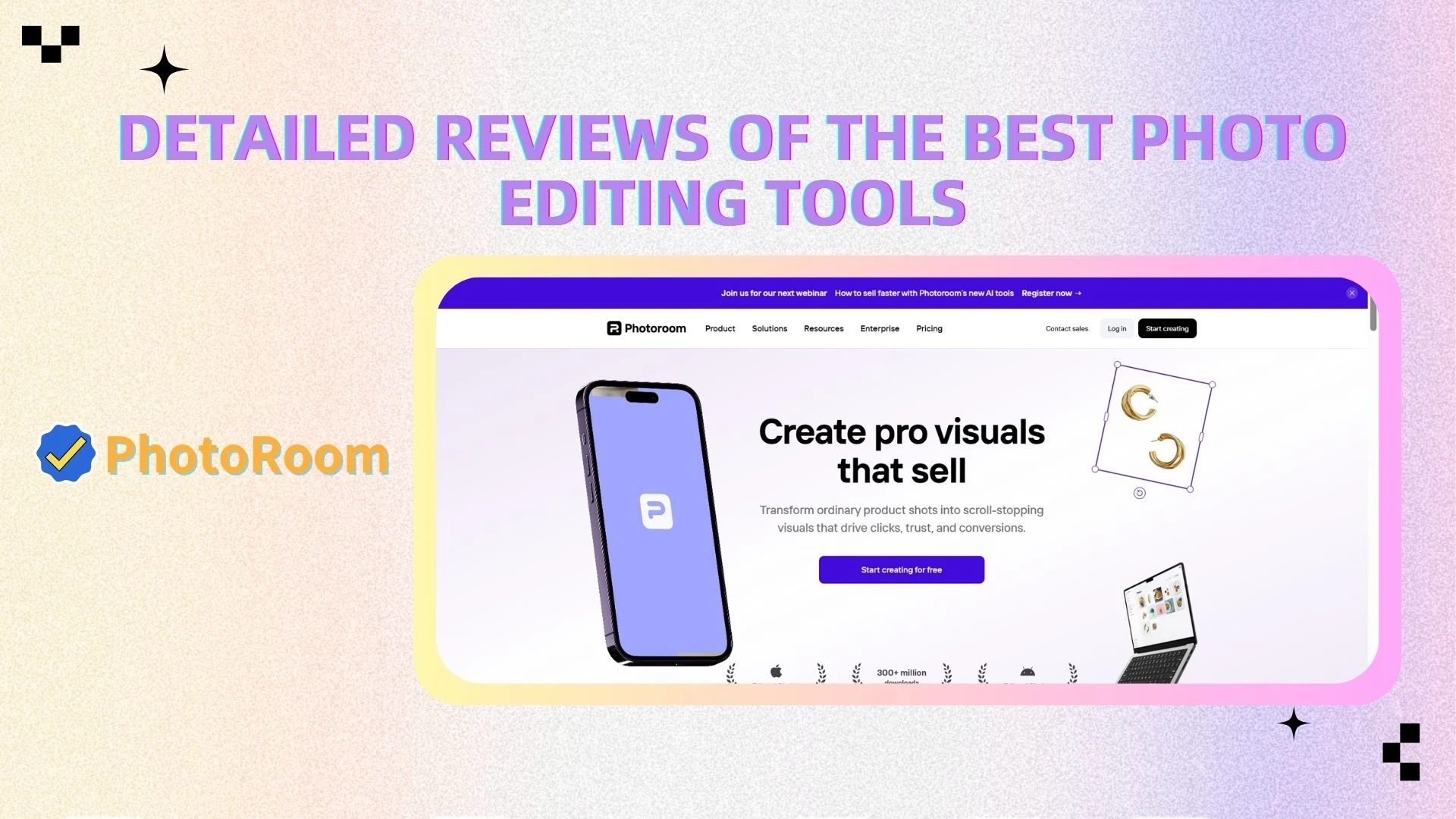
PhotoRoom is a specialized tool designed primarily for background removal and replacement. It is especially popular among e-commerce sellers and marketers who need clean, professional product images.
Pros:
Highly accurate background removal
Ideal for product photography and marketing visuals
Simple and intuitive interface
Supports background replacement and basic editing
Cons:
- Limited advanced editing capabilities compared to full-featured editors
Best For:
Online sellers
Product photography
Social media visuals
3. VanceAI – Best for AI Upscaling & Restoration
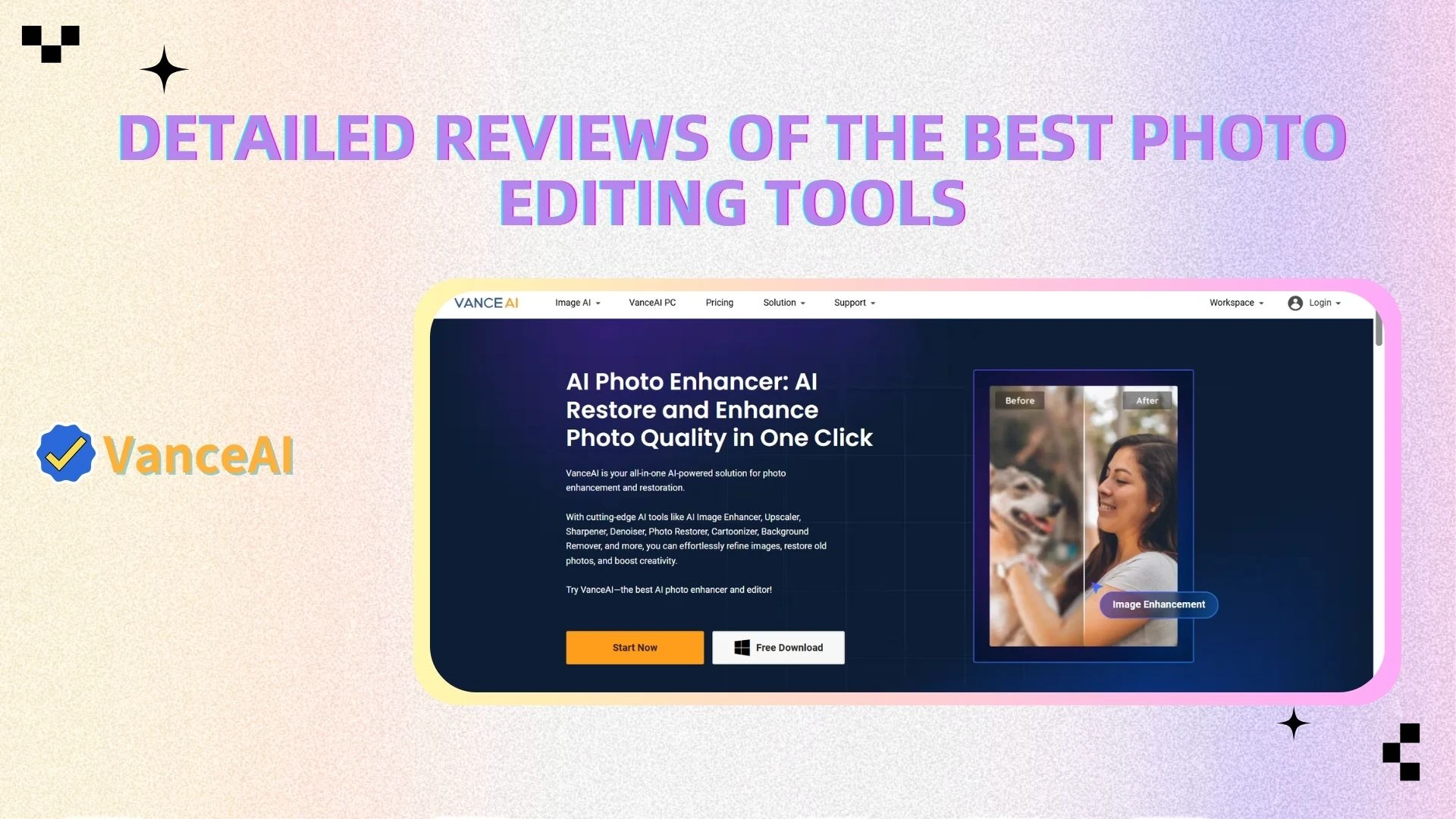
VanceAI focuses on improving image quality using advanced AI models, particularly for enhancing low-resolution or older images. It is well-suited for users who need image restoration or upscaling.
Pros:
Strong AI upscaling and sharpening capabilities
Effective for restoring old or blurry images
Supports multiple AI-based enhancement tools
Cons:
Limited free usage
Slight learning curve for new users
Best For:
Image restoration
Improving low-resolution images
Users needing high-quality output
4. Photopea – Best for Advanced Editing
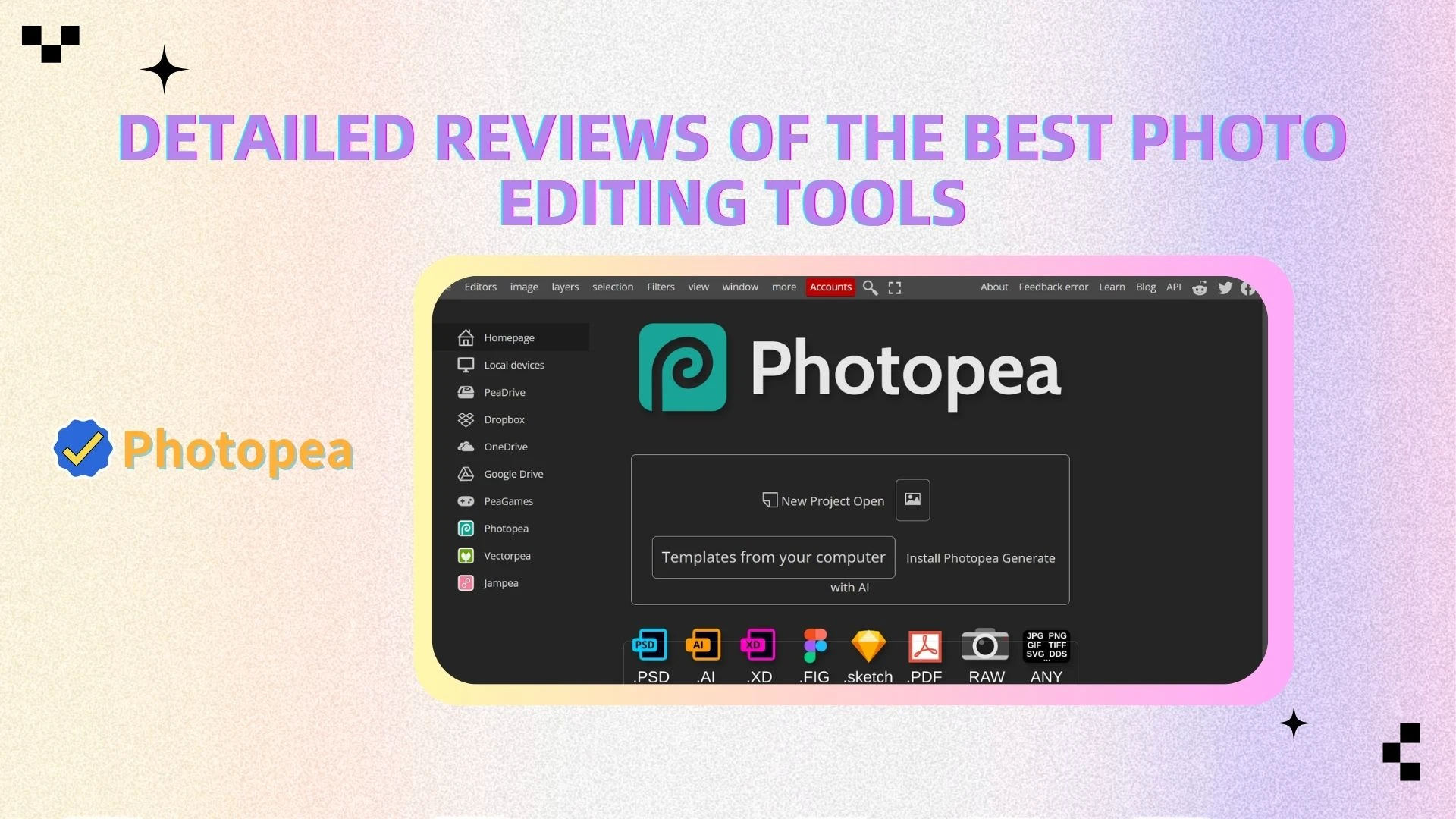
Photopea is a browser-based image editor that closely resembles Photoshop in both interface and functionality. It is designed for users who need advanced editing capabilities without installing desktop software.
Pros:
Supports PSD and other professional file formats
Offers layer-based editing, masks, and advanced tools
No installation required (runs in browser)
Cons:
Not beginner-friendly
Requires manual editing knowledge and experience
Best For:
Designers
Professional users
Advanced image editing tasks
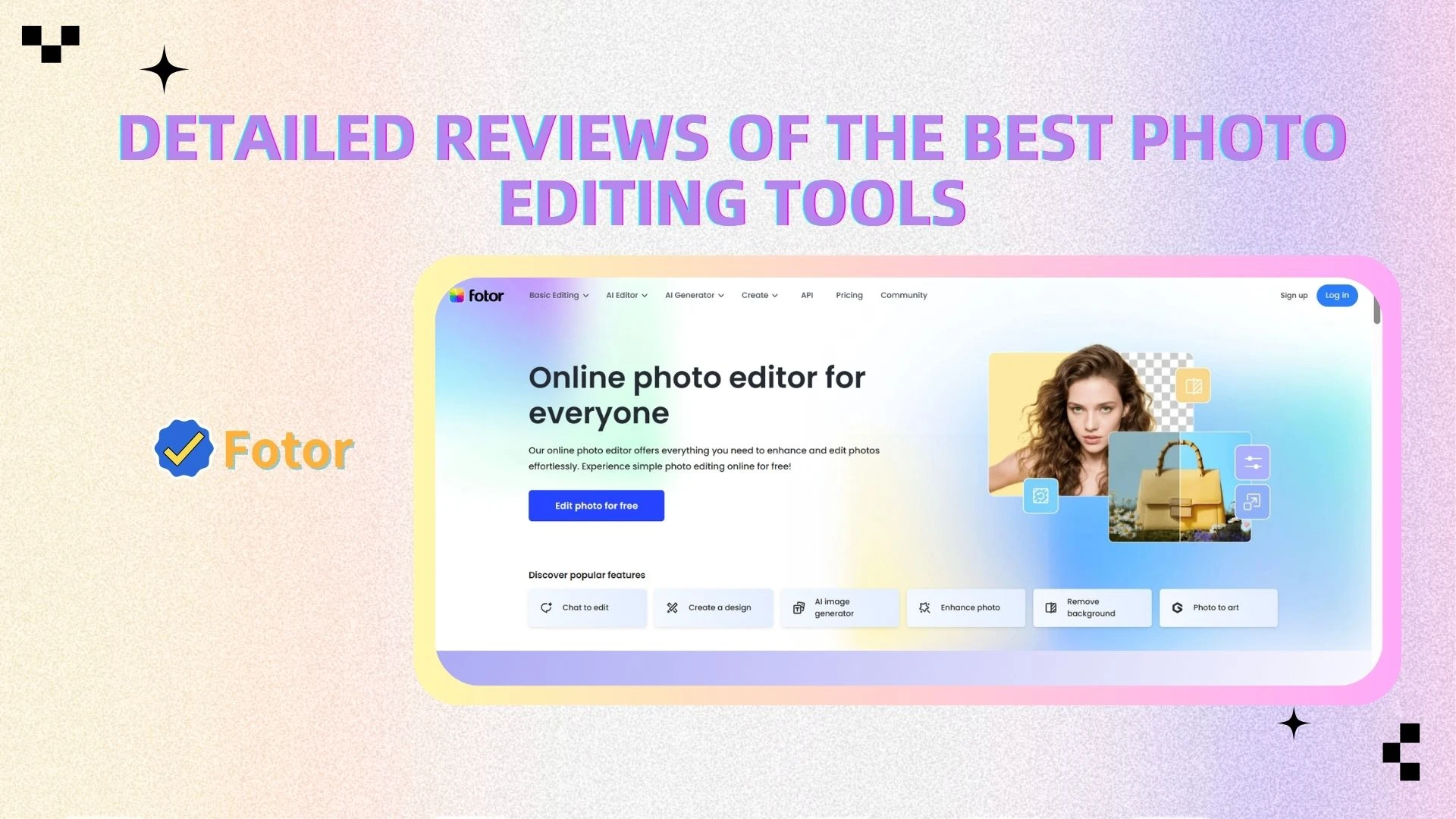
5. Fotor – Best All-in-One Photo Editor
Fotor is a versatile online photo editor that combines traditional editing tools with AI-powered features. It provides a balance between simplicity and functionality, making it suitable for general users.
Pros:
Easy to use with a clean interface
Includes a wide range of editing tools and effects
Combines manual editing with AI features
Cons:
Free version has limitations
Some advanced features require a subscription
Best For:
General users
Casual photo editing
Users who want both manual and AI tools
6. Remove.bg – Best for Quick Background Removal
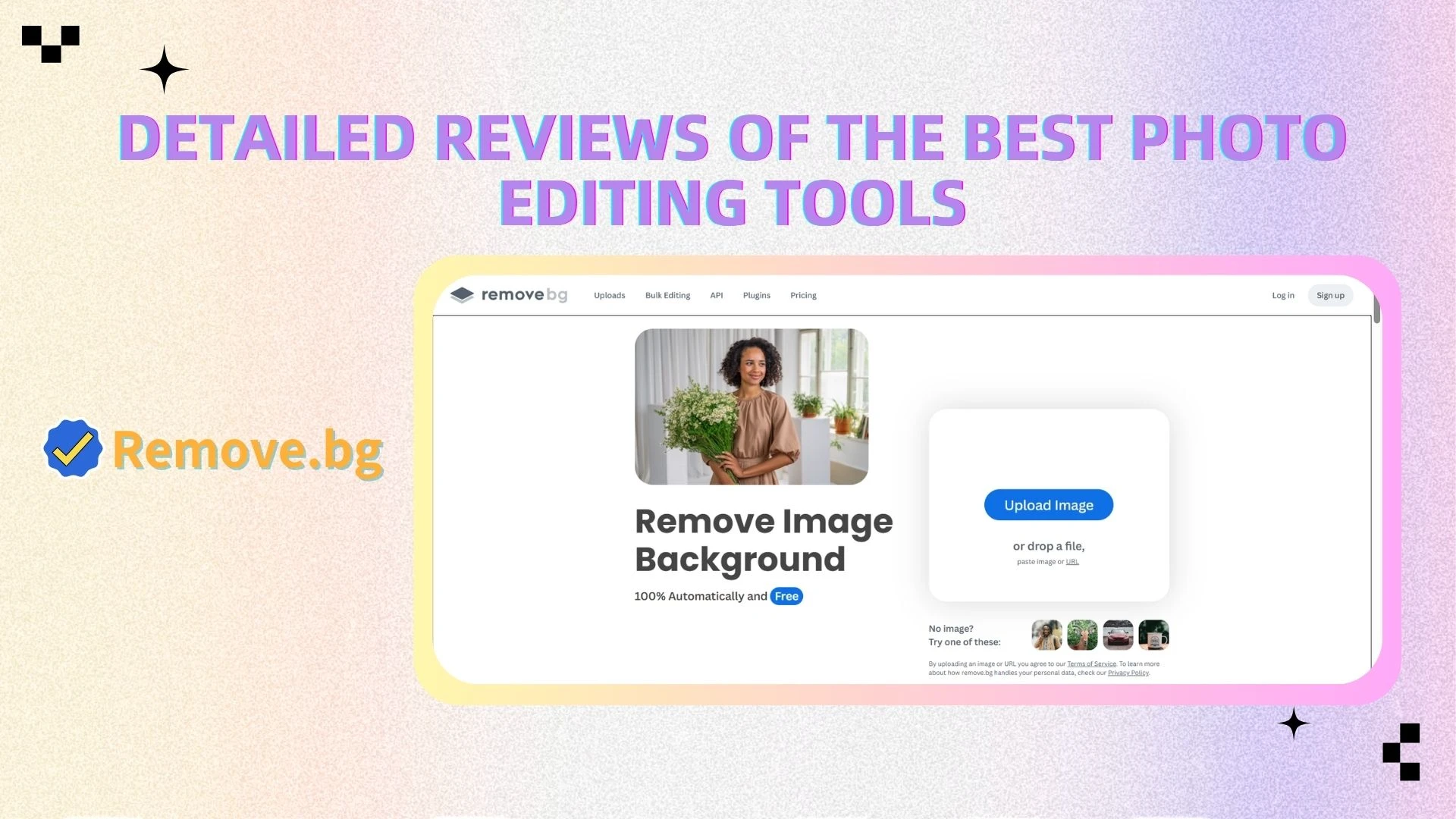
Remove.bg is a dedicated tool focused solely on removing backgrounds from images. It is known for its speed and simplicity, making it ideal for quick, one-click cutouts.
Pros:
Extremely fast background removal
Highly accurate results
Very simple and straightforward interface
Cons:
- Very limited functionality beyond background removal
Best For:
Quick edits
Simple background cutouts
Users who only need background removal
🧠 How to Choose the Right Photo Editing Tool
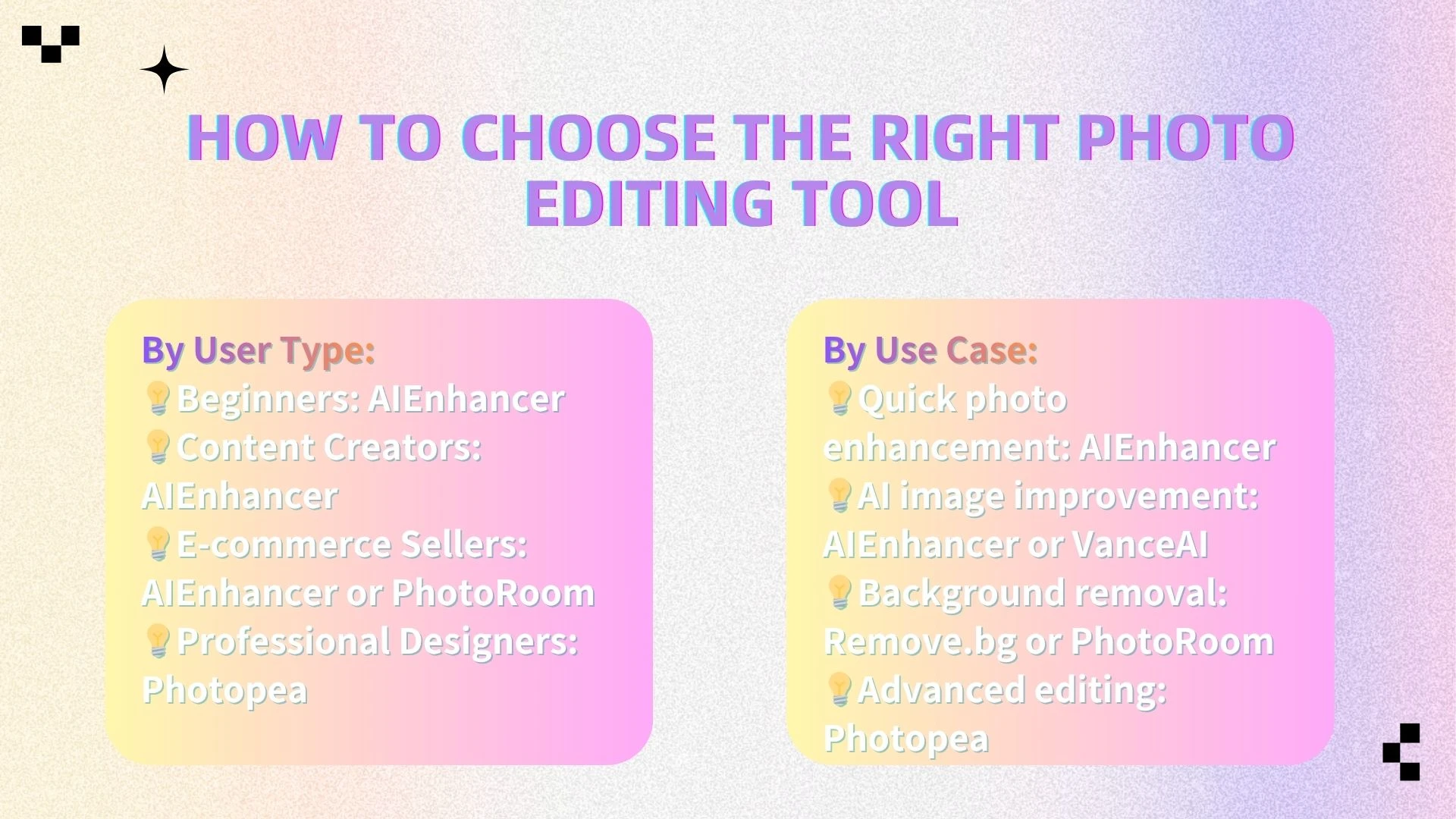
Choosing the right online photo editing tool depends on your goals, skill level, and the type of work you need to complete. Different tools are designed for different users and use cases, especially with the rise of AI-powered editors.
By User Type:
Beginners: AIEnhancer
Beginners typically need a simple, intuitive interface with minimal learning curve. AIEnhancer is ideal because it automates the entire editing process—users can upload an image and enhance it instantly without adjusting complex settings.Content Creators: AIEnhancer
Content creators often need fast, consistent results for social media, blogs, or marketing materials. AIEnhancer helps streamline workflows by quickly improving image quality, making visuals more engaging without spending time on manual edits.E-commerce Sellers: AIEnhancer or PhotoRoom
Online sellers require clean, professional product images. AIEnhancer is great for overall enhancement, while PhotoRoom is particularly useful for removing and replacing backgrounds to create studio-quality product photos.Professional Designers: Photopea
Designers who need advanced control over their work will benefit from Photopea. It offers a Photoshop-like environment with layer-based editing, making it suitable for detailed and complex design tasks.
By Use Case:
Quick photo enhancement: AIEnhancer
If your goal is to improve image quality quickly, AIEnhancer is the most efficient option. It automatically adjusts lighting, sharpness, and color balance in seconds.AI image improvement: AIEnhancer or VanceAI
For more advanced AI-driven enhancements such as upscaling or restoring images, both AIEnhancer and VanceAI provide strong capabilities. They are especially useful for improving low-resolution or older photos.Background removal: Remove.bg or PhotoRoom
When the primary need is removing backgrounds, these tools excel. Remove.bg offers one-click simplicity, while PhotoRoom provides additional editing options for product and marketing visuals.Advanced editing: Photopea
For users who need detailed control over every aspect of an image—such as layers, masks, and fine adjustments—Photopea is a powerful browser-based alternative to traditional desktop software.
👉 Overall, the best choice depends on whether you prioritize speed, simplicity, automation, or advanced control, with AIEnhancer standing out as a versatile solution for most everyday photo editing needs.
🏆 Best Tools by Category, Use Case & User Type
To help you quickly choose the right tool without comparing every feature manually, the following recommendations summarize the best options based on key advantages, use cases, and user types. This section highlights where each tool performs best, making it easier to match the right solution to your specific needs.
🔥 Best by Key Advantage
Best AI Image Editor → AIEnhancer
Best for Beginners → AIEnhancer
Best AI Enhancement → AIEnhancer / VanceAI
Best for E-commerce → PhotoRoom
Best Professional Tool → Photopea
Best Background Removal → Remove.bg / PhotoRoom
🎯 Best by Use Case
Social Media Content → AIEnhancer
Product Photos → AIEnhancer / PhotoRoom
Portrait Retouching → AIEnhancer
Image Upscaling → VanceAI
👤 Best by User Type
Beginners → ⭐ AIEnhancer
Creators → AIEnhancer
E-commerce → PhotoRoom / AIEnhancer
Professionals → Photopea
📌 Final Verdict
Among all the tools reviewed, AIEnhancer stands out as the most versatile and user-friendly AI image editor. It combines speed, simplicity, and powerful AI capabilities, making it suitable for a wide range of users and everyday photo editing needs.
❓ FAQ
What is the best online photo editor in 2026?
AIEnhancer is one of the best online photo editors because of its strong AI capabilities and easy, browser-based workflow. It allows users to quickly enhance images without installing any software.
What is an AI image editor?
An AI image editor uses artificial intelligence to automatically enhance, retouch, and optimize photos. It reduces the need for manual adjustments by handling tasks like color correction, sharpening, and background removal.
Is AIEnhancer free to use?
AIEnhancer offers free features for basic editing, with premium options available for users who need advanced capabilities or higher limits.
Can I edit photos without Photoshop?
Yes. Online tools like AIEnhancer let you edit photos directly in your browser without downloading or learning complex software like Photoshop.
Which AI photo editor is best for beginners?
AIEnhancer is a great choice for beginners because it provides one-click editing and an intuitive interface with no learning curve.
What is the best tool for background removal?
Remove.bg and PhotoRoom are widely used for background removal, and AIEnhancer also provides reliable background editing as part of its AI features.
How long does it take to edit a photo with AI tools?
Most AI photo editors, including AIEnhancer, can process and enhance images in just a few seconds. The exact time may vary depending on image size, resolution, and the type of enhancement applied, but in most cases the process is near real-time and significantly faster than manual editing.
Do AI photo editors maintain image quality?
Yes. Advanced AI tools are designed to enhance images while preserving or even improving overall quality, including sharpness, color balance, and resolution.
📌 Conclusion
Photo editing is no longer limited to professionals or those with advanced design skills. With the rapid rise of AI-powered online tools, anyone can now create high-quality, visually appealing images in seconds—without dealing with complex software, expensive subscriptions, or steep learning curves.
Modern AI image editors have evolved far beyond basic adjustments like cropping or color correction. They can intelligently handle tasks such as image enhancement, skin retouching, background removal, object cleanup, and even high-resolution upscaling—all with minimal user input. These tools leverage advanced machine learning algorithms to analyze images and apply precise edits automatically, ensuring consistent, professional-grade results every time.
By automating time-consuming editing processes, AI tools not only improve efficiency but also make high-end photo editing accessible to beginners, content creators, marketers, and businesses alike. Whether you're enhancing product photos, improving portraits, or preparing visuals for social media, AI image editors can dramatically reduce the time and effort required.
If you’re looking for a solution that strikes the perfect balance between performance, simplicity, and automation:
👉 AIEnhancer is one of the most reliable AI image editors for modern online photo editing.
It requires no complicated setup or technical expertise—simply upload your image, and let the AI transform it into a polished, high-quality result within seconds.