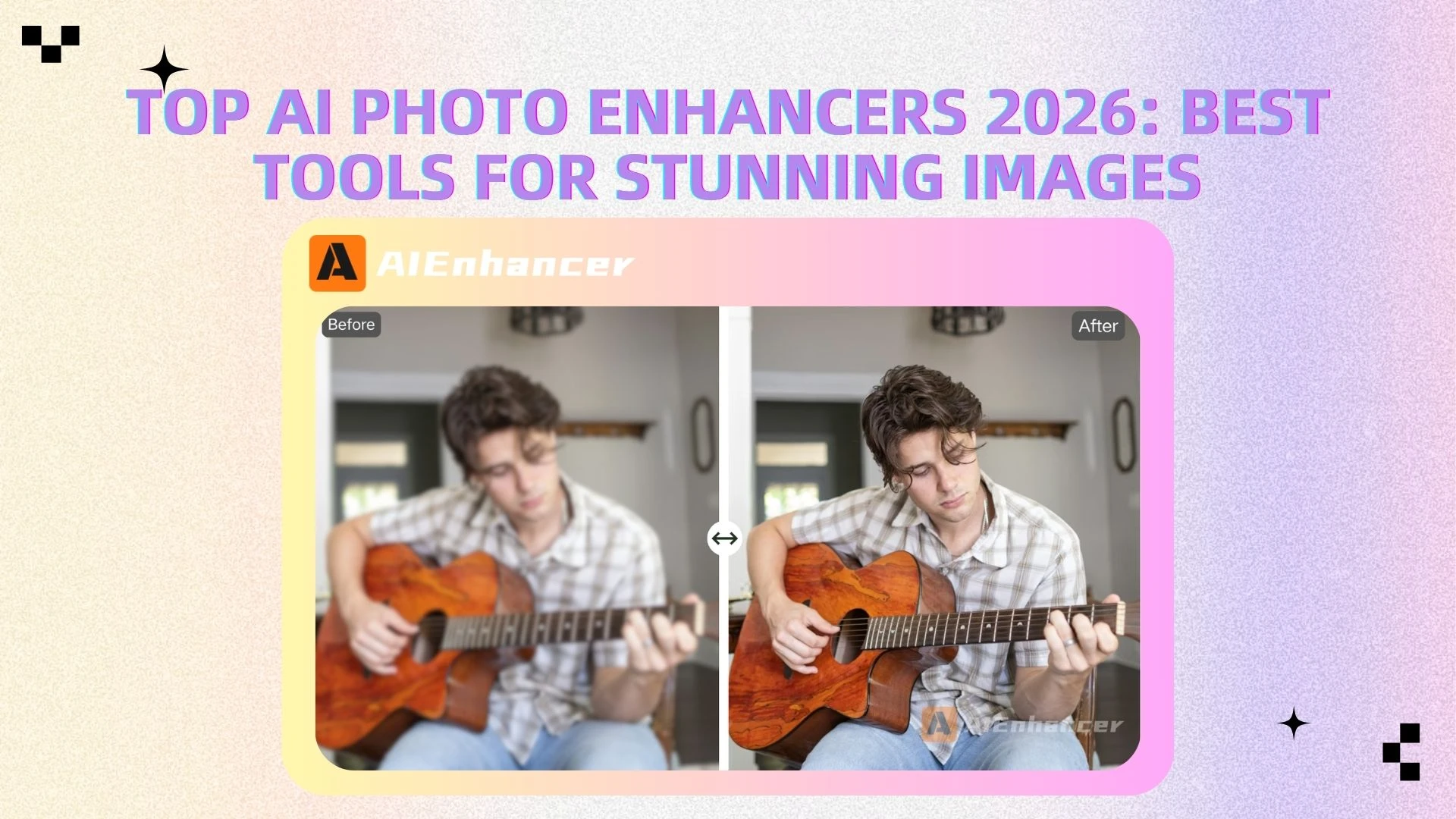
Top AI Photo Enhancers 2026: Best Tools for Stunning Images
Introduction
In today’s visual-first digital world, high-quality images are more important than ever. Whether you're a content creator, online seller, or casual user, having sharp, clear, and high-resolution photos can make a significant difference. This is where AI photo enhancer tools come in. Powered by advanced algorithms, these tools can instantly improve image quality by sharpening details, reducing noise, and increasing resolution—tasks that once required professional skills and complex software.
At the same time, modern solutions are evolving beyond simple enhancement. Many platforms now integrate AI image enhancement and AI image editing into a seamless workflow, allowing users not only to improve image quality automatically but also to fine-tune results with editing features.
With so many tools available, choosing the right one can be challenging. Some are better suited for portrait restoration, while others excel in e-commerce visuals or professional photography. Among them, AIEnhancer stands out as a powerful all-in-one solution, combining advanced AI photo enhancement with built-in AI image editor capabilities—making it easier than ever to enhance, edit, and upscale images in one place.
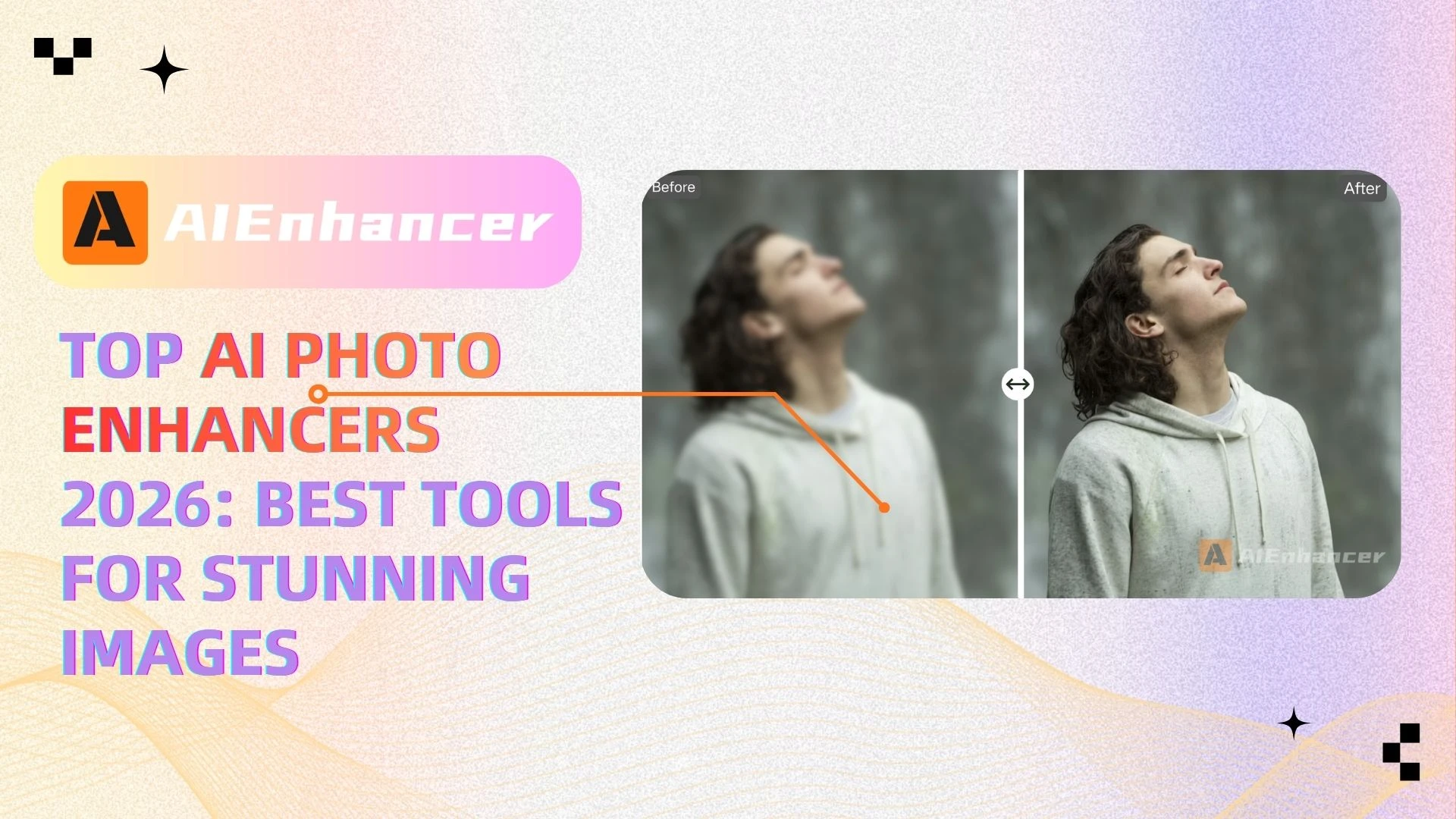
What is an AI Photo Enhancer?
An AI photo enhancer is a tool that uses artificial intelligence to automatically improve the quality of images. Unlike traditional editing software that requires manual adjustments, AI-powered tools analyze your image and apply intelligent enhancements in seconds.
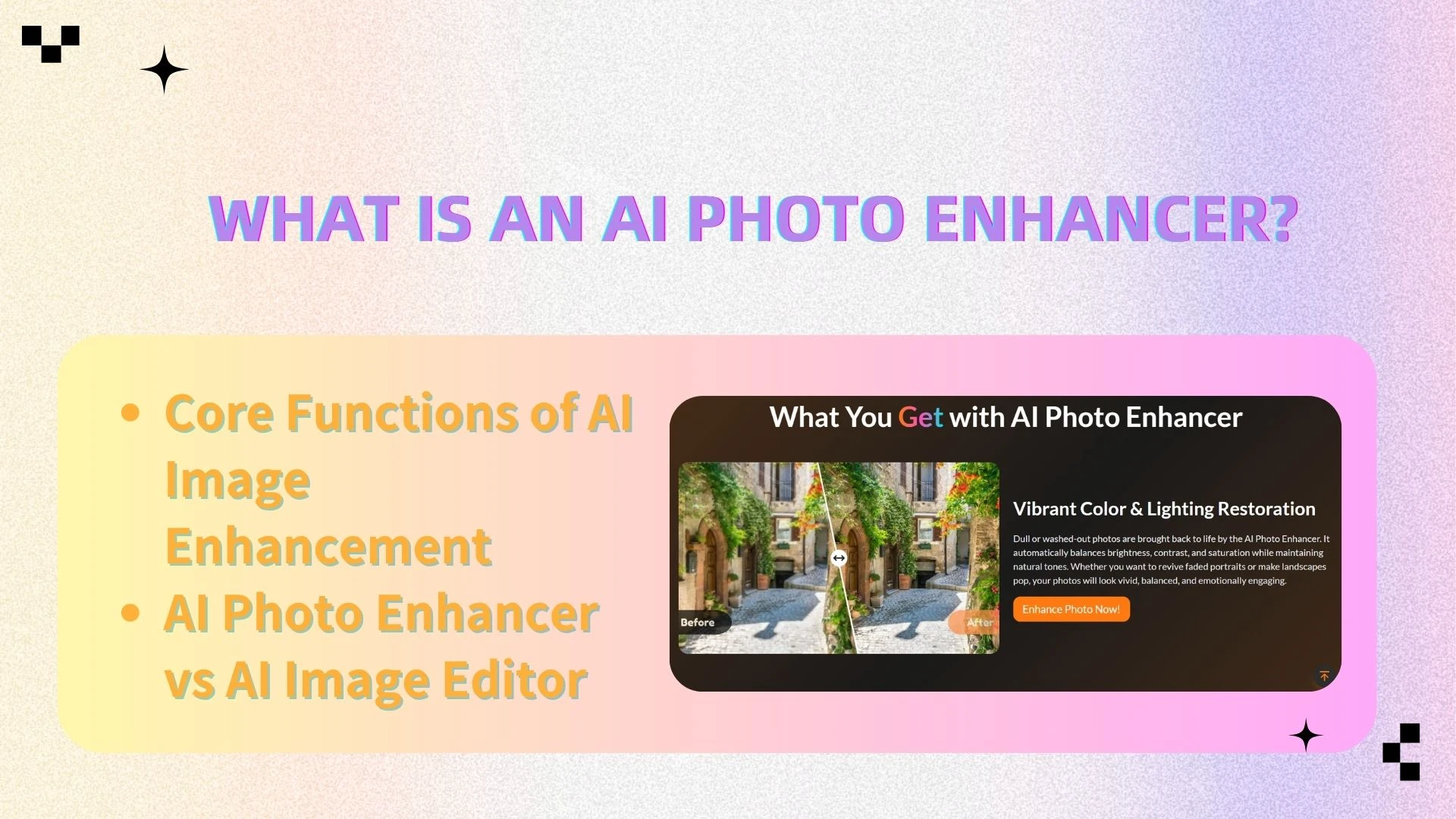
Core Functions of AI Image Enhancement
Upscaling (Super Resolution)
Increase image resolution while preserving details and clarity. AI models reconstruct missing pixels intelligently, allowing low-resolution images to be enlarged without the blurriness typical of traditional resizing.Denoising
Remove grain and visual noise caused by low light or heavy compression. This produces cleaner, smoother images while preserving essential details.Sharpening
Enhance edges and fine details to make images look clearer and more defined. AI sharpening avoids over-processing, keeping results natural rather than overly harsh.Face Restoration
Improve facial features in portraits or old photos by refining skin texture, enhancing eyes, and restoring lost details—especially useful for blurry or aged images.
AI Photo Enhancer vs AI Image Editor
Traditionally, these were separate tools:
AI Photo Enhancer → Automatic quality improvement
AI Image Editor → Manual adjustments (crop, filters, background edits)
However, modern platforms like AIEnhancer combine both:
👉 You can enhance first, then fine-tune with editing tools — all in one place
This integration is becoming the new standard in AI image enhancement and upscaling workflows
Top AI Photo Enhancers List (2026)
Here are the best tools available this year:
AIEnhancer – Best overall AI photo enhancer & editor
Topaz Labs – Best for professionals
Remini – Best for portrait enhancement
Fotor – Best beginner-friendly AI image editor
Let’s Enhance – Best for e-commerce image upscaling
Quick Comparison Table
| Tool | Best For | Key Feature | AI Editing | Price |
|---|---|---|---|---|
| AIEnhancer | All-in-one users | Enhance + Edit | ✅ | Free/Paid |
| Topaz Labs | Professionals | Ultra upscale | ❌ | Paid |
| Remini | Portrait | Face enhance | ❌ | Freemium |
| Fotor | Beginners | Simple UI | ✅ | Freemium |
| Let’s Enhance | E-commerce | Batch upscale | ❌ | Paid |
👉 AIEnhancer is the premier platform to seamlessly integrate automated enhancement with a comprehensive suite of creative editing tools.
Top AI Photo Enhancer Tools (2026)
🥇 AIEnhancer (Best Overall AI Photo Enhancer)
Overview
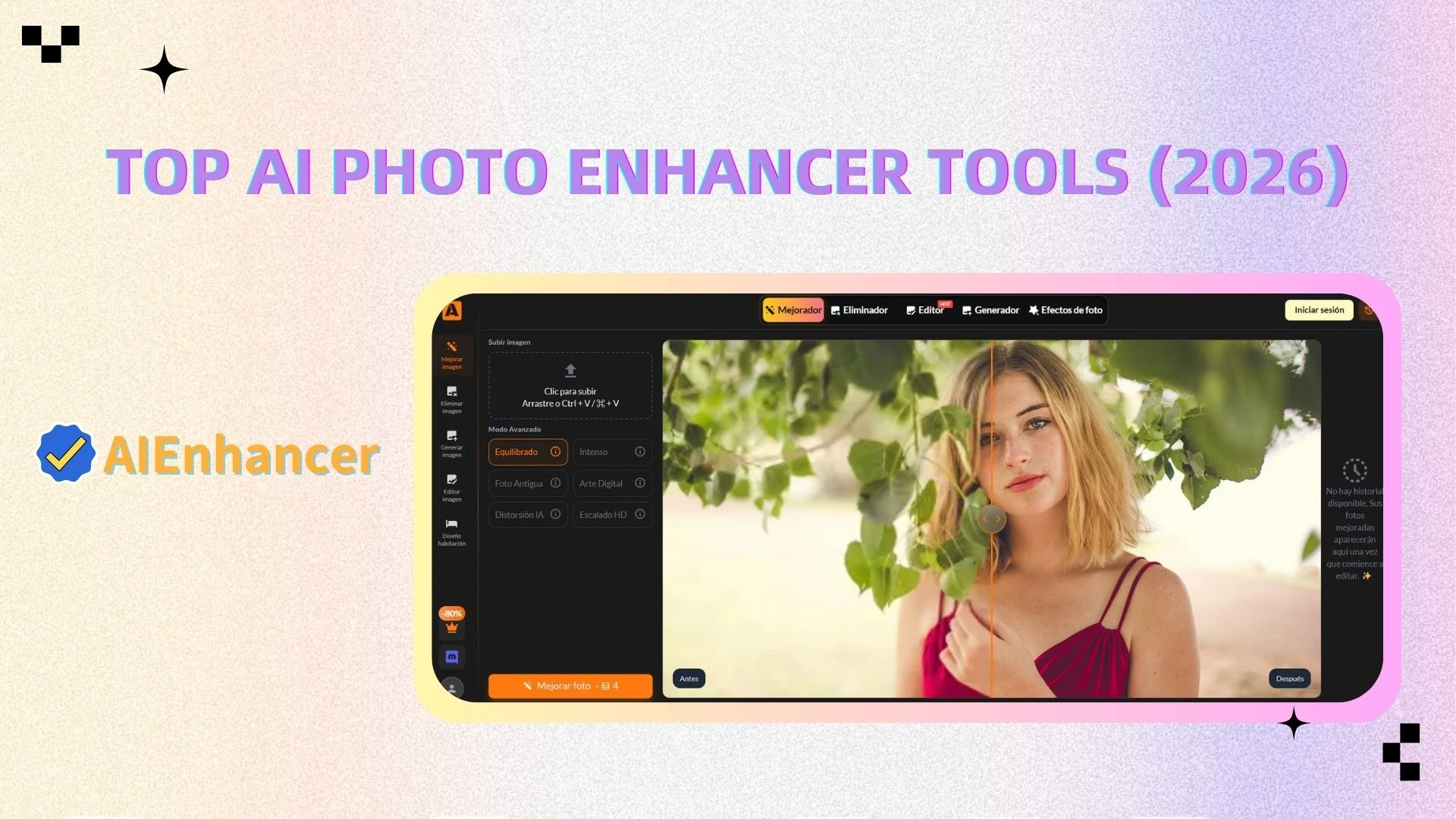
AIEnhancer is a next-generation platform built for AI image enhancement and upscaling, combining powerful automation with intuitive editing tools. It is designed to deliver high-quality results in seconds, making it suitable for both beginners and professionals who want efficiency without compromising image quality.
Key Features
1. AI Photo Enhancer
One-click enhancement powered by advanced AI models
Automatically improves sharpness, clarity, exposure, and overall image balance
Effectively restores blurry, compressed, or low-resolution images with natural-looking results
2. AI Image Upscaling
Upscale images to 4K or higher without pixelation
Reconstructs missing details using deep learning algorithms
Preserves textures, edges, and fine details—ideal for printing, marketing, and high-resolution displays
3. AI Image Editor
Crop, rotate, and resize images with precision
Apply filters and enhance visual style
AI-powered background removal and replacement
Fine-tune results after enhancement for full creative control
👉 This combination makes AIEnhancer a true all-in-one solution for both enhancement and editing
4. Batch Processing
Enhance multiple images simultaneously with consistent quality
Great for product catalogs, social media content, and bulk workflows
Saves time for businesses and creators
5. Fast Processing
Cloud-based AI ensures fast and stable performance
No heavy software installation required
Delivers high-quality results within seconds
Pros
Combines AI photo enhancer and AI image editor in one platform
Delivers consistently high-quality and natural-looking results
Extremely easy to use, even for beginners
Fast processing with support for batch workflows
Cons
- Limited advanced manual controls for highly specialized editing needs
Best For
Content creators and influencers
E-commerce sellers and marketers
Social media users
Anyone looking for fast, professional-quality image enhancement
👉 Try AIEnhancer to experience seamless AI image enhancement and editing in one workflow
🥈 Topaz Labs (Best for Professionals)
Overview
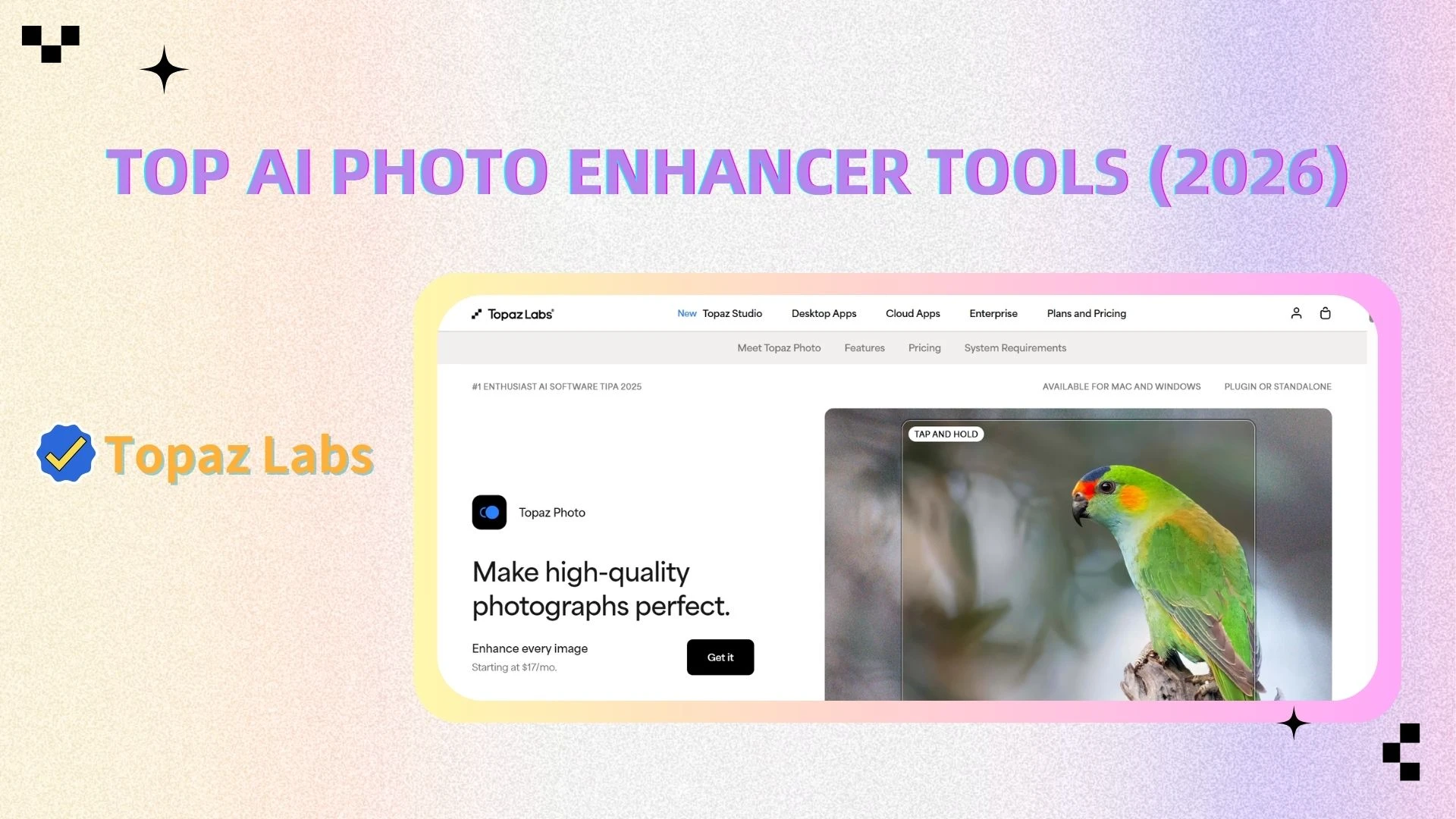
Topaz Labs is widely recognized for its professional-grade image processing capabilities, making it a top choice for photographers who demand maximum detail and precision.
Key Features
Industry-leading noise reduction for high-ISO or low-light images
Advanced AI upscaling with exceptional detail recovery
Precision sharpening that enhances textures without overprocessing
Limitations
No integrated AI image editor for additional adjustments
More complex interface with a steeper learning curve
Higher price point compared to most alternatives
🥉 Remini (Best for Portrait Enhancement)
Overview
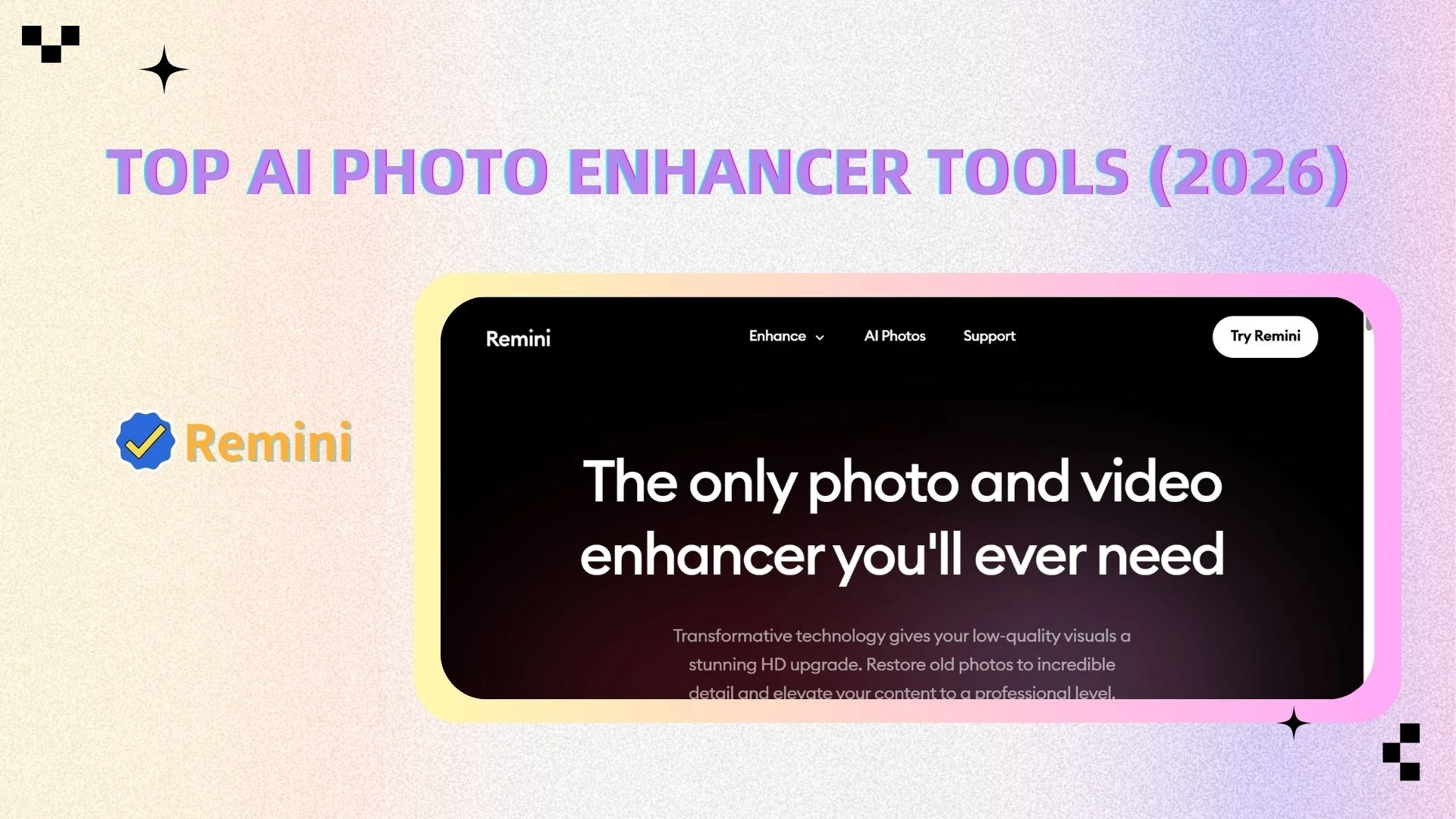
Remini specializes in AI-powered face enhancement, making it particularly effective for portraits, selfies, and old photo restoration.
Key Features
Advanced face restoration that enhances facial clarity and details
Improves skin texture, eyes, and facial features naturally
Mobile-optimized for quick and convenient editing on the go
Limitations
Limited functionality beyond portrait enhancement
Lacks comprehensive editing tools
Not ideal for landscapes or product images
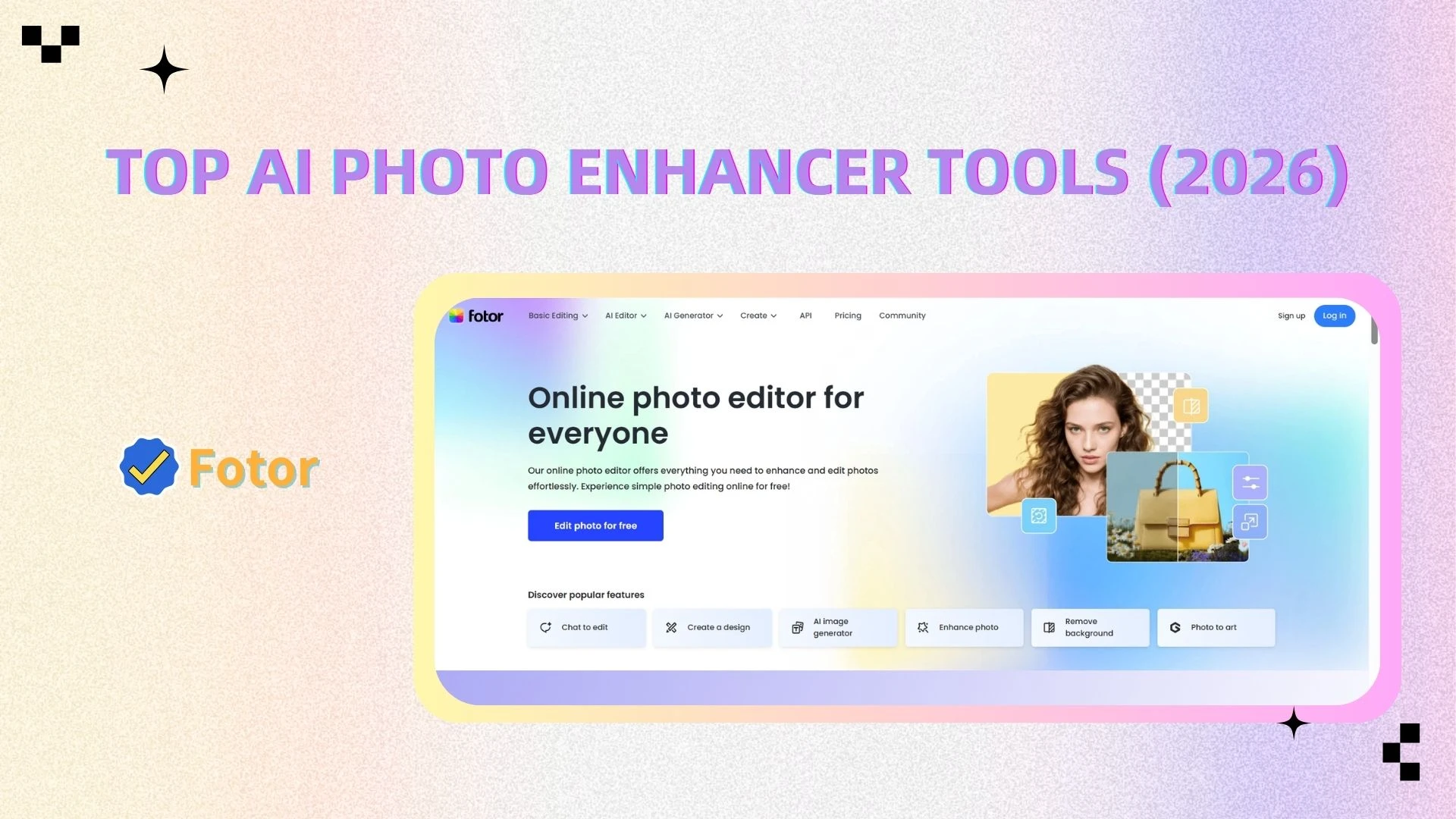
📸 Fotor (Best Beginner AI Image Editor)
Overview
Fotor is a beginner-friendly platform that combines basic AI enhancement with simple editing tools, making it ideal for users new to photo editing.
Key Features
Wide range of filters and presets for quick styling
Easy-to-use enhancement tools for instant improvements
Clean and intuitive interface suitable for non-professionals
Limitations
Enhancement quality is less advanced compared to AIEnhancer
Limited AI-driven detail recovery and upscaling capabilities
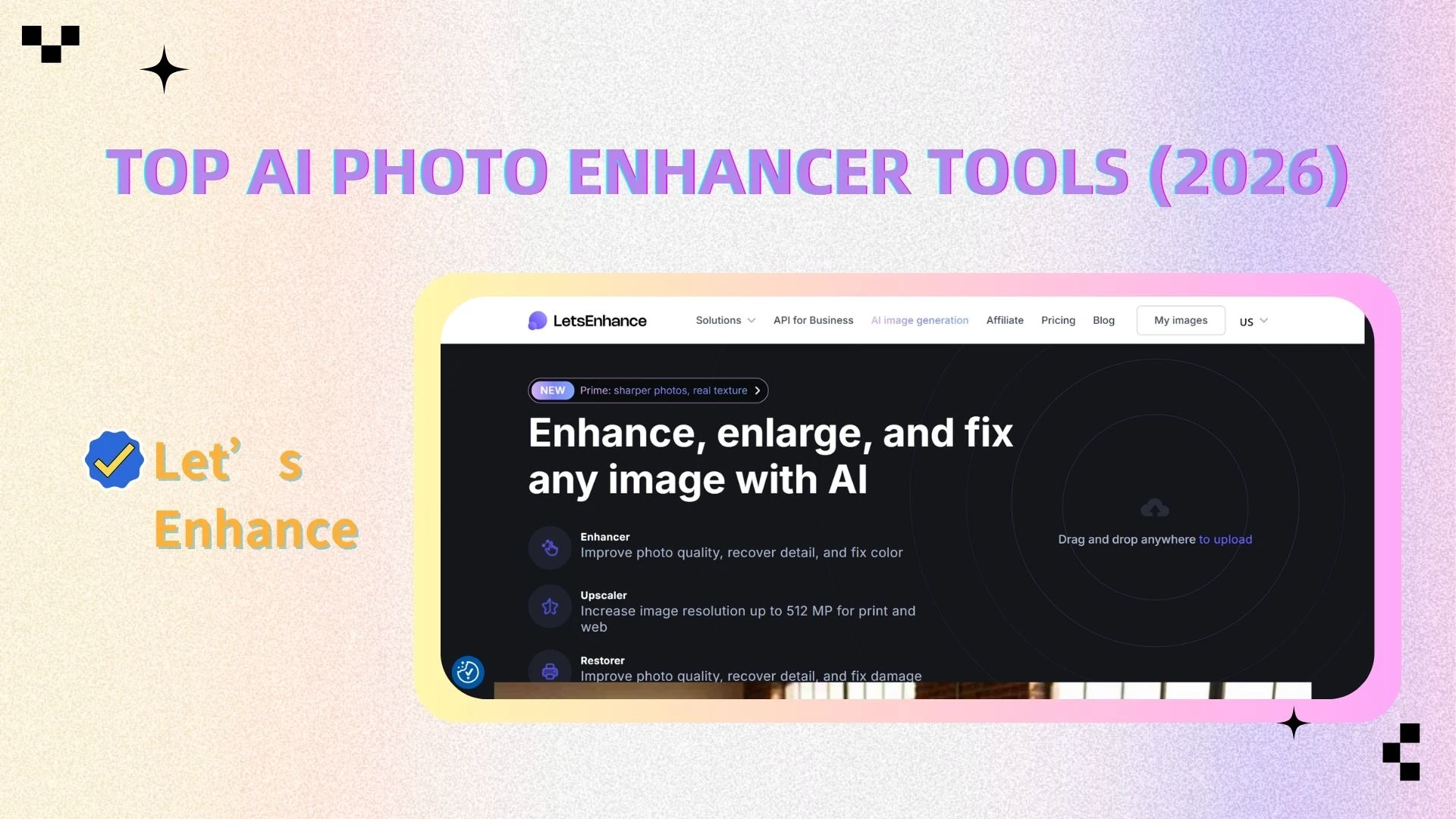
🎨 Let’s Enhance (Best for E-commerce)
Overview
Let’s Enhance is tailored for business and e-commerce use cases, focusing on improving product images at scale.
Key Features
Batch image upscaling for large product catalogs
AI-powered color correction for consistent product presentation
High-resolution output optimized for online stores and marketing
Limitations
Lacks built-in AI image editing tools
Primarily focused on business use rather than general users
Best AI Photo Enhancers by Use Case
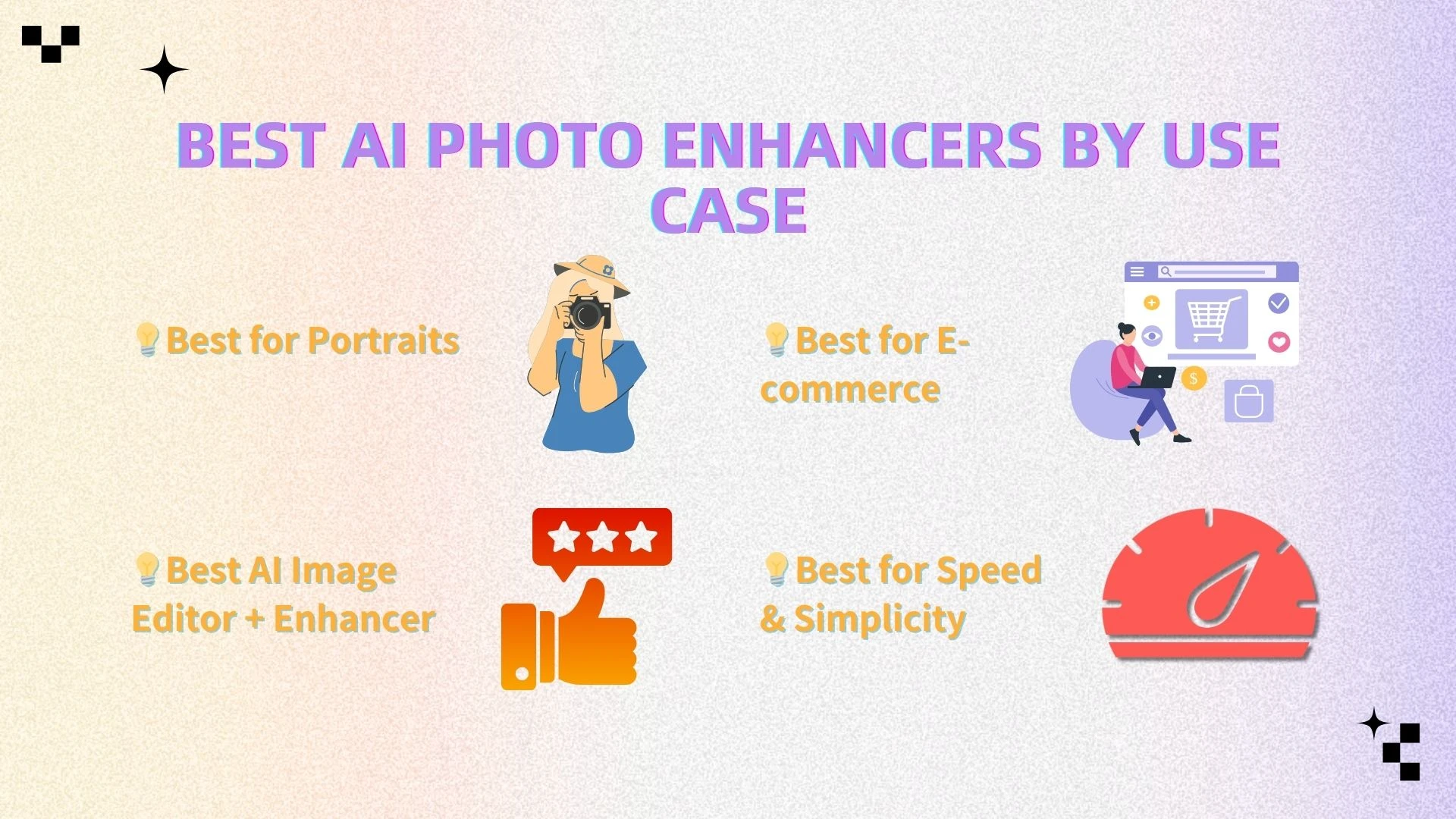
Choosing the right AI photo enhancer depends on your needs. Here are the best tools based on key use cases:
📸 Best for Portraits
Remini
AIEnhancer
Remini excels at face-focused enhancement, making it ideal for selfies and old portraits.
AIEnhancer, however, offers more flexibility by combining portrait enhancement with editing tools like color adjustment and background editing.
👉 Best choice: AIEnhancer for all-around portrait improvement
🛒 Best for E-commerce
Let’s Enhance
AIEnhancer
Let’s Enhance is strong in batch upscaling and consistent product image quality.
AIEnhancer adds more value by allowing you to enhance and edit product images in one place, which is useful for optimizing visuals for sales.
👉 Best choice: AIEnhancer for combined enhancement + editing
🎨 Best AI Image Editor + Enhancer
AIEnhancer ⭐ (Top Choice)
Fotor
Fotor is easy to use and good for basic edits.
AIEnhancer stands out with more advanced AI enhancement plus integrated editing tools, delivering better overall image quality.
👉 Best choice: AIEnhancer for all-in-one workflow
⚡ Best for Speed & Simplicity
AIEnhancer
Pixelcut
Both tools are fast and beginner-friendly.
AIEnhancer provides one-click enhancement with higher-quality results, making it more efficient for everyday use.
👉 Best choice: AIEnhancer for speed + quality balance
How to Use an AI Photo Enhancer
Using an AI tool like AIEnhancer is straightforward and requires no editing experience. The workflow is designed to go from upload to final high-quality image in just a few steps:
Step 1: Upload Your Image
Start by uploading the photo you want to improve. This can be a blurry image, low-resolution picture, or a photo that needs general enhancement. Most formats (JPG, PNG, etc.) are supported, and the upload process is typically quick.
Step 2: Apply AI Enhancement
Once the upload is complete, initiate the enhancement process with a single click. The AI will automatically analyze the image and improve key aspects such as sharpness, clarity, lighting, and noise reduction without requiring manual adjustments.
Step 3: Fine-Tune with AI Image Editor
After the initial enhancement, you can further refine the image using built-in editing tools:
rotate, or resize the image
Apply filters or stylistic effects
Remove or replace backgrounds (if needed)
👉 This step allows you to combine automatic enhancement with manual control for better results.
Step 4: Download the Result
Once you’re satisfied, export the final image in high resolution. The enhanced version will retain improved details and clarity, making it suitable for both digital use and printing.
👉 With AIEnhancer, the entire process is streamlined and can often be completed in under 10 seconds, making it a fast and efficient solution for AI image enhancement and editing.
How We Tested These Tools
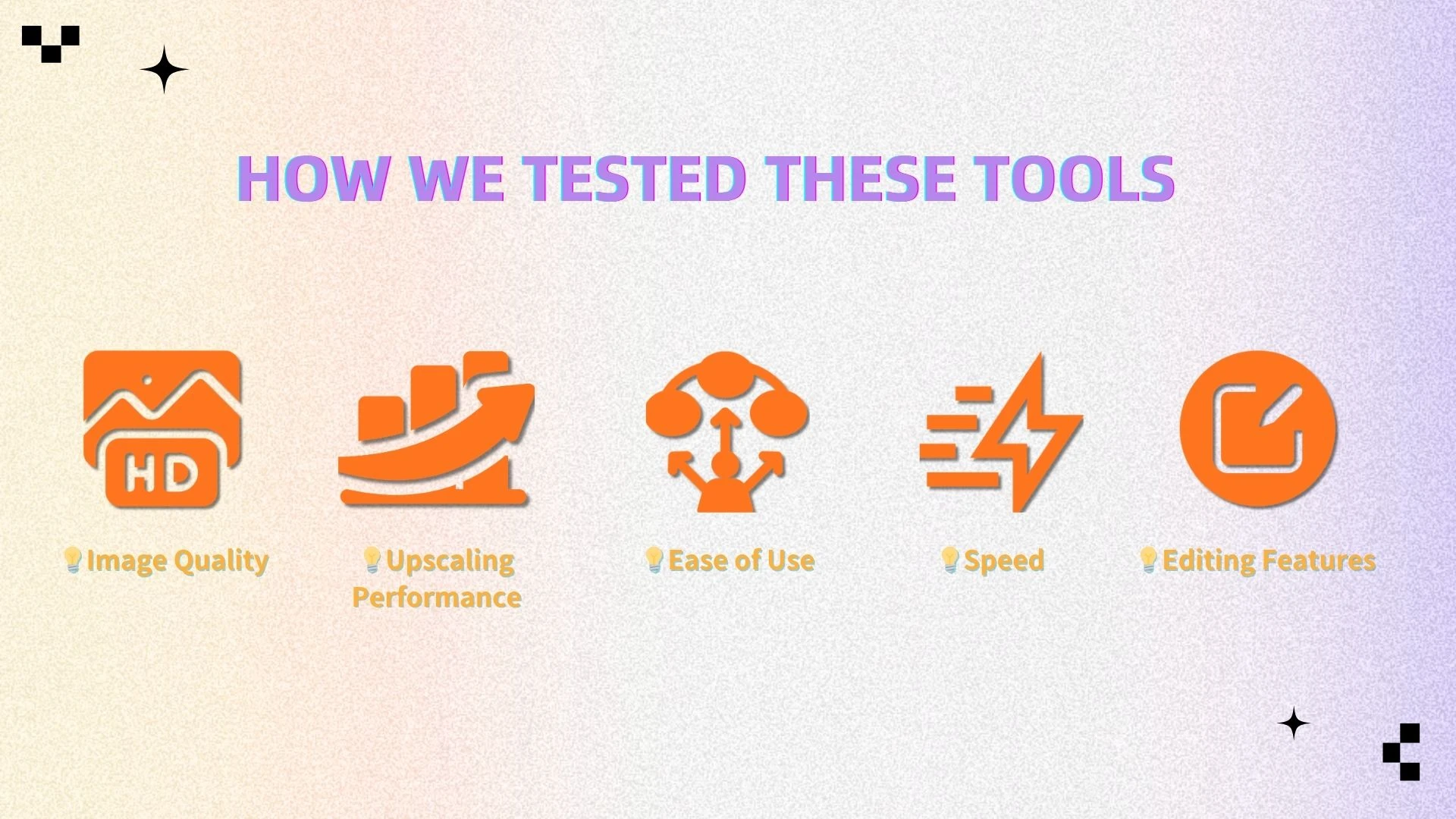
To ensure a fair and practical comparison, each AI photo enhancer was evaluated based on several key performance factors that reflect real-world usage:
1. Image Quality
We assessed how well each tool improves overall image quality, focusing on:
Sharpness improvement – whether edges and details become clearer without over-sharpening
Detail recovery – ability to reconstruct fine textures in low-quality or compressed images
Natural look – whether the enhanced image still appears realistic rather than overly processed
2. Upscaling Performance
We tested each tool’s ability to enlarge images while maintaining quality:
Resolution increase – how effectively the tool scales images to higher resolutions (e.g., 4K)
Texture preservation – whether important details, patterns, and edges remain intact after upscaling
3. Ease of Use
User experience plays a major role, especially for non-professionals:
Interface design – clarity, layout, and overall usability of the platform
Learning curve – how quickly a new user can understand and start using the tool without prior experience
4. Speed
We measured how efficiently each tool processes images:
Processing time – how long it takes to enhance a single image
Batch capabilities – whether multiple images can be processed at once for higher productivity
5. Editing Features
Beyond enhancement, we evaluated the availability of additional tools:
AI image editor functionality – such as cropping, background removal, and filters
Workflow flexibility – ability to refine images after AI enhancement within the same platform
👉 This evaluation framework helps ensure that the comparison reflects not only technical performance but also practical usability for different types of users.
FAQ
What is the best AI photo enhancer?
The best overall tool is AIEnhancer, thanks to its combination of AI image enhancement, upscaling, and editing features.
Are AI photo enhancers free?
Many tools offer free versions, but advanced features such as high-resolution upscaling may require a paid plan.
Can AI fix blurry photos?
Yes. AI photo enhancers can restore blurry images by:
Sharpening details
Reconstructing missing textures
Enhancing edges
What distinguishes an AI photo enhancer from an AI image editor?
AI photo enhancer → Automatically improves image quality
AI image editor → Allows manual adjustments
👉 AIEnhancer combines both, giving you full control after automatic enhancement
Is AI upscaling better than traditional resizing?
Yes. AI upscaling:
Preserves details
Avoids pixelation
Produces sharper results
Final Verdict
AI image enhancement and upscaling have significantly transformed the way we edit photos. Tasks that once required professional software and extensive manual work can now be completed in seconds using AI-powered tools, making high-quality image processing more accessible than ever.
When choosing the right solution, the best option depends on your specific needs:
All-in-one solution → AIEnhancer
Professional photography → Topaz Labs
Portrait enhancement → Remini
Simple editing → Fotor
Among these, AIEnhancer stands out as the most balanced choice, as it combines powerful AI photo enhancement, high-quality image upscaling, and built-in AI image editing capabilities in a single platform.
🚀 Try AIEnhancer Today
If you’re looking for a tool that lets you enhance, edit, and transform images in one seamless workflow, AIEnhancer is your best choice.