Top 7 AI Photo Enhancer Tools Review
Introduction
In today’s digital-first world, high-quality visuals are essential for attracting attention, building trust, and increasing engagement. Whether you are managing an e-commerce store, running a social media account, creating marketing campaigns, or restoring personal photos, the quality of your images can make or break your success.
Low-resolution, blurry, or noisy images remain a challenge for many users. While traditional tools like Photoshop can fix these issues, they often require skill and time. Thankfully, AI photo enhancer technology now makes improving photo quality fast, smart, and accessible to everyone.
In this article, we’ll highlight the Top 7 platforms in 2025, including free options and professional-grade solutions. You’ll discover how to choose the right tool, explore each platform’s unique benefits, and see real-world examples of enhanced images.
Why You Need an AI Photo Enhancer
Before we dive into the top tools, let’s understand why AI image enhancement has become a must-have.
- Restore Old or Blurry Photos – AI can automatically detect imperfections in old or low-quality photos, making them sharper and clearer.
- Upscale Resolution – AI algorithms allow you to enlarge images without losing clarity, essential for printing or creating high-quality marketing visuals.
- Denoise and Remove Artifacts – Tools clean up noise, compression artifacts, and unwanted blemishes.
- Enhance Colors and Details – Some AI enhancers automatically correct colors, contrast, and lighting for a professional look.
- Time-Saving Automation – Instead of manually editing dozens of photos, AI tools process images in seconds with minimal effort.
Whether you’re looking for a reliable tool for personal needs or the best option for business use, choosing the right solution can save hours of work and deliver superior results.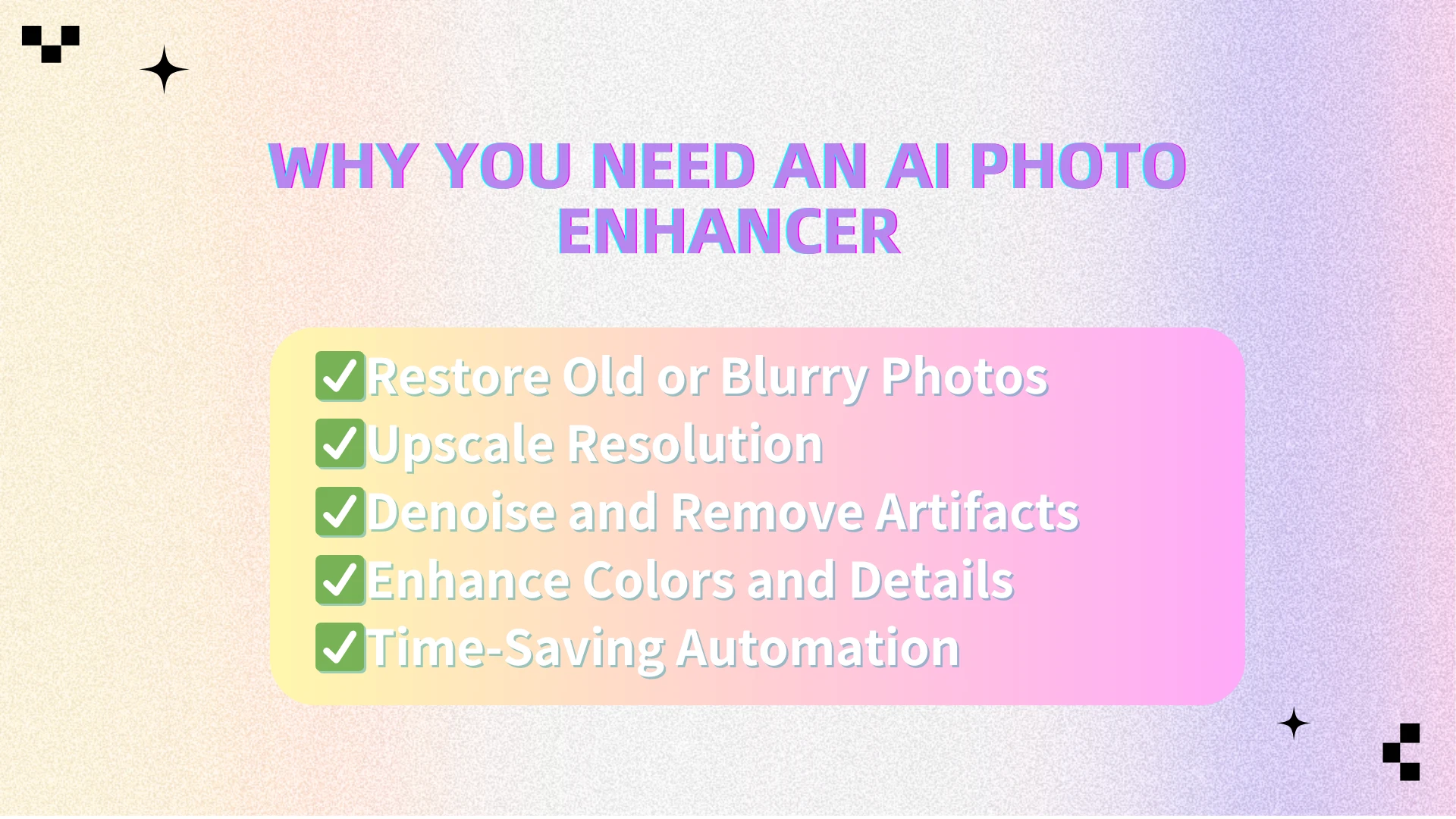
What to Look for in an AI Photo Enhancer
When choosing the best AI enhancer for your photos, it’s important to go beyond surface-level features and evaluate the tool from multiple angles. Here are the most critical factors to keep in mind:
Enhancement Quality – The first thing to look for is whether the tool can truly deliver high-quality results. A reliable tool should sharpen images while preserving fine details, skin textures, and natural color tones. If it only makes images sharper but sacrifices authenticity, it may not be the right choice.
Processing Speed – For users who need to handle multiple images, speed is everything. A reliable tool should support batch uploads and deliver results within seconds, rather than minutes. Fast processing ensures you can edit large collections of photos without long delays.
Ease of Use – Not everyone is a professional photo editor. That’s why the AI enhancer you choose should come with a simple, beginner-friendly interface. One-click tools and straightforward navigation make the process accessible to casual users while still meeting the needs of professionals.
Features Beyond Upscaling – The best AI tools don’t stop at resolution improvement. Look for extra capabilities like denoising (removing grain or visual noise), color correction (balancing exposure and tones), and even style transfer (applying artistic effects). These additional options turn a basic tool into a powerful all-in-one solution.
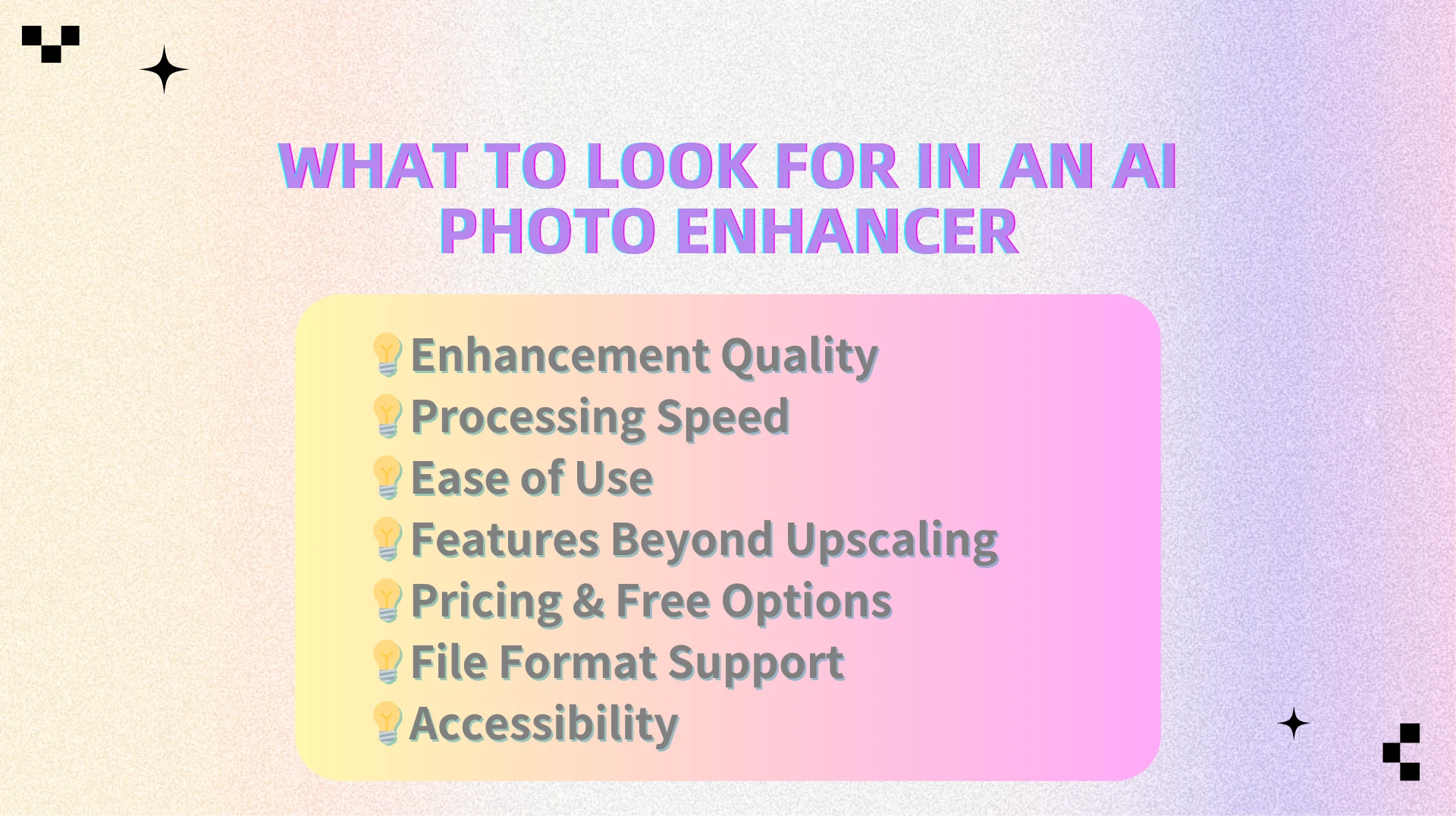
Pricing & Free Options – Budget is always a factor. Some platforms offer a no-cost plan, allowing you to test the service without commitment. Consider how much you can achieve on a free tier and whether premium subscriptions provide enough added value to justify upgrading.
File Format Support – A versatile tool should work with multiple image formats, including JPG, PNG, and WebP. This flexibility ensures you can process images directly without needing to convert them first.
Accessibility – Finally, think about where and how the tool is available. Some solutions require a heavy desktop installation, while others work directly in the browser. A web-based tool provides the convenience of cross-device access, letting you enhance images from any computer or mobile device.
By considering these factors, you’ll be able to select the best AI photo enhancer that aligns with your specific needs, whether you’re enhancing family memories, improving product photos, or preparing professional portfolios.
Real-Life Use Cases
AI photo enhancers have versatile applications across both professional and personal use cases:
- E-commerce Sellers – Product images are critical for online sales. A clear, detailed photo attracts more clicks and builds trust. With the right tool, sellers can upscale low-res images, sharpen details, and remove noise. One seller reported a 25% sales increase after using AIEnhancer to improve product clarity.
- Photographers – A reliable AI enhancer helps restore old shots, upscale photos for printing, and polish client work. Instead of hours of manual editing, photographers can deliver professional-quality results in minutes.
- Social Media Creators – Platforms like Instagram or TikTok demand eye-catching visuals. With an AI photo enhancer free, creators can quickly make their posts sharper and more appealing, boosting engagement without complex editing.
- Students & Hobbyists – From school projects to creative experiments, an AI photo enhancer offers an easy way to improve visuals and explore artistic possibilities without costly software.
- Family Archives – A modern tool can revive old family photos by improving resolution and restoring faded details, preserving memories for future generations.
Top 7 AI Photo Enhancer Tools
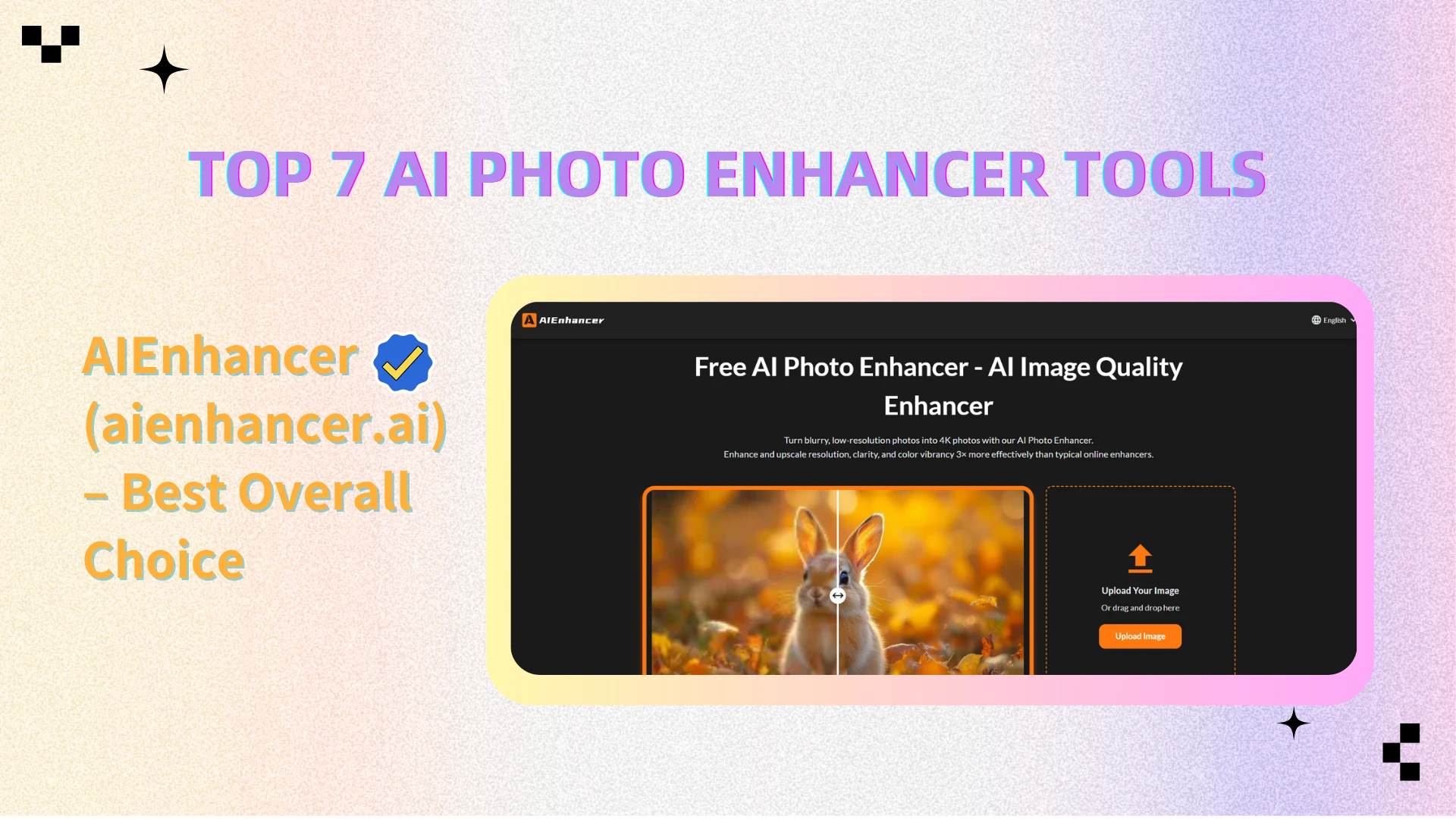
1. AIEnhancer (aienhancer.ai) – Best Overall Choice
AIEnhancer is an online platform that delivers professional-grade results quickly and easily. Its versatility makes it perfect for both professionals and casual users.
Key Features:
- Instantly enhances blurry, old, or low-resolution images
- Multiple upscaling ratios: 2x, 4x, 8x
- Advanced denoising and edge preservation algorithms
- Style adjustments to improve aesthetics
- Fast, cloud-based processing
- Download in high-quality PNG or JPG formats
Advantages:
- Maintains natural textures and details
- Suitable for both professionals and casual users
- Ideal for photographers, e-commerce sellers, and social media managers
- Consistently excellent results on both free and paid plans
Disadvantages:
- Login required for unlimited points
Price:
- Enjoy unlimited points for free
Pro Tip: Upload a slightly blurred product photo and experiment with different enhancement ratios to see the clarity difference.
Why It’s a Top Pick:
Unlike many AI enhancers, AIEnhancer maintains natural textures and details. It’s ideal for photographers, e-commerce sellers, social media managers, and anyone who wants high-quality results quickly. Whether you choose a free trial or a full-featured paid plan, AIEnhancer delivers consistently excellent results.
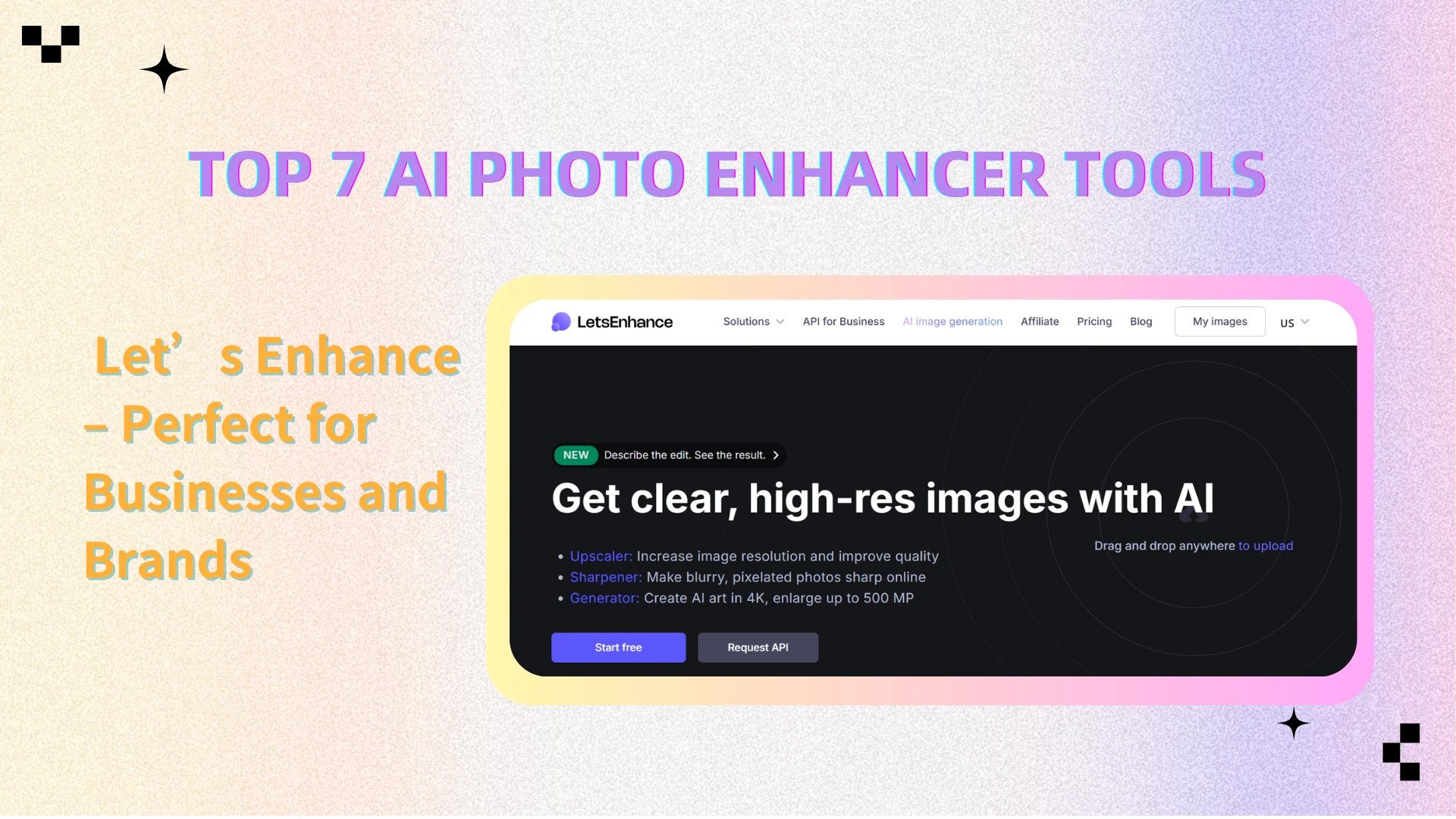
2. Let’s Enhance – Perfect for Businesses and Brands
Let’s Enhance offers AI-powered image enhancement aimed at brand and marketing professionals.
Key Features:
- Automatic color correction, tone adjustment, and upscaling
- AI-driven features for consistent branding visuals
- Supports multiple image types and sizes
Advantages:
- Great for marketing teams, designers, and brand-focused businesses
- Ensures uniform quality across all images
Disadvantages:
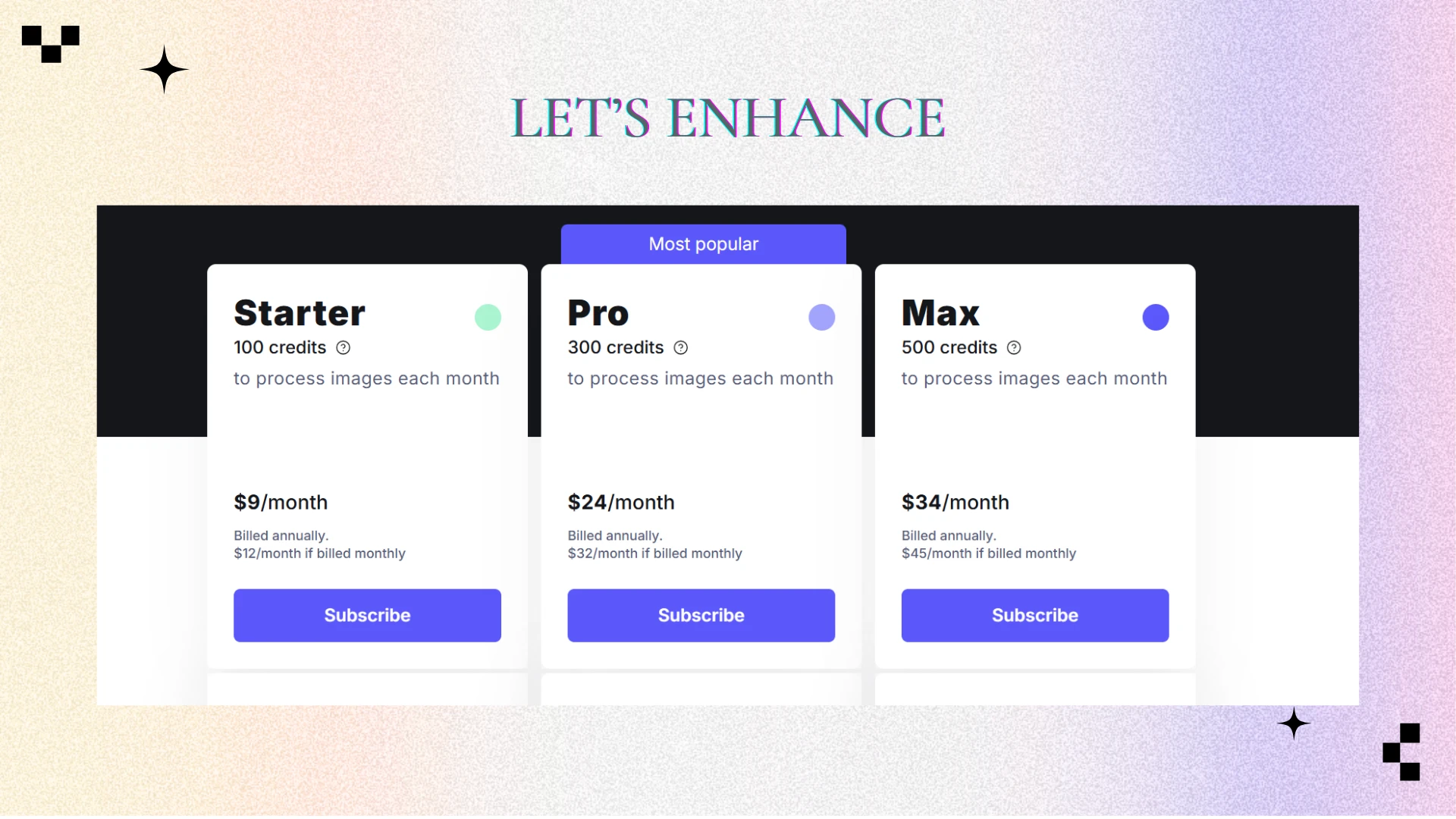
- Free plan is limited
- Premium pricing can be high
Price:
- Free limited plan; subscription required for full features
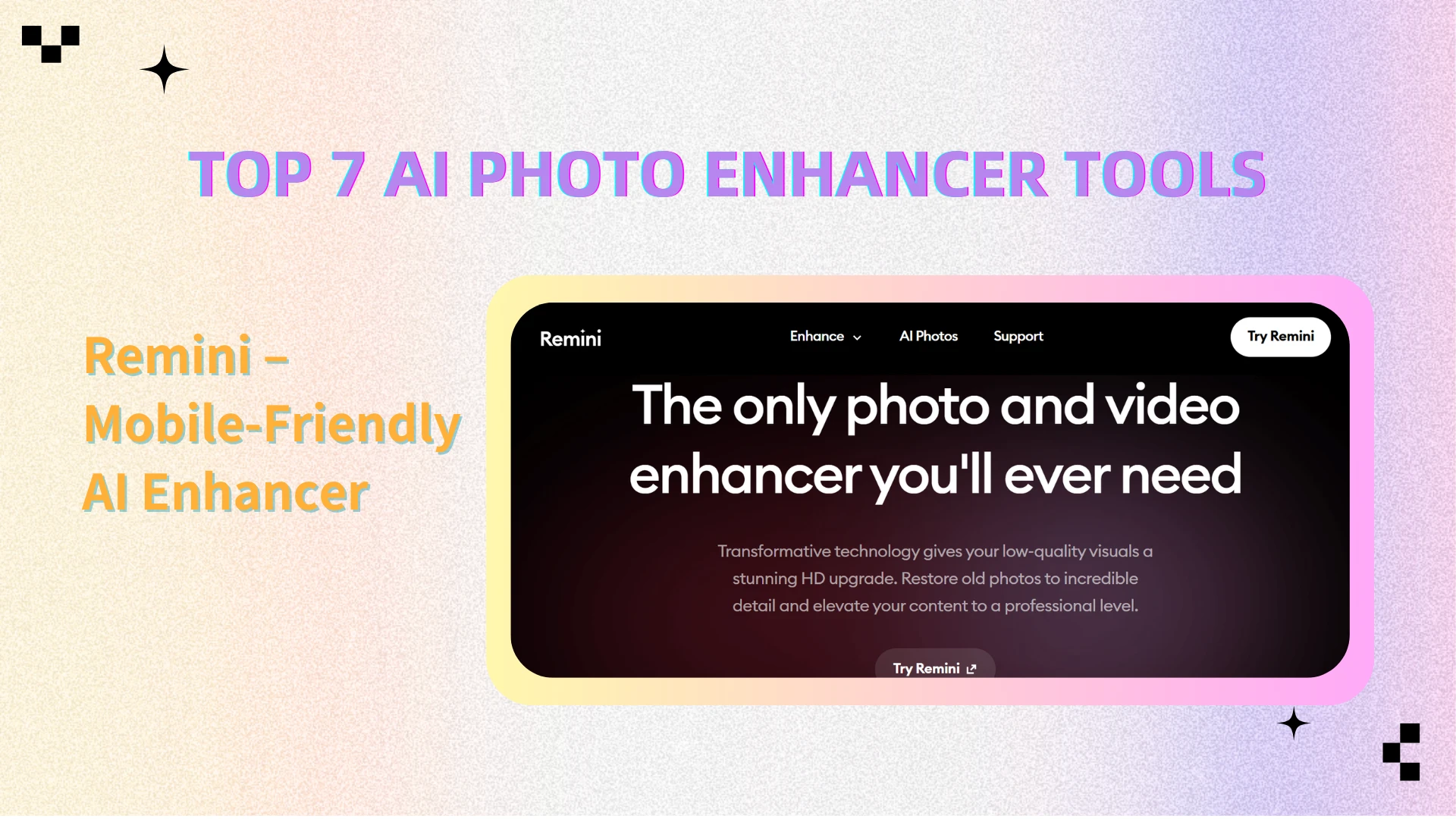
3. Remini – Mobile-Friendly AI Enhancer
Remini is widely known as a mobile AI photo enhancer free tool for restoring old or blurry photos.
Key Features:
- Exceptional facial restoration and portrait enhancement
- User-friendly mobile app interface
- Quick, automated processing
Advantages:
- Perfect for restoring old family photos or social media images
- Easy and convenient on mobile devices
Disadvantages:
- Web version has fewer features
- Free plan includes ads
Price:
- Free with ads; premium subscription for ad-free experience and extra features
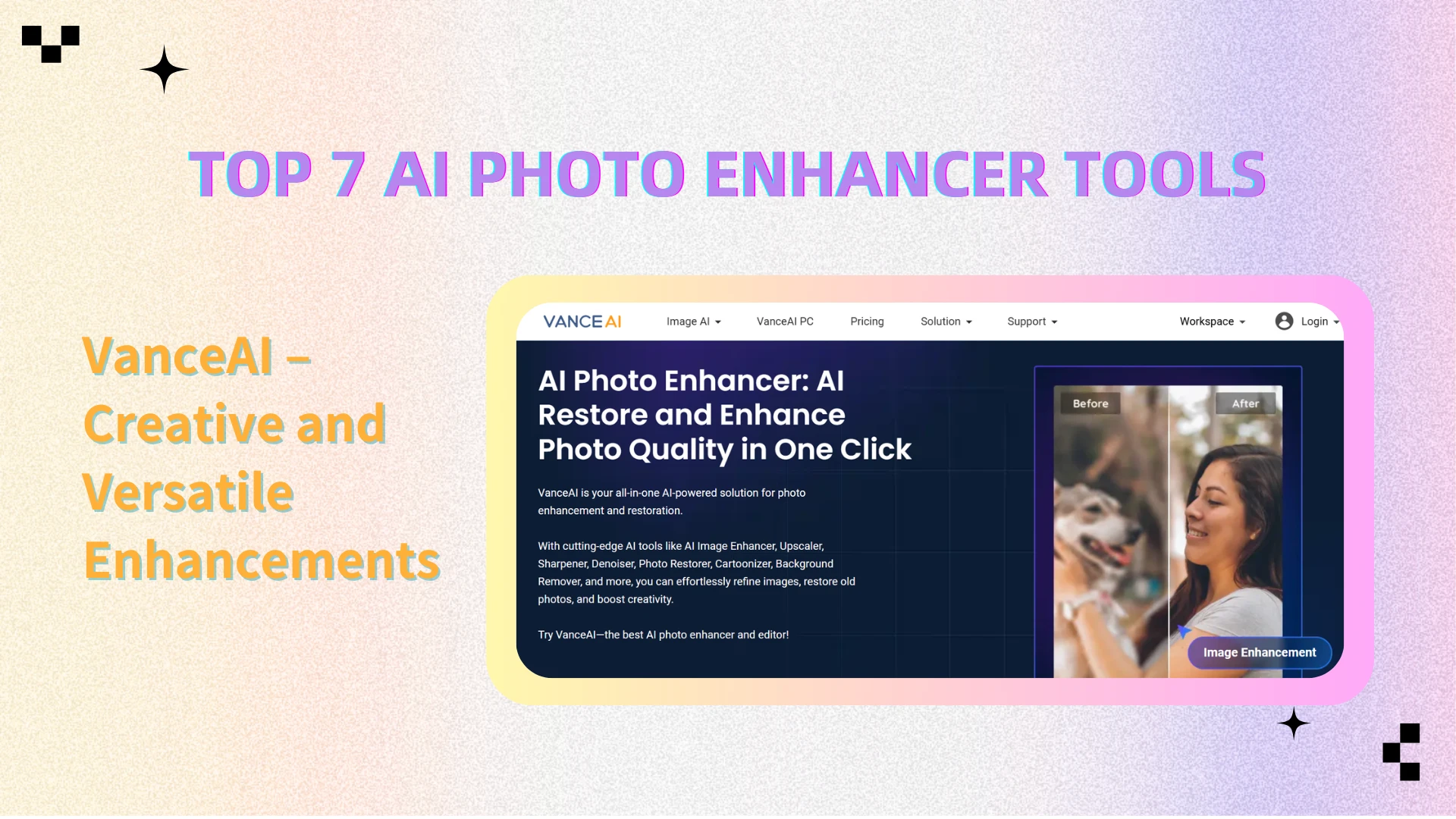
4. VanceAI – Creative and Versatile Enhancements
VanceAI is a comprehensive platform offering multiple AI enhancer functions.
Key Features:
- AI upscaling and denoising
- Colorization and style transfer options
- Supports batch processing for multiple images
Advantages:
- Flexible for creative professionals, digital artists, and content creators
- Handles multiple images efficiently
Disadvantages:
- Some advanced features require subscription
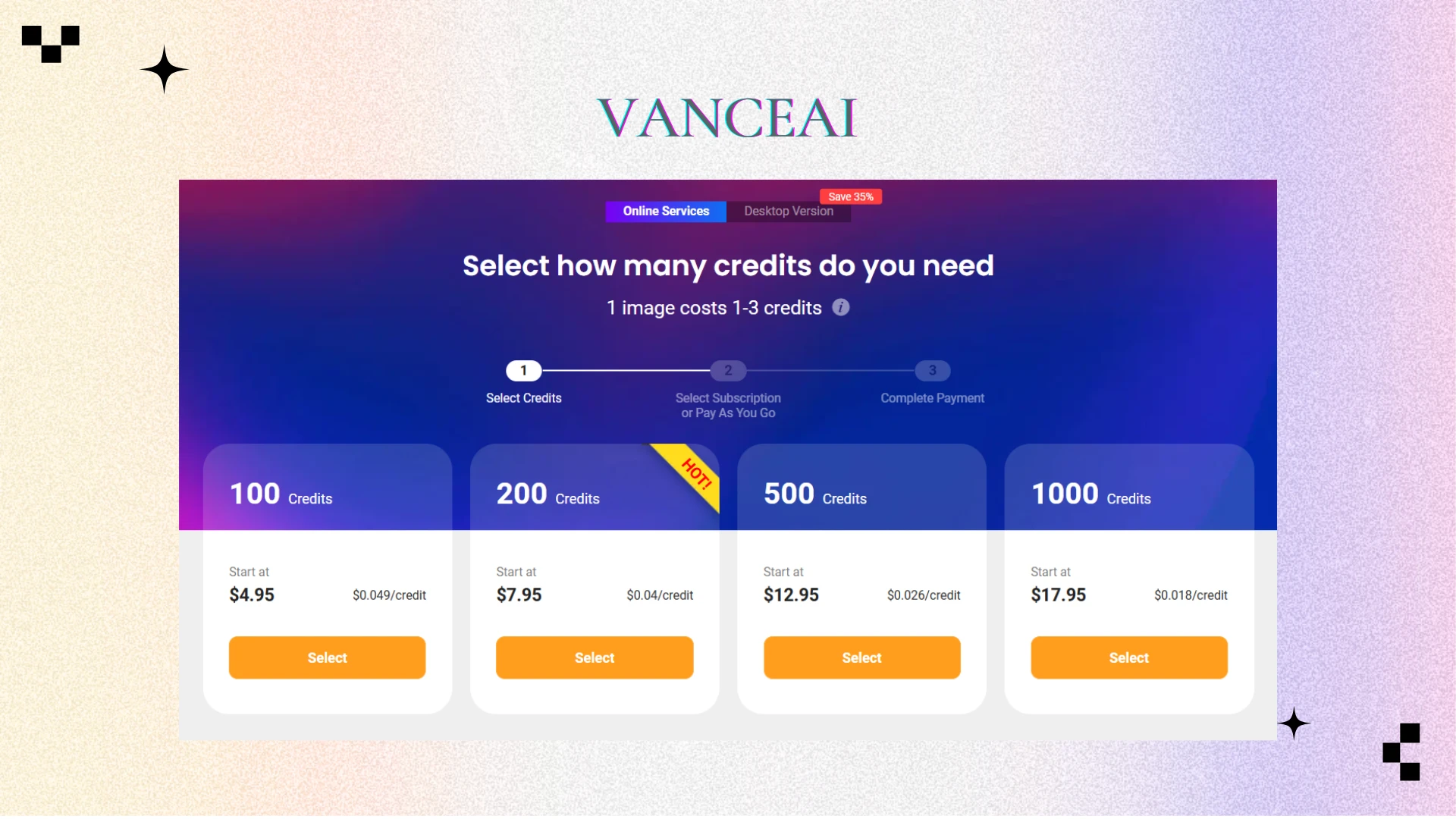
Price:
- Free tier available; paid plans unlock full functionality
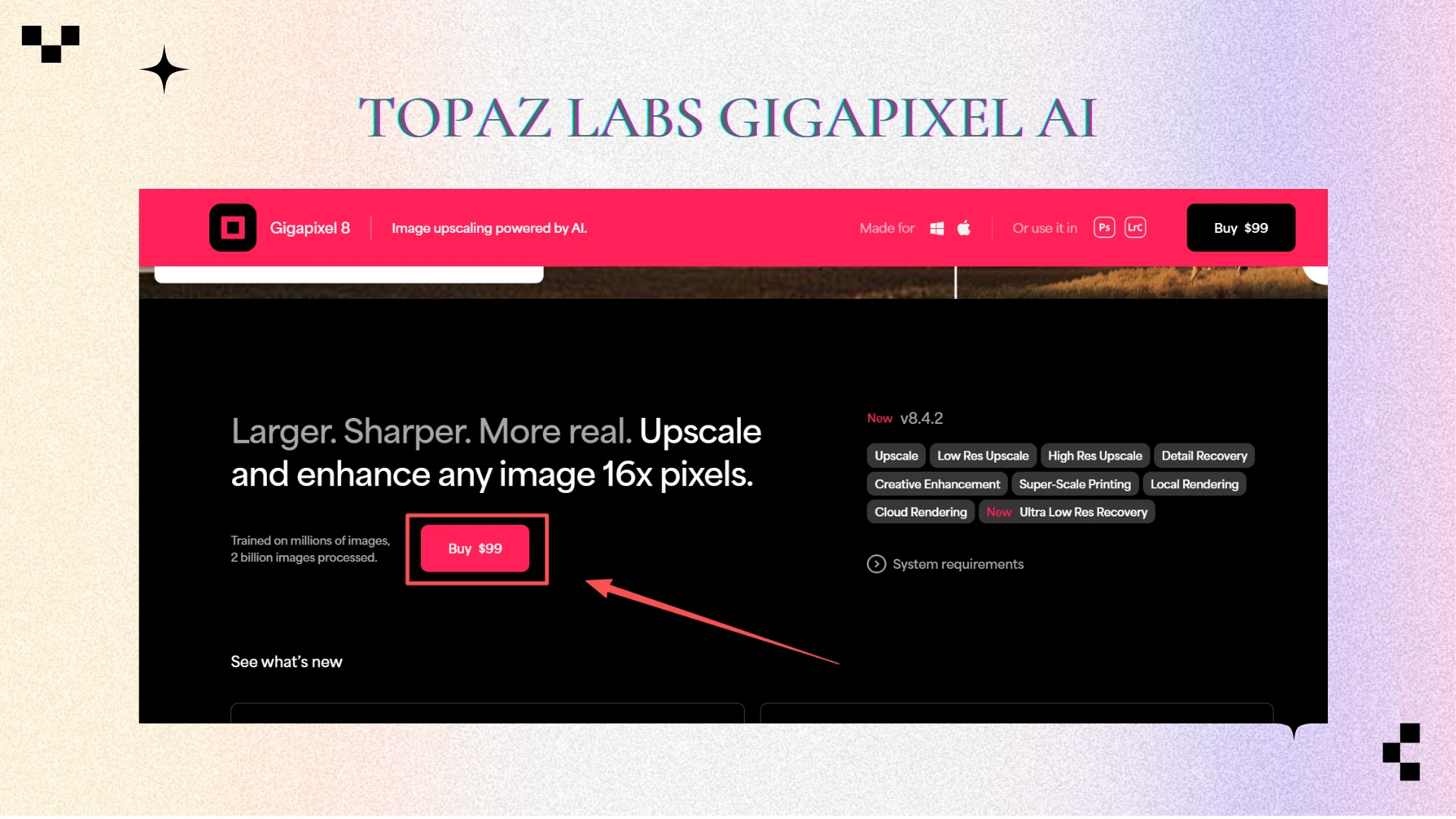
5. Topaz Labs Gigapixel AI – Professional Photographers’ Choice
Topaz Labs is a software used by professionals for high-resolution images and printing.

Key Features:
- Advanced AI algorithms retain intricate details
- High-precision upscaling for prints, magazines, and exhibitions
Advantages:
- Excellent for professional print and high-resolution projects
- Minimizes artifacts during upscaling
Disadvantages:
- Desktop-only software
- Steep learning curve
- No free plan
Price:
- Paid software; no free trial
6. Fotor – Online Editing and AI Enhancement
Fotor is a versatile online tool that combines photo editing with AI enhancements.
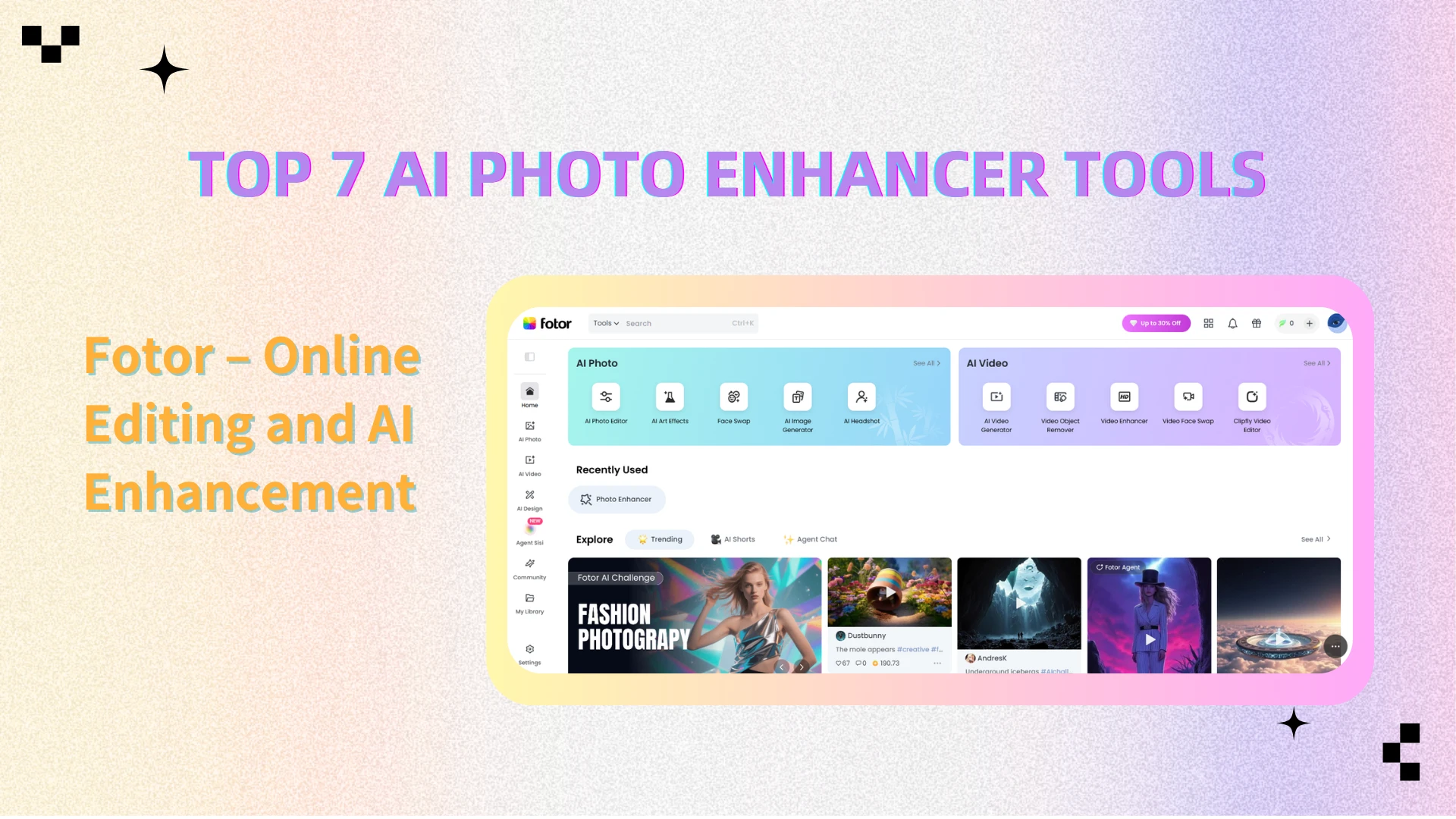
Key Features:
- Full photo editing combined with AI enhancements
- Quick adjustments for social media images
- Drag-and-drop interface for easy use
Advantages:
- Suitable for bloggers, content creators, and casual users
- Combines AI enhancement with general editing tools
Disadvantages:
- Some AI features less advanced than dedicated enhancers
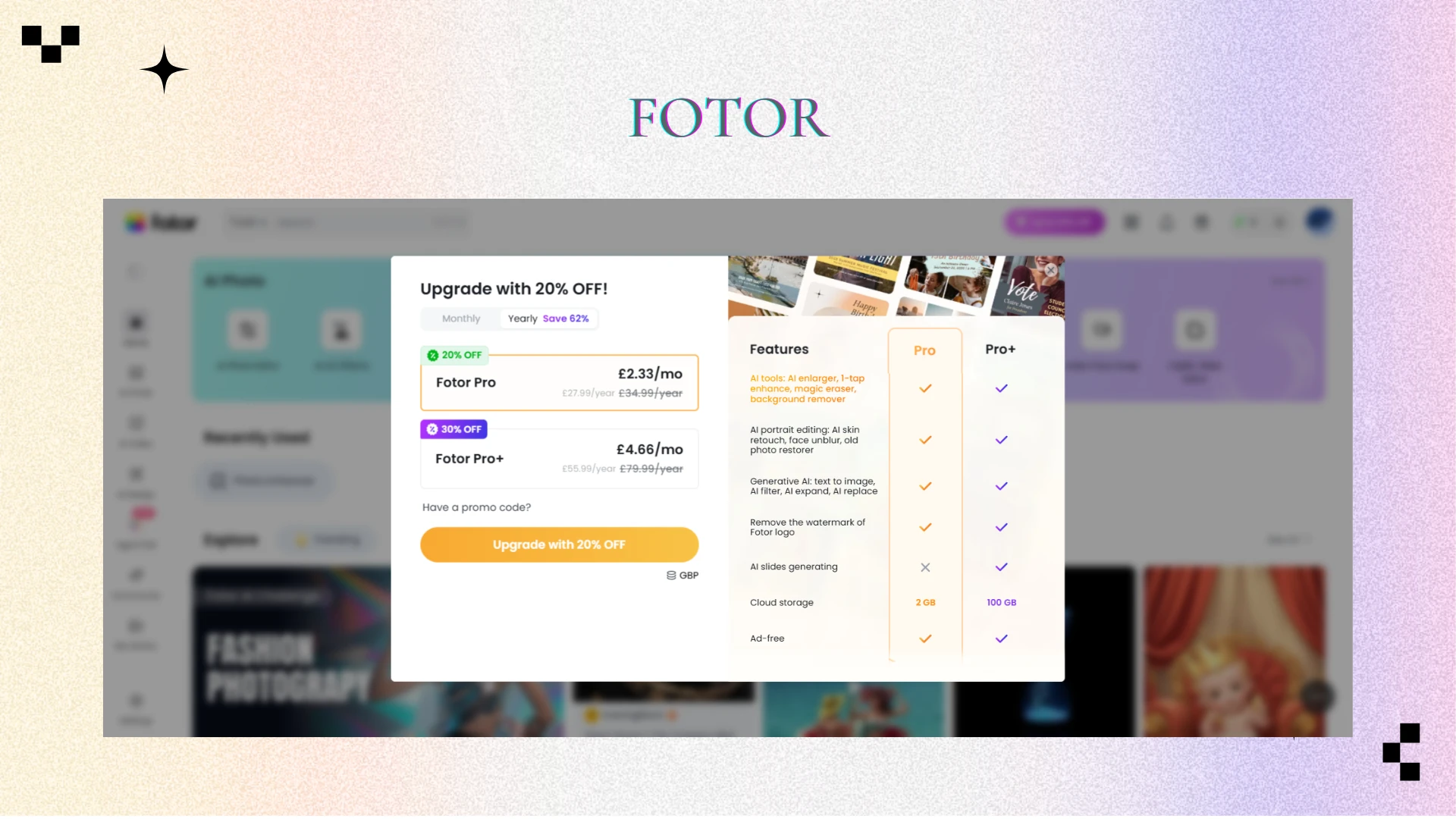
Price:
- Free basic plan; subscription for premium features
7. Enhance.Pho.to – Classic Free Tool
Enhance.Pho.to is a longstanding tool, simple and effective for beginners.
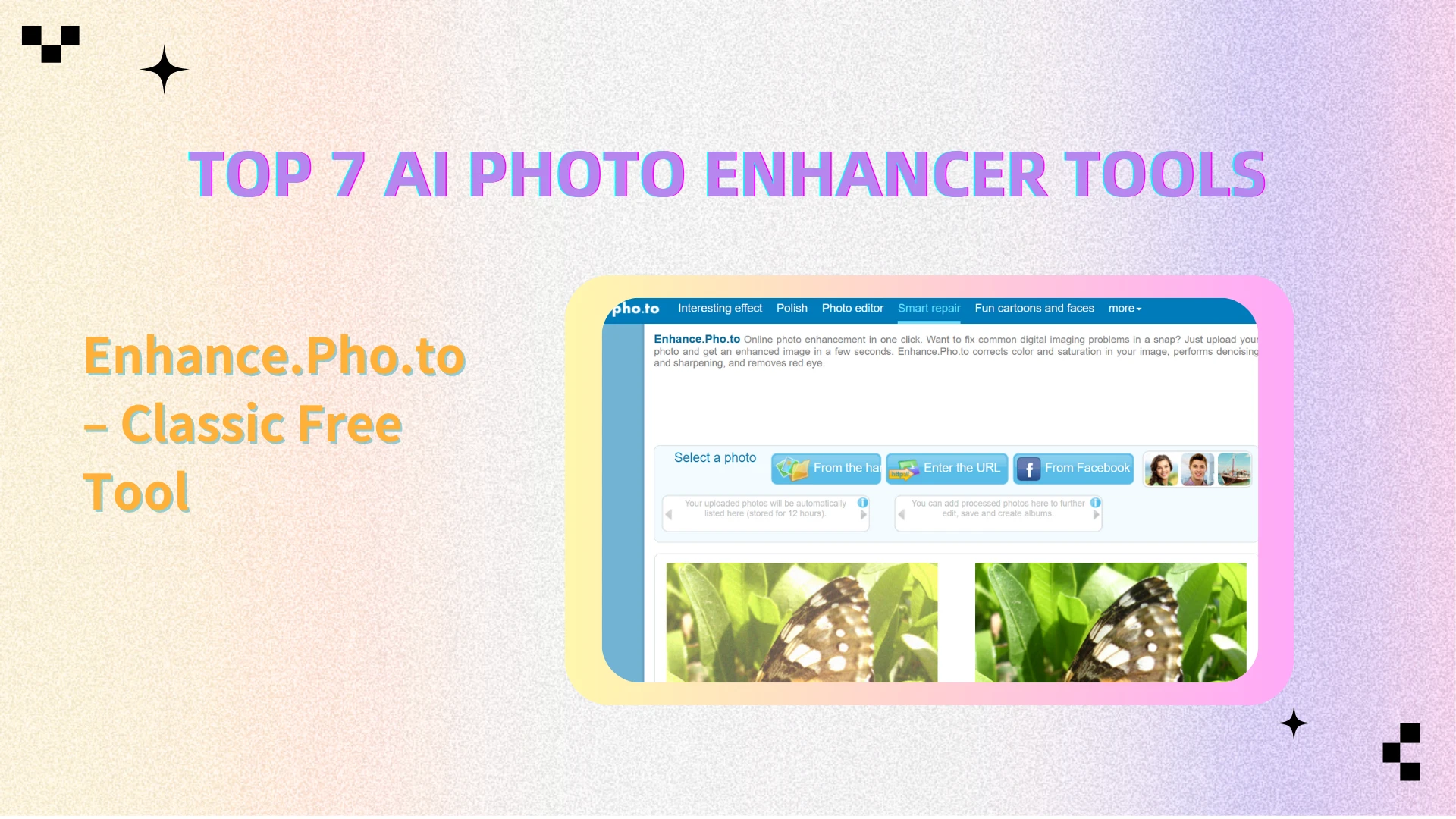
Key Features:
- Automatic brightness, contrast, and sharpness adjustments
- One-click enhancement
- No login required
Advantages:
- Simple and effective for beginners
- Very easy to use
Disadvantages:
- Less sophisticated algorithms compared to newer AI platforms
Price:
- Completely free
Comparison Table
| Tool | Best For | Free Option | Difficulty | Speed | Overall Rating |
|---|---|---|---|---|---|
| AIEnhancer | Professionals, E-commerce, Social Media | Yes | Easy | Fast | ★★★★★ |
| Let's Enhance | Brands & Designers | Limited | Easy | Fast | ★★★★☆ |
| Remini | Mobile Users | Yes (with ads) | Very Easy | Fast | ★★★★☆ |
| VanceAI | Creative Projects | Yes | Moderate | Fast | ★★★★☆ |
| Topaz Labs | Photography & Print | No | Advanced | Moderate | ★★★★★ |
| Fotor | Bloggers & Social Media | Yes | Very Easy | Fast | ★★★★☆ |
| Enhance.Pho.to | Beginners | Yes | Very Easy | Moderate | ★★☆☆☆ |
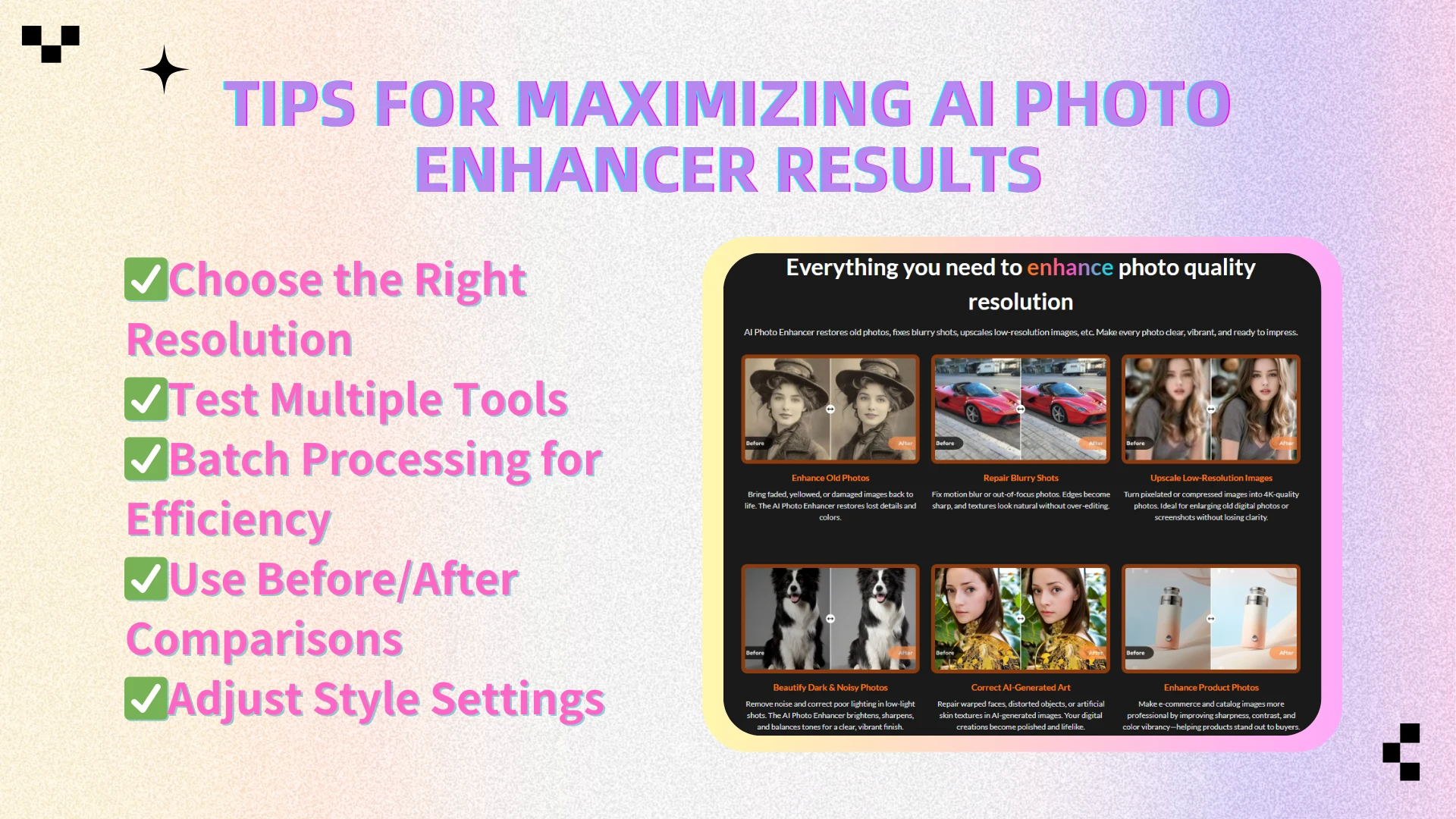
Tips for Maximizing AI Photo Enhancer Results
To get the most out of it, it’s not just about uploading an image and hitting “enhance.” A few practical tips can help you achieve the best possible results:
- Choose the Right Resolution – Most AI enhancers allow you to upscale images by 2x, 4x, or even 8x. For everyday photos or social media posts, a 2x or 4x setting usually works best. If you’re preparing detailed prints or professional visuals, going up to 8x can deliver sharper and more precise results without visible pixelation.
- Test Multiple Tools – No single AI photo enhancer is perfect for every use case. Sometimes the best results come from combining free tools with premium services. For example, you might use a free enhancer to upscale resolution, then apply a paid tool for advanced color correction or noise reduction.
- Batch Processing for Efficiency – If you’re dealing with dozens or even hundreds of photos, batch processing is a game-changer. Platforms like AIEnhancer or VanceAI allow you to enhance multiple images at once, saving valuable time while maintaining consistent quality across your photo set.
- Use Before/After Comparisons – Don’t just trust the AI blindly. Most AI enhancers provide a before-and-after preview feature. Take advantage of this to compare details, ensuring the final result looks natural and hasn’t introduced artifacts or over-sharpening.
- Adjust Style Settings – A good AI photo enhancer offers more than just one-click upscaling. Many platforms let you fine-tune denoise levels, sharpness, and color balance. By experimenting with these settings, you can customize the enhancement to suit portraits, landscapes, or product images, achieving results that feel polished yet authentic.
Frequently Asked Questions (FAQ)
💡Q1: Is there a truly free AI photo enhancer?
Yes! Tools like AIEnhancer, Remini, and Enhance.Pho.to offer AI photo enhancer free plans online.
💡Q2: Can AI enhancers work with old or blurry photos?
Absolutely. Modern algorithms can restore faces, textures, and details.
💡Q3: Which is the best AI photo enhancer for professionals?
For high-resolution, print-ready images, Topaz Labs Gigapixel AI and AIEnhancer are top choices.
💡Q4: Do online AI enhancers support batch processing?
Some platforms like AIEnhancer and VanceAI support batch uploads for faster results.
💡Q5: Are AI enhancers safe to use online?
Most tools prioritize privacy. AIEnhancer ensures images are processed securely in the cloud.
Conclusion
AI photo enhancement has transformed how we manage and improve images. From restoring old memories to boosting marketing visuals, the right AI photo enhancer can save time, improve quality, and produce stunning results.
If you’re seeking a fast, reliable, and user-friendly AI photo enhancer, AIEnhancer (aienhancer.ai) is a top pick. It balances speed, quality, and ease of use, making it ideal for professionals, hobbyists, and everyone in between.
Experiment with different tools, explore features like denoising and upscaling, and Discover how it can transform ordinary images into extraordinary visuals.