Clothes Wrinkle Remover
Upload Image
Click to upload
Drag & drop or Ctrl + V / ⌘ + V
Or try a sample photo
0 / 3700
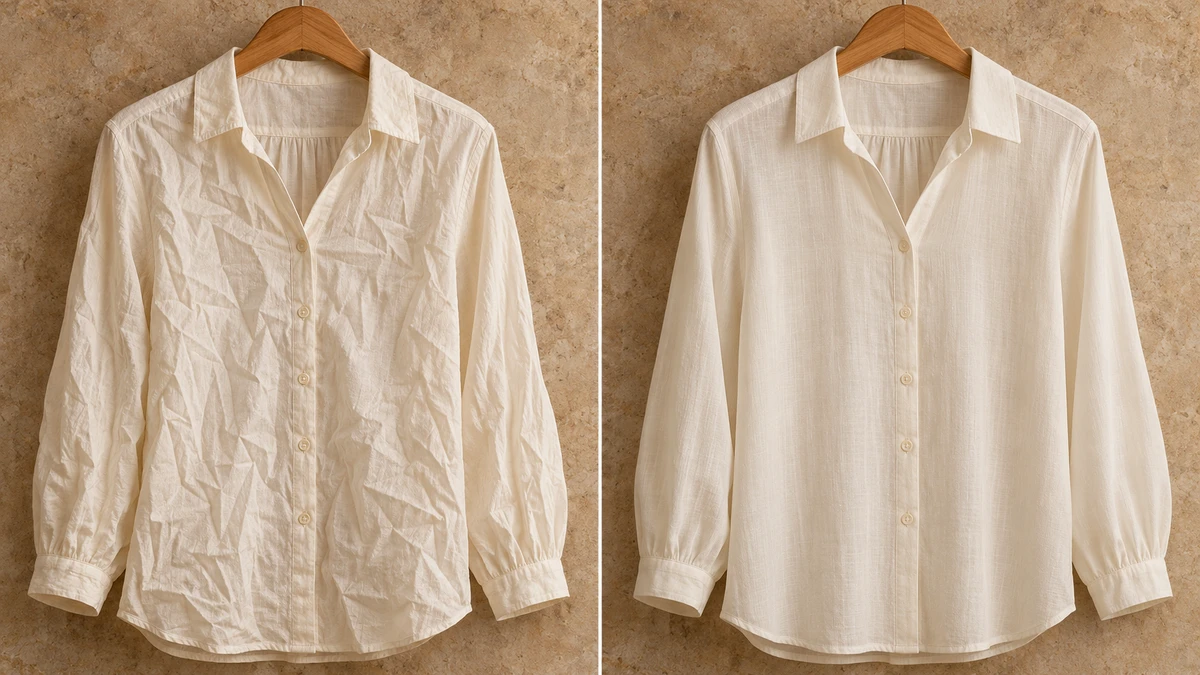
The same garment before and after wrinkle removal

Clothes Wrinkle Remover: Smooth Creases in Your Photos

4.8 / 5 (829 reviews)

Smooth the Fabric, Keep the Garment

Compare unwanted creases with the garment’s shape and construction. Judge the whole photo, not smoothness alone.

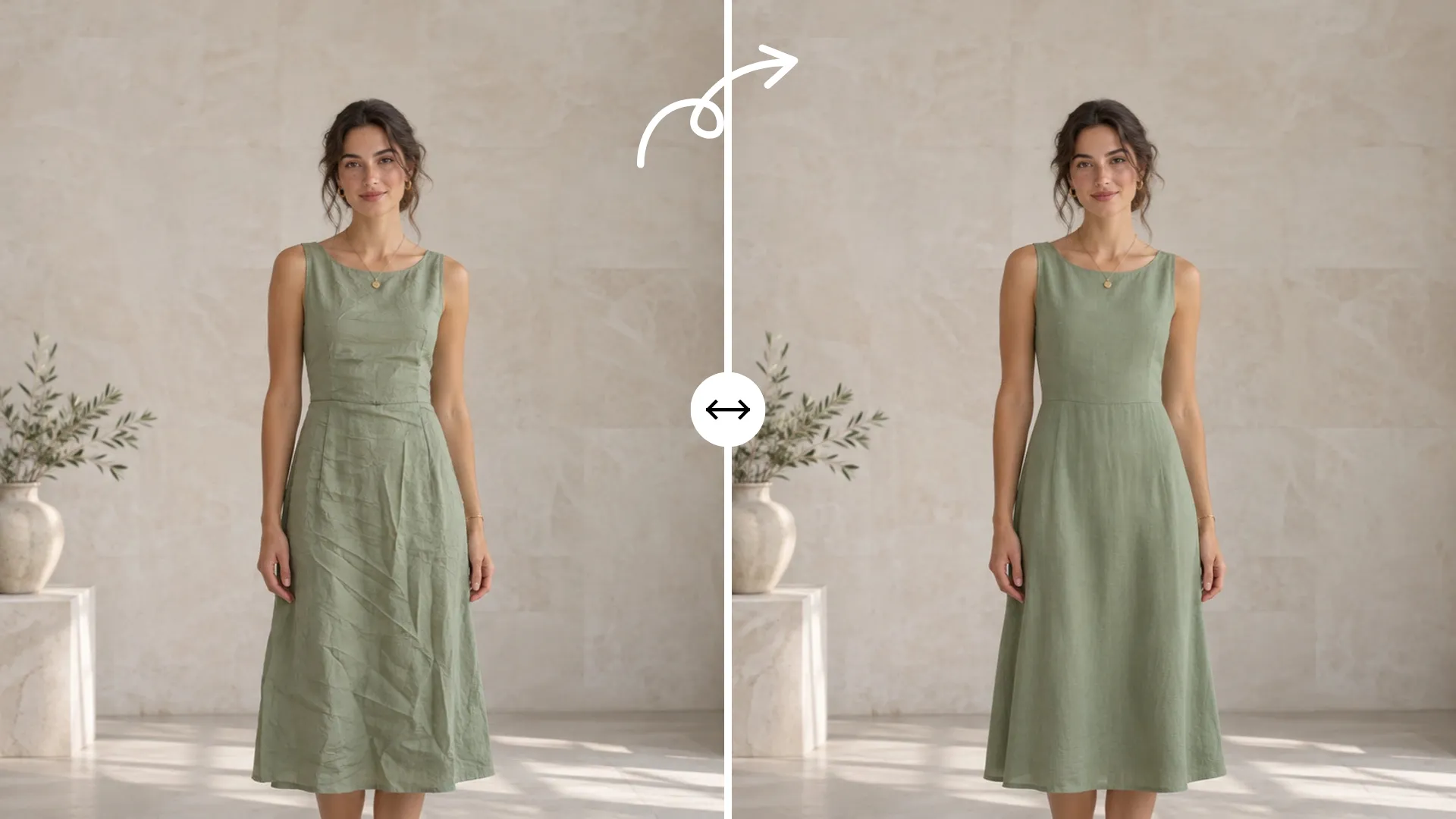
Creases Across the Front before and after

Creases Across the Front

Storage and sitting can leave creases across a garment’s front. Prepare a version with the clothes wrinkle remover, then compare the broad fabric area with the original. Matching framing and lighting make the change easier to judge. Keep natural fabric texture visible rather than choosing the flattest result.
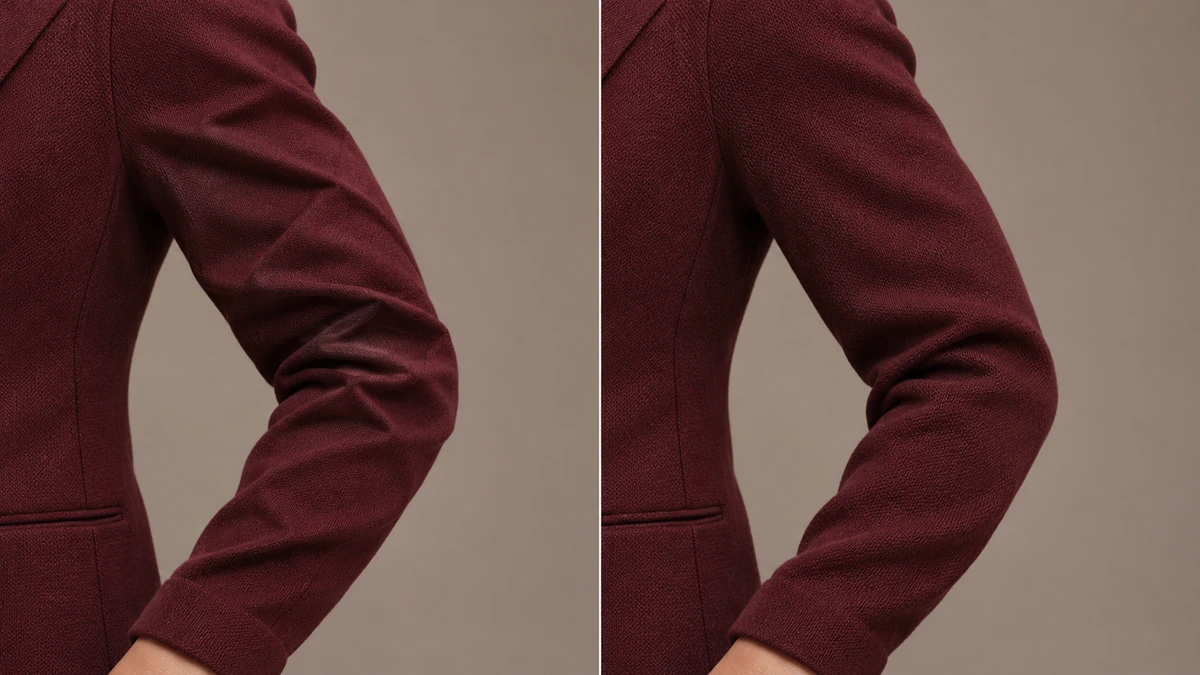
Folds Around the Sleeves before and after

Folds Around the Sleeves

Some sleeve folds belong to a bent arm. Use the optional instruction to name the sleeve, then inspect the elbow and cuff. A clothes wrinkle remover result should still follow the arm’s shape. Watch for changes to stitching or the boundary between skin and fabric.

Smooth Unwanted Creases Without Flattening the Design

Check the features that make this particular garment recognizable.

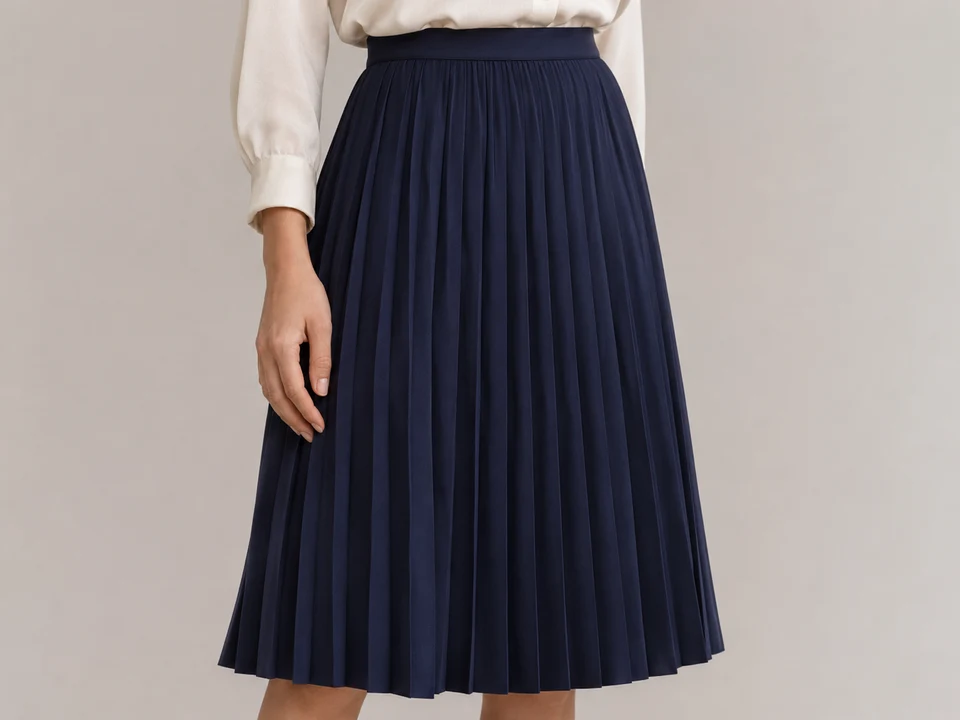
Intentional pleats and gathering in a navy skirt

Keep Pleats and Gathering Recognizable

Pleats and gathering may be part of the design, while an isolated crease may come from storage. Explain that distinction in the optional instruction. Generation can alter both, so compare their positions and shapes before saving. A pleated skirt needs a different judgment from a plain shirt.

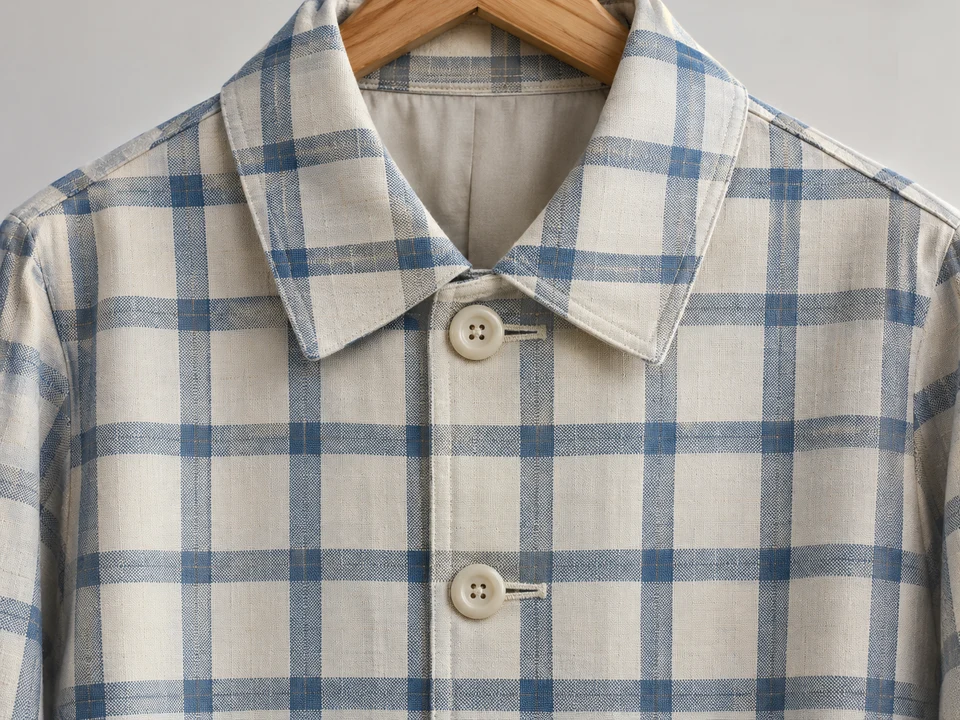
Checked fabric, buttons and stitching across a garment seam

Follow the Pattern Across Seams

Check lettering, prints, buttons, and stitching at full size. Small details can shift in a clothes wrinkle remover result. For resale photos, compare logos and pattern alignment across seams. Keep genuine wear or damage represented when it affects the item: an edited photo should still describe the garment honestly.

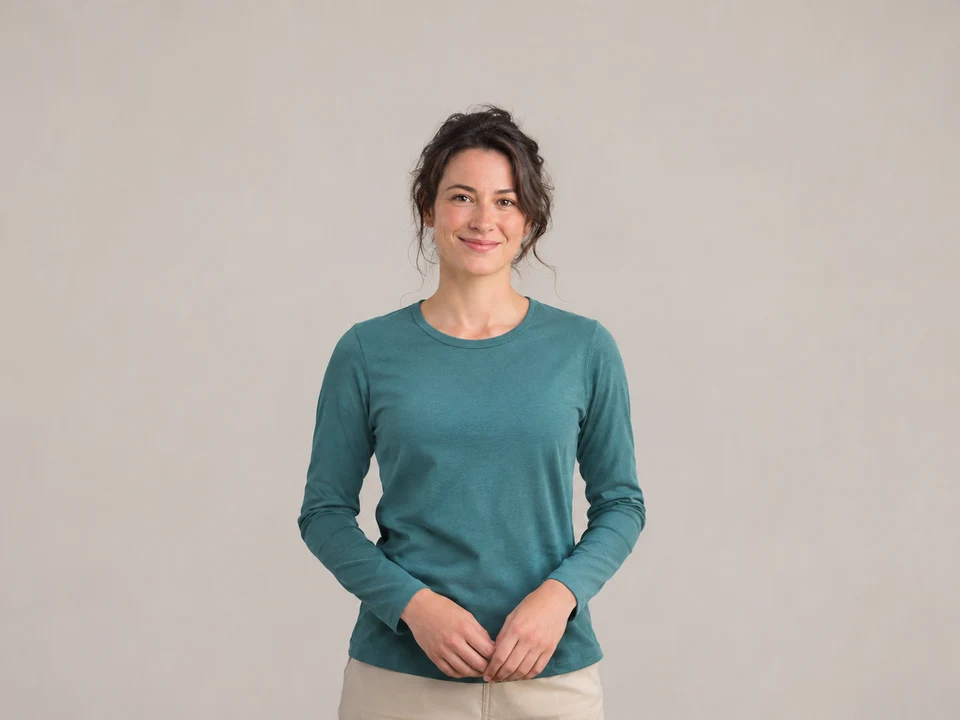
Face, hands and clothing outline to check after editing

Review the Person Around the Fabric

Check the face, hands, shoulder line, and space around the arms. An edit can affect areas outside the fabric, so judge the portrait as well as the garment. Keep the source nearby. For an unrelated adjustment, continue in AI Image Editor.

How to Remove Clothing Wrinkles from a Photo

Use the clothes wrinkle remover with a clear photo and an optional focused instruction, then compare before downloading.

  1. Upload the Garment Photo

    Choose a product shot or a photo of someone wearing the garment. The creased area should be visible and in focus. Even light helps distinguish folds from patterns and shadows. Upload the original to the clothes wrinkle remover when available, or choose a sample under Upload Image to explore the workflow.

  2. Add a Focused Instruction

    Leave Prompt empty for the standard edit, or specify an area. For example: “Smooth the shirt front; keep the collar, buttons, and natural sleeve folds.” A focused request helps the clothes wrinkle remover target the intended change, but does not remove the need to inspect the result.

  3. Compare and Download

    Compare the full photo, then zoom in on prints, seams, and the edited area. Download your preferred clothes wrinkle remover result. If it looks too smooth, ask to retain more natural folds and review another attempt. A new upload starts with another garment. Browse AIEnhancer for a different photo task.

What Users Say About Their Clothing Edits

Small clothing edits for resale photos, portraits, and last-minute touch-ups.

“I took a photo of a blouse for a resale listing, then noticed the creases from storage. I tried the clothes wrinkle remover and checked the buttons and stitching against the original before choosing the listing photo.”
Audra Wynn - AIEnhancer
Audra Wynn
“I liked my expression in a portrait, but the front of my shirt was crumpled from sitting down. I asked to smooth that area and compared the collar and my face before saving the edit.”
Callum Hayes - AIEnhancer
Callum Hayes
“My skirt has pleats I wanted to keep, so I mentioned them in the instructions. Looking at both versions helped me decide which folds belonged to the design and which creases I wanted softened.”
Tessa Whitlock - AIEnhancer
Tessa Whitlock

Clothes Wrinkle Remover FAQs

Source photos, fabric details, and credits: what to check before saving.