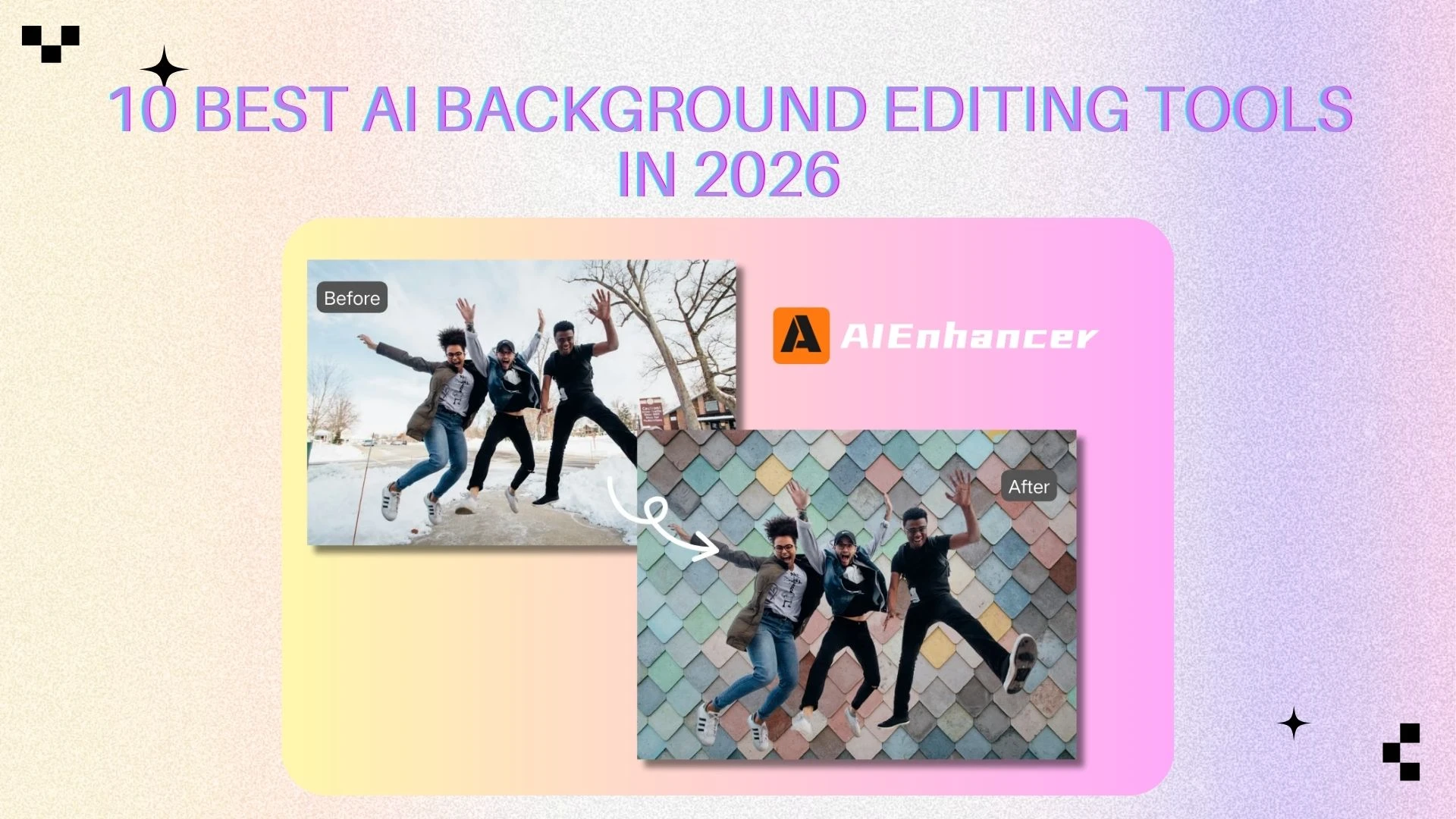
10 Best AI Background Editing Tools in 2026
Introduction
AI-driven background manipulation has evolved from a niche design skill into a daily necessity. Whether you're using a background remover to clean up product photos, a background changer to create eye-catching visuals, or a full-featured AI editor, high-quality images are now critical for eCommerce, social media, and marketing.
Traditionally, tools like Photoshop required time, expertise, and manual effort. Today, AI-powered background remover and background changer tools can remove, replace, or even generate entirely new backgrounds in seconds. More importantly, modern tools don’t just isolate subjects—they enhance the entire image, improving lighting, sharpness, and overall visual consistency.
In this guide, we tested and analyzed the 10 best AI background editing tools in 2026, covering everything from simple background removal tools to advanced AI background changers and complete image editing workflows.
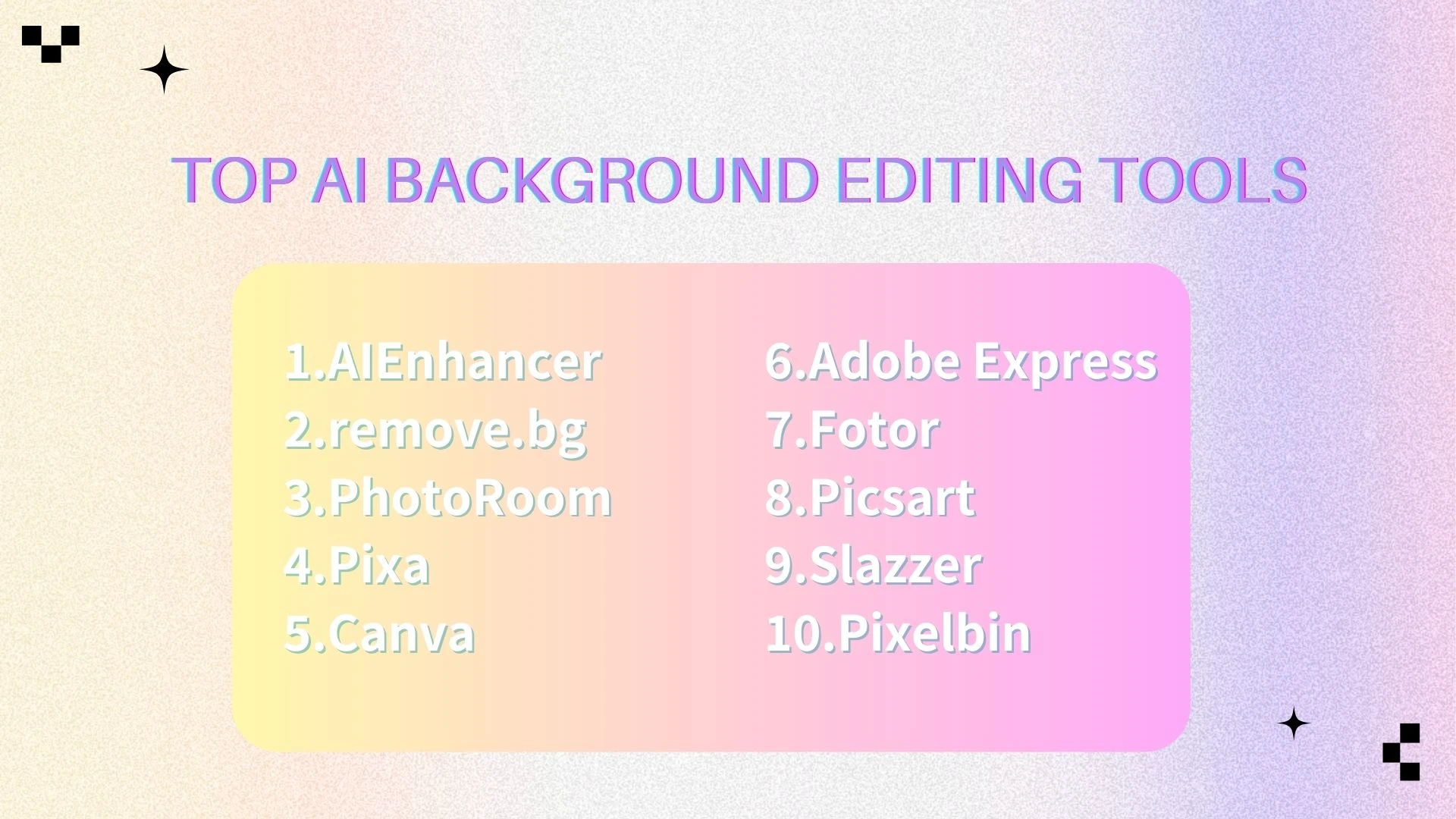
🔥 Top AI Background Editing Tools
AIEnhancer
remove.bg
Photoroom
Pixa
Canva
Adobe
Fotor
Picsart
Slazzer
Pixelbin
📊 Comparison Table
| Tool | Best For | AI Remove | AI Background | Batch Processing | API |
|---|---|---|---|---|---|
| AIEnhancer | All-in-one image editing | ✅ | ✅ | ✅ | ❌ |
| remove.bg | Fast removal | ✅ | ❌ | ✅ | ✅ |
| PhotoRoom | E-commerce | ✅ | ✅ | ✅ | ✅ |
| Pixa | Content creators | ✅ | ✅ | ❌ | ❌ |
| Canva | Beginners | ✅ | ✅ | ❌ | ❌ |
| Adobe | Designers | ✅ | ✅ | ❌ | ❌ |
| Fotor | Casual editing | ✅ | ✅ | ❌ | ❌ |
| Picsart | Creative editing | ✅ | ✅ | ❌ | ❌ |
| Slazzer | Bulk users | ✅ | ❌ | ✅ | ✅ |
| Pixelbin | Developers / API | ✅ | ❌ | ✅ | ✅ |
🏆 Best AI Background Editing Tools (Detailed Review)
1. AIEnhancer
🧾 Overview
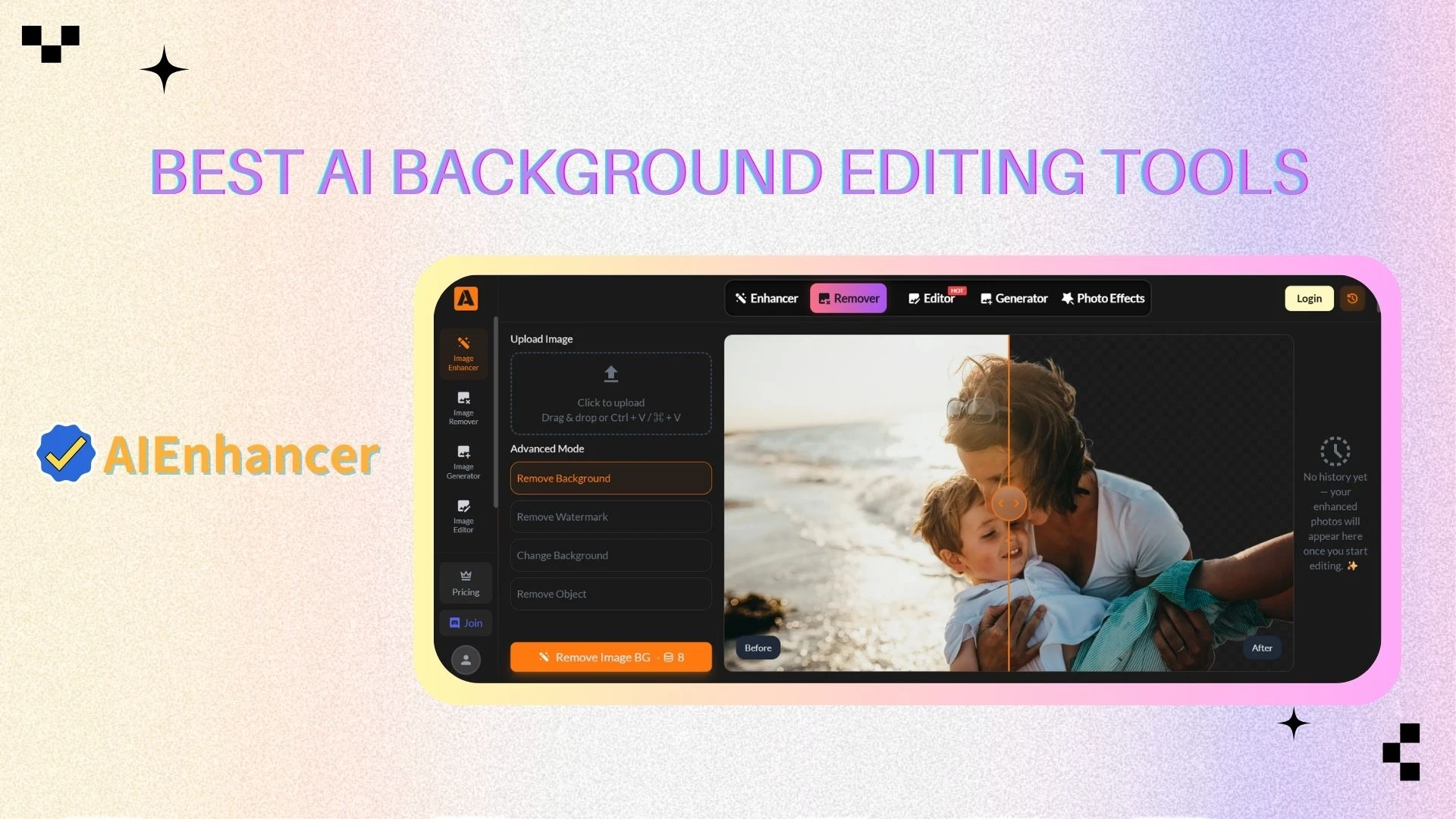
AIEnhancer is a modern all-in-one AI image editor that combines background removal, background replacement, and image enhancement into a single workflow.
Unlike traditional tools that only focus on background removal, AIEnhancer improves the entire image quality, ensuring that the subject and background blend naturally. This makes it ideal for users who want polished, professional visuals without switching between multiple tools.
⭐ Key Features
AI background remover with accurate subject detection
AI background changer for replacing or generating new scenes
Image enhancement (deblur, upscale, sharpen)
Automatic lighting and color correction
One-click full image optimization
Natural background blending for realistic outputs
🎯 Best For
Content creators and influencers
Social media marketing teams
Users who need both background editing + image enhancement
Anyone looking for an all-in-one AI editor instead of multiple tools
🧰 Other Tools
AI Image Editor – Complete editing suite for background + subject
AI Image Generator – Create entirely new backgrounds or visuals
AI Image Enhancer – Improve resolution, sharpness, and clarity
2. remove.bg
🧾 Overview
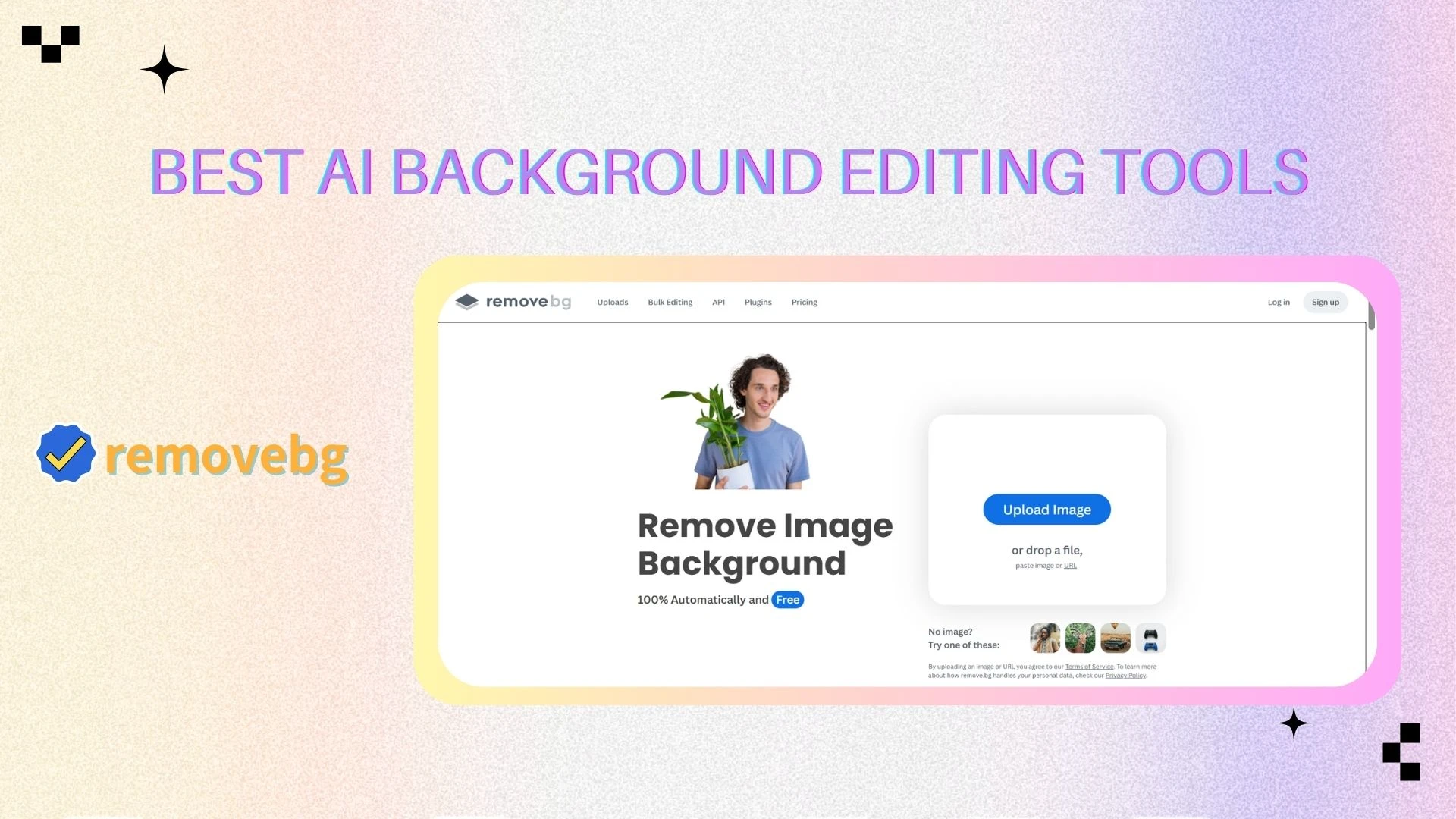
remove.bg is one of the most widely used AI background remover tools, known for its speed and simplicity. It focuses purely on removing backgrounds with minimal effort, making it a go-to solution for quick edits.
⭐ Key Features
One-click AI background removal
High-precision edge detection (even for hair and fine details)
Bulk image processing for large workflows
Background replacement with custom or stock images
API integration for automation
🎯 Best For
eCommerce sellers managing product catalogs
Developers building automated workflows
Users needing fast and reliable background removal
🧰 Other Tools
API integration for automation
Desktop app
Photoshop & Figma plugins
3. Photoroom
🧾 Overview
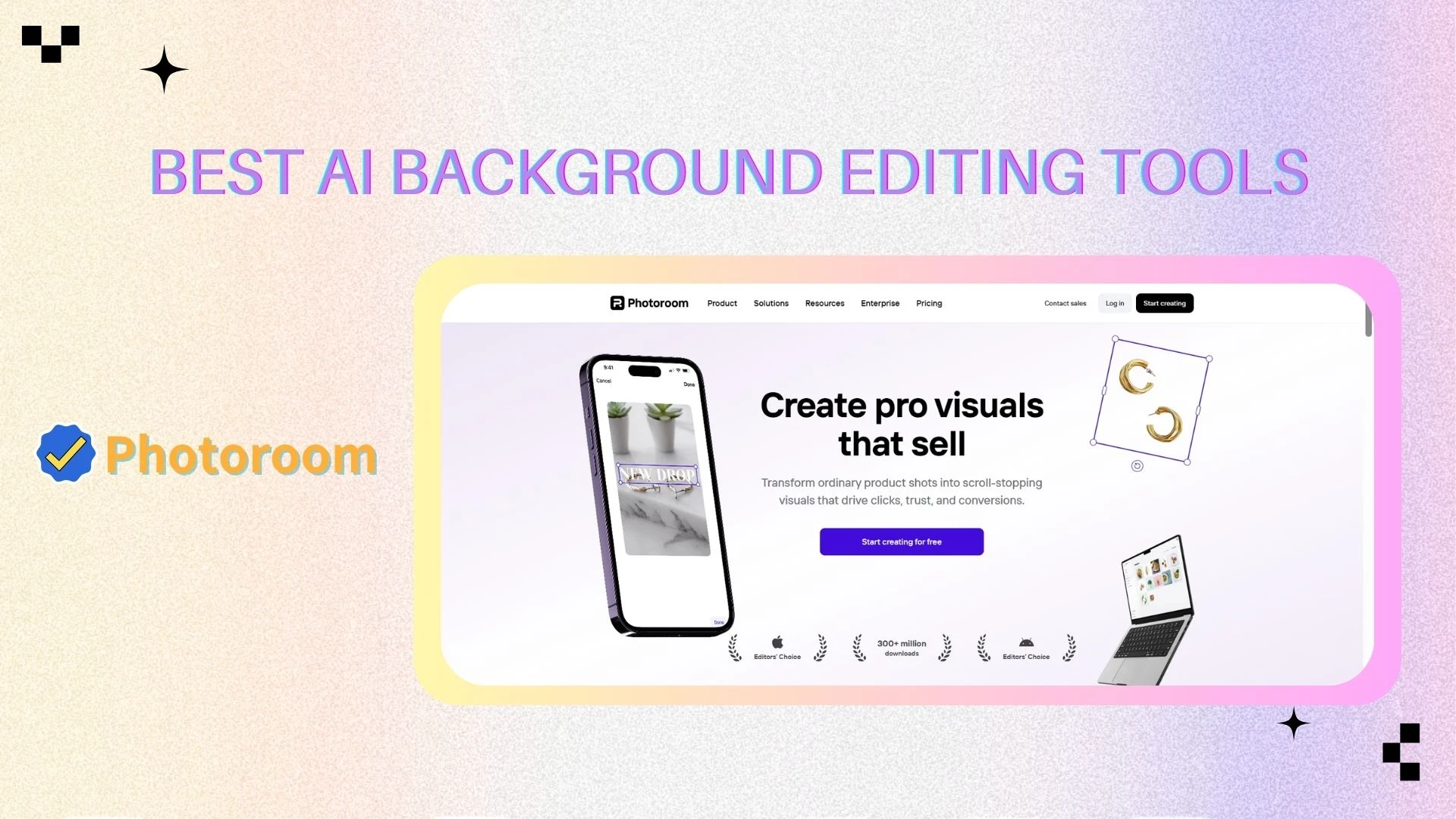
Photoroom is a powerful AI background remover and background changer designed specifically for eCommerce. It allows users to create studio-quality product images without expensive photoshoots.
⭐ Key Features
AI background removal and replacement
AI-generated backgrounds for product photography
Batch editing for large inventories
Built-in templates for marketplaces and ads
Image enhancement tools (shadows, lighting adjustments)
🎯 Best For
Shopify and Amazon sellers
Product marketers
Small businesses creating product visuals
🧰 Other Tools
Batch editor
AI product photography tools
Brand kit & templates
4. Pixa
🧾 Overview
Pixa is a mobile-first AI background editing tool that combines background removal, object removal, and image enhancement in a simple interface.
⭐ Key Features
AI background remover and background changer
Image upscaler for improving low-resolution photos
Magic eraser for removing unwanted objects
Ready-made templates for social media content
🎯 Best For
Social media creators
Influencers and short-form content makers
Mobile-first users
🧰 Other Tools
AI Upscaler
Magic Eraser
Recolor tool
AI mockup generator
5. Canva
🧾 Overview
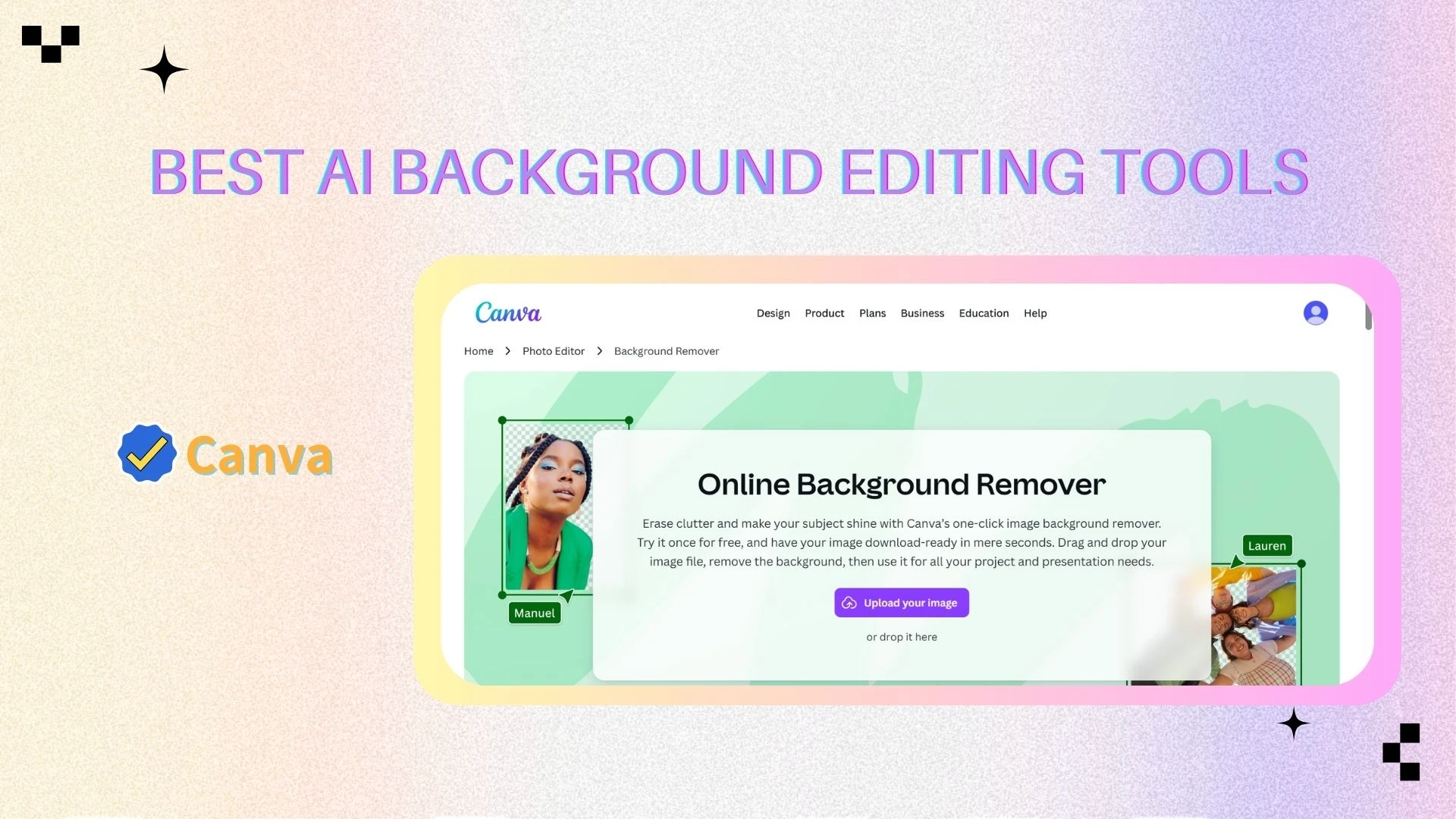
Canva is a beginner-friendly design platform with built-in background remover and background changer features. It combines simplicity with powerful design capabilities.
⭐ Key Features
One-click background remover
Drag-and-drop editor
AI background changer
Thousands of templates
AI design tools
🎯 Best For
Beginners and non-designers
Small businesses
Marketing teams
🧰 Other Tools
Magic Resize
Text-to-Image
Brand Kit
Presentation builder
6. Adobe
🧾 Overview
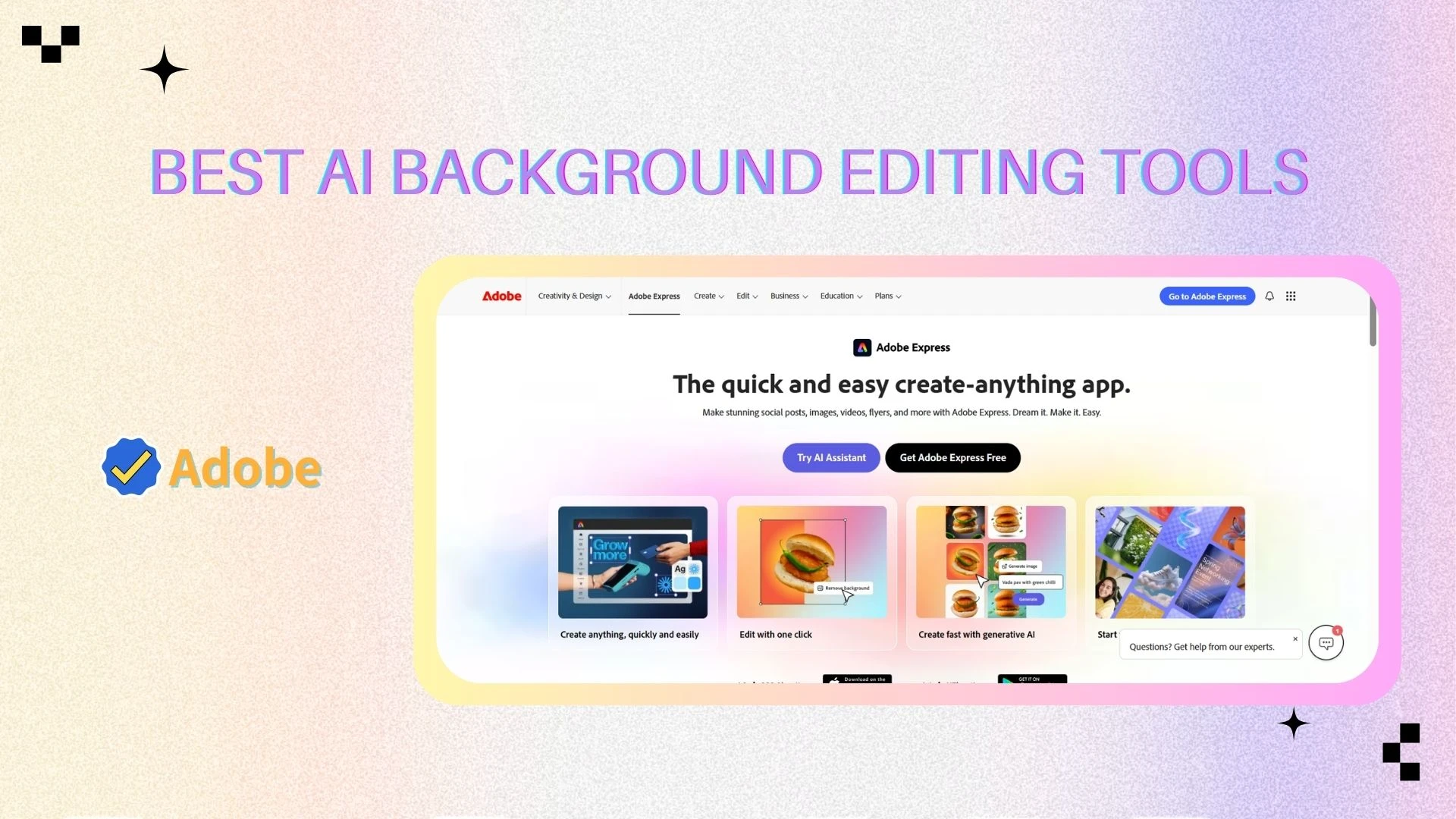
Adobe Express brings Adobe’s professional-grade AI into a simplified platform, offering high-quality background removal and editing tools.
⭐ Key Features
AI background remover powered by Adobe Firefly
Background replacement and editing
Integration with Adobe Creative Cloud
Filters, effects, and templates
🎯 Best For
Designers
Adobe ecosystem users
Users needing high-quality outputs
🧰 Other Tools
Adobe Firefly (AI generator)
Photoshop Express
Creative Cloud integration
7. Fotor
🧾 Overview
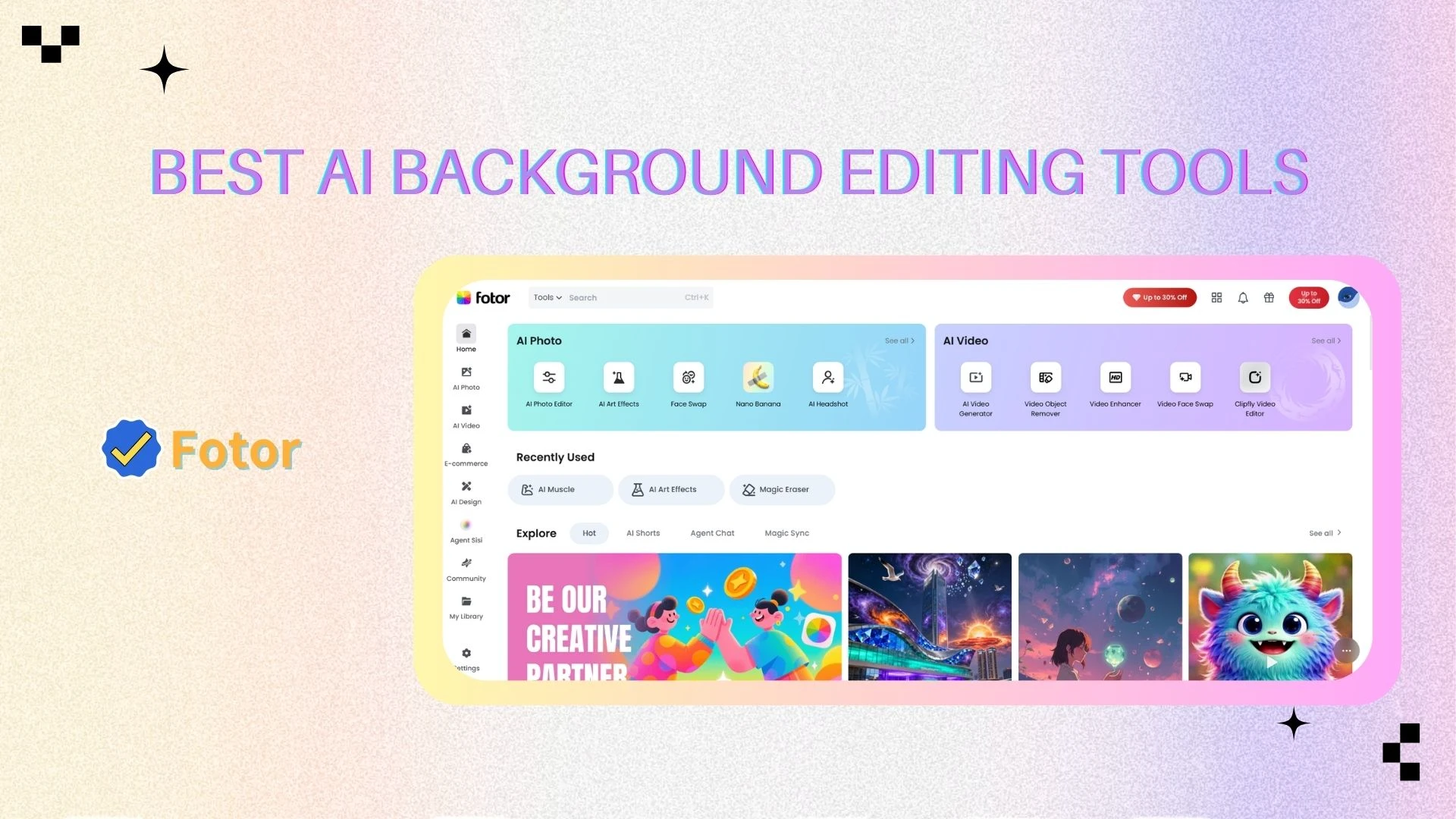
Fotor is an all-in-one photo editor with built-in AI background remover and background changer tools, making it suitable for everyday editing tasks.
⭐ Key Features
Background removal and replacement
Image enhancement tools
Filters and visual effects
Simple editing interface
🎯 Best For
Casual users
Bloggers and marketers
Everyday photo editing
🧰 Other Tools
AI avatar generator
Image enhancer
Design templates
8. Picsart
🧾 Overview
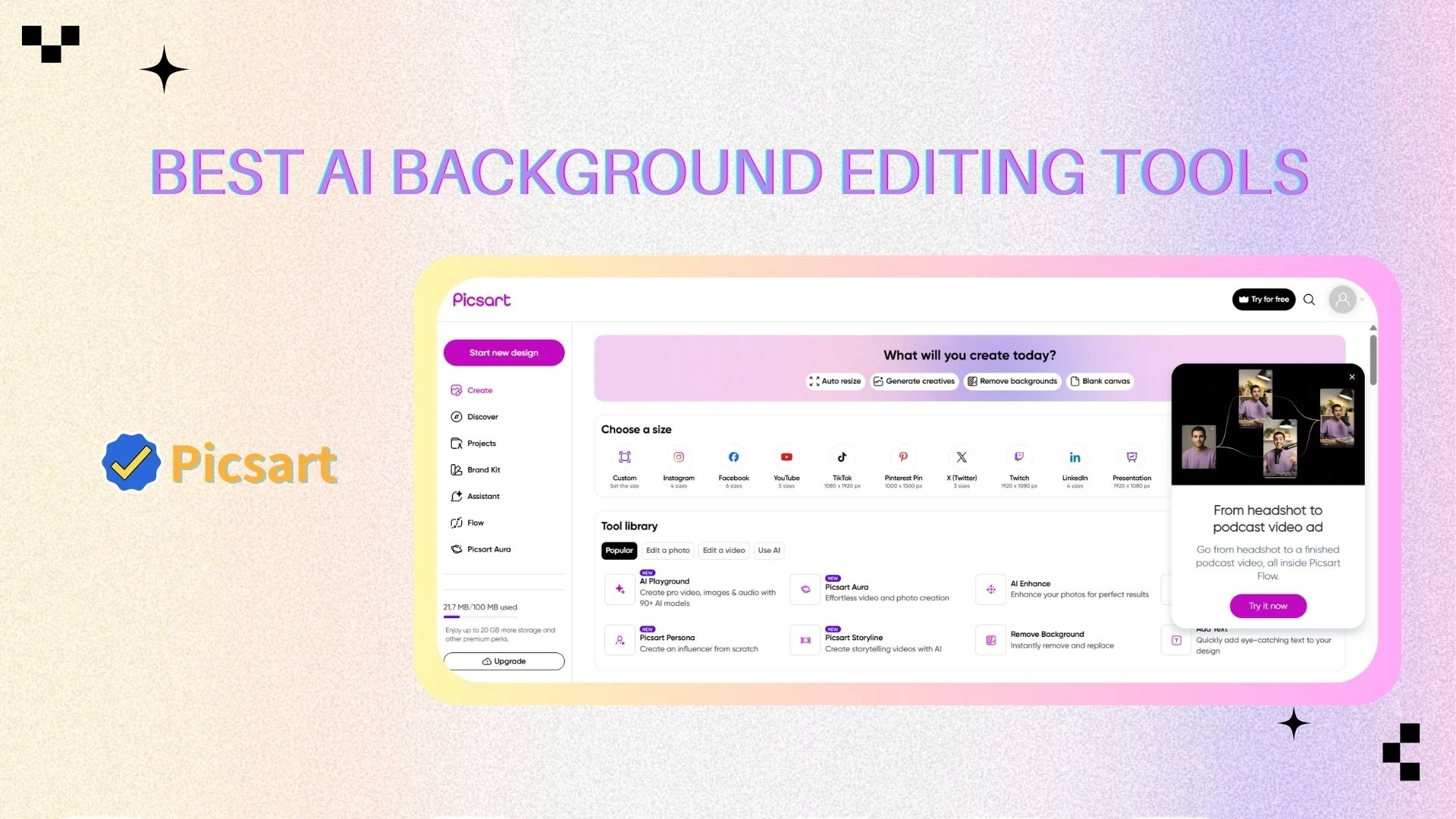
Picsart is a creative-focused platform that combines background removal, background changing, and artistic editing tools.
⭐ Key Features
AI background remover
AI background generator
Artistic filters and effects
Layer-based editing
🎯 Best For
Creative designers
Content creators
Users focusing on visual storytelling
🧰 Other Tools
Sticker maker
AI art generator
Drawing tools
9. Slazzer
🧾 Overview
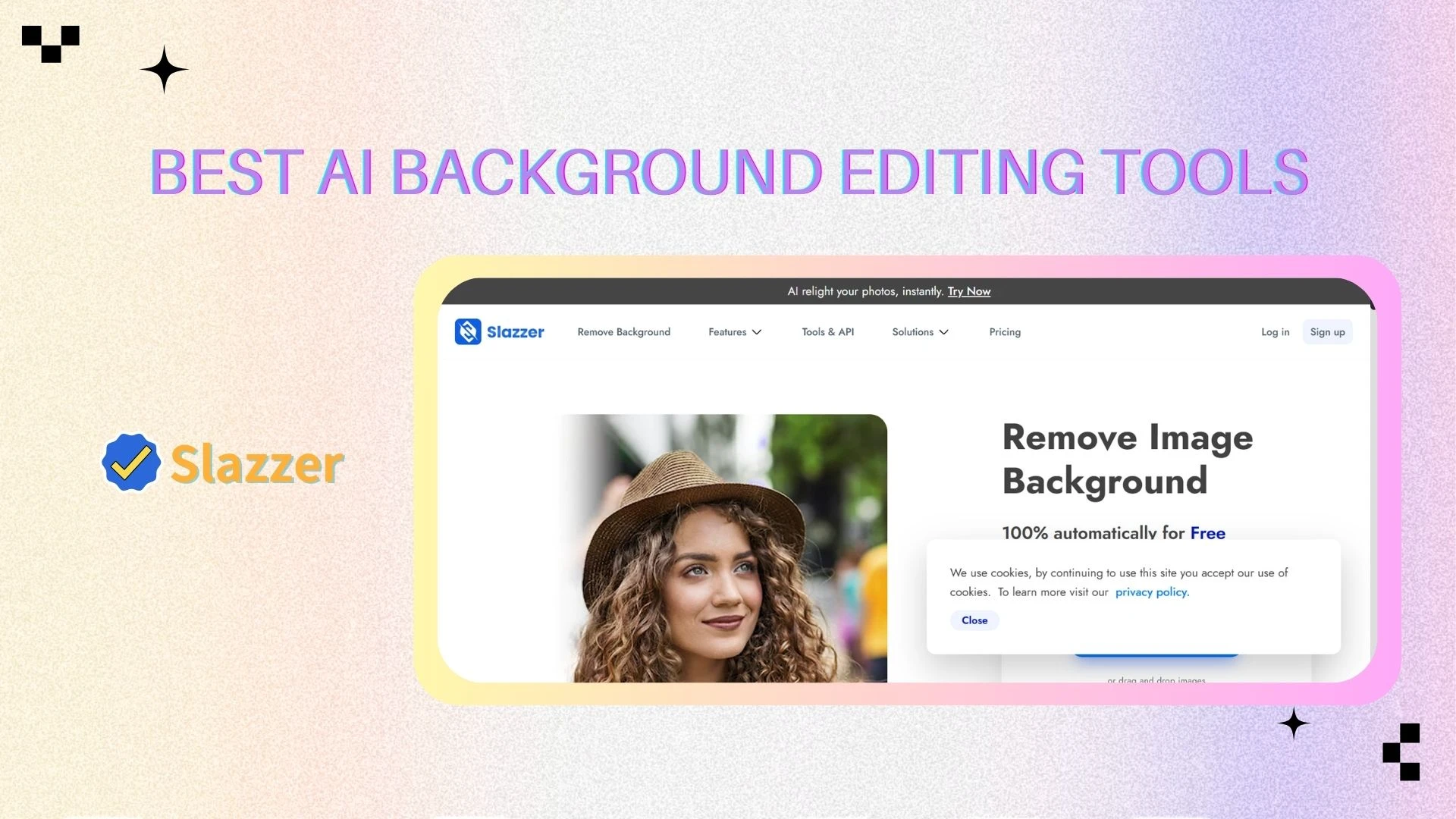
Slazzer is a high-performance AI background remover designed for bulk image processing and automation.
⭐ Key Features
AI-powered background removal with high precision
Bulk processing for large datasets
API and workflow integration
Background customization options
🎯 Best For
Enterprises
eCommerce platforms
High-volume image processing
🧰 Other Tools
Desktop app
Photoshop / Figma plugins
API tools
10. Pixelbin
🧾 Overview
Pixelbin is a developer-focused platform offering scalable image processing and background editing APIs.
⭐ Key Features
Real-time image transformation
API-based background removal and optimization
CDN integration for performance
Automation workflows
🎯 Best For
Developers
SaaS platforms
Businesses building image pipelines
🧰 Other Tools
Image CDN
Transformation API
Optimization pipelines
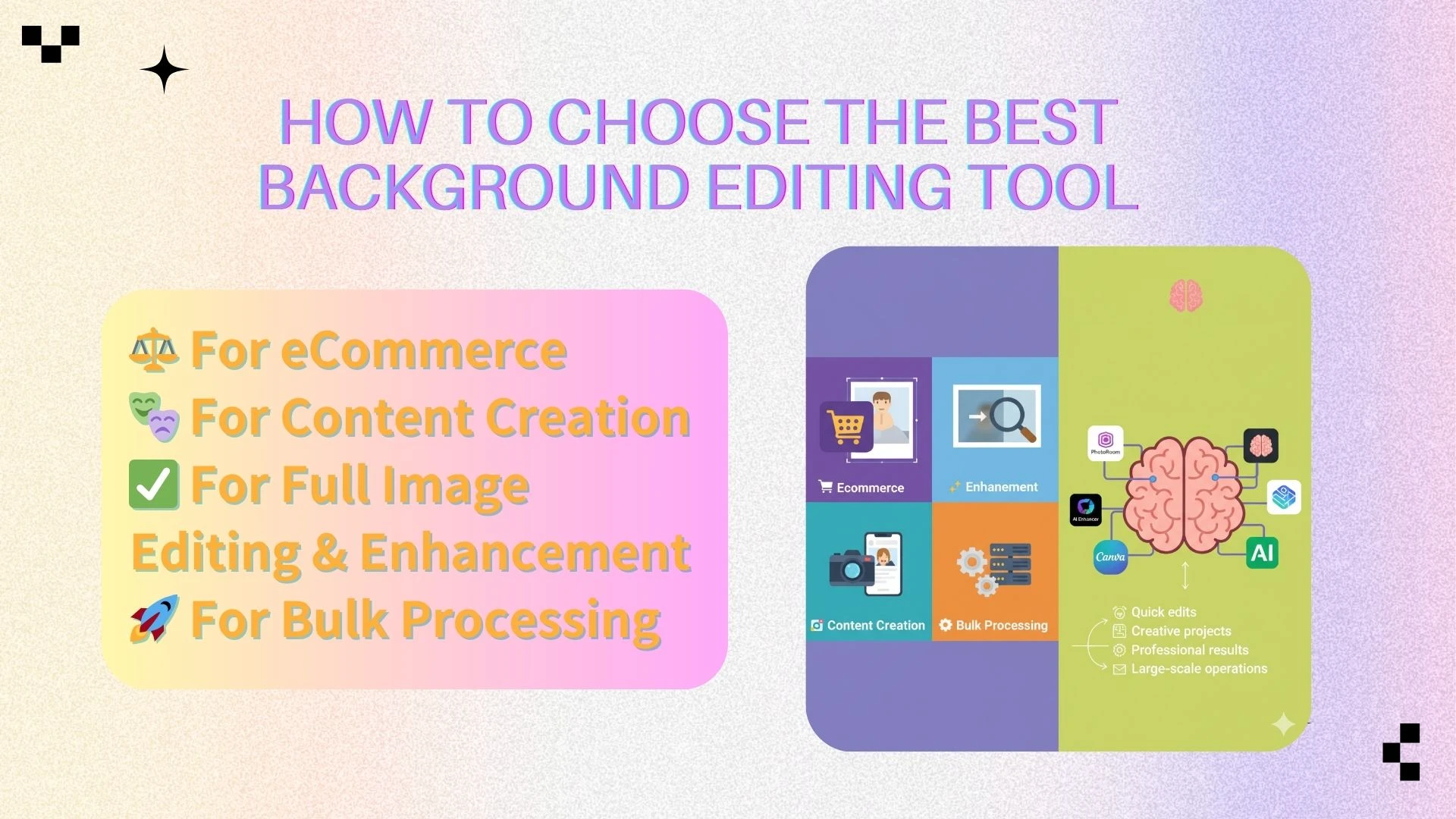
🧠 How to Choose the Best Background Editing Tool
Choosing the best background remover or background editing tool isn’t just about features—it depends on how you plan to use it. Different tools are optimized for different workflows, from quick social media edits to large-scale eCommerce automation.
Here’s how to pick the right tool based on your needs:
🛒 For eCommerce (Product Photos & Online Stores)
If you're selling products online, your priority is clean, consistent, and professional-looking images. You’ll likely need a reliable background remover along with tools to standardize product visuals.
Recommended tools:
Photoroom
remove.bg
Why these tools?
Photoroom helps you not only remove backgrounds but also replace them with studio-quality scenes, add shadows, and create marketplace-ready images.
remove.bg is ideal for quickly processing large numbers of product images with high accuracy and speed.
Example:
If you’re running a Shopify store with 100+ products, you can use remove.bg for bulk background removal, then use Photoroom to apply branded backgrounds for consistency.
🎨 For Content Creation (Social Media & Marketing)
Content creators often need more than just background removal—they need creative flexibility. A good background changer combined with templates and design tools can make content stand out.
Recommended tools:
Canva
Picsart
Pixa
Why these tools?
Canva offers templates and drag-and-drop editing, making it easy to create posts, ads, and banners.
Picsart focuses on creativity, with filters and artistic effects.
Pixa is great for fast, mobile-first editing, especially for short-form content.
Example:
If you’re creating Instagram posts, you can remove a background, replace it with a trendy gradient or lifestyle scene, and add text overlays—all within Canva or Pixa.
✨ For Full Image Editing & Enhancement (All-in-One Workflow)
If your goal is not just to remove or change backgrounds but to improve the overall image quality, you need a more advanced AI editor.
Recommended tool:
- AIEnhancer
Why this tool?
It combines background removal, background changing, and image enhancement in one place
It automatically adjusts lighting, sharpness, and color to make the final image look professional
Example:
If you have a slightly blurry portrait with a distracting background, AIEnhancer can remove the background, enhance the sharpness, and adjust lighting—all in one click—saving you from using multiple tools.
⚙️ For Bulk Processing (Automation & Scale)
For businesses handling hundreds or thousands of images, manual editing isn’t practical. You’ll need tools with batch processing and API capabilities.
Recommended tools:
Slazzer
Pixelbin
Why these tools?
Slazzer is optimized for high-volume background removal with automation
Pixelbin provides developer-friendly APIs and CDN integration, making it ideal for building scalable image pipelines
Example:
If you run a marketplace or SaaS platform, you can integrate Pixelbin’s API to automatically process uploaded images—removing backgrounds and optimizing them in real time.
✅ Final Tip
There’s no single “best” tool for everyone. The right choice depends on your workflow:
Quick edits → use a simple background remover
Creative projects → use a background changer with design tools
Professional results → use an all-in-one AI image editor
Large-scale operations → use API-based tools
👉 A smart approach is to start with an easy tool and upgrade as your needs grow.
❓ FAQ
1. What is the best Al background editing tool in 2026?
If I had to pick just one, it'd be AIEnhancer for the sheer convenience of having everything in one place. But if you're purely after speed and don't care about extra bells and whistles, remove.bg is still the king of quick cutouts.
2. Can AI tools replace Photoshop?
For most users, AI background editing tools can replace Photoshop because they automate background removal, background changing, and image enhancement in seconds. However, Photoshop is still preferred by professionals who need advanced editing control and detailed manual adjustments.
3. Which tool is best for eCommerce product photos?
Photoroom and remove.bg are the best tools for eCommerce, offering fast background removal and easy background changing for consistent product images. They help sellers create clean, professional visuals optimized for marketplaces like Amazon and Shopify.
4. Are there free background editing tools?
Yes, tools like Canva and remove.bg offer free versions with basic background remover and editing features. However, these plans usually include limitations such as lower resolution downloads, watermarks, or restricted access to advanced tools.
5. What is the best tool for batch background removal?
For large-scale image processing, Slazzer and Pixelbin are the best options, offering batch background removal and API integration. These tools are ideal for businesses that need automated workflows and efficient handling of high-volume images.
6. What is the difference between a background remover and a background changer?
A background remover only removes the existing background to create a transparent or clean cutout, while a background changer replaces it with a new scene or color. Most modern AI background editing tools combine both features to provide a complete editing workflow.
7. Do AI background editing tools reduce image quality?
High-quality AI tools are designed to preserve or even improve image quality during background removal and editing. Advanced tools like AIEnhancer also include image enhancement features to sharpen details, improve lighting, and ensure the final output looks natural and professional.
📌 Final Thoughts
AI background editing tools have evolved far beyond simple cutout tools. Today, they function as complete visual workflows—combining background remover, background changer, image enhancement, and even AI-generated scenes into a single experience. Instead of just isolating a subject, these tools can refine lighting, improve sharpness, and create fully polished, studio-quality images in seconds.
If you’re just getting started, beginner-friendly tools like Canva or Pixa are great entry points, offering simple background removal and easy design features. For more advanced or professional workflows—especially in eCommerce—Photoroom and remove.bg provide greater precision, consistency, and scalability.
However, if you want a modern, all-in-one solution that goes beyond just background editing and focuses on overall image quality, AIEnhancer stands out. It combines background removal, background changing, and intelligent image enhancement into one seamless workflow, making it ideal for users who want professional results without switching between multiple tools.
👉 The best approach is to start simple with a basic background remover, then scale your workflow with more advanced AI tools as your needs grow—from quick edits to fully optimized visual content.