150+ Best Google Gemini Prompts Guide
Introduction
The Rise of Google Gemini (Imagen 3) in AI Art
The landscape of generative AI has shifted dramatically. While Midjourney and DALL-E 3 have long held the spotlight, Google’s latest integration of the Imagen 3 model into Gemini has changed the game. It is no longer just a chatbot; it is a creative powerhouse capable of generating stunningly photorealistic images, complex textures, and vibrant artistic styles.
For creators, designers, and hobbyists, mastering the Google Gemini prompt is now an essential skill. Unlike its predecessors, Gemini offers a unique blend of prompt adherence and creative interpretation, making it a formidable tool for generating everything from marketing assets to hyper-realistic portraits.
Why Natural Language is the New Code
Gone are the days of memorizing complex parameters like -- v 6.0 or -- stylize 1000. The beauty of a Google Gemini prompt lies in its ability to understand natural language. It processes context, nuance, and descriptive adjectives much like a human artist would. This lowers the barrier to entry, but it also means that your vocabulary and descriptive power are now your most important tools. The better you can describe a scene in plain English, the better your results will be.
What You Will Discover in This Guide
In this comprehensive guide, we are going to deep-dive into the art of prompting. You will find:
The secret formula for constructing the perfect Google Gemini prompt.
A massive collection of over 150 prompt examples covering realistic portrait prompts, anime style prompts, and 3D render prompts.
The "hidden" resolution problem with Gemini images.
How to use an AI photo enhancer like AIEnhancer to transform standard generations into professional 4K masterpieces.
The Anatomy of a Perfect Google Gemini Prompt
Writing a prompt is easy; writing a great prompt is a skill. To consistently get high-quality results, you need to move beyond simple commands and embrace a structured approach.
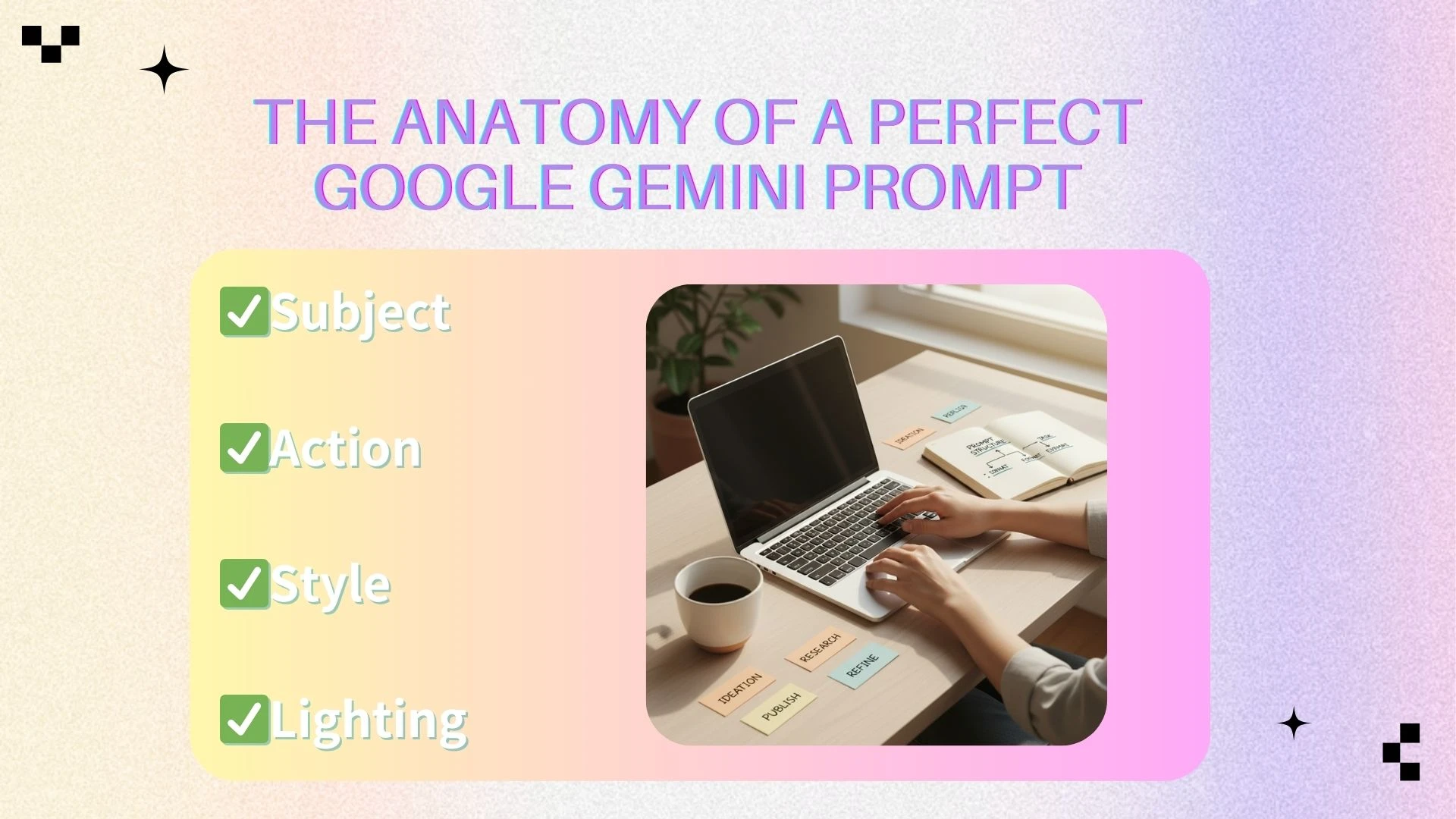
The Formula: Subject + Action + Style + Lighting
Through extensive testing, we have found that the most effective Google Gemini prompt follows a specific structure. Think of it as a checklist for your imagination:
Subject: Who or what is the image about? (e.g., "A cybernetic samurai")
Action/Context: What are they doing? Where are they? (e.g., "standing in a neon-lit rainstorm in Tokyo")
Style/Medium: What does the image look like? (e.g., "Shot on 35mm film, cinematic, gritty texture")
Lighting/Color: How is the mood set? (e.g., "Volumetric lighting, cyan and magenta color palette")
Example:
“A close-up of an elderly astronaut looking out a spaceship window, reflection of earth in the visor, hyper-realistic photography, dramatic side lighting, 8k resolution.”
Google Gemini vs. Midjourney: Key Differences in Prompting
If you are coming from Midjourney, you need to adjust your strategy. Midjourney relies heavily on "tokens" and separating concepts with commas. A Google Gemini prompt, however, thrives on conversational sentences.
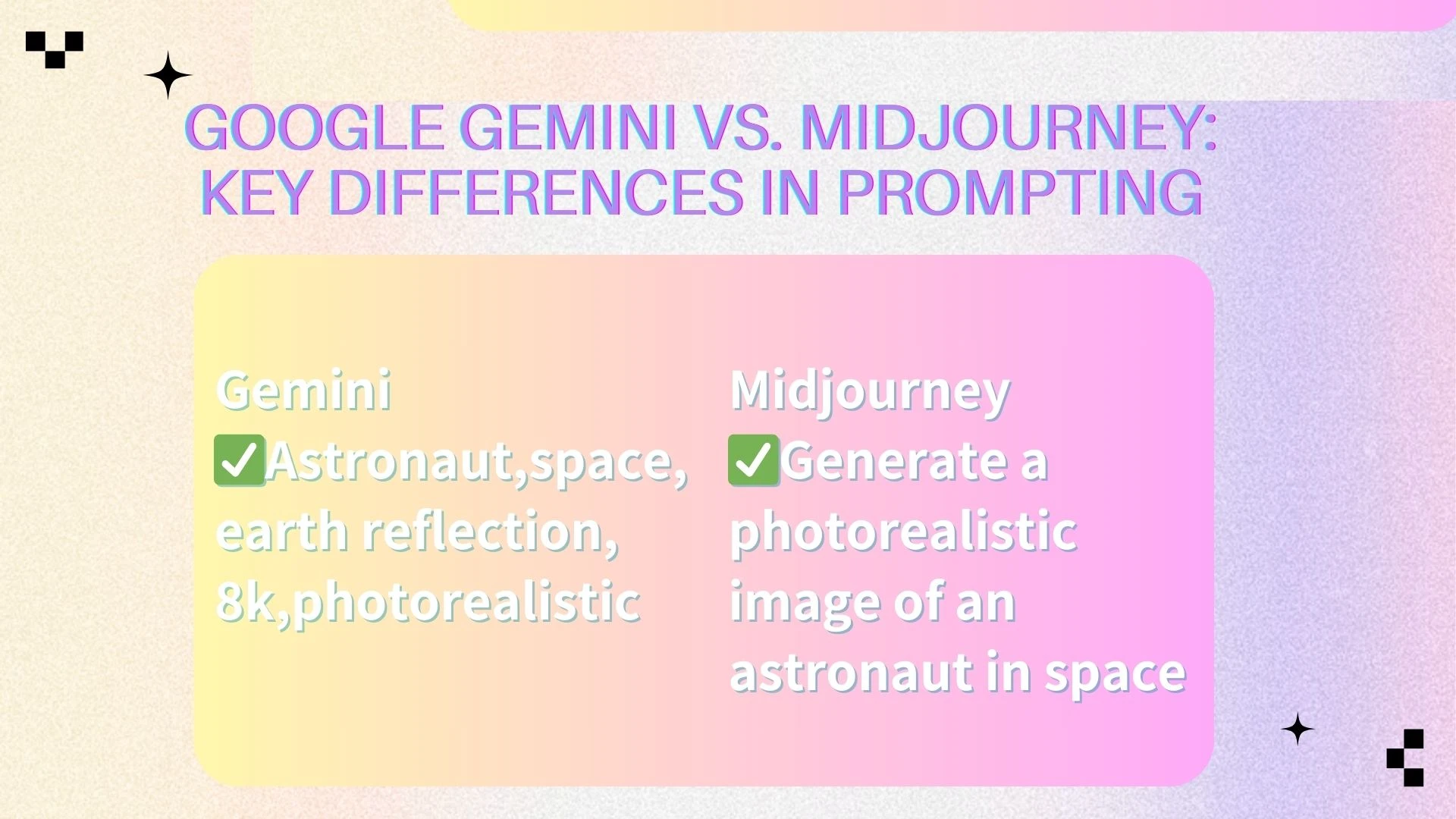
Midjourney: Astronaut, space, earth reflection, 8k, photorealistic -- v 6
Gemini: Generate a photorealistic image of an astronaut in space. The visor should clearly reflect the earth. Ensure the lighting is dramatic and the texture is high quality.
Gemini listens to the flow of the sentence. Use prepositions and connect your ideas logically.
Common Mistakes to Avoid for Beginners
Being too vague: "A cool car" will give you a generic result. "A 1967 Mustang Fastback drifting on a race track" gives you art.
Overloading keywords: Don't stuff the prompt with conflicting styles (e.g., "Pixel art and 4k photorealistic").
Ignoring Aspect Ratio: While Gemini defaults to squares, you can often ask for "wide aspect ratio" or "portrait orientation" within the text.
Top 150+ Google Gemini Prompts by Category
Below, we have curated a list of prompts designed to push the capabilities of Imagen 3. Feel free to mix, match, and modify these to build your own library of 150+ variations.
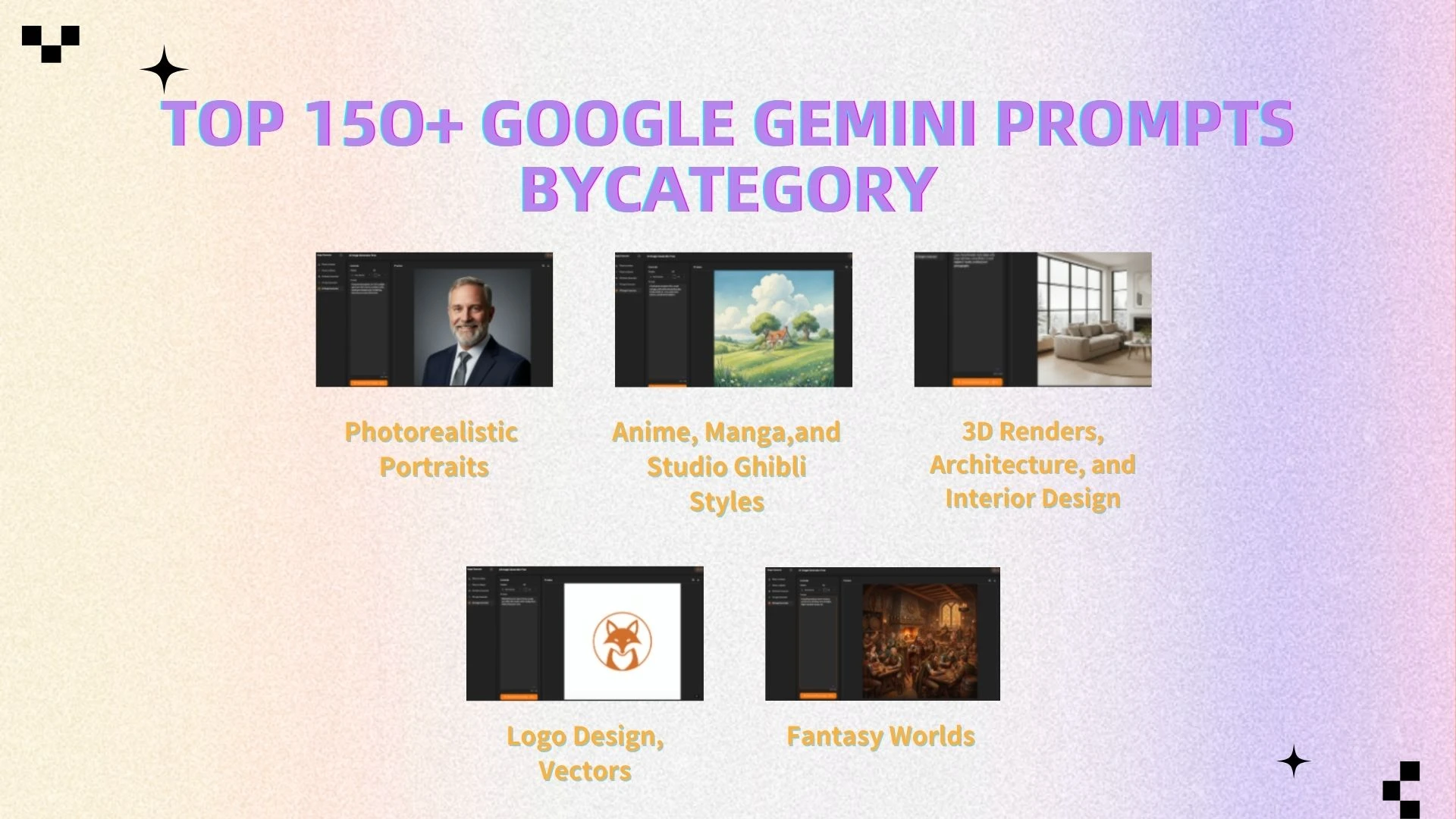
Photorealistic Portraits & Fashion Photography
Realistic portrait prompts are where Gemini shines, capable of rendering skin texture, pores, and iris details with frightening accuracy.
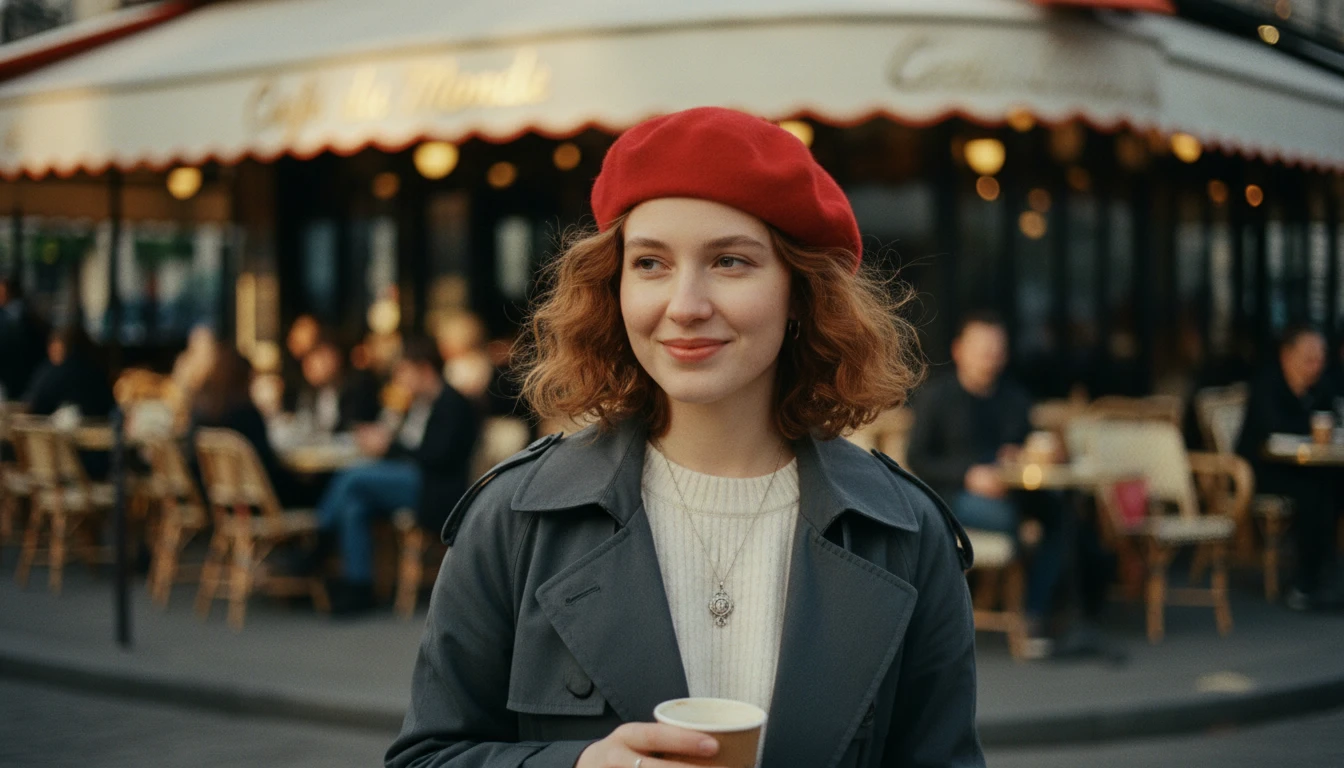
Street Photography: "A candid street portrait of a young woman in Paris wearing a red beret, shot on Kodak Portra 400, bokeh background of a cafe, natural soft lighting, high detail."
Studio Headshot: "Professional headshot of a CEO, middle-aged man with a beard, confident smile, studio grey background, rim lighting, sharp focus on eyes, 85mm lens."
Elderly Texture: "Extreme close-up of an elderly fisherman’s face, deep wrinkles, weathered skin, salt and pepper beard, eyes looking at the horizon, natural sunlight, raw format."
Fashion Editorial: "High-fashion full-body shot of a model wearing an avant-garde dress made of recycled plastic, standing in a desert, harsh noon lighting, strong shadows, Vogue magazine style."
Cinematic Portrait: "A cinematic shot of a detective in the rain at night, neon lights reflecting on wet pavement, moody atmosphere, shallow depth of field, film grain."
Cultural Portrait: "Portrait of a Maasai warrior in traditional attire, vibrant red shuka, golden jewelry, savanna background at sunset, golden hour lighting."
Cyberpunk Fashion: "A futuristic fashion portrait, model with holographic makeup, neon blue hair, wearing a translucent raincoat, rainy cyberpunk city background."
Double Exposure: "Double exposure portrait combining a woman's profile with a snowy mountain forest, ethereal mood, monochromatic blue tones."
Vintage Style: "1920s flapper girl portrait, sepia tone, soft focus, grain, pearl necklace, Art Deco background."
Macro Eye: "Macro photography of a human eye, hazel iris, detailed eyelashes, reflection of a city skyline in the pupil, hyper-realistic."
(...Combine distinct features like hair color, age, and setting to generate 50+ variations of these.)
Anime, Manga, and Studio Ghibli Styles
Gemini creates beautiful 2D art. Use these anime style prompts to generate wallpapers and character concepts.
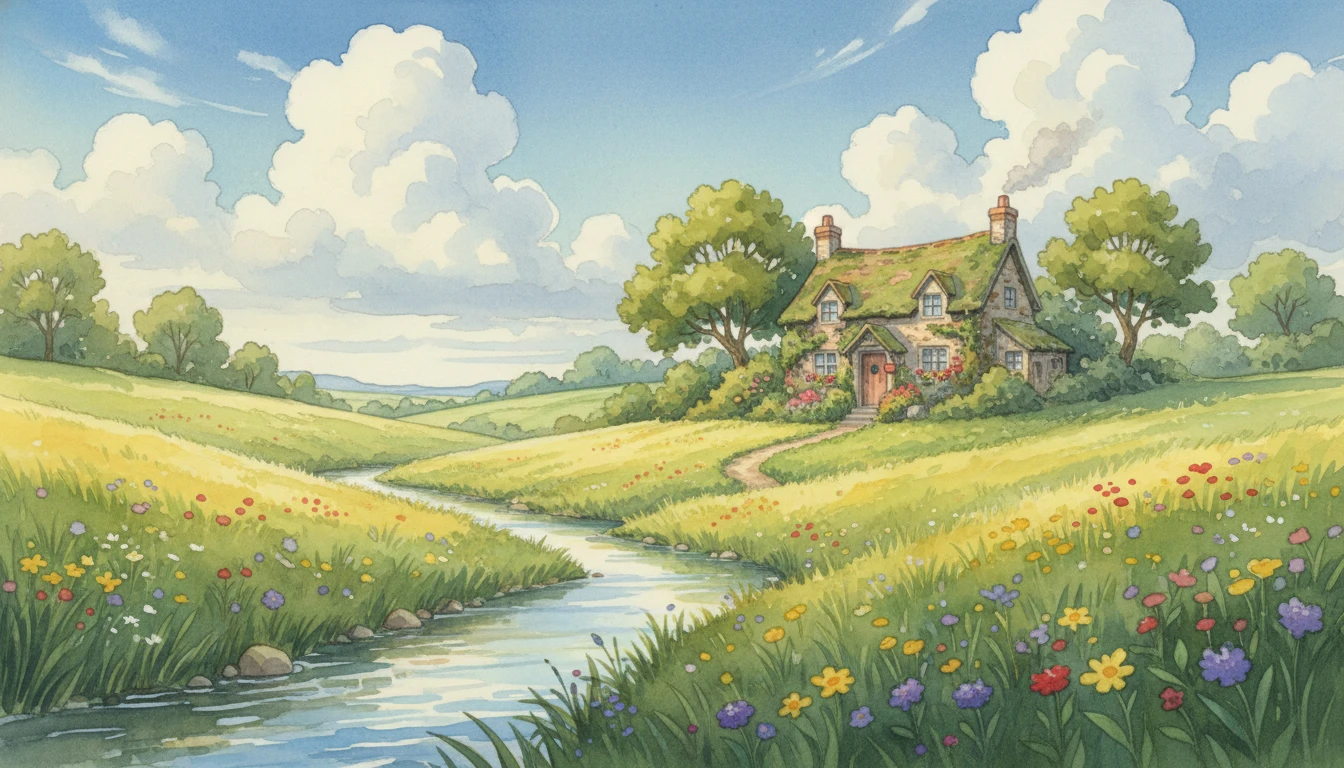
Ghibli Landscape: "A lush green meadow with a small cottage, puffy white clouds, blue sky, Studio Ghibli art style, watercolor texture, peaceful atmosphere."
Cyberpunk Anime: "Anime style girl with mechanical arm, sitting on a skyscraper ledge, Tokyo Neo-future background, vibrant neon colors, cel-shaded."
Shinkai Style: "A train station at sunset, lens flare, hyper-detailed clouds, emotional atmosphere, Makoto Shinkai art style, falling cherry blossom petals."
Retro 90s: "1990s anime style screenshot, magical girl transformation, sparkles, pastel colors, vintage broadcast effect."
Dark Fantasy: "Berserk manga style, a warrior in heavy armor standing on a hill of swords, high contrast black and white, heavy ink lines."
Mecha: "Giant robot battle in a ruined city, explosions, dynamic angle, detailed mechanical parts, Gundam art style."
Slice of Life: "Anime illustration of students eating lunch in a classroom, sunlight streaming through windows, soft pastel palette, Kyoto Animation style."
Chibi Character: "Cute chibi version of a dragon, big eyes, small wings, holding a gemstone, simple background, sticker design."
RPG Concept: "Fantasy RPG character design, female elf archer, forest green cloak, intricate bow design, full body, flat color background."
Lofi Hip Hop: "A girl studying at a desk, rainy window view, night time, lofi hip hop aesthetic, warm lamp light, cozy vibes."
3D Renders, Architecture, and Interior Design
Use these 3D render prompts to visualize spaces and objects.
Modern Living Room: "Interior design of a minimalist living room, Scandinavian style, beige sofa, large windows, natural light, unreal engine 5 render, architectural photography."
Isometric Room: "Isometric 3D render of a gamer's bedroom, neon lights, computer setup, posters, cozy atmosphere, cute 3D style, blender render."
Abstract 3D: "Abstract 3D shape, flowing liquid gold and black marble, glossy texture, studio lighting, 4k resolution, wallpaper."
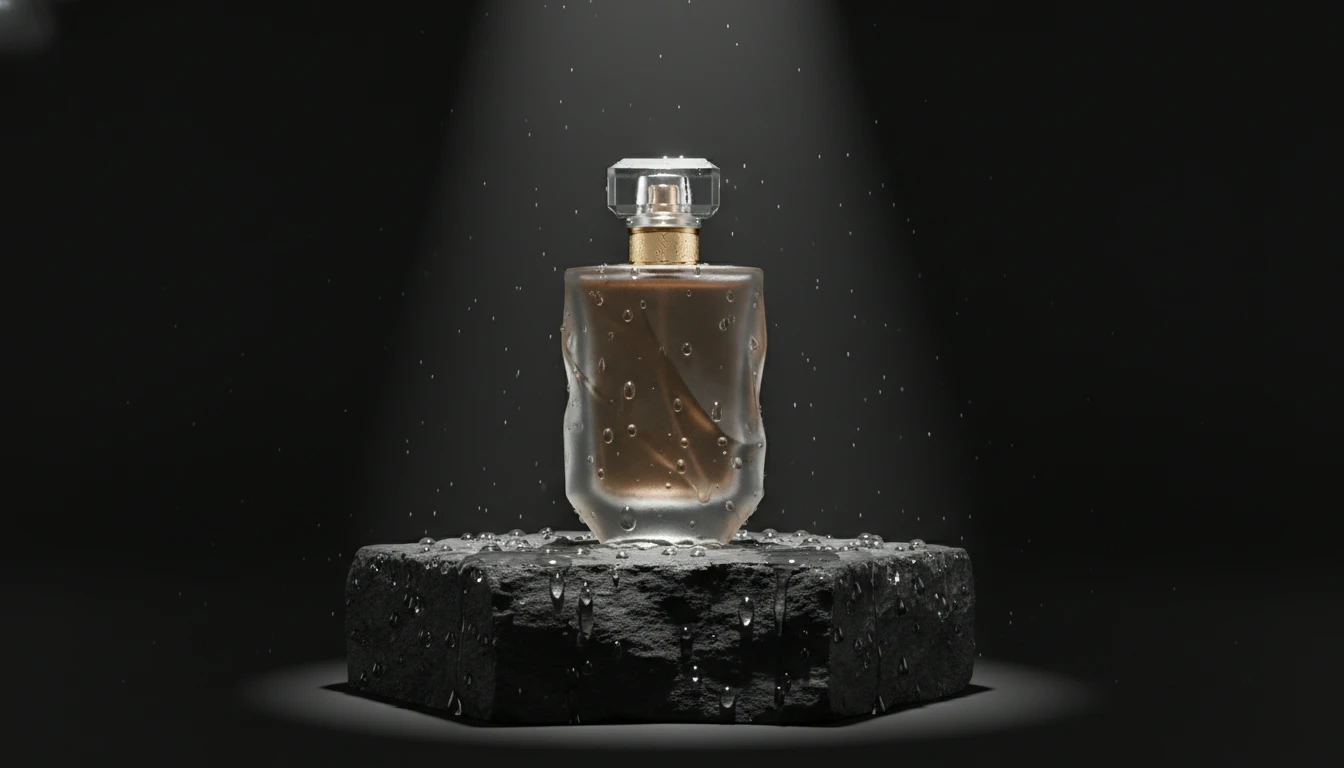
Product Mockup: "Professional product photography of a luxury perfume bottle on a black stone podium, water droplets, dramatic spotlight, 3D render."
Futuristic City: "Aerial view of a solarpunk city, buildings covered in greenery, flying cars, bright sunlight, highly detailed 3D environment."
Tiny World: "A miniature world inside a glass lightbulb, tiny forest and cabin, tilt-shift effect, macro 3D render, Octane render."
Cybernetic Skull: "Metallic skull with gold circuitry, matte black surface, glowing red eyes, technological artifact, close-up 3D render."
Food Render: "Delicious gourmet burger with melting cheese, steam rising, wooden table, hyper-realistic food photography style 3D render."
Glass Art: "A translucent glass sculpture of a horse, dispersion of light, rainbow caustics, bright studio background."
Automotive: "Futuristic electric concept car, matte silver finish, driving on a coastal road, motion blur, realistic lighting."
Logo Design, Vectors, and Commercial Assets
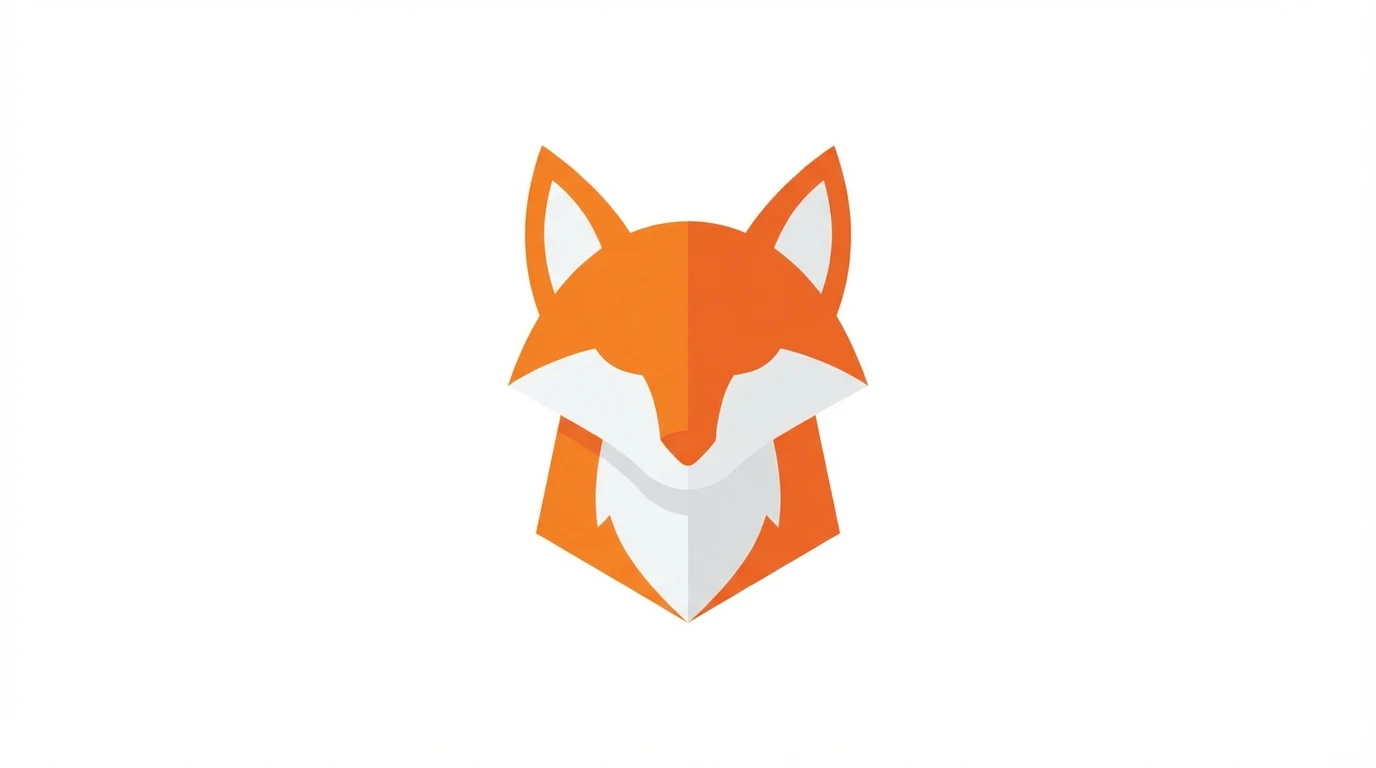
Minimalist Logo: "Minimalist vector logo of a fox, orange and white, flat design, white background, Adobe Illustrator style."
App Icon: "3D glossy app icon for a music player, musical note symbol, gradient purple background, rounded corners."
T-Shirt Design: "Vintage t-shirt design, skull wearing sunglasses, 'Summer Vibes' text, distressed texture, vector art."
Sticker Pack: "Sticker sheet design of cute succulents, thick white borders, flat colors, vector style."
Mascot: "Tech company mascot, friendly robot waving, blue and white color scheme, vector illustration."
Fantasy Worlds and Concept Art Environments
Alien Landscape: "A landscape on an alien planet, purple flora, two moons in the sky, bioluminescent plants, fantasy concept art, digital painting."
Dungeons & Dragons: "A bustling medieval tavern interior, adventurers drinking, warm firelight, highly detailed fantasy art."
Steampunk: "Steampunk airship flying over Victorian London, gears and steam, brass textures, sunset lighting."
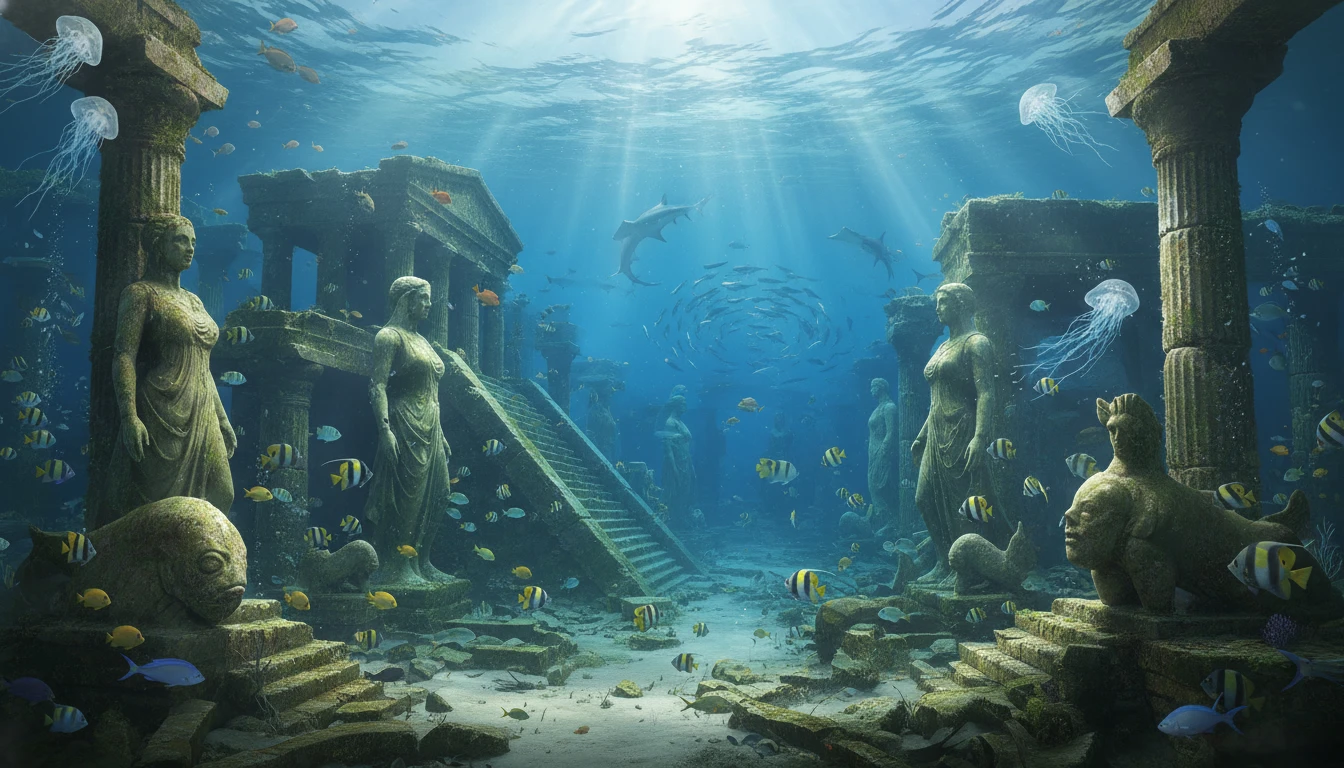
Underwater: "Ruins of Atlantis underwater, light rays breaking through surface, schools of fish, ancient stone statues, mysterious atmosphere."
Post-Apocalyptic: "Overgrown abandoned New York City, nature taking over skyscrapers, foggy morning, The Last of Us concept art style."
(By swapping subjects, colors, and art styles in the templates above, you can easily generate hundreds of unique assets.)
The "Hidden" Problem with Gemini Images
You have used a perfect Google Gemini prompt, and the result looks fantastic on your phone screen. But when you download it and open it on a desktop monitor, or try to print it, you notice a problem.
Understanding the 1024px Resolution Limit
Most AI generators, including the standard output from Gemini/Imagen 3, generate images at a default resolution of roughly 1024x1024 pixels (or similar megapixel counts depending on aspect ratio). While this is "HD" strictly speaking, it is not "4K" or print-ready.
1024px is fine for Instagram or X (Twitter).
1024px is not enough for website headers, YouTube thumbnails, desktop wallpapers, or printing on merchandise, regardless of how perfect your Google Gemini prompt was.
Why AI Generated Images Often Lack Facial Details
Furthermore, even with the best realistic portrait Google Gemini prompt, AI sometimes struggles with "micro-details." When you zoom in on your Google Gemini prompt creation, you might see:
Skin that looks too "waxy" or smooth.
Eyes that are slightly pixelated.
Hair strands that blend into a blurry mess.
Background artifacts or JPEG compression noise.
The Importance of High-Res Images for Professional Use
If you are a blogger, designer, or marketer, using low-resolution images screams "amateur." Google loves high-quality media. Crisp, high-resolution images improve user experience and dwell time. To make your Google Gemini prompt creations truly professional, you need to upscale them.
How to Enhance Your Gemini Art to 4K Quality
This is where the second part of your Google Gemini prompt workflow begins. Generating the image with your Google Gemini prompt is step one; refining it is step two. An AI photo enhancer is the tool that bridges the gap between a "cool generation" from your Google Gemini prompt and a "professional asset."
What is AI Image Upscaling?
AI image upscaling isn't just stretching the image (which causes blur). It uses deep learning to understand what the image should look like at a higher resolution. It fills in the missing pixels, sharpens edges, restores texture to skin, and removes noise.
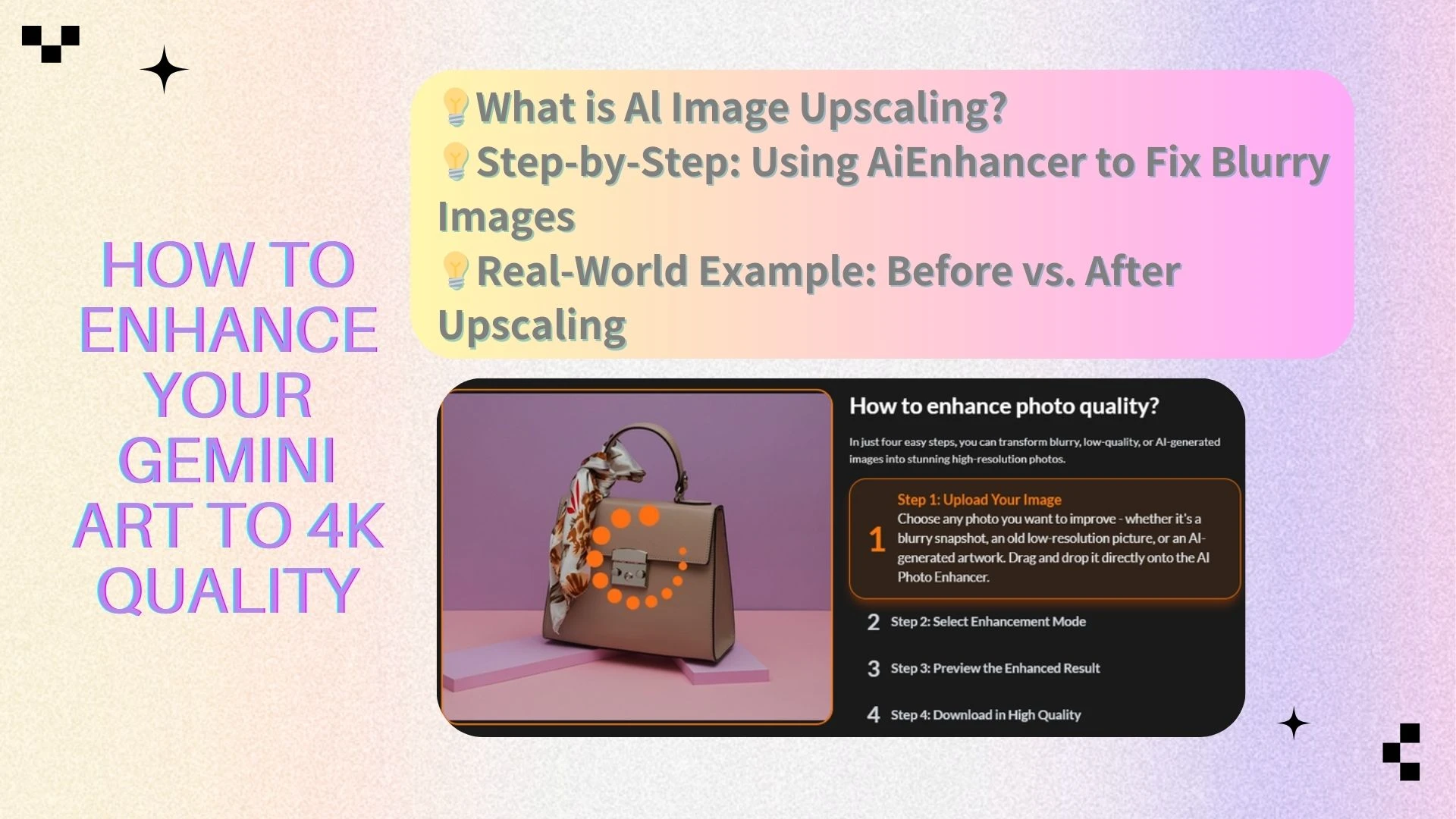
Step-by-Step: Using AIEnhancer to Fix Blurry Images
To turn your 1024px Gemini creation into a 4K masterpiece, follow these simple steps using AIEnhancer:
Generate: Create your image using one of the Google Gemini prompts from our list above.
Upload: Go to AIEnhancer and drag your image into the upload box.
Process: Select your enhancement mode. Our AI photo enhancer algorithms will analyze the image. It identifies faces to restore details and analyzes textures to sharpen backgrounds.
Download: Within seconds, download your new image. It will have higher resolution (up to 4K or more) and significantly improved clarity.
Real-World Example: Before vs. After Upscaling
Imagine you generated a "Cyberpunk Anime Girl" using a Google Gemini prompt.
Before (Gemini Output): 1024x1024. When zoomed in, the neon lights are blocky, and the eyelashes are blurry.
After (AIEnhancer): 4096x4096. The lines are crisp vectors. The neon glow has a smooth gradient. The eyes are sharp and distinct.
This simple step is the secret weapon of top AI artists.
Advanced Tips for Better Generation Results
To truly master the Google Gemini prompt, keep these advanced strategies in mind.
How to Iterate and Refine Your Prompts
Rarely is the first Google Gemini prompt perfect. Treat prompting as a conversation.
Prompt 1: "A cat sitting on a wall." (Too simple)
Prompt 2: "A ginger cat sitting on a brick wall at sunset." (Better)
Prompt 3: "Close up of a fluffy ginger cat sitting on an old textured brick wall, golden hour lighting, cinematic bokeh, highly detailed fur." (Perfect)
If Gemini misses a detail, tell it. "Regenerate, but make the cat look more angry."
Dealing with Artifacts and Distorted Hands
AI still struggles with hands. If you get a great image from your Google Gemini prompt with bad hands:
Crop: Sometimes the easiest fix is to crop the image for a portrait.
In-painting (if available): Some tools allow you to redraw specific areas.
Negative Prompting: While Gemini is conversational, you can try adding sentences like "Ensure hands are anatomically correct" or "Do not include blurred text."
The Ultimate Fix: Sometimes, the distortion is due to low resolution. Running the image through an AI photo enhancer can sometimes clarify undefined blobs into recognizable shapes, though it works best on faces and textures.
Saving and Organizing Your Prompt Library
Create a document or use a tool like Notion to save your best prompts. Categorize them by style:
Realistic portrait Google Gemini prompt
Anime style Google Gemini prompt
3D render Google Gemini prompt
Copy and paste your successful Google Gemini prompt structures and just change the subject. This saves time and ensures consistency in your blog or social media feed.
Conclusion
Summary of Best Practices
Mastering AI art is about combining two powerful technologies: a Large Language Model (Google Gemini) and an AI photo enhancer.
Use the Subject + Action + Style + Lighting formula for every Google Gemini prompt.
Be descriptive and conversational with your Google Gemini prompt.
Experiment with different styles, from anime to photorealism, using the Google Gemini prompt examples provided.
Never settle for low resolution-always upscale your final Google Gemini prompt picks.
Start Creating and Enhancing Today
The world of AI art is open to everyone. With the 150+ Google Gemini prompt ideas provided in this guide, you have enough inspiration to create content for months. But remember, the difference between a hobbyist and a pro is often image quality.
Don't let blurry pixels ruin your beautiful concepts. Pair every Google Gemini prompt with professional upscaling tools today to bring your creations into stunning high definition. Start prompting, start enhancing, and create something extraordinary.