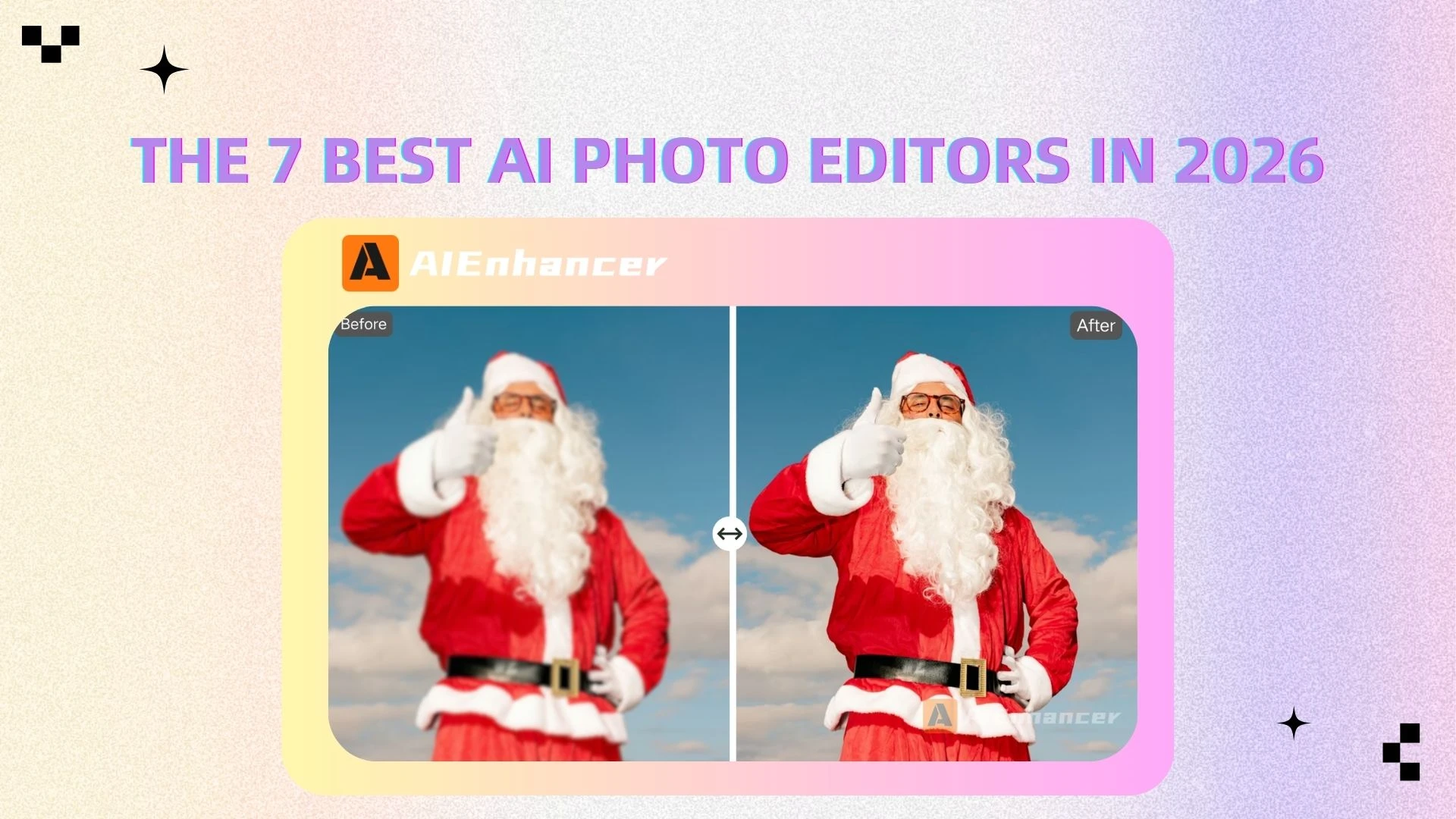
7 Best AI Image Enhancers for Sharpening & Upscaling in 2026
Introduction
In today’s visual-first world, image quality can make or break your content. Whether you’re a photographer, an eCommerce seller, a designer, or just someone sharing photos on social media, blurry or low-resolution images can significantly reduce impact.
Common issues include:
Lack of sharpness
Low resolution
Noise and grain
Loss of fine details
Traditional tools like Photoshop can fix some of these problems, but they often require advanced skills and time-consuming manual adjustments. More importantly, they don’t truly “recreate” missing details—they just enhance what’s already there.
This is where AI photo enhancers come in.
Modern tools powered by artificial intelligence can:
Reconstruct lost details
Sharpen blurry images
Upscale resolution without quality loss
Even better, many tools now combine enhancement with AI image editor capabilities—allowing users not only to sharpen images but also to edit, retouch, and transform them in one place.
Platforms like AIEnhancer are leading this shift by offering a seamless, all-in-one solution for image sharpening and enhancement.
What Is an AI Photo Enhancer?
An AI photo enhancer is a tool that uses machine learning models to improve image quality automatically. Unlike traditional editing software, it analyzes the content of an image and intelligently enhances it.
AI Enhancement vs Traditional Upscaling
Traditional upscaling methods, such as bicubic interpolation, simply stretch existing pixels, which typically results in blurry, pixelated images.
AI enhancement, on the other hand:
Detects objects (faces, textures, edges)
Predicts missing details
Reconstructs high-frequency information
The result? Sharper, clearer, and more natural-looking images.
Beyond Enhancement: The Role of AI Image Editors
Today’s best tools go beyond sharpening. A modern AI image editor can also:
Remove or replace backgrounds
Restore old or damaged photos
Adjust lighting and colors automatically
Enhance faces and skin tones
Apply creative styles
This convergence of enhancement + editing is redefining how we work with images.
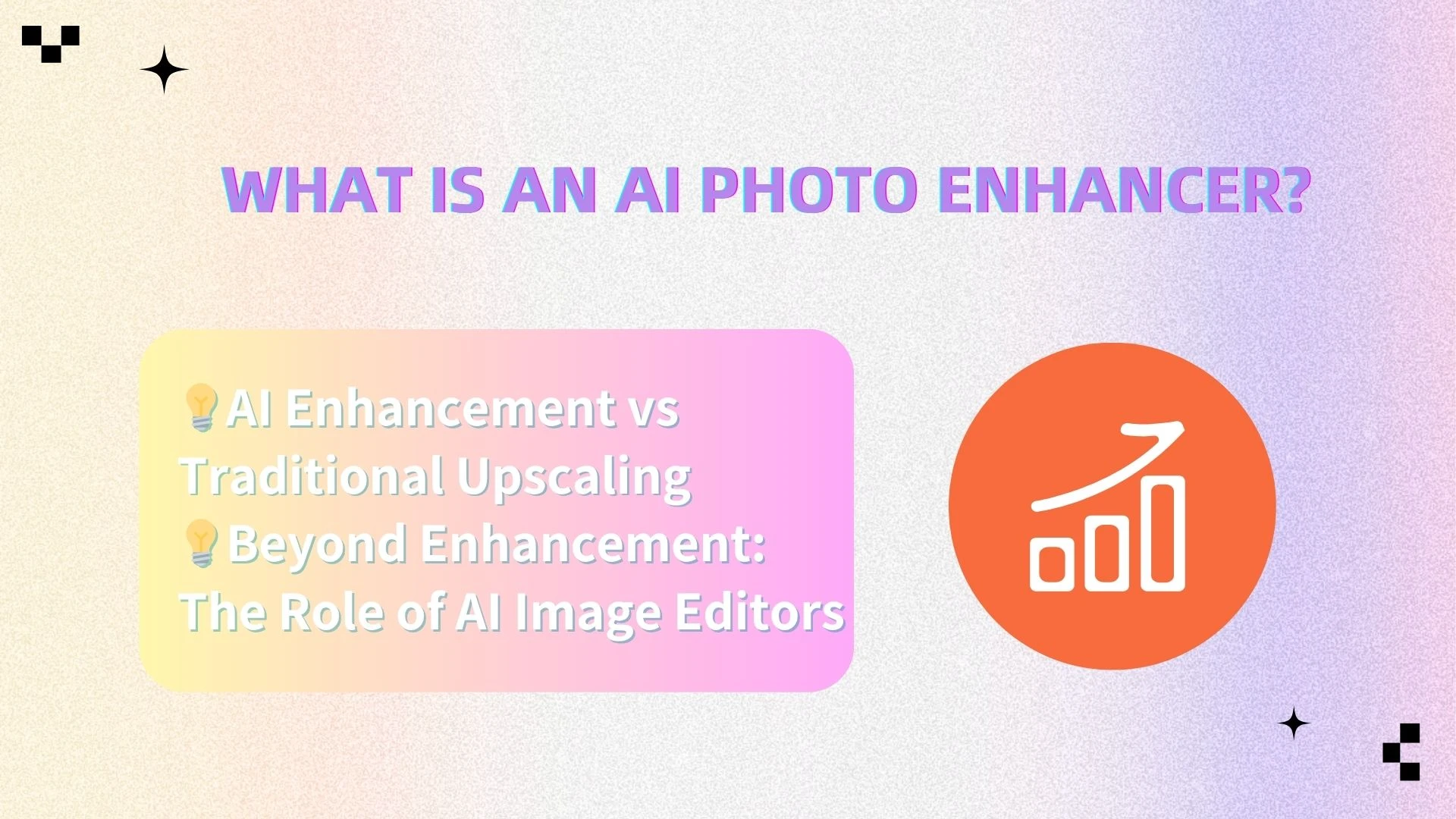
Quick List — Best AI Photo Enhancers (2026)
Here’s a quick overview of the top AI tools for image sharpening and enhancement:
AIEnhancer — Best all-in-one AI photo enhancer & editor
Topaz Gigapixel — Best for professional-grade upscaling
Remini — Best for face enhancement
Pixa — Best for eCommerce product images
Luminar Neo — Best for advanced AI image editing
Upscale.media — Best free AI upscaler
Pixelbin — Best for API & automation workflows
Best AI Tools by Use Case
Different tools excel in different scenarios. Here’s a breakdown to help you choose the right one:
| Use Case | Recommended Tool | Key Advantage |
|---|---|---|
| Old photo restoration | AIEnhancer / Remini | Face recovery + detail reconstruction |
| Portrait enhancement | Remini / AIEnhancer | Natural skin and facial sharpening |
| Image upscaling | Topaz Gigapixel / AIEnhancer | High-resolution output |
| eCommerce product images | Pixa / AIEnhancer | Background + clarity optimization |
| Batch processing | AIEnhancer / Pixelbin | Automation and efficiency |
| Free quick enhancement | Upscale.media | No signup required |
| Creative editing | AIEnhancer / Luminar Neo | AI image editor capabilities |
| Professional workflows | Luminar Neo / Topaz | Advanced editing + RAW support |
| Developer/API usage | Pixelbin | Scalable image processing |
One thing becomes clear: AlEnhancer consistently ranks across multiple high-value use cases, thanks to its balanced capabilities.
In-Depth Reviews of Top AI Photo Enhancers
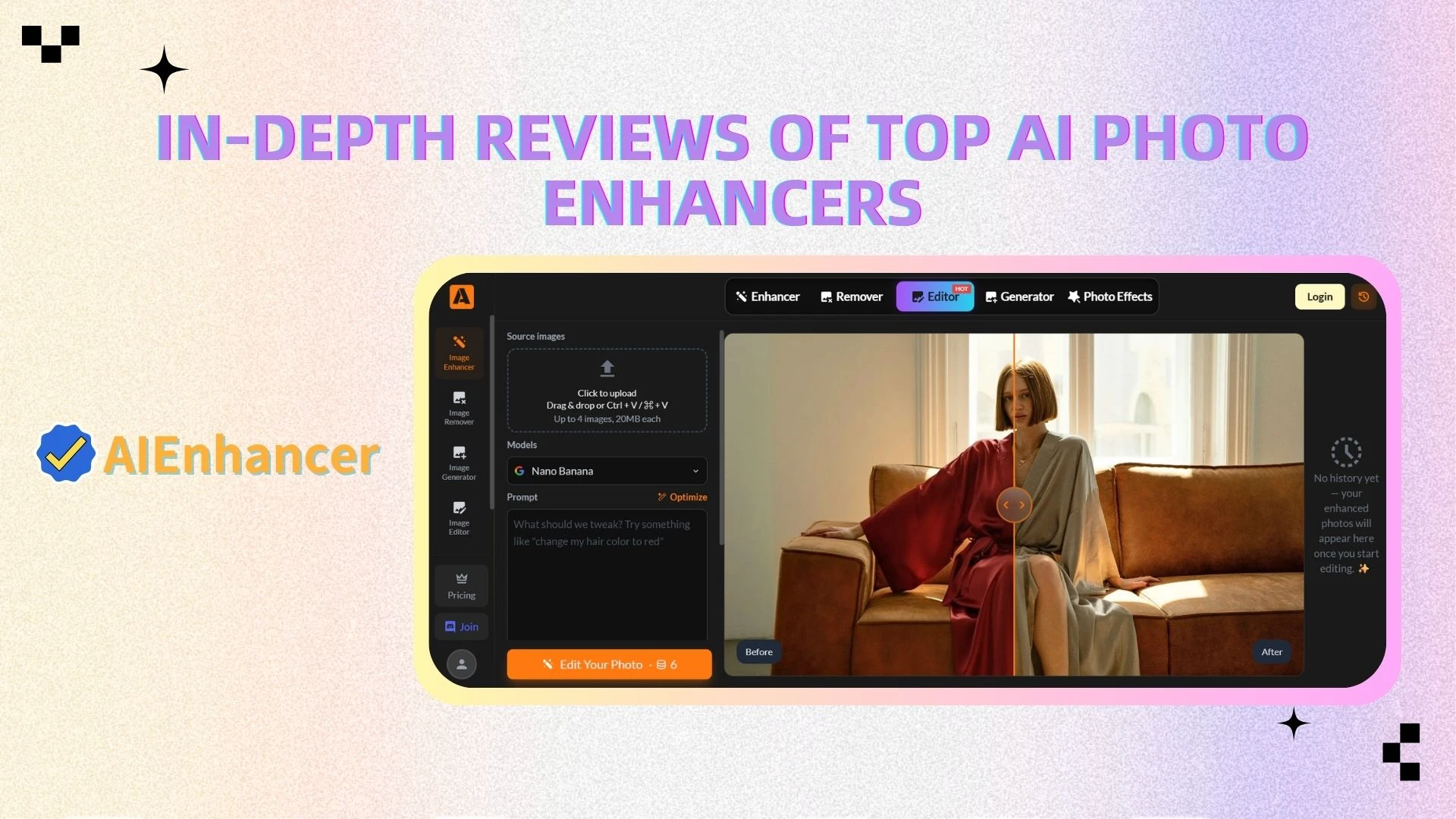
🥇 AIEnhancer (Featured Tool)
Overview
AIEnhancer is an all-in-one AI-powered platform designed to handle both image sharpening and enhancement as well as advanced AI image editing. Unlike single-purpose tools, it combines multiple capabilities into a unified workflow, making it an ideal choice for users who want both performance and simplicity.
Whether you're working with low-resolution images, blurry photos, or images that need creative editing, AIEnhancer streamlines the entire process into just a few clicks.
Key Features
AI-powered image sharpening and upscaling (up to 4K/8K)
Enhances resolution while preserving natural details, making images suitable for print, web, and social media.Intelligently neutralizes digital noise and compression artifacts
Automatically removes grain and compression artifacts, improving image smoothness and visual quality.Face restoration and portrait sharpening
Reconstructs facial details such as eyes, skin texture, and contours, ideal for portraits and old photos.Integrated background removal and editing tools
Functions as an AI image editor, allowing users to remove, replace, or blur backgrounds effortlessly.One-click automatic optimization
The system intelligently analyzes the image and applies the optimal enhancements without manual adjustments.Multi-purpose enhancement engine
Works across different image types including portraits, products, landscapes, and social media content.
Pros
All-in-one solution (Enhancer + Editor)
Eliminates the need to switch between multiple tools by combining enhancement and editing in one platform.Beginner-friendly interface
Designed with simplicity in mind, requiring no technical knowledge or prior editing experience.Versatile across use cases
Suitable for personal, professional, and commercial use, from eCommerce to content creation.Time-efficient workflow
One-click processing significantly reduces editing time compared to traditional tools.
Cons
Some advanced features and high-resolution exports may require a paid plan
Limited manual control compared to advanced desktop software
Best For
Content creators and influencers
eCommerce sellers and marketers
Social media managers
Beginners looking for a simple yet powerful tool
Anyone who needs both AI photo enhancement and AI image editing in one platform
🥇 Topaz Gigapixel
Overview
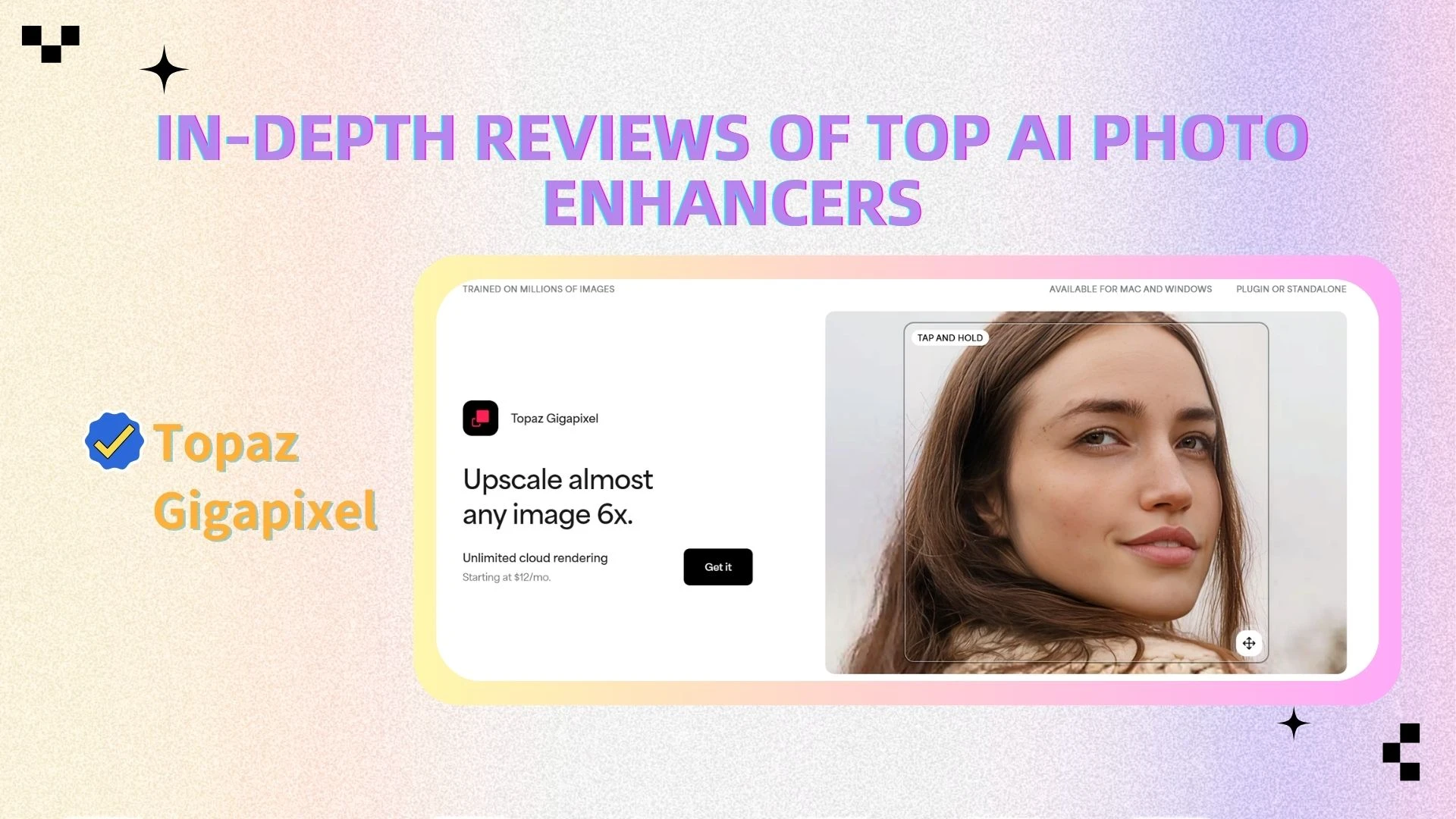
Topaz Gigapixel is a professional-grade AI upscaling tool designed for users who need extreme image enlargement without quality loss. It is widely used in photography, printing, and high-end visual production.
Key Features
Advanced AI upscaling (up to 6x or more)
Enlarges images significantly while preserving sharpness and texture.Detail reconstruction using deep learning
The AI predicts and reconstructs missing details, especially useful for low-resolution images.Face recovery and fine-detail enhancement
Special algorithms improve facial clarity in portraits.Noise and blur reduction tools
Helps restore clarity in compressed or noisy images.
Pros
Produces exceptional image quality, especially for large prints
Trusted by professional photographers and designers
Offers highly realistic detail reconstruction
Cons
Expensive compared to other tools
Requires a learning curve to fully utilize its capabilities
Not as beginner-friendly as cloud-based tools
Best For
Professional photographers
Print designers
Users who require extremely high-resolution outputs
📱 Remini
Overview
Remini is a mobile-first AI tool specializing in portrait and face enhancement. It is especially popular for restoring old or blurry photos and improving selfies.
Key Features
Face sharpening and detail enhancement
Enhances facial features such as eyes, lips, and skin texture.Old photo restoration
Restores aged, blurry, or damaged photos with impressive accuracy.AI portrait improvement
Enhances overall facial quality with minimal effort.Mobile-first optimization
Designed primarily for smartphones, making it highly accessible.
Pros
Excellent at restoring faces and portraits
Simple and fast mobile experience
Delivers noticeable improvements with minimal input
Cons
Limited functionality beyond portrait images
Results may sometimes look overly processed
Not suitable for general image editing or advanced workflows
Best For
Selfies and personal portraits
Old photo restoration
Mobile users looking for quick fixes
🛒 Pixa
Overview
Pixa is designed specifically for eCommerce and product image optimization, helping online sellers create clean, professional-looking product visuals.
Key Features
AI background removal
Instantly removes backgrounds for clean product images.Product image enhancement
Improves clarity, brightness, and visual appeal.Templates for eCommerce use
Pre-built designs for product listings and ads.Batch editing capabilities
Allows users to process multiple images efficiently.
Pros
Tailored for online store owners
Fast and efficient workflow
Easy to create professional product images
Cons
Limited general-purpose editing features
Not ideal for artistic or advanced photo editing
Best For
eCommerce sellers
Amazon / Shopify product listings
Marketing teams
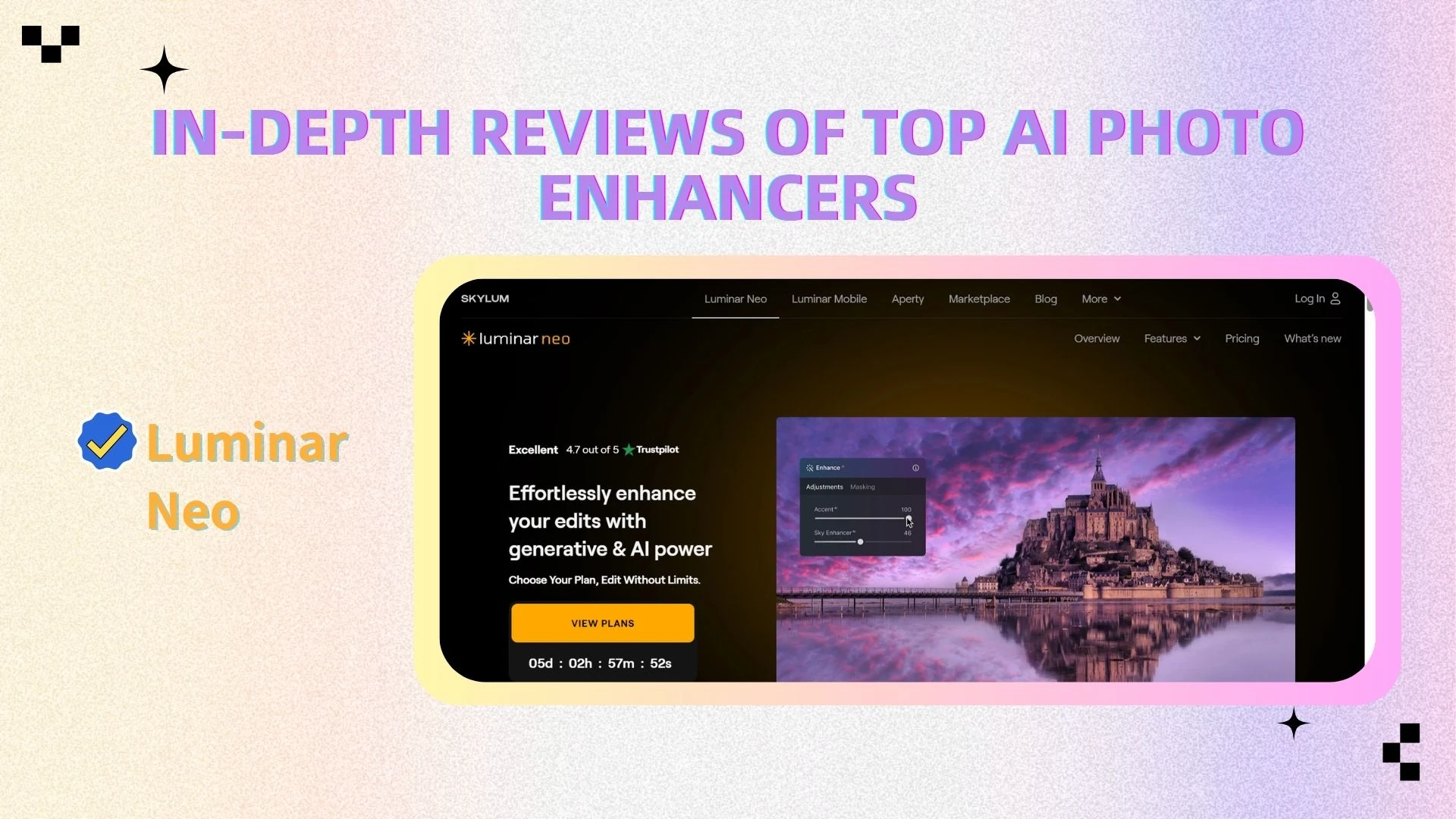
🎨 Luminar Neo
Overview
Luminar Neo is a powerful AI image editor designed for photographers and advanced users who want full creative control combined with AI automation.
Key Features
Structure AI for intelligent detail enhancement
Enhances depth, texture, and clarity in a natural way.Sky replacement AI
Automatically replaces skies in landscape images with realistic results.Portrait AI tools
Includes skin smoothing, face reshaping, and lighting adjustments.RAW file support
Professional-grade editing with full control over image data.Advanced editing workflow
Combines traditional editing tools with AI-powered automation.
Pros
Highly powerful and feature-rich
Offers professional-level editing tools
Excellent for creative and artistic workflows
Cons
Steeper learning curve compared to simpler tools
Requires more time to master
Not as lightweight or fast as browser-based tools
Best For
Professional photographers
Advanced editors and creatives
Users who want full control over editing
🌐 Upscale.media
Overview
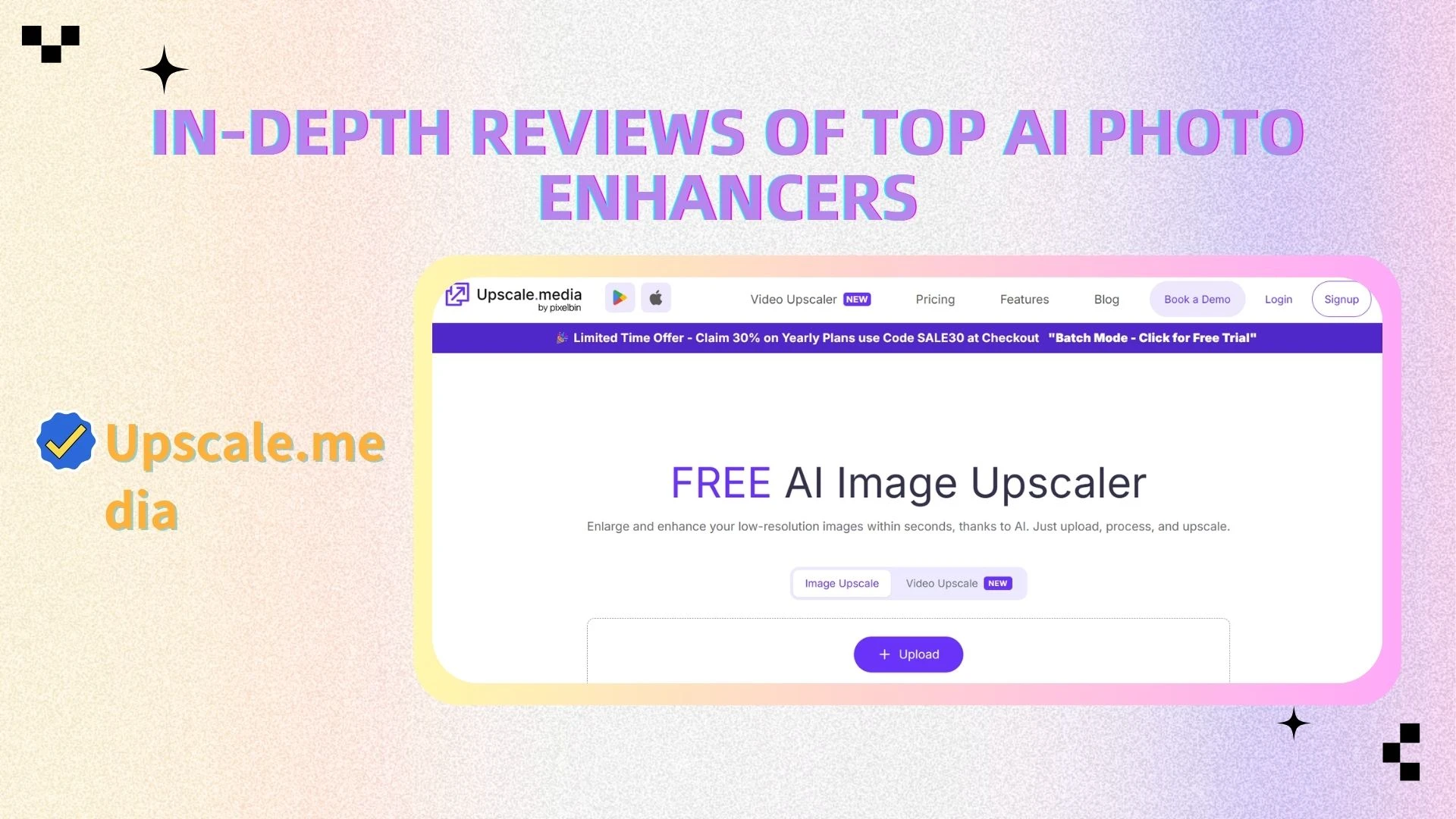
Upscale.media is a free, web-based AI image enhancer focused on simplicity and speed.
Key Features
One-click image upscaling
Instantly increases image resolution without complex settings.Web-based access
No installation or software required.Simple drag-and-drop interface
Designed for quick and effortless use.
Pros
Completely free to use (with limitations)
No registration required
Extremely easy to use
Cons
Limited features compared to premium tools
No advanced editing capabilities
Lower control over output
Best For
Quick image enhancement
Casual users
One-time tasks
⚙️ Pixelbin
Overview
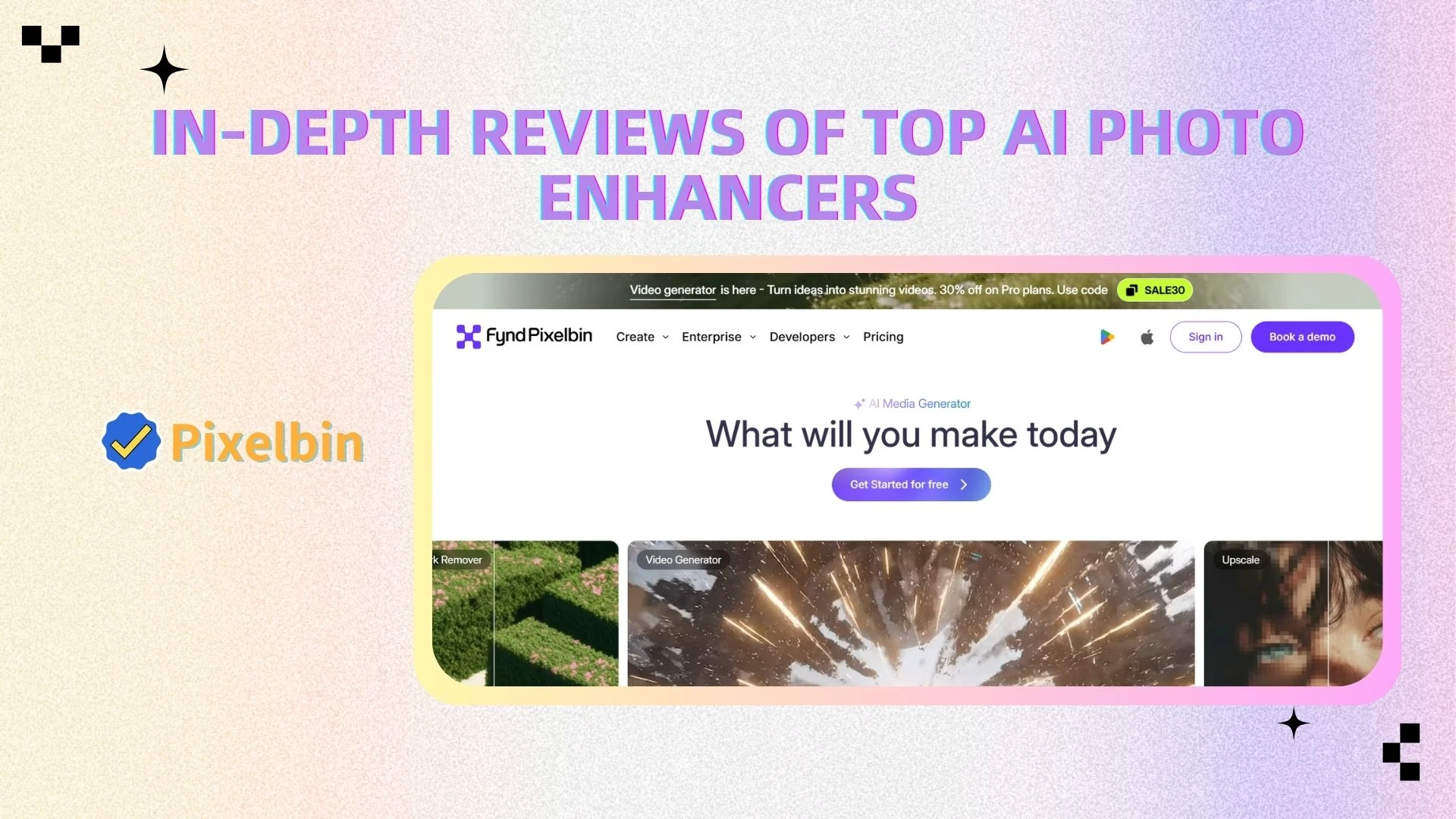
Pixelbin is a developer-focused platform that provides AI image processing via API, enabling large-scale automation and integration into workflows.
Key Features
API-based image optimization
Integrates directly into applications and websites.Batch processing capabilities
Handles large volumes of images efficiently.Image transformation tools
Supports resizing, compression, and optimization.Cloud-based processing
Scalable infrastructure for enterprise use.
Pros
Highly scalable and automation-friendly
Ideal for enterprise and developers
Supports large-scale image workflows
Cons
Not beginner-friendly
Requires technical knowledge and integration effort
Not designed for casual users
Best For
Developers and SaaS platforms
Large enterprises
Teams handling high-volume image processing
Real Image Enhancement Test
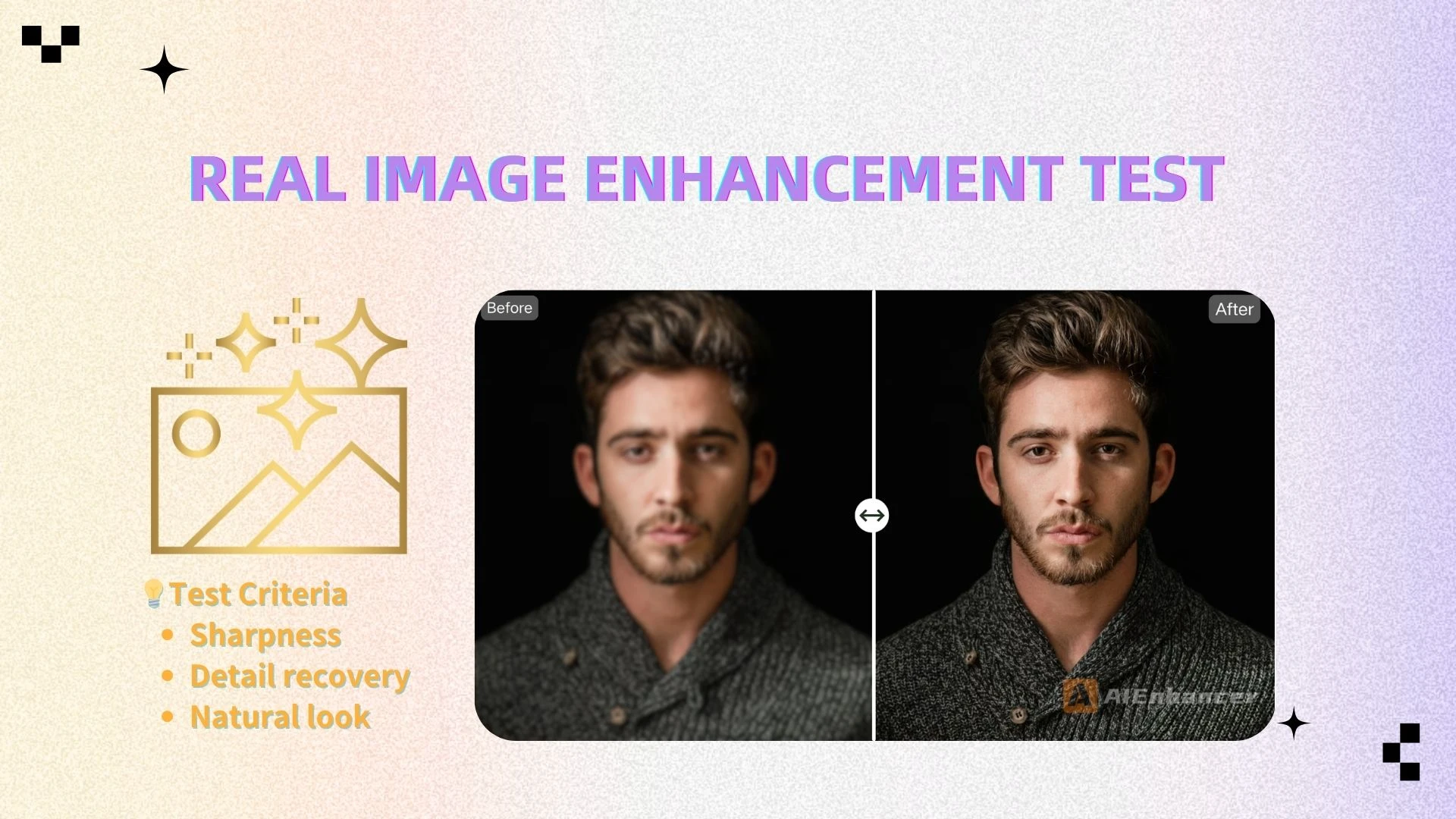
To objectively evaluate how these tools perform, we tested them using the same low-resolution image and compared the results side by side. This allows us to clearly see how each tool handles sharpening, detail reconstruction, and overall visual quality.
Test Criteria
Sharpness — How well fine details and edges are restored
Detail recovery — Ability to reconstruct textures and missing information
Natural look — Whether the output looks realistic or over-processed
Results
AIEnhancer: Delivers the most balanced results, combining strong sharpness with natural-looking detail. The image remains clean and realistic, without introducing artifacts or over-processing—making it highly suitable for real-world use.
Topaz Gigapixel: Produces the sharpest output with impressive detail enhancement, but in some cases the results can look slightly artificial or overly enhanced, especially in areas with complex textures.
Remini: Excels in facial clarity, restoring facial features with remarkable precision. However, its performance is limited to portraits and may not generalize well to other image types.
While each tool performs well in its specific area, the test clearly shows that AIEnhancer offers the most well-rounded and practical performance—achieving a strong balance between sharpness, detail preservation, and natural visual quality.
👉 For users who want reliable results across different types of images, AIEnhancer stands out as the most versatile and consistent choice.
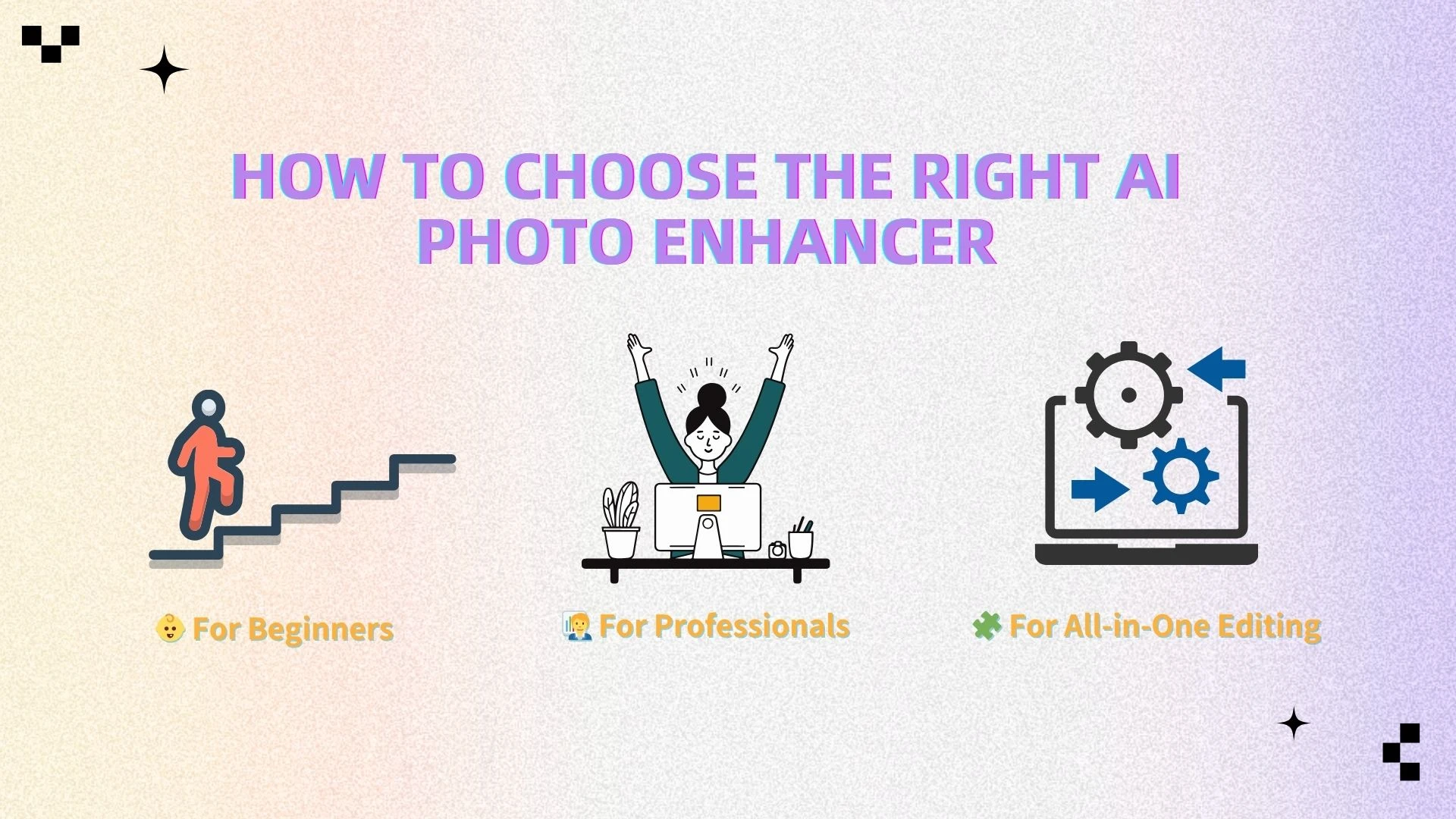
How to Choose the Right AI Photo Enhancer
Choosing the right AI photo enhancer depends on your skill level and what you want to achieve—whether it’s quick enhancement, professional-quality output, or full image editing.
👶 For Beginners
If you want something simple and fast with no learning curve:
AIEnhancer
Upscale.media
👉 These tools are easy to use and deliver results with just one click.
👉 AIEnhancer is the better option if you also want built-in editing features like background removal and image adjustments.
🧑💼 For Professionals
If you need high-quality output and more control:
Topaz Gigapixel
Luminar Neo
👉 These tools are ideal for photographers and designers who work with high-resolution images or RAW files.
👉 Luminar Neo is especially powerful as a full AI image editor with advanced creative tools.
🧩 For All-in-One Editing
If you want both enhancement and editing in one tool:
- AIEnhancer
👉 It combines:
AI photo enhancement (sharpening, upscaling)
AI image editing (background, color, restoration)
👉 This makes it the most efficient choice for users who want an all-in-one workflow.
🧠 Quick Tip
Simple & fast → AIEnhancer / Upscale.media
Professional output → Topaz / Luminar Neo
All-in-one solution → AIEnhancer
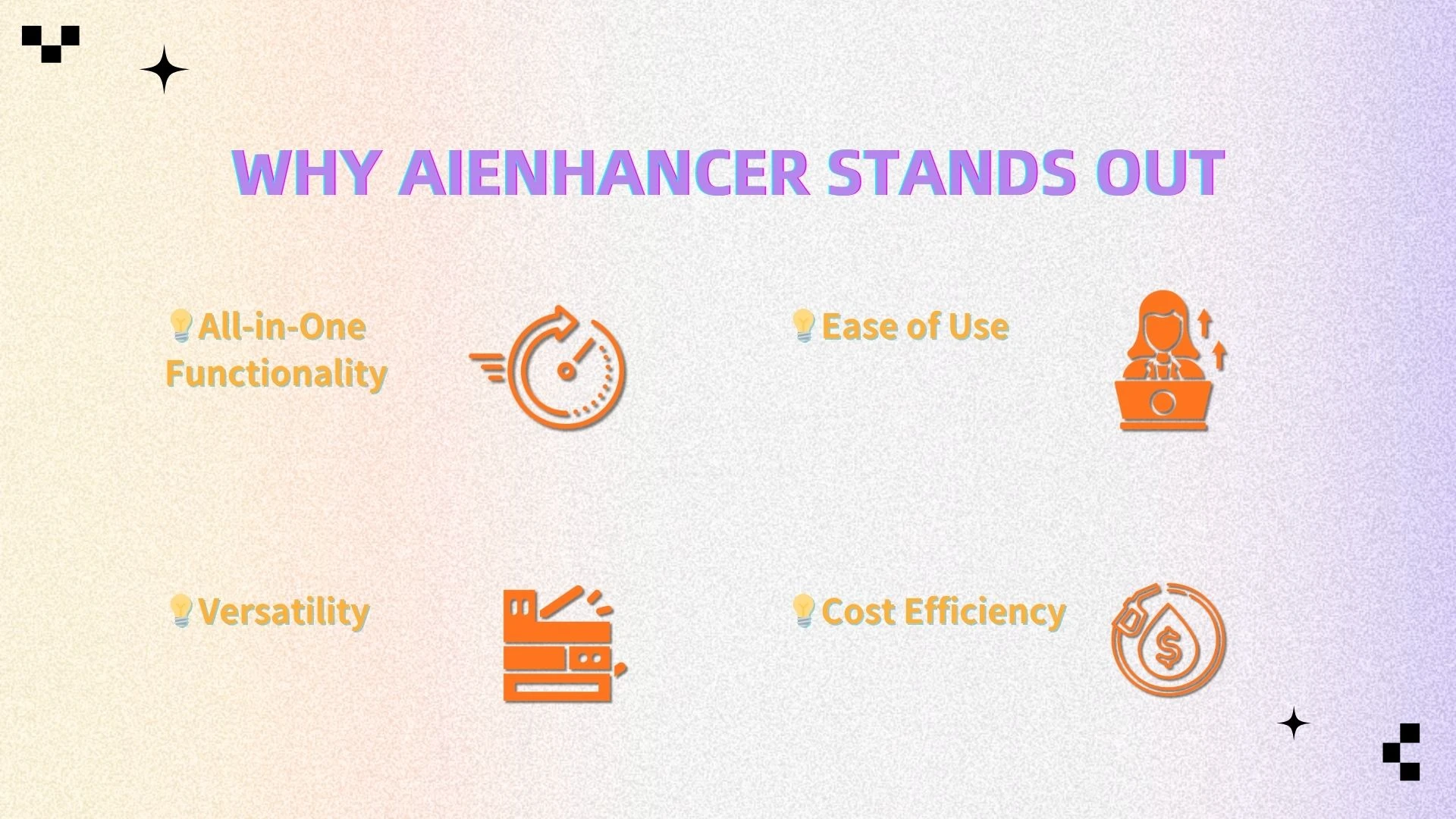
Why AIEnhancer Stands Out
With so many tools available, what makes AIEnhancer different?
1. All-in-One Functionality
AIEnhancer brings multiple powerful features into a single platform. It combines an AI photo enhancer with an AI image editor, allowing you to improve image quality, adjust details, and refine visuals without switching between different apps. This integrated approach saves time and streamlines your workflow.
2. Ease of Use
You don’t need any design or technical background to get great results. The interface is intuitive—just upload your image, choose your desired enhancement, and let the AI handle the rest. It’s built to be accessible for beginners while still offering value for professionals.
3. Versatility
AIEnhancer is designed to handle a wide range of use cases. Whether you're working with portraits, product photos, social media content, or professional visuals, it can adapt to your needs. From sharpening blurry images to improving lighting and clarity, it helps elevate all types of visuals.
4. Cost Efficiency
Instead of subscribing to multiple tools for editing, enhancement, and optimization, AIEnhancer gives you everything in one place. This not only reduces costs but also simplifies your toolkit, making your creative process more efficient and organized.
👉 Try AIEnhancer for free and experience smarter image sharpening today.
FAQ
What is the best overall Al photo enhancer for beginners and pros?
The best tool depends on your needs, but AIEnhancer is one of the most balanced options for both sharpening and editing.
Do AI photo enhancers offer free versions?
Some tools offer free plans (like Upscale.media), but advanced features usually require payment.
Can AI improve image quality without losing detail?
Yes. AI doesn’t just stretch images—it reconstructs missing details for better clarity.
What is the difference between an AI photo enhancer and an AI image editor?
Enhancer: Improves quality (sharpness, resolution)
Editor: Modifies content (background, colors, objects)
Many modern tools (like AIEnhancer) combine both.
Is AIEnhancer good for beginners?
Yes. It’s designed to be simple, intuitive, and accessible to all users.
Conclusion
AI-powered image sharpening and enhancement have transformed the way we improve photos. With modern AI tools, you can restore details, reduce noise, and upscale images in seconds—without manual editing.
Whether you’re fixing old photos, improving product images, or creating content, AI makes it easy to achieve high-quality results.
However, if you want a solution that is:
Easy to use
Powerful
All-in-one
Then AIEnhancer stands out as one of the best choices in 2026, combining both AI photo enhancement and AI image editing in a single tool.
👉 Start enhancing your images with AIEnhancer today.