Best AI Image Tools for Creating and Editing in 2026
How Do AI Image Tools Support Different Creative Needs?
Quick Answer: The best AI image tool depends on what you want to make and how much editing you need afterward. AIEnhancer is a practical option for creators who want image generation, prompt-based editing, and photo enhancement in one online workflow. ChatGPT is useful for developing images through conversation, while Midjourney appeals to creators exploring distinctive visual styles. Adobe Firefly fits teams already working with Adobe creative software. Canva connects AI-generated images with ready-to-publish layouts, and Recraft focuses on design assets, vectors, and consistent visual styles.
For creators, the first generated image is rarely the entire job. A useful tool should also help you revise a subject, maintain a consistent look, fit the image into a design, and export a suitable result. This guide compares six options and explains where creator communities and prompt resources fit into the process.
Which AI Image Tools Are Best for Different Creative Needs?
The right tool depends on whether you need a standalone image, a finished social post, or a reusable design asset. This table summarizes published features, not results from a controlled test.
| Tool | Best For | Key Features | Consideration |
|---|---|---|---|
| AIEnhancer | Generation and refinement | Multiple models, prompt editing, upscaling | Some actions use paid credits |
| ChatGPT | Conversational creation | Image generation and iterative requests | Usage varies by plan |
| Midjourney | Artistic concepts | Style exploration and variations | Less direct layout control |
| Adobe Firefly | Adobe creative workflows | Generate, expand, remove, refine | Features vary by plan and app |
| Canva | Marketing and social posts | Templates, AI images, photo editor | Some tools require payment |
| Recraft | Design assets | Vector graphics, reusable styles | More detailed controls to learn |
A photorealistic first result is not always the best deliverable. For publishing, look at editing control, typography, export options, and whether you can repeat the same visual language across images.
Which Six AI Image Tools Are Worth Trying in 2026?
1. AIEnhancer — Best for Generation and Image Refinement
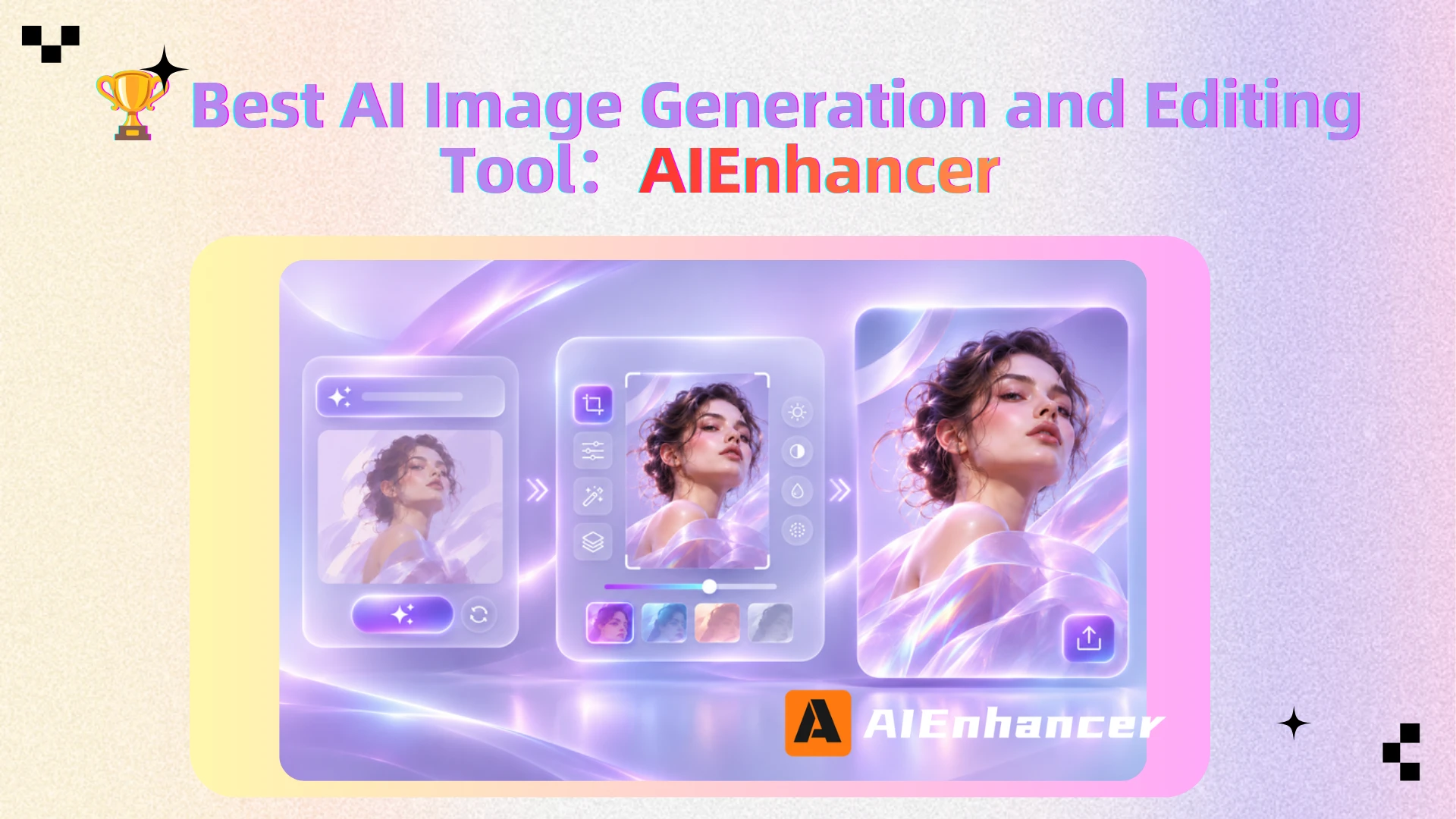
AIEnhancer combines text-to-image creation with editing and photo enhancement. Its generator supports model selection, aspect ratios, and multiple output options, allowing creators to explore different approaches to the same brief. The editor accepts uploaded images and natural-language instructions for changes such as revising a setting, adjusting a subject, or adding elements.
For example, a marketing creator might generate a product lifestyle scene, change the environment while retaining the product, and then enhance a selected image for a larger placement. A dedicated upscaler can improve output dimensions, although important textures and labels should be checked afterward. These are separate actions rather than a guarantee that every draft will be ready to publish.
Best for: Creators seeking an AI image creation and enhancement platform with generation and post-processing options.
Strengths: Multiple models; prompt-based edits; enhancement and upscaling tools.
Limitations: Credit requirements vary, and AI edits can affect unintended details.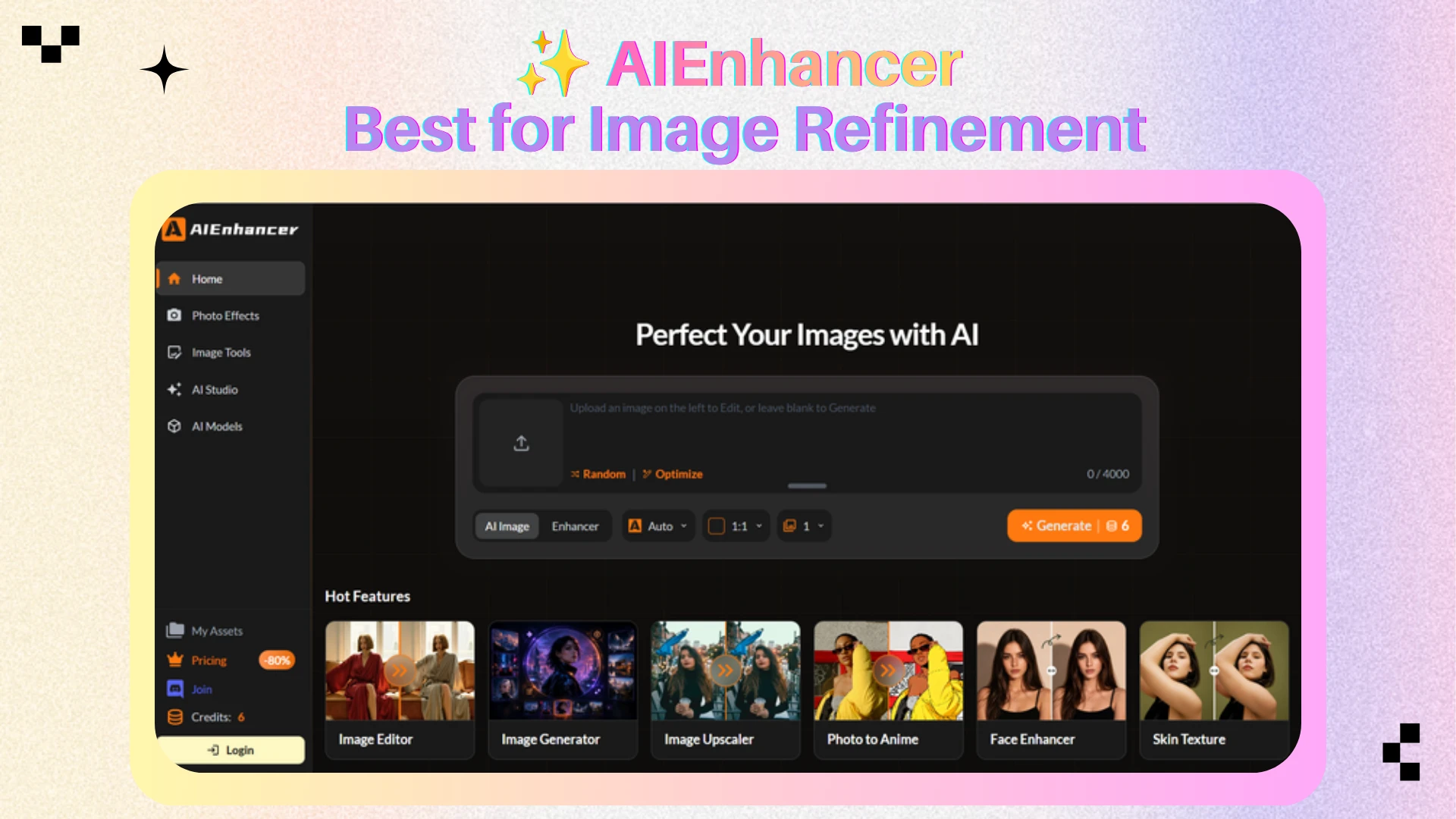
2. ChatGPT — Best for Conversational Image Iteration
ChatGPT lets users describe an image in natural language, review it, and request follow-up changes in the same conversation. This is convenient when a creative brief is still evolving. You might start with a blog illustration, then request a simpler backdrop, a different crop, or more space for a headline.
It can also help draft a structured prompt with subject, style, lighting, composition, and constraints. The conversational workflow makes creative feedback approachable, but it does not eliminate visual review: small text, exact positions, and product attributes may still be wrong.
Best for: Brainstorming, prompt development, and image revisions through dialogue.
Strengths: Natural-language iteration and support for refining the creative brief.
Limitations: Usage depends on plan; some changes can unintentionally alter other features.
3. Midjourney — Best for Artistic Direction
Midjourney appeals to creators who want to explore expressive images, distinctive textures, and stylized scenes. Visual variations and style controls help compare several approaches before choosing a direction for editorial artwork, a newsletter hero image, or a mood board.
For instance, you could explore cinematic photography, painterly landscapes, and graphic illustration around the same theme. Its community can also provide inspiration. However, an attractive composition may still need another tool for exact brand text, reusable layout components, or final production. Check generation visibility and commercial account terms when working on confidential projects.
Best for: Editorial visuals, style exploration, and artistic concepts.
Strengths: Rich creative direction and variation-based exploration.
Limitations: Less precise control over production details; review privacy and plan settings.
4. Adobe Firefly — Best for Adobe-Based Production
Adobe Firefly supports AI image generation and image refinement, including removing distractions, expanding compositions, and making targeted changes. Its links to other Adobe creative tools are useful for designers who already finish work in Photoshop or Adobe Express.
A campaign image may have the right subject but insufficient room for typography. Expanding the background, refining an area, and completing the layout in a familiar design app can be more practical than regenerating the entire image. Firefly's advantage is therefore not just a first output but how AI functions fit a broader editing environment.
Best for: Creative teams working within Adobe production tools.
Strengths: Integrated editing, expanding, and refining workflows.
Limitations: Capabilities and credits vary by software and subscription.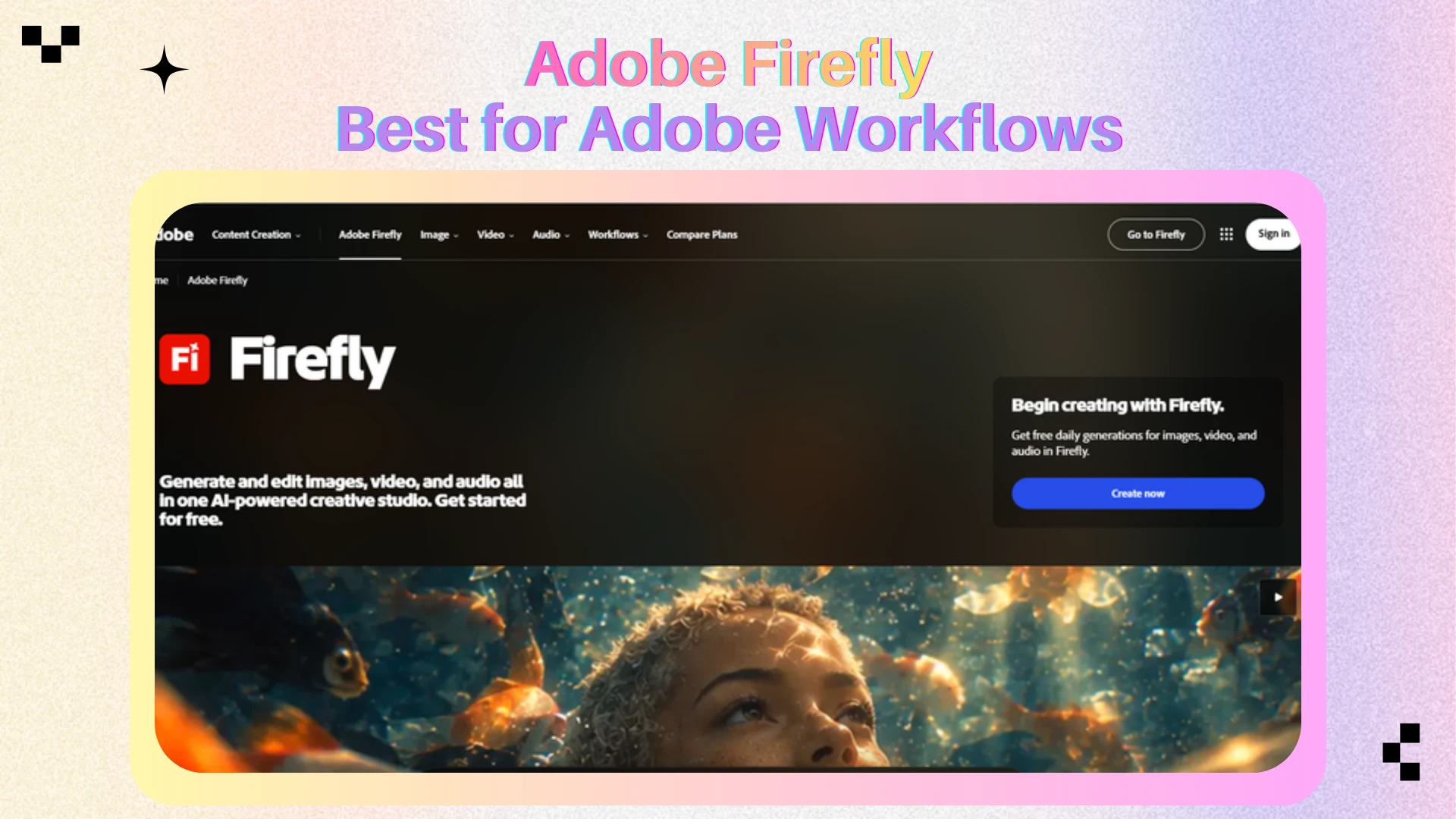
5. Canva — Best for Ready-to-Publish Content
Canva connects AI-generated imagery to templates, text, brand elements, and layout controls. Its tools include Magic Edit, Magic Eraser, background removal, image expansion, and conventional photo adjustments. That makes it particularly useful for social media covers, presentations, and marketing designs.
A strong Instagram cover needs more than an image: the headline must remain readable after cropping, and the layout should feel consistent with other posts. Canva helps assemble these elements in one workspace. Still, a template cannot compensate for an unclear visual idea or an inaccurate AI depiction of a real product.
Best for: Social posts, simple ads, presentations, and branded graphics.
Strengths: Templates, typography, image editing, and design exports.
Limitations: Some features are paid; specialist image generation may need other tools.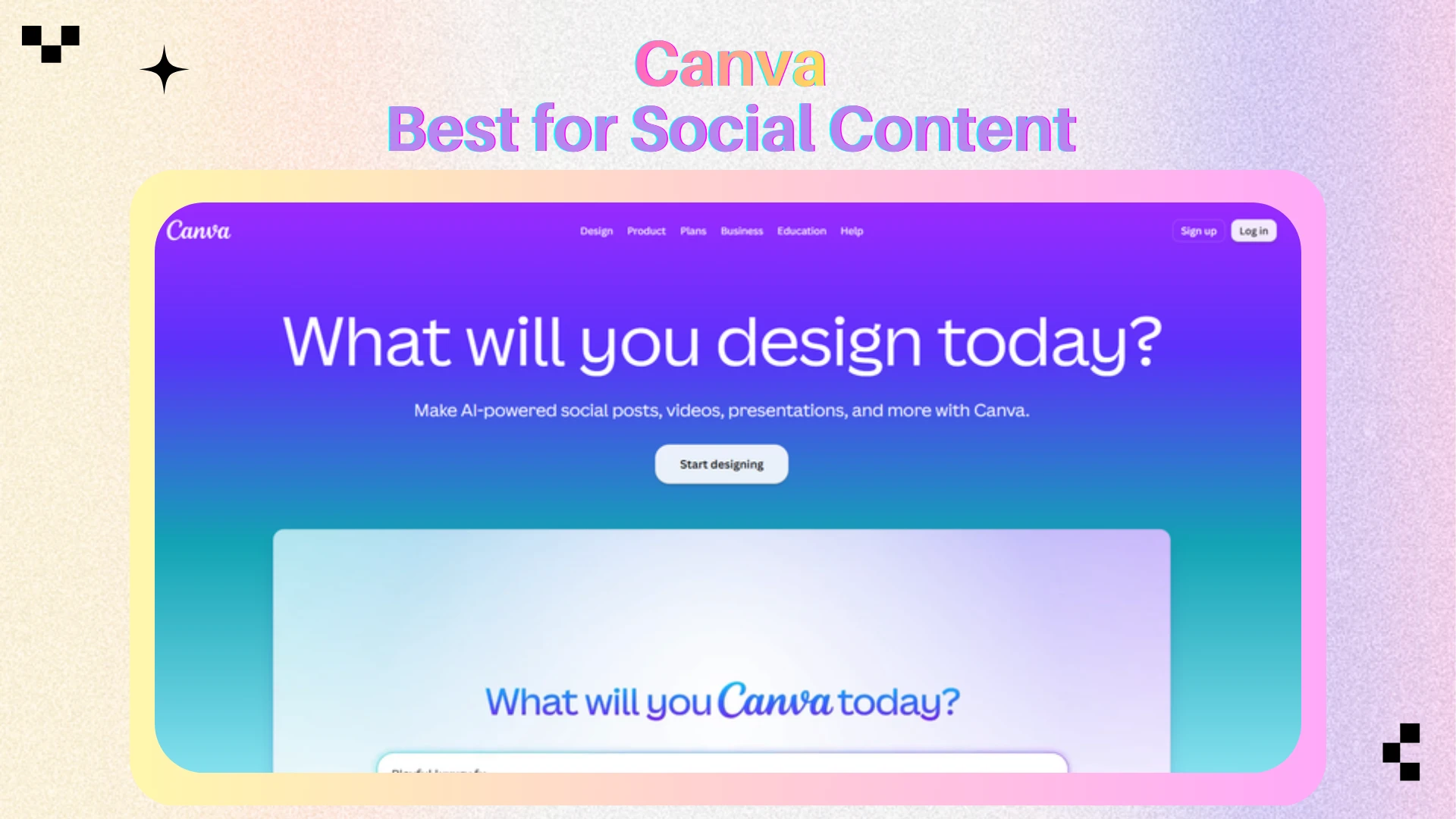
6. Recraft — Best for Consistent Graphic Assets
Recraft focuses on graphic design outputs, including vector generation, style control, and visual assets. It can suit creators building icons, illustration sets, mockups, or graphics that need a consistent palette and shape language across a project.
For example, onboarding illustrations should look like one family even when each depicts a different action. Recraft's reusable-style approach helps address that need. Vector-oriented exports also matter when an asset must scale beyond a single fixed image size, although the file's editability should be confirmed after export.
Best for: Icon sets, reusable graphics, and consistent brand illustrations.
Strengths: Vector output, style controls, and design-oriented workflows.
Limitations: More controls to learn; some outputs and rights depend on plan.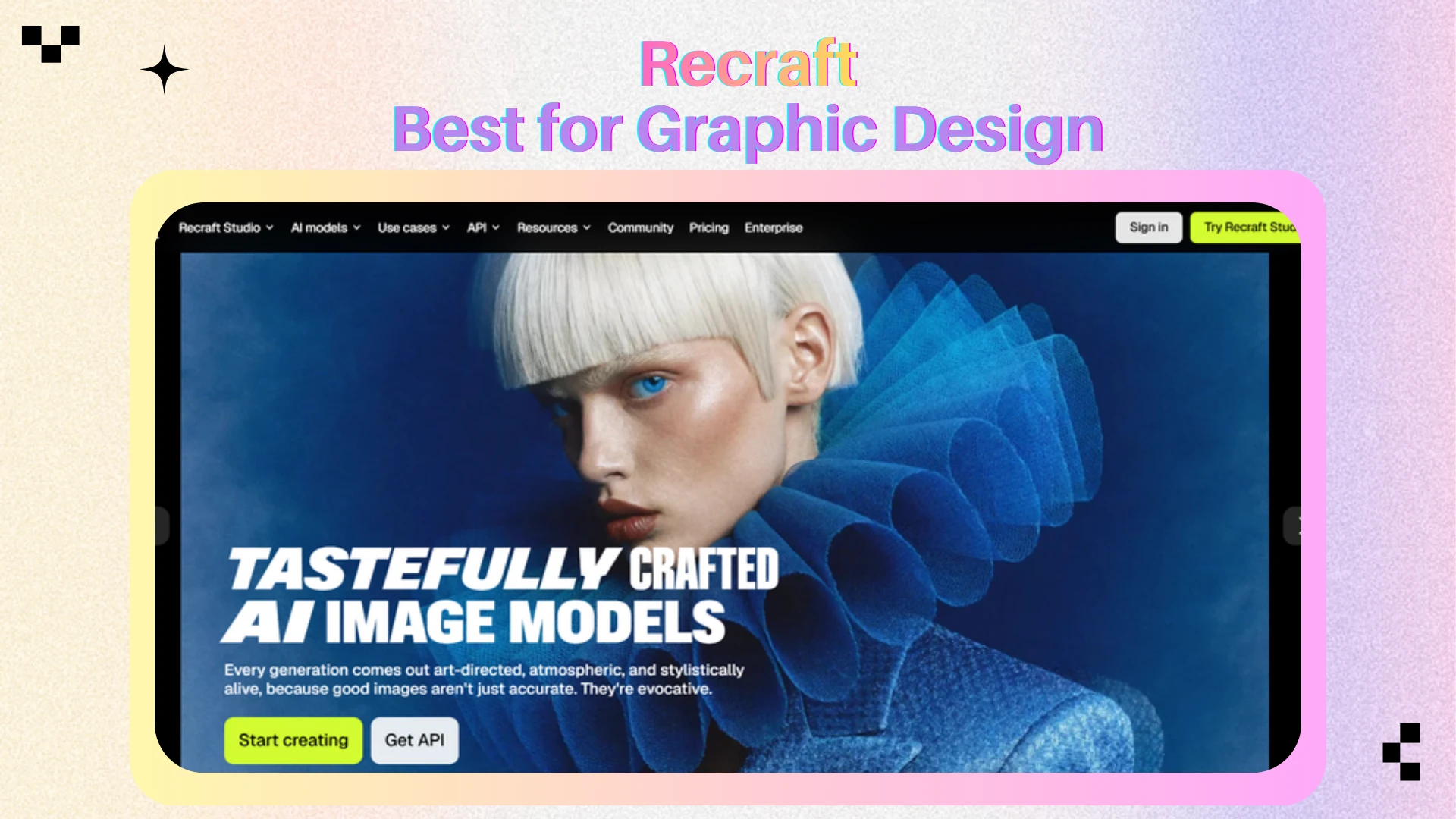
How Should Creators Choose an AI Image Tool for Their Projects?
Begin with the final use, not the newest model name. A tool for artwork may be different from one suited to a finished social design.
| Creative Task | Prioritize | Tools to Explore |
|---|---|---|
| Editorial illustration | Style and composition | Midjourney, ChatGPT |
| Product lifestyle image | Subject accuracy and edits | AIEnhancer, Adobe Firefly |
| Social media graphic | Typography and layout | Canva, AIEnhancer |
| Icons and visual identity | Repeatable style, vectors | Recraft |
| Early concept exploration | Easy prompt iteration | ChatGPT, AIEnhancer |
| Image sharpening or enlargement | Output clarity and size | AIEnhancer |
Product imagery: Preserve actual product labels, shape, and color. A generated campaign scene must not misrepresent what is being sold.
Illustrations: Explore several visual directions, then choose a style based on the message rather than novelty alone.
Social media: Design for mobile crops and leave clean space for titles. Check that text remains legible at thumbnail size.
Brand assets: Test several related images. Consistency across a series matters more than one striking sample.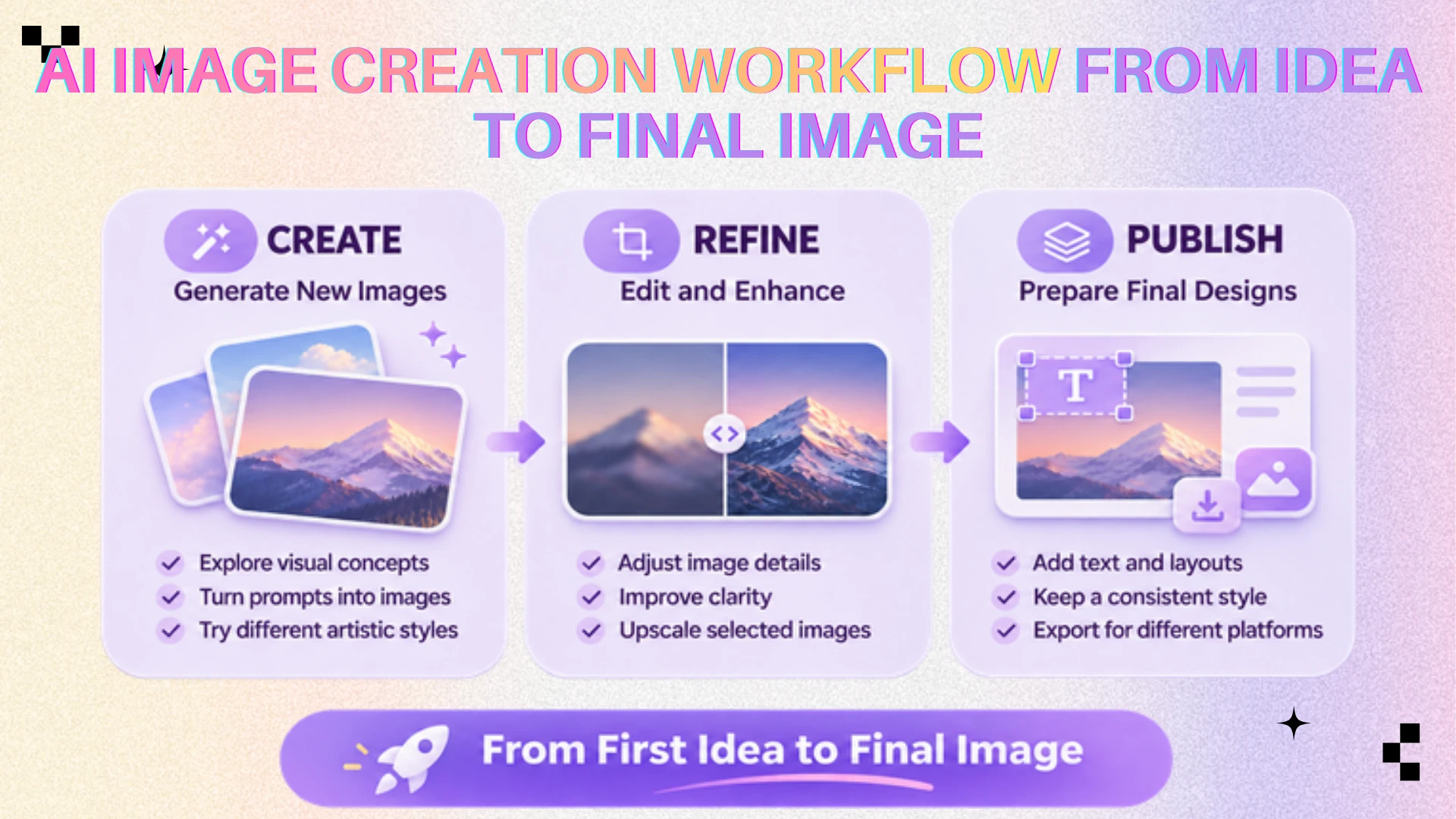
How Can Creators Improve an AI Image After Generation?
The first generated picture may need a better crop, a cleaner subject, corrected lighting, or improved clarity. A simple editing workflow makes the result more useful.
1. Review the Draft
Check the subject, perspective, lighting, composition, and visible text. Decide which details must stay unchanged. In product or portrait work, compare important features with the original reference.
2. Make a Specific Edit
Avoid vague instructions like “make it better.” Describe the change and what should remain fixed. An AI image editor can apply natural-language edits to an uploaded image.
For example:
“Keep the subject and camera angle unchanged. Remove the distracting object on the right, soften the lighting, and leave empty space in the upper-left corner for a headline.”
Compare before and after to ensure the edit did not distort the subject.
3. Refine Image Quality
If the chosen version is soft or too small, consider sharpening or upscaling. AI enhancement may recover apparent detail, but it can also invent texture. Examine faces, labels, hair, and edges at full size before using the result professionally.
4. Export for the Intended Format
Check the final dimensions, crop, contrast, and file type. A web banner, vertical story, and printed graphic require different outputs. Save the source prompt or original photo for future revisions.
The objective is not to apply every tool. It is to make the few edits that turn a workable draft into a clear, consistent visual.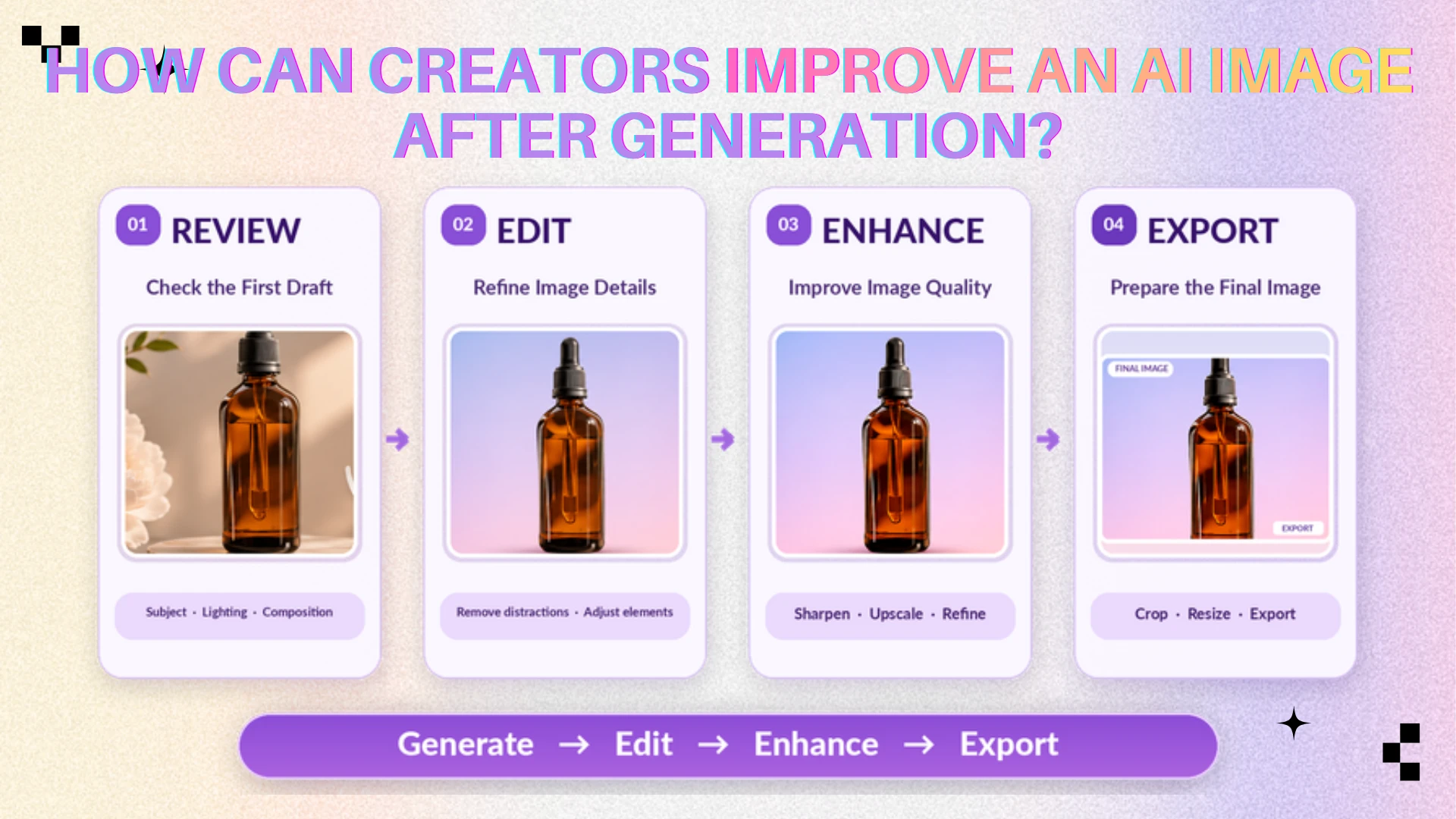
Where Can AI Image Creators Find Prompts, Models, and Inspiration?
The “creators” side of this topic includes more than generation software. Communities and prompt libraries can help users explore styles and learn different approaches.
Civitai: Known for community-shared AI models and example images. It can help creators study visual styles and generation settings. Check content rules, model licenses, and file safety before downloading or using assets.
PromptBase: A marketplace for prompts used with several AI tools. It is useful for examining how experienced prompt writers describe lighting, style, composition, and constraints. Results are not guaranteed across changing models.
Tensor.Art: Offers models, creator posts, and workflow examples across illustration, realistic images, characters, and visual design. Verify licensing and usage rules for each model or asset.
These resources offer ideas, not automatic commercial permission. Record references and respect the rights of artists and model authors.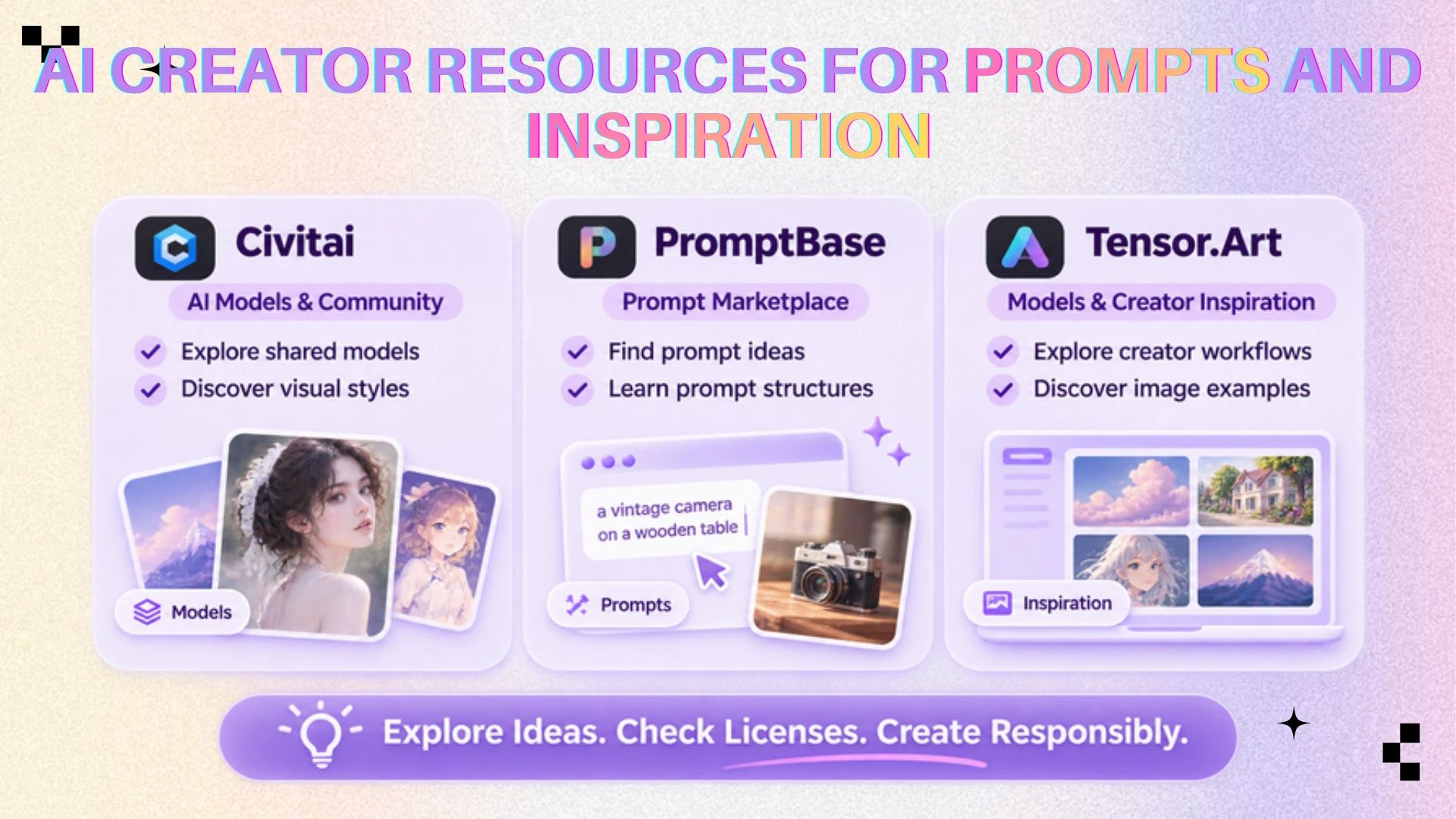
What Should You Check Before Paying for an AI Image Tool?
Compare the cost of reaching a usable result, not just the advertised monthly price.
Credits and limits: How many images and revisions can you make? Are premium models charged differently?
Editing control: Can you modify one detail while keeping the subject consistent?
Output: Are the required aspect ratios, resolution, and file formats available? Is an advertised vector actually editable?
Commercial use: Check plan terms, third-party model licenses, trademarks, and likeness rights.
Privacy: Review how uploaded client images are handled and whether projects stay private.
Workflow fit: Can you take the output into the design or publishing software you already use?
Try one consistent prompt across the tools you are considering, then request a targeted edit. Judge prompt adherence, unwanted changes, export usability, and actual credit usage. A promotional gallery cannot replace that small test.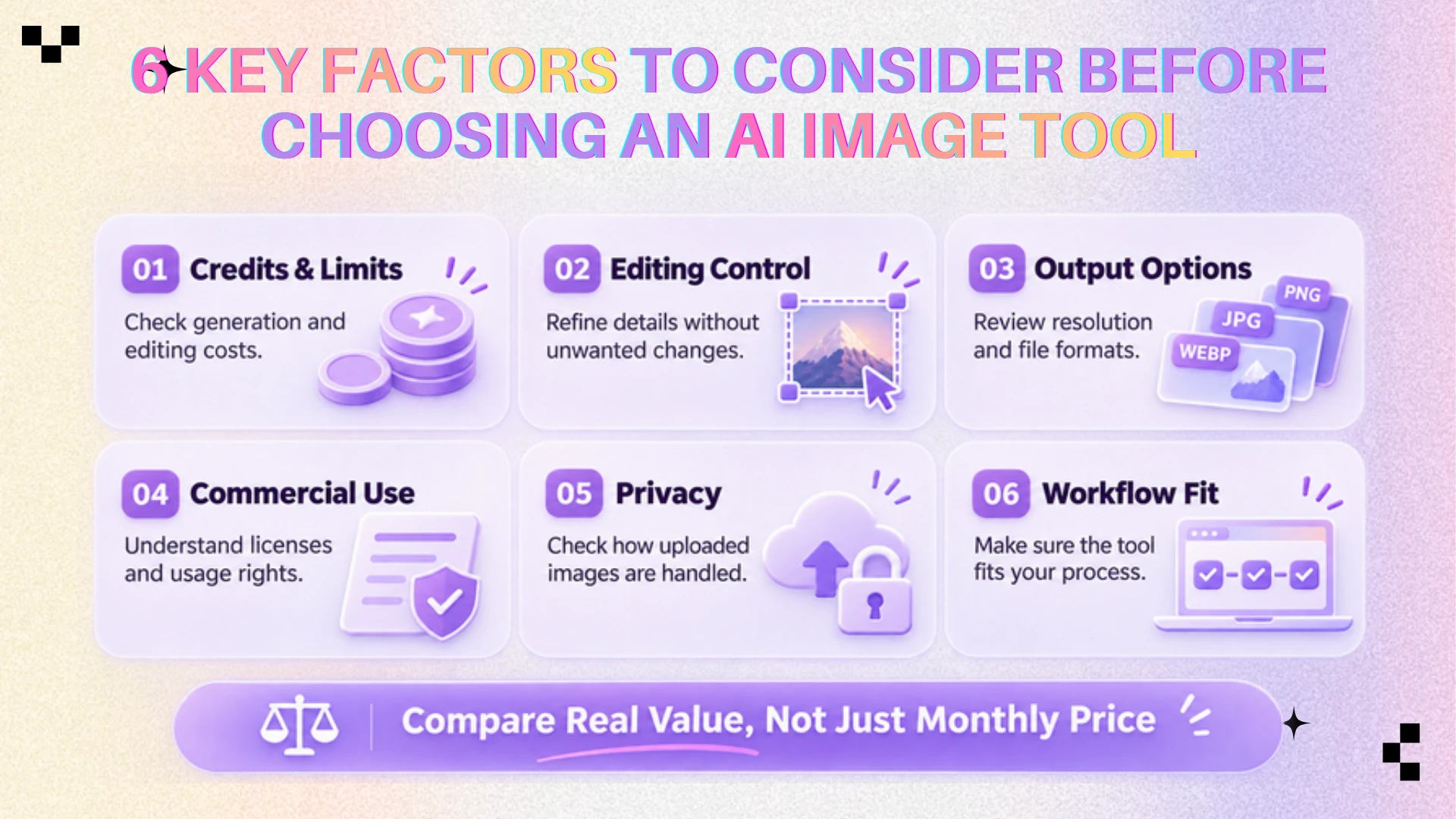
Frequently Asked Questions
What Is the Best AI Image Tool for Beginners?
ChatGPT is approachable for conversational prompting; Canva helps create complete layouts; AIEnhancer supports generation and later editing or enhancement. Choose based on your intended output.
Are There Free AI Image Tools for Creators?
Yes. Some platforms offer free plans, limited credits, or trials. Image counts, model access, edits, and downloads vary, so check current terms.
Can I Edit an AI-Generated Image Without Starting Over?
Often. Prompt-based editing, object removal, and image expansion can revise existing images, though tools may unintentionally change unrelated details.
Which Tools Work for Product and Marketing Images?
AIEnhancer and Adobe Firefly support image creation and refinement; Canva helps place visuals in final marketing layouts. Verify real product details before advertising.
Can AI-Generated Images Be Used Commercially?
Commercial rights depend on the provider, plan, content, law, and outside reference material. Review licenses and check trademarks, privacy, and likeness issues.
How Can I Keep a Consistent Visual Style?
Reuse a clear creative brief, stable palette, reference imagery when permitted, and consistent crops. Test a series of images, not only one result.
Do Creators Need Multiple AI Image Tools?
Not necessarily. Start with one tool and add another only when it solves a specific gap in editing, layout, resolution, or asset formats.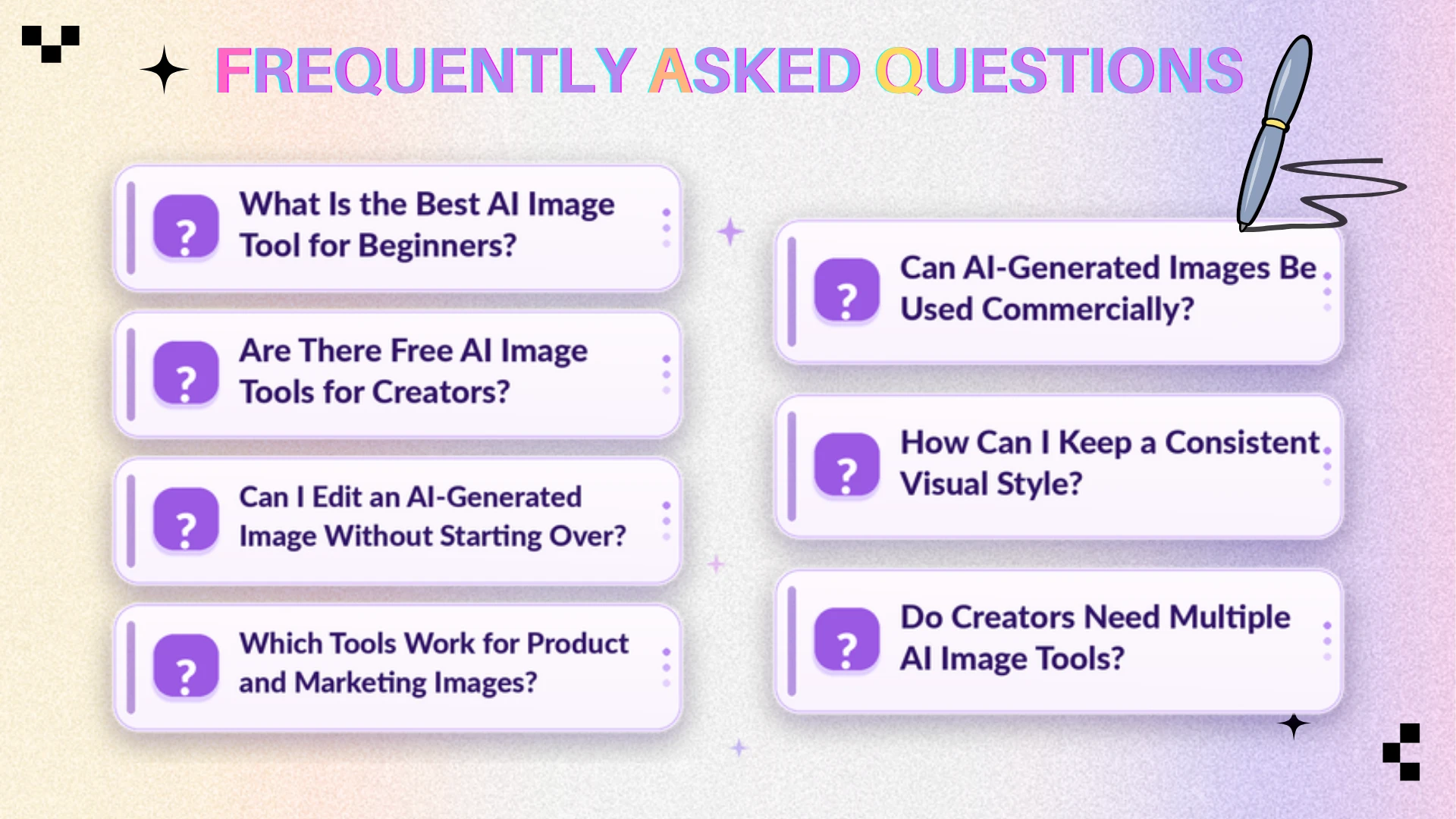
Final Thoughts: Choose Tools That Support the Full Creative Process
ChatGPT supports conversation-led iteration, Midjourney artistic exploration, Adobe Firefly integrated editing, Canva finished layouts, and Recraft graphic assets. The right choice depends on what happens after the first image appears.
If you want generation alongside photo editing and enhancement, AIEnhancer brings those tasks into one online platform. Begin with a clear brief, check every important revision, and select tools that help you deliver a usable image—not just an impressive first draft.