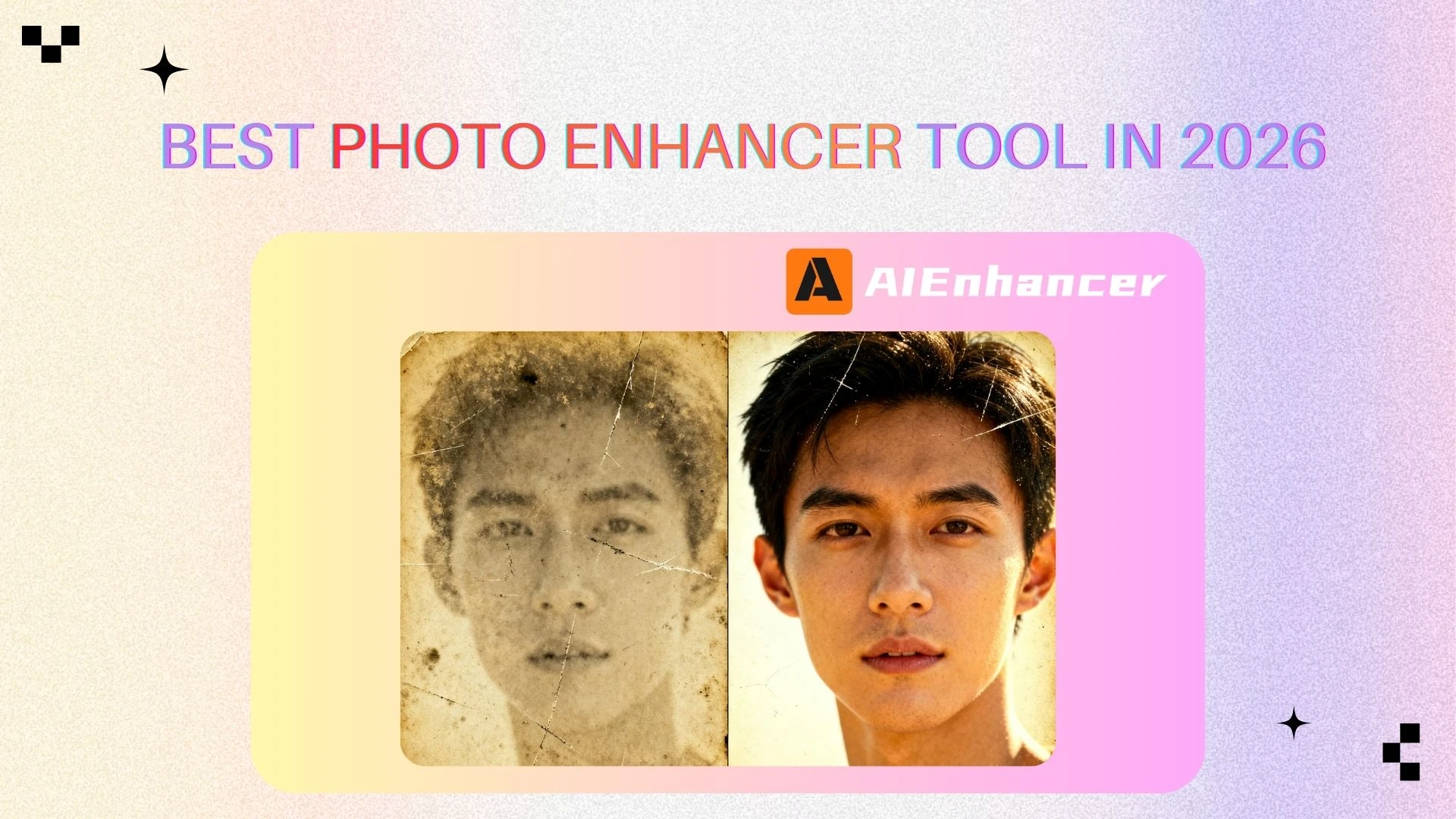
How to Restore Old Photos
Introduction
Old photographs hold irreplaceable emotional value. They capture moments, people, and stories that cannot be recreated. However, as time passes, these images often deteriorate. Scratches appear, details fade, and overall image quality declines, making once-cherished memories harder to see and preserve.
Because of this, more people are searching for how to restore old photos in a way that is practical, affordable, and realistic. While traditional restoration methods required professional skills and significant time, modern AI technology has introduced a new approach—one that focuses on improving clarity, structure, and overall visual quality rather than making unrealistic promises.
In this guide, you’ll learn what restoring old photos truly means today, the most common problems found in aging images, how AI-based enhancement works, and how tools like AIEnhancer function as a practical photo enhancer to help you improve old photos responsibly and effectively.
What Is Photo Restoration?
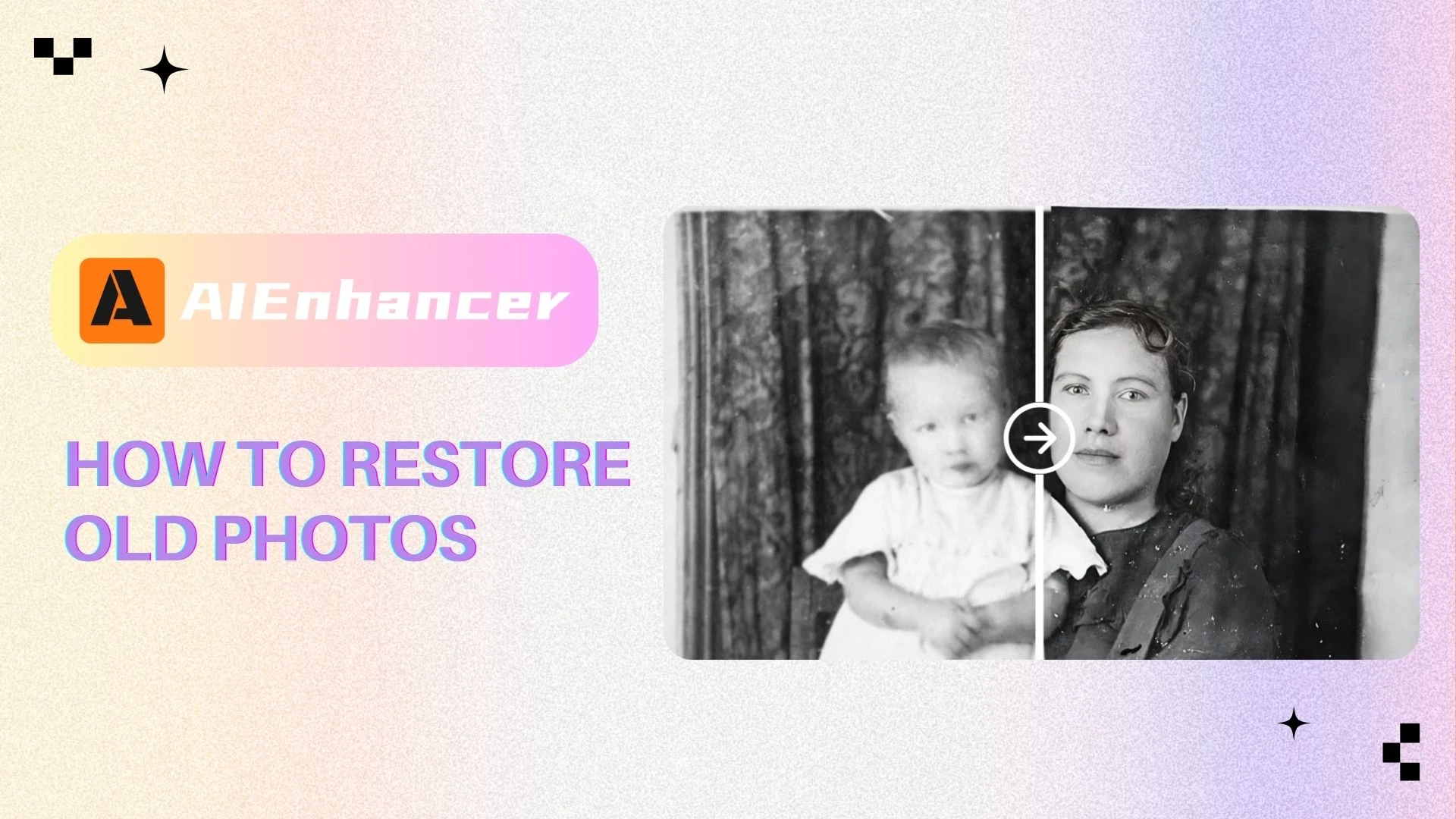
The phrase how to restore old photos generally refers to the process of improving the appearance of old or damaged photographs so they become clearer, cleaner, and easier to view.
Rather than attempting to recreate lost historical details, modern photo restoration focuses on enhancing what still exists in the image. The goal is to reduce visual distractions, improve clarity, and make important details easier to recognize—while preserving the photo’s original look.
In practice, restoring old photos usually involves several core areas of visual enhancement rather than historical reconstruction, with modern photo enhancer tools focusing on improving clarity, structure, and overall readability instead of recreating lost details.
Improving Clarity by Reducing Blur and Noise
Many old photos appear blurry or grainy due to aging materials, early camera limitations, or repeated scanning over time.
Restoration in this area focuses on:
Reducing visual noise and grain
Improving edge definition
Making faces and objects more recognizable
These adjustments aim to enhance clarity without creating artificial sharpness or unnatural textures.
Removing Scratches, Dust, and Visible Damage
Surface damage such as scratches, dust spots, stains, and small marks is common in aging photographs and can distract from the image itself.
This part of restoration involves:
Identifying surface-level defects
Removing scratches and dust automatically or semi-automatically
Blending repaired areas smoothly with surrounding regions
Effective removal helps viewers focus on the actual content of the photo rather than the damage.
Repairing Cracks, Tears, and Structural Breaks
More severe physical damage—such as cracks, folds, or torn sections—can interrupt the visual structure of an image.
Modern restoration methods aim to:
Reconstruct damaged areas based on nearby visual information
Maintain consistent texture and structure
Avoid obvious signs of patching or over-editing
The goal is to improve completeness while keeping the image visually coherent and natural.
Enhancing Contrast and Overall Image Readability
Old photos often lose contrast over time, making them look flat or washed out.
Restoration typically improves:
Contrast between light and dark areas
Visibility of key subjects
Overall balance and readability of the image
Rather than altering original colors, these enhancements make the photo easier to view and better suited for long-term preservation.
Understanding the Limits of Photo Restoration
It’s important to understand what how to restore old photos does—and does not—mean.
In many cases, especially with very old or heavily faded photos, original color information has been permanently lost and cannot be accurately recovered. For this reason, AIEnhancer prioritizes historical integrity. Instead of adding artificial, guessed colors that distort history, we focus on revealing the hidden clarity within the original monochrome or sepia tones.
Instead, it focuses on visual enhancement: improving clarity, structure, and readability while respecting the photo’s original appearance. This realistic approach ensures restored images remain authentic, trustworthy, and appropriate for archival or personal use.
Common Problems Found in Old Photos and How to Address Them
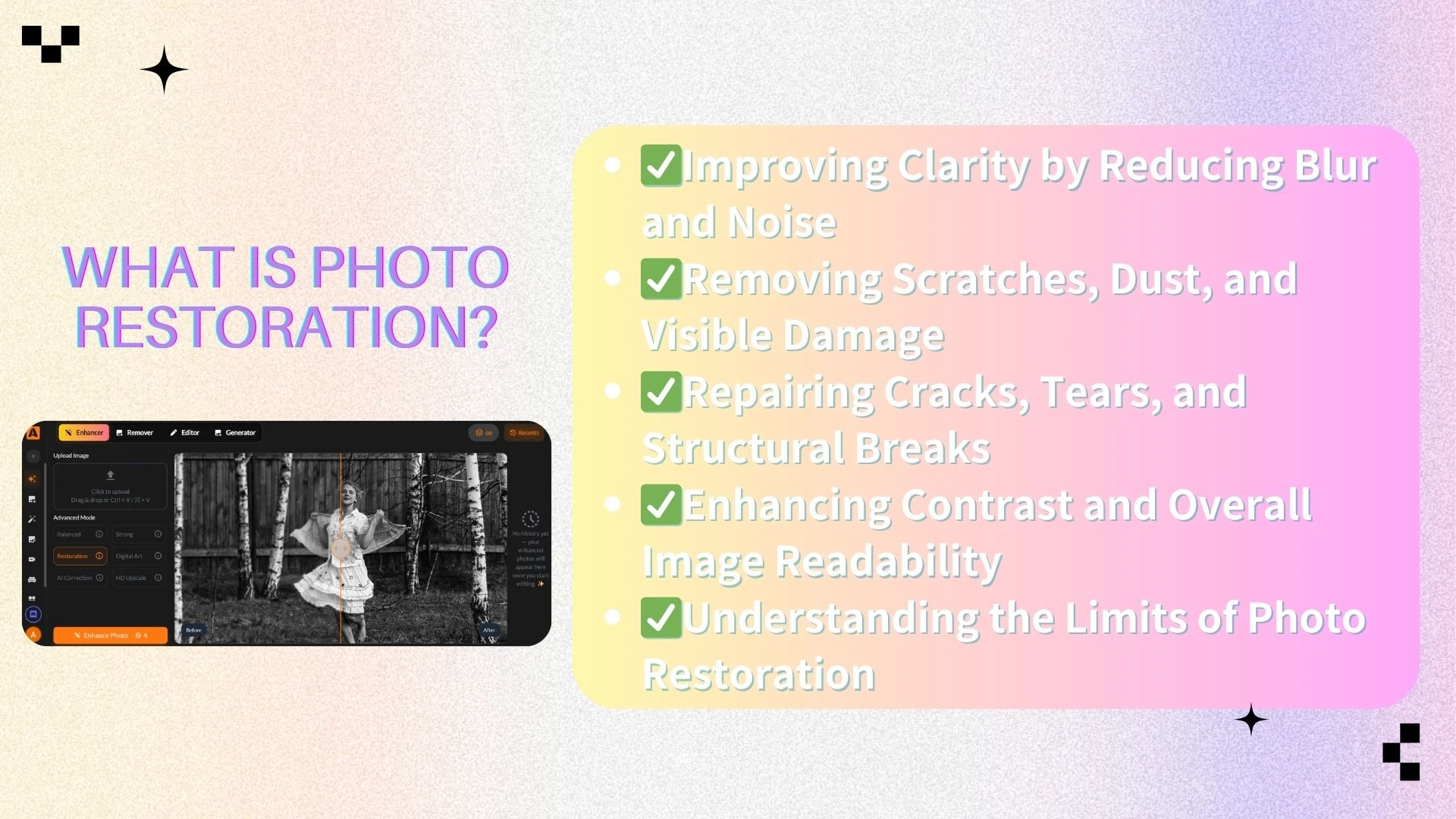
To understand how to restore old photos, it helps to identify the specific issues that commonly affect aging images. Different problems require different enhancement approaches.
Blurry and Low-Quality Images
Many old photos suffer from blur or low resolution due to outdated camera technology, scanning limitations, or physical degradation over time.
AI-based enhancement can help by:
Improving edge definition
Enhancing facial features
Reducing softness caused by aging or scanning
A modern photo enhancer analyzes patterns in the image to improve sharpness while avoiding excessive or artificial-looking results.
Scratches, Cracks, and Physical Damage
Scratches, folds, stains, and cracks are among the most noticeable forms of damage in old photographs. These issues often occur due to improper storage or handling.
When learning how to restore old photos, one of the most valuable techniques is intelligent damage removal. AI models can:
Detect damaged areas automatically
Remove scratches and stains
Fill missing regions using surrounding visual context
This approach produces cleaner results without requiring manual retouching expertise.
Dealing with Faded Old Photos Without Color Restoration
Fading is one of the most common reasons people search for how to restore old photos. As photographs age, they often lose contrast and appear washed out, yellowed, or gray, making important details harder to see.
It’s important to understand that fading does not mean lost colors can be fully restored. In most cases, original color data has permanently degraded. For this reason, responsible photo enhancer tools avoid attempting to recreate colors, as doing so can result in inaccurate or misleading images that no longer reflect the photo’s original character.
Modern photo restoration takes a different and more responsible approach.
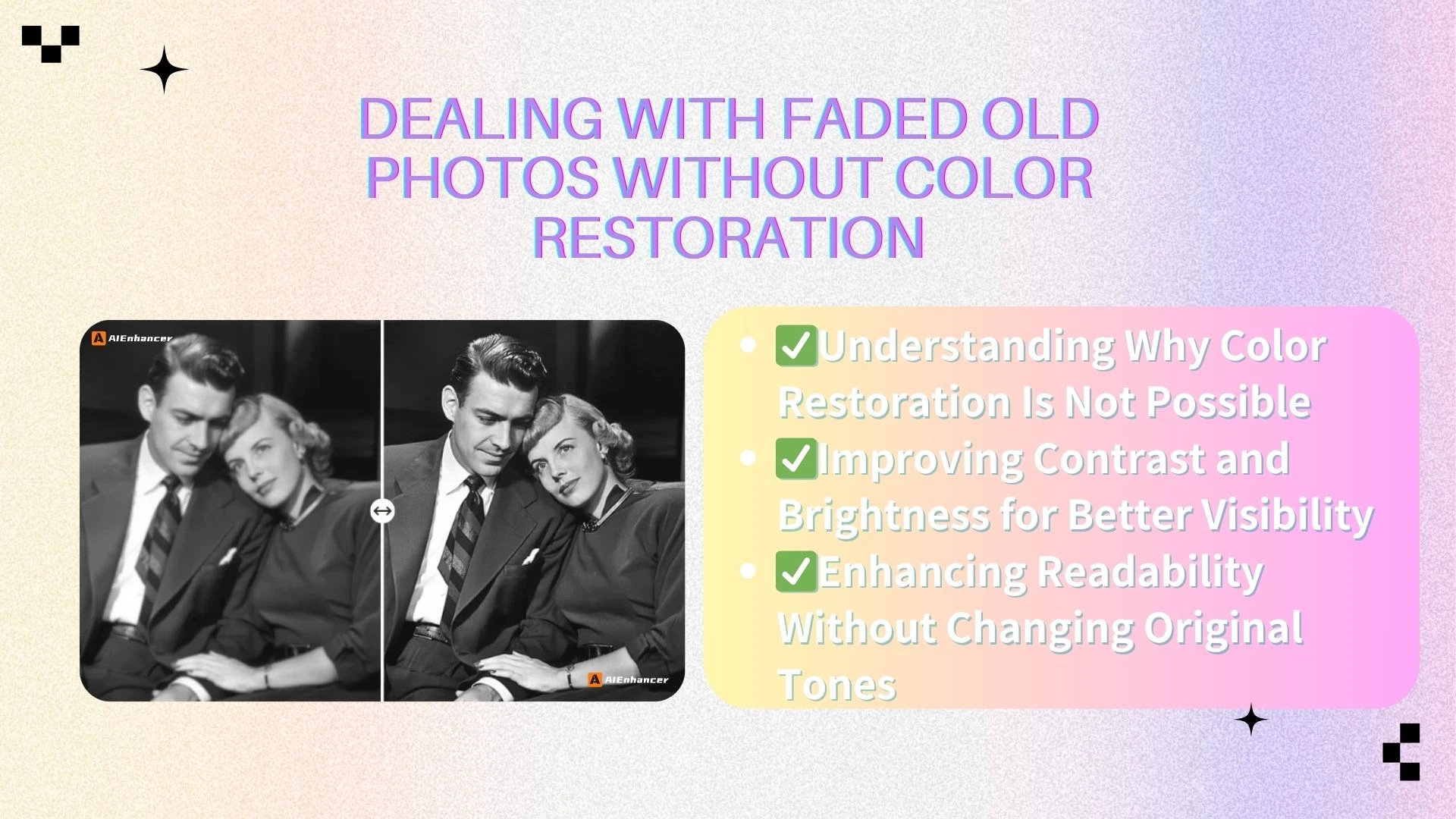
Understanding Why Color Restoration Is Not Possible
Color fading occurs due to chemical changes in photographic materials caused by light exposure, humidity, and time. Once this information is lost, there is no reliable way to determine what the original colors truly were.
For this reason, realistic restoration avoids color recreation. Instead of guessing missing colors, modern enhancement relies on responsible photo enhancer tools to improve visual quality while preserving authenticity. This approach ensures restored photos remain trustworthy and historically respectful.
Improving Contrast and Brightness for Better Visibility
One of the most effective ways to enhance faded photos is by improving contrast and brightness balance.
This process typically includes:
Increasing contrast between light and dark areas
Adjusting brightness to prevent overexposed or overly dark regions
Enhancing tonal separation to make subjects stand out
These adjustments help restore depth and clarity without altering the photo’s original tones.
Enhancing Readability Without Changing Original Tones
Beyond contrast and brightness, modern restoration focuses on making images easier to interpret.
This involves:
Reducing discoloration effects while keeping original tones intact
Clarifying facial features and object outlines
Making key details more recognizable
By prioritizing readability over artificial color changes, this approach significantly improves the viewing experience. For many users, a clearer and more legible photo is far more valuable than an unrealistic attempt at color restoration.
How AI Improves Old Photo Quality Responsibly
Artificial intelligence has fundamentally changed how to restore old photos by shifting the process from manual, experience-dependent editing to data-driven image analysis. Instead of relying on fixed tools or subjective adjustments, AI-powered photo enhancer tools evaluate each photo based on its unique visual structure and degradation patterns.
This shift allows restoration to be both more consistent and more realistic, especially for users without professional photo-editing skills.
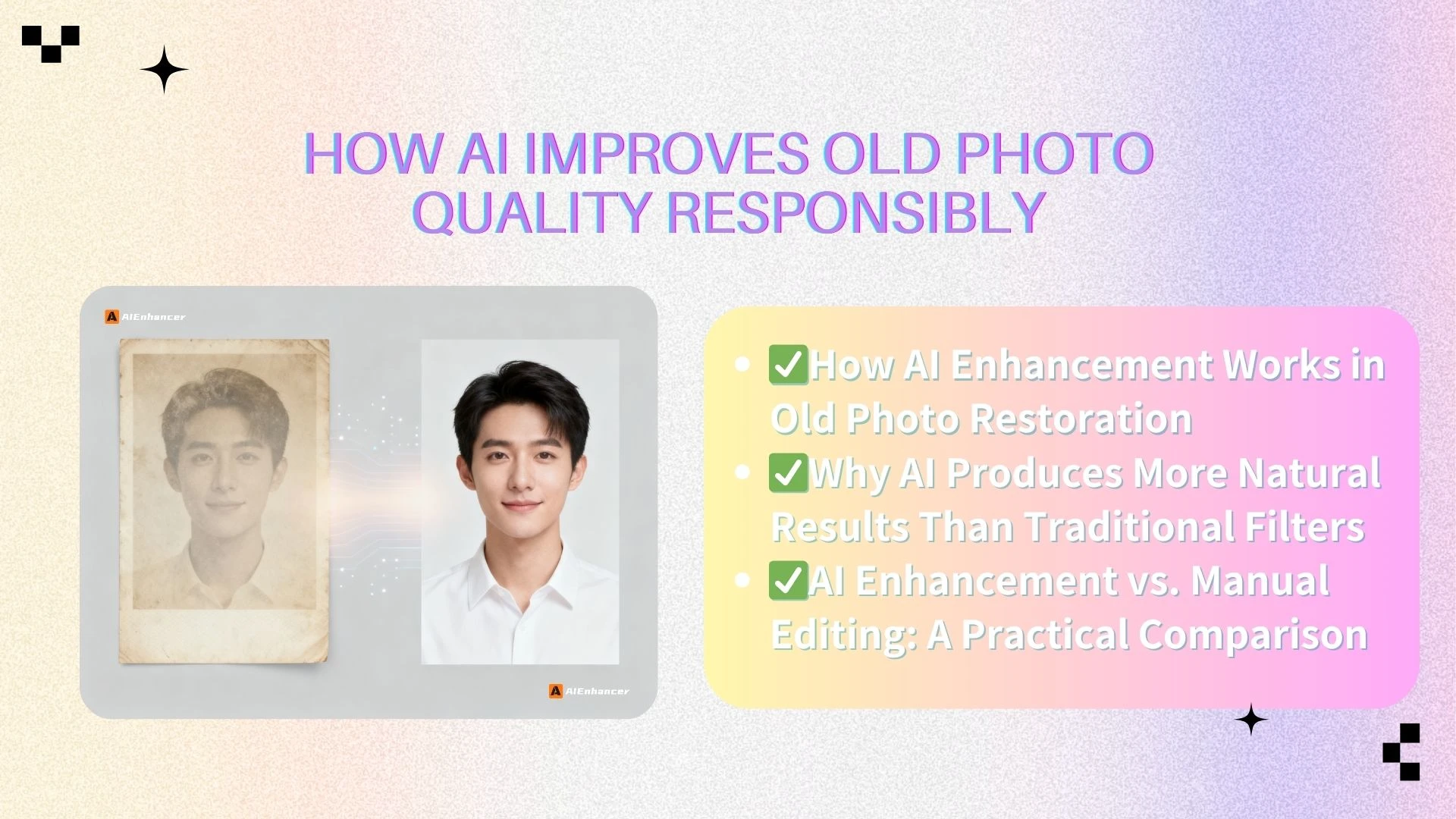
How AI Enhancement Works in Old Photo Restoration
AI-based photo enhancement does not rely on simple presets or generic filters. Instead, it follows a structured analytical process designed to improve image quality while preserving authenticity.
Typically, this process includes:
Scan: It carefully scans the image, detecting every scratch, dust mark, blur, and faded detail hidden in the frame.
Understand: It distinguishes between unwanted noise and authentic textures — telling apart true skin detail from grain, real edges from damage.
Reconstruct: Using advanced neural networks, it intelligently fills in missing or weakened pixels, rebuilding facial features, textures, and fine lines based on surrounding visual context.
Refine: It fine-tunes clarity, contrast, and texture balance — making the subject stand out naturally, without looking over-sharpened or artificially processed.
Because AI understands content such as faces, objects, and boundaries, it enhances photos in a context-aware way. This results in improvements that feel natural rather than processed.
Why AI Produces More Natural Results Than Traditional Filters
Traditional photo editing tools often apply the same adjustments across an entire image. While effective in some cases, this approach can exaggerate noise, distort textures, or create unnatural contrast.
AI-based enhancement works differently. It:
Treats different regions of the image independently
Preserves smooth areas while enhancing detailed regions
Maintains realistic transitions between light and shadow
This selective approach is especially important in old photo restoration, where preserving the original character of the image matters as much as improving its quality.
AI Enhancement vs. Manual Editing: A Practical Comparison
Manual photo restoration can produce excellent results, but it requires significant expertise, time, and attention to detail. Results also vary depending on the editor’s skill level.
By comparison, AI-based enhancement offers:
Faster processing with minimal setup
Lower technical barriers for everyday users
More consistent output across different photos
Greater accessibility for non-professionals
For users researching how to restore old photos without advanced editing knowledge, AI-powered photo enhancer tools provide a practical and dependable alternative, allowing meaningful improvement without the risks of over-editing or unrealistic modification.
How to Restore Old Photos Using AIEnhancer
AIEnhancer is designed to help users improve the visual quality of old photos in a realistic and responsible way. Rather than promising impossible restorations, it focuses on meaningful enhancements—clarity, detail, and overall readability—while respecting the photo’s original appearance.
By combining intelligent image analysis with user-friendly design, AIEnhancer makes how to restore old photos accessible to both beginners and experienced users.
Step-by-Step Enhancement Process
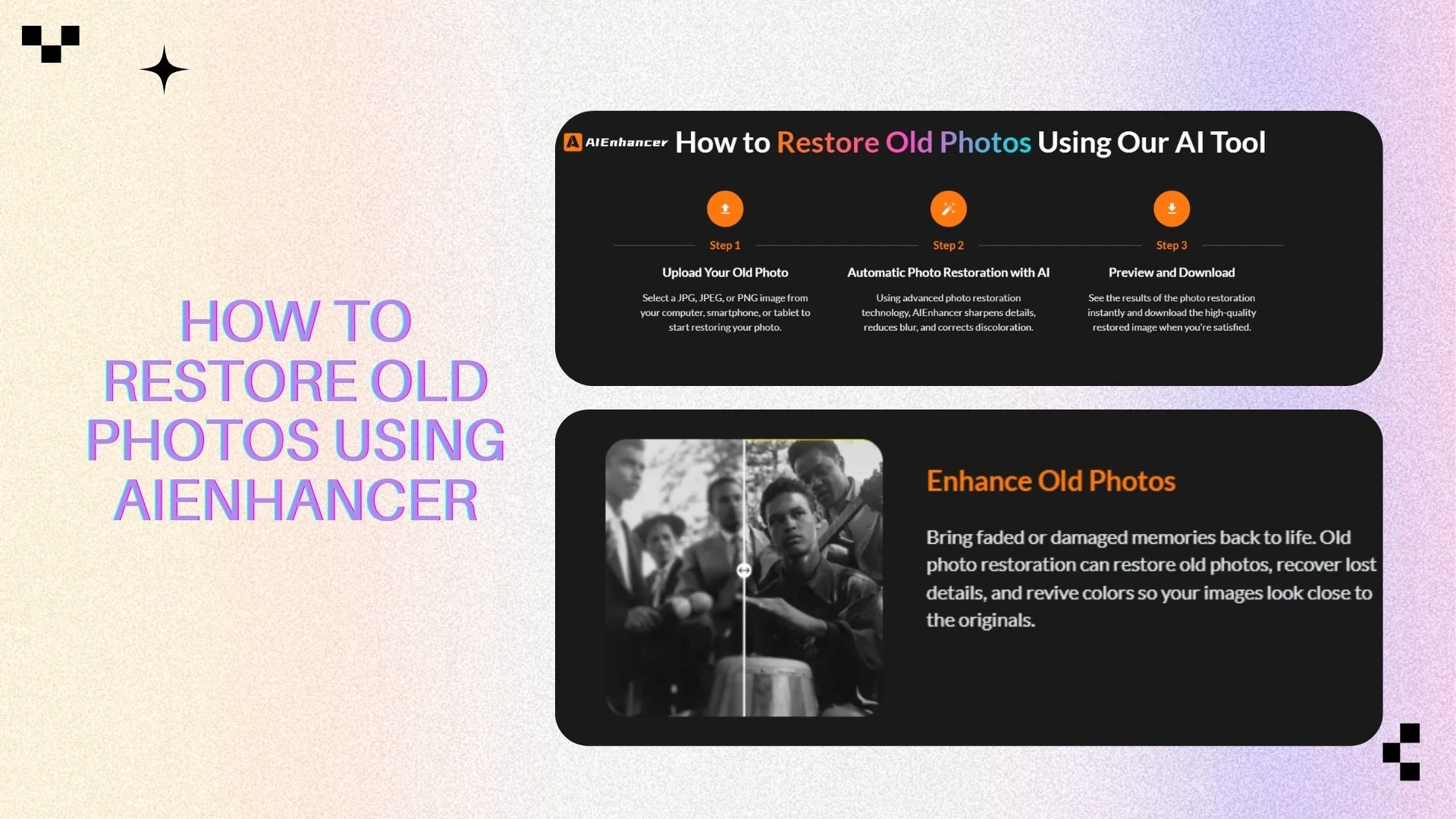
Using AIEnhancer is straightforward and intuitive. The process includes:
Upload your old or damaged photo
Users simply select the photo they want to enhance. AIEnhancer accepts various formats and automatically detects key areas for improvement.Automatic analysis of image quality
The system evaluates the photo for blur, noise, scratches, and other quality issues. This step ensures that enhancements are targeted and effective rather than applied uniformly.Apply intelligent enhancement
With one click, AIEnhancer improves clarity, sharpness, and contrast. The AI selectively enhances details while preserving smooth textures, avoiding over-sharpening or artificial effects.Download the improved photo
Users can download a cleaner, sharper version of their image ready for sharing, printing, or archiving.
This step-by-step workflow makes how to restore old photos approachable and manageable for users of all experience levels, allowing anyone to use a reliable photo enhancer like AIEnhancer to improve clarity and overall image quality.
Core Features of AIEnhancer
AIEnhancer provides a range of practical tools for enhancing old photos:
Blur reduction and clarity improvement
AI intelligently sharpens details while preserving natural textures.Scratch and damage removal
Surface imperfections like scratches, dust, and minor tears are automatically smoothed out.Noise reduction
Grain and random artifacts are reduced for a cleaner appearance.Overall image quality optimization
Contrast, tone, and structure are balanced for a more legible and visually coherent result.
As a practical photo enhancer, AIEnhancer improves how old photos look without altering their original colors or historical integrity. Users can restore photos to a clearer and more visually appealing state, maintaining authenticity and respect for the original image.
Why Choose AIEnhancer for Old Photo Enhancement
Choosing the right tool is a crucial step in learning how to restore old photos effectively. AIEnhancer stands out as a reliable photo enhancer due to its realistic positioning and focused capabilities, offering meaningful improvements without promising impossible results.
Key Advantages of AIEnhancer
AIEnhancer delivers practical benefits that make old photo enhancement both reliable and user-friendly:
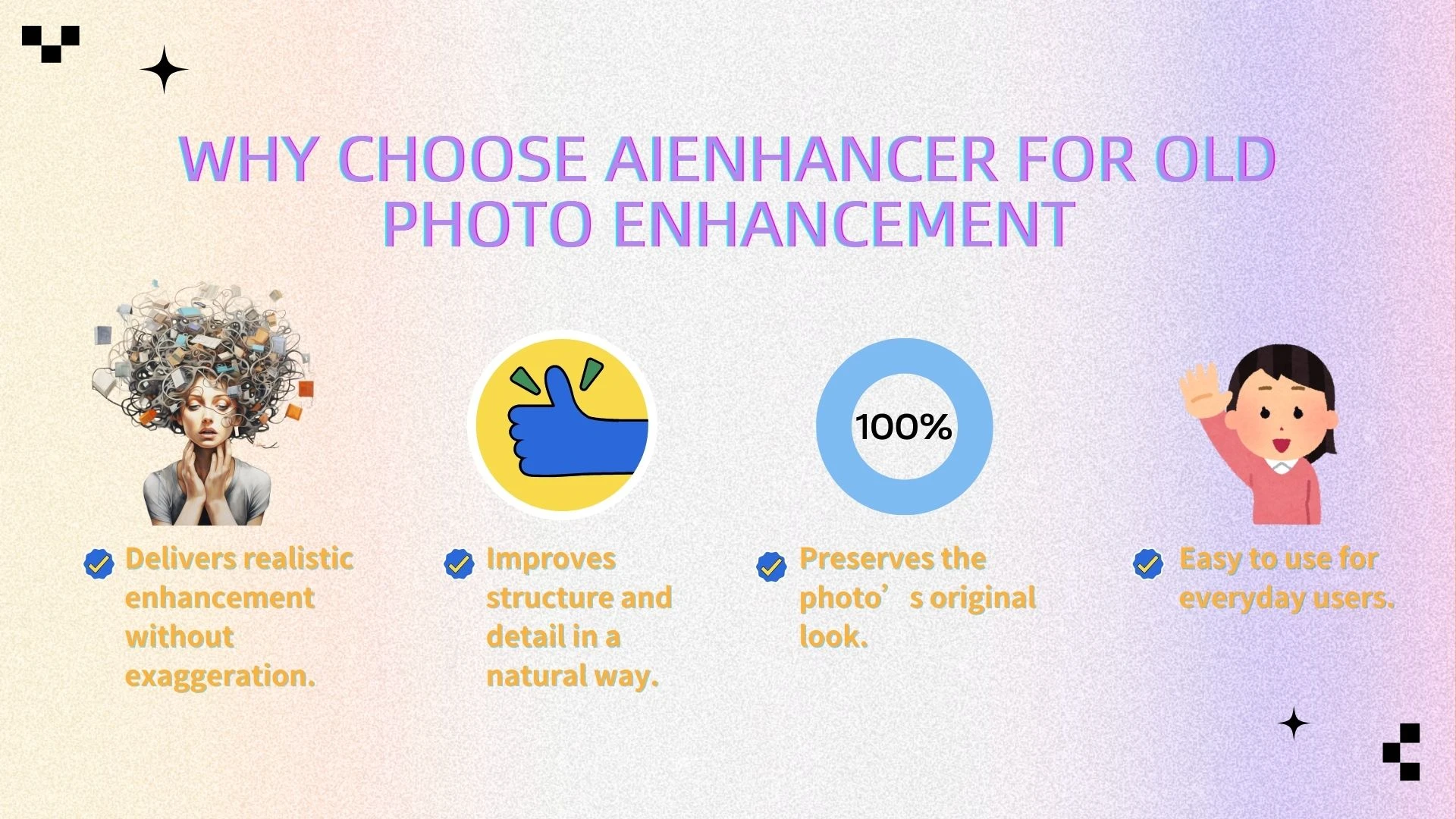
● No exaggerated or misleading claims
AIEnhancer focuses on improving clarity, detail, and readability rather than attempting unrealistic color restoration. Users can trust that the results reflect genuine enhancement.
● Emphasis on structure and visual detail
The AI intelligently enhances edges, textures, and contrast, making subjects and objects in the photo more recognizable without introducing artificial effects.
● Preserves the original look of photos
All improvements maintain the photo’s authentic appearance, ensuring historical and personal integrity.
● Privacy First: Your memories stay yours
Restoring old photos often involves deeply personal family history. AIEnhancer processes images securely, ensuring your private memories and heritage remain protected and in your hands.
● One-Click Simplicity, Professional Results
Professional results without the Photoshop learning curve. With an intuitive, streamlined workflow, even users with no editing experience can enhance their photos quickly and confidently.
By combining these advantages, AIEnhancer ensures that users achieve visible improvement using a reliable photo enhancer while maintaining the authenticity and privacy of their original photos.
Who AIEnhancer Is Best For
AIEnhancer is designed for a wide range of users who want meaningful enhancements without technical complexity:
● Families digitizing historical photos
Preserve cherished memories in a clearer, more readable format.
● Individuals safeguarding personal collections
Improve visual quality for albums, scrapbooks, or digital archives.
● Archivists and hobbyists
Enhance old photos for documentation or research purposes while keeping them authentic.
● Anyone seeking a reliable AI-powered photo enhancer
Ideal for those who want practical improvements without the need for advanced editing skills.
With this positioning, AIEnhancer is a dependable choice for anyone looking to responsibly, securely, and effectively enhance old photos.
Conclusion: Restoring Old Photos the Right Way
Learning how to restore old photos doesn’t mean recreating the past exactly as it once was. In many cases, it means making memories clearer, cleaner, and easier to preserve for the future.
With modern AI technology, it’s now possible to improve old photos in a responsible and accessible way. By focusing on clarity, detail, and overall visual quality—rather than attempting unrealistic color restoration—AI-powered photo enhancer tools like AIEnhancer help bring aging images back into view while respecting their original character.
If you’re looking for a practical approach to restoring old photos, starting with intelligent enhancement is often the most effective step.